








HR Attendee Attendance App Design & Development
- HR & Staffing
- Dashboard
- Mobile App

For nonprofits and churches still running volunteers on sign-up sheets: shift sign-up, QR check-in, and logged volunteer time that syncs to your donor CRM. From $1,150.
2X
Faster shift sign-ups
100%
Volunteer hours on record
How your project runs
01 · FreeTeams we have built for:














The Problem
It starts when a program outgrows one coordinator's memory. Shifts, requirements, and hours end up split across sign-up sheets, group texts, and a spreadsheet nobody trusts.
Empty shifts
Coordinators fill gaps by texting volunteers one at a time.
Empty shifts
Volunteers claim open shifts by role, and reminders go out by text automatically.
Expired checks
Someone with a lapsed background check works a youth shift.
Expired checks
Restricted shifts stay locked until training and checks are current.
Lost hours
Hours sit on clipboards until a report needs them.
Lost hours
QR check-in writes every arrival and departure to one hours ledger.
Split records
Your volunteers and donors live in two systems that don't match.
Split records
Volunteer records sync to your donor CRM, so one profile shows both.
It's Thursday night and Saturday's food drive still has six empty slots. Your coordinator scrolls a group text, copies names from a paper sheet, and messages people one by one. On Saturday, two volunteers arrive for a youth shift whose background checks expired last month. Nobody notices. Then the grant report asks for volunteer hours by program, and someone spends a weekend rebuilding them from clipboards. The volunteers did the work. Your records just can't prove it.
We start with your roles and rules written down: who can take which shift, what training or checks each role needs, and how hours count. Then we build volunteer software that applies them. Volunteers claim open shifts on their phones and get reminders by text. A QR code at the door checks them in, so hours land in a ledger without anyone typing. Restricted shifts stay locked until requirements are current, not after someone spots the problem.
Shifts filled by volunteers
Volunteers pick open shifts by role and date, with capacity limits and automatic text reminders.
Check-in that logs hours
A QR code or kiosk at the door records arrivals and departures straight into the hours ledger.
Requirements before access
Training, waivers, minimum ages, and background check status are checked before a restricted shift.
Our Volunteer Management Software Process
You approve the roles, rules, and screens in plain language before any code. Then your coordinator tests every step with real volunteers before launch day.
We walk through a real shift week with your coordinator: the sign-up sheet, the reminder texts, and the hours spreadsheet. You get a written map of roles, requirements, and your CRM, plus our honest call on whether an off-the-shelf tool fits first.
Projects We've Built
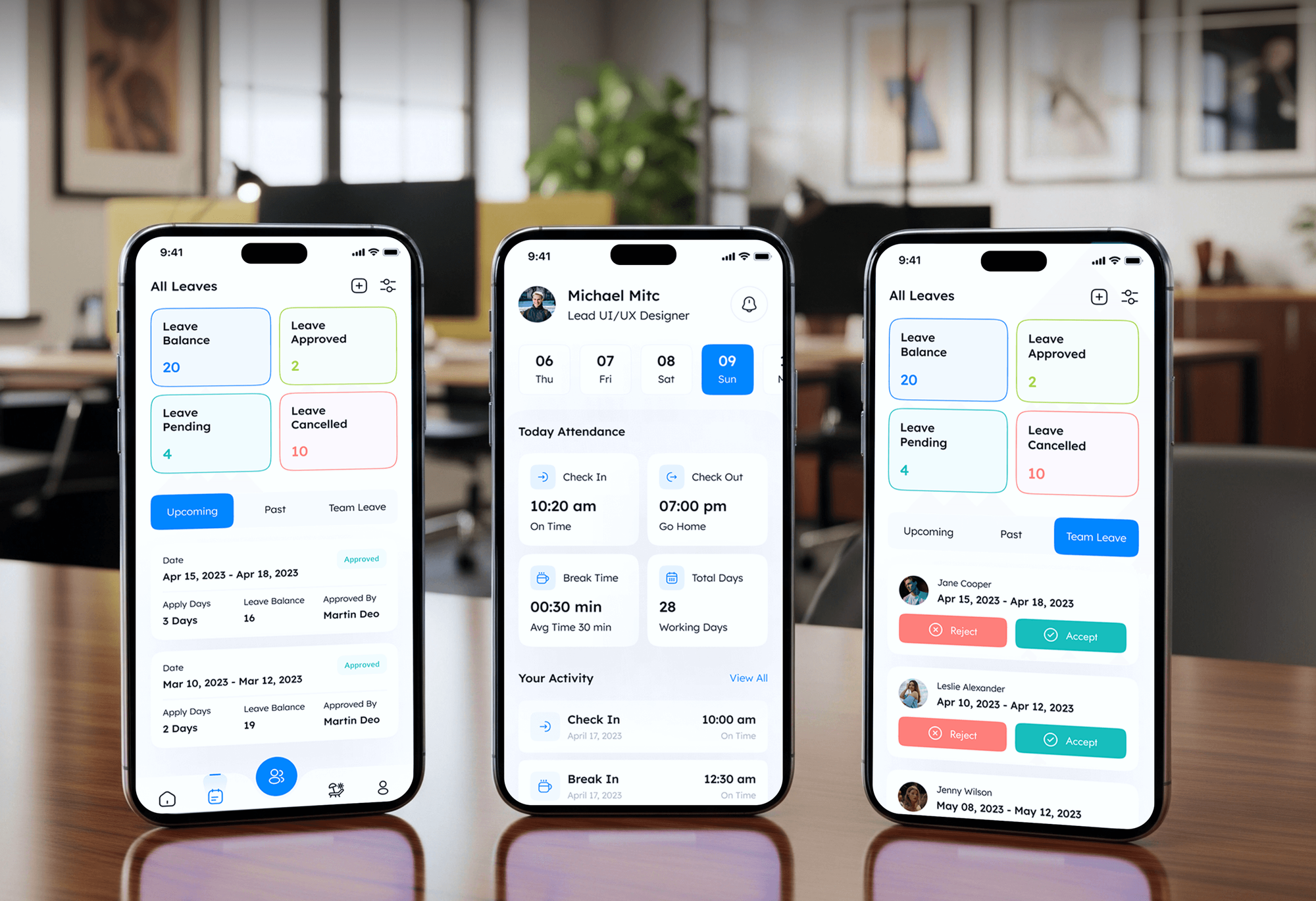
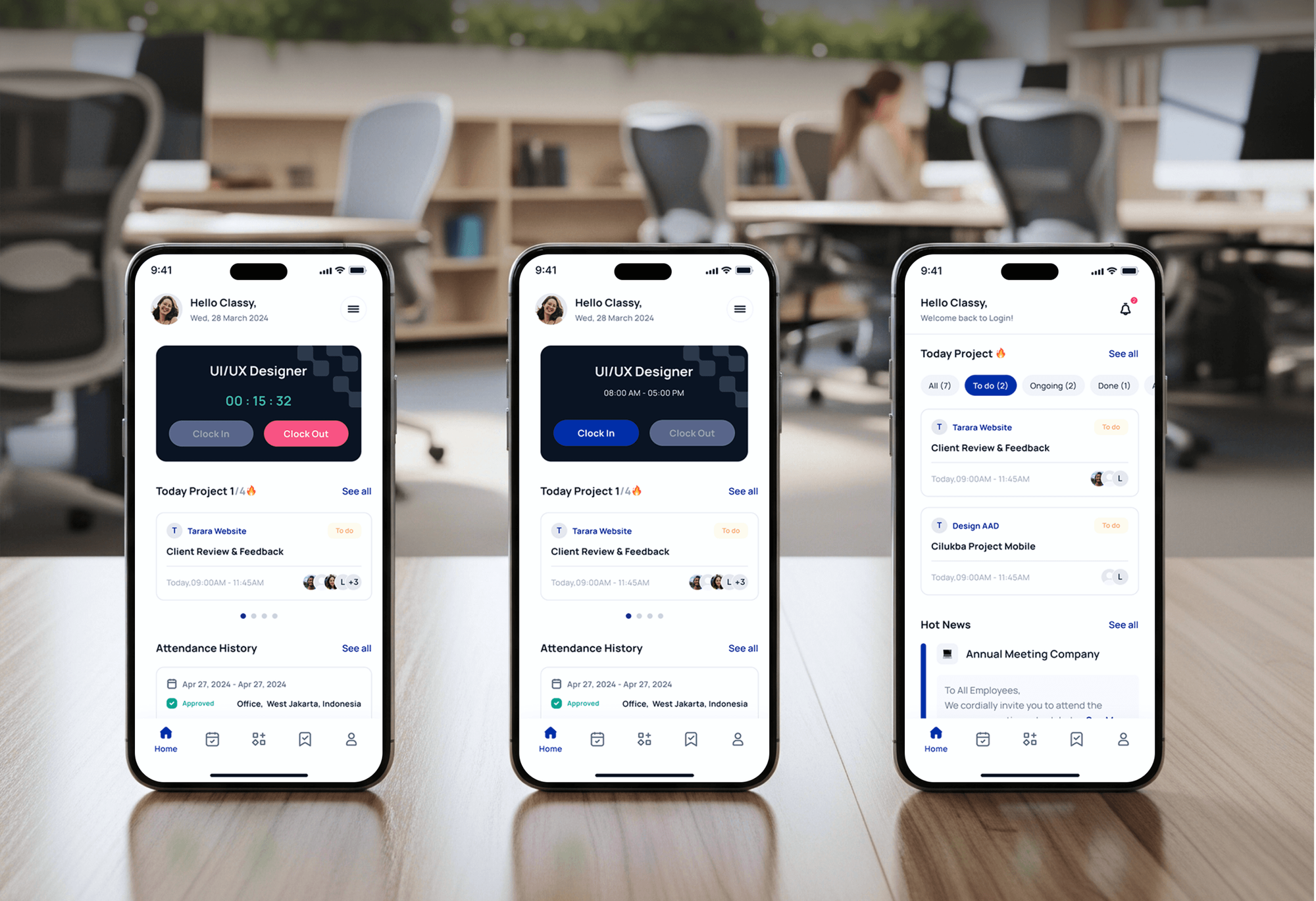
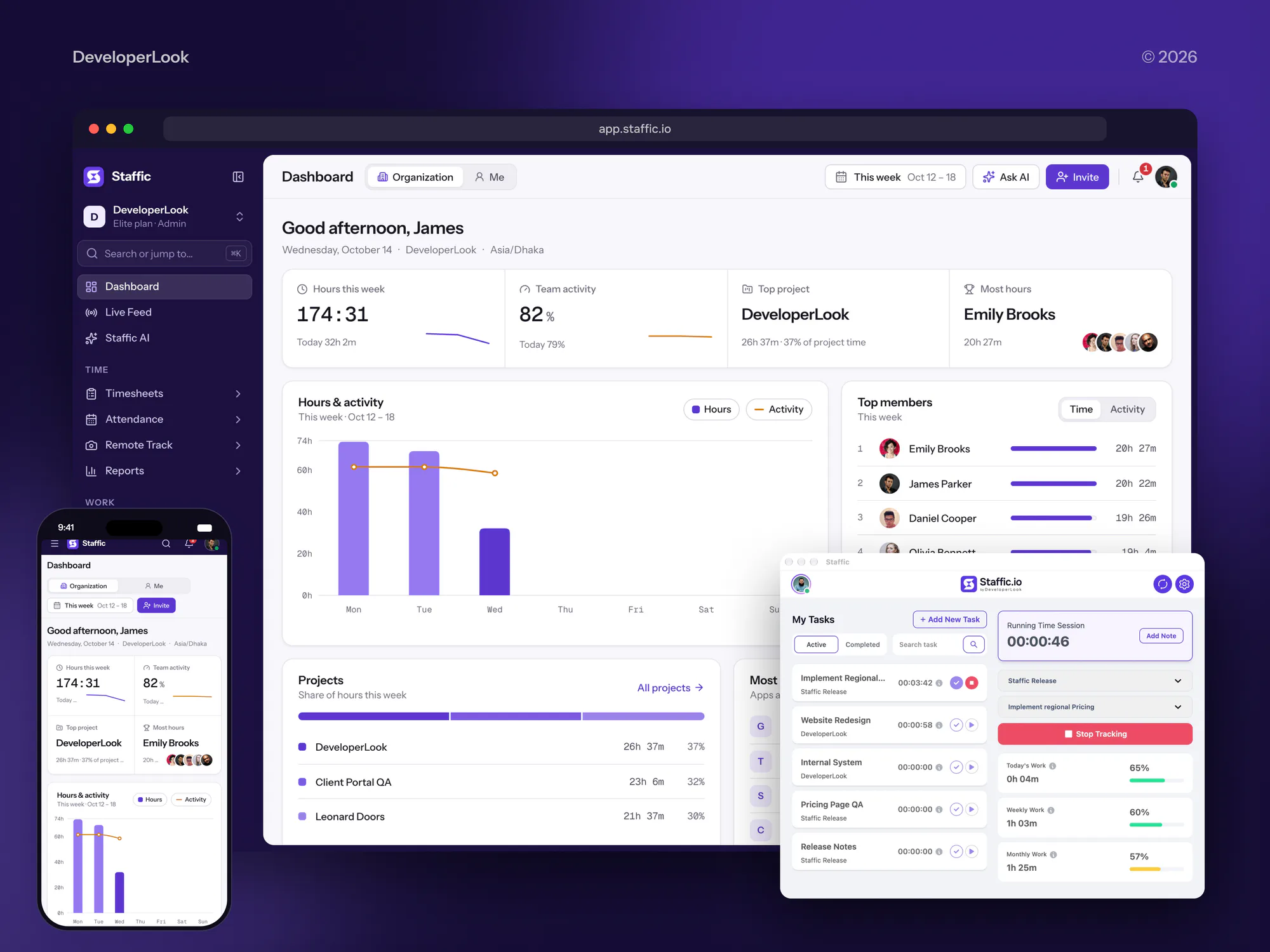
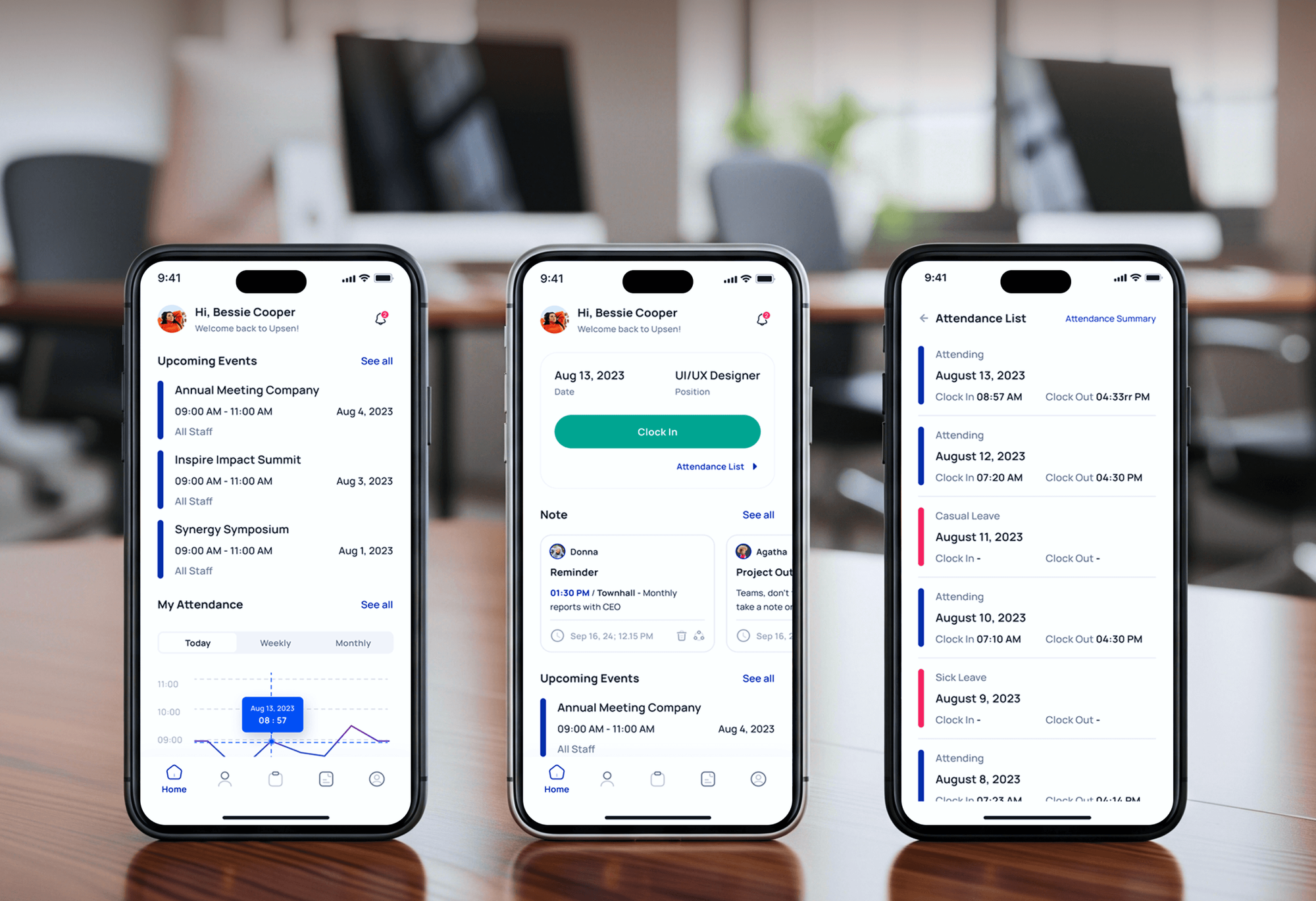
Attendance, clock-in, and time tracking apps we have built for workforce teams: the same sign-in, hours, and roster screens a volunteer system relies on.
What's Included
Your shift sign-up, check-in, requirement tracking, hours ledger, and donor CRM sync in one system. It's built around the way your programs already run, with a phone app if you need one.
Compare Options
Hosted volunteer management platforms launch fast, and spreadsheets cost nothing. Here is where each one holds up and where your rules or integrations start to outgrow it.
| Feature | DeveloperLookBest fit | Volunteer SaaS | Spreadsheets and forms |
|---|---|---|---|
| Planning | Built from your roles and rules | Your process fits their settings | Rules live in one head |
| Time to start | 3 to 14 weeks to launch | Live within a few days | Ready today, no setup |
| Shift sign-up | Role rules and capacity limits | Standard sign-up pages | Shared sheet anyone edits |
| Hours tracking | QR check-in feeds the ledger | Built-in hours logs | Hours typed in by hand |
| Requirements | Checks gate restricted shifts | Depends on the plan | Checked from memory |
| Donor CRM link | Sync built for your CRM | Listed integrations only | Copy and paste |
| Ownership | You own code and data | Export on their terms | You own the sheet |
| Cost | Fixed build price, no seat fees | Monthly plan by size | Free, paid in staff time |
What Our Clients Say
Feedback from teams we have built scheduling, check-in, and staff apps for.
We had a pretty specific idea of what we wanted our website to become, but I wasn’t sure how easily we could explain all of it to a development team. There were quite a few moving parts, and we were working toward a deadline, so I expected a few things to get lost along the way. That never really happened. They understood what we were trying to achieve, kept us updated throughout the process, and got everything ready within the agreed timeline. The final site feels much easier to navigate, works beautifully on mobile, and is noticeably smoother for our customers. It was a huge relief seeing the original idea actually turn into the website we had in mind.
The mobile experience is probably my favourite part of the new site. We had spent a lot of time making sure the desktop version looked right, and the team kept pushing us to think about how everything would actually feel on a phone too. They were right. The navigation is clean, the interactions feel natural, and everything we’ve tested so far works exactly as it should. They also went through the links, forms, integrations, and other details more than once before launch, which I really appreciated. And even after going live, we could still reach out when something came up. The whole process felt friendly, organised, and surprisingly straightforward.
What I appreciate most is that the website is actually easy for us to manage now. We can update content ourselves instead of sending a developer a message every time we need to change something small. They also paid attention to the technical SEO side, which mattered to us because we didn’t want a new website to create problems for the traffic we already had. I’ve probably asked more questions than I should have since launch, but every question has been handled patiently and without any fuss. The team is easy to work with, they explain things clearly, and when we need something changed, they focus on getting it done rather than making the process complicated.
1,250+
Projects shipped
10+
Years of experience
Top 3%
Upwork Top Rated Plus
5 stars
Average review score
1,250+
Projects shipped
10+
Years of experience
Top 3%
Upwork Top Rated Plus
5 stars
Average review score

Want results like these?
Tell us what you are building. You get a reply within 24 hours on business days, then a written estimate.
Work Culture
Volunteers give their time once, and a clumsy sign-up makes them think twice. These habits keep coordinators in control and volunteers coming back.
We watch a real sign-up week before we write any rules. The workarounds your coordinator handles by text are the cases your software must handle.
Your volunteers mostly sign up from a phone between other things. We test every sign-up and check-in screen on mid-range phones, not only a laptop.
Your volunteers trust you with phone numbers, birthdays, and background check status. Access is set by role, so coordinators see only the programs they run.
If a hosted volunteer platform already covers your programs, we'll tell you before we quote. A build makes sense only when your rules or integrations don't fit.
You get a written scope and one price before the build starts. Any change is priced in writing first, so a board-approved budget doesn't drift.
The code, the database, and every account sit in your organization's name. You can hand the system to another developer whenever you like.
Overview
DeveloperLook builds volunteer management software for nonprofits and churches that have outgrown sign-up sheets. We build shift sign-up, QR check-in, requirement tracking for training and background checks, hours reports, and donor CRM sync. Builds start at $1,150, take 3 to 14 weeks, and you own the code and data.
DEVELOPERLOOK
Project facts · Volunteer Management Software
Reviewed 28 Oct 2026 by Saimul Islam
Good fit
Food banks with weekly shift crews
Your warehouse needs sorters every Saturday, and your coordinator spends Thursday night texting people one by one to fill the gaps.
Nonprofits reporting hours to funders
You've tried nonprofit volunteer management software, but grant reports still need hours by program, so someone rebuilds them in a spreadsheet every quarter.
Churches scheduling Sunday serve teams
Your greeters, kids' ministry, and parking teams sign up in three places, and Planning Center Services holds only part of the schedule.
Programs with youth or vetted roles
Your mentoring program can't let anyone near a youth shift until training and a background check are current, and today that check happens from memory.
Agencies with nonprofit clients
Your agency built the nonprofit's website, and now they want volunteer tracking software inside it instead of another login for volunteers.
Not a fit
Budget under $1,150
You coordinate a handful of volunteers for one yearly event. A free sign-up form and a shared calendar cost less than any build until you grow.
Donor records are the need
Your real problem is gift history and donor follow-up, not shifts. Our CRM for Nonprofits setup is the better fit, and volunteers can live in that CRM too.
Church runs on Planning Center
Your church schedules every team in Planning Center Services and it works. Our Planning Center Integrations service connects it to the rest of your tools instead.
Fundraising is the priority
You need recurring giving, campaign pages, and peer-to-peer fundraising more than shift tools. Our Donation Platforms for Nonprofits service covers that build.
Not sure we're the right fit?
Book a free call or message us. We'll tell you honestly whether we're the right team.
Pricing
These are starting points in USD. Your final price depends on your programs and roles, the CRM we sync, and whether volunteers need a phone app. You get a fixed proposal after a free volunteer review.
For Agencies
You own the client relationship with the nonprofit or church. We supply the engineering: the volunteer review, the roles and rules plan, the build, and the CRM sync, delivered under your brand while you run the client meetings.
White label: your client only ever sees your brand
Send the client's programs, roles, and current tools, and we scope it in writing.
You get a fixed price and timeline to mark up and present as your own.
We build on staging, you review with the client, and we hand over clean code.
Send the client's programs, roles, and current tools, and we scope it in writing.
You get a fixed price and timeline to mark up and present as your own.
We build on staging, you review with the client, and we hand over clean code.
The Right Technology for Your Project
Tools we use to build sign-up pages, volunteer phone apps, QR check-in, text reminders, and the sync with the donor CRM you already run.
 React
 Next.js
 Flutter
 TypeScript
 Node.js
 NestJS
 PostgreSQL
 Docker
 Twilio
 Salesforce
 AWS
Related Services
Fundraising, church, and nonprofit services that work alongside a volunteer system, from donation platforms and church apps to donor CRM setup.
This page
Volunteer Management Software
Pairs with the 5 services around it
FAQ
Straight answers on cost, choosing a platform, tracking hours, and volunteer tools for nonprofits and churches.
Saimul IslamFounder & CEO, DeveloperLookStill have questions?
Send a message or book a call with the team.
Custom volunteer builds start at $1,150 for a module with shift sign-up, reminders, and QR check-in on your current site. A full volunteer portal with accounts, requirement tracking, and donor CRM sync starts at $3,400. Multi-site platforms with a phone app start at $6,900. You get a fixed quote after a free review of your programs.
A volunteer module takes 3 to 5 weeks, and a full platform with your own phone app takes 8 to 14 weeks. The app adds time because Apple and Google review it before release. Most of the schedule goes to writing your roles and rules down and piloting one real shift, not to code.
The best option is the one that matches your roles, requirements, and donor CRM without workarounds. For many groups that is a hosted platform, and we'll say so. A custom build wins when you have restricted roles or several sites. It also wins when your CRM is one the hosted tools don't sync with.
For nonprofits, the best tool is one that feeds your grant reports and your donor CRM, not only a calendar. Check three things: hours by program and funder, a volunteer profile that matches the donor record, and requirement tracking for vetted roles. If a hosted tool covers all three, use it. If not, we build the missing parts.
Test each option against your hardest real week, not a polished demo. List your roles, requirements, and reports, then ask each vendor to show a youth shift, a walk-in volunteer, and a grant report. Check how your data leaves the system. If the answers need workarounds, a custom build may cost less over time.
Look for shift sign-up with capacity limits, text reminders, check-in that records hours, requirement tracking, and reports by program. Volunteer management platforms should also sync with your donor CRM and export your data cleanly. For youth programs, add guardian consent and background check status. In the US, business texting also needs A2P 10DLC registration through your SMS provider.
Volunteer tracking software logs hours when a volunteer checks in and out, so nobody types them later. We use a QR code at the door or a kiosk tablet, with coordinator approval for edits. Each entry stores the program, role, and site. Reports then show hours by person, program, or funder, and past spreadsheet hours are imported at launch.
Pick a tool that fits how your teams already serve and keeps children's data safe. If Planning Center Services schedules your teams, extend it rather than replace it. Check role-based access, background check status for kids' ministry, text reminders, and how data exports. Reliable also means backups, a named owner for the account, and support you can reach on a Sunday.
Yes, in most cases: we can sync with any donor CRM that offers an API. We have connected volunteer records and hours to Bloomerang, Neon CRM, and Salesforce. Each volunteer is matched to an existing constituent by email first, then reviewed by hand. Hours and roles land on the profile, so your development team sees who gives and who serves.
Your organization owns everything: the code, the database, and every account, all in your name from day one. After launch you get 60 days of fixes at no extra cost. After that, keep us on a support plan, hand the code to another developer, or run it yourself with our documentation.
Saimul IslamFounder & CEO, DeveloperLookStill have questions?
Send a message or book a call with the team.
Free 30-min callGoogle Meet
Book a call
In 30 minutes on Google Meet we walk you through how we would build it, how long it takes and what it costs. Then you get a written estimate.
Calendar not showing? Book on cal.com or send a brief.