
Identity and sign-in policies
MFA on every account, rules that block risky sign-ins, and admin roles limited to the people who need them.

For small and midsize businesses without security staff: one team runs your sign-in, email, and device protection, reads every alert, and closes gaps each month. From $850 per month.
56
CIS safeguards tracked monthly
1team
Runs your security tools
How your project runs
Teams we have built for:














The Problem
It shows up after a phishing scare or an insurance renewal, when you find out the security features you already pay for were never switched on.
01 · Unused features
Paid security features sit switched off inside your current licenses.
We turn on and tune what you already license before buying anything new.
02 · Partial MFA
Multi-factor sign-in covers some accounts but not shared or admin ones.
Every user, shared mailbox, and admin account gets MFA and sign-in rules.
03 · Silent devices
Laptops stop reporting to the antivirus console and nobody notices.
Device health is checked every business day, and silent devices get chased down.
04 · Unread alerts
Alert emails pile up in an inbox no one opens.
An engineer reviews each alert, then closes it with a note or escalates it.
Your Microsoft 365 plan already includes device protection, multi-factor sign-in, and email filtering. Half of it was never switched on. MFA covers the owner but not the shared finance mailbox. Three laptops stopped reporting to the antivirus console in spring. Alert emails land in an inbox nobody reads. Then your cyber insurer asks who monitors your systems, and the honest answer is nobody.
We start with a baseline: every user, device, mailbox, and admin account measured against the 56 safeguards in CIS Controls IG1. Then we switch on and tune what you already license. Engineers review alerts every business day, close gaps in a monthly cycle, and send a scorecard you can forward to your insurer. Your tools get run, not just renewed.
Measured against CIS IG1
A monthly scorecard shows which of the 56 safeguards are in place and which come next.
Tools you already pay for
We configure the security features in your current licenses before recommending any new product.
Alerts read by an engineer
Each alert from your security tools is reviewed on business days and closed with a note.
Our Managed Security Services Process
You see the baseline score before anything changes, approve each policy before it goes live, and get a scorecard and review call every month.
We talk through your users, devices, Microsoft 365 or Google Workspace tenant, and office network. You get a scope and a monthly price. If your current IT provider already covers this, we'll tell you before we quote.
What's Included
Identity, email, devices, scans, and reporting, run as one monthly program by the same engineers who set it up and read your alerts.
Compare Options
An in-house hire learns your business best, and a general IT provider is often cheapest for desk support. Here is how each holds up as one of your managed security solutions.
| Feature | DeveloperLookBest fit | In-house hire | General IT MSP |
|---|---|---|---|
| Planning | Baseline against CIS IG1 | Depends on the hire | Driven by tickets |
| Coverage | Identity, email, devices, and network | One person's strengths | Mostly devices and desks |
| Alert handling | Reviewed every business day | Reviewed during work hours | Often closed automatically |
| Tool setup | Tuned inside your licenses | Learned on the job | Their preferred stack |
| Reporting | Monthly scorecard for leadership | Whatever they build | Ticket counts and uptime |
| Desk support | Not included | Often a shared duty | Included and usually cheaper |
| Business knowledge | Learned during onboarding | Deepest over time | Varies by account manager |
| Cost | From $850 per month | A full salary plus tools | Often bundled per user |
Projects We've Built
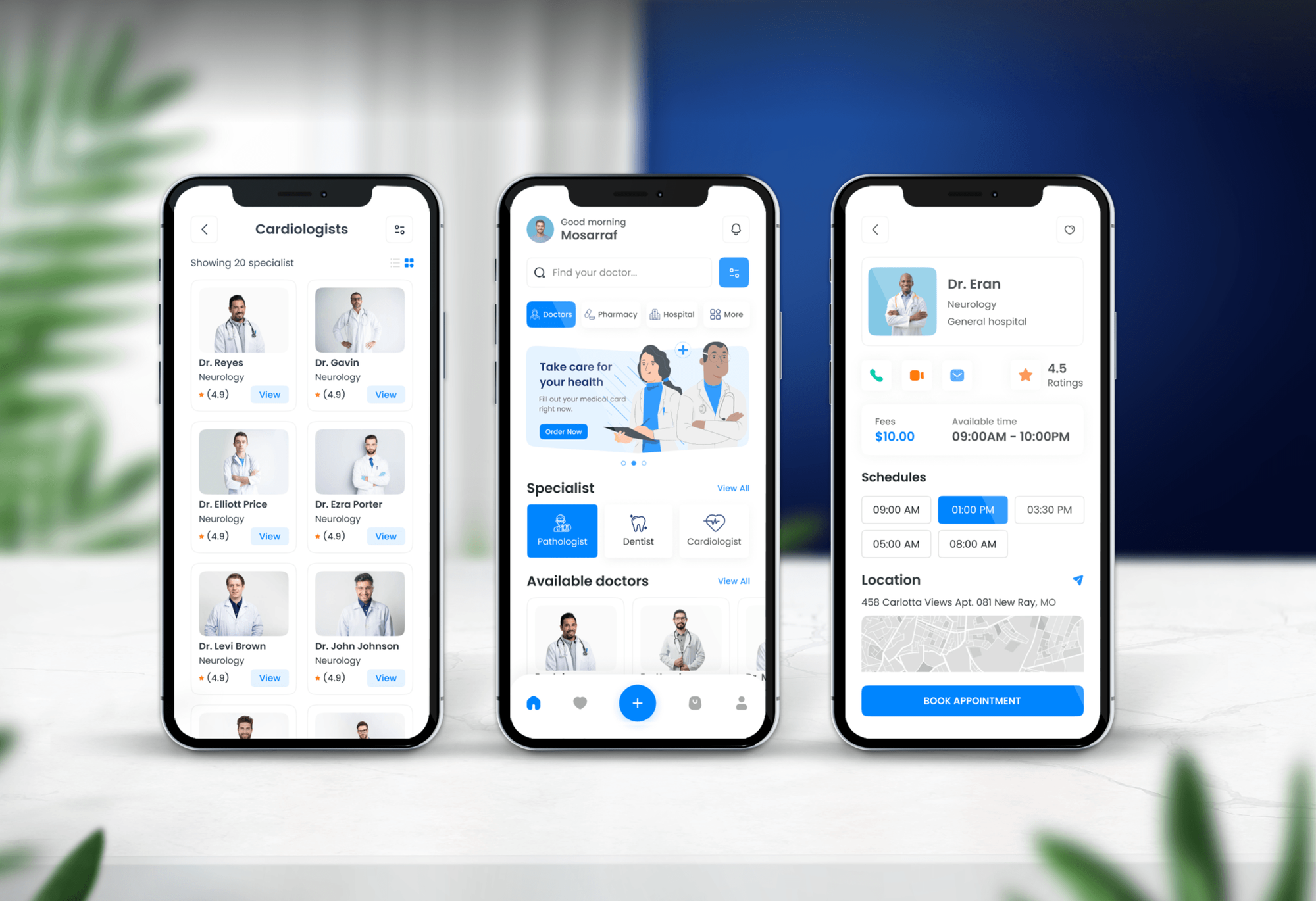
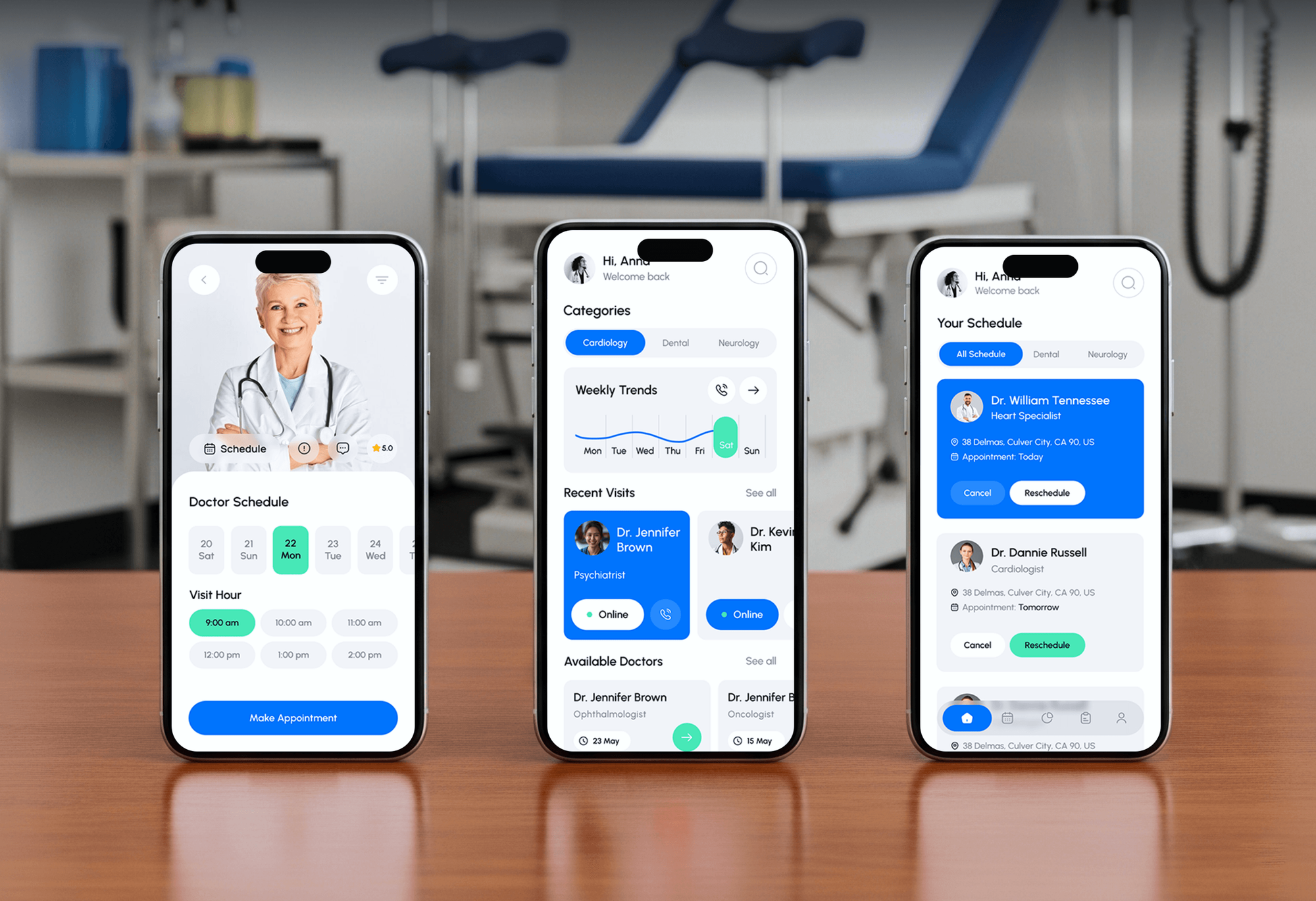
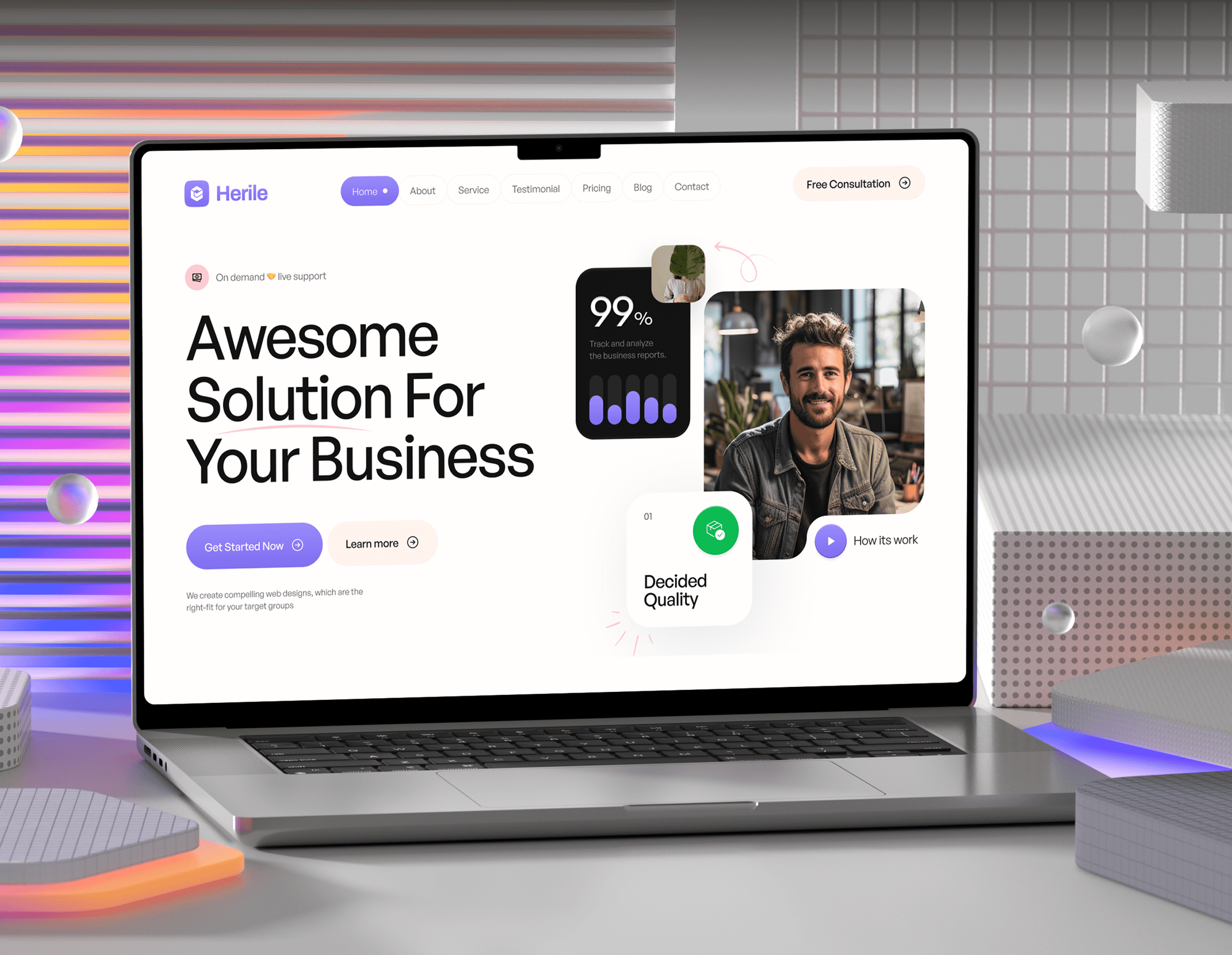
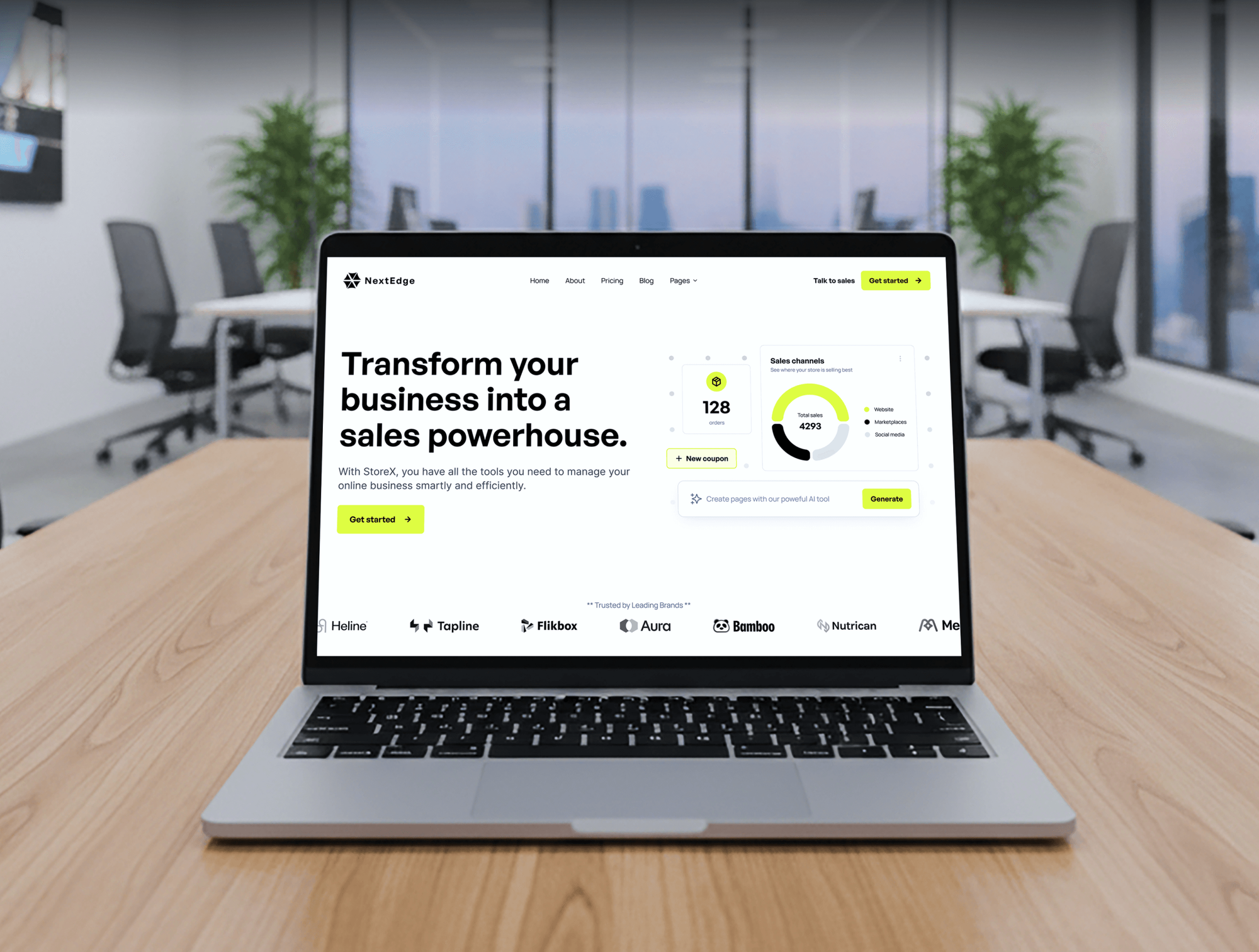
Booking apps and business sites we built for medical practices, an IT agency, and a startup. Systems like these, full of patient and client logins, are what this service protects.
What Our Clients Say
Feedback from teams we have built apps, platforms, and websites for.
We had a pretty specific idea of what we wanted our website to become, but I wasn’t sure how easily we could explain all of it to a development team. There were quite a few moving parts, and we were working toward a deadline, so I expected a few things to get lost along the way. That never really happened. They understood what we were trying to achieve, kept us updated throughout the process, and got everything ready within the agreed timeline. The final site feels much easier to navigate, works beautifully on mobile, and is noticeably smoother for our customers. It was a huge relief seeing the original idea actually turn into the website we had in mind.
The mobile experience is probably my favourite part of the new site. We had spent a lot of time making sure the desktop version looked right, and the team kept pushing us to think about how everything would actually feel on a phone too. They were right. The navigation is clean, the interactions feel natural, and everything we’ve tested so far works exactly as it should. They also went through the links, forms, integrations, and other details more than once before launch, which I really appreciated. And even after going live, we could still reach out when something came up. The whole process felt friendly, organised, and surprisingly straightforward.
What I appreciate most is that the website is actually easy for us to manage now. We can update content ourselves instead of sending a developer a message every time we need to change something small. They also paid attention to the technical SEO side, which mattered to us because we didn’t want a new website to create problems for the traffic we already had. I’ve probably asked more questions than I should have since launch, but every question has been handled patiently and without any fuss. The team is easy to work with, they explain things clearly, and when we need something changed, they focus on getting it done rather than making the process complicated.
1,250+
Projects shipped
10+
Years of experience
Top 3%
Upwork Top Rated Plus
5 stars
Average review score

Want results like these?
Tell us what you are building. You get a reply within 24 hours on business days, then a written estimate.
Work Culture
Handing someone admin access to your email and devices takes trust. These habits keep that access tight, your staff informed, and every change easy to trace.
We use named admin accounts with MFA and only the roles each task needs. You can see and remove our access from your own admin center.
Policy changes go into a change log with the date, the reason, and the approver. When something behaves differently, you can trace what changed and why.
If a gap needs a product you don't own, we explain the cheaper option first. You never pay for a tool just because we prefer it.
Before MFA or new sign-in rules go live, your staff get a short note and a date. Fewer surprise lockouts means fewer calls to your IT person.
Licenses, consoles, and data stay in your accounts, never ours. If you leave, you keep every policy, report, and setting we built.
The same review call, scorecard, and fix list arrive every month. You know what was done, what comes next, and what needs your decision.
Overview
DeveloperLook runs managed security services for small and midsize businesses that own security tools but have no one to run them. We manage sign-in policies, email security, endpoint protection, monthly scans, and alert review against CIS Controls IG1. Plans start at $850 per month, and onboarding takes 2 to 3 weeks.
DEVELOPERLOOK
Project facts · Managed Security Services
Reviewed 22 Oct 2026 by Saimul Islam
Good fit
Businesses with no security staff
Your office manager handles IT on the side, and nobody has time to read security alerts or check every laptop.
Companies facing a cyber insurance renewal
Your insurer's form asks about MFA, endpoint protection, and who monitors alerts, and you want honest yes answers backed by a report.
Solo IT managers stretched thin
You run IT alone and want managed IT security services to take security off your plate while you handle desks and projects.
Service firms answering security questionnaires
Your customers send security questionnaires before they renew, and you need managed cyber security services that produce evidence, not just promises.
Agencies and MSPs adding security
Your clients now ask for cyber security managed services, and you want a partner who delivers them quietly under your brand.
Not a fit
Need analysts watching overnight
You need people watching your systems overnight with a contracted response time. A round-the-clock monitoring provider fits better, and we'll help you compare them.
One-time review only
You want a one-time check of where you stand, not ongoing management. Our cybersecurity services start with a fixed-price assessment from $1,150.
Only patching falls behind
Your tools are set up well and only updates fall behind. Our patch management services cover Windows, macOS, and servers from $350 a month.
Budget under $850 a month
Your budget is under $850 a month and you have fewer than 10 staff. Turning on MFA and your Microsoft 365 or Google Workspace security defaults is a sound first step.
Not sure we're the right fit?
Book a free call or message us. We'll tell you honestly whether we're the right team.
Pricing
These are monthly starting points in USD. Your plan depends on user count, offices, and how many tools we manage, and you get a fixed proposal after a free security call.
For teams of up to 25 people that need their security tools set up and watched.
$850/month
For growing companies with an office network and up to 75 people to protect.
$1,450/month
For companies of up to 150 people that need policies and evidence for insurers and audits.
$2,250/month
For Agencies
You own the client relationship. We run the security stack behind it: sign-in policies, email protection, endpoint consoles, and a monthly scorecard in your template. Your clients get steady security work without you hiring an engineer.
White label: your client only ever sees your brand
Send the client's user count, tenant, devices, and what their insurer or customers asked.
You get a CIS IG1 baseline, a written scope, and a fixed monthly price.
We manage the tools and deliver each month's scorecard in your template.
You present the scorecards while we work quietly under your brand.
Monthly scorecards written in your format, with your logo and wording.
Every client gets the same baseline, onboarding, and monthly review rhythm.
Add clients one at a time as your security offer starts to sell.
The Right Technology for Your Project
We work inside the platforms you already license and add open tools only for scanning and reporting. Every account we use is named, logged, and yours to remove.
 Google Sheets
FAQ
Straight answers on cost, onboarding, what a provider does, and how to evaluate one.
Saimul IslamFounder & CEO, DeveloperLookStill have questions?
Send a message or book a call with the team.
Managed security services from DeveloperLook start at $850 per month for up to 25 users. That covers sign-in policies, email security, endpoint protection, alert review, and a monthly scan. The $1,450 plan adds an office network, firewall management, and internal scans for up to 75 users. The $2,250 plan covers 150 users across 3 offices, with written policies.
Onboarding with DeveloperLook usually takes 2 to 3 weeks. Week 1 is a read-only baseline against CIS Controls IG1. The next one or two weeks switch on MFA, email authentication, and device protection in stages your staff hear about first. Most baseline gaps then close within 3 to 6 months of monthly cycles.
For a business, it means an outside team runs day-to-day security work for a monthly fee instead of a new hire. That work covers protection tools, sign-in rules, alert review, scans, and fixing gaps. You keep the decisions and the accounts. The provider keeps everything configured, watched, and documented, and reports what changed each month.
A managed security service provider (MSSP) is a company that runs another organization's security tools under an ongoing contract. Unlike a general IT provider, it focuses on protection and detection rather than help desk tickets. Some run their own round-the-clock operations center. Others, like DeveloperLook, manage tools inside your accounts and review alerts on business days.
Managed security is the practice of handing ongoing security upkeep to a specialist team while you keep ownership of your systems and data. It can be narrow, such as running only a firewall, or broad, covering identity, email, devices, and networks. Either way, settings stay correct, alerts get read, and gaps close on a schedule.
They work as a loop of baseline, harden, watch, and report. The provider measures your setup against a framework such as CIS Controls, fixes the biggest gaps, then reviews alerts and runs scans on a schedule. Each month you get a scorecard and the next fix list, and admin access runs through named accounts you can remove.
Evaluate managed security service providers on four things: scope, coverage hours, access model, and reporting. Ask which tools they run, whether a person or only automation reviews alerts, and at what hours. Confirm the accounts stay yours if you leave, then ask for a sample monthly report and a reference of a similar size.
Managed cyber security is outside upkeep aimed at digital threats such as phishing, stolen logins, malware, and exposed systems. Managed cyber security services usually include email protection, endpoint protection, MFA, vulnerability scanning, and alert review. Guard patrols and camera monitoring are separate services, so check which kind a provider means.
Not with human analysts at DeveloperLook. Your protection tools block and quarantine known threats automatically at any hour, and our engineers review alerts every business day. If you need people watching overnight with a contracted response time, we'll say so on the first call and help you choose a round-the-clock provider.
Yes. Licenses, consoles, policies, and reports live in your own Microsoft 365, Google Workspace, and vendor accounts, never in ours. When you leave, we hand over the change log, the latest scorecard, and admin notes, then remove our named accounts. Nothing has to be rebuilt.
Saimul IslamFounder & CEO, DeveloperLookStill have questions?
Send a message or book a call with the team.
Free 30-min callGoogle Meet
Book a call
In 30 minutes on Google Meet we walk you through how we would build it, how long it takes and what it costs. Then you get a written estimate.
Calendar not showing? Book on cal.com or send a brief.