
Data model and diagram
An entity relationship diagram and data dictionary naming every table, field, key, and rule.

For teams running on spreadsheets, Access, or Airtable: one well-designed database that blocks bad data, keeps history, and grows with the business.
1record
Per customer, no duplicates
3
Environments: dev, staging, live
How your project runs
Teams we have built for:














The Problem
It starts when more than a few people edit the same data. Copies multiply, rows get overwritten, and nobody can say which version of a customer's record is the real one.
01 · Duplicate records
One client has three phone numbers across three spreadsheets.
Unique keys and a merge step leave one clean record per customer.
02 · Broken links
A bad sort left 200 orders pointing at wrong accounts.
Foreign keys tie every order to a real customer, so links can't drift.
03 · No history
Nobody knows who changed a price or what it was.
Change history logs every edit with the user and the old value.
04 · Friday backups
Backups depend on someone remembering a copy each Friday.
Automated daily backups, with a restore tested before launch.
Your customer list lives in three spreadsheets, and each one has a different phone number for the same client. Last month someone sorted one column without the others, and 200 orders now point at the wrong account. The old Access file locks whenever a fourth person opens it. There's no history, so when a price changes, nobody knows who changed it or what it was. Backups are a copy someone remembers to make on Fridays.
We start with how your business works, not with tables. We map the things you track (customers, jobs, invoices, stock) and how they relate, then design a schema whose rules reject bad data at the door. We import and clean your records, set access roles and change history, and test backups by restoring them. Your team works in one place, and every record has a single true version.
Rules that block bad data
Required fields, unique keys, and checks stop duplicates and typos before they're saved.
Every change on record
An audit history shows who changed a price, a status, or an address, and when.
Backups tested by restoring
We restore a backup to a test database before launch, so recovery is proven, not assumed.
Our Database Development Services Process
You approve the diagram, the access roles, and a tested restore before your team stops using the old spreadsheets or files.
We look at your spreadsheets, Access file, or Airtable base and list the records, duplicates, and rules hiding in them. You get a short findings list and a straight answer if a cleaner spreadsheet would do.
What's Included
Each project turns scattered records into one database with rules, roles, and recovery. Most include these six parts, from the data model to the admin app your team uses.
Compare Options
A no-code tool suits a small team with simple lists, and a freelancer suits a quick fix. Here is how a custom database development company compares once many people share records.
| Feature | DeveloperLookBest fit | No-code database | Freelancer |
|---|---|---|---|
| Data model | Designed from how you work | Tables you build yourself | Depends on the person |
| Data rules | Keys, constraints, and checks | Basic field types | If they think of it |
| Growth | Many users and large tables | Plan record limits apply | Varies with the design |
| Access control | Roles enforced in the database | Workspace permissions | Often app-only |
| Setup speed | 2 to 12 weeks | Same day for simple lists | Fast for small jobs |
| Change history | Audit log on key tables | Varies by plan | Rarely included |
| Ownership | Your database, your cloud | Data inside the vendor | Files, if handed over |
| Cost | Fixed price from $1,300 | Low monthly per-seat fee | Hourly, varies |
Projects We've Built
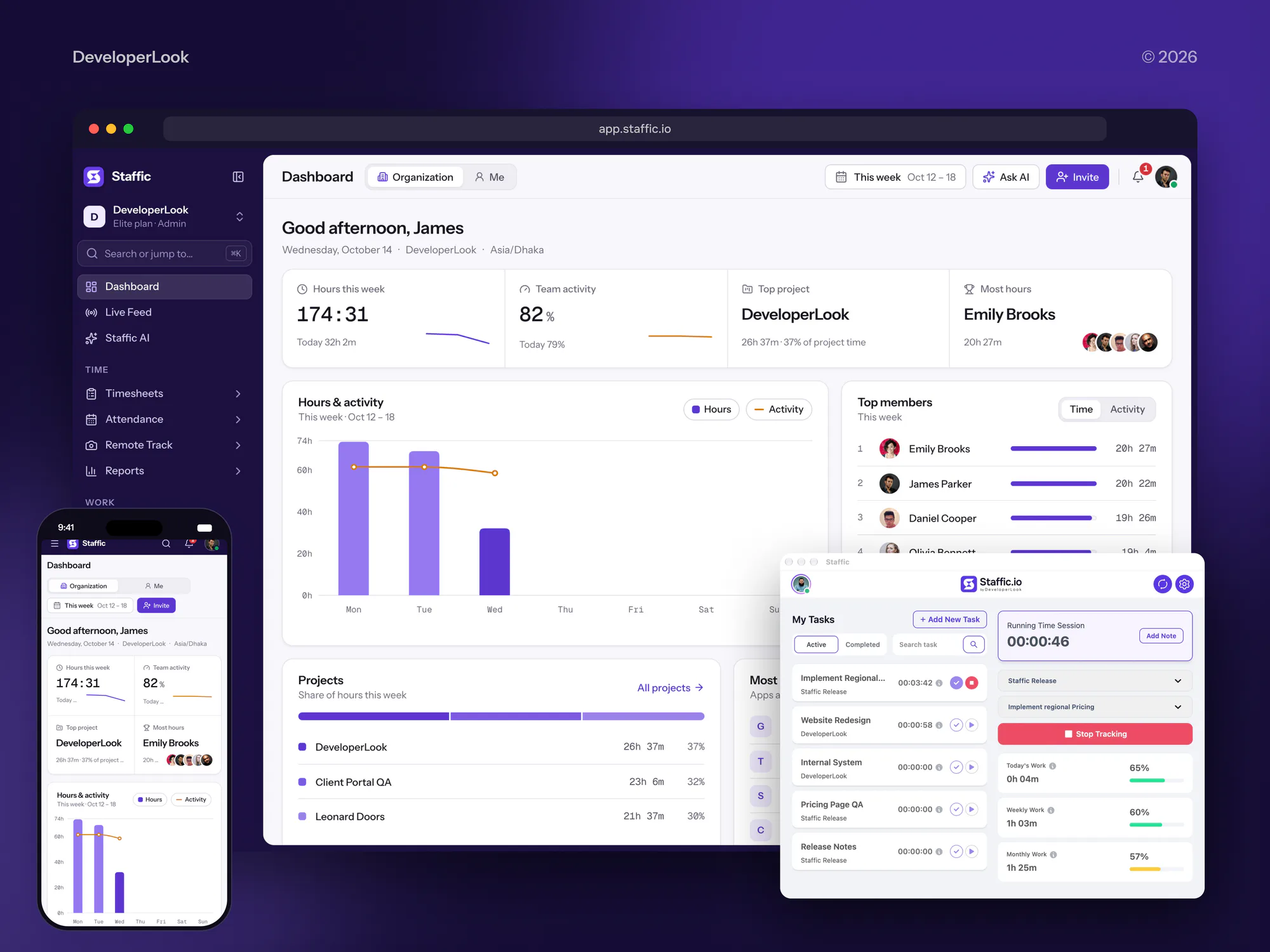
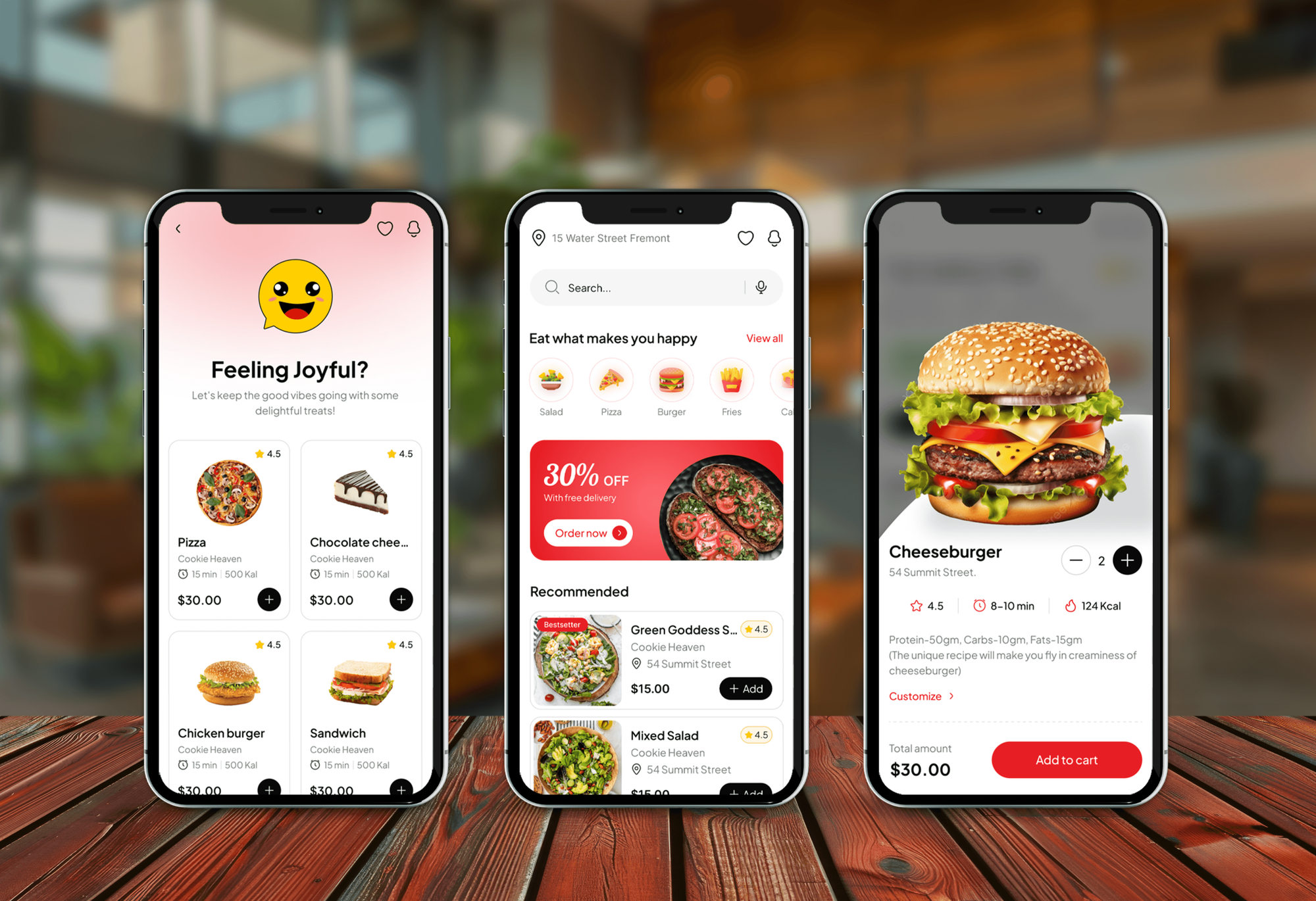
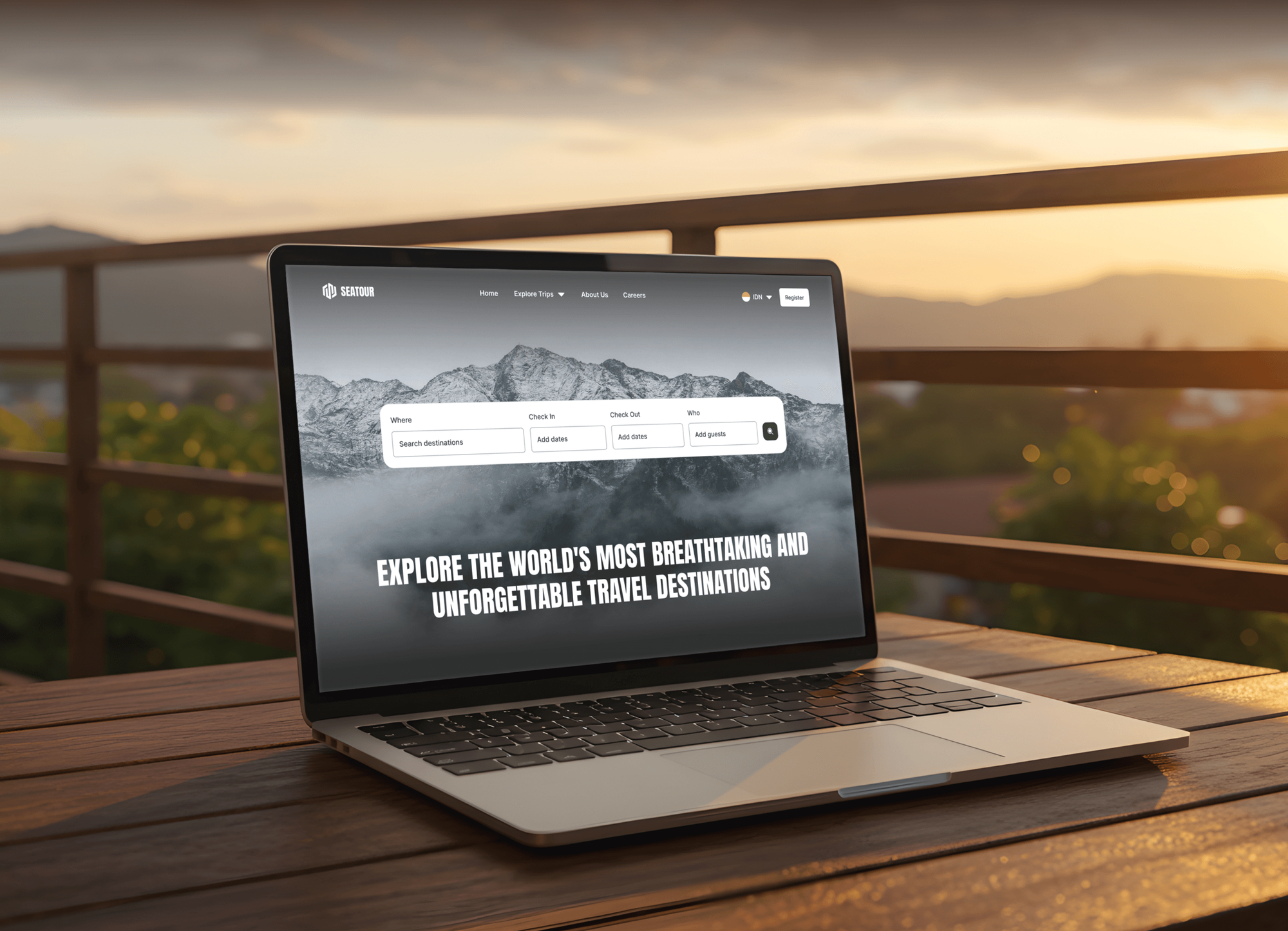
Time tracking, project risk, food delivery, and booking products from our portfolio. Each keeps its daily records in a database behind the app.

What Our Clients Say
Feedback from teams we have built data-driven web apps for.
We had a pretty specific idea of what we wanted our website to become, but I wasn’t sure how easily we could explain all of it to a development team. There were quite a few moving parts, and we were working toward a deadline, so I expected a few things to get lost along the way. That never really happened. They understood what we were trying to achieve, kept us updated throughout the process, and got everything ready within the agreed timeline. The final site feels much easier to navigate, works beautifully on mobile, and is noticeably smoother for our customers. It was a huge relief seeing the original idea actually turn into the website we had in mind.
The mobile experience is probably my favourite part of the new site. We had spent a lot of time making sure the desktop version looked right, and the team kept pushing us to think about how everything would actually feel on a phone too. They were right. The navigation is clean, the interactions feel natural, and everything we’ve tested so far works exactly as it should. They also went through the links, forms, integrations, and other details more than once before launch, which I really appreciated. And even after going live, we could still reach out when something came up. The whole process felt friendly, organised, and surprisingly straightforward.
What I appreciate most is that the website is actually easy for us to manage now. We can update content ourselves instead of sending a developer a message every time we need to change something small. They also paid attention to the technical SEO side, which mattered to us because we didn’t want a new website to create problems for the traffic we already had. I’ve probably asked more questions than I should have since launch, but every question has been handled patiently and without any fuss. The team is easy to work with, they explain things clearly, and when we need something changed, they focus on getting it done rather than making the process complicated.
1,250+
Projects shipped
10+
Years of experience
Top 3%
Upwork Top Rated Plus
5 stars
Average review score

Want results like these?
Tell us what you are building. You get a reply within 24 hours on business days, then a written estimate.
Work Culture
Your database holds the records the business runs on. These habits keep that data accurate, recoverable, documented, and in your hands.
If a cleaner spreadsheet or your current Airtable base would cover the need, we'll tell you before we quote. A database is worth it once sharing breaks.
We draw and agree the data model before writing migrations. Changing a diagram costs minutes, while changing a live table can cost a weekend.
Validation sits in the database, not only in the app's forms. Data stays clean even when someone imports a file or connects another tool.
A backup only counts once it has been restored. We prove recovery on a test copy before launch and document every step.
Every table and field gets a plain-English entry in the data dictionary. Whoever maintains it later can pick it up without guessing.
The database runs in your own cloud account. There are no per-seat fees from us, and you can export everything whenever you want.
Overview
DeveloperLook provides database development services for businesses moving off spreadsheets, Access, or Airtable, and for products that need a sound schema. We design tables and constraints, import and clean your records, set roles and backups, and add an admin app or API. Projects start at $1,300, take 2 to 12 weeks, and you own the database.
DEVELOPERLOOK
Project facts · Database Development Services
Reviewed 22 Oct 2026 by Saimul Islam
Good fit
Businesses run on shared spreadsheets
Your customers, orders, and jobs live in 12 shared spreadsheets, and two people edited the same row last week without knowing it.
Offices stuck on Microsoft Access
You still run the office on an old Microsoft Access file, and it locks up whenever more than a few people open it.
Airtable bases hitting their limits
Your Airtable base hit its plan's record or automation limits, and you need custom database development that keeps the forms your team likes.
Founders building a new product
You're building a SaaS product and want a database developer to design the schema before the first customer data goes in.
Agencies needing database depth
Your agency builds client apps and needs to hire database developers for schema and data work, delivered behind your brand.
Not a fit
Reporting across many systems
You need reporting across many business systems, not an operational database. Our Data Warehouse Consulting Services page covers analytics warehouses.
Existing database got slow
Your database design works, but queries slowed down as the data grew. Our Database Optimization Services page fixes performance without a rebuild.
Full product build
You need a full customer-facing web app, and the database is only one part of it. Our Web Application Development Services page covers the whole product.
Budget under $1,300
You need one small shared list for a few people, and your budget is under $1,300. A tidy spreadsheet or Airtable may be enough, and we'll tell you before we quote.
Not sure we're the right fit?
Book a free call or message us. We'll tell you honestly whether we're the right team.
Pricing
These are starting points in USD. Your final price depends on tables, records to import, and app needs, and you get a fixed proposal after a free data review.
For teams moving one set of spreadsheets or an Access file into a real database.
$1,300one-time, USD
For teams that need forms, search, and exports on top of their new database.
$3,900one-time, USD
For companies replacing a legacy system that several teams share every day.
$7,800one-time, USD
For Agencies
You own the client relationship. We supply the database work behind it: schema design, data imports, access roles, and admin apps on PostgreSQL or MySQL, delivered under your brand. Fixed quotes keep your margin safe.
White label: your client only ever sees your brand
Send sample files, current tools, and what the client needs to track.
You get a draft diagram and a fixed quote with delivery dates.
The database, imported records, and documents, delivered under your agency's brand.
Your brand on every diagram and handover, and we stay invisible.
Schemas and imports priced upfront, so client budgets hold.
Documentation your client's next developer can read without a call.
Databases set up in each client's own cloud account from day one.
The Right Technology for Your Project
We build on proven databases and backend frameworks your team can hire for, hosted in your own cloud account.
 PostgreSQL
 MySQL
MySQL Supabase
 SQLite
 Node.js
 Python
 Laravel
 Google Sheets
 AWS
AWS Google Cloud
 Microsoft Azure
 Docker
 DigitalOcean
FAQ
Straight answers on what database development is, costs, timelines, hiring, and moving off Access or Airtable.
Saimul IslamFounder & CEO, DeveloperLookStill have questions?
Send a message or book a call with the team.
Database development is the work of designing, building, and maintaining the structured store where a business keeps its records. It covers the data model, tables and keys, rules that keep data valid, access roles, and backups. It sits underneath the apps and reports people see, which is why mistakes here spread everywhere.
Database design is planning the structure: which tables exist, how they relate, and which rules apply. Development is building it: writing migrations, importing data, setting roles, and connecting apps. Design mistakes are cheap to fix on a diagram and expensive in a live system, so we agree the design before building starts.
Our database development services start at $1,300 for a schema of up to 15 tables, an import of your records, and three environments with backups. Adding an admin web app and API starts at $3,900, and a multi-team business system starts at $7,800. Hosting is billed to your own cloud account.
A schema with an import takes 2 to 3 weeks, and a database with an admin app or integrations takes 5 to 12 weeks. Cleaning existing records often takes longer than building tables, especially when the same customer appears several times. Sending sample files in week 1 helps us size that work early.
Start by listing what the company tracks (customers, orders, jobs, stock) and how those things relate. Turn that into a diagram with keys and rules, choose a database such as PostgreSQL or MySQL, and build it through migrations. Then import existing records, set access roles, schedule backups, and test a restore.
Hire a database development company or developer who designs the schema and the access around it, not only the forms. An online database needs hosting, roles, backups, and usually a web app or API on top. Freelancers suit small fixes, while a team suits shared data that several departments depend on.
Ask for a schema they designed, and have them explain its keys and constraints in plain English. Check how they handle migrations, backups, and access roles, and who owns the code afterward. A short design phase, or our free data review, shows how someone thinks before you commit to a full build.
Either works for most business databases, and we pick based on your team and tools. PostgreSQL suits complex rules, row-level security, and JSON data, while MySQL is common on PHP and Laravel hosting. If your company already runs Microsoft SQL Server, staying on it is often the sensible choice.
Yes. We export the tables, map every field to the new schema, merge duplicates, and fix formats such as dates and phone numbers. Access queries and Airtable formulas get rebuilt as database views or app logic. We run the import on a staging copy first, so your team checks real records before the switch.
Yes. Every plan includes 30 to 90 days of support for fixes, questions, and small schema changes. After that, you can add a monthly care plan, quoted separately. The database, migrations, and data dictionary live in your accounts and repository, so any developer can maintain it without us.
Saimul IslamFounder & CEO, DeveloperLookStill have questions?
Send a message or book a call with the team.
Free 30-min callGoogle Meet
Book a call
In 30 minutes on Google Meet we walk you through how we would build it, how long it takes and what it costs. Then you get a written estimate.
Calendar not showing? Book on cal.com or send a brief.