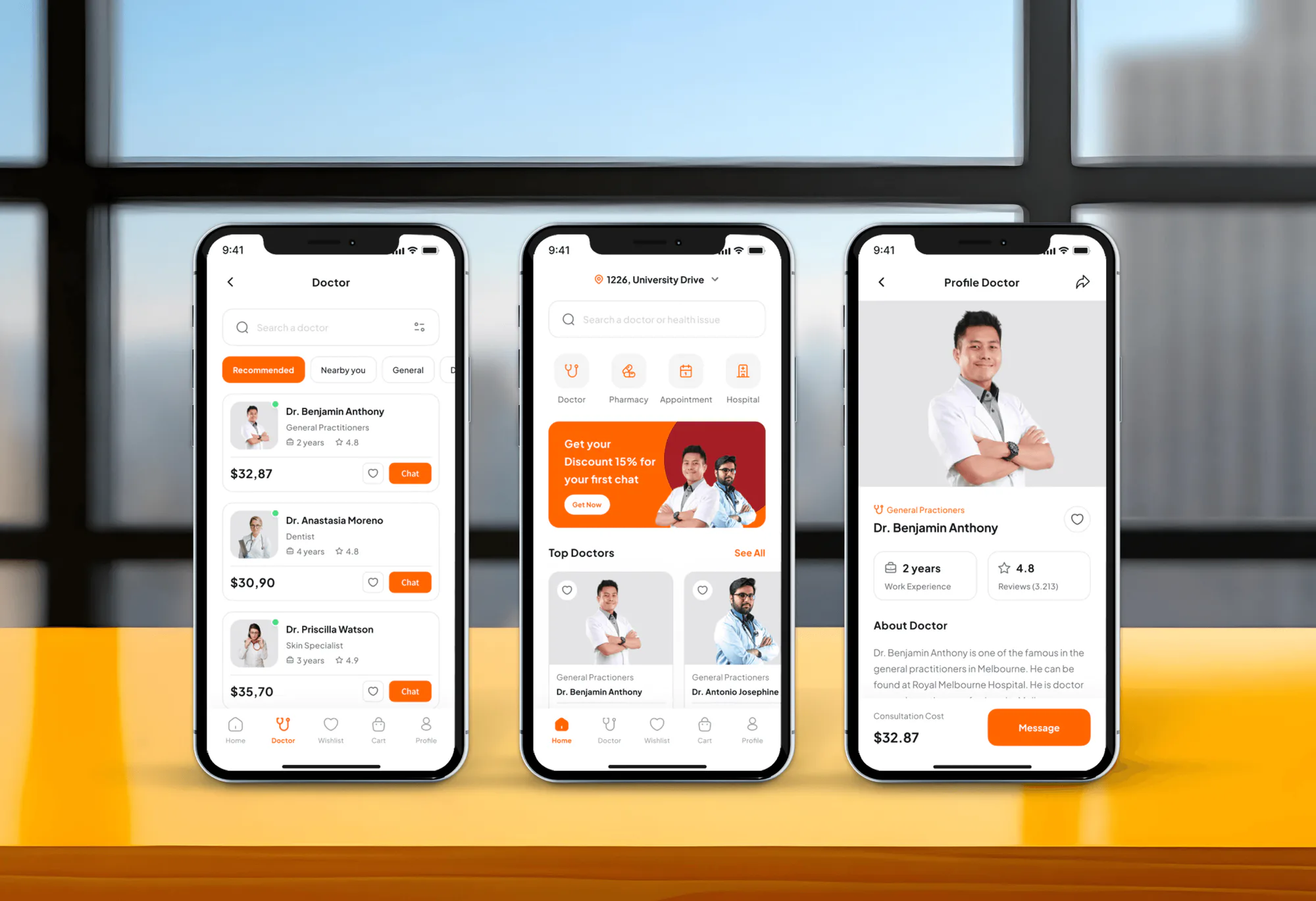
TruDoc Medical Appointment App Design & Development
- Medical
- Booking System
- Dashboard

For dental practices on Eaglesoft: X-rays file to the right chart in every operatory, and AI findings show where the doctor looks, from $750.
100%
X-rays in the right chart
6+ hrs
Imaging troubleshooting saved monthly
How your project runs
01 · FreeIndustry leaders we work with
 Node.js
 Python
The Problem
It shows up after new sensors, a new operatory, an AI tool, or an Eaglesoft upgrade. Each piece works alone, but the image and its findings don't reach the chart together.
Sensors
Sensor images open outside Eaglesoft and get imported by hand.
Sensors
Driver and bridge setup files each X-ray into the patient's chart.
Operatories
One room captures images and the new one doesn't.
Operatories
Every operatory gets the same driver, bridge, and imaging settings, written down.
AI findings
AI findings sit in a browser tab nobody opens.
AI findings
The vendor's connector puts findings where the doctor already reviews the chart.
Upgrades
Each Eaglesoft upgrade breaks a driver somewhere.
Upgrades
An upgrade checklist names every bridge and connector to recheck afterward.
A hygienist takes bitewings in your newest operatory. The images open in the sensor software, but the Eaglesoft chart shows nothing, so she exports and imports them by hand while the patient waits. The older room works because someone set its bridge up years ago. Your new AI tool reads X-rays well, but its findings sit in a browser tab the doctor forgets to open. And every Eaglesoft upgrade leaves someone wondering which driver broke.
We start by tracing one X-ray from the sensor to the chart and on to your AI tool. Each hop uses a route Patterson or the vendor supports: the DEXIS driver or Integrator, the Schick driver, Pearl inside Advanced Imaging, or the AI vendor's own connector. Every operatory gets the same setup, written down. Images land in the right chart, and the next upgrade gets a checklist instead of a guess.
One X-ray traced end to end
We follow a test image from sensor to chart to AI findings before changing anything.
Every operatory set up alike
Drivers, bridges, and imaging settings match across rooms, so a new operatory works from its first patient.
Authorized routes only
Connections use Patterson's programs and each vendor's own connector, not direct writes to the database.
Our Eaglesoft Integration Process
You see how an X-ray travels today, approve a supported route for each tool, and sign off each operatory after a test patient run.
We check your Eaglesoft version, server, workstations, sensors, and any AI or patient tools, then trace how an X-ray travels today. You get a short list of what works, what's broken, and what Patterson or the vendor already supports.
Projects We've Built
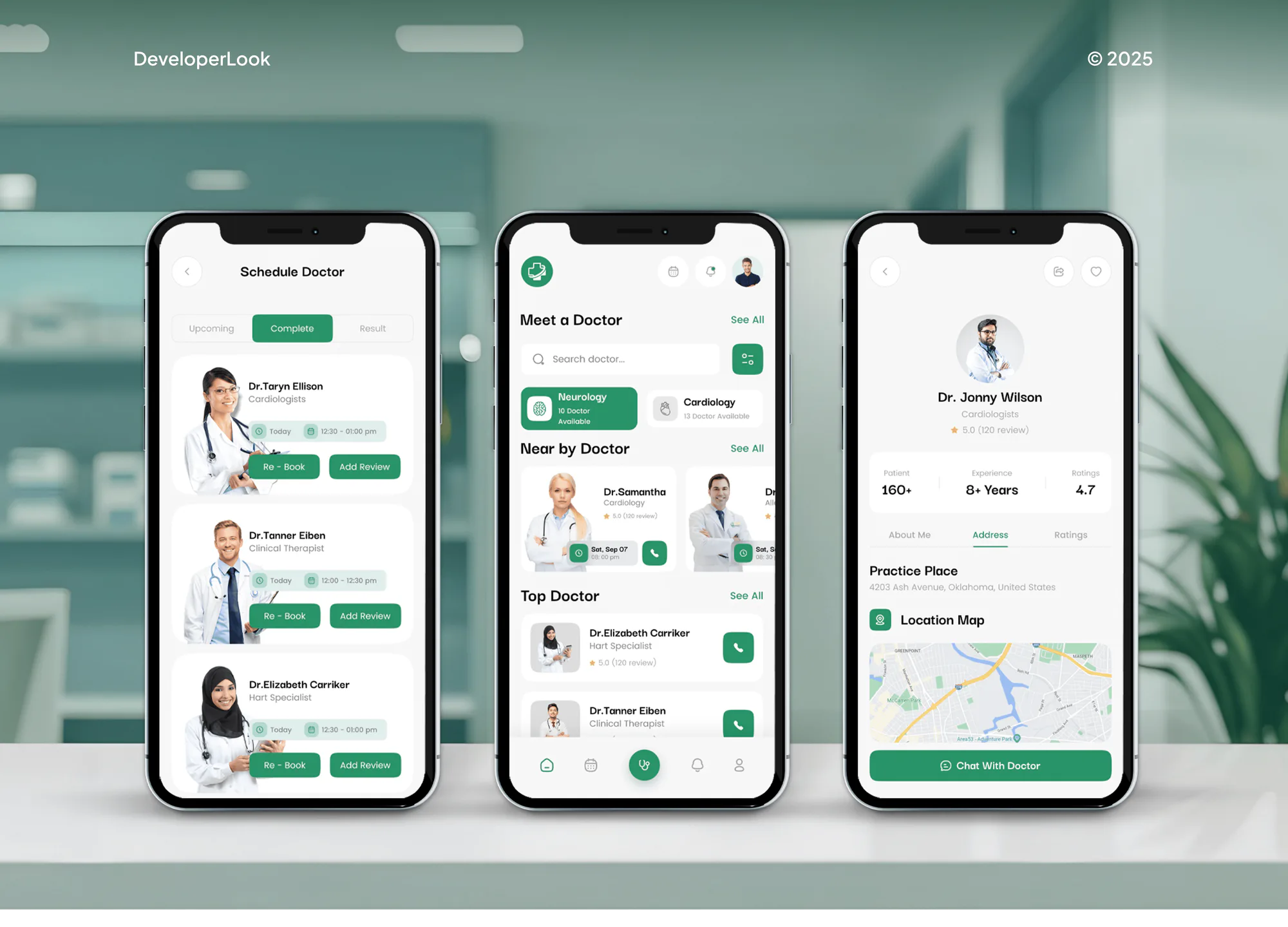
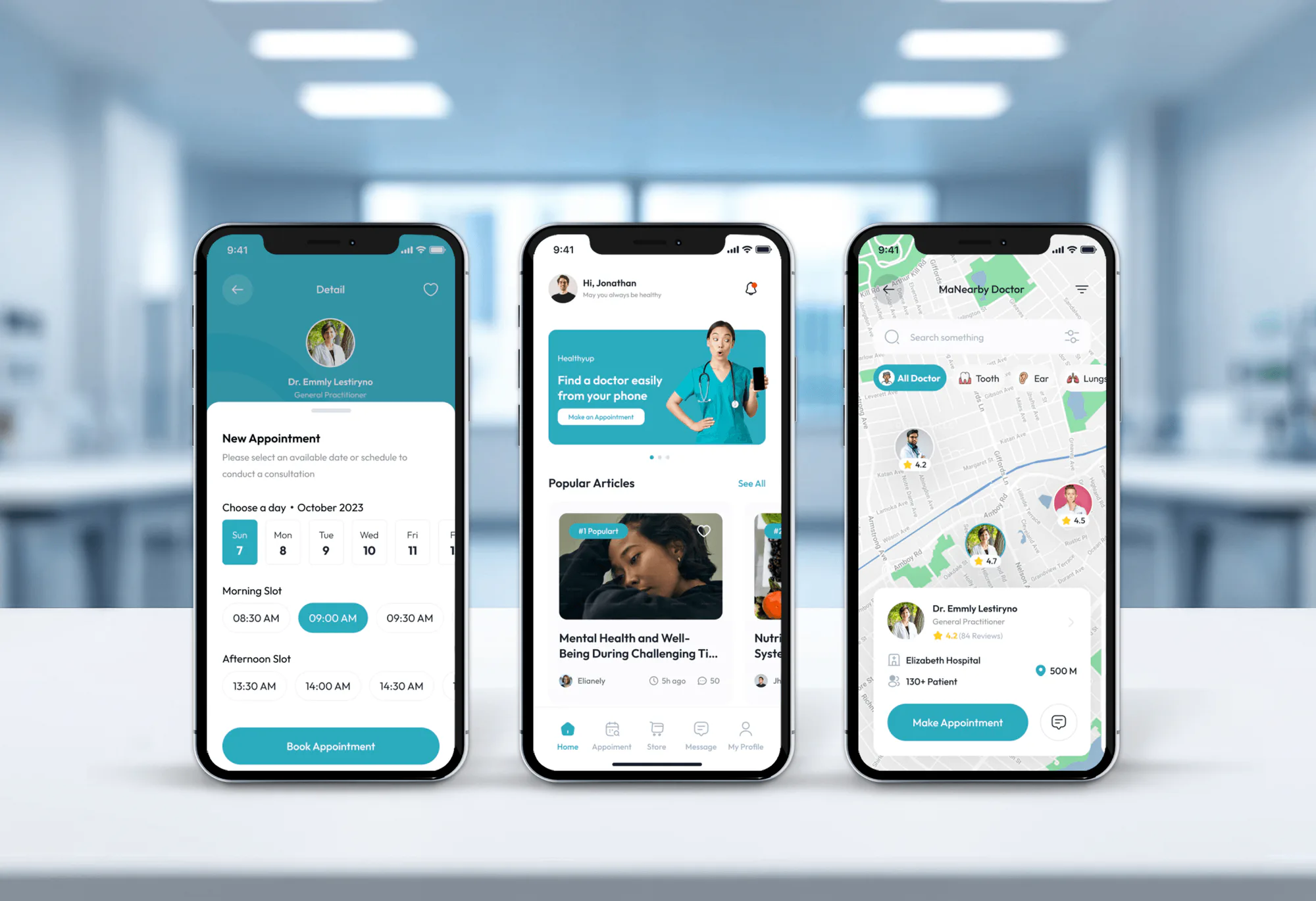
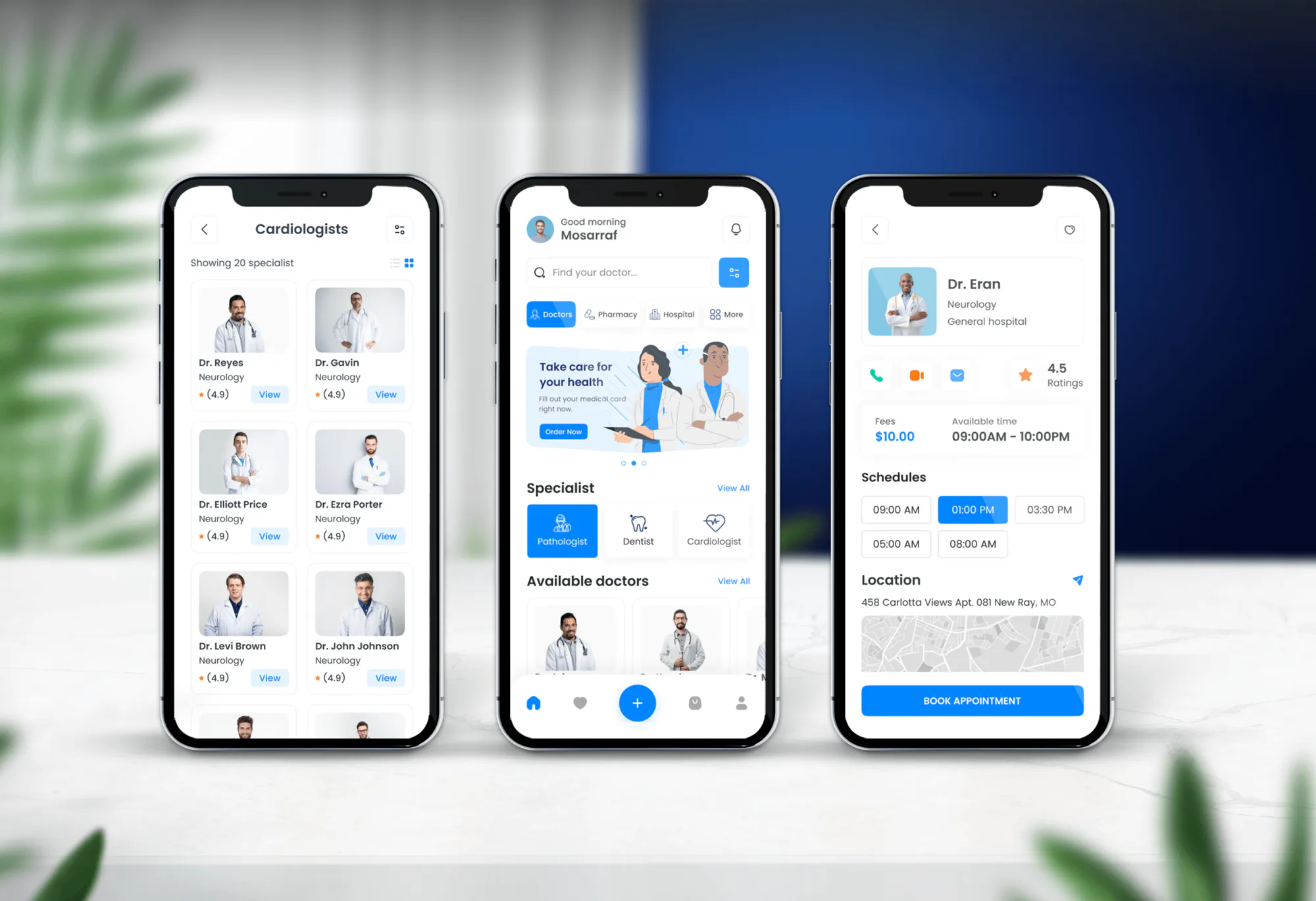
Medical and appointment apps we designed and built. None ran Eaglesoft, but they show how we handle patient records, scheduling, and practice data.
What's Included
Sensor drivers and imaging bridges set up in every operatory, one dental AI connection, a vendor access check, and an upgrade checklist your IT vendor can follow.
Compare Options
Your IT vendor knows your server and network, and each product's onboarding team knows its own tool. Here is where each fits, and where it stops once imaging, AI, and Eaglesoft must line up.
| Feature | DeveloperLookBest fit | General IT | Vendor onboarding |
|---|---|---|---|
| Imaging bridges | Set up and tested per room | Hardware and network first | One product at a time |
| Dental AI connection | Checked in the Eaglesoft chart | Rarely in scope | Their own tool only |
| Patterson programs | Authorized routes only | Varies by vendor | Their own approval |
| Testing | Test patient in every room | Spot checks | Their product only |
| Server and network | Left with your IT vendor | Their core strength | Not covered |
| Speed for one product | 1 to 3 weeks | Same week | Fastest for its own tool |
| Cost | From $750, fixed scope | Hourly or monthly contract | Often included with the product |
| Documentation | Setup sheet and upgrade checklist | Network notes | Vendor help articles |
What Our Clients Say
Feedback from teams we have built healthcare apps for.
We had a pretty specific idea of what we wanted our website to become, but I wasn’t sure how easily we could explain all of it to a development team. There were quite a few moving parts, and we were working toward a deadline, so I expected a few things to get lost along the way. That never really happened. They understood what we were trying to achieve, kept us updated throughout the process, and got everything ready within the agreed timeline. The final site feels much easier to navigate, works beautifully on mobile, and is noticeably smoother for our customers. It was a huge relief seeing the original idea actually turn into the website we had in mind.
The mobile experience is probably my favourite part of the new site. We had spent a lot of time making sure the desktop version looked right, and the team kept pushing us to think about how everything would actually feel on a phone too. They were right. The navigation is clean, the interactions feel natural, and everything we’ve tested so far works exactly as it should. They also went through the links, forms, integrations, and other details more than once before launch, which I really appreciated. And even after going live, we could still reach out when something came up. The whole process felt friendly, organised, and surprisingly straightforward.
What I appreciate most is that the website is actually easy for us to manage now. We can update content ourselves instead of sending a developer a message every time we need to change something small. They also paid attention to the technical SEO side, which mattered to us because we didn’t want a new website to create problems for the traffic we already had. I’ve probably asked more questions than I should have since launch, but every question has been handled patiently and without any fuss. The team is easy to work with, they explain things clearly, and when we need something changed, they focus on getting it done rather than making the process complicated.
1,250+
Projects shipped
10+
Years of experience
5 stars
Clutch rating
5 stars
GoodFirms rating
Excellent
Trustpilot rating
Top 3%
Upwork Top Rated Plus
1,250+
Projects shipped
10+
Years of experience
5 stars
Clutch rating
5 stars
GoodFirms rating
Excellent
Trustpilot rating
Top 3%
Upwork Top Rated Plus

Want results like these?
Tell us what you are building. You get a reply within 24 hours on business days, then a written estimate.
Work Culture
We trace a real X-ray before touching settings, stay on routes Patterson and each vendor support, and leave your IT vendor a setup sheet they can work from.
Before changing anything, we follow a test image from sensor to chart to AI tool. You see where it breaks instead of hearing a theory.
If Patterson's own add-on or the vendor's connector already covers your case, we'll tell you before we quote. We don't rebuild what a supported route does.
Your IT vendor keeps control of the Eaglesoft server, backups, and network. We work on drivers, bridges, and connectors, and tell them what we changed.
We set up workstations after hours or between patients where we can. Your schedule keeps running while each operatory gets its turn.
We list every vendor that reads patient data and confirm its BAA. Fewer tools with access means fewer places a breach can start.
Each setup sheet ends with what to recheck after an Eaglesoft upgrade. The next release becomes a checklist instead of an emergency call.
Overview
DeveloperLook handles Eaglesoft integration for dental practices and dental software teams. We set up DEXIS and Schick imaging bridges, connect dental AI tools such as Overjet and Denti.AI, and support Patterson's authorized API path. Projects start at $750 and take 1 to 6 weeks.
DEVELOPERLOOK
Project facts · Eaglesoft Integration
Reviewed 27 Oct 2026 by Saimul Islam
Good fit
Practices switching to DEXIS sensors
You bought DEXIS sensors, and X-rays open in the DEXIS software but don't reach the Eaglesoft chart until someone imports them by hand.
Offices still running Schick sensors
Your Schick sensors work in the old operatory but not the new one, and nobody remembers how the Eaglesoft Schick integration was set up.
Practices adding dental AI
You signed up for Overjet, Pearl, or Denti.AI and want its findings in the Eaglesoft chart, not in a browser tab the doctor forgets.
Dental software startups
You're building patient or AI software and searched for Eaglesoft API documentation, only to learn access runs through Patterson's approval program.
IT vendors serving dental offices
You manage dental office networks and want a partner for imaging bridges and vendor connectors, while you keep the server and hardware.
Not a fit
Practice runs Dentrix
Your practice runs Dentrix, not Eaglesoft. Our Dentrix Integration page covers its imaging bridges, patient tools, and data access.
Practice runs Open Dental
Your practice uses Open Dental. Our Open Dental Integration page covers its API, imaging bridges, and patient apps instead.
Patient texting only
You only need reminders and two-way texting. Our Weave Integration page covers that, and Weave already writes appointments and payments back to Eaglesoft.
Want a cloud system
You want cloud practice software, not an office server. Eaglesoft runs on a server, so compare Patterson's cloud product, Fuse, before paying for integration work.
Not sure we're the right fit?
Book a free call or message us. We'll tell you honestly whether we're the right team.
Pricing
These are starting points in USD. Your final price depends on your operatories, imaging and AI tools, and API work, and you get a fixed proposal after a free discovery call.
For Agencies
You own the dental client and their IT or marketing. We supply the Eaglesoft side: sensor drivers, DEXIS and Schick bridges, dental AI connections, and test runs in every operatory, documented for the office. Your brand stays on the work.
White label: your client only ever sees your brand
Send the office's Eaglesoft version, sensors, operatory count, and tools to connect.
We plan each room, price the work, and do it under your agency's name.
You get a white-label setup sheet and upgrade checklist for the office.
Send the office's Eaglesoft version, sensors, operatory count, and tools to connect.
We plan each room, price the work, and do it under your agency's name.
You get a white-label setup sheet and upgrade checklist for the office.
The Right Technology for Your Project
The software and tools we work with around Eaglesoft, limited to Patterson's own imaging, supported sensor drivers, and vendors with their own Eaglesoft connectors.
Node.js Python
FAQ
Straight answers on Eaglesoft costs, the cloud, servers, imaging, dental AI, and API access.
Saimul IslamFounder & CEO, DeveloperLookStill have questions?
Send a message or book a call with the team.
Eaglesoft work with DeveloperLook starts at $750 for sensor drivers and imaging bridges tested in up to 4 operatories. Adding one dental AI tool such as Overjet, Pearl, or Denti.AI, with chart checks, starts at $1,750. Group rollouts with Patterson's authorized API path start at $3,750. Your fixed quote follows a free review of the office.
Imaging bridge setup takes about 1 week, and adding a dental AI tool takes 2 to 3 weeks, mostly because rooms get done after hours. API work runs 4 to 6 weeks once Patterson approves access, and Patterson sets the pace of that approval. The free review tells you which path you're on.
Eaglesoft is Patterson Dental's practice management software for dental offices, covering scheduling, charting, billing, reporting, and imaging in one system. Its Advanced Imaging window captures and stores X-rays and intraoral images. It runs on a server in your office rather than in the cloud, which shapes how every outside tool connects to it.
No. Eaglesoft is on-premise software that keeps the practice database on a physical server in your office. Workstations in each operatory connect to that server, and Eaglesoft Mobile gives mostly view-only access to accounts, X-rays, and tasks away from the office. Full remote work usually runs through a remote desktop tool your IT vendor sets up.
Not for Eaglesoft itself: Patterson's cloud practice management product is a separate system called Fuse. Eaglesoft's remote option is Eaglesoft Mobile, which is mostly view-only. If a cloud system is what you want, compare a move to Fuse or another cloud product before paying for on-premise integration work.
No. Eaglesoft keeps the practice database on a server, and each workstation needs a connection to it to work. Some small offices run the server and a workstation on one computer, but that computer still acts as the server and needs the same backups and care. Imaging drivers and AI connectors depend on that server too.
Patterson Dental doesn't publish Eaglesoft prices, so you get a quote from a Patterson representative for your practice. Ongoing upgrades and support come through Eaglesoft Service Club membership, which covers upgrades and support for Eaglesoft and Schick. Ask for both the license and the yearly membership cost when you compare practice systems.
We can't confirm that it does. AskPHC doesn't appear among the Eaglesoft integrations Patterson lists, and we found no appointment product under that name. Before relying on any tool's appointment sync, ask whether it's an authorized Patterson Innovation Connection partner, as Lighthouse 360 and Demandforce are.
Overjet connects through its own pre-built connector, and Overjet rates Eaglesoft setup as low effort, about 1 to 2 days. Overjet also says its voice charting is live on Eaglesoft. The Denti.AI Eaglesoft integration works differently: Denti.AI says nothing installs on your server. Either way, we check that findings reach the chart and confirm each vendor's BAA.
No. Patterson gives approved developers an Eaglesoft dental API through its Patterson Innovation Connection program, which covers Eaglesoft 18 and later. There's no open developer portal, so a software team applies to Patterson first. We help prepare that application and build against the API once Patterson approves, which Patterson alone decides.
Saimul IslamFounder & CEO, DeveloperLookStill have questions?
Send a message or book a call with the team.
Free 30-min callGoogle Meet
Book a call
In 30 minutes on Google Meet we walk you through how we would build it, how long it takes and what it costs. Then you get a written estimate.
Calendar not showing? Book on cal.com or send a brief.