
Design lint and token checks
Commands that flag colors, type, and spacing that don't use your variables or styles.

For design teams, product teams, and design tool startups: a custom plugin that does the repetitive work in your files, from $550.
4+ hrs
Repetitive design work saved per designer weekly
1click
Instead of a hundred manual edits
How your project runs
Teams we have built for:














The Problem
It shows up once a design team grows past a few people. Files multiply, naming drifts from the design system, and the same edits get repeated in every file.
01 · Naming
Layers get renamed by hand before every handoff.
A command renames layers to your naming rules across the file.
02 · Content
Real product data gets pasted one box at a time.
The plugin fills frames with live data from your API or CMS.
03 · Tokens
Off-system colors slip through until development.
A lint check flags layers that don't use your variables.
04 · Exports
Exporting assets in every size takes an afternoon.
One run exports every asset in the sizes and formats you need.
A designer renames 200 layers by hand before handoff. Another pastes product names and prices into a grid of cards, one text box at a time. Colors drift from your tokens, and nobody notices until a developer asks which blue is real. Exporting icons in four sizes eats an afternoon. You found a Community plugin that does half the job, but it can't read your API or your naming rules.
We start with the edits your designers repeat every week, then turn each one into a plugin command. The plugin reads your variables and naming rules, fills frames with data from your API, flags layers that break your tokens, and exports assets in one run. Designers keep designing instead of clicking.
Repeated edits in one run
Rename, fill, check, or export a whole file with a single plugin command.
Checks against your tokens
Layers that break your variables and styles get flagged before anyone hands them off.
Code beside the design
Dev Mode codegen plugins show developers your components' code next to each frame.
Our Figma Plugin Development Process
You approve every command, screen, and network domain before code is written, and your designers run the plugin on copies of real files before it's published.
We open a few of your real files with you and list the edits your designers repeat. You get a command list and a fixed quote. If a Community plugin already covers it, we'll tell you before we quote.
What's Included
Lint and token checks, content fill, layer tools, Dev Mode code, FigJam widgets where they help, and publishing, all scoped to the edits your designers repeat.
Compare Options
A Community plugin is free or cheap and ready now, and a freelance Figma plugin developer can cost less for one command. This is how they compare on your files.
| Feature | DeveloperLookBest fit | Community plugin | Freelancer |
|---|---|---|---|
| Fit to your rules | Built for your tokens and naming | Built for everyone | Built from your brief |
| Time to start | 1 to 8 weeks | Installed in seconds | Days to weeks |
| Data from your systems | Your API, CMS, or sheet | Rarely | Yes, if scoped well |
| Network access | Only domains you approve | Shown on its listing | Often left open |
| Large files | Tested with dynamic page loading | Varies by plugin | Often untested |
| Figma API changes | Updated within the support window | Up to its creator | Varies by person |
| Code ownership | Your code and plugin ID | Depends on the contract | |
| Cost | One-time build | Free or paid | Hourly |
Projects We've Built
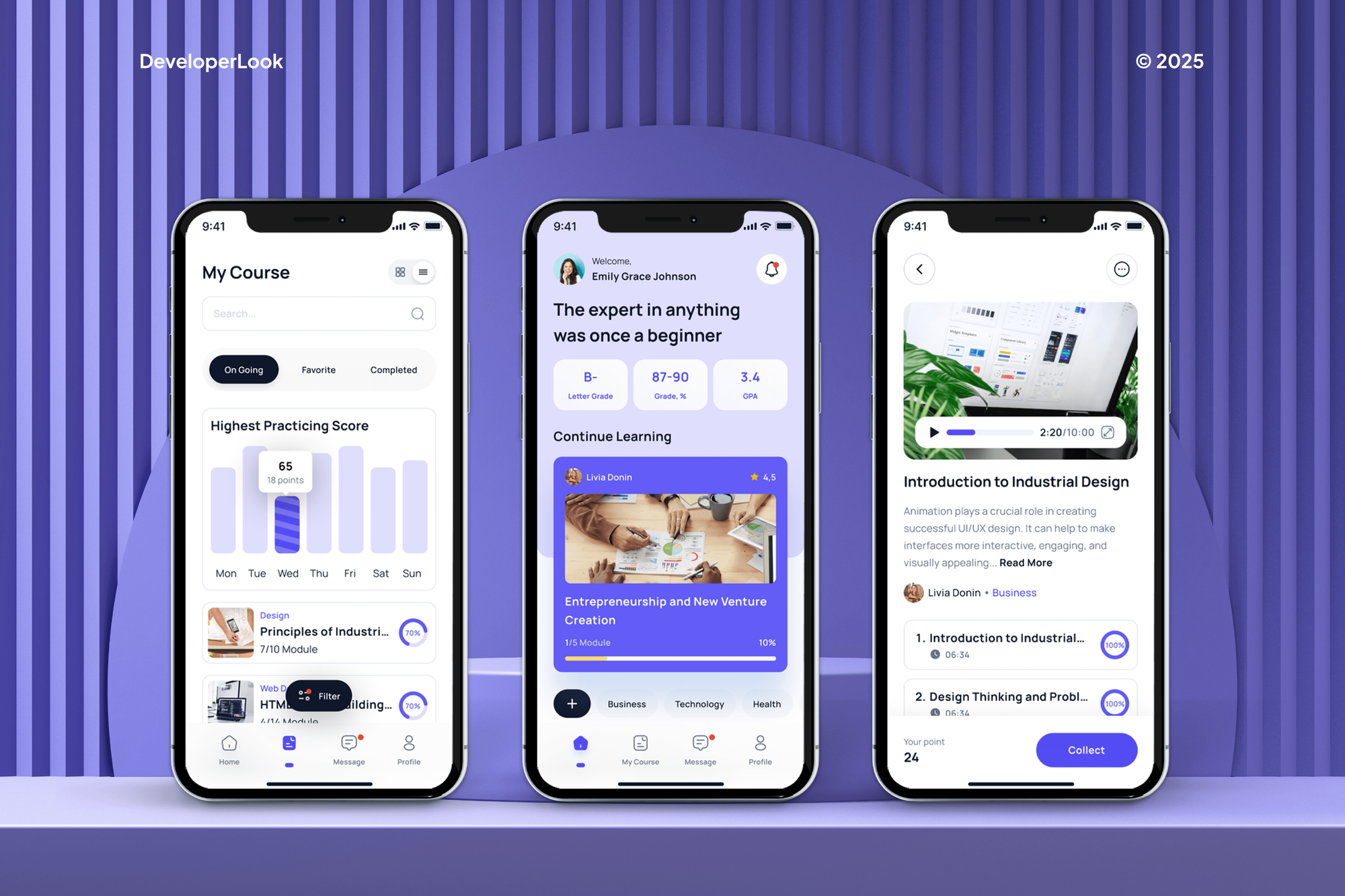
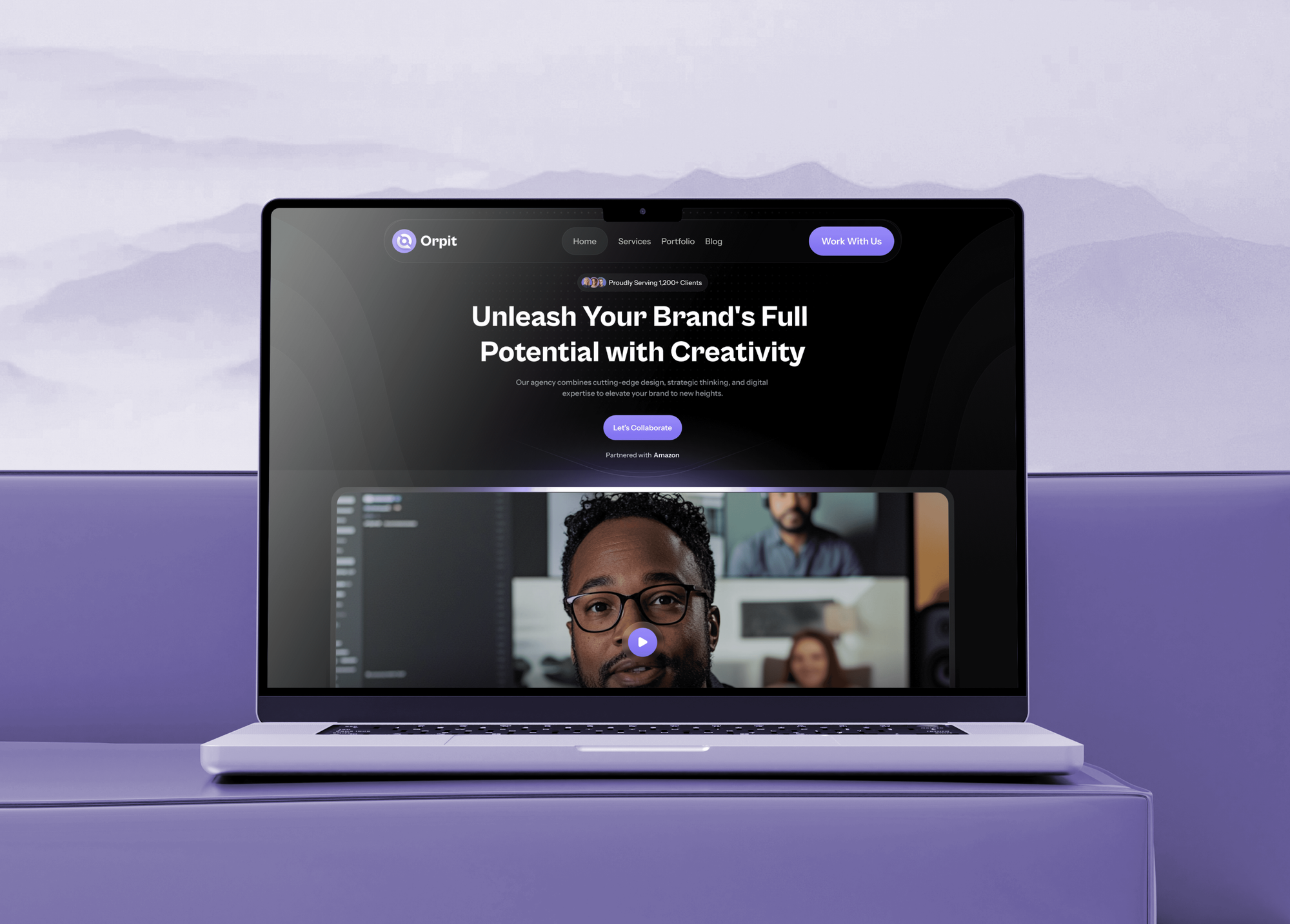
App and website designs our team produced for education, fashion, furniture, and agency clients. None is a plugin, but each is the kind of file a plugin speeds up.


What Our Clients Say
Feedback from teams we have built websites, apps, and integrations for.
We had a pretty specific idea of what we wanted our website to become, but I wasn’t sure how easily we could explain all of it to a development team. There were quite a few moving parts, and we were working toward a deadline, so I expected a few things to get lost along the way. That never really happened. They understood what we were trying to achieve, kept us updated throughout the process, and got everything ready within the agreed timeline. The final site feels much easier to navigate, works beautifully on mobile, and is noticeably smoother for our customers. It was a huge relief seeing the original idea actually turn into the website we had in mind.
The mobile experience is probably my favourite part of the new site. We had spent a lot of time making sure the desktop version looked right, and the team kept pushing us to think about how everything would actually feel on a phone too. They were right. The navigation is clean, the interactions feel natural, and everything we’ve tested so far works exactly as it should. They also went through the links, forms, integrations, and other details more than once before launch, which I really appreciated. And even after going live, we could still reach out when something came up. The whole process felt friendly, organised, and surprisingly straightforward.
What I appreciate most is that the website is actually easy for us to manage now. We can update content ourselves instead of sending a developer a message every time we need to change something small. They also paid attention to the technical SEO side, which mattered to us because we didn’t want a new website to create problems for the traffic we already had. I’ve probably asked more questions than I should have since launch, but every question has been handled patiently and without any fuss. The team is easy to work with, they explain things clearly, and when we need something changed, they focus on getting it done rather than making the process complicated.
1,250+
Projects shipped
10+
Years of experience
Top 3%
Upwork Top Rated Plus
5 stars
Average review score

Want results like these?
Tell us what you are building. You get a reply within 24 hours on business days, then a written estimate.
Work Culture
Building Figma plugins for our own design work taught us these habits. A plugin edits files your whole team depends on, so they decide how it treats them.
Every plugin lists the exact domains it calls in its manifest. Your admins and users can see where file data goes before they run it.
We test every command on duplicates of your real files, never the originals. A bad rename costs a copy, not a week of work.
Plugins load only the pages they need and batch their edits. A design system file with thousands of layers stays responsive.
If an existing plugin already does the job, we'll name it in the review. You only pay for a build where nothing else fits.
Your quote prices each command and screen on its own line. A command you add later is quoted before anyone builds it.
The plugin is published from your Figma account and the code sits in your repository. You keep the plugin ID, its users, and its history.
Overview
DeveloperLook handles Figma plugin development for design teams, product teams, and design tool startups. We build design lint and token checks, content fill from your data, Dev Mode codegen, FigJam widgets, and private or Community publishing. Plugins start from $550, take 1 to 8 weeks, and the code and plugin ID stay yours.
DEVELOPERLOOK
Project facts · Figma Plugin Development
Reviewed 22 Oct 2026 by Saimul Islam
Good fit
Design teams with a design system
Your designers keep breaking token and naming rules by accident, and reviews catch it only after developers have started building.
Product teams filling real content
Your team pastes real product names, prices, and photos into mockups by hand, one text box at a time, before every review.
Teams handing designs to developers
Your developers rewrite every spec into your component library's code, and you want Dev Mode to show that code beside the design.
Design tool and SaaS startups
Your product would sell better inside Figma, and you need a figma plugin developer who can ship it to the Figma Community.
Agencies running design ops for clients
Your agency manages design systems for clients and needs plugins built under your name for each client's Figma organization.
Not a fit
You need designs turned into code
You want finished Figma designs built as a working website or app. Our Figma to Code Services page covers that build.
You need the design system itself
You don't have tokens, components, or naming rules yet. Our Design System Development page sets those up first.
A Community plugin does it
A free or cheap Community plugin already renames layers or exports assets the way you need. Installing it beats paying for a build.
Your tool lives in the browser
Your users need your product on any website, not inside Figma files. Our Chrome Extension Development page fits that work.
Not sure we're the right fit?
Book a free call or message us. We'll tell you honestly whether we're the right team.
Pricing
These are starting points in USD. Your final price depends on your commands, data sources, and publishing route, and you get a fixed proposal after a free file review.
For teams that need one repeated edit turned into a single command.
$550one-time, USD
For design teams that need checks, content fill, and Dev Mode code.
$1,600one-time, USD
For startups launching a plugin as part of their product.
$3,500one-time, USD
For Agencies
You own the client relationship. We supply the plugin engineering: command design, Plugin API code, testing on real files, and publishing. Your agency's name stays on the work, and each plugin is published in your client's own Figma organization.
White label: your client only ever sees your brand
Send sample files and the edits the client's designers repeat each week.
You receive a command list, a fixed price, and a named engineer within days.
We build, test on file copies, publish, and hand over under your brand.
You run the client calls while we build, test, and publish.
Every command is scoped and dated before your client signs.
Engineers who know the sandbox, the manifest, Dev Mode, and Community review.
A short guide for each client's designers on every command.
The Right Technology for Your Project
The Figma products, plugin tools, languages, and data services we use to build plugins that stay fast and respect your files.
 Figma
Figma TypeScript
 JavaScript
 React
React Node.js
 Supabase
 Google Sheets
 Vercel
FAQ
Straight answers on plugin cost, timelines, how plugins are built, safety, pricing on the Community, and Figma's own rules.
Saimul IslamFounder & CEO, DeveloperLookStill have questions?
Send a message or book a call with the team.
A custom plugin from us starts at $550 for one command with a simple window, tested on copies of your files. A team plugin with lint checks, content fill, and Dev Mode code is $1,600, and plugin products with widgets and sign-in start at $3,500. You get a fixed quote after a free file review.
A focused plugin takes 1 to 3 weeks, and team or product plugins take 4 to 8. Private plugins go live in your organization as soon as they're published. Community plugins need Figma's review first, and Figma says approval times vary with volume. Publishing also requires two-factor authentication on the account.
A Figma plugin is a small program that reads or edits a file when someone runs it. It works through the figma plugin api and runs for that one person. A widget is different: it's an object on the canvas that everyone in the file sees and uses.
You develop one in the Figma desktop app, which Figma requires for plugin development, under Plugins, then Development, then New plugin. Code runs in a sandbox with access to the file, and the window runs as a web page. Designers who develop Figma plugin ideas alone often stall at that split.
You build it so the plugin window makes the API calls, because the sandbox that edits the file has no network access of its own. The window then passes the data to the sandbox in messages. Every domain it calls must be listed under networkAccess in the manifest.
Plugins in Figma run third-party code and can access your file and user information, so safety depends on the plugin. Community listings show each plugin's network access, from no access to unrestricted. On Organization and Enterprise plans, admins can require approval before anyone runs a plugin.
Many Community plugins are free, and creators choose whether to charge. Paid plugins can be one-time or subscription, include a free trial, and Figma keeps a 15% fee. Selling requires Figma to approve the creator, so free or private plugins are the usual starting point.
Yes. Dev Mode plugins come in two kinds: codegen plugins that show code beside a selected design, and inspect plugins that add extra details. Both are read-only, so they can't change the file. We write codegen in your component library's syntax, not generic CSS, so developers can paste it straight into your codebase.
Not by that name. What people call the figma plugin sdk is Figma's Plugin API plus the @figma/plugin-typings package for TypeScript. For tools that work outside Figma, there's a separate REST API, and the Variables REST API is limited to Enterprise organizations. We pick whichever fits where your tool runs.
Yes, on Figma's Organization and Enterprise plans you can publish a plugin only to your organization. Figma doesn't review private plugins, and your admins control who can use them. You keep the code and the plugin ID, and our support runs 30 to 90 days after launch, depending on the plan.
Saimul IslamFounder & CEO, DeveloperLookStill have questions?
Send a message or book a call with the team.
Free 30-min callGoogle Meet
Book a call
In 30 minutes on Google Meet we walk you through how we would build it, how long it takes and what it costs. Then you get a written estimate.
Calendar not showing? Book on cal.com or send a brief.