
UI inventory and cleanup
Every color, text style, and component in your product captured, with duplicates merged into one approved set.

For product teams whose UI has drifted: one library of tokens and components in Figma and React that designers and developers share, from $1,400.
2X
Faster screen design and build
1
Source of truth for design and code
How your project runs
Teams we have built for:














The Problem
Products drift when each designer and developer solves the same button their own way. It shows up slowly, then costs time on every new screen.
01 · Color drift
The product uses 9 shades of the same blue.
Design tokens define each color once, in Figma and in code.
02 · Rebuilt parts
Developers rebuild the same card in every new feature.
One React library holds each component, documented in Storybook with every state.
03 · Dark mode
Dark mode stalls because every color is hard-coded.
Themes switch by swapping token values, without touching component code.
04 · Onboarding
New hires can't tell which modal is the right one.
Usage guidelines show when to use each component, with do and don't examples.
Your product has 9 shades of blue, 4 button styles, and 3 different date pickers. A designer copies an old screen to start a new one, so the drift spreads. Developers rebuild the same card in each feature because nobody trusts the shared folder. Dark mode keeps getting pushed back, since every color is hard-coded. New hires ask which modal is the right one, and nobody knows. Each sprint loses hours to decisions your team already made last year.
We start with an inventory of every color, font size, and component already in your product. Then we define design tokens as Figma variables, rebuild the core components once, and export the same tokens to code. Developers pull components from one library, documented in Storybook. New screens get assembled instead of redrawn.
Tokens shared by design and code
Colors, type, and spacing live as Figma variables and as matching CSS variables in your code.
Components built once
Each button, field, and card exists once in Figma and once in React, with every state.
Versioned like software
Semantic versions and a changelog tell teams exactly what changed and when to update.
Our Design System Development Process
You see the inventory, approve the tokens and each component in Figma, then review the coded versions in Storybook before release.
We look through your live product and design files and note where colors, type, and components have drifted. You get a short summary, a recommended scope, and a fixed price.
What's Included
Each project turns the parts your product already uses into one documented library, shared by designers in Figma and developers in code.
Compare Options
A UI kit is the fastest start, and an in-house team knows your product best. Here's how each handles tokens, code, and upkeep.
| Feature | DeveloperLookBest fit | UI kit | In-house team |
|---|---|---|---|
| Starting point | Inventory of your live product | The kit's own components | Your current files |
| Fits your brand | Built around your brand | Restyled kit, generic feel | Yes, if time allows |
| Design tokens | Figma variables synced to code | Kit tokens, if any | Often skipped under deadlines |
| Coded components | React library with Storybook | Some kits include code | Depends on team skills |
| Accessibility | WCAG 2.2 AA checked per component | Varies by kit | Varies by team |
| Speed to start | 2 to 3 weeks for foundations | Same day | Competes with feature work |
| Governance | Versioning and a contribution process | Vendor updates only | Informal, depends on one person |
| Cost | Fixed price from $1,400 | Low one-time license | Salaries already paid |
Projects We've Built
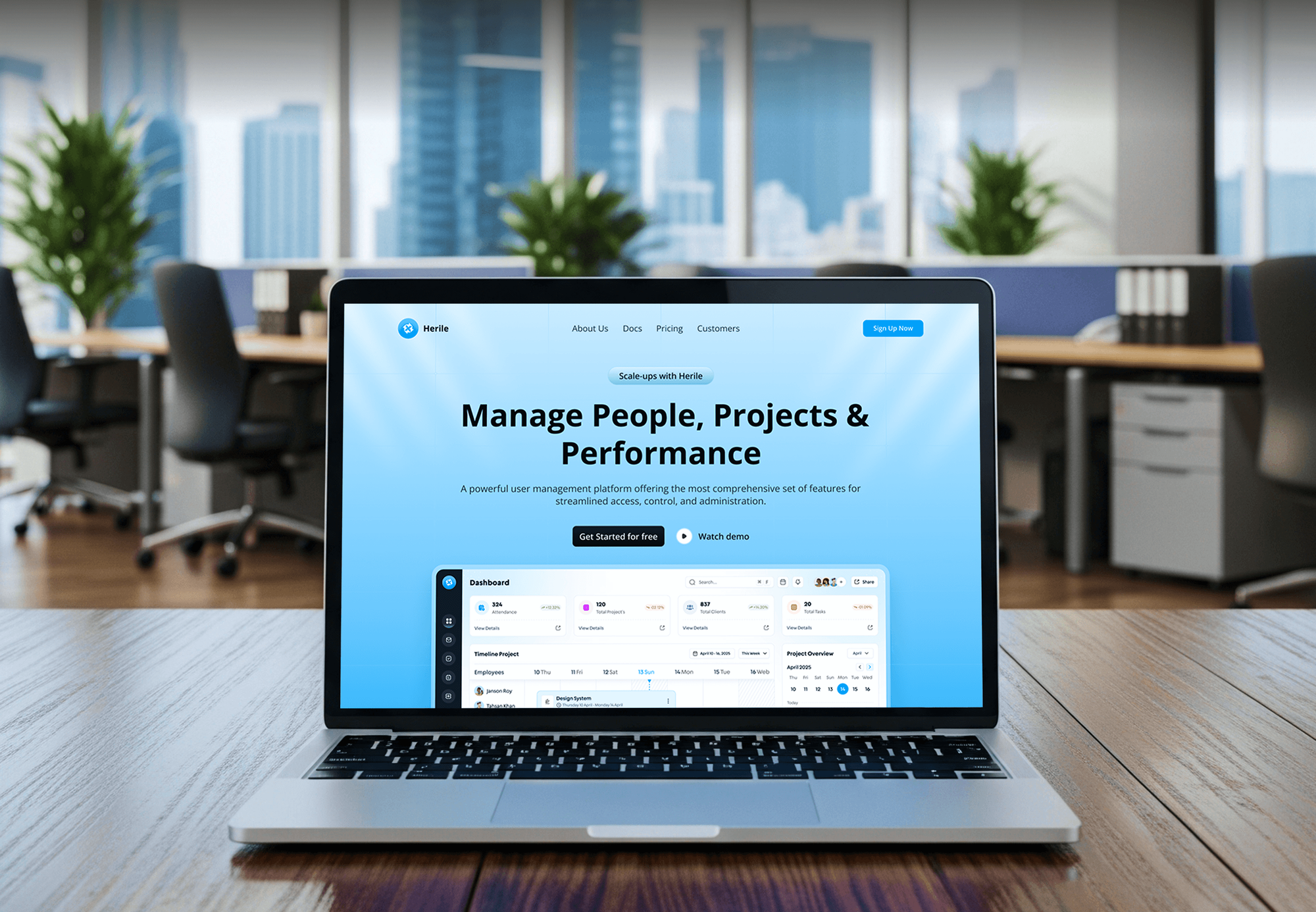
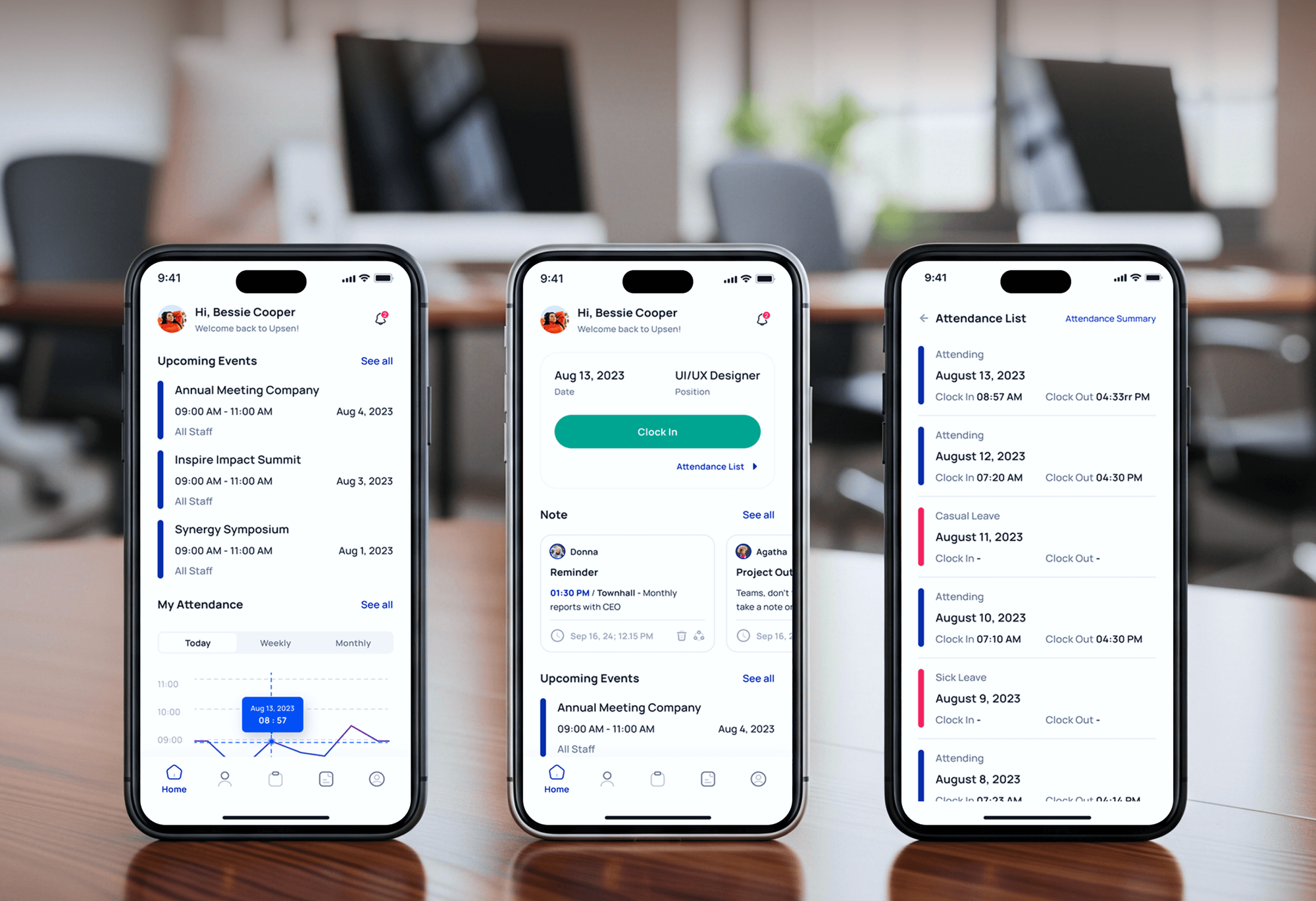
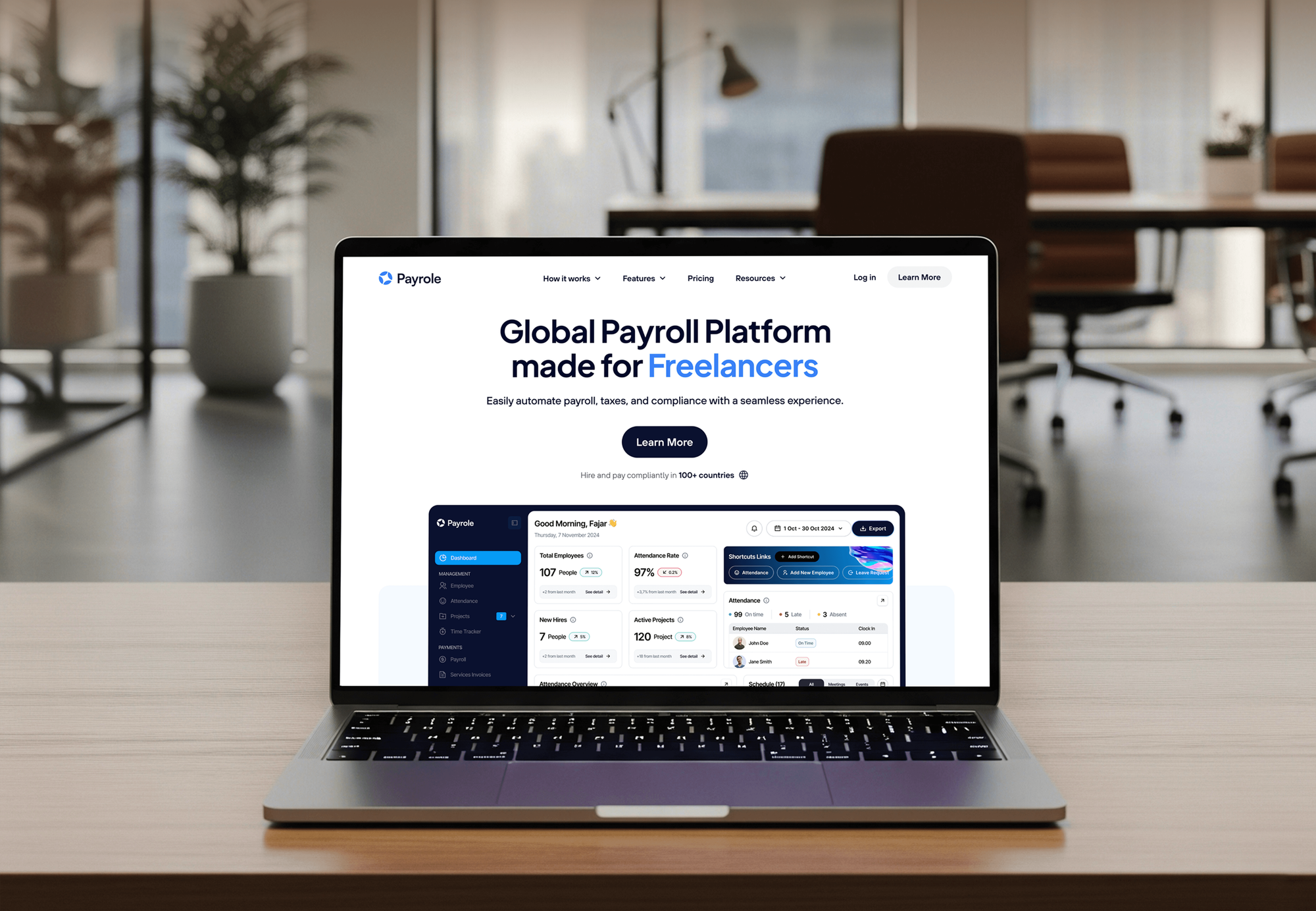
Recruiting, HR, and payroll products our team designed and built, each with dozens of screens that had to look and behave the same way.

What Our Clients Say
Feedback from teams we have designed and built products for.
We had a pretty specific idea of what we wanted our website to become, but I wasn’t sure how easily we could explain all of it to a development team. There were quite a few moving parts, and we were working toward a deadline, so I expected a few things to get lost along the way. That never really happened. They understood what we were trying to achieve, kept us updated throughout the process, and got everything ready within the agreed timeline. The final site feels much easier to navigate, works beautifully on mobile, and is noticeably smoother for our customers. It was a huge relief seeing the original idea actually turn into the website we had in mind.
The mobile experience is probably my favourite part of the new site. We had spent a lot of time making sure the desktop version looked right, and the team kept pushing us to think about how everything would actually feel on a phone too. They were right. The navigation is clean, the interactions feel natural, and everything we’ve tested so far works exactly as it should. They also went through the links, forms, integrations, and other details more than once before launch, which I really appreciated. And even after going live, we could still reach out when something came up. The whole process felt friendly, organised, and surprisingly straightforward.
What I appreciate most is that the website is actually easy for us to manage now. We can update content ourselves instead of sending a developer a message every time we need to change something small. They also paid attention to the technical SEO side, which mattered to us because we didn’t want a new website to create problems for the traffic we already had. I’ve probably asked more questions than I should have since launch, but every question has been handled patiently and without any fuss. The team is easy to work with, they explain things clearly, and when we need something changed, they focus on getting it done rather than making the process complicated.
1,250+
Projects shipped
10+
Years of experience
Top 3%
Upwork Top Rated Plus
5 stars
Average review score

Want results like these?
Tell us what you are building. You get a reply within 24 hours on business days, then a written estimate.
Work Culture
Design system development only pays off if teams keep using the library. These habits make it easy to adopt and hard to drift from.
We build from your live product, not a blank kit. Teams adopt components faster when they recognize them from screens they already use.
A designer and a front-end developer define every component together. Nothing lands in Figma that can't be built cleanly in React.
We merge near-duplicates before adding anything new. A smaller library with clear rules beats a large one nobody can find their way around.
If your product is small enough for a style guide, we'll tell you before we quote. A full system makes sense once several people build screens.
Contrast, focus states, and keyboard support get checked on each component once. Every screen built from the library inherits that work.
Figma libraries, token files, and component code live in your accounts and repository. Any team can extend the system after we hand over.
Overview
DeveloperLook builds design system libraries that live in both Figma and code. We inventory your current UI, define tokens as Figma variables, and build components in React with Storybook documentation and semantic versioning. Projects start at $1,400, take 2 to 16 weeks, and the whole library is yours.
DEVELOPERLOOK
Project facts · Design System Development
Reviewed 7 Oct 2026 by Saimul Islam
Good fit
Startups past their first designer
Your product grew screen by screen, and you're creating a design system before a second designer joins and the drift doubles.
SaaS teams with two products
You run two products that should feel like one company, and you need ux design systems shared across both codebases.
Engineering leads tired of rework
Your developers rebuild the same components each sprint and want a coded library with tokens they can import instead.
Teams planning a rebrand
Your rebrand is coming, and you want colors and type stored as tokens, so the change happens in one place, not 400 files.
Agencies managing client products
Your agency maintains several client products and needs design system design work delivered under your own brand.
Not a fit
Small marketing website
You run a small marketing website with a few page templates. A style guide from our Website Design team covers that at a fraction of the cost.
Screens need designing first
Your product's flows aren't designed yet. Start with our UI/UX Design Services page, which designs flows and screens and includes a starter component set.
Only need designs coded
You have finished Figma designs and only need them built. Our Figma to Code Services page covers turning screens into working code.
Budget under $1,400
Your budget is under $1,400. Starting from an open-source library such as Material UI and adjusting its theme is the better first step.
Not sure we're the right fit?
Book a free call or message us. We'll tell you honestly whether we're the right team.
Pricing
These are starting points in USD. Your final price depends on component count, themes, and whether we build the code library, and you get a fixed proposal after a free UI review.
For teams that need tokens and core components in Figma before scaling, in 2 to 3 weeks.
$1,400one-time, USD
For product teams that want the same components in Figma and in a React library.
$4,200one-time, USD
For companies running several products, brands, or themes from one shared system.
$8,400one-time, USD
For Agencies
You own the client relationship. We supply the UI inventory, tokens, and component library under your brand, so your client gets a system their team can maintain. Quotes are fixed, and the code lands in your client's repository.
White label: your client only ever sees your brand
Send design files, a staging link, and repository access for the client's product.
You get the UI inventory, a component list, and a fixed price within a week.
Tokens, a Figma library, coded components, and docs delivered under your brand.
Workshops, Figma libraries, and docs carry your agency's brand.
Figma components and matching React code from one team.
Quotes you can resell without surprise extras later on.
Help for your client's team while adoption gets going.
The Right Technology for Your Project
We design components in Figma, build them in React with TypeScript, and document and release them with the tools your developers already know.
 Figma
Figma Sketch
 Adobe XD
 Framer
 React
React Tailwind CSS
 CSS3
CSS3 Lighthouse
 Vercel
 Netlify
FAQ
Straight answers on cost, timelines, tokens, coded components, and who maintains the library.
Saimul IslamFounder & CEO, DeveloperLookStill have questions?
Send a message or book a call with the team.
Our design system projects start at $1,400 for a UI inventory, tokens, and 12 core components in Figma. Coded libraries with up to 30 React components and Storybook start at $4,200, and multi-product systems with themes start at $8,400. You get a fixed price after a free UI review.
A Figma foundation takes 2 to 3 weeks, and a coded library takes 6 to 16 weeks, depending on component count and themes. The inventory and token work happen first, in the opening week or two. After release, the library keeps growing as your product does.
It's the single source your team uses to design and build screens: tokens, components, and the rules for using them. Tokens hold values like color, type, and spacing. Unlike a style guide, it lives in both Figma and code. Mature ones also include documentation, versioning, and a way to propose changes.
Teams create one to stop rebuilding the same parts and to keep the product consistent as it grows. New screens get assembled from approved components instead of drawn from scratch. It also makes big changes cheaper, since a rebrand or dark mode becomes a token update rather than hundreds of edits.
Designers build screens in Figma from a shared component library, and developers build them in code from matching components. Tokens connect the two, so a color changed in Figma variables can flow to CSS through a tool like Style Dictionary. Both sides follow the same usage rules, so screens match at handoff.
Developers stop rebuilding buttons, forms, and modals for each feature, because tested components already exist in the library. Props and states are documented in Storybook, so fewer questions go back to design. Bugs get fixed once in the shared component, and every screen that uses it gets the fix.
Agencies use them to deliver client products faster and to keep those products consistent after handoff. Many start each project from an inventory and a token set, then build only the components the product needs. We do this work white-label, so the client receives a documented library under the agency's brand.
Yes, AI tools can draft layouts from a library's components, but the results still need a designer's review. They work best when tokens are named clearly and every component is documented. We set up the library so people and AI tools can both use it, and a designer checks every generated screen.
Both, depending on the plan you choose. The foundation plan delivers tokens and components in Figma, while the coded plans add a React and TypeScript library with Storybook docs and an npm package. If your stack uses Vue or another framework, we'll confirm fit before quoting.
You own everything: Figma libraries, token files, and component code live in your accounts and repository. We hand over a contribution process and changelog, so your team can maintain it. Each plan includes 30 to 90 days of support, and ongoing design system management can be quoted separately.
Saimul IslamFounder & CEO, DeveloperLookStill have questions?
Send a message or book a call with the team.
Free 30-min callGoogle Meet
Book a call
In 30 minutes on Google Meet we walk you through how we would build it, how long it takes and what it costs. Then you get a written estimate.
Calendar not showing? Book on cal.com or send a brief.