Bay inventory and pricing
Players, hours, and hourly rates for each of your bays, with peak and off-peak prices that fill your quiet hours.

For indoor golf venues: hourly bay booking, lessons with your instructors, member perks, and door codes for keyless nights, set up on the right platform. From $850.
2X
More off-peak hours booked
24/7
Online bay booking open
How your project runs
01 · FreeTeams we have built for:














The Problem
Your demand bunches up: evenings and weekends sell out while weekday afternoons sit quiet. A phone line and a shared calendar can't price, fill, or open the door for either.
Double booking
Lessons on a separate calendar clash with bay bookings.
Double booking
Each lesson reserves a bay and your instructor together, in one calendar.
Empty afternoons
Weekday bays sit empty because every hour costs the same.
Empty afternoons
Off-peak pricing makes your quiet hours cheaper, right on the booking page.
Member perks
Members and walk-ins compete for the same Friday slots.
Member perks
Your members get earlier booking windows and included hours set by their tier.
Late lock-up
Staff stay late just to let groups out and lock up.
Late lock-up
Door codes tied to each booking let your golfers in during their time only.
It's Friday at 8 p.m., all four bays are full, and your phone keeps ringing about Saturday. Your instructor booked a lesson into bay 2 on their own calendar, so a group of four arrives to find it taken. On Tuesday afternoon the same bays sit empty because nobody knows they're cheaper then. Members want to book a week ahead, and walk-ins expect the same. At 11 p.m. someone stays late just to lock up after the last group.
We start with your bays as products: how many players each suits, hourly rates by time of day, and how lessons, leagues, and members share them. Then we set up golf sim booking software that books each lesson into a bay and your instructor's calendar together. It opens member windows earlier and prices your quiet hours to fill. For keyless venues, each booking can send a door code that works only during its time. Your staff stop guarding the phone and start hosting golfers.
Bays sold by the hour
Each of your bays has its own hours, player limit, and hourly price, with peak and off-peak rates you set.
Lessons share the bays
A lesson books your instructor and a bay together, so lessons and open play stop colliding.
Door codes per booking
For your keyless hours, each booking can send a code that works only for its own time slot.
Our Golf Simulator Booking Software Process
You approve every bay, price, and member rule, test a booking on your own phone, and see the door code work before your website switches over.
We look at your bays, players per bay, opening hours, and how you sell lessons and memberships today. You leave with a platform recommendation, such as ProAgenda or SchedulingKit, and the plan tier your bays need.
What's Included
Your bays sold by the hour with peak pricing, lessons tied to instructors, member tiers, league blocks, door codes for keyless hours, gift cards, and booking tracking.
Compare Options
A calendar app costs little, and your walk-ins need no software at all. Here is where each works and where bay booking software earns its setup fee.
| Feature | DeveloperLookBest fit | Calendar app | Walk-ins and phone |
|---|---|---|---|
| Planning | Bay-by-bay venue review | Calendar defaults | No planning needed |
| Bay inventory | Each bay sold by the hour | One shared calendar | Front desk keeps track |
| Lessons | Instructor and bay booked together | Separate instructor calendars | Booked by phone |
| Pricing | Peak and off-peak hourly rates | One price for all hours | Quoted at the desk |
| Members | Included hours and early windows | Not built in | Honor system |
| Access | Door codes per booking | Not part of a calendar | Staff on site |
| Cost | One-time fee plus platform plan | Low monthly cost | No software cost |
| Ownership | Accounts in your name | Accounts in your name | Paper and memory |
Projects We've Built
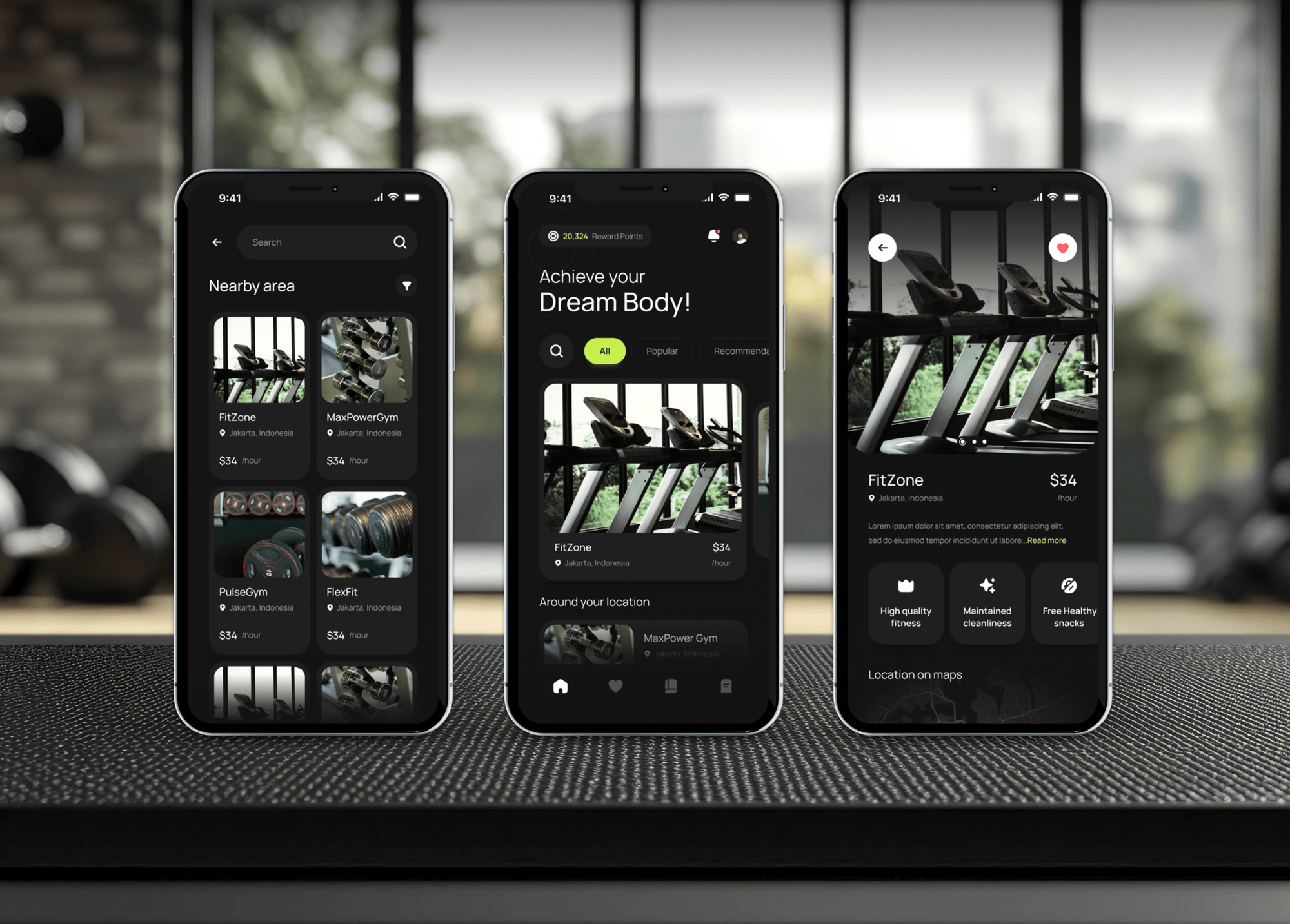
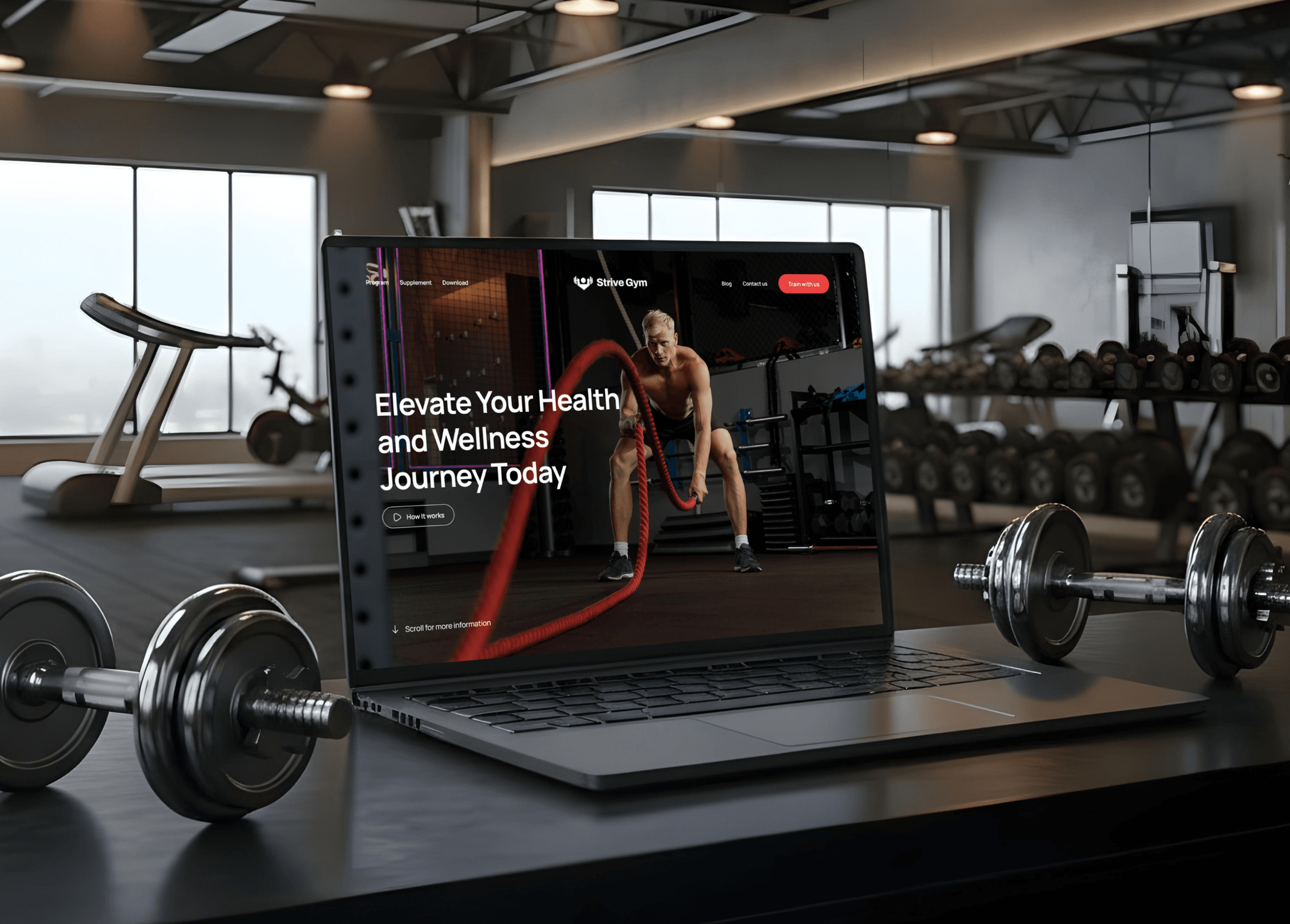
Gym membership apps, rental booking sites, and reservation websites we have built, with the hourly slots, member tiers, and online payment your simulator venue needs.


What Our Clients Say
Feedback from teams we have built booking, membership, and payment products for.
We had a pretty specific idea of what we wanted our website to become, but I wasn’t sure how easily we could explain all of it to a development team. There were quite a few moving parts, and we were working toward a deadline, so I expected a few things to get lost along the way. That never really happened. They understood what we were trying to achieve, kept us updated throughout the process, and got everything ready within the agreed timeline. The final site feels much easier to navigate, works beautifully on mobile, and is noticeably smoother for our customers. It was a huge relief seeing the original idea actually turn into the website we had in mind.
The mobile experience is probably my favourite part of the new site. We had spent a lot of time making sure the desktop version looked right, and the team kept pushing us to think about how everything would actually feel on a phone too. They were right. The navigation is clean, the interactions feel natural, and everything we’ve tested so far works exactly as it should. They also went through the links, forms, integrations, and other details more than once before launch, which I really appreciated. And even after going live, we could still reach out when something came up. The whole process felt friendly, organised, and surprisingly straightforward.
What I appreciate most is that the website is actually easy for us to manage now. We can update content ourselves instead of sending a developer a message every time we need to change something small. They also paid attention to the technical SEO side, which mattered to us because we didn’t want a new website to create problems for the traffic we already had. I’ve probably asked more questions than I should have since launch, but every question has been handled patiently and without any fuss. The team is easy to work with, they explain things clearly, and when we need something changed, they focus on getting it done rather than making the process complicated.
1,250+
Projects shipped
10+
Years of experience
Top 3%
Upwork Top Rated Plus
5 stars
Average review score
1,250+
Projects shipped
10+
Years of experience
Top 3%
Upwork Top Rated Plus
5 stars
Average review score

Want results like these?
Tell us what you are building. You get a reply within 24 hours on business days, then a written estimate.
Work Culture
Your bays only earn money when they're booked and the right golfers can get in. These habits keep both working from day one.
We start with your floor: how many players each bay suits, its hours, and which bays lessons use. The booking setup then matches the venue golfers walk into.
We set up ProAgenda, SchedulingKit, or another platform, whichever fits your bays. If your current tool only needs better settings, we'll tell you before we quote.
We test each code at the right time and at the wrong time before launch. Your golfers get in for their booking, and the door stays shut outside it.
Most of your golfers book from a phone in the parking lot or on the couch. We test the full checkout on small screens before your website switches over.
We track bookings by hour in GA4 and your platform's reports. You see whether cheaper weekday rates actually fill bays, and adjust from real data.
The booking platform, payment processor, and door access accounts belong to your business from day one. We work as invited users and hand back admin rights at launch.
Overview
DeveloperLook sets up golf simulator booking software for indoor golf venues, from a single bay to several locations. We configure bays, hourly and off-peak pricing, lessons with instructor calendars, member hours, leagues, and door codes timed to each booking. Setups start at $850, take 1 to 5 weeks, and every account stays in your name.
DEVELOPERLOOK
Project facts · Golf Simulator Booking Software
Reviewed 28 Oct 2026 by Saimul Islam
Good fit
Single-location simulator venues
You run a few bays from a phone and a shared calendar, and you want golf booking software that takes payment when golfers book.
Venues with golf instructors
Your coaches book lessons on their own calendars, and you need golf instructor scheduling software that reserves the bay at the same time.
Membership-based indoor golf clubs
You sell memberships with included hours, and your golf simulator management software has to give members earlier booking windows than the public.
Keyless 24/7 venues
You open around the clock without overnight staff, and each golfer needs a door code that works only during their booked hour.
Multi-location indoor golf brands
You run bays in several locations and need one golf simulator reservation system with consistent prices, members, and reports.
Not a fit
Budget under $850
You have one bay and mostly book friends and regulars. A free calendar link and payment at the desk will work while bookings stay light.
Golf course tee times
You run an outdoor course and need tee sheet software. Golf Course Web Design covers course websites that link your tee sheet.
Simulator hardware help
You need help with launch monitors, simulator programs, or projectors. That is hardware and game software, which we don't install.
Gym or studio memberships
Your main business is fitness classes and gym memberships, not bays. Gym Membership Software & Recurring Billing Portals fits that better.
Not sure we're the right fit?
Book a free call or message us. We'll tell you honestly whether we're the right team.
Pricing
These are starting points in USD. Your final price depends on your bay count, lessons and memberships, and whether you need door codes. You get a fixed proposal after a free bay review.
For Agencies
You own the client relationship with the indoor golf venue. We supply the setup work: bays, pricing, lessons, memberships, door codes, and the website booking page, all configured and tested under your agency's brand.
White label: your client only ever sees your brand
Send the client's bays, prices, and current tool, and we scope the setup in writing.
We set up bays, lessons, members, and codes, then test them under your brand.
You switch the venue over while we tune its bookings for 30 days.
Send the client's bays, prices, and current tool, and we scope the setup in writing.
We set up bays, lessons, members, and codes, then test them under your brand.
You switch the venue over while we tune its bookings for 30 days.
The Right Technology for Your Project
The bay booking platforms, door access APIs, payment providers, and tracking we set up so your golfers can book, pay, and get in.
 Twilio
 Slack
Slack Stripe
 Apple Pay
 Google Pay
 Webflow
 WordPress
 Google Analytics (GA4)
 Google Sheets
Related Services
Golf, booking, and membership services that pair with your simulator bay booking, including our care and venue scheduling work.
This page
Golf Simulator Booking Software
Pairs with the 6 services around it
FAQ
Straight answers on cost, session length, lessons, memberships, door codes, and choosing booking software for your bays.
Saimul IslamFounder & CEO, DeveloperLookStill have questions?
Send a message or book a call with the team.
Our setup starts at $850 for your venue: bays, hourly and off-peak pricing, and payment at booking on the platform that fits. Adding lessons, memberships, leagues, and gift cards is $2,250. Keyless door codes and multi-location setups start at $4,700. The booking platform's own subscription and payment fees are billed by the vendor.
Tee time software for golf courses is priced by each vendor, and it is built for tee sheets, not simulator bays. If you run an indoor venue, you need bay booking instead: hourly slots, players per bay, and lessons. Our simulator setup starts at $850 one-time, plus the platform's own plan. Outdoor courses fit our golf course web design work better.
Bay booking for your venue usually goes live in 1 to 2 weeks. Lessons, memberships, and leagues add a few days, and keyless door codes push the project to 3 to 5 weeks, mostly for testing with your access system. We keep your current calendar running until the new booking page passes testing.
Most venues sell bays by the hour, and the right length depends on group size and what golfers plan to do. A solo practice session needs less time than a foursome playing a full round. Your booking page can suggest a session length by player count, so groups don't run out of time halfway through a round.
Yes. Golf lesson booking software works best when each lesson reserves an instructor and a bay in the same step. Your instructors set their availability, golfers pick a lesson type, and that bay drops out of open play for the hour. Lessons booked on a coach's personal calendar stop colliding with your groups.
Memberships are tiers with rules: included hours each month, member pricing on extra time, and booking windows that open earlier than the public's. Your booking software checks the member's tier at checkout and applies the right price or included hours. We set up the tiers you sell and test each one with a real member account.
Each booking sends your golfer a code that works only during their slot. That needs a smart lock or access system with an API: Seam's API, for example, creates access codes with start and end times. We connect your booking platform to it, then test codes at the right and wrong times before launch.
For a small venue like yours, the best choice handles hourly bays, players per bay, and payment at booking without a long setup. ProAgenda and SchedulingKit both market bay reservations to simulator venues. Check how each handles lessons and memberships before you sign, because those are the features small venues tend to add first.
No, and it doesn't need to. Your booking software manages time, players, and payment, while each simulator runs its own game software. We don't install or connect launch monitors or simulator programs. If you want bay screens to switch on with a booking, ask your simulator installer whether its system allows that.
Your venue does. Every account is opened in your venue's name, from the booking platform to door access and analytics, and we join them only as invited users. After 30 days of launch support, we hand back admin rights and step away, unless you want us on call for price or tier changes.
Saimul IslamFounder & CEO, DeveloperLookStill have questions?
Send a message or book a call with the team.
Free 30-min callGoogle Meet
Book a call
In 30 minutes on Google Meet we walk you through how we would build it, how long it takes and what it costs. Then you get a written estimate.
Calendar not showing? Book on cal.com or send a brief.