SEO recommendations worked through
The SEO tool's findings sorted by value, fixed on your pages, and marked done in the portal.

For B2B teams with a website and blog on HubSpot CMS: more organic visits that turn into contacts and deals you can see in the CRM. From $850 per month.
2X
More organic leads
100%
Fixes made in your portal
How your project runs
01 · FreeTeams we have built for:














The Problem
It shows up when the SEO tool lists hundreds of fixes, the blog keeps growing, and the deals report credits little to organic search.
Backlog
Hundreds of SEO recommendations sit unread in the portal.
Backlog
We rank them by traffic and pipeline, then fix the top ones first.
Old URLs
Pages from your old site still return 404 errors.
Old URLs
Every old URL gets a 301 in HubSpot's URL redirects tool.
Overlap
Several blog posts compete for the same search.
Overlap
We merge overlapping posts into one strong post and redirect the rest to it.
Proof
Sales can't see which posts bring in deals.
Proof
We connect page views and original source to contacts and closed deals.
You open the SEO tool in HubSpot and find hundreds of recommendations nobody has time to read. The blog has years of posts, many chasing the same phrase, and dozens of tag pages with two posts each. The site moved from WordPress, and many old URLs still return 404s. Your pillar page links to cluster posts that no longer exist. Sales asks which posts bring deals, and the attribution report has no clear answer.
We start with your portal, not a generic checklist. The SEO recommendations get ranked by the pages that matter, every old URL gets a redirect, and HubL templates get fixed so new pages come out right. Then a HubSpot SEO strategy groups posts into topic clusters around buying searches, merges posts that compete, and ties each page to contacts and deals. You see results in the CRM, not just a traffic chart.
Recommendations ranked by value
The SEO tool's list sorted by traffic and pipeline, so the important fixes ship first.
Topic clusters that make sense
Pillar pages and cluster posts grouped around searches buyers make, with links between them.
Organic leads tied to deals
Original source and page views connected to contacts, so you see which posts bring pipeline.
Our HubSpot SEO Services Process
You see what we find in your portal, approve every template and content change, and get a monthly report that ties organic visits to contacts and deals.
We review your HubSpot site pages, blog, SEO recommendations, URL redirects, and Search Console data. You get a ranked list of fixes with the effort each takes, and a view of which pages already bring in contacts.
What's Included
Every plan covers the fixes HubSpot leaves to you, content built around topic clusters, and reporting from your own CRM, all done inside your portal.
Compare Options
HubSpot's own SEO tools work for a team with time to act on them, and an inbound agency is strong on content volume. Here is how the three compare on search.
| Feature | DeveloperLookBest fit | HubSpot tools only | Inbound agency |
|---|---|---|---|
| Finding SEO issues | Tool findings plus a full crawl | Built-in scans and recommendations | Tool reports, sometimes a crawl |
| Template and HubL fixes | Done by our developers | Often passed to a developer | |
| Redirects after a migration | Every old URL mapped and tested | Redirect tool, you map URLs | Varies by agency |
| Topic clusters | Mapped to buying searches | Topic tool, you plan | Included, often volume-led |
| Content production | Rewrites and new posts monthly | You write everything | Included, a core strength |
| Pipeline reporting | Organic contacts and deals by page | Built-in reports, you set up | Usually campaign-level |
| Monthly cost | From $850 per month | Included in your subscription | Retainer, often bundled with ads |
| Content ownership | Everything stays in your portal | Yes, in your portal |
Projects We've Built
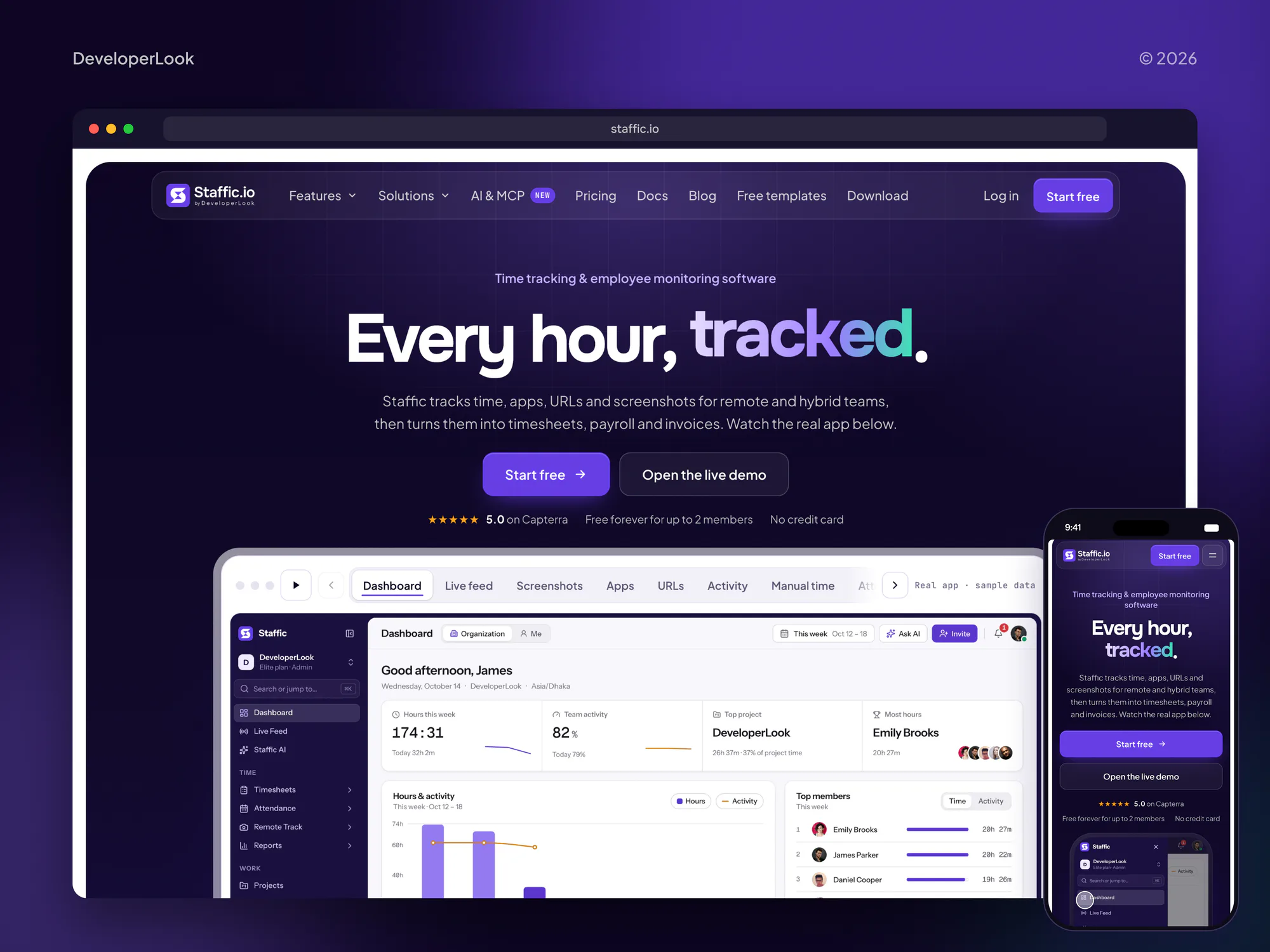
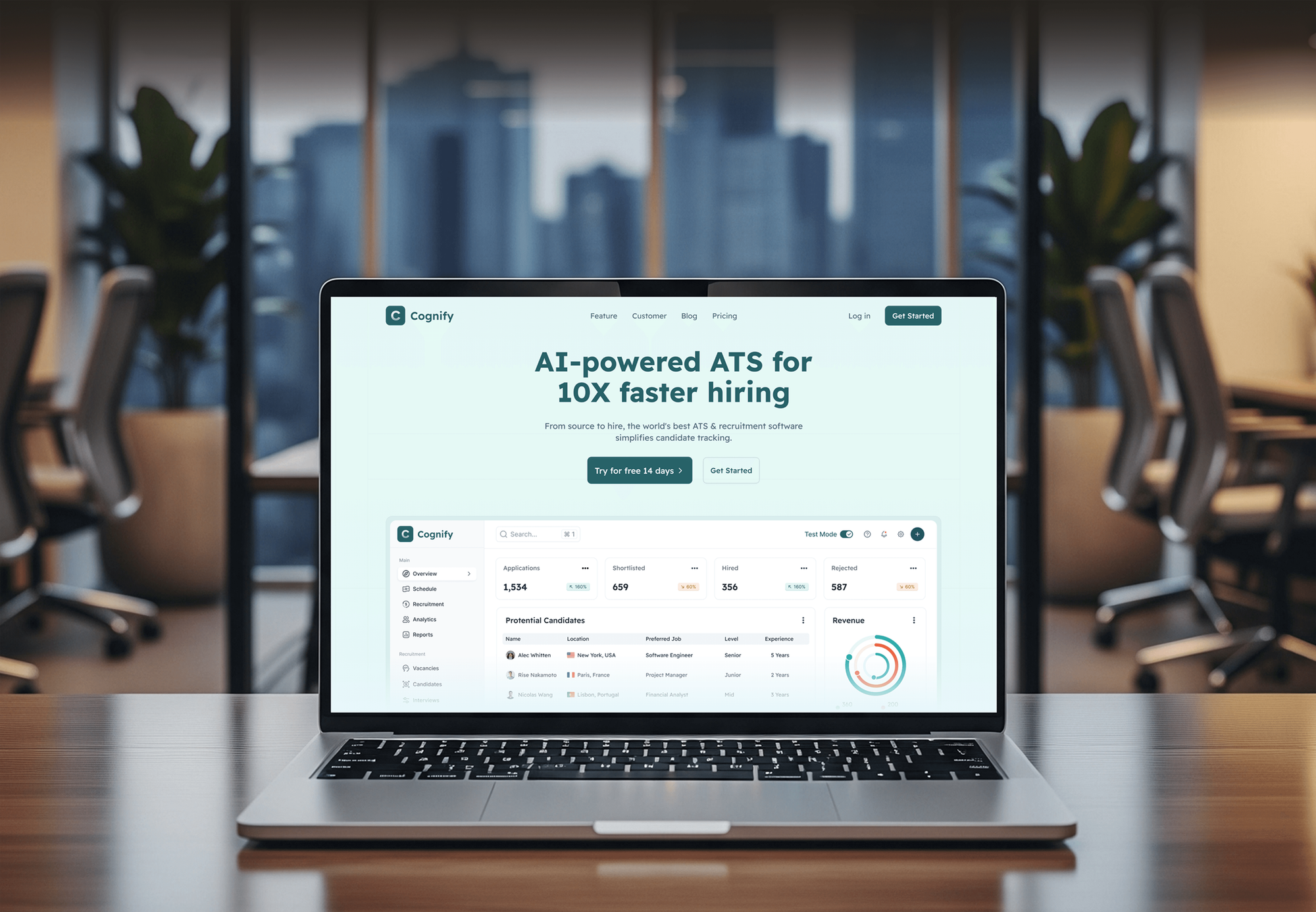
B2B and SaaS marketing sites we designed and built. They show the page structure a HubSpot SEO program grows from; none of them is presented as an SEO result.


What Our Clients Say
Feedback from teams we have built websites, apps, and platforms for.
We had a pretty specific idea of what we wanted our website to become, but I wasn’t sure how easily we could explain all of it to a development team. There were quite a few moving parts, and we were working toward a deadline, so I expected a few things to get lost along the way. That never really happened. They understood what we were trying to achieve, kept us updated throughout the process, and got everything ready within the agreed timeline. The final site feels much easier to navigate, works beautifully on mobile, and is noticeably smoother for our customers. It was a huge relief seeing the original idea actually turn into the website we had in mind.
The mobile experience is probably my favourite part of the new site. We had spent a lot of time making sure the desktop version looked right, and the team kept pushing us to think about how everything would actually feel on a phone too. They were right. The navigation is clean, the interactions feel natural, and everything we’ve tested so far works exactly as it should. They also went through the links, forms, integrations, and other details more than once before launch, which I really appreciated. And even after going live, we could still reach out when something came up. The whole process felt friendly, organised, and surprisingly straightforward.
What I appreciate most is that the website is actually easy for us to manage now. We can update content ourselves instead of sending a developer a message every time we need to change something small. They also paid attention to the technical SEO side, which mattered to us because we didn’t want a new website to create problems for the traffic we already had. I’ve probably asked more questions than I should have since launch, but every question has been handled patiently and without any fuss. The team is easy to work with, they explain things clearly, and when we need something changed, they focus on getting it done rather than making the process complicated.
1,250+
Projects shipped
10+
Years of experience
Top 3%
Upwork Top Rated Plus
5 stars
Average review score
1,250+
Projects shipped
10+
Years of experience
Top 3%
Upwork Top Rated Plus
5 stars
Average review score

Want results like these?
Tell us what you are building. You get a reply within 24 hours on business days, then a written estimate.
Work Culture
We work inside your portal the way your own team does, with your approvals and naming, and report in CRM numbers your sales team trusts.
We judge a post by the contacts and deals it brings, not only by traffic. A post with fewer visits that books demos beats a popular one that books nothing.
We follow your naming for pages, campaigns, and blog tags, and we archive nothing without asking. Your team can find every change we made in the content tools.
We read the SEO tool's findings, fix what matters, and tell you which ones are safe to dismiss. The list stops being noise and becomes a to-do list.
If HubSpot's built-in tools already cover a need, we'll say so before adding anything. You won't pay us to set up an app that duplicates a feature you own.
Content, redirects, reports, and dashboards live in your HubSpot account. If you stop working with us, everything stays exactly where it is.
When we change a HubL template or module, we document what changed and why. Your developer can pick it up without reverse engineering our work.
Overview
DeveloperLook runs HubSpot SEO for B2B teams whose website and blog sit on HubSpot CMS. We work through the SEO tool's recommendations, fix HubL templates and redirects, build topic clusters, and report organic contacts and deals from your CRM. Plans start at $850 per month, fixes reach the live site in 3 to 5 weeks, and all work stays in your portal.
DEVELOPERLOOK
Project facts · HubSpot SEO Services
Reviewed 28 Oct 2026 by Saimul Islam
Good fit
B2B teams publishing on HubSpot
You publish on the HubSpot blog every week and want that effort to bring demo requests, not just visitors who read and leave.
Sites recently moved to HubSpot CMS
You moved your site from WordPress to HubSpot CMS, and organic traffic dropped because old URLs, images, and blog tags didn't carry over.
SaaS companies on Marketing Hub
Your Marketing Hub plan includes the SEO tool, but nobody on the team has time to act on its recommendations or topic suggestions.
Teams needing a HubSpot SEO audit
You need a HubSpot SEO audit before a redesign or a new quarter, with fixes ranked by the pipeline each page already brings in.
Agencies with HubSpot clients
Your agency builds on HubSpot and wants the top SEO services for HubSpot sites delivered under your brand while you keep the client.
Not a fit
Budget under $850 a month
Below $850 a month, a monthly program is hard to justify. A one-off plan from our SEO Consultant service lets your own marketers do the work.
New HubSpot site needed
Your site needs new templates or a full rebuild on HubSpot. Our HubSpot Website Design and Development team builds it, with SEO planned in.
Portal setup, not SEO
You need HubSpot itself set up: properties, workflows, and lead scoring. Our HubSpot Implementation Consulting service covers that work.
You want a certification course
You want your team trained for HubSpot's SEO certification. HubSpot Academy offers that course for free, so you don't need us for it.
Not sure we're the right fit?
Book a free call or message us. We'll tell you honestly whether we're the right team.
Pricing
These are monthly starting points in USD. Your plan depends on how many pages need work and how much new content you want, and you get a fixed proposal after a free portal review.
For Agencies
You own the client relationship. We supply the HubSpot SEO work behind it: portal reviews, template and redirect fixes, cluster content, and pipeline reports in your branding. We work in each client's portal with the access you grant.
White label: your client only ever sees your brand
Send portal access, goals, and timelines, and we review the portal within a week.
You get a fixed monthly scope to mark up and present as your own.
We ship fixes, posts, and pipeline reports monthly, credited to your agency.
Send portal access, goals, and timelines, and we review the portal within a week.
You get a fixed monthly scope to mark up and present as your own.
We ship fixes, posts, and pipeline reports monthly, credited to your agency.
The Right Technology for Your Project
These are the HubSpot tools and outside data sources we use to find, fix, and report on search work in your portal.
 HubSpot Content Hub
 Google Search Console
 Google Analytics (GA4)
 Google Tag Manager
 Semrush
 PageSpeed Insights
 Lighthouse
 Chrome DevTools
 WordPress
 Salesforce
 Google Sheets
Related Services
Pair SEO for HubSpot with the build, B2B, and blog work around it, or compare our other platform SEO programs.
This page
HubSpot SEO Services
Pairs with the 6 services around it
FAQ
Straight answers on cost, timelines, HubSpot's built-in SEO tools, its AI features, and how HubSpot CMS handles search.
Saimul IslamFounder & CEO, DeveloperLookStill have questions?
Send a message or book a call with the team.
SEO in HubSpot means two things: the SEO tools built into HubSpot, and the work of ranking pages built on HubSpot CMS. The tools scan pages, suggest fixes, and group content into topics. The work is everything the tools can't do alone: choosing searches, fixing templates, writing posts, and earning links.
Yes, HubSpot is good for SEO when the templates are built well and someone acts on its recommendations. For SEO, HubSpot gives you managed hosting with SSL, automatic XML sitemaps, canonical tags, and suggestions in the editor. Where it falls short is depth: no competitor research, limited server-level control, and templates that only a HubL developer can change.
Our plans start at $850 per month. Portal Foundation covers recommendations, redirects, template fixes, and 2 posts a month. Cluster Growth ($1,400) adds 4 pieces, post merges, and link outreach. Pipeline Authority ($2,100) adds 8 pieces, hreflang, and quarterly digital PR. You get a fixed proposal after the free portal review.
Most portals see first fixes live in 3 to 5 weeks, with lead gains building over 4 to 6 months. Redirect and template fixes often show first, as Search Console stops reporting errors. Topic clusters take longer, because new and merged posts need to be crawled and ranked before buyers find them and fill in forms.
Yes. Every HubSpot account gets SEO recommendations inside the page and blog editor, such as missing meta descriptions or alt text. Marketing Hub and Content Hub at Professional or Enterprise add the full SEO tool, which scans your domain and groups content into topics. The CMS also creates sitemaps and manages redirects without plugins.
Yes, HubSpot CMS is a good fit for B2B sites that already run their marketing in HubSpot. Hosting, security, and speed basics are managed for you, so there are no plugins to update. The trade-off against WordPress is control: you can't install server-level tools, and template changes need HubL. For most B2B teams, the CRM connection outweighs that.
Yes, the SEO tool in Marketing Hub Professional and Enterprise scans your pages and lists issues such as missing metadata and broken links. It also flags internal linking gaps. HubSpot notes the scan reads page HTML only, not content loaded by scripts. The list is a good start, but it isn't ranked by revenue, which is the first thing we change.
Yes, HubSpot's Breeze AI tools can draft blog posts around a target keyword and suggest titles and meta descriptions in the editor. That speeds up first drafts. It doesn't replace checking search intent and facts. We treat AI drafts as a starting point and edit them before anything is published.
We don't publish client SEO results without written permission, so there is no public HubSpot SEO case study on this page yet. On the free review call, we walk you through a sample monthly report, the change log, and how we tie organic visits to CRM deals.
Everything stays in your portal: pages, posts, redirects, templates, and reports. We work under the user access you grant and give it back when the engagement ends. Template changes come with written notes, so your team or another developer can keep building on them without starting over.
Saimul IslamFounder & CEO, DeveloperLookStill have questions?
Send a message or book a call with the team.
Free 30-min callGoogle Meet
Book a call
In 30 minutes on Google Meet we walk you through how we would build it, how long it takes and what it costs. Then you get a written estimate.
Calendar not showing? Book on cal.com or send a brief.