
Lodgify booking widget setup
Search box or booking box embedded on your own site, styled to match, and tested with a real reservation.

For vacation rental hosts and managers on Lodgify: direct bookings on your own site, rates from PriceLabs, and door codes that go out without a text.
100%
Direct bookings in your calendar
8+ hrs
Host admin saved each month
How your project runs
Teams we have built for:














The Problem
Most hosts start with Lodgify for the channel manager. The gaps show up later: an untested widget, rates in another app, separate lock codes, and iCal-only portals.
01 · Widget
The booking widget sits on a page nobody tested.
We place it where guests decide, then run a real test booking.
02 · Rates
Rates get typed into Lodgify by hand every week.
PriceLabs sends rates and minimum stays straight into each listing.
03 · Door codes
Guests text late at night asking for the door code.
Each stay gets its own lock code, sent before check-in.
04 · Portals
A German portal calendar drifts and dates double book.
Each iCal link is checked, timed, and tested with a blocked date.
Your Lodgify account holds the calendar, but the rest of the business lives somewhere else. The booking widget sits on your WordPress site, and nobody has tested it since launch. PriceLabs suggests a rate on Monday, and someone retypes it into Lodgify on Friday. A guest lands at midnight and texts for the door code. A Traum-Ferienwohnungen booking blocks the dates a day late because the iCal import wasn't checked. Each gap costs a night or a review.
We start with a map of every tool around Lodgify and the path each one should use. That's the booking widget, a Marketplace app, an iCal link, Zapier, or the Public API. Then we connect them in that order, simplest first, and test each one on blocked dates. You get rates, door codes, and bookings that move on their own, not a pile of logins nobody checks.
Bookings on your own site
The booking widget on WordPress, Wix, Squarespace, or Webflow, tested with a real reservation.
Codes sent before arrival
Smart locks linked through Lodgify, so each stay gets its own code at the right time.
Rates that follow demand
PriceLabs rates and minimum stays flow into Lodgify listings instead of being retyped by hand.
Our Lodgify Integration Process
You see the connection map before anything changes and approve each path. Then you watch a test booking move through your site, Lodgify, the lock, and the pricing tool.
We look at your Lodgify plan, website, channels, pricing tool, and locks. Basic has no website builder, so the plan decides what's possible. You get a short written map of what to connect and how.
What's Included
Every project covers the links your stays depend on: widget or website, pricing, locks, portals, and automation, each tested before guests use it.
Compare Options
Doing it yourself suits one widget or one iCal link, and a freelancer can be cheaper for a single task. Here is where each one breaks down once several tools meet Lodgify.
| Feature | DeveloperLookBest fit | DIY setup | Freelancer |
|---|---|---|---|
| Setup planning | Written map of every connection | Trial and error | Usually one task at a time |
| Booking widget | Embedded, styled, and test-booked | Embed code pasted as is | Embedded, often untested |
| PriceLabs rates | External Rates per listing checked | Possible with Lodgify's guide | Varies by experience |
| Smart locks | Code timing tested per stay | Possible, timing left unchecked | Varies by experience |
| API and webhooks | Signed webhooks, logged and retried | Sometimes, rarely documented | |
| Cost | Fixed price from $450 | Free apart from your time | Often cheaper per hour |
| Support after launch | 30 to 90 days included | Lodgify help center only | Depends on availability |
| Ownership | Keys and logins stay yours | Sometimes kept by the freelancer |
Projects We've Built
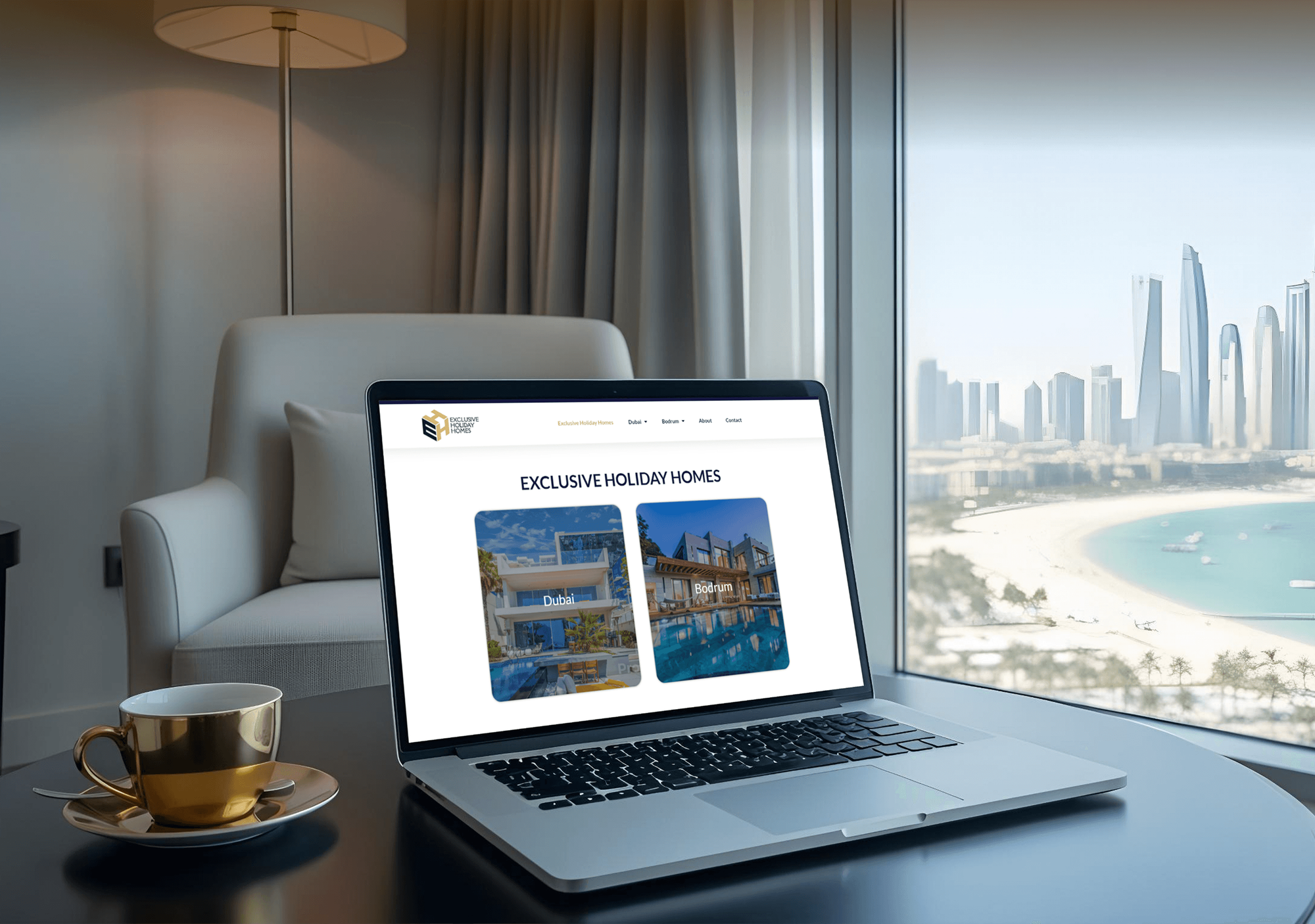
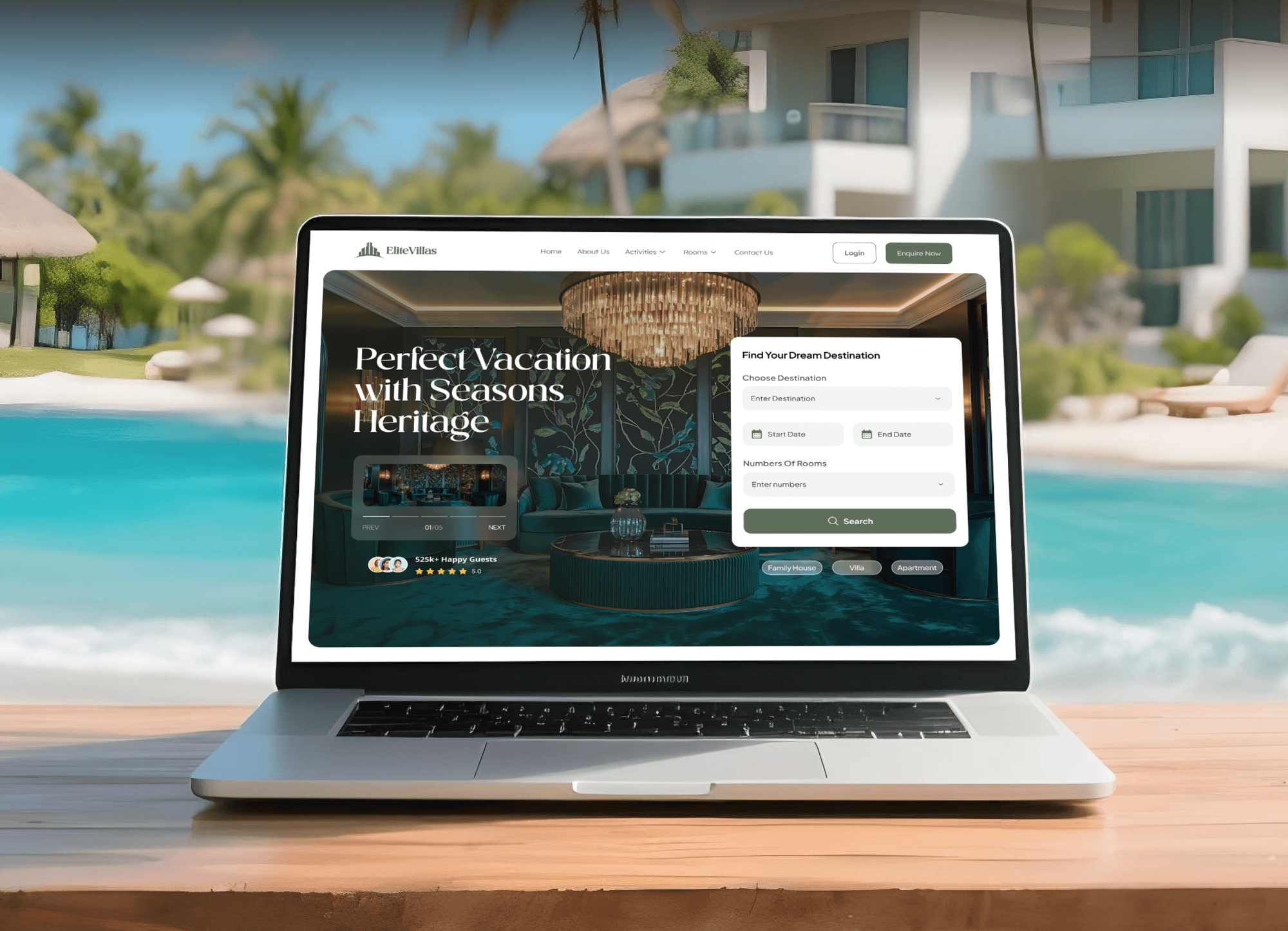
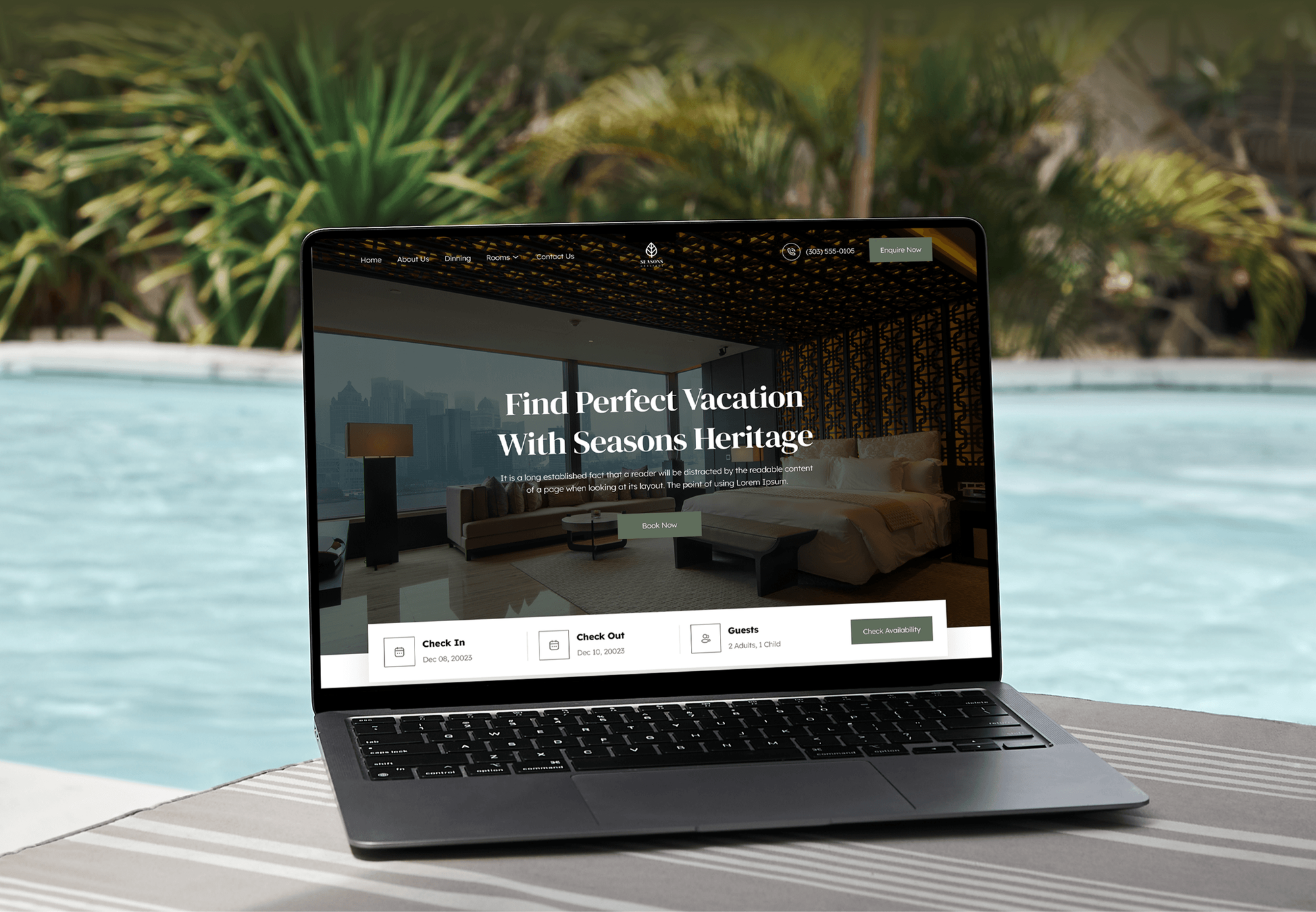
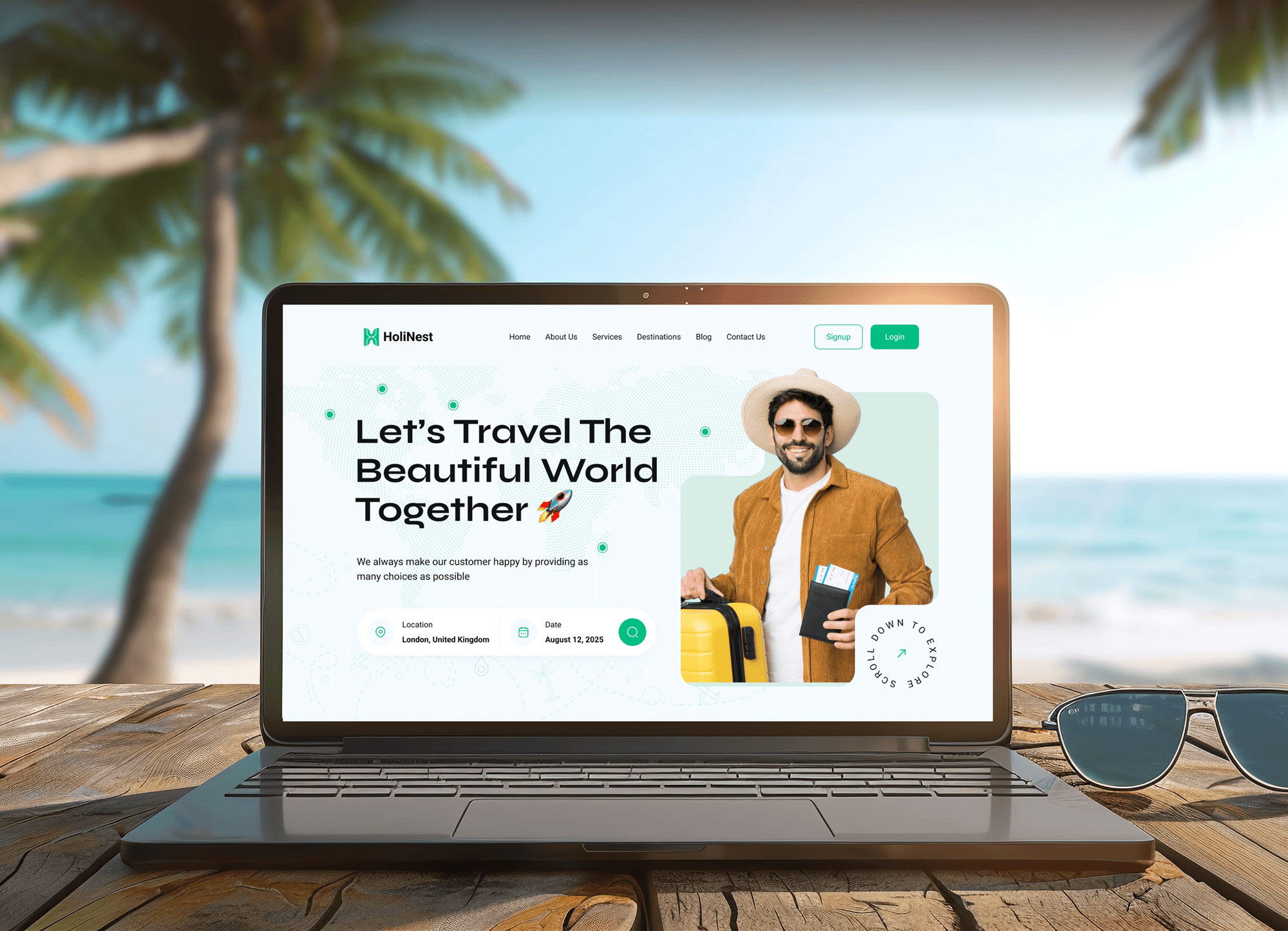
Vacation rental and booking websites we designed and built. None of them ran on Lodgify, but each one is built to turn browsing guests into direct bookings.
What Our Clients Say
Feedback from teams we have built websites and business software for.
We had a pretty specific idea of what we wanted our website to become, but I wasn’t sure how easily we could explain all of it to a development team. There were quite a few moving parts, and we were working toward a deadline, so I expected a few things to get lost along the way. That never really happened. They understood what we were trying to achieve, kept us updated throughout the process, and got everything ready within the agreed timeline. The final site feels much easier to navigate, works beautifully on mobile, and is noticeably smoother for our customers. It was a huge relief seeing the original idea actually turn into the website we had in mind.
The mobile experience is probably my favourite part of the new site. We had spent a lot of time making sure the desktop version looked right, and the team kept pushing us to think about how everything would actually feel on a phone too. They were right. The navigation is clean, the interactions feel natural, and everything we’ve tested so far works exactly as it should. They also went through the links, forms, integrations, and other details more than once before launch, which I really appreciated. And even after going live, we could still reach out when something came up. The whole process felt friendly, organised, and surprisingly straightforward.
What I appreciate most is that the website is actually easy for us to manage now. We can update content ourselves instead of sending a developer a message every time we need to change something small. They also paid attention to the technical SEO side, which mattered to us because we didn’t want a new website to create problems for the traffic we already had. I’ve probably asked more questions than I should have since launch, but every question has been handled patiently and without any fuss. The team is easy to work with, they explain things clearly, and when we need something changed, they focus on getting it done rather than making the process complicated.
1,250+
Projects shipped
10+
Years of experience
Top 3%
Upwork Top Rated Plus
5 stars
Average review score

Want results like these?
Tell us what you are building. You get a reply within 24 hours on business days, then a written estimate.
Work Culture
Hosts lose money in quiet ways: a late door code, a stale rate, a missed iCal import. These habits keep every Lodgify connection working without fuss.
If a Marketplace app or the built-in website already covers your need, we set that up instead of writing code. You pay for custom work only where it earns its keep.
We test every booking, change, and cancellation on dates you have blocked, never on a live guest's stay. Your calendar and reviews stay safe while we work.
API keys and lock logins live in your Lodgify and vendor accounts, not in our files. When we finish, you can revoke our access in a few clicks.
Lock codes and messages are timed to your real check-in and check-out hours. A code that arrives too early or too late is a support call waiting to happen.
Some portals only sync by iCal, and iCal moves dates, not rates. We tell you what each link can and can't carry before you pay for it.
Every connection gets a one-page note: what it does, where its settings live, and what to check if it stops. Your co-host or cleaning lead can follow it.
Overview
DeveloperLook sets up Lodgify integrations for vacation rental hosts and managers. We embed the booking widget on your own site, connect PriceLabs rates and smart locks, link iCal portals, and build Zapier or Public API links. Projects start at $450 and most take 1 to 4 weeks, with each link tested on blocked dates first.
DEVELOPERLOOK
Project facts · Lodgify Integrations
Reviewed 22 Oct 2026 by Saimul Islam
Good fit
Hosts with a few vacation rentals
Your guests find you on Airbnb, then ask if they can book direct. You want Lodgify's booking widget on the WordPress site you already have.
Managers pricing with PriceLabs
You already pay for PriceLabs, but rates in Lodgify still get typed in by hand, and minimum stays drift between the two.
Hosts adding keyless check-in
Your guests text at 11 p.m. asking for the door code, and you want each stay to get its own code before arrival.
Hosts listing on German portals
Your rentals list on Traum-Ferienwohnungen as well as Airbnb, and a missed calendar import last summer caused a double booking.
Teams running operations in Notion
Your cleaners and co-hosts plan the week in Notion, so every new or changed booking needs to land there without anyone copying it.
Not a fit
Running Guesty instead
Your portfolio runs on Guesty, not Lodgify. Our Guesty integration page covers that platform's API, channels, and direct booking site instead.
Want a fully custom site
You want a custom-designed booking website rather than the Lodgify website or a widget. Our vacation rental site development service builds that from scratch.
One iCal link only
You only need to paste one iCal link into Lodgify. Lodgify's own guides walk you through it, and we'll say so before we quote.
Budget under $450
Your budget for the whole setup is under $450. Lodgify's built-in website builder and Marketplace apps are the better place to start for now.
Not sure we're the right fit?
Book a free call or message us. We'll tell you honestly whether we're the right team.
Pricing
These are starting points in USD. Your final price depends on how many listings, connections, and custom API links you need, and you get a fixed proposal after a free setup review.
For hosts who want direct bookings on the website they already run, plus one link.
$450one-time, USD
For hosts and managers who want pricing, locks, portals, and alerts working together.
$1,250one-time, USD
For managers with many listings who need custom tools built on the Lodgify Public API.
$2,850one-time, USD
For Agencies
You own the vacation rental client. We supply the Lodgify work behind your brand: the booking widget, PriceLabs and lock connections, iCal checks, and Public API builds. Your client keeps working with you, and our name never shows up in their inbox.
White label: your client only ever sees your brand
Send the Lodgify plan, website platform, and the tools the client wants connected.
We map each connection to a documented path and send a fixed scope.
We connect, test on blocked dates, and hand over white-label notes for your team.
Your brand on every connection map and handover note we write.
Work scheduled outside your client's peak booking weeks, not during them.
Every test runs on blocked dates, never on a real guest's booking.
Help across several host clients without hiring another developer.
The Right Technology for Your Project
We work inside Lodgify's own settings first, then use Zapier and the Lodgify Public API where a connection needs more than a toggle.
 WordPress
 Wix
Wix Squarespace
 Webflow
 Zapier
 Slack
Slack Google Sheets
 Node.js
FAQ
Straight answers on Lodgify costs, the booking widget, the website, PriceLabs, smart locks, portals, Notion, and the Public API.
Saimul IslamFounder & CEO, DeveloperLookStill have questions?
Send a message or book a call with the team.
Lodgify integrations from DeveloperLook start at $450 for the booking widget on your site plus one connection. The Direct Booking Stack with PriceLabs, smart locks, and Zapier links is $1,250, and Public API builds start at $2,850. Your Lodgify plan, PriceLabs subscription, and lock subscriptions are billed by those companies. You get a fixed quote after a free setup review.
Most Lodgify projects take 3 to 7 business days for a widget and one connection, and up to 4 weeks for Public API work. The longest part is usually testing: we book, change, and cancel stays on blocked dates before real guests touch anything. Lock code timing gets checked in the same pass.
Yes, through iCal calendar sync rather than a direct API channel. Lodgify's German guide lists Traum-Ferienwohnungen among its iCal portals. A Lodgify Traum-Ferienwohnungen integration moves blocked dates both ways but doesn't carry rates or guest details, so prices are set on the portal itself. We add the links, check how often each side imports, and test with a blocked date.
You copy the widget's embed code from Lodgify and paste it into your site, and most builders accept it without a plugin. It comes as a search box for several rentals or a booking box for one. Lodgify documents it for WordPress, Wix, Squarespace, and Webflow. We place it where guests decide and run a real test booking.
Use the Lodgify website if you don't have a site yet, and keep your own if it already brings in guests. Starter and higher plans include Lodgify's builder with commission-free direct bookings, while Basic has no website. A Lodgify direct booking website is quick to launch. If your WordPress site already ranks, the widget adds booking to it without starting over.
PriceLabs sends nightly rates and minimum stays into Lodgify once you turn on External Rates for each listing. Setup starts in Lodgify's Marketplace, where you copy a user ID and API key into PriceLabs, and both subscriptions are needed. We check every listing is mapped and confirm extra-guest fees, because PriceLabs fees overwrite Lodgify's.
Lodgify names Nuki, Igloohome, Schlage, and Yale on its smart locks page, and the full brand list sits under Settings in your account. A Lodgify smart lock integration links your lock brand's own account, so each stay gets a code. We check the code arrives before check-in and stops after check-out. Some brands, such as Nuki, need their own subscription.
Yes, but not natively: a Lodgify Notion integration runs through Lodgify's Zapier app or its Public API. Zapier works well for sending each new or changed booking to a Notion database for cleaners and co-hosts. If you need guest messages, rate changes, or two-way updates, we use the Public API and its webhooks instead, so nobody copies bookings by hand.
Yes, Lodgify has a Public API, with versions 1 and 2 documented at docs.lodgify.com. You create the key in your account settings, and it covers properties, rates, availability, quotes, and bookings. Webhooks report booking, rate, availability, and guest message changes, signed with HMAC-SHA256. We log every call and retry failed webhooks safely.
You do: every key, lock login, Zapier account, and line of code stays in your accounts. We work through access you grant, and you can revoke it at handover. Every plan includes post-launch support, from 30 days on Booking Widget Setup to 90 days on a Public API Build.
Saimul IslamFounder & CEO, DeveloperLookStill have questions?
Send a message or book a call with the team.
Free 30-min callGoogle Meet
Book a call
In 30 minutes on Google Meet we walk you through how we would build it, how long it takes and what it costs. Then you get a written estimate.
Calendar not showing? Book on cal.com or send a brief.