
Ownership moved to you
Reports and data sources transferred to a company account or a Data Studio Pro project.

For marketing teams and agencies stuck with slow or orphaned reports: dashboards your company owns, that load quickly and update themselves.
3X
Faster report page loads
1link
Live report instead of exports
How your project runs
Teams we have built for:














The Problem
Looker Studio reports are free, quick to start, and easy to share, so they spread fast. Then ownership, data quotas, and conflicting metric definitions turn a free tool into weekly busywork.
01 · Ownership
The report lives in a former freelancer's Gmail account.
Reports and data sources move to a company account or a Pro project.
02 · Quota errors
Charts fail when the whole team opens the report.
Heavy GA4 pages read from Extract Data or a BigQuery export.
03 · Mixed metrics
Two pages count conversions differently.
One calculated field per metric, documented where your team can find it.
04 · Manual decks
Numbers get copied into slides every Monday.
One shared link, plus a scheduled email for people who prefer their inbox.
Every Monday, someone on your team copies numbers from GA4, Google Ads, and Meta into a slide deck. There is a Looker Studio report, but a freelancer built it, and it's still owned by their Gmail account. Half the charts show quota errors when the team opens it at 9 AM. Two pages count conversions differently, and nobody knows which calculated field is right. So the report gets screenshotted, and then the screenshot gets questioned.
We start with ownership and data, not chart colors. Reports and data sources move to your company's account or a Data Studio Pro project. Heavy GA4 pages switch to Extract Data or a BigQuery export, so the quota errors stop. Every metric gets one definition, written into its calculated field. Then the report is shared by link and emailed on a schedule, and the Monday slide deck can retire.
Owned by your company
Reports and sources sit in a company account or a Pro project, not a personal Gmail.
Pages that load quickly
Extract Data or BigQuery replaces live GA4 queries on the pages your team opens most.
One definition per metric
Every calculated field is written down, so two pages don't count conversions two different ways.
Our Looker Studio Consulting Process
You see the ownership check, the metric definitions, and a draft report before anything is shared. Your team keeps using the old report until the new one matches.
We open your current reports and data sources, check who owns them, and time the slowest pages. You get a list of fixes and a straight answer if the report only needs a few changes.
What's Included
Each project fixes who owns the reports, where the data comes from, and how fast pages load. Most projects include these six parts.
Compare Options
A free template costs nothing, and a freelancer is quick for one report. Here is how a Google Looker Studio consultant compares when several people rely on the numbers every week.
| Feature | DeveloperLookBest fit | Freelancer | Free template |
|---|---|---|---|
| Ownership | Company account or Pro project | Often the freelancer's login | Whoever copied it |
| Data sources | GA4, Ads, Sheets, and BigQuery | Usually the main connectors | The template's sources only |
| Quota handling | Extract Data or BigQuery | Fixed once it breaks | |
| Metric definitions | Written for every field | In the freelancer's head | The template's own formulas |
| Fit to your business | Built around your questions | Built from your brief | Generic layout |
| Speed to start | Within a week of review | Often within days | Same day |
| Sharing | Link, schedule, and publishing | Link sharing | Link sharing |
| Cost | Fixed price from $650 | Hourly, often lower | Free to download |
Projects We've Built
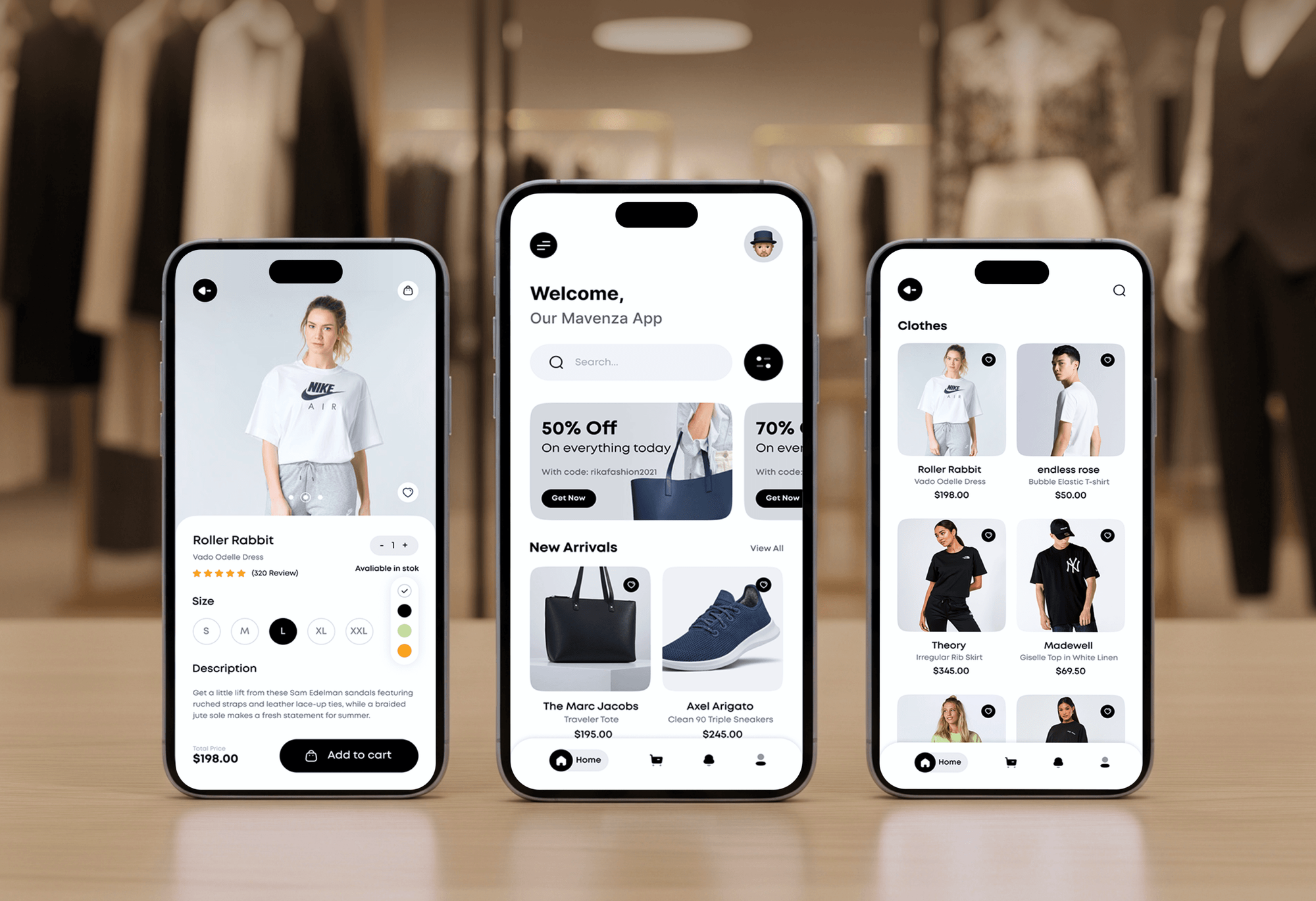
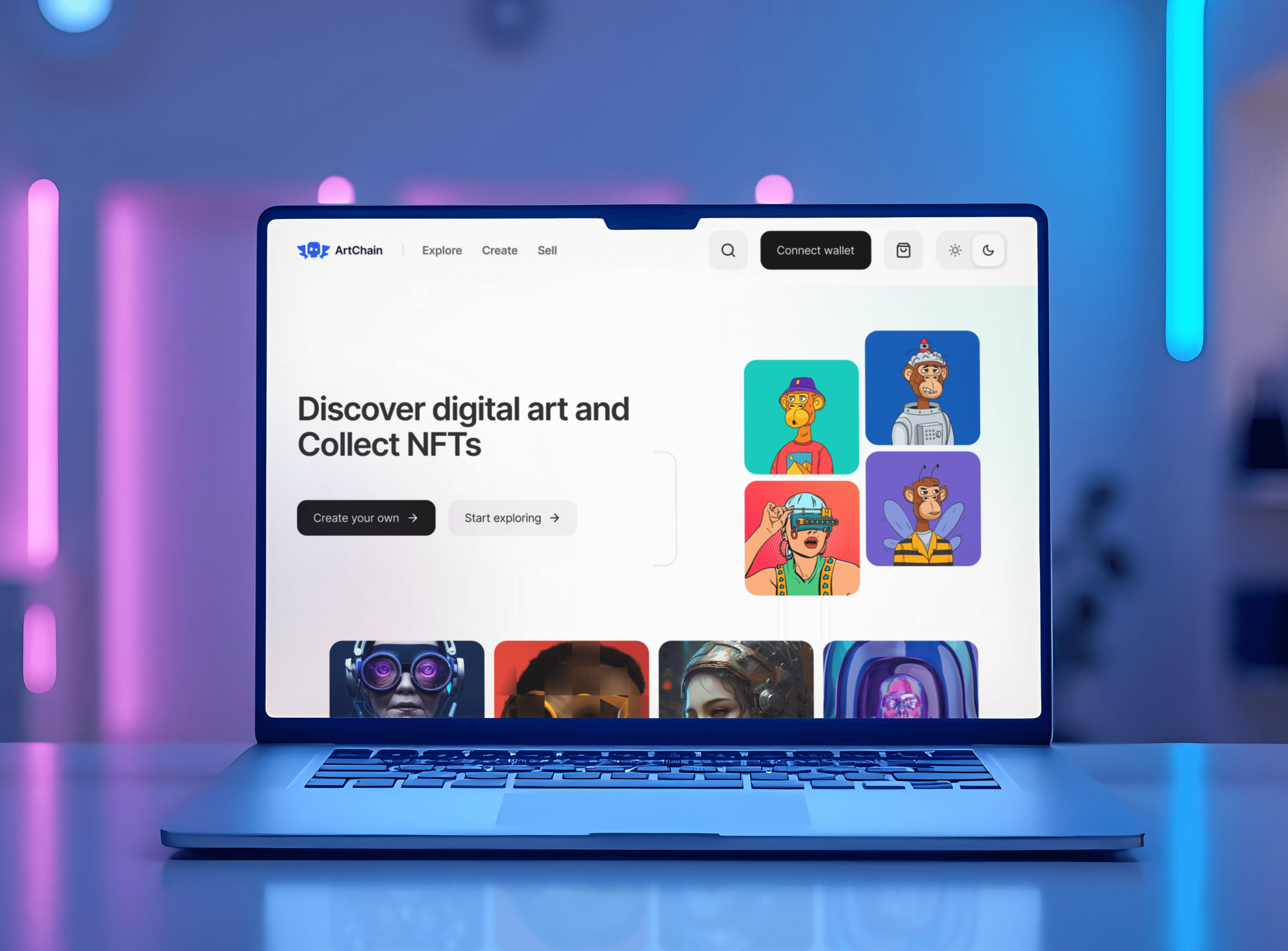
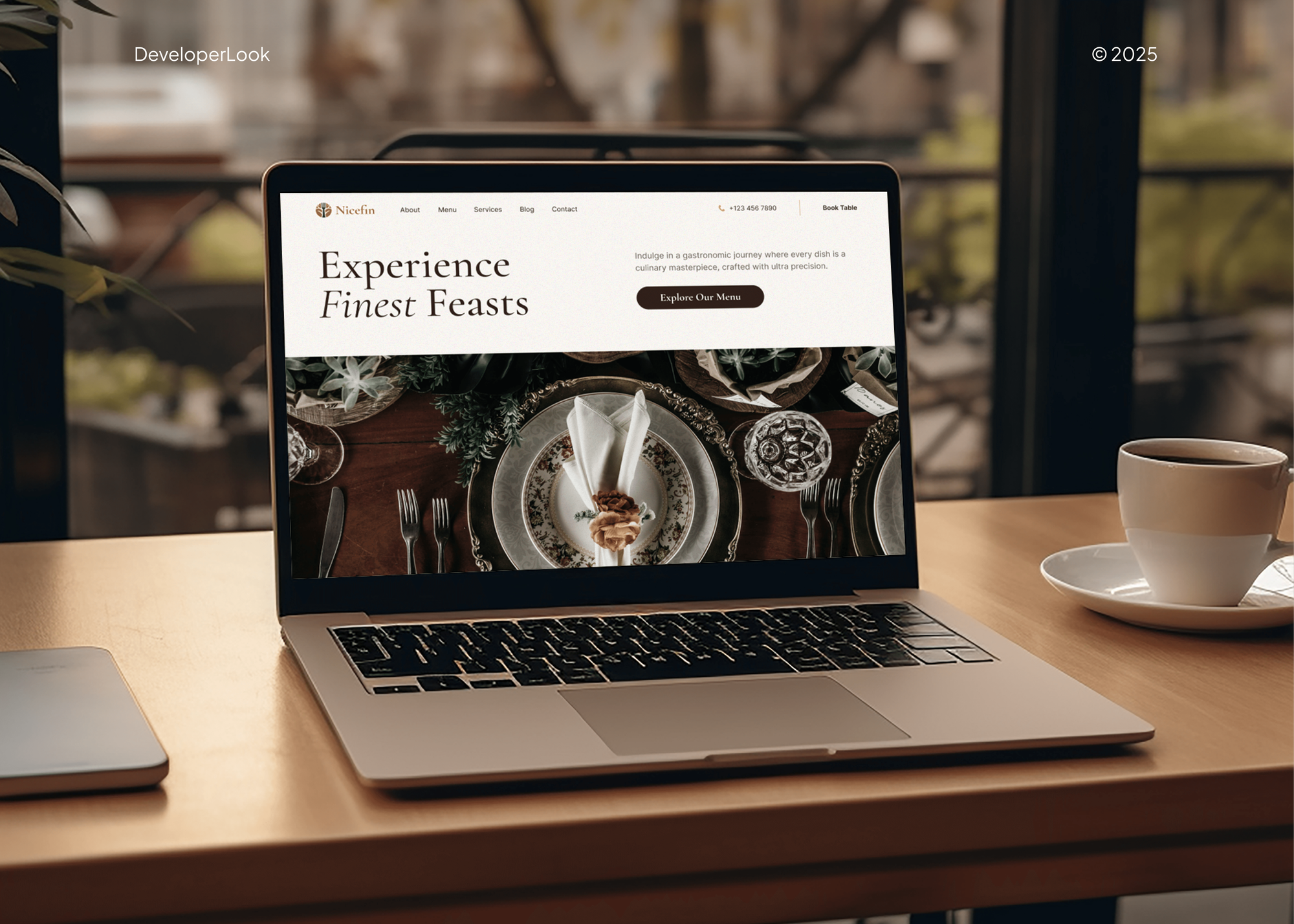
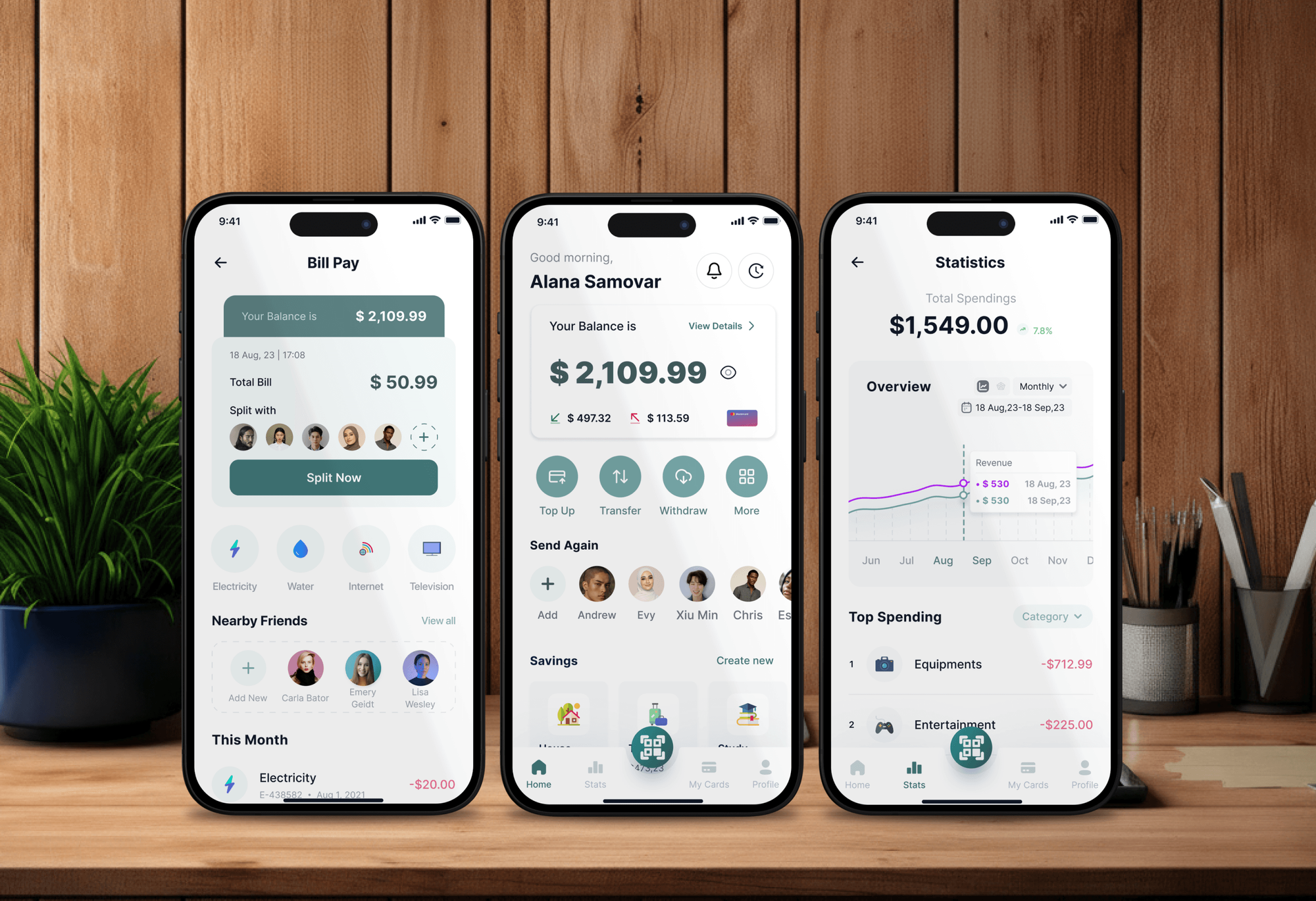
Admin and finance dashboards from our portfolio. None was built in Looker Studio, but each turns sales and activity data into a screen people check daily.
What Our Clients Say
Feedback from teams we have built dashboards and web apps for.
We had a pretty specific idea of what we wanted our website to become, but I wasn’t sure how easily we could explain all of it to a development team. There were quite a few moving parts, and we were working toward a deadline, so I expected a few things to get lost along the way. That never really happened. They understood what we were trying to achieve, kept us updated throughout the process, and got everything ready within the agreed timeline. The final site feels much easier to navigate, works beautifully on mobile, and is noticeably smoother for our customers. It was a huge relief seeing the original idea actually turn into the website we had in mind.
The mobile experience is probably my favourite part of the new site. We had spent a lot of time making sure the desktop version looked right, and the team kept pushing us to think about how everything would actually feel on a phone too. They were right. The navigation is clean, the interactions feel natural, and everything we’ve tested so far works exactly as it should. They also went through the links, forms, integrations, and other details more than once before launch, which I really appreciated. And even after going live, we could still reach out when something came up. The whole process felt friendly, organised, and surprisingly straightforward.
What I appreciate most is that the website is actually easy for us to manage now. We can update content ourselves instead of sending a developer a message every time we need to change something small. They also paid attention to the technical SEO side, which mattered to us because we didn’t want a new website to create problems for the traffic we already had. I’ve probably asked more questions than I should have since launch, but every question has been handled patiently and without any fuss. The team is easy to work with, they explain things clearly, and when we need something changed, they focus on getting it done rather than making the process complicated.
1,250+
Projects shipped
10+
Years of experience
Top 3%
Upwork Top Rated Plus
5 stars
Average review score

Want results like these?
Tell us what you are building. You get a reply within 24 hours on business days, then a written estimate.
Work Culture
Reports only help when people trust them and open them. These habits keep yours owned by you, fast to load, and consistent from page to page.
If a template and an hour of setup will do, we'll tell you before we quote. Bigger rebuilds wait until the review shows you need one.
Reports, data sources, and BigQuery tables sit under your company's accounts. Nobody loses access when a person or a supplier leaves.
Every scorecard is compared with GA4, Google Ads, or the CRM before handover. A number that doesn't match gets traced, not hidden.
Each calculated field has a plain-English definition in the field guide. New team members read the same meaning the report uses.
Looker Studio is free, but partner connectors and BigQuery can cost money. We show those monthly costs before you choose them.
We aren't a Google partner and sell no connector licenses. You get the cheapest setup that answers your team's real questions.
Overview
DeveloperLook offers Looker Studio consulting for marketing teams and agencies. We move reports to company-owned accounts, connect GA4, Google Ads, Search Console, and Sheets, fix slow pages with Extract Data or BigQuery, and schedule delivery. Projects start at $650, take 1 to 6 weeks, and every report stays in your account.
DEVELOPERLOOK
Project facts · Looker Studio Consulting
Reviewed 22 Oct 2026 by Saimul Islam
Good fit
Marketing teams with weekly reporting
You copy numbers from GA4, Google Ads, and Meta into slides every Monday, and you want one report that updates itself.
Teams hitting GA4 quota errors
Your Looker Studio dashboards show quota errors on busy mornings, and charts load slowly when the whole team opens them at once.
Companies whose reports left with someone
Your reports belong to a former freelancer's Gmail account, so nobody at your company can edit them or fix a broken data source.
Agencies reporting to many clients
Your agency builds a Google Looker Studio dashboard for every client by hand and wants to hire Looker Studio consultant hours to build one template.
Leadership teams wanting one view
You want leads, ad spend, and revenue from HubSpot on one page before the weekly meeting, from numbers your team already trusts.
Not a fit
BI tool not chosen yet
You haven't picked a BI tool and want KPIs defined first. Our BI Dashboard Development page is tool-neutral and starts with a KPI workshop.
The tracking itself is wrong
Your GA4 numbers are wrong before they reach any report. Our Google Tag Manager Consultant page fixes the tags first, so the report has true numbers to show.
Your company runs Power BI
Your company standardized on Microsoft 365 and Power BI. Our Power BI Consulting Services page covers models, DAX, and rollouts instead.
Budget under $650
You need one chart fixed, and your budget is under $650. Google's help center and free templates often cover it, and we'll tell you before we quote.
Not sure we're the right fit?
Book a free call or message us. We'll tell you honestly whether we're the right team.
Pricing
These are starting points in USD. Your final price depends on the number of reports, data sources, and clients, and you get a fixed proposal after a free report review.
For teams with one slow, broken, or orphaned marketing report.
$650one-time, USD
For marketing teams that need leadership, channel, and SEO reports they trust.
$1,800one-time, USD
For agencies and multi-brand companies that report to many clients or brands.
$3,900one-time, USD
For Agencies
You own the client relationship. We supply the reporting work behind it: report templates, data sources, quota fixes, and scheduled delivery, built in your clients' accounts under your brand. Each template is reused across clients, so monthly reporting takes less of your time.
White label: your client only ever sees your brand
Send current client reports, account access, and the metrics your clients ask about.
You get the ownership check, a template plan, and a fixed quote with dates.
Templates go live in each client account under your brand.
Your logo and colors on every report and field guide.
A tested template copied to each client with their own sources.
Report builds priced upfront, so retainers stay profitable.
Each client's report and sources stay in that client's own account.
The Right Technology for Your Project
We use Google's own connectors first and add partner connectors or BigQuery only when data volume or other ad platforms need them.
 Google Sheets
 Google Analytics (GA4)
 Google Search Console
 Google Tag Manager
 Meta Ads
 HubSpot
 Salesforce
 Google Cloud
 PostgreSQL
 MySQL
MySQLFAQ
Straight answers on costs, timelines, building, sharing, ownership, publishing, and slow reports.
Saimul IslamFounder & CEO, DeveloperLookStill have questions?
Send a message or book a call with the team.
Our Looker Studio work starts at $650 to rebuild one report with up to 4 data sources and fix its slow pages. A reporting suite with up to 3 reports and BigQuery for heavy GA4 pages starts at $1,800. A client reporting system for up to 15 clients starts at $3,900. Looker Studio itself is free.
One report takes 1 to 2 weeks, and a reporting suite takes 2 to 4 weeks. A client reporting system for an agency takes 3 to 6 weeks. The slowest part is usually agreeing on metric definitions, such as what counts as a lead, so we settle those in the first week.
A Looker Studio dashboard is an interactive report built in Google's free reporting tool, which Google renamed Data Studio in April 2026. It connects to GA4, Google Ads, Search Console, Sheets, and other sources, and it updates as the data changes. Viewers filter by date, channel, or campaign instead of asking for exports.
Start with the questions it must answer, then connect each source as a data source. Add a date range control, put the key scorecards at the top, and keep each page to a handful of charts so it loads quickly. Document every calculated field, and test the totals against the source tool before you share it.
Connect GA4, Google Ads, and Search Console with Google's free connectors, then add Meta or your CRM through a partner connector or Sheets. Blend sources on date and campaign, which works with up to 5 sources per blend. Build one page for leadership and one per channel.
Click Share and add people or groups, just as in Google Docs, with viewer or editor access. You can also share a view-only link, schedule a PDF by email, or embed the report on an internal page. Check each data source's credentials first, because viewers may need their own access.
Share the report with the new owner, then make them owner in the sharing settings. Google allows transfers only within your domain, and Workspace users only inside their organization. Transfer each data source too. Uploaded CSV sources can't be transferred, so we rebuild those on Google Sheets.
Turn on report publishing, and editors then work on a draft while viewers keep seeing the published version. When the changes are ready, click Publish. It stops half-finished edits from reaching your leadership team, so we switch it on for every report people rely on.
Usually because many charts query GA4 live, and Google's Analytics API caps the requests each property can serve per hour. Google's fixes include fewer charts per page, owner's credentials, Extract Data snapshots of up to 100 MB on a refresh schedule, and a GA4 export to BigQuery. We pick the fix by traffic and budget.
You do. Reports and data sources move to a company account or a Data Studio Pro project, and Google says Pro content keeps working after its creator leaves. Every plan includes 30 to 90 days of support. After that, we can join for new reports or clients, quoted separately.
Saimul IslamFounder & CEO, DeveloperLookStill have questions?
Send a message or book a call with the team.
Free 30-min callGoogle Meet
Book a call
In 30 minutes on Google Meet we walk you through how we would build it, how long it takes and what it costs. Then you get a written estimate.
Calendar not showing? Book on cal.com or send a brief.