
EDR agent health checks
Every endpoint confirmed reporting with automatic quarantine on, and silent devices chased until they're fixed.

For small and midsize teams with an EDR tool nobody watches: every alert investigated by an engineer, real threats contained, and the root cause fixed. From $600 per month.
100%
Alerts investigated by a person
Auto
Quarantine of known malware
How your project runs
Teams we have built for:














The Problem
It shows up when a tool you pay for flags something after hours, and the one person who could check it is busy or away.
01 · Ignored alerts
Alerts sit unopened for days in a console nobody checks.
An engineer investigates each alert and records what was found.
02 · Split signals
Endpoint, sign-in, and email tools each see part of an attack.
Alerts from all three are reviewed together as one case.
03 · Slow containment
A compromised laptop stays online while people debate what to do.
Confirmed threats get the device isolated or the account locked under your runbook.
04 · Repeat attacks
The same weakness lets the next attack in a month later.
Each case ends with a root-cause fix: a patch, a setting, or removed access.
Your Defender console flagged a suspicious PowerShell script on the bookkeeper's laptop on Tuesday. Nobody opened the alert until Friday. That same week, someone signed in to the sales director's mailbox from another country, and a new rule now forwards invoices to an outside address. Each tool saw part of the attack. Nobody joined the dots, isolated the laptop, or reset the account. By the time anyone looked, a client had received a fake invoice.
We start by checking that every device reports to your EDR with automatic quarantine switched on. Then we review endpoint, sign-in, and email alerts together, so one engineer sees the whole story. Real threats get the device isolated or the account locked, and then we fix what let the attacker in. Alerts get answers, not just timestamps.
Every alert investigated
An engineer reads each alert, checks the evidence, and decides whether the threat is real.
Contained, then fixed
Isolate the device or lock the account, then close the gap that let it happen.
Signals joined together
Endpoint, sign-in, and email alerts reviewed side by side, so one attack reads as one case.
Our Managed Detection and Response Process
You approve which devices we may isolate and which accounts we may lock without asking first, then see every case, action, and fix in a monthly report.
We look at your endpoints, EDR license, Microsoft 365 or Google Workspace tenant, and how alerts are handled today. You leave with a written scope and a monthly price. If your EDR vendor's own managed service fits better, we'll tell you before we quote.
What's Included
Agent health, investigation, containment, root-cause fixes, tuning, and reporting, run on the EDR and Microsoft 365 or Google Workspace accounts you already own.
Compare Options
An EDR on its own blocks known malware cheaply, and large managed detection and response vendors offer round-the-clock analysts. Here is where each option fits.
| Feature | DeveloperLookBest fit | EDR alone | 24/7 provider |
|---|---|---|---|
| Setup check | Every agent verified | Whatever was installed | Onboarding checklist |
| Human review | Every alert, on business days | Only when you look | Around the clock |
| Containment | Under your agreed runbook | Automatic quarantine only | Their standard playbook |
| Root-cause fix | Fix hours in every plan | Left to you | Usually left to you |
| Signal sources | Endpoint, sign-in, and email | Endpoint only | Endpoint and often more |
| Reporting | Monthly case report and call | Console dashboards | Portal and monthly summary |
| Minimum size | No device minimum | No minimum at all | Often a device minimum |
| Cost | From $600 per month | License cost only | Higher, priced per device |
Projects We've Built
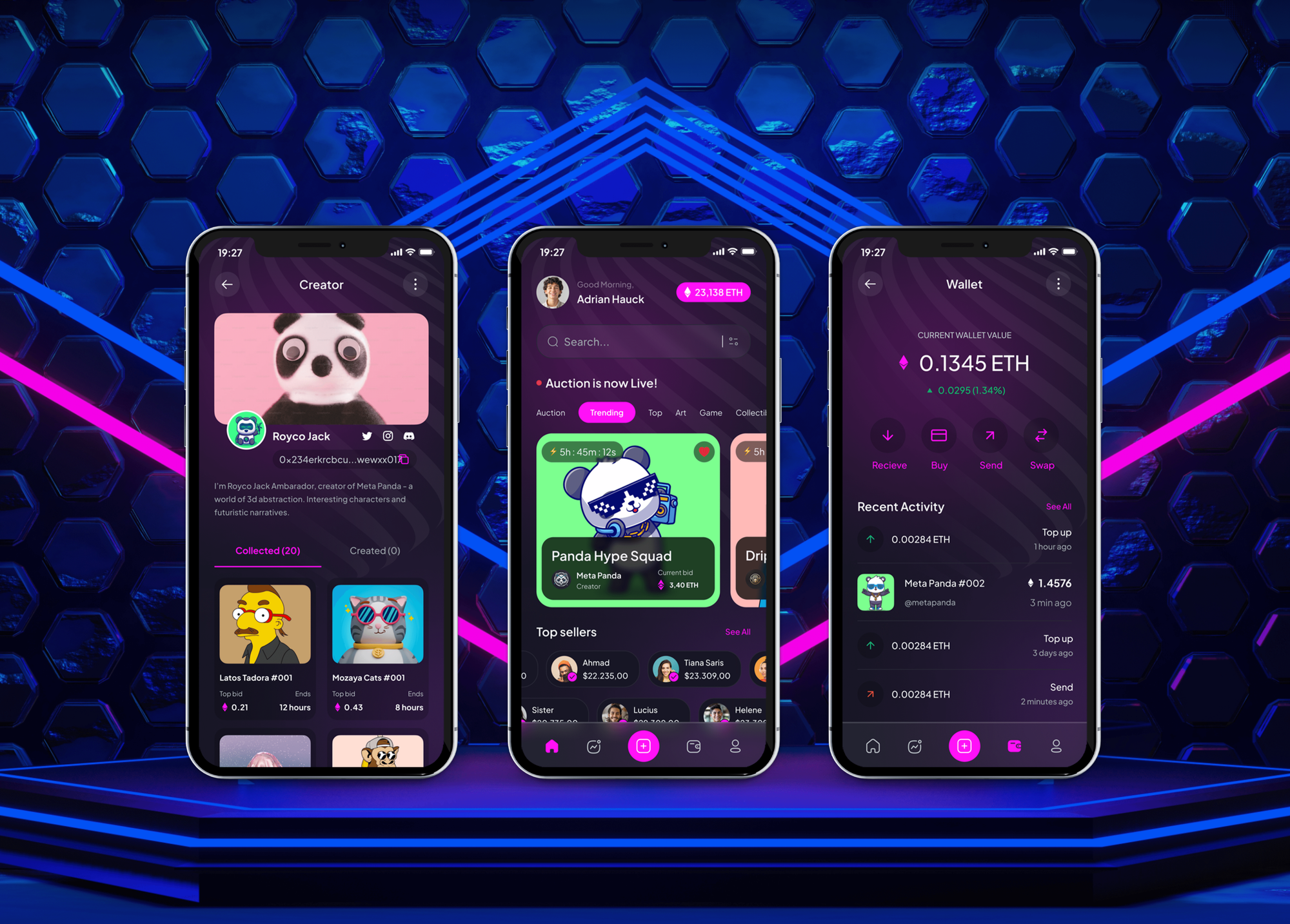
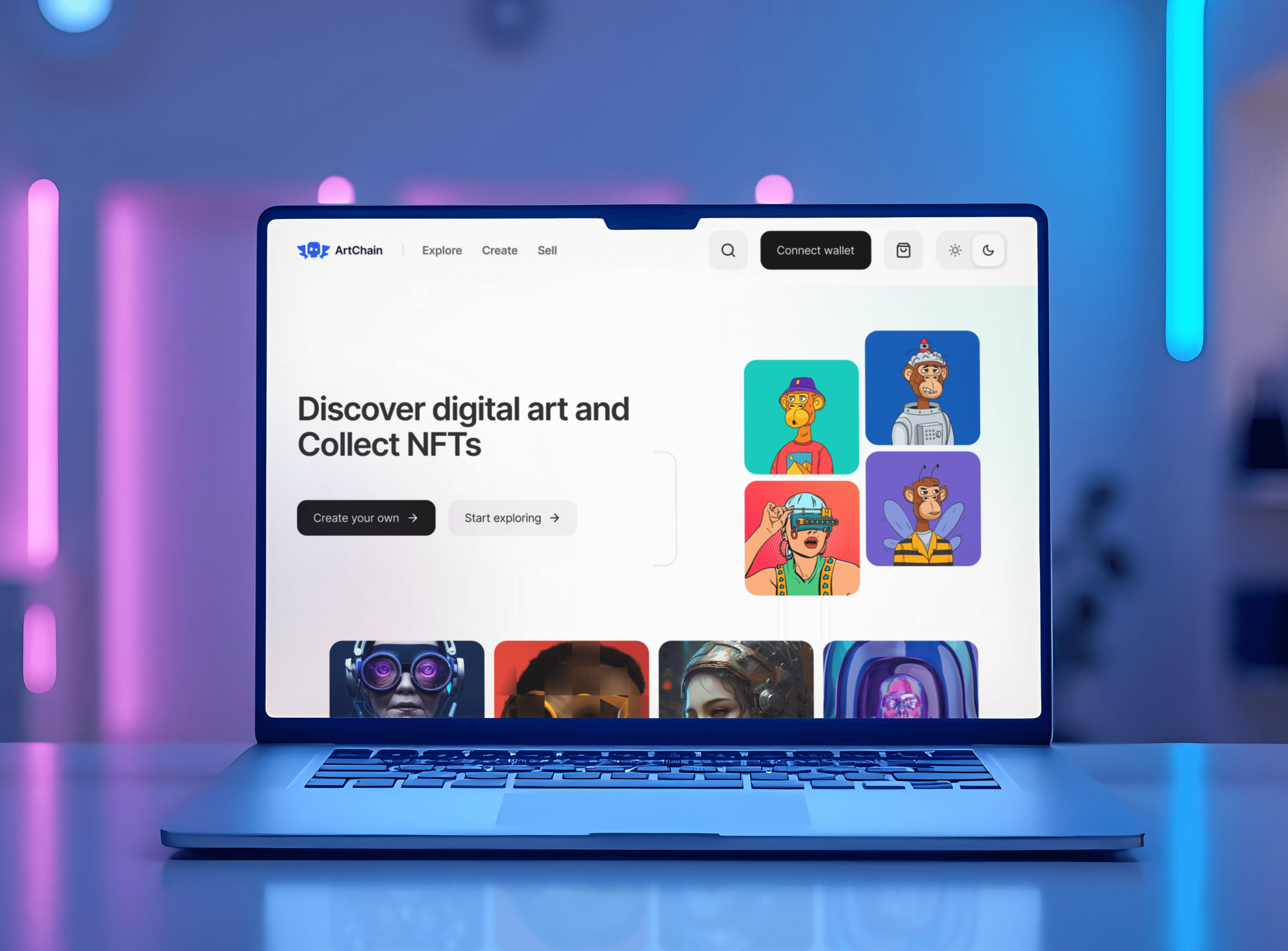
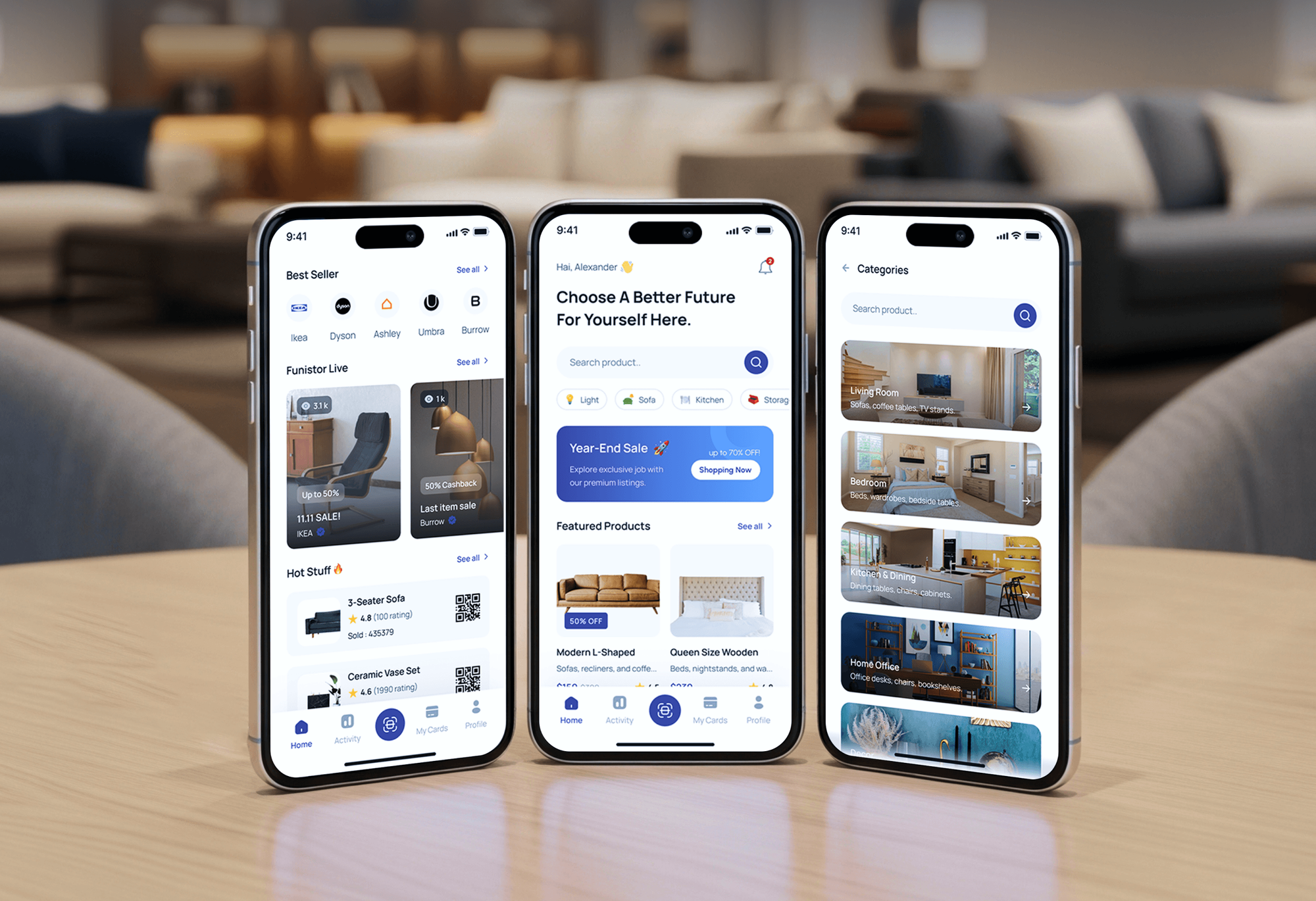
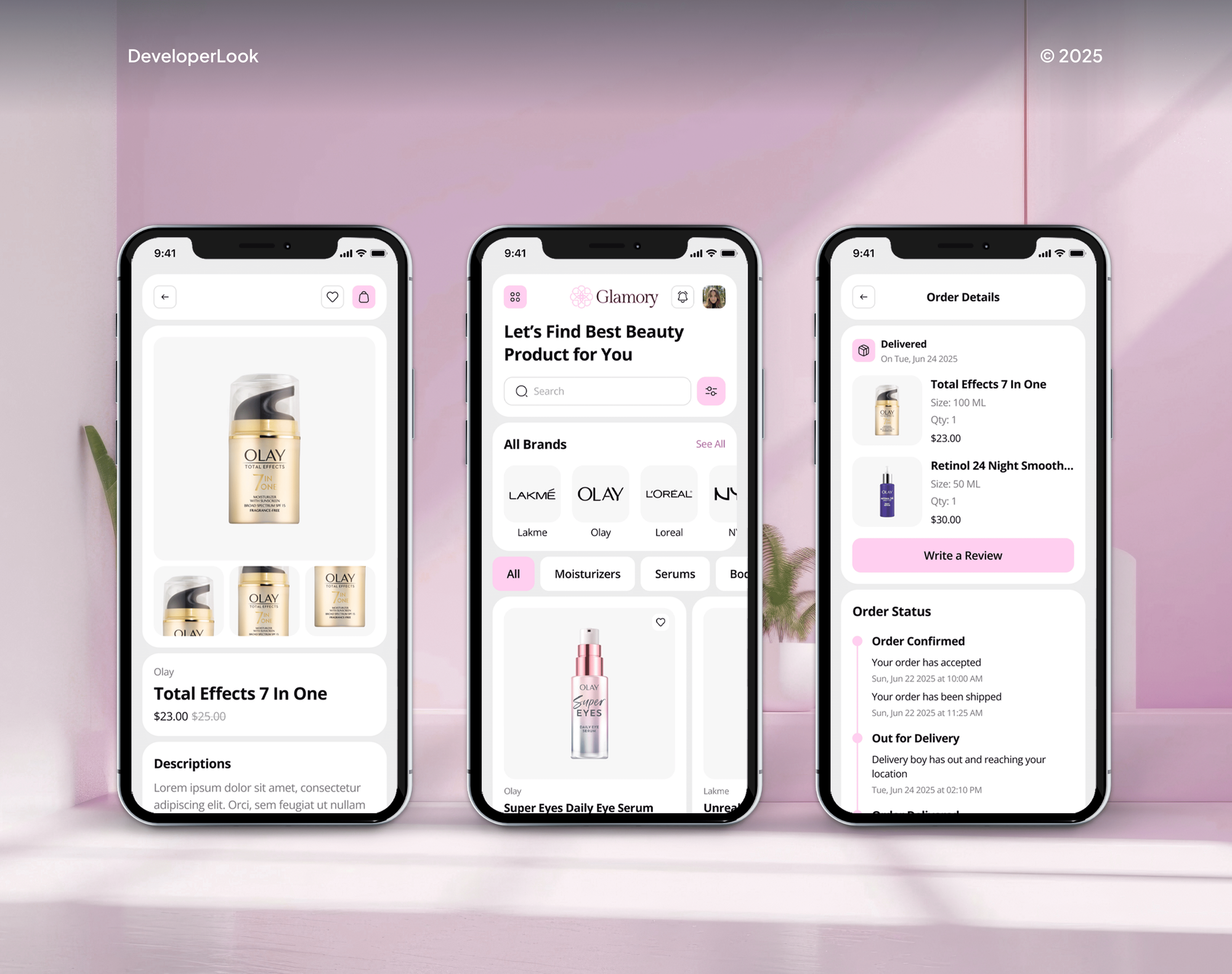
Trading dashboards and admin panels we built for crypto, art, furniture, and beauty brands. Platforms like these, with payments and admin logins, are what detection and response watches over.
What Our Clients Say
Feedback from teams we have built apps, platforms, and websites for.
We had a pretty specific idea of what we wanted our website to become, but I wasn’t sure how easily we could explain all of it to a development team. There were quite a few moving parts, and we were working toward a deadline, so I expected a few things to get lost along the way. That never really happened. They understood what we were trying to achieve, kept us updated throughout the process, and got everything ready within the agreed timeline. The final site feels much easier to navigate, works beautifully on mobile, and is noticeably smoother for our customers. It was a huge relief seeing the original idea actually turn into the website we had in mind.
The mobile experience is probably my favourite part of the new site. We had spent a lot of time making sure the desktop version looked right, and the team kept pushing us to think about how everything would actually feel on a phone too. They were right. The navigation is clean, the interactions feel natural, and everything we’ve tested so far works exactly as it should. They also went through the links, forms, integrations, and other details more than once before launch, which I really appreciated. And even after going live, we could still reach out when something came up. The whole process felt friendly, organised, and surprisingly straightforward.
What I appreciate most is that the website is actually easy for us to manage now. We can update content ourselves instead of sending a developer a message every time we need to change something small. They also paid attention to the technical SEO side, which mattered to us because we didn’t want a new website to create problems for the traffic we already had. I’ve probably asked more questions than I should have since launch, but every question has been handled patiently and without any fuss. The team is easy to work with, they explain things clearly, and when we need something changed, they focus on getting it done rather than making the process complicated.
1,250+
Projects shipped
10+
Years of experience
Top 3%
Upwork Top Rated Plus
5 stars
Average review score

Want results like these?
Tell us what you are building. You get a reply within 24 hours on business days, then a written estimate.
Work Culture
Responding to an attack means acting inside your systems, sometimes quickly. These habits keep every action agreed in advance, logged, and easy to reverse.
Before monitoring starts, you sign off which devices we may isolate and which accounts we may lock. Anything outside that list waits for a call with you.
Isolation and account locks can be lifted from your own console. Each action is logged with the time, the reason, and how to undo it.
Our engineers investigate on business days, and your tools quarantine known threats at any hour. If you need analysts awake overnight, we'll say so plainly.
Clearing malware is half the job. We also patch the hole, change the setting, or remove the access that let it in, so the case stays closed.
Licenses, consoles, and case history stay in your accounts. If you leave, you keep every alert, case note, and rule we tuned.
Each month we tune rules that fire on normal admin work. Your team hears about fewer false alarms and trusts the alerts that remain.
Overview
DeveloperLook delivers managed detection and response on the EDR you already own, such as Microsoft Defender, SentinelOne, or CrowdStrike. Engineers investigate every alert across endpoints, sign-ins, and email, contain real threats, and fix the root cause. Plans start at $600 per month, and onboarding takes 1 to 2 weeks.
DEVELOPERLOOK
Project facts · Managed Detection and Response Services
Reviewed 22 Oct 2026 by Saimul Islam
Good fit
Teams with an EDR nobody watches
You pay for Microsoft Defender or SentinelOne, but alerts pile up because nobody has the time or skills to investigate them.
Businesses on Microsoft 365 Business Premium
Your plan already includes Defender for Business, and you want managed endpoint detection and response built on it instead of a second tool.
Companies after a near miss
You caught a phishing sign-in or a ransomware attempt by luck and now want managed extended detection and response across devices, email, and identity.
IT managers comparing MDR options
You're comparing managed detection and response providers and want one that fixes the root cause instead of only sending tickets.
IT providers needing a detection partner
Your clients expect detection and response, and you need engineers who investigate alerts quietly under your brand.
Not a fit
Need analysts awake overnight
You need people investigating at 3 a.m. with a contracted response time. Most EDR vendors sell their own round-the-clock managed tier, and we'll help you compare them.
No security baseline yet
You have no MFA, no EDR, and unmanaged devices. Our managed security services set that foundation first, from $850 a month.
Need logs from every system
You need firewall, server, and cloud logs watched together in one SIEM for audits. Our SOC as a service covers that broader log monitoring.
Budget under $600 a month
Your budget is under $600 a month and you have only a few devices. Turning on automatic quarantine and alert emails in your EDR, then checking them weekly, is a fair start.
Not sure we're the right fit?
Book a free call or message us. We'll tell you honestly whether we're the right team.
Pricing
These are monthly starting points in USD. Your plan depends on endpoint count, signal sources, and fix hours, and you get a fixed proposal after a free coverage review.
For teams with up to 25 devices that need every EDR alert investigated.
$600/month
For companies with up to 75 devices that need sign-in and email signals covered too.
$1,050/month
For organizations with up to 200 devices that want tuned detections and response runbooks.
$1,650/month
For Agencies
You own the client relationship. We investigate the alerts behind it, contain real threats under each client's runbook, and write case notes in your format. Your clients get detection and response without you staffing a security desk.
White label: your client only ever sees your brand
Send the client's device count, EDR license, tenant, and escalation contacts.
We verify agent coverage, draft the runbook, and give a fixed monthly price.
We handle alerts and fixes, then report each month in your template.
You speak to clients while we investigate quietly under your brand.
Every incident written up in your template, ready to forward.
Each client's containment rules agreed and stored before monitoring starts.
Start with one client and add more as demand grows.
The Right Technology for Your Project
We work inside the EDR and identity tools you already license, so detections, case history, and response actions stay in consoles you control.
 Slack
Slack Google Sheets
FAQ
Straight answers on cost, onboarding, what MDR means, coverage hours, and measuring the return.
Saimul IslamFounder & CEO, DeveloperLookStill have questions?
Send a message or book a call with the team.
DeveloperLook's MDR plans start at $600 per month for up to 25 endpoints, with every alert investigated. The $1,050 plan adds sign-in and email signals for up to 75 devices. The $1,650 plan covers 200 devices with custom detections and runbooks. Every plan includes fix hours, and your EDR licenses are billed separately by your vendor.
MDR onboarding with DeveloperLook takes 1 to 2 weeks. We verify every EDR agent, switch on automatic quarantine, agree the response runbook, and connect sign-in and email alerts on larger plans. The first month includes extra tuning, because new monitoring usually surfaces noisy rules. Most of that noise settles by the end of month 1.
Managed detection and response is a service where an outside team watches your security alerts, investigates what's real, and contains attacks for you. It sits on top of detection tools such as EDR and adds the people and process those tools lack. Managed detection and response solutions differ most in coverage hours, the systems watched, and whether the provider fixes the cause.
It works in three loops: detect, investigate, and respond. Your EDR and identity tools raise alerts, and an analyst checks the evidence to decide whether each one is real. Confirmed threats get contained, for example by isolating a laptop or locking an account. Good providers then fix the weakness and tune rules so the same noise doesn't return.
MDR stands for managed detection and response, an outsourced service that finds and stops attacks on your systems. It's often confused with EDR, endpoint detection and response, which is the software agent itself. XDR, extended detection and response, joins endpoint, identity, email, and cloud signals. Managed detection and response (MDR) adds the people who act on those signals.
It matters because detection tools only help when someone acts on what they find. Many small teams own an EDR whose alerts sit unread for days, and attackers rely on that delay. MDR closes the gap with people who investigate and contain. NIST's 2025 incident response guidance, SP 800-61 Revision 3, places detection and response inside overall cyber risk management.
The main challenges are coverage gaps, alert noise, and unclear authority. Devices without a working agent stay invisible, untuned rules bury real attacks, and providers stall when nobody agreed who may isolate a laptop. Coverage hours vary too. We handle these with agent checks, monthly tuning, and a runbook you sign before monitoring starts.
Businesses judge MDR return by comparing the monthly fee with the cost of doing the same work in-house, or not at all. Count the analyst hours you'd need, the insurance questions MDR lets you answer, and the downtime a contained incident avoids. Then read the monthly report: cases closed, root causes fixed, and false alarms removed.
No. Our engineers investigate alerts on business days, and your EDR quarantines known malware automatically at any hour. That suits many small teams, but not all. If your insurer or customers require analysts around the clock, most EDR vendors sell a managed tier with 24/7 staff, and we'll help you compare those options honestly.
Yes. EDR licenses, consoles, detection rules, and case notes stay in your own vendor and Microsoft 365 or Google Workspace accounts. We work with Microsoft Defender for Business, SentinelOne, and CrowdStrike Falcon. When you leave, we hand over the runbook and tuning notes, then remove our named admin accounts.
Saimul IslamFounder & CEO, DeveloperLookStill have questions?
Send a message or book a call with the team.
Free 30-min callGoogle Meet
Book a call
In 30 minutes on Google Meet we walk you through how we would build it, how long it takes and what it costs. Then you get a written estimate.
Calendar not showing? Book on cal.com or send a brief.