
Device discovery
Every laptop, desktop, server, and phone matched against the console, with unprotected devices listed by name.

For businesses whose devices run a patchy mix of old antivirus and half-installed EDR: every device protected, hardened, and kept that way. From $300 per month.
100%
Endpoints running EDR
ASR
Rules enforced, not just audited
How your project runs
Teams we have built for:














The Problem
It shows up when an insurer asks whether every device runs EDR, or when a laptop with no protection at all turns up during an incident.
01 · Mixed antivirus
Old antivirus brands overlap on some laptops and miss others.
We remove old products cleanly and deploy one agent to every device.
02 · Silent devices
Some devices stopped reporting weeks ago, and nobody noticed.
Monthly coverage checks name every device that's missing or out of date.
03 · Audit-only rules
Protective rules only log attacks instead of stopping them.
We test rules against your apps, then switch them to block.
04 · Broad exclusions
One quick fix excluded a whole folder from scanning.
Exclusions are reviewed monthly and narrowed to the exact file or path.
Your first IT provider installed one antivirus brand, the next added another, and new laptops get whatever the buyer remembered. Defender for Business came with your licenses, but onboarding stopped halfway. Three devices haven't reported in for a month. Attack surface reduction rules sit in audit mode, logging threats they should be blocking. Someone added a broad exclusion to fix one app, and it now covers a whole drive. Nobody can answer the insurer's question with a straight yes.
We start by matching your device list against the security console, so every unprotected or silent device has a name. Then we remove old antivirus cleanly, deploy one EDR in stages, and switch attack surface rules from audit to block once your apps are tested. Tamper protection stops anyone turning it off. Each month you see coverage, drift, and exclusions on one report, instead of guessing.
Every device accounted for
Your device list is matched against the security console, so missing devices get names.
Rules enforced, not logged
Attack surface rules move from audit to block after your apps are tested.
Protection nobody can disable
Tamper protection stops users and malware from switching the agent off.
Our Managed Endpoint Security Process
You approve the device list, the rollout rings, and every rule change before it reaches staff, then review coverage and drift with us each month.
We compare your device list with what your current tools can see and note every gap. You get a coverage count, a rollout plan, and a fixed monthly price. If your current setup already covers everything, we'll tell you before we quote.
What's Included
Device discovery, clean removal of old antivirus, a staged EDR rollout, hardening rules, tamper protection, and monthly coverage reports for laptops, servers, and phones.
Compare Options
Plain antivirus is cheap and familiar, and a self-managed EDR costs only the license. Here is how each holds up on coverage, hardening, upkeep, and proof for insurers.
| Feature | DeveloperLookBest fit | Antivirus alone | Self-managed EDR |
|---|---|---|---|
| Detection type | Behavior-based detection | Known malware signatures | Behavior-based detection |
| Coverage check | Matched to your device list | Rarely checked | If someone looks |
| Hardening rules | Tested, then enforced | Not included | Often left in audit mode |
| Tamper protection | Switched on and checked | Varies by product | Depends on setup |
| Upkeep | Monthly, by engineers | Automatic updates only | Your IT team's spare time |
| Alert follow-up | Routed to your team or MDR | Pop-ups on the device | Your IT team |
| Proof for insurers | Monthly coverage report | Hard to produce | Manual exports |
| Cost | From $300 per month plus licenses | Lowest license cost | License only |
Projects We've Built
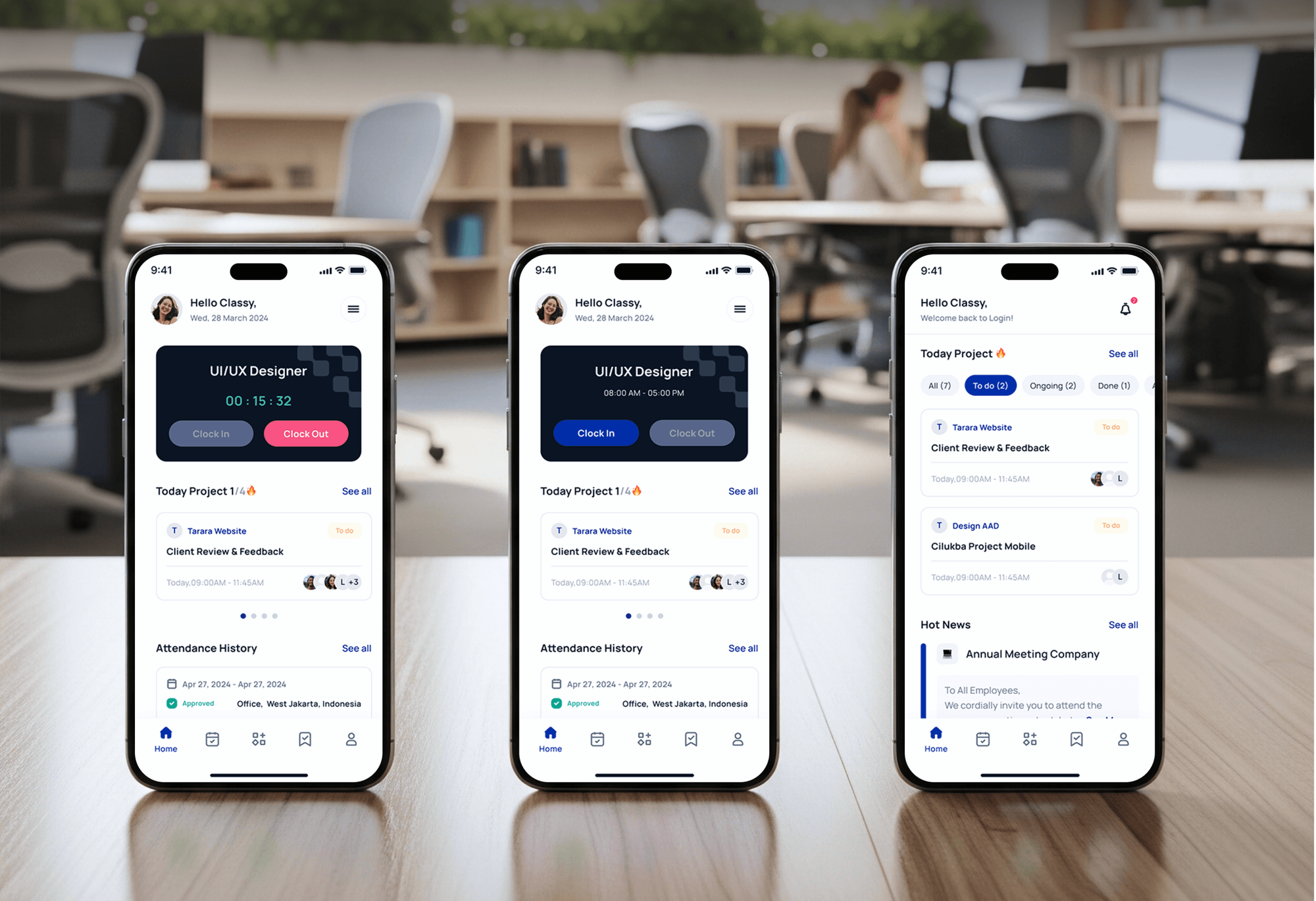
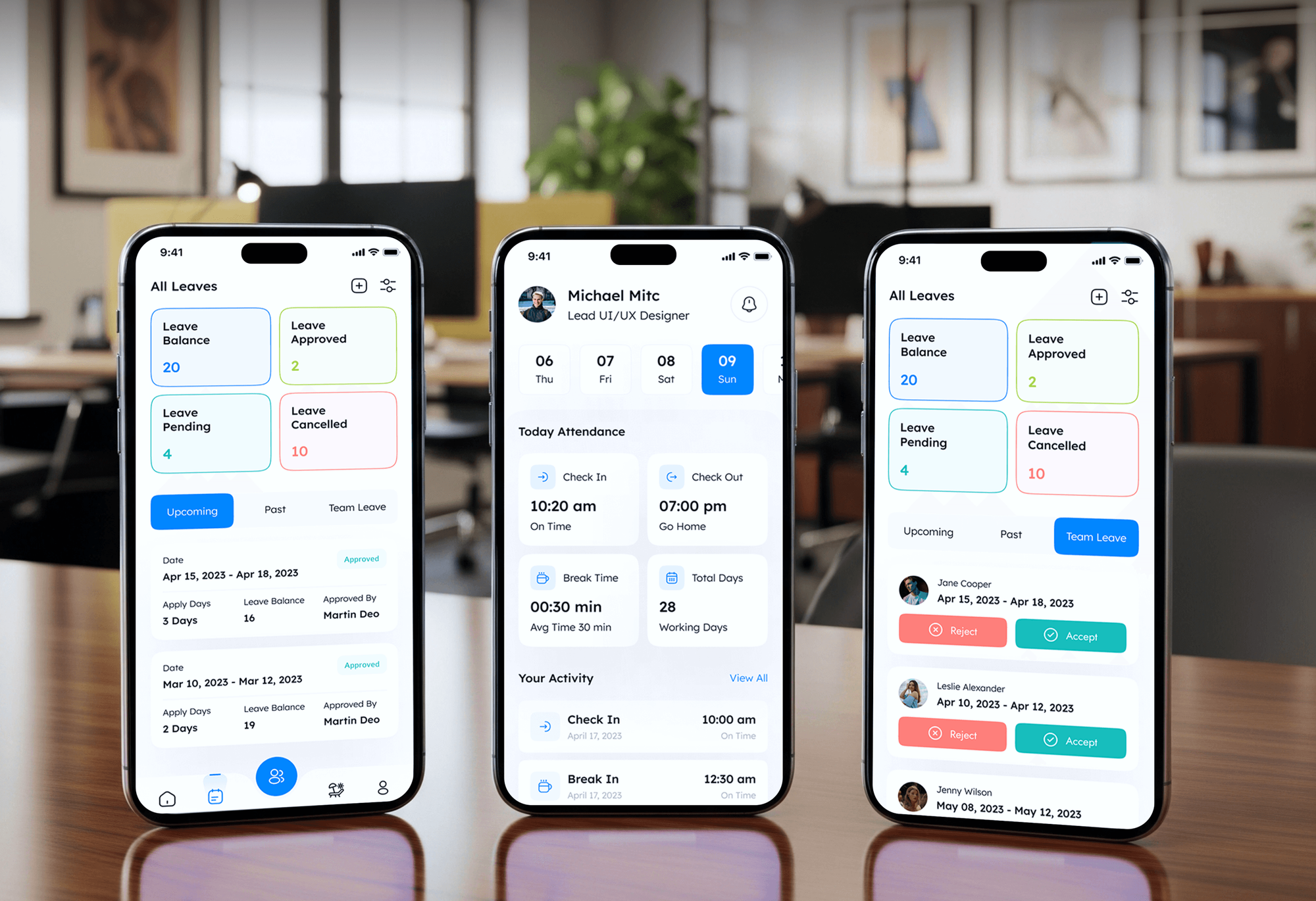
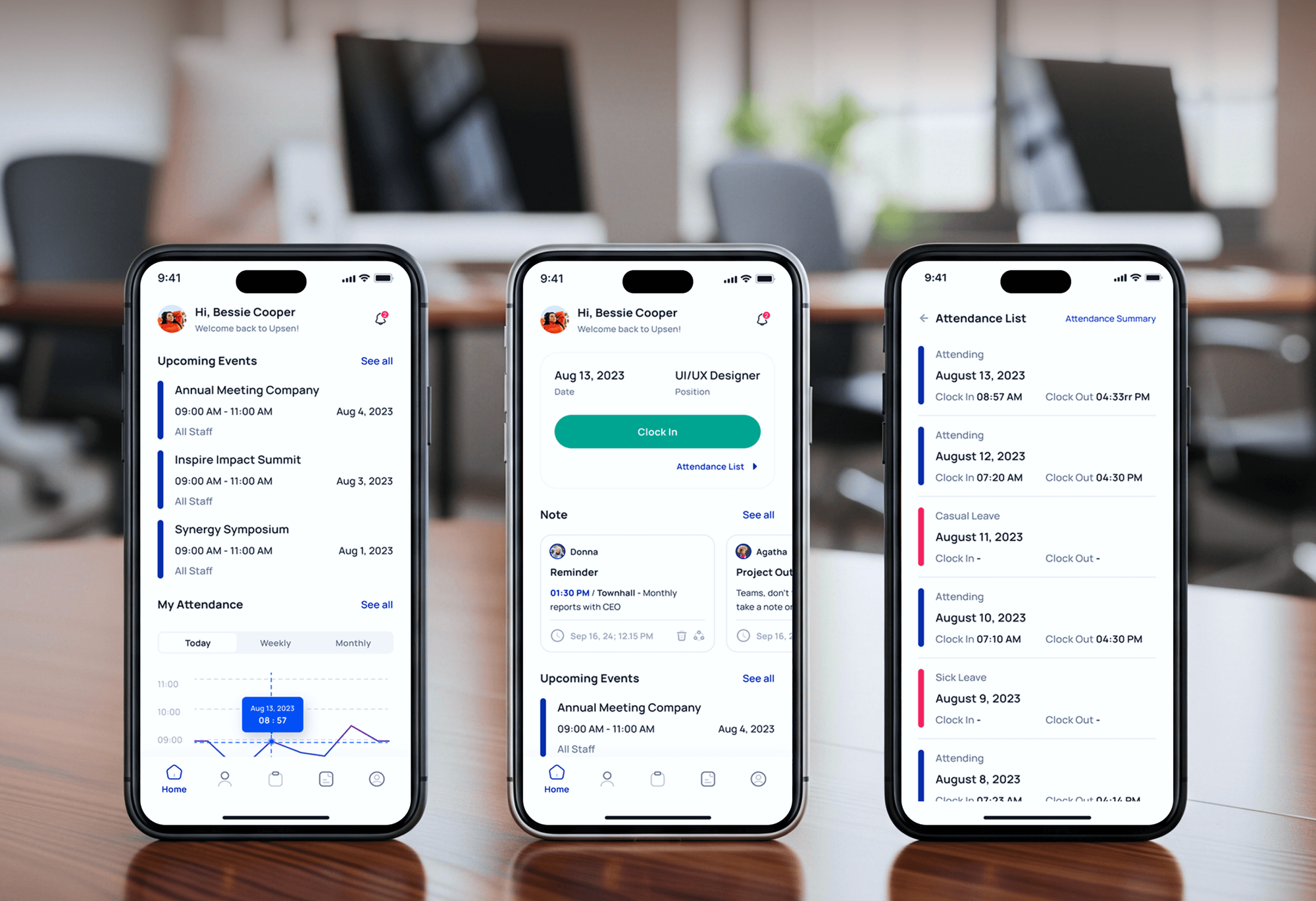
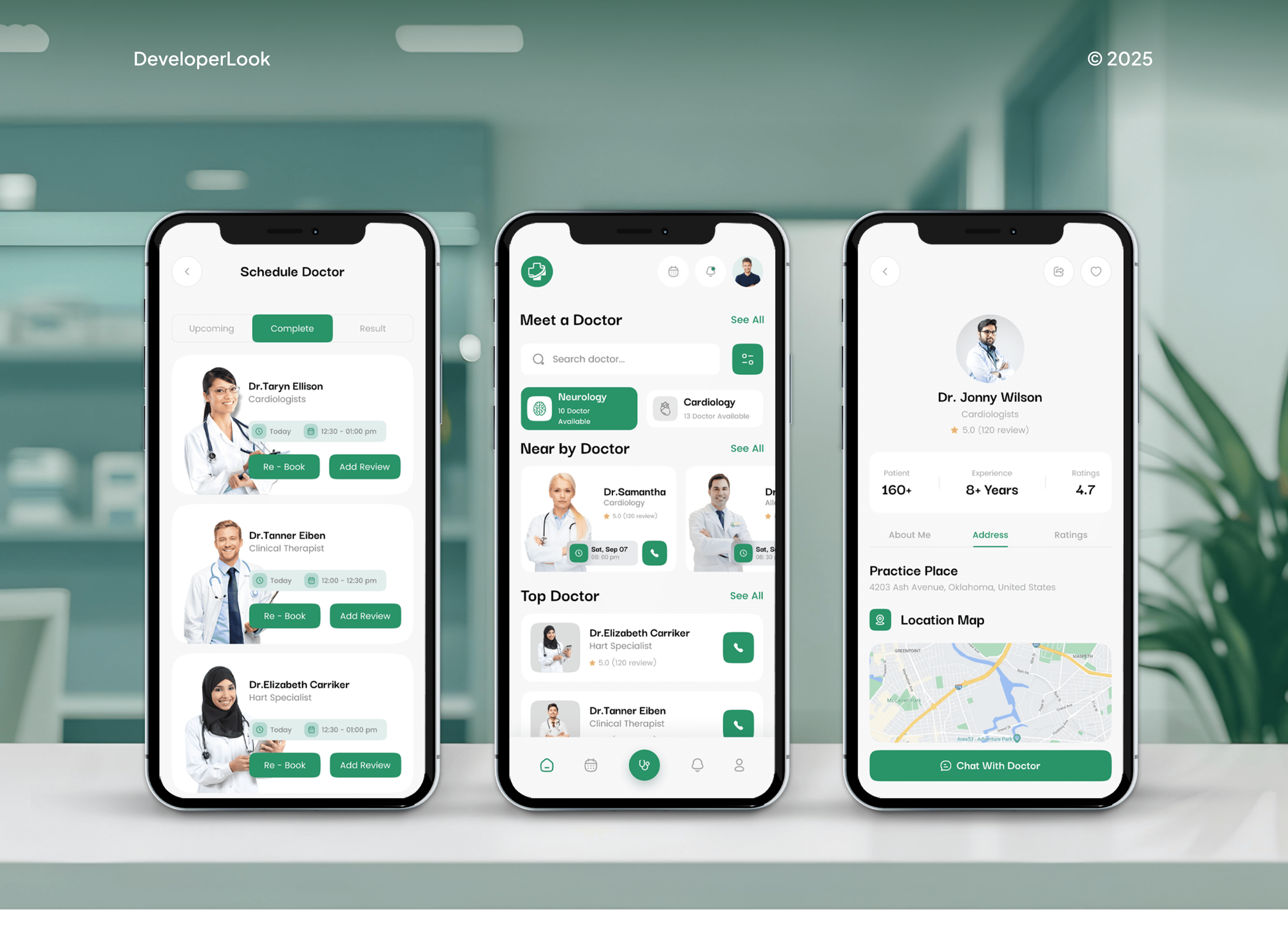
HR, attendance, and medical apps we built that staff use on laptops and phones every day, the kind of devices this service protects.
What Our Clients Say
Feedback from teams we have built apps, platforms, and websites for.
We had a pretty specific idea of what we wanted our website to become, but I wasn’t sure how easily we could explain all of it to a development team. There were quite a few moving parts, and we were working toward a deadline, so I expected a few things to get lost along the way. That never really happened. They understood what we were trying to achieve, kept us updated throughout the process, and got everything ready within the agreed timeline. The final site feels much easier to navigate, works beautifully on mobile, and is noticeably smoother for our customers. It was a huge relief seeing the original idea actually turn into the website we had in mind.
The mobile experience is probably my favourite part of the new site. We had spent a lot of time making sure the desktop version looked right, and the team kept pushing us to think about how everything would actually feel on a phone too. They were right. The navigation is clean, the interactions feel natural, and everything we’ve tested so far works exactly as it should. They also went through the links, forms, integrations, and other details more than once before launch, which I really appreciated. And even after going live, we could still reach out when something came up. The whole process felt friendly, organised, and surprisingly straightforward.
What I appreciate most is that the website is actually easy for us to manage now. We can update content ourselves instead of sending a developer a message every time we need to change something small. They also paid attention to the technical SEO side, which mattered to us because we didn’t want a new website to create problems for the traffic we already had. I’ve probably asked more questions than I should have since launch, but every question has been handled patiently and without any fuss. The team is easy to work with, they explain things clearly, and when we need something changed, they focus on getting it done rather than making the process complicated.
1,250+
Projects shipped
10+
Years of experience
Top 3%
Upwork Top Rated Plus
5 stars
Average review score

Want results like these?
Tell us what you are building. You get a reply within 24 hours on business days, then a written estimate.
Work Culture
Endpoint agents run with deep access to every laptop and server. These habits keep rollouts calm, staff informed, and your protection measurable month to month.
New agents and rules reach a small pilot group first. Staff keep working while we confirm nothing breaks, then the rollout widens.
Your team gets a short note before agents install or rules switch to block. People know what a block message means and who to ask.
When an app needs an exclusion, we exclude the exact file or path, not a whole drive. Each one is listed with its reason and review date.
If Business Premium already includes Defender for Business, we use it before suggesting another product. You buy new licenses only when a gap needs them.
The security console sits in your tenant under your admin accounts. If you change providers, every policy and device record stays where it is.
Policies drift as people add exceptions and devices miss updates. We compare settings with the agreed baseline each month and fix what moved.
Overview
DeveloperLook provides managed endpoint security for businesses whose devices run a patchy mix of antivirus and half-deployed detection tools. We find every unprotected device, roll out one EDR, enforce attack surface reduction rules and tamper protection, and report coverage monthly. Plans start at $300 per month, with rollout in 2 to 4 weeks.
DEVELOPERLOOK
Project facts · Managed Endpoint Security
Reviewed 23 Oct 2026 by Saimul Islam
Good fit
Businesses with mixed antivirus
Your laptops run three antivirus brands left by past IT providers, and nobody can say which devices are actually protected today.
Microsoft 365 Business Premium users
You pay for Business Premium, which includes Defender for Business, but its endpoint detection and response features were never fully switched on.
Teams with remote staff
Your staff work from home and shared offices, and you need endpoint security for business laptops that rarely touch the office network.
Companies facing insurer questions
Your cyber insurance renewal asks whether EDR runs on every device, and you need an EDR deployment you can prove with a report.
IT leads comparing vendors
You're comparing endpoint security companies and want a partner who deploys and maintains the tool you pick, not one tied to a single brand.
Not a fit
Need every alert investigated
You want engineers to investigate each alert and contain real threats. Our managed detection and response service does that, from $600 a month.
Phones are the main worry
Your main gap is enrolling and wiping company phones and laptops, not malware protection. Our mobile device management setup handles that, from $900 one time.
Fewer than 5 devices
You have fewer than 5 devices on Microsoft 365. Turning on Defender's built-in protection yourself is enough, and we'll explain how on the call.
Budget under $300 a month
Your budget is under $300 a month for device protection. The default policies in your current antivirus are a reasonable start until you grow.
Not sure we're the right fit?
Book a free call or message us. We'll tell you honestly whether we're the right team.
Pricing
These are monthly starting points in USD. Your plan depends on device count, operating systems, and servers, and you get a fixed proposal after a free endpoint check. EDR licenses are billed by the vendor.
For small offices with up to 25 laptops and desktops that need every device protected.
$300/month
For growing companies with up to 75 devices, including servers, Macs, and phones.
$500/month
For companies with up to 200 devices across several sites or a tool to replace.
$800/month
For Agencies
You own the client relationship. We supply the endpoint engineering behind it: device discovery, EDR rollout, hardening rules, and monthly coverage reports for each client, under your name. Your clients get full coverage without you hiring a security engineer.
White label: your client only ever sees your brand
Send the client's device count, current antivirus, licenses, and admin contacts.
You get a coverage count, a rollout plan, and a fixed monthly price.
We roll out the agent, harden it, and report monthly under your brand.
You send the coverage reports while we handle the rollout work.
Every client keeps their own console, policies, and admin accounts.
Monthly coverage reports carry your logo and your wording.
Add clients and devices without adding security staff.
The Right Technology for Your Project
We deploy the EDR you already license, or the one that fits your devices best, and manage it with tools your IT team can keep using.
 Google Sheets
FAQ
Straight answers on pricing, rollout time, how EDR works, malware prevention, and protecting remote staff.
Saimul IslamFounder & CEO, DeveloperLookStill have questions?
Send a message or book a call with the team.
DeveloperLook's plans start at $300 per month for up to 25 endpoints, with old antivirus removed, attack surface rules enforced, and a monthly report. The $500 plan covers 75 devices including servers, Macs, and phones. The $800 plan covers 200 devices across sites. Protection licenses are billed by the vendor, and we use ones you already own first.
A full device rollout with DeveloperLook takes 2 to 4 weeks. Week one removes old antivirus and installs the agent on a pilot group, and week two covers everyone else. Attack surface rules then run in audit mode for about two weeks before we switch them to block. Larger fleets or several sites can add a week.
Endpoint security is the protection of devices that connect to your systems: laptops, desktops, servers, phones, and tablets. It covers blocking malware, spotting suspicious behavior, hardening settings, and controlling what runs. Today it usually means an EDR agent on each device, managed from one cloud console, rather than separate antivirus installs.
Endpoint detection and response (EDR) is software that records activity on each device, flags suspicious behavior, and lets you respond remotely. Unlike signature antivirus, it can catch attacks that use normal tools, such as PowerShell scripts or stolen admin accounts. Responses include isolating a device from the network or stopping a process across every machine.
An endpoint is any device people or systems use to connect to your network: a laptop, desktop, server, phone, tablet, or virtual machine. Printers, cameras, and point-of-sale terminals count too, though most can't run a protection agent. Each one is a possible way in, which is why coverage starts with an accurate device list.
Endpoint protection services are outside help that installs, configures, and maintains protection on your devices. Some providers only resell licenses. Ours deploys the agent, hardens settings, checks coverage monthly, and reports what changed. Investigating each alert and containing threats is a separate service, which we also offer.
Most attacks start on a device: a phishing link clicked on a laptop, a malicious download, or an unpatched server. Endpoints are also where staff hold sessions to email, files, and finance systems. One unprotected laptop can undo good security everywhere else, and cyber insurance forms often ask whether EDR runs on every device.
It protects devices by blocking known malware, watching behavior for unknown attacks, and limiting risky actions such as Office macros launching scripts. Protecting the network follows: when an agent spots an attack, it can isolate that device, so the threat can't spread to file servers or other laptops. Hardening rules shrink the ways in to begin with.
Modern endpoint tools stop malware in three layers. Signatures block known files, behavior rules stop new attacks in progress, and attack surface reduction rules block common tricks such as macros launching scripts. Microsoft recommends testing those rules in audit mode first, then switching them to block. Tamper protection keeps malware from disabling the agent.
Use a cloud-managed agent that reports over the internet, so remote laptops stay covered without a VPN. Pair it with device compliance rules that block email and files on unhealthy devices. Keep updates automatic, and check monthly that every remote device still checks in. A laptop that hasn't reported for weeks is the one to chase first.
Saimul IslamFounder & CEO, DeveloperLookStill have questions?
Send a message or book a call with the team.
Free 30-min callGoogle Meet
Book a call
In 30 minutes on Google Meet we walk you through how we would build it, how long it takes and what it costs. Then you get a written estimate.
Calendar not showing? Book on cal.com or send a brief.