Tenant security report
Findings for each workload rated by risk, with admin center screenshots and the exact setting to change.

For companies whose email, files, and Teams chats live in one Microsoft tenant: every admin center reviewed, gaps ranked, and fixes matched to the license you own. From $1,000.
6
Tenant workloads reviewed
100+
Tenant settings checked
How your project runs
01 · FreeTeams we have built for:














The Problem
Tenants get set up fast so people can work. Security settings stay at their defaults while users, guests, and connected apps pile up for years.
Admins
Too many people hold Global Administrator rights.
Admins
We cut standing admin roles and give each admin a separate account.
Legacy sign-in
Old protocols still let attackers skip MFA.
Legacy sign-in
We block legacy authentication after checking which mailboxes and devices still use it.
Sharing
Guests from old projects can still open company files.
Sharing
We review guest access and set sharing defaults for SharePoint, OneDrive, and Teams.
App consent
Staff can approve apps that read entire inboxes.
App consent
We turn on admin consent review and remove risky app permissions.
Your tenant was set up in an afternoon so the team could start emailing. 3 years later, 4 people hold Global Administrator, and one is a former contractor. Guests from old projects can still open SharePoint sites. A shared mailbox accepts legacy sign-ins that skip MFA. Someone approved an app that now reads their whole inbox. Secure Score sits on a dashboard nobody opens.
We start with a read-only review of all 6 workloads: Entra ID, Exchange Online, SharePoint and OneDrive, Teams, Defender, and Purview. CISA's ScubaGear checks your settings against its baselines, and we confirm each finding by hand. Every fix is matched to your license, so you fix what you already pay for first. Changes get tested in report-only mode, not found by locked-out staff.
Six workloads, one review
Entra ID, Exchange, SharePoint, OneDrive, Teams, Defender, and Purview checked in a single pass.
Fixes matched to your license
Each fix notes whether your current plan covers it or needs an add-on license.
Report-only before enforcement
Conditional Access policies run in report-only mode first, so nobody gets locked out.
Our Microsoft 365 Security Consulting Process
You grant read-only roles, see findings as they're confirmed, approve every change first, and get a fresh baseline check at the end.
We confirm your license plan, user count, and the reason behind the request, such as a phishing scare. You get a fixed price and the read-only roles to grant. If security defaults already cover a very small tenant, we'll tell you before we quote.
What's Included
Every plan ends with a report your IT lead can act on. Larger plans add the changes themselves, tested before anyone is forced onto them.
Compare Options
Secure Score is free, and your IT provider already knows your users. Here is where each helps, and what an outside review adds.
| Feature | DeveloperLookBest fit | Secure Score only | Managed IT provider |
|---|---|---|---|
| Starting point | Scoping call and read-only roles | Open the dashboard yourself | Part of the monthly contract |
| Coverage | 6 workloads plus CIS and CISA baselines | Microsoft's own recommendations | Varies by technician |
| License fit | Each fix mapped to your plan | Lists actions your plan may lack | Depends on the provider |
| Change testing | Report-only first, then enforced | You apply and test changes | Depends on their process |
| Speed to start | Collection in 2 to 3 days | Free and available today | Already has tenant access |
| Independence | Outside review, no license resale | Microsoft's view of Microsoft | Reviews its own setup |
| Ongoing help | 30 days, then optional | Documentation only | Daily tickets and user support |
| Cost | From $1,000, fixed price | Included in your subscription | Monthly fee, scope varies |
Projects We've Built
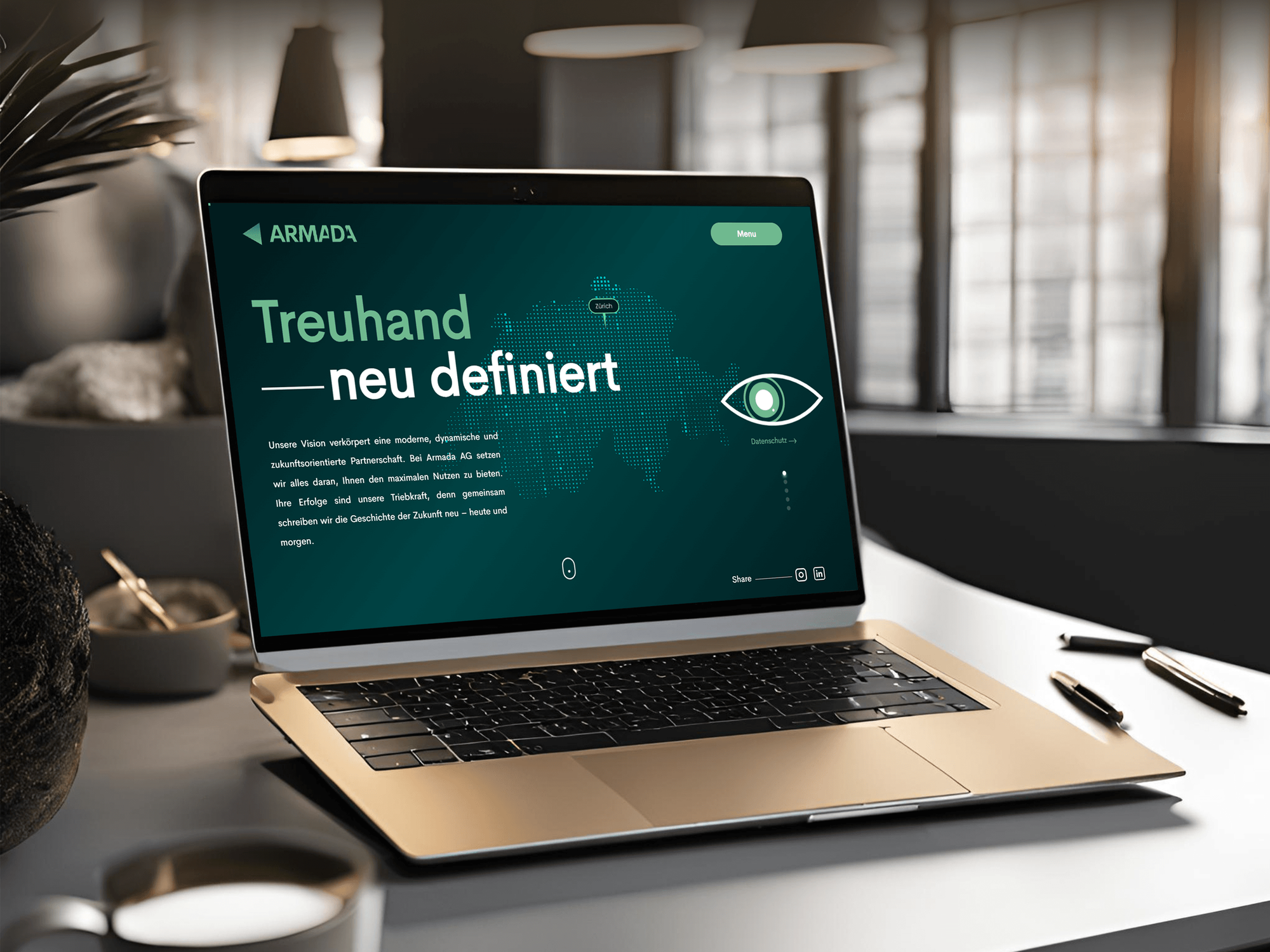
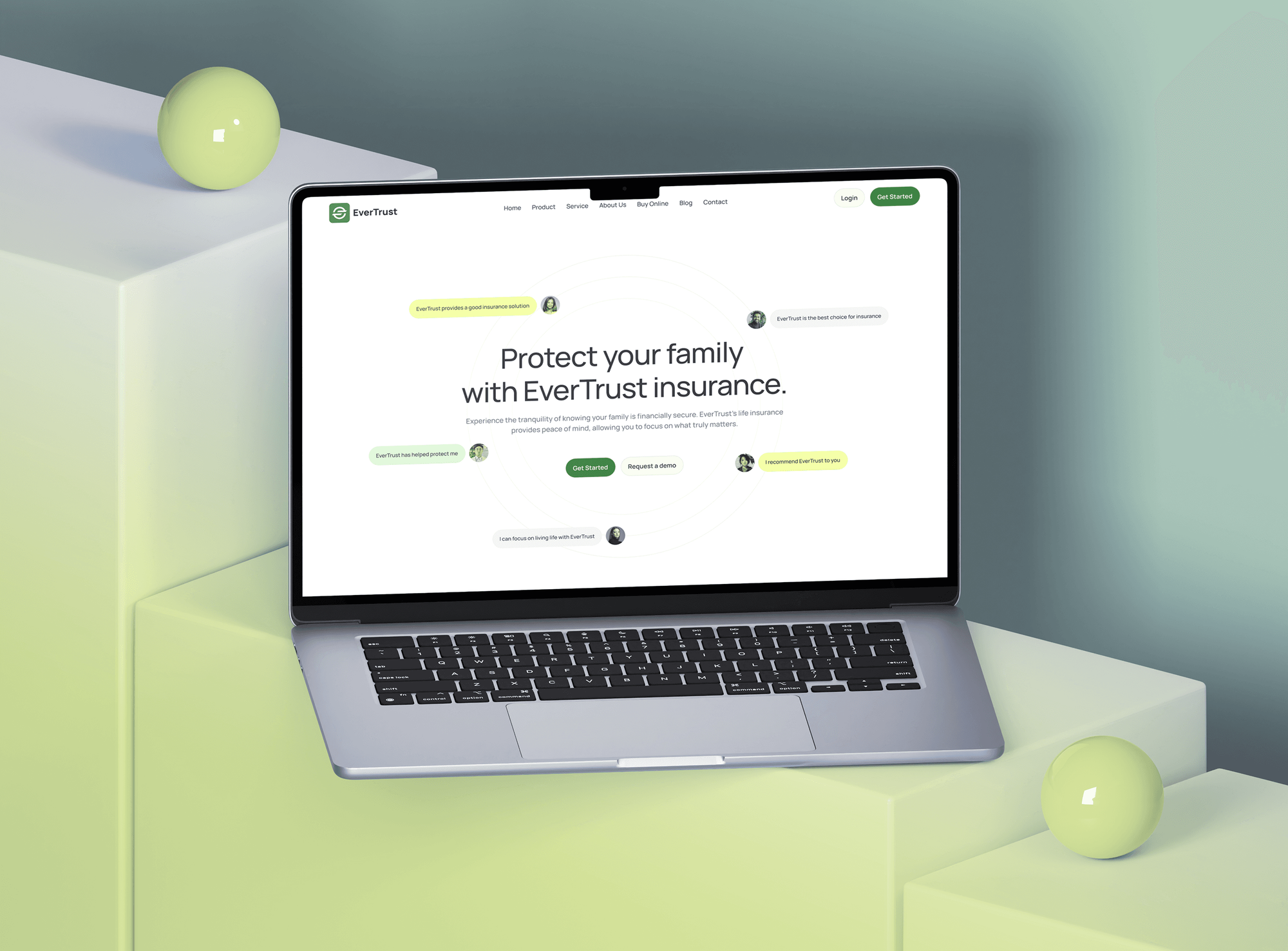
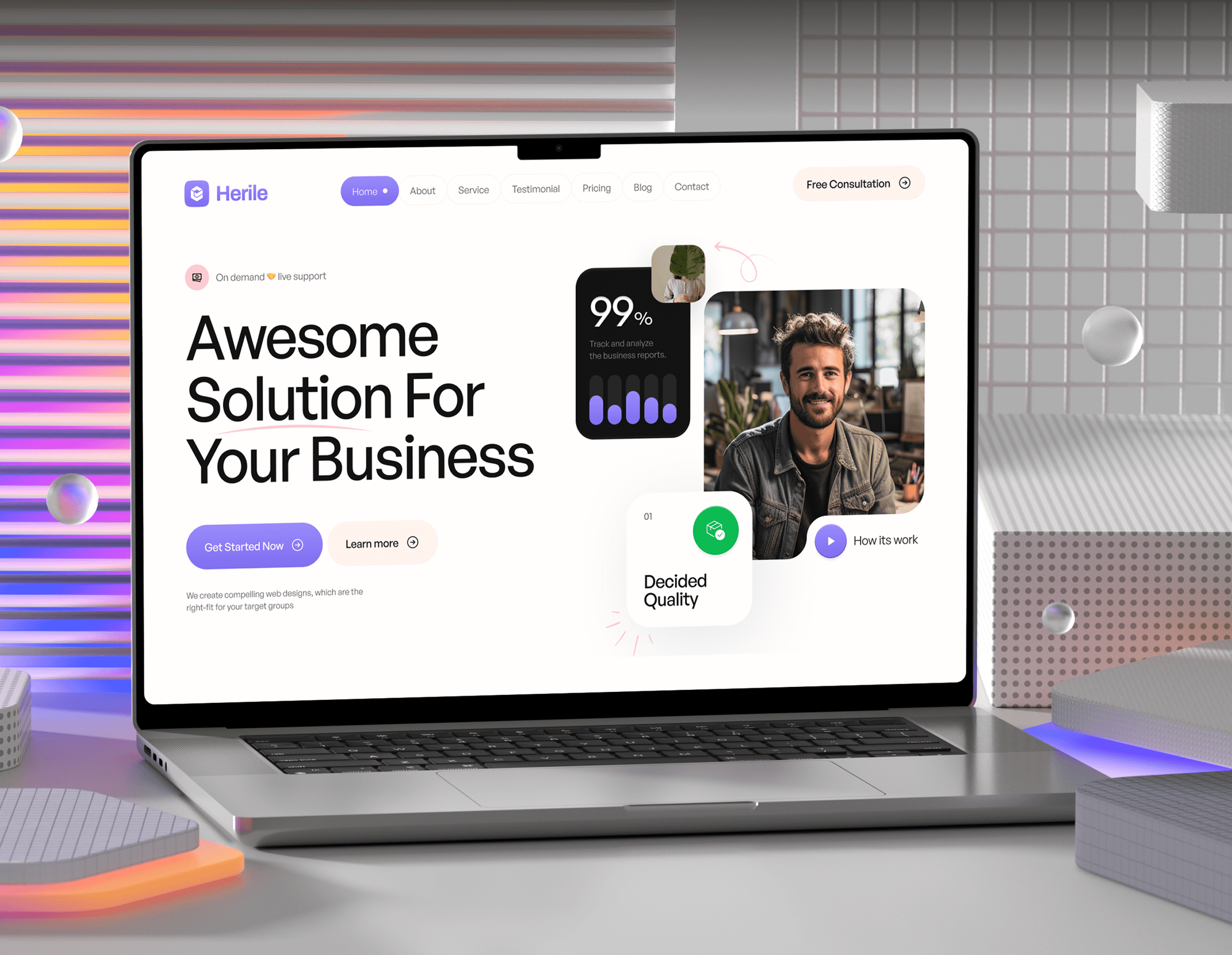
Websites and apps we built for finance, insurance, and consulting firms, the kind of teams that run their offices on Microsoft tools. These are build projects, not tenant reviews.

What Our Clients Say
Feedback from teams we have built business websites and apps for.
We had a pretty specific idea of what we wanted our website to become, but I wasn’t sure how easily we could explain all of it to a development team. There were quite a few moving parts, and we were working toward a deadline, so I expected a few things to get lost along the way. That never really happened. They understood what we were trying to achieve, kept us updated throughout the process, and got everything ready within the agreed timeline. The final site feels much easier to navigate, works beautifully on mobile, and is noticeably smoother for our customers. It was a huge relief seeing the original idea actually turn into the website we had in mind.
The mobile experience is probably my favourite part of the new site. We had spent a lot of time making sure the desktop version looked right, and the team kept pushing us to think about how everything would actually feel on a phone too. They were right. The navigation is clean, the interactions feel natural, and everything we’ve tested so far works exactly as it should. They also went through the links, forms, integrations, and other details more than once before launch, which I really appreciated. And even after going live, we could still reach out when something came up. The whole process felt friendly, organised, and surprisingly straightforward.
What I appreciate most is that the website is actually easy for us to manage now. We can update content ourselves instead of sending a developer a message every time we need to change something small. They also paid attention to the technical SEO side, which mattered to us because we didn’t want a new website to create problems for the traffic we already had. I’ve probably asked more questions than I should have since launch, but every question has been handled patiently and without any fuss. The team is easy to work with, they explain things clearly, and when we need something changed, they focus on getting it done rather than making the process complicated.
1,250+
Projects shipped
10+
Years of experience
Top 3%
Upwork Top Rated Plus
5 stars
Average review score
1,250+
Projects shipped
10+
Years of experience
Top 3%
Upwork Top Rated Plus
5 stars
Average review score

Want results like these?
Tell us what you are building. You get a reply within 24 hours on business days, then a written estimate.
Work Culture
Microsoft 365 security consulting touches every login in your company. We work read-only first, pilot every change, and leave records your next admin can follow.
Collection runs on reader roles, and nothing changes in your tenant until you sign off. You decide when users notice anything at all.
We don't resell Microsoft licenses, so our advice isn't tied to a sales target. If your current plan covers a fix, that fix comes first.
Policies start with IT staff and a small pilot group, then roll out wider. Sign-in problems show up with 5 people, not the whole company.
Before any Conditional Access change, we confirm 2 emergency access accounts exist and sit outside the policies. A bad policy then can't lock out every admin.
Each finding explains the business risk before the setting name. Leaders see why it matters, and admins get the exact click path.
You keep the report, the change log, and the ScubaGear results. The next admin, auditor, or insurer can see what was set and why.
Overview
DeveloperLook provides Microsoft 365 security consulting for companies that run email, files, and Teams in the Microsoft cloud. We review Entra ID, Exchange Online, SharePoint, Teams, Defender, and Purview against CISA and CIS baselines, then rank fixes by risk and license. Reviews start at $1,000, take 2 to 3 weeks, and need only read-only access.
DEVELOPERLOOK
Project facts · Microsoft 365 Security Consulting
Reviewed 27 Oct 2026 by Saimul Islam
Good fit
Small businesses on Business Premium
You pay for Business Premium but still run on security defaults, and you want a Microsoft 365 risk assessment before a customer questionnaire arrives.
Companies after a phishing scare
Your finance lead's mailbox was taken over last month, and you need a security review that finds how it happened and closes the gaps.
Firms answering insurers or auditors
Your cyber insurer wants an Office 365 risk assessment with proof of MFA, admin roles, and audit logging before your renewal date.
Companies with one IT generalist
You have one IT person running the tenant and want an outside check against Microsoft 365 security best practices before they change anything.
MSPs managing client tenants
You manage dozens of client tenants, and you want the same review method delivered under your brand for each one.
Not a fit
You run Google Workspace
Your email and files live in Google Workspace, not Microsoft. Our Google Workspace Security Review page covers the Admin console, Drive sharing, and third-party apps.
App sign-ins to Entra ID
You mainly need other apps to sign in with Microsoft accounts. Our Azure AD and Entra ID Integration page covers SSO, app roles, and user provisioning.
On-premises domain risk
Your biggest exposure is an on-premises Windows domain with servers and file shares. Our Active Directory Security Assessment page maps the attack paths there.
Under 10 users, small budget
You have under 10 users and a budget under $1,000. Turning on security defaults and working through Secure Score yourself is the better first step.
Not sure we're the right fit?
Book a free call or message us. We'll tell you honestly whether we're the right team.
Pricing
These are starting points in USD. Your final price depends on user count, license plan, and how many changes we make, and you get a fixed proposal after a free scoping call.
For Agencies
You own the client relationship. We review each client tenant with the same read-only method and write the findings under your brand. Your team quotes the fixes and keeps the daily support.
White label: your client only ever sees your brand
Tell us the client's plan, user count, and deadline, and we confirm scope and price.
We collect read-only data and score settings under your name, with your team copied.
You deliver the branded report and fix plan, and we join the readout when asked.
Tell us the client's plan, user count, and deadline, and we confirm scope and price.
We collect read-only data and score settings under your name, with your team copied.
You deliver the branded report and fix plan, and we join the readout when asked.
The Right Technology for Your Project
We use Microsoft's own admin tools plus CISA's open-source ScubaGear, so your team can rerun every check after we leave.
Related Services
A tenant review often leads to identity, MFA, or app sign-in work. These pages cover those next steps, plus the same review for Google Workspace.
This page
Microsoft 365 Security Consulting
Pairs with the 6 services around it
FAQ
Straight answers on how secure Microsoft 365 is, Secure Score, cost, timing, and monitoring many tenants.
Saimul IslamFounder & CEO, DeveloperLookStill have questions?
Send a message or book a call with the team.
Yes, the platform runs on secure infrastructure, but your tenant is only as secure as its settings. Microsoft protects the service, while you decide who signs in, how, and what they can share. Account takeovers usually start with weak sign-in rules, too many admins, or a risky app approval.
A new tenant is fairly secure out of the box, because most tenants created since late 2019 start with security defaults on. Defaults require MFA registration and block legacy authentication. They don't cover guest sharing, app consent, or audit retention, and many older tenants turned them off. That gap is where most of the risk sits.
Our tenant reviews start at $1,000 for up to 150 users, with a ranked fix plan. Review and Hardening is $2,450 and makes the high-risk changes for up to 500 users. Hardening and Device Controls is $4,950 and adds Intune, Purview, and Defender settings where your license includes them.
A Tenant Review takes 2 to 3 weeks from scoping call to readout. Review and Hardening runs 4 to 6 weeks, because Conditional Access policies sit in report-only mode for about a week first. The device and data plan takes 6 to 10 weeks, with a recheck at 90 days.
Yes, every plan includes security features, but how deep they go depends on the plan. All tenants get security defaults and Secure Score. Business Premium adds Conditional Access, Intune, and Defender for Office 365 Plan 1. Microsoft Office 365 security on older plans often lacks those tools, so we map each fix to what you already own.
Sign in to the Microsoft Defender portal at security.microsoft.com and open Secure Score. A read-only role such as Security Reader or Global Reader can view it. The page lists recommended actions with points, including ones your license may not cover, so use the score as a guide, not a target.
Start with identity: MFA for every account, phishing-resistant methods for admins, and legacy authentication blocked. Then cut standing admin roles, tighten guest and external sharing, and review app consents. These steps close the paths attackers use most, before you spend money on add-on security tools.
Combine alert policies, the Purview audit log, and scheduled baseline checks. We set alerts for risky events such as new mailbox forwarding rules or admin role changes, and ScubaGear reruns catch settings that drift. For round-the-clock alert handling, see our Cyber Security Monitoring Services page.
Use one written baseline for every tenant and check each against it on a schedule. MSPs can use Microsoft 365 Lighthouse to view many customer tenants in one place, and ScubaGear reports compare cleanly across tenants. We help agencies set that baseline and run each client's first review.
You keep the report, the fix plan, and 30 days of email support for questions. Your team can make the changes, or we can on the hardening plans. Repeat the review yearly, or sooner after a merger, a license change, or a security incident on the tenant.
Saimul IslamFounder & CEO, DeveloperLookStill have questions?
Send a message or book a call with the team.
Free 30-min callGoogle Meet
Book a call
In 30 minutes on Google Meet we walk you through how we would build it, how long it takes and what it costs. Then you get a written estimate.
Calendar not showing? Book on cal.com or send a brief.