Login surface inventory
Every system your staff sign in to, how it's protected today, and each gap ranked by what an attacker could reach.

For IT teams that need a second factor on email, VPN, admin consoles, and in-house apps, rolled out without lockouts or a flood of help desk tickets.
100%
Admins on phishing-resistant MFA
2+
Sign-in methods per person
How your project runs
01 · FreeTeams we have built for:














The Problem
It shows up on an insurance renewal, a customer's security questionnaire, or the morning your finance mailbox sends invoices nobody wrote.
Push fatigue
Staff approve push prompts they didn't start.
Push fatigue
Number matching, so a stray prompt can't be approved by reflex.
Text codes
Codes by text message can be intercepted or SIM-swapped.
Text codes
Authenticator apps for staff, and security keys or passkeys for admin accounts.
Remote access
The VPN and admin consoles still accept a password alone.
Remote access
A second factor on remote access through your identity provider or a RADIUS gateway.
Help desk
One phone call is enough to reset someone's second factor.
Help desk
Resets follow a verification script, and new devices need a second approver.
Microsoft 365 asks for a code, so you tick the MFA box on the insurance form. Then the auditor asks about your VPN, the firewall admin page, and the old accounting app that only knows passwords. Half your staff approve push prompts without reading them. Two managers still get codes by text, and your shared admin account has no second factor at all. When someone loses a phone, your help desk resets their sign-in after a quick call, which is exactly the call an attacker would make.
We start with an inventory of every place your people sign in, then match each one to a method that fits its risk. Admins get security keys or passkeys. Staff get authenticator apps with number matching, and older systems get a second factor through your identity provider or a RADIUS gateway. Enrollment runs in waves with a deadline. Resets need an identity check, not a friendly voice on the phone.
Every login surface mapped
Email, VPN, remote desktop, admin consoles, and in-house apps, each listed with its current protection.
Phishing-resistant admin access
Your admin and finance accounts move to security keys or passkeys that a fake login page can't capture.
Resets that resist social engineering
Your help desk follows a verification script before any reset or new device registration.
Our MFA Implementation Services Process
You approve the method policy, review the pilot results, and set each group's enforcement date. Nobody is switched to required MFA until they've enrolled.
We list every place your staff sign in: email, VPN, remote desktop, admin consoles, and in-house apps. You get a gap map of which logins have a second factor today. If your identity provider's built-in settings already cover you, we'll tell you before we quote.
What's Included
It starts with your login inventory and method policy. Then come MFA on cloud apps, remote access, and admin consoles, enrollment, safe resets, and a report for your insurer.
Compare Options
Your identity provider's default MFA costs nothing, and a managed service provider handles daily support. Here is where each fits and where gaps stay open.
| Feature | DeveloperLookBest fit | Built-in defaults | Managed service |
|---|---|---|---|
| Cost to start | From $850, fixed scope | Free with your licenses | Monthly fee per user |
| Login surfaces covered | Every system we inventory | Cloud suite sign-ins only | What the contract lists |
| Admin accounts | Security keys or passkeys | Same method as staff | Varies by provider |
| VPN and legacy apps | RADIUS or identity provider gateway | Usually left out | Often extra scope |
| Rollout approach | Pilot, waves, and deadlines | Switched on at once | Scheduled by ticket |
| Help desk resets | Verification script included | Handled case by case | Provider's own process |
| Time to start | Pilot in about 2 weeks | The same day | After provider onboarding |
| Ongoing support | 30 days, then your team | Your own team | Included in the fee |
Projects We've Built
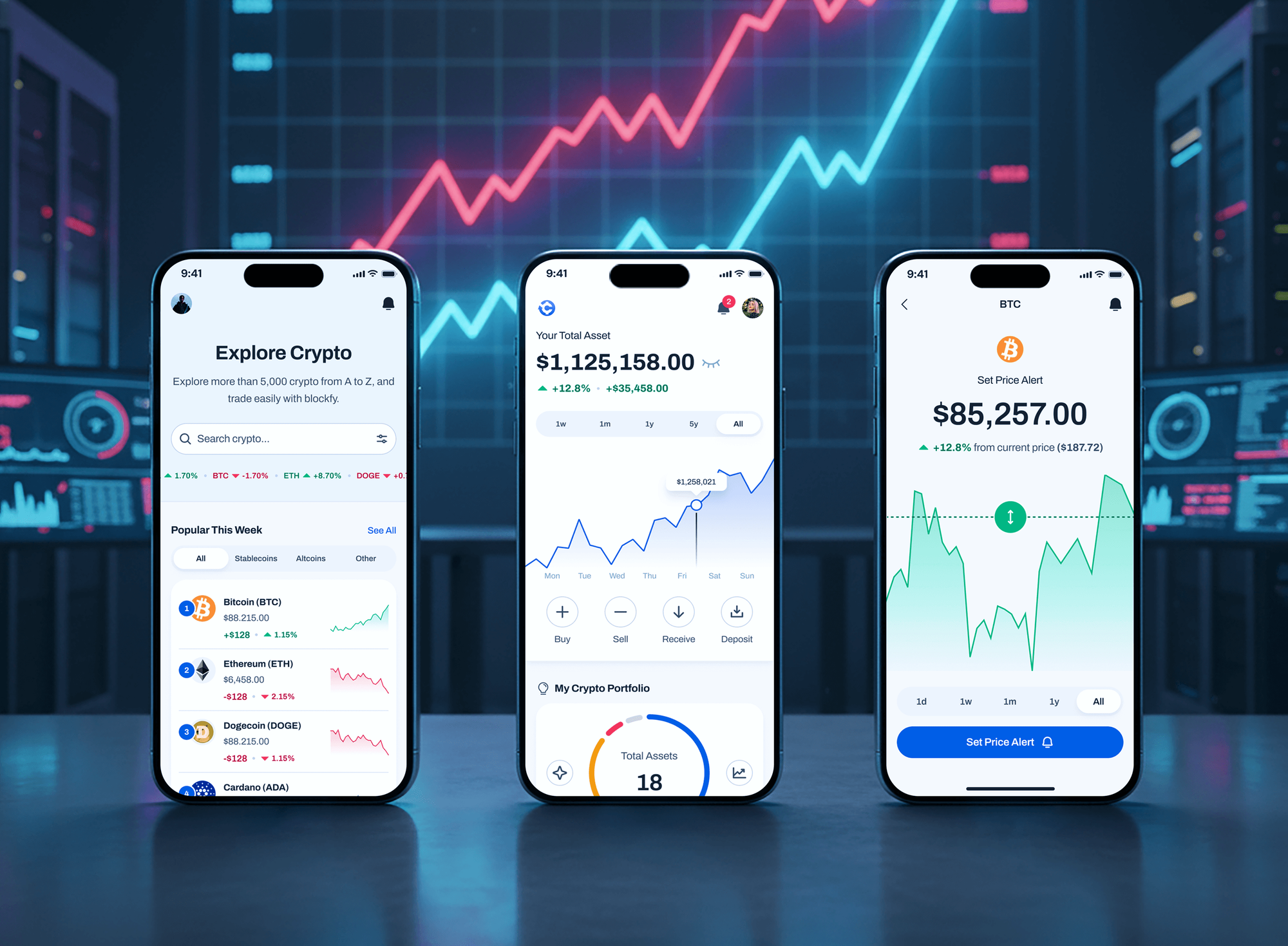
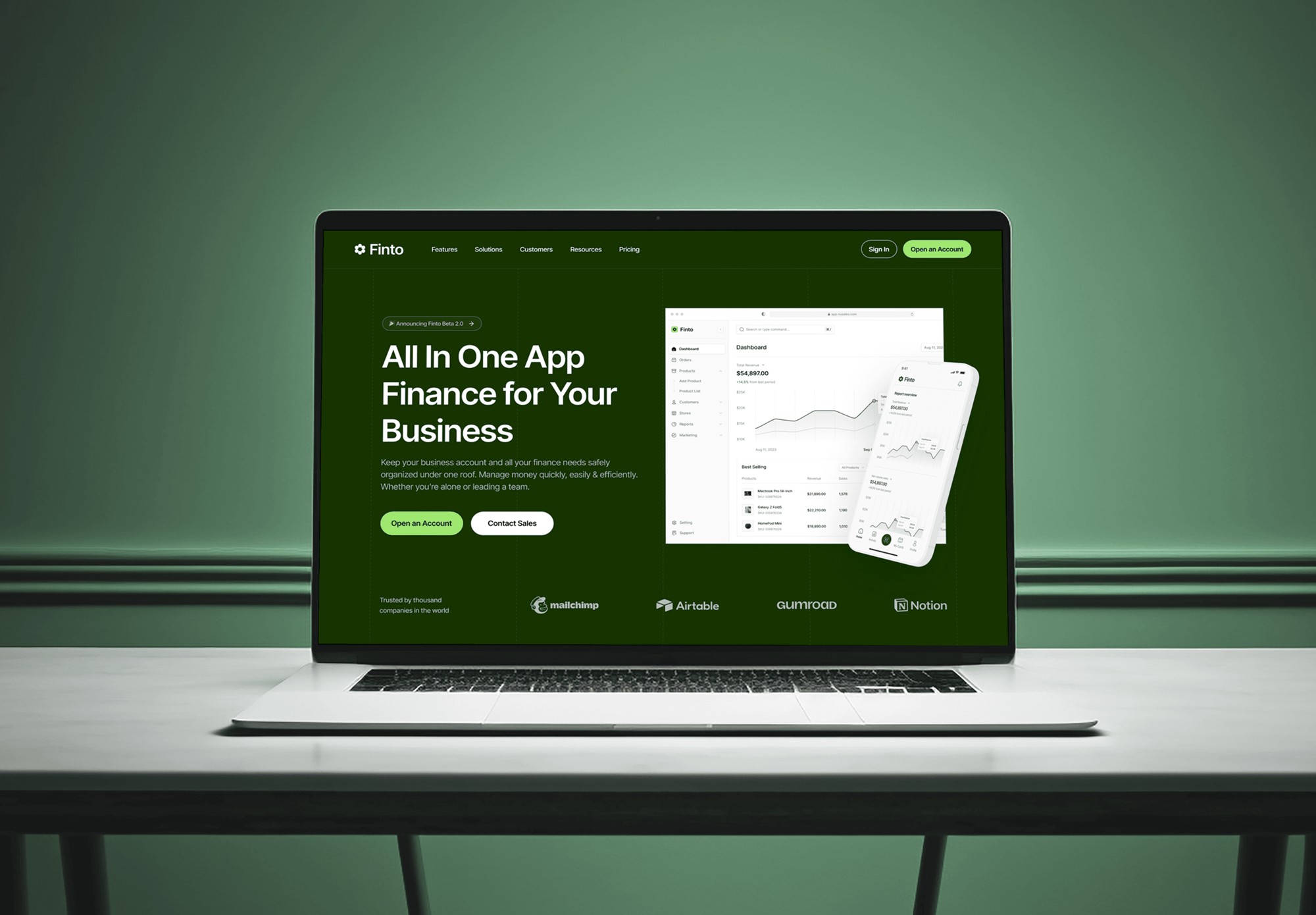
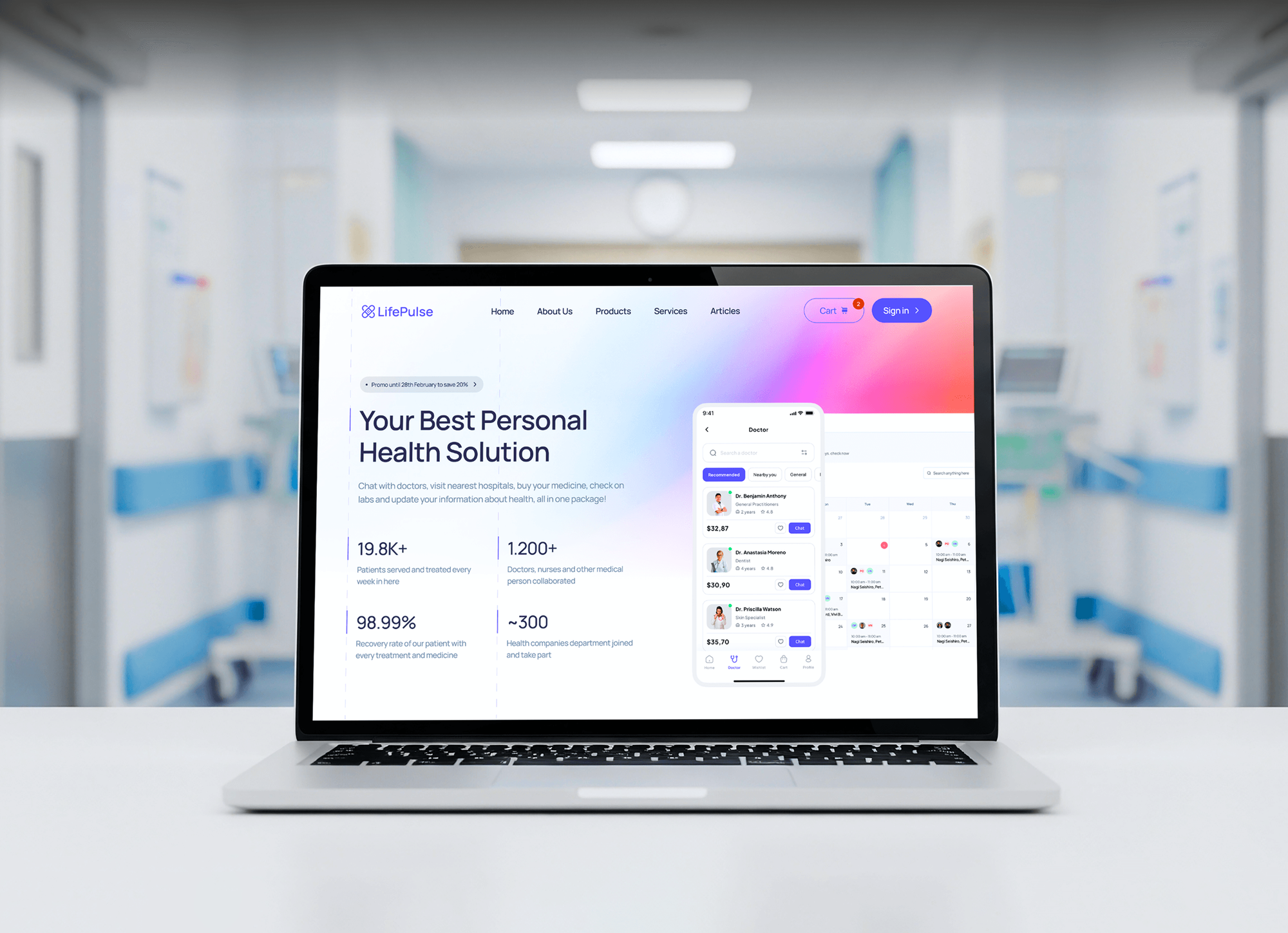
Finance, crypto, and medical apps we designed and built. Products that hold money or health data are where a second sign-in step matters most.
What Our Clients Say
Feedback from teams we have built platforms, apps, and websites for.
We had a pretty specific idea of what we wanted our website to become, but I wasn’t sure how easily we could explain all of it to a development team. There were quite a few moving parts, and we were working toward a deadline, so I expected a few things to get lost along the way. That never really happened. They understood what we were trying to achieve, kept us updated throughout the process, and got everything ready within the agreed timeline. The final site feels much easier to navigate, works beautifully on mobile, and is noticeably smoother for our customers. It was a huge relief seeing the original idea actually turn into the website we had in mind.
The mobile experience is probably my favourite part of the new site. We had spent a lot of time making sure the desktop version looked right, and the team kept pushing us to think about how everything would actually feel on a phone too. They were right. The navigation is clean, the interactions feel natural, and everything we’ve tested so far works exactly as it should. They also went through the links, forms, integrations, and other details more than once before launch, which I really appreciated. And even after going live, we could still reach out when something came up. The whole process felt friendly, organised, and surprisingly straightforward.
What I appreciate most is that the website is actually easy for us to manage now. We can update content ourselves instead of sending a developer a message every time we need to change something small. They also paid attention to the technical SEO side, which mattered to us because we didn’t want a new website to create problems for the traffic we already had. I’ve probably asked more questions than I should have since launch, but every question has been handled patiently and without any fuss. The team is easy to work with, they explain things clearly, and when we need something changed, they focus on getting it done rather than making the process complicated.
1,250+
Projects shipped
10+
Years of experience
Top 3%
Upwork Top Rated Plus
5 stars
Average review score
1,250+
Projects shipped
10+
Years of experience
Top 3%
Upwork Top Rated Plus
5 stars
Average review score

Want results like these?
Tell us what you are building. You get a reply within 24 hours on business days, then a written estimate.
Work Culture
MFA implementation services touch every person in your company, so we plan for lost phones, travel, and shared accounts before enforcement day.
Nobody is switched to required MFA until they've registered their methods. That order is what keeps enforcement day quiet for your help desk.
Your admin, finance, and IT accounts get security keys or passkeys first. Attackers phish for those accounts, and a fake login page can relay a typed code.
SMS stays only for written exceptions with a replacement date. NIST SP 800-63B-4 lists SMS codes as a restricted method, and CISA ranks them weakest.
Each person registers a backup method, and break-glass admin accounts stay out of daily use. A lost phone becomes a short delay, not a lockout.
Our MFA best practices follow CISA's phishing-resistant guidance and NIST SP 800-63B-4. You get the reasoning behind each rule in writing.
Every policy is built and documented in your own Microsoft, Google, or Okta tenant. The MFA system stays yours, with no per-user fees to us.
Overview
DeveloperLook handles MFA implementation for companies that need a second factor on every login, not only email. We map login surfaces, set a method policy, add MFA to cloud apps, VPN, and admin consoles, run enrollment, and write a safe reset process. Projects start at $850 and take 2 to 8 weeks.
DEVELOPERLOOK
Project facts · MFA Implementation Services
Reviewed 26 Oct 2026 by Saimul Islam
Good fit
Companies facing a cyber insurance renewal
Your insurer's renewal form asks whether MFA covers email, remote access, and admin accounts, and you can only honestly answer yes for email.
Microsoft 365 or Google Workspace teams
You switched on default MFA years ago, but your staff still approve random push prompts and two managers get codes by text.
IT teams with VPN and legacy apps
Your VPN, remote desktop gateway, and an old line-of-business app accept a password alone, and you need a second factor without replacing them.
Firms under PCI DSS or FTC rules
You need MFA for everyone who reaches card data or customer financial systems, and your assessor wants a written policy plus sign-in evidence.
Agencies and MSPs with a client rollout
Your client wants the easiest way to implement MFA across their staff, and you'd rather hand the rollout and reset script to specialists.
Not a fit
Passwordless customer login
You want customers to sign in to your website or app with no password at all. Our passkey implementation services cover that product build.
Full identity program
You need one identity provider, SSO for every app, and joiner and leaver processes as well. Our identity and access management services cover that.
Daily help desk support
You want someone answering password and device tickets every day. A managed IT provider fits better, and we hand your own team the process.
Budget under $850
Your budget is under $850 and you use one cloud suite with a few staff. Its built-in MFA settings and the vendor's guide may be enough for now.
Not sure we're the right fit?
Book a free call or message us. We'll tell you honestly whether we're the right team.
Pricing
These are starting points in USD. Your final price depends on how many people and login surfaces need MFA and whether your own app needs code changes, and you get a fixed proposal after a free MFA review.
For Agencies
You own the client relationship. We supply the identity work behind the rollout: login inventory, method policy, RADIUS and identity provider setup, and the help desk script, all under your brand.
White label: your client only ever sees your brand
Send the user count, cloud suite, VPN, and the apps that still use passwords.
You get a method policy, a rollout calendar, and a fixed price under your brand.
We enforce MFA in waves and hand over guides carrying your client's branding.
Send the user count, cloud suite, VPN, and the apps that still use passwords.
You get a method policy, a rollout calendar, and a fixed price under your brand.
We enforce MFA in waves and hand over guides carrying your client's branding.
The Right Technology for Your Project
We use the MFA in your licenses before adding a separate multi factor authentication provider, plus security keys and RADIUS for older systems.
Related Services
MFA is one layer of identity. These services cover the wider access program, zero trust, passwordless login, Entra ID, and website security reviews.
This page
MFA Implementation Services
Pairs with the 6 services around it
FAQ
Straight answers on MFA methods, how many factors you need, rollout steps, protection against fraud, and cost.
Saimul IslamFounder & CEO, DeveloperLookStill have questions?
Send a message or book a call with the team.
MFA implementation starts at $850 at DeveloperLook for one cloud suite, such as Microsoft 365 or Google Workspace, with up to 50 people. The $2,550 plan adds VPN, admin consoles, 10 more apps, and staged enrollment for 250 people. The $5,400 plan also builds MFA into your own web app. Every quote is fixed after a free MFA review.
An MFA rollout takes 2 to 3 weeks for one platform and 4 to 8 weeks company-wide. Most of that time is enrollment: deadlines, guides, and follow-ups before enforcement. The pilot week catches the legacy apps and shared accounts that would otherwise break on enforcement day.
MFA works by asking for a second proof of identity after your password, from a different kind of factor. That's usually something you have, like a phone app or security key, or something you are, like a fingerprint. A stolen password alone then fails, because the attacker doesn't hold the second factor.
An MFA rollout follows five steps: list every login surface, choose methods by risk, pilot, enroll everyone in waves, then enforce. Entra ID, Google Workspace, and Okta have it built in, so you rarely need a separate multi factor authentication provider. VPNs and older apps need RADIUS or your identity provider in front.
Multi factor authentication requires at least two factors from different categories: something you know, have, or are. A password plus an authenticator app code counts, but two passwords don't. You also need an enrolled device per person and a recovery path for a lost one.
The main MFA methods are security keys and passkeys, authenticator app push or codes, SMS or voice codes, and smart cards. Security keys and passkeys resist phishing because they only answer the real site. Authenticator apps with number matching suit most staff. SMS is the weakest, so keep it as a temporary fallback.
Two factors are the minimum for MFA, and they must come from different categories. A password plus a security key qualifies. Most companies stop at two for daily sign-ins. Admin accounts get a stronger second factor, such as a security key, rather than a third step that slows everyone down.
Multi factor authentication blocks sign-ins that rely only on a stolen or reused password, a common start to account takeovers. It also meets rules you may face: PCI DSS v4.0.1 has required MFA for all access into the cardholder data environment since March 31, 2025.
You should use multi factor authentication on every login that reaches email, customer data, money, or admin settings. That includes VPN, remote desktop, and cloud consoles. Start with admin and finance accounts, the most valuable to an attacker, then extend it to all your staff.
Multi-factor authentication protects against authentication fraud by making a stolen password useless without the second factor. Phishing-resistant methods go further: a security key or passkey only responds to the real site's domain, so a fake login page can't relay it. Number matching also stops people approving push prompts they didn't start.
Saimul IslamFounder & CEO, DeveloperLookStill have questions?
Send a message or book a call with the team.
Free 30-min callGoogle Meet
Book a call
In 30 minutes on Google Meet we walk you through how we would build it, how long it takes and what it costs. Then you get a written estimate.
Calendar not showing? Book on cal.com or send a brief.