Google Workspace security audit report
Findings rated by risk, each with the Admin console path, the user impact, and the edition it needs.

For companies that run email and files on Google: Admin console settings checked, every public file found, and risky apps flagged. From $650.
100%
Public file shares listed
48hrs
To flag critical admin gaps
How your project runs
01 · FreeTeams we have built for:














The Problem
Sharing feels harmless one file at a time. After a few years, links, guests, and connected apps add up to more exposure than anyone signed off on.
Link sharing
Files sit open to anyone who has the link.
Link sharing
We list every public file with its owner and set sharing defaults to Restricted.
Super admins
Owners read daily email from super admin accounts.
Super admins
We separate super admin accounts from daily work and protect them with security keys.
Third-party apps
Staff granted apps full access to Gmail and Drive.
Third-party apps
We review app access and keep only trusted apps on an allowlist.
Leavers
Former staff accounts still own shared company files.
Leavers
We transfer ownership of leavers' files and suspend old accounts without losing data.
Your Workspace started as a trial with a few accounts. Today the pricing spreadsheet is open to anyone with the link, and that link sits in an old client email thread. The founder reads email from a super admin account. A former contractor still owns the onboarding folder. A scheduling app someone tried once still has full access to their Gmail. Nothing looks broken in daily work, so nobody checks.
We start with what the Admin console doesn't show at a glance: every file shared publicly or with personal accounts, and every app with Gmail or Drive access. ScubaGoggles checks your settings against CISA's Workspace baselines, and we confirm each finding by hand. Super admin and sign-in gaps reach you within 48 hours. You fix real exposure first, not settings that only look bad on a checklist.
Every risky share listed
Files open to anyone with the link or to personal Gmail accounts, each listed with its owner.
Third-party apps reviewed
Each app that can read Gmail or Drive is checked, then trusted, limited, or removed.
Critical gaps within 48 hours
Super admin and 2-Step Verification problems reach you within 2 days of access.
Our Google Workspace Security Review Process
You create a limited admin role, hear about critical gaps within 48 hours, approve each change, and see the baseline rerun at the end.
You tell us your edition, user count, and what prompted the review, such as a customer questionnaire. You get a fixed price and the admin role to set up for us. If Google's own checklist covers a very small team, we'll say so first.
What's Included
Every plan shows who can reach your files, inboxes, and admin settings today. Larger plans make the changes and add data controls your edition supports.
Compare Options
Google's checklist is free, and your reseller already knows your account. Here is what each covers and where a hands-on review finds more.
| Feature | DeveloperLookBest fit | DIY checklist | Workspace reseller |
|---|---|---|---|
| Starting point | Scoping call and a limited admin role | Google's checklist and your time | Part of your license purchase |
| Coverage | Settings, sharing, apps, and admins | Settings you remember to check | Billing and basic setup help |
| Hidden exposure | Every public file listed with owner | Hard to see without tools | Rarely in scope |
| App access | Each app's scopes reviewed | Manual review, app by app | Usually not reviewed |
| Speed to start | Collection in 1 to 2 days | Start today, at your pace | Already knows your account |
| Change testing | Admins and pilot group first | You test changes yourself | Depends on the reseller |
| Ongoing help | 30 days, then optional | Google's help center | License and billing support |
| Cost | From $650, fixed price | Free apart from staff time | Often bundled with licenses |
Projects We've Built
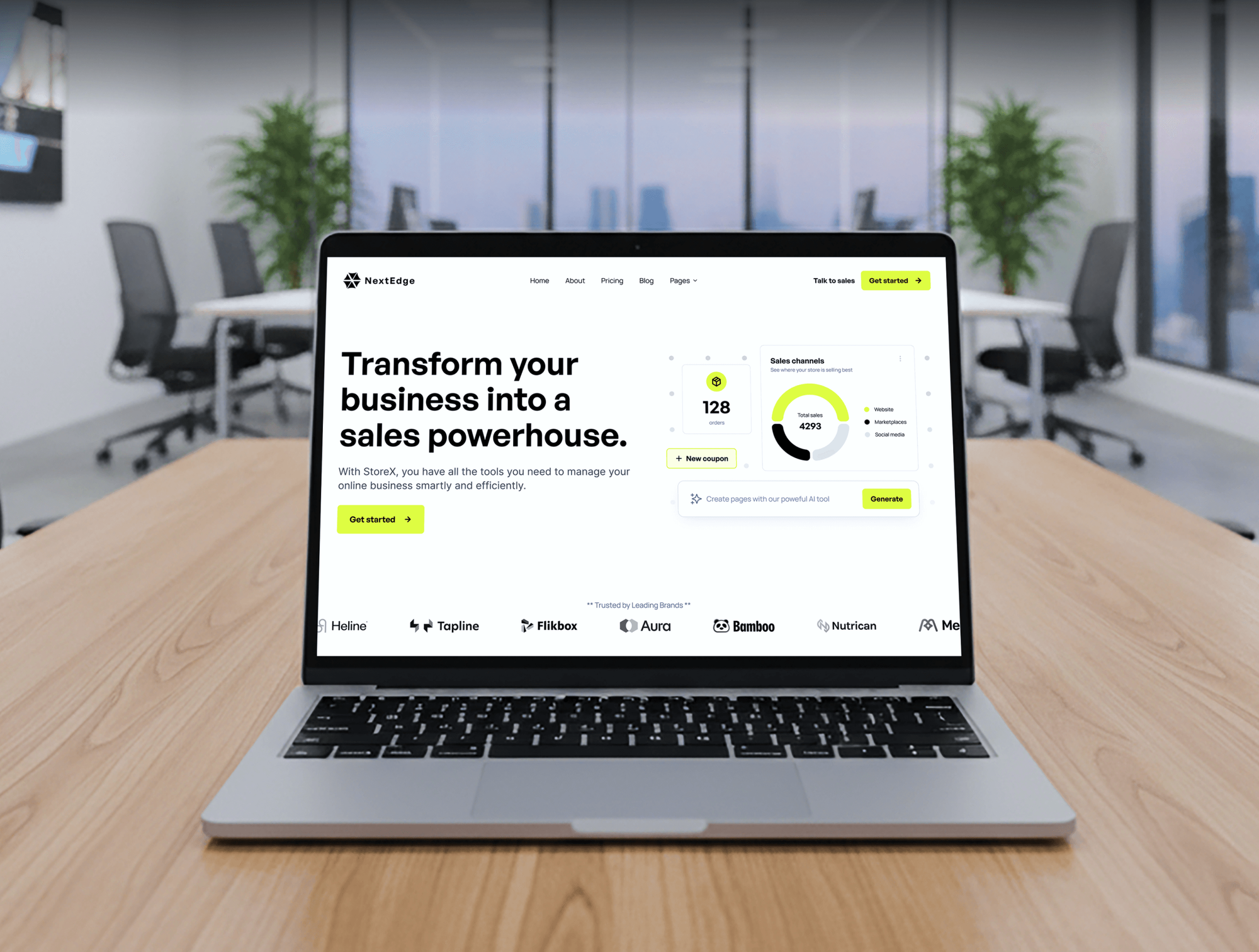
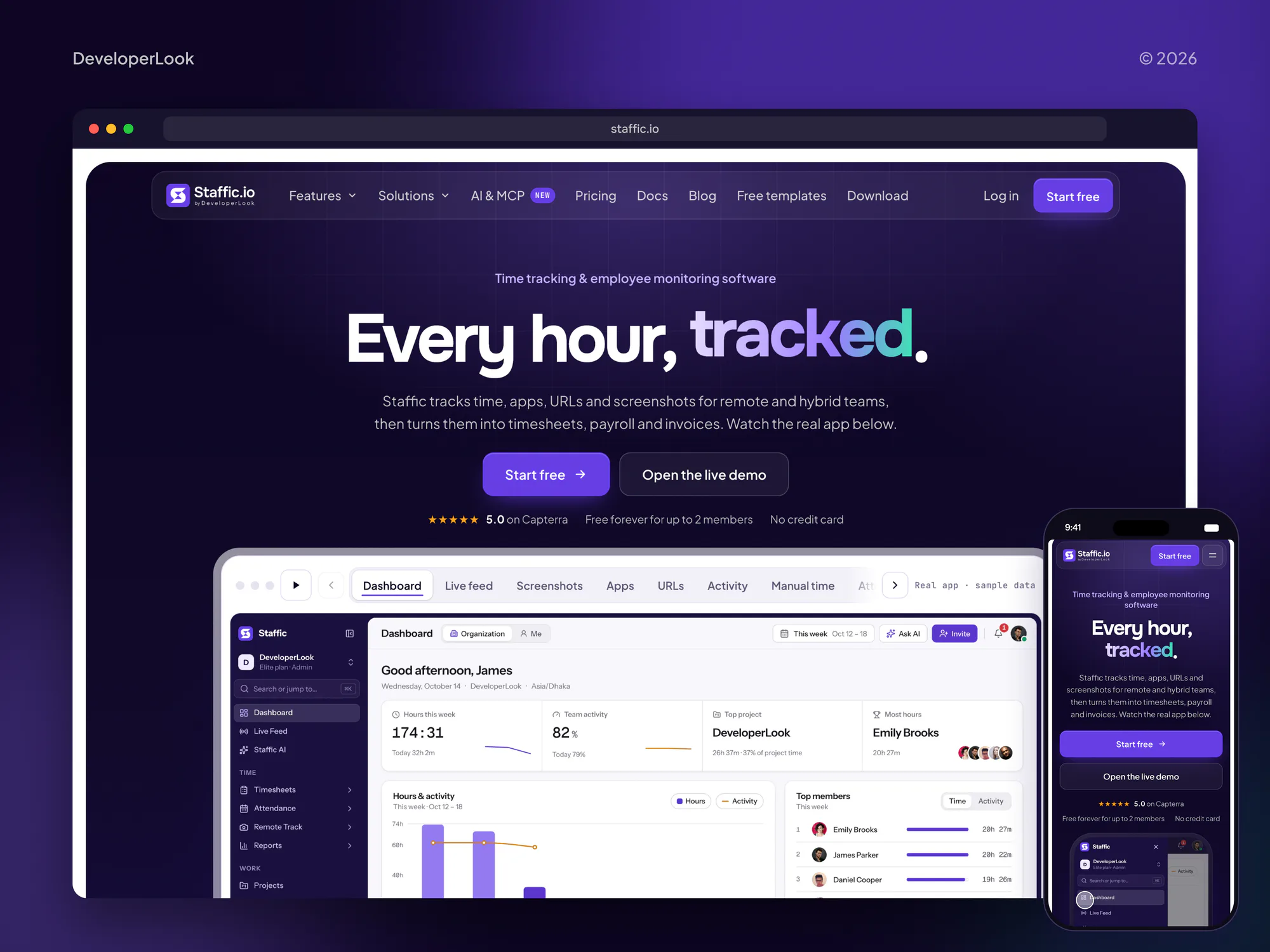
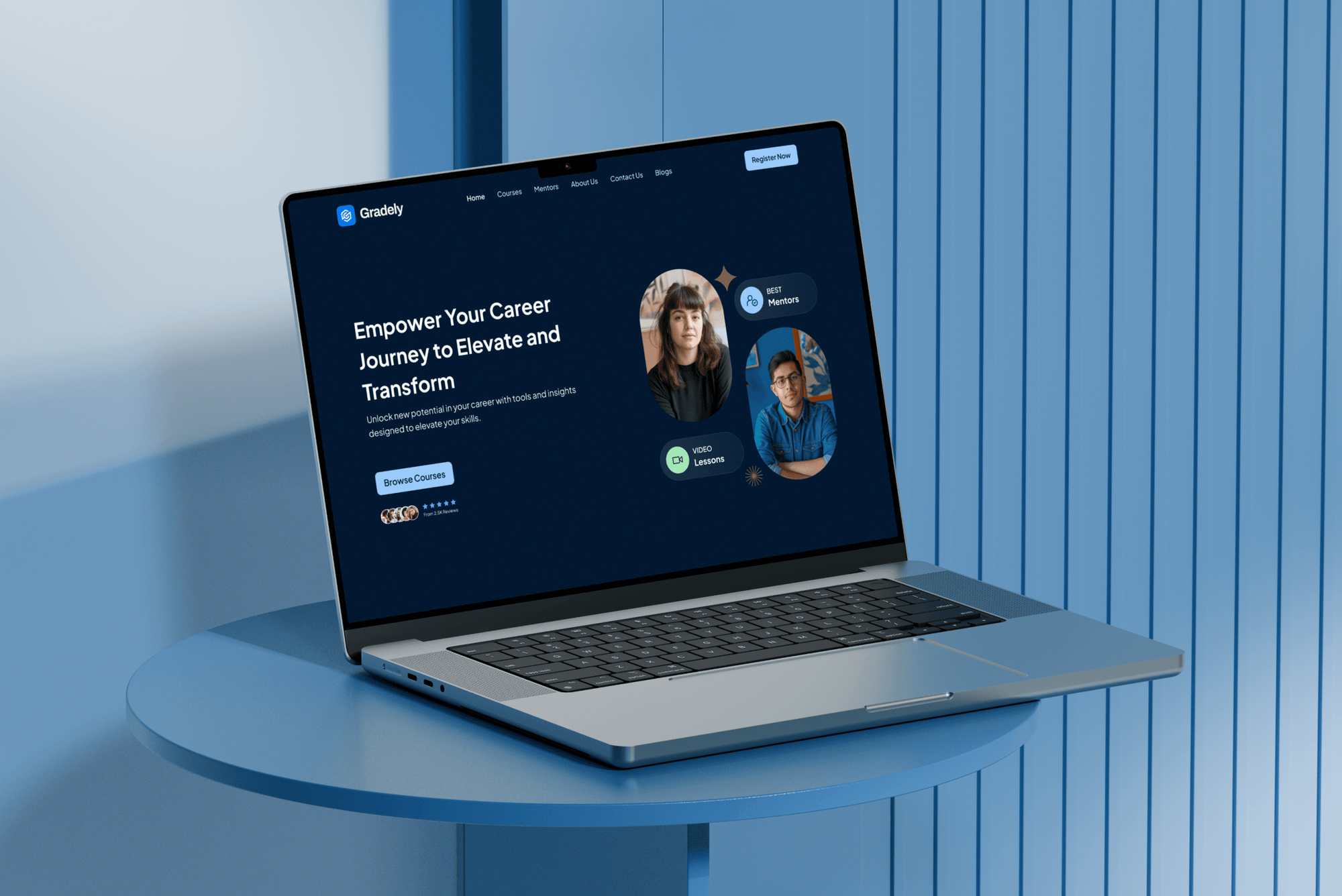
Websites and platforms we built for startups, agencies, and education teams, the kind of companies that run on Google. These are build projects, not Workspace reviews.

What Our Clients Say
Feedback from teams we have built startup, agency, and education websites for.
We had a pretty specific idea of what we wanted our website to become, but I wasn’t sure how easily we could explain all of it to a development team. There were quite a few moving parts, and we were working toward a deadline, so I expected a few things to get lost along the way. That never really happened. They understood what we were trying to achieve, kept us updated throughout the process, and got everything ready within the agreed timeline. The final site feels much easier to navigate, works beautifully on mobile, and is noticeably smoother for our customers. It was a huge relief seeing the original idea actually turn into the website we had in mind.
The mobile experience is probably my favourite part of the new site. We had spent a lot of time making sure the desktop version looked right, and the team kept pushing us to think about how everything would actually feel on a phone too. They were right. The navigation is clean, the interactions feel natural, and everything we’ve tested so far works exactly as it should. They also went through the links, forms, integrations, and other details more than once before launch, which I really appreciated. And even after going live, we could still reach out when something came up. The whole process felt friendly, organised, and surprisingly straightforward.
What I appreciate most is that the website is actually easy for us to manage now. We can update content ourselves instead of sending a developer a message every time we need to change something small. They also paid attention to the technical SEO side, which mattered to us because we didn’t want a new website to create problems for the traffic we already had. I’ve probably asked more questions than I should have since launch, but every question has been handled patiently and without any fuss. The team is easy to work with, they explain things clearly, and when we need something changed, they focus on getting it done rather than making the process complicated.
1,250+
Projects shipped
10+
Years of experience
Top 3%
Upwork Top Rated Plus
5 stars
Average review score
1,250+
Projects shipped
10+
Years of experience
Top 3%
Upwork Top Rated Plus
5 stars
Average review score

Want results like these?
Tell us what you are building. You get a reply within 24 hours on business days, then a written estimate.
Work Culture
A Workspace review touches every file and inbox in your company. We read before we change, let file owners decide, and leave records your next admin can use.
We ask for the narrowest admin role that lets us read settings. Nothing changes in your domain until you approve it.
If we find an exposed super admin or a public payroll file, you hear within 48 hours. You don't wait for the final report.
We list risky shares by owner, and each owner chooses what stays shared. A client folder doesn't vanish from a partner's view overnight.
Each fix notes whether your edition includes it. You use what Business Standard can do before anyone talks about upgrading.
Sharing and sign-in changes reach admins and a small pilot group before everyone else. Surprises then cost an afternoon, not a week of help desk tickets.
You keep the report, the sharing inventory, and the ScubaGoggles results. Your next customer questionnaire gets answered from documents you already have.
Overview
DeveloperLook runs a Google Workspace security review for companies that keep email and files on Google. We check Admin console settings against CISA and Google guidance, list every publicly shared Drive file, and review third-party app access. Reviews start at $650, take 1 to 2 weeks, and flag critical gaps within 48 hours.
DEVELOPERLOOK
Project facts · Google Workspace Security Review
Reviewed 27 Oct 2026 by Saimul Islam
Good fit
Startups selling to enterprises
Your startup runs on Google, and an enterprise buyer's questionnaire asks how you handle Google Workspace data security and admin access.
Agencies sharing files with clients
Your team shares Drive folders with dozens of clients, and nobody knows which files are still open to anyone with the link.
Nonprofits with rotating volunteers
You give accounts to volunteers and interns who come and go, and their files and app access rarely get cleaned up after they leave.
Regulated teams facing audits
Your auditor or insurer asks for evidence of Google Workspace security compliance: enforced 2-Step Verification, admin logs, and retention rules.
MSPs managing client domains
You manage Workspace for several clients and want Google Workspace security best practices applied the same way, under your brand.
Not a fit
You run Microsoft 365
Your email and files live in Microsoft 365. Our Microsoft 365 Security Consulting page covers Entra ID, Exchange, SharePoint, and Teams instead.
Phishing clicks are the worry
Your main risk is staff clicking phishing links, not settings. Our Security Awareness Training for Employees page builds that habit with short lessons.
Devices need managing first
Your laptops and phones have no management at all. Our Mobile Device Management Setup page enrolls and locks down devices first.
Under 10 users on Starter
You have under 10 users on Business Starter and a budget under $650. Working through Google's own security checklist is the better first step.
Not sure we're the right fit?
Book a free call or message us. We'll tell you honestly whether we're the right team.
Pricing
These are starting points in USD. Your final price depends on users, edition, and whether we make the changes for you, with a fixed proposal after a free scoping call.
For Agencies
You own the client relationship. We audit every client domain against one baseline, and the report goes out under your brand. Your team presents the sharing inventory and quotes the cleanup.
White label: your client only ever sees your brand
Send the client's edition, user count, and deadline, and we confirm the price.
We collect settings and sharing data under your name, with your team copied.
You walk the client through the report, and we join the call when asked.
Send the client's edition, user count, and deadline, and we confirm the price.
We collect settings and sharing data under your name, with your team copied.
You walk the client through the report, and we join the call when asked.
The Right Technology for Your Project
We use Google's own admin tools plus open-source checkers from CISA and the GAM project, so your team can repeat every check.
 Google Sheets
Related Services
A Workspace review often leads to identity, MFA, training, or device work. These pages cover each next step, plus the Microsoft 365 version of this review.
This page
Google Workspace Security Review
Pairs with the 6 services around it
FAQ
Straight answers on how secure Google Workspace is, the biggest risks, cost, timing, and Gmail versus Workspace.
Saimul IslamFounder & CEO, DeveloperLookStill have questions?
Send a message or book a call with the team.
Yes, the service runs on secure infrastructure, but your settings decide how safe your data is. Google protects the platform, while your admins control sign-in rules, sharing defaults, and which apps get access. The leaks we find usually come from open file links and over-permissioned apps, not from Google itself.
It's secure enough for sensitive data once sharing, sign-in, and retention are set on purpose. Many domains still let users share files with anyone who has the link. For sensitive records, enforce 2-Step Verification for everyone, set Restricted sharing defaults, and add data loss prevention rules where your edition includes them.
Our Workspace Review starts at $650 for up to 100 users and includes the sharing inventory and app review. Review and Hardening is $1,650 and makes the changes for up to 300 users. Hardening and Data Controls is $3,300 and adds data loss rules, Vault retention, and device rules where your edition includes them.
The Workspace Review takes 1 to 2 weeks, with critical gaps flagged within 48 hours of access. Review and Hardening runs 3 to 4 weeks, because changes go to admins and a pilot group first. Hardening and Data Controls takes 5 to 8 weeks, with a recheck at 90 days.
By default it's reasonably secure, but several key choices are left to your admins. Enforcing 2-Step Verification for every user is a setting someone has to turn on, and sharing defaults reflect choices made years ago. Google's own checklist lists the settings worth changing first.
Every edition includes 2-Step Verification, security keys, audit logs, Drive sharing controls, and third-party app access settings. Higher editions add the security center, data loss prevention, context-aware access, and Google Vault. We map each recommendation to what your edition already includes, so you don't pay for an upgrade you don't need.
Yes, for a business, because Workspace adds admin controls that a personal Gmail account lacks. You can enforce 2-Step Verification, limit sharing outside your domain, review third-party apps, keep audit logs, and remove a leaver's access in one place. The infrastructure is the same, but the control isn't.
The biggest risks are public file links, third-party apps with full Gmail or Drive access, and super admins using admin accounts for daily email. Leaver accounts that stay active come next. All four are easy to miss, because nothing looks broken while they sit there.
Start with accounts: enforce 2-Step Verification, give super admins separate accounts with security keys, and block less secure apps. Then set Drive sharing to Restricted by default, review third-party apps, and turn on admin alerts. These Google Workspace security best practices come straight from Google's own checklist.
You keep the audit report, the sharing inventory, and 30 days of email support. Your team can apply the fixes, or we can on the hardening plans. For ongoing Google Workspace security management, schedule a rerun every 6 months or after a big team change.
Saimul IslamFounder & CEO, DeveloperLookStill have questions?
Send a message or book a call with the team.
Free 30-min callGoogle Meet
Book a call
In 30 minutes on Google Meet we walk you through how we would build it, how long it takes and what it costs. Then you get a written estimate.
Calendar not showing? Book on cal.com or send a brief.