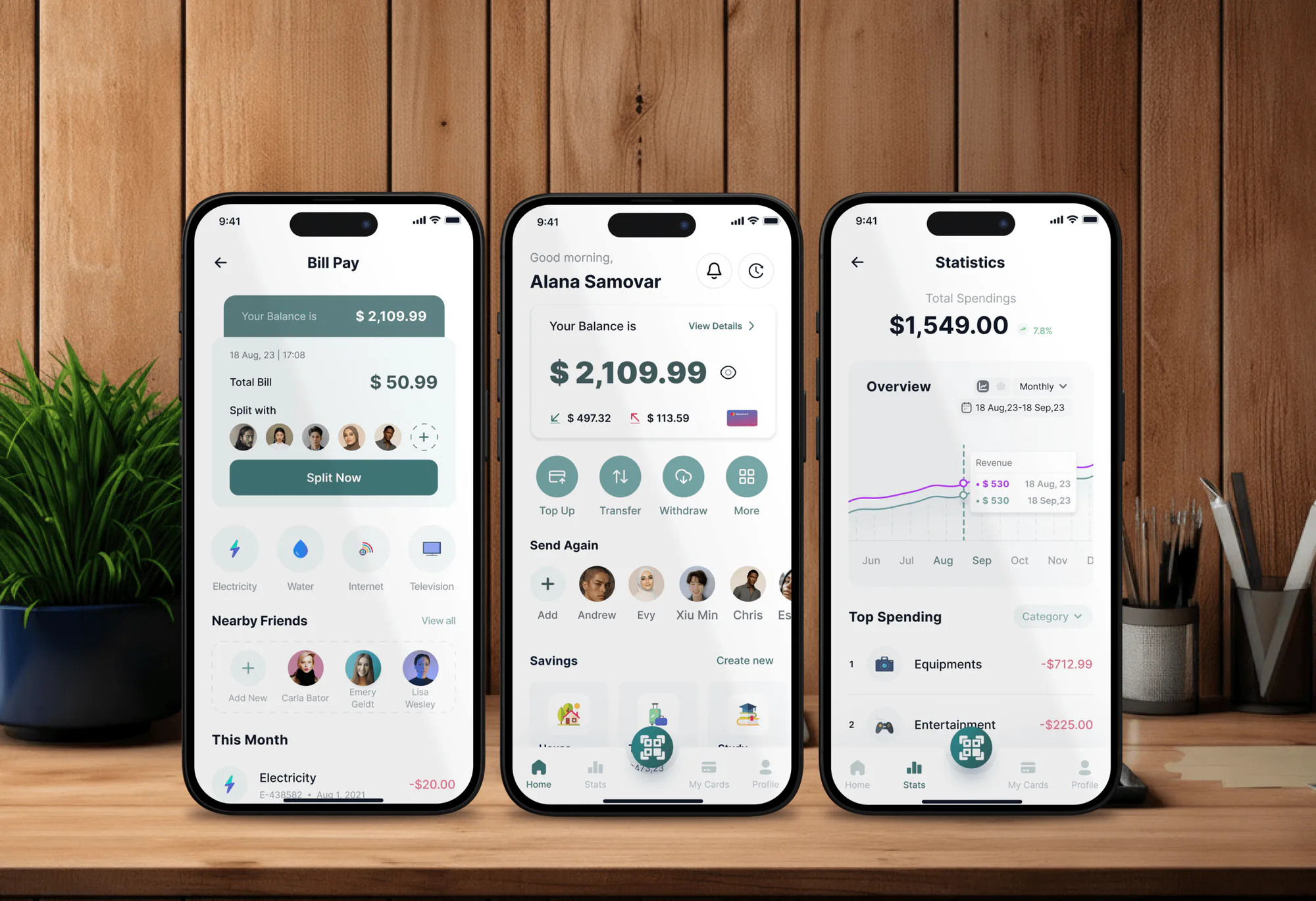
Moneywish Finance App Design & Development
- Finance
- Dashboard
- Mobile App

MyCase integrations for your law firm website: lead forms into MyCase, Open API sync for cases, and portal and payment links. From $600.
100%
Website leads in MyCase
2X
More clients using the portal
How your project runs
01 · FreeIndustry leaders we work with
 Zapier
 WordPress
 Webflow
 Next.js
 React
React Node.js
 PostgreSQL
 Make
Make n8n
n8n AWS
AWS Cloudflare
 Docker
 Slack
SlackThe Problem
It shows up in small moments. A lead gets retyped, a client emails a document, and someone calls to ask how to pay.
Hand entry
Your assistant creates each web lead in MyCase by hand.
Hand entry
Website inquiries arrive in MyCase as leads, with no retyping.
Wrong sources
Referral sources get picked by guesswork.
Wrong sources
Answers, custom fields, and referral sources travel with each lead.
Emailed statements
Clients email bank statements because they can't find the portal.
Emailed statements
Your site gets a clear portal login and upload steps that keep files out of email.
Payment calls
Clients call to ask how to pay an invoice already in MyCase.
Payment calls
A pay-online page points clients to the invoice and its payment link.
A prospective client fills out your website form on Sunday night. On Monday your assistant reads the email, creates the lead in MyCase by hand, and picks the wrong referral source. A current client can't find the portal, so she emails her bank statements as attachments. Another calls to ask how to pay, although the invoice sits in MyCase with a payment link. Your subscription already covers most of what these people need. Your website just doesn't lead them there.
We start with what your MyCase tier already offers, then connect the pieces your website skips. Inquiries become MyCase leads with their answers and source attached. On the Advanced tier, converted leads open cases automatically. Your site gets a clear portal login, a pay-online page, and upload steps that keep documents out of email. Clients use the portal you already pay for, not your inbox.
Leads that arrive complete
Answers, custom fields, and referral sources reach MyCase with the lead, not in an email.
Cases opened on conversion
Converted leads become cases with the right practice area and staff, created through the API.
A portal clients can find
Login, payment, and upload pages on your site point clients into MyCase, not your inbox.
Our MyCase Integration Process
You approve the field map, the conversion rules, and every page we add. Nothing touches live records until your test leads pass.
We check your MyCase tier, your website platform, and how leads and portal invites work today. You get the simplest path your tier supports. If MyCase's built-in lead form is enough, we'll say so before you spend anything.
Projects We've Built
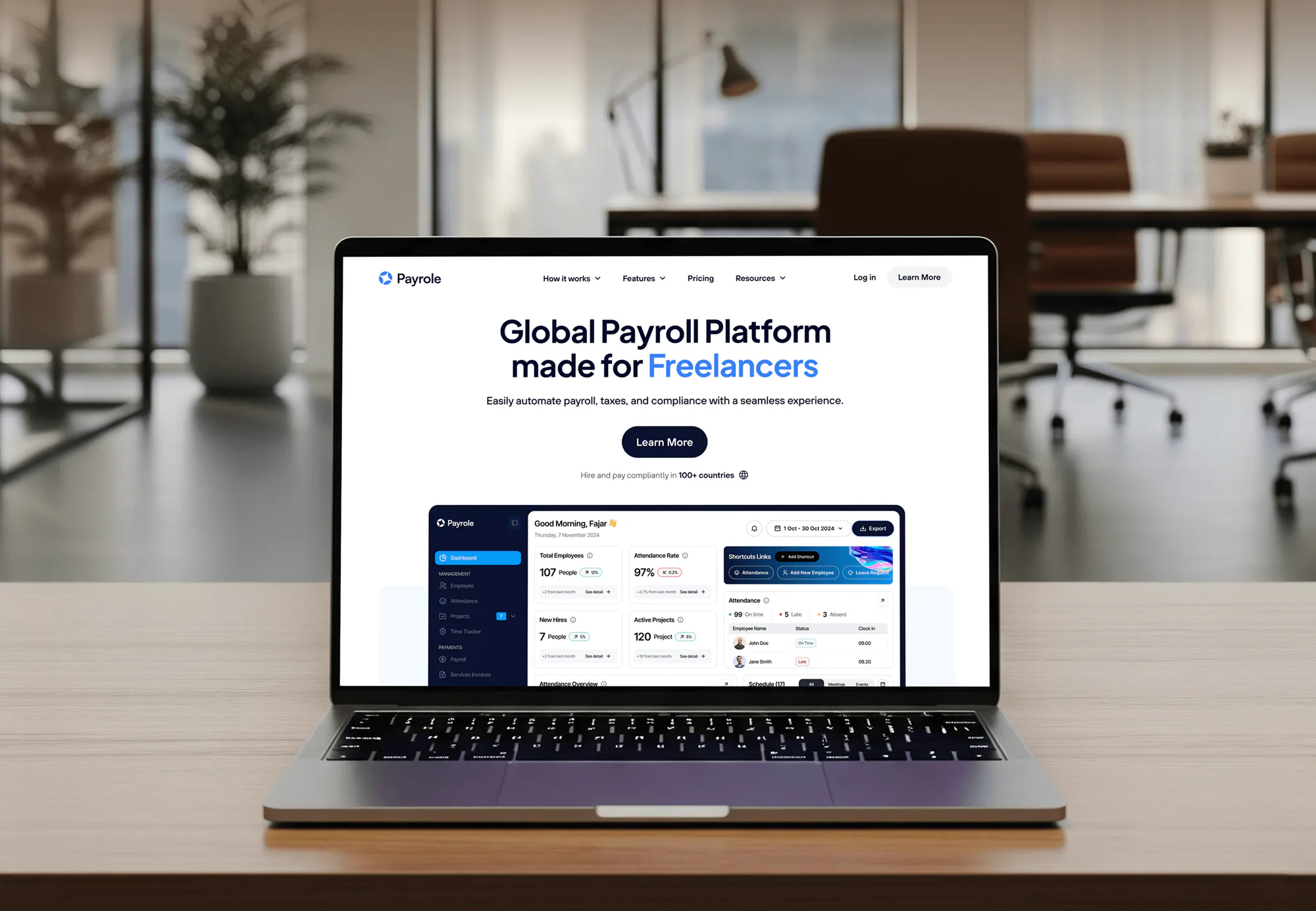
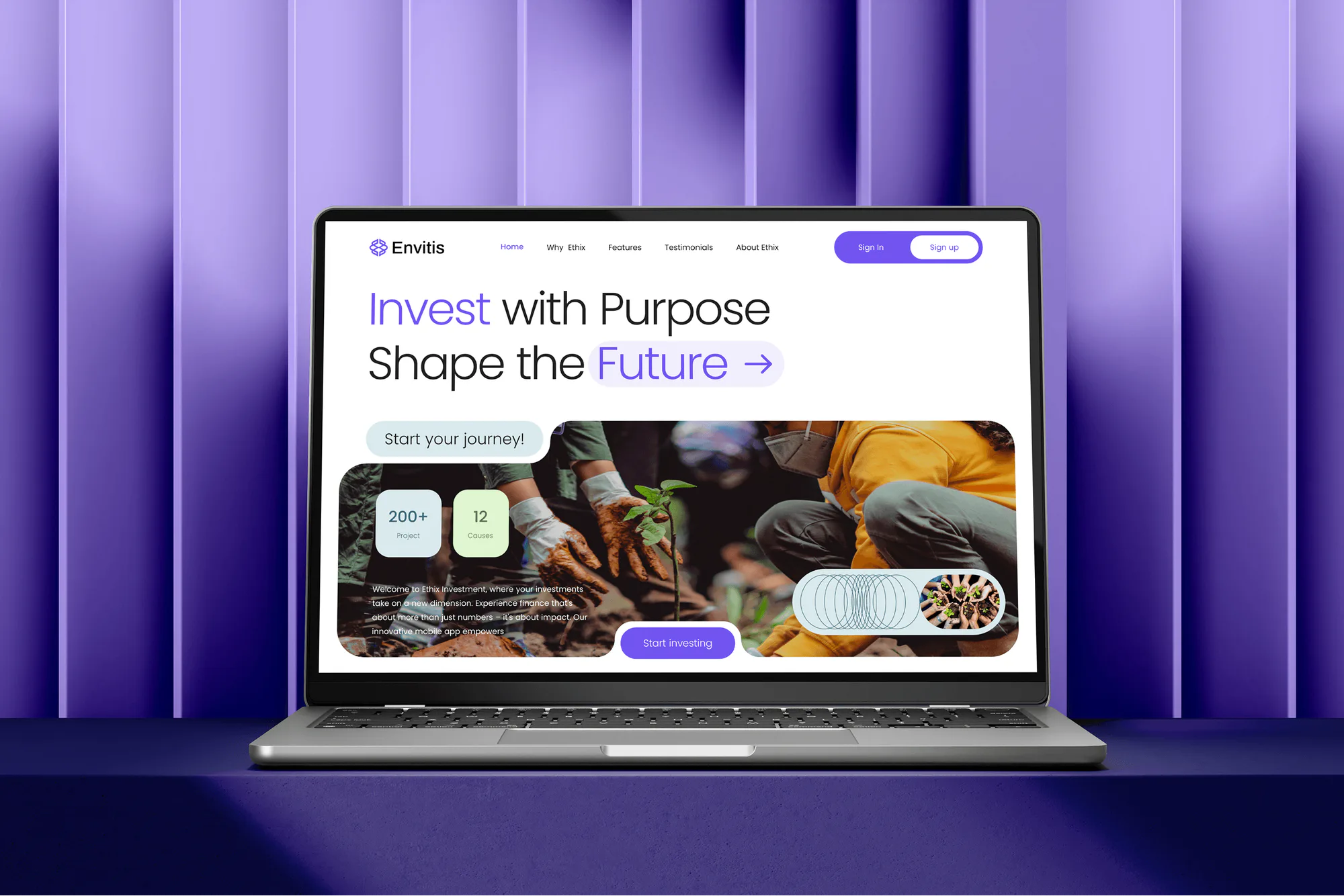
Corporate apps, payroll, and service websites our team built, each connecting a public site to the system behind it.

What's Included
Every plan gets your web leads into MyCase and points clients to the portal. Higher plans add API sync, case creation, and custom app connections.
Compare Options
A MyCase-built website bundles the portal, and a freelancer with Zapier costs little per hour. Both suit some firms. Here's where each one stops.
| Feature | DeveloperLookBest fit | MyCase Websites | Freelancer with Zapier |
|---|---|---|---|
| Your current site | Kept and connected | Rebuilt on MyCase | Kept, loosely linked |
| Lead capture | Embedded form or API | Built-in forms | A create-lead zap |
| Custom fields | Mapped field by field | Form builder options | Per-zap mapping |
| Case creation | On lead conversion | Manual conversion | Extra zap steps |
| Portal and payments | Login and pay pages | Built into the site | A link, if added |
| Error handling | Alerts and retries | Vendor support | Zap history emails |
| Upfront cost | From $600, fixed scope | Quoted by MyCase | Low hourly rate |
| Who owns it | You, code and data | Hosted by MyCase | You, in Zapier |
What Our Clients Say
Feedback from teams we have built websites and system connections for.
We had a pretty specific idea of what we wanted our website to become, but I wasn’t sure how easily we could explain all of it to a development team. There were quite a few moving parts, and we were working toward a deadline, so I expected a few things to get lost along the way. That never really happened. They understood what we were trying to achieve, kept us updated throughout the process, and got everything ready within the agreed timeline. The final site feels much easier to navigate, works beautifully on mobile, and is noticeably smoother for our customers. It was a huge relief seeing the original idea actually turn into the website we had in mind.
The mobile experience is probably my favourite part of the new site. We had spent a lot of time making sure the desktop version looked right, and the team kept pushing us to think about how everything would actually feel on a phone too. They were right. The navigation is clean, the interactions feel natural, and everything we’ve tested so far works exactly as it should. They also went through the links, forms, integrations, and other details more than once before launch, which I really appreciated. And even after going live, we could still reach out when something came up. The whole process felt friendly, organised, and surprisingly straightforward.
What I appreciate most is that the website is actually easy for us to manage now. We can update content ourselves instead of sending a developer a message every time we need to change something small. They also paid attention to the technical SEO side, which mattered to us because we didn’t want a new website to create problems for the traffic we already had. I’ve probably asked more questions than I should have since launch, but every question has been handled patiently and without any fuss. The team is easy to work with, they explain things clearly, and when we need something changed, they focus on getting it done rather than making the process complicated.
1,250+
Projects shipped
10+
Years of experience
5 stars
Clutch rating
5 stars
GoodFirms rating
Excellent
Trustpilot rating
Top 3%
Upwork Top Rated Plus
1,250+
Projects shipped
10+
Years of experience
5 stars
Clutch rating
5 stars
GoodFirms rating
Excellent
Trustpilot rating
Top 3%
Upwork Top Rated Plus

Want results like these?
Tell us what you are building. You get a reply within 24 hours on business days, then a written estimate.
Work Culture
You already pay for MyCase, so our job is to make it pull its weight. These habits keep the work small, safe, and honest.
We check what your MyCase tier includes before proposing anything. If Zapier covers you, you shouldn't upgrade to Advanced just for the API.
Every lead arrives with a MyCase referral source attached. Your team can then see which pages bring cases without guessing.
MyCase refresh tokens last two weeks, so we refresh them on a schedule. A sync that expires over a holiday weekend costs you leads.
We point your clients to the MyCase portal for documents and messages instead of email attachments. Files then stay in the case record, where they belong.
The integration code, hosting, and MyCase API credentials stay with your firm. You can revoke our access with one change.
You get a dated plan for each step, including the wait for MyCase to issue API credentials. If a step slips, you hear about it that day.
Overview
DeveloperLook sets up MyCase integrations for law firm websites. We embed MyCase intake forms or connect your own through Zapier or the Open API, create cases from converted leads, and add portal and payment pages. Projects start at $600, take 1 to 5 weeks, and your code and credentials stay with your firm.
DEVELOPERLOOK
Project facts · MyCase Website Integration Services
Reviewed 28 Sep 2026 by Saimul Islam
Good fit
Firms paying for MyCase Advanced
You pay for the Advanced tier but still copy website inquiries into MyCase by hand, and its API sits unused.
Firms with a WordPress or Webflow site
Your website runs outside MyCase, and you want leads in MyCase without rebuilding the site or upgrading just for the API.
Firms whose clients can't find the portal
Your clients call to ask how to log in, pay an invoice, or send a document, though MyCase handles all three.
Firms building their own tools
You're building a client dashboard or internal tool that needs to read cases, events, and documents from MyCase.
Agencies with MyCase law firm clients
Your agency builds law firm sites and needs a partner who handles the MyCase connection under your brand.
Not a fit
Running Clio instead
You use Clio instead of MyCase. The same work for Clio lives on our Clio Website Integration Services page.
Custom branded portal
You want a portal with your own case stages, branding, and several systems behind it. Our Law Firm Client Portal Development service builds that.
Standard lead form works
MyCase's own lead form, embedded as it is, already does what you need. Paste its code yourself; you don't need us.
Under $600 for MyCase
Your budget for MyCase work is under $600. MyCase's built-in intake forms and portal links are the no-cost starting point.
Not sure we're the right fit?
Book a free call or message us. We'll tell you honestly whether we're the right team.
Pricing
These are starting points in USD. Your final price depends on your MyCase tier, how many forms connect, and whether cases sync, and you get a fixed proposal after a free tier check.
For Agencies
You own the client relationship. We handle the MyCase work behind your law firm projects: lead forms, API sync, portal pages, and monitoring. It ships under your brand, and the firm keeps its credentials.
White label: your client only ever sees your brand
The MyCase tier, website platform, forms, and what the firm wants automated.
You receive a field map and one fixed price to put in your proposal.
We connect and test under your brand, then transfer credentials and the staff guide.
The MyCase tier, website platform, forms, and what the firm wants automated.
You receive a field map and one fixed price to put in your proposal.
We connect and test under your brand, then transfer credentials and the staff guide.
The Right Technology for Your Project
We start with MyCase's own tools, then add its API, Zapier, or code only where your tier and goals call for them.
ZapierWordPressWebflowNext.jsReactNode.jsPostgreSQLMaken8nAWSCloudflareDockerSlackFAQ
Straight answers on cost, tiers, intake forms, API access, portal links, and payments.
Saimul IslamFounder & CEO, DeveloperLookStill have questions?
Send a message or book a call with the team.
MyCase integrations start at $600 for an embedded MyCase form or your own form connected through Zapier, plus portal and pay-online pages. The $1,450 plan uses the Open API for leads with custom fields, case creation, and documents. Custom app sync starts at $3,100. MyCase and Zapier bill subscriptions separately.
A MyCase API integration takes 3 to 5 weeks, and lead form setups take 1 to 2. The first days go to mapping fields and requesting API credentials, which your admin asks MyCase support for in writing. Build, testing, and launch follow once the credentials arrive.
Connecting your website to MyCase puts each web inquiry straight into MyCase as a lead, with its answers, custom fields, and referral source. Your attorneys review leads where they already work, convert the good ones to cases, and skip the email-to-spreadsheet step. Alerts tell the right person a lead arrived.
Yes, in three ways. MyCase's own forms embed on your site, and the MyCase Zapier integration's Create Lead action works with most form tools. On the Advanced tier, the API creates leads with custom fields and referral sources. We use whichever your tier and form builder support.
In MyCase, matters are cases, so we create the case when your team converts a lead. A webhook tells the integration the lead changed, and the API creates the case with its practice area, staff, and client link. Your team keeps the judgment call, and the typing disappears.
The Open API covers leads, cases, case stages, clients, companies, documents, events, tasks, time entries, messages, and invoices. Webhooks report changes to cases, clients, events, leads, and messages. You can read invoices and record payments, but the API isn't a payment processor, and it requires the Advanced tier.
The portal stays hosted by MyCase, and clients sign in through MyCase itself. Your site gets a clear login button, a short guide, and pages for payments and uploads that point into the portal. Firms using MyCase's own website service get portal access built into their domain.
Not as a standalone checkout, because MyCase payments run per invoice. Clients pay through the portal's Pay Now button, and each invoice's own payment link takes card payments without a login. eChecks need a portal login unless your firm processes through LawPay, according to MyCase's help center.
Only for the Open API, which MyCase offers exclusively on Advanced. Firms on other tiers can connect website forms through Zapier or MyCase's own forms, depending on what their tier includes. MyCase doesn't provide technical support for API builds, so firms bring developers or hire help.
Scheduled token refreshes keep it running: MyCase access tokens last 24 hours, and refresh tokens last two weeks. We also pace requests under MyCase's limit of 25 per second, verify webhook signatures, and alert your team on failures. Support lasts 30 to 60 days, depending on your plan.
Saimul IslamFounder & CEO, DeveloperLookStill have questions?
Send a message or book a call with the team.
Free 30-min callGoogle Meet
Book a call
In 30 minutes on Google Meet we walk you through how we would build it, how long it takes and what it costs. Then you get a written estimate.
Calendar not showing? Book on cal.com or send a brief.