
Authorization code with PKCE
The flow current IETF security guidance requires for browsers and mobile apps, set up for each client.

For product teams who want login and API access built on OAuth 2.0 and OpenID Connect the way current security guidance says, from $800.
PKCE
On every client we connect
1flow
Authorization code for every app type
How your project runs
Teams we have built for:














The Problem
It surfaces in a pen test, a partner's security questionnaire, or the day a mobile release ships with a secret anyone can extract.
01 · Token storage
Access tokens sit in localStorage, readable by injected scripts.
A backend-for-frontend holds tokens on the server behind a secure cookie.
02 · Old flows
The mobile app still uses the implicit flow.
Authorization code with PKCE replaces implicit on every client.
03 · Leaked secrets
A client secret ships inside the mobile app bundle.
Public clients use PKCE, and secrets stay on servers only.
04 · Loose scopes
The API accepts any valid token for any route.
Each route checks scopes, so integrations reach only what users approved.
Your login screen works, so nobody looks behind it. The React app keeps access tokens in localStorage. The mobile app still runs the implicit flow from an old tutorial, and the client secret ships inside the app bundle. Refresh tokens don't expire. Your API checks that a token exists but not what it may do. Then a pen test lands with a list of findings, a partner asks how their users' data is scoped, and the fix touches every client at once.
We start by mapping every client and token. Each one gets the flow designed for it: authorization code with PKCE for browsers and phones, client credentials for servers. Single-page apps get a backend-for-frontend, refresh tokens rotate, and every API route checks scopes. Your next pen test reads like a short report, not a rebuild plan.
Right flow per client
Browsers, phones, and servers each get the grant that was designed for them.
Tokens off the browser
A backend-for-frontend keeps tokens on the server for single-page apps.
Scopes that mean something
Every API route checks what a token may do, not only that it exists.
Our OAuth Authentication and OIDC Integration Process
You approve the flow for each client, the scopes, and the token lifetimes, then see the security test results before anything ships.
We map your clients (web, mobile, server), the providers you need, and how tokens move today. You get a short list of risks and the flow each client should use. If a hosted login already covers your case, we'll tell you before we quote.
What's Included
The right grant per client, validated sign-in, token handling that survives a pen test, scoped APIs, connections to other apps, and tests your team can rerun.
Compare Options
A hosted platform gets basic login running in hours, and tutorials cost nothing. Both suit some apps. Here is where each one helps and where gaps show up.
| Feature | DeveloperLookBest fit | Hosted auth platform | DIY from tutorials |
|---|---|---|---|
| Flow per client | Chosen per app type | Preset by the platform | Often one flow everywhere |
| PKCE and state checks | On every client | Often skipped | |
| Token storage | Backend-for-frontend for SPAs | SDK default, often the browser | localStorage, commonly |
| Setup speed | 1 to 2 weeks | Hours for basic login | Days to weeks |
| API scopes | Mapped to your routes | You define and enforce them | Rarely enforced |
| Becoming a provider | Built in the top plan | Some platforms support it | Hard to do safely |
| Running cost | No fees after launch | Per active user fees | No fees |
| Ownership | Your code and identity server | User data at the vendor | Your code |
Projects We've Built
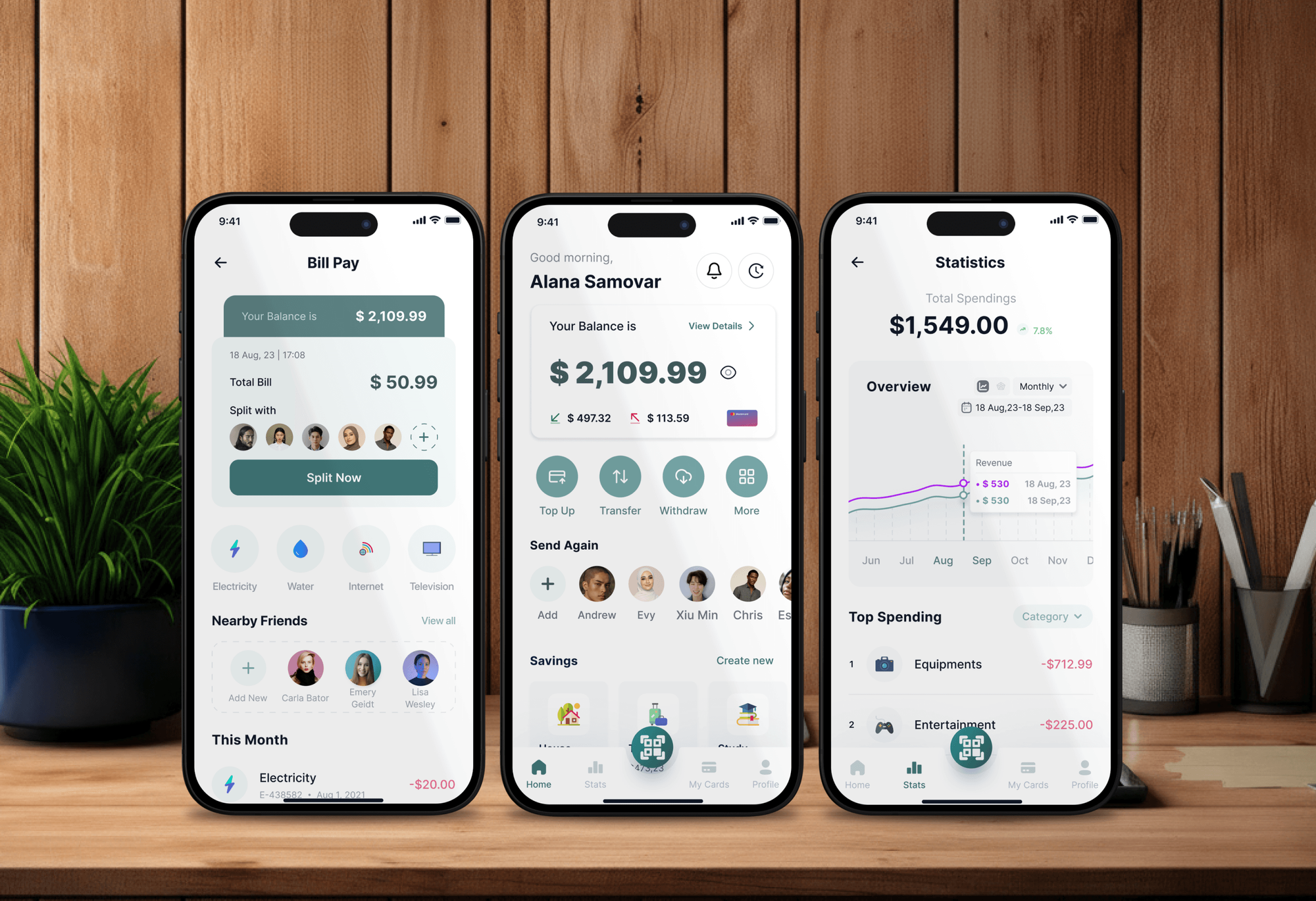
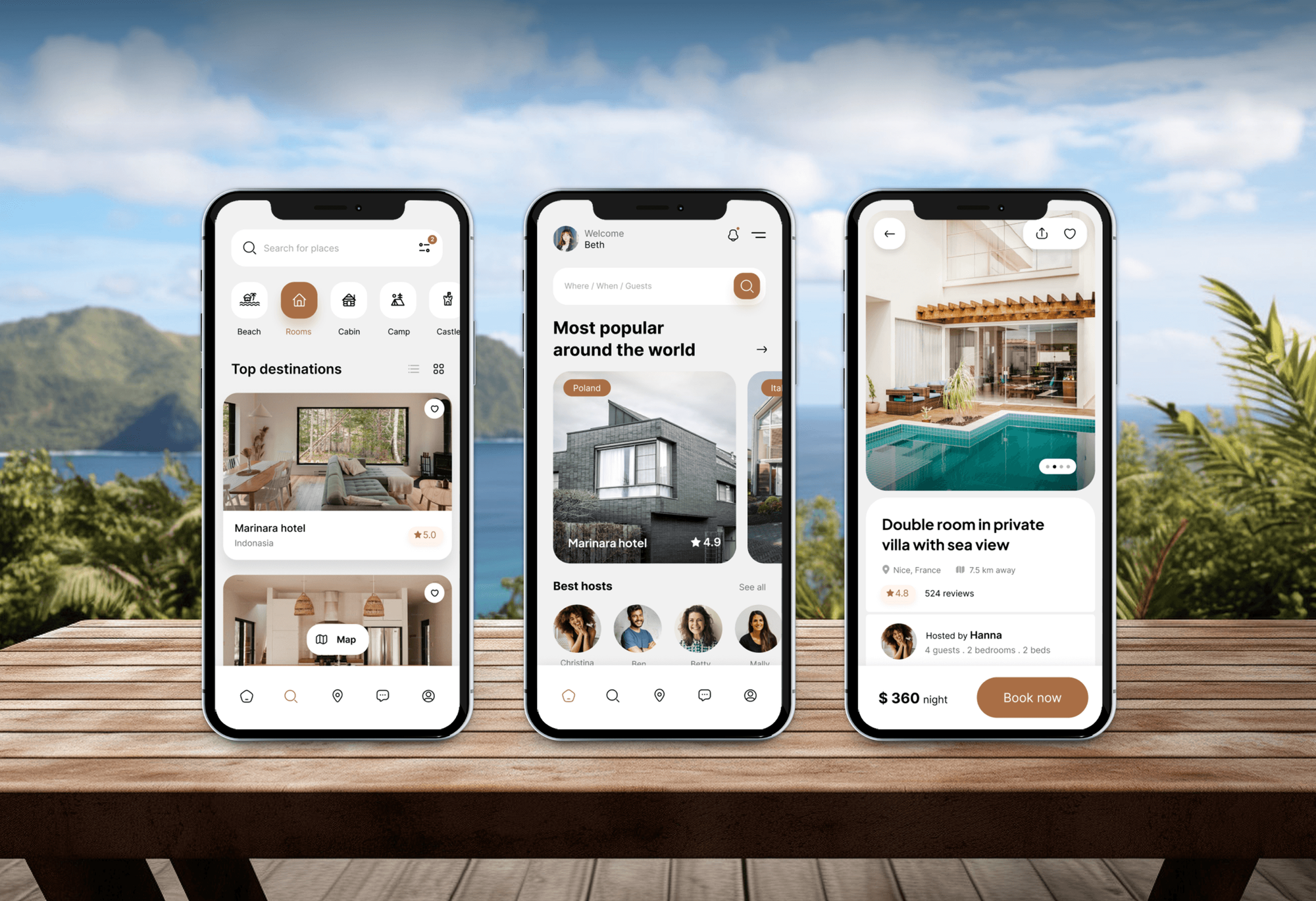
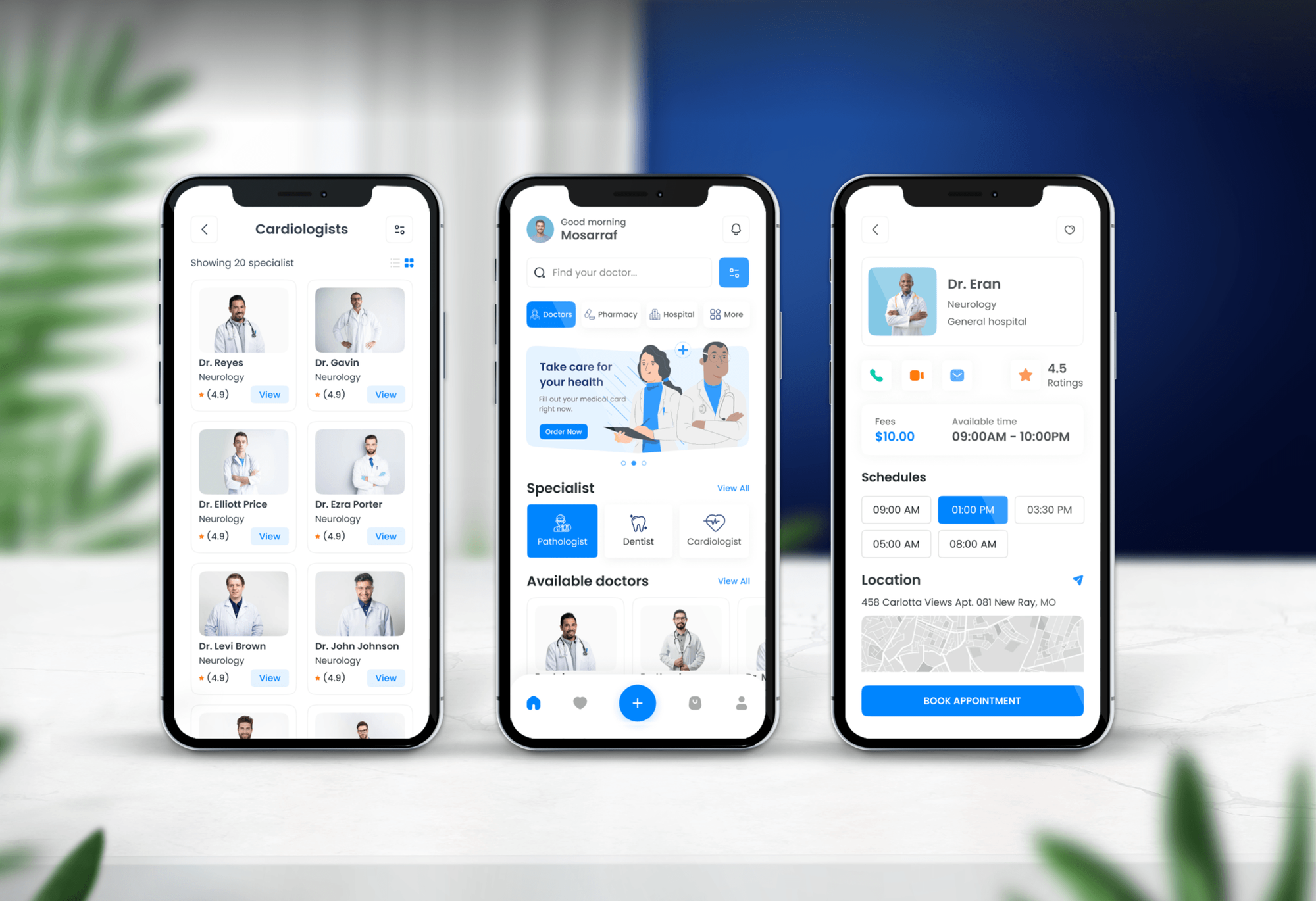
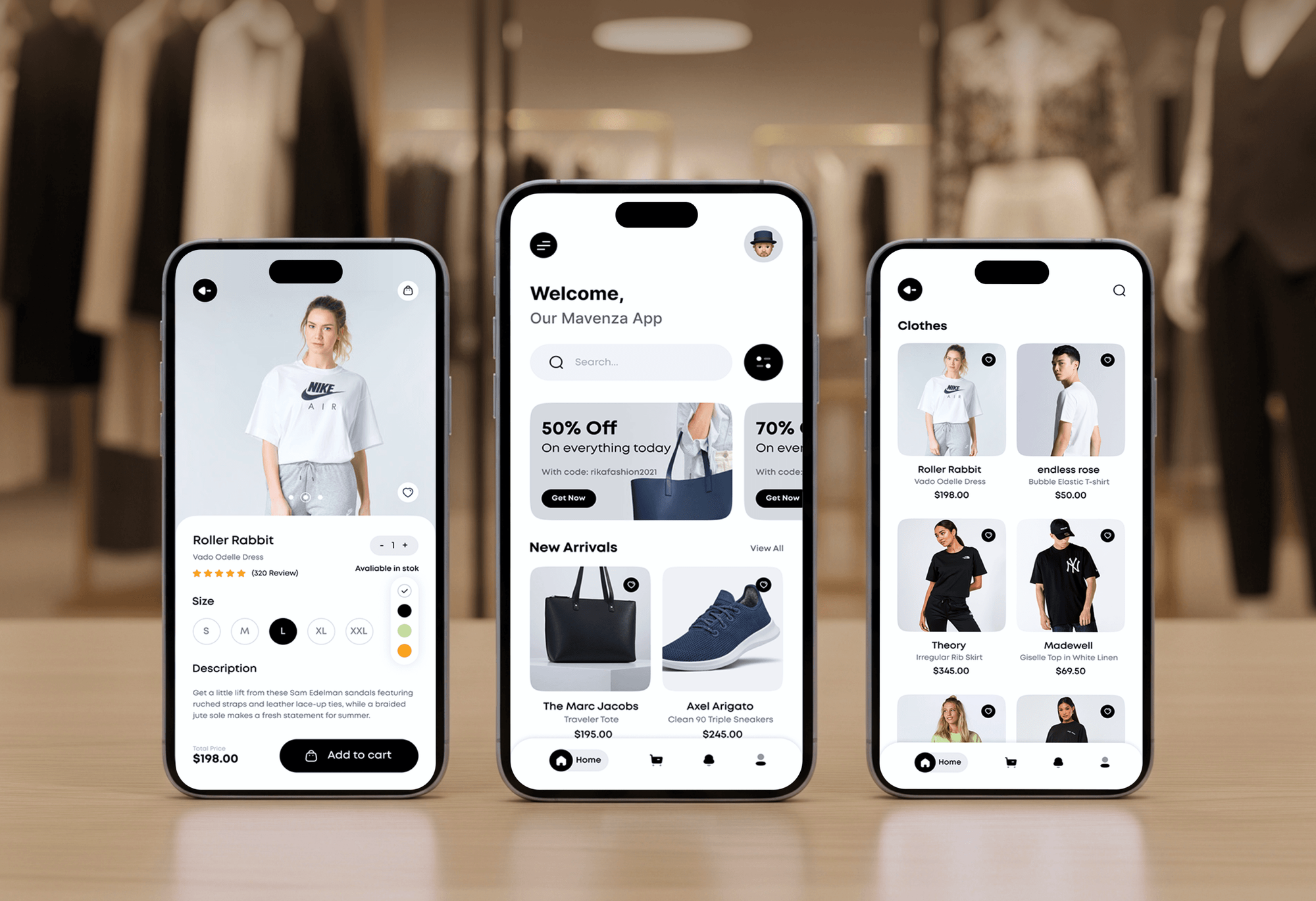
Booking, finance, health, and delivery apps with user accounts on web and mobile that we designed and built. Apps like these rely on a login and token layer that holds up.
What Our Clients Say
Feedback from teams we have built apps, platforms, and websites for.
We had a pretty specific idea of what we wanted our website to become, but I wasn’t sure how easily we could explain all of it to a development team. There were quite a few moving parts, and we were working toward a deadline, so I expected a few things to get lost along the way. That never really happened. They understood what we were trying to achieve, kept us updated throughout the process, and got everything ready within the agreed timeline. The final site feels much easier to navigate, works beautifully on mobile, and is noticeably smoother for our customers. It was a huge relief seeing the original idea actually turn into the website we had in mind.
The mobile experience is probably my favourite part of the new site. We had spent a lot of time making sure the desktop version looked right, and the team kept pushing us to think about how everything would actually feel on a phone too. They were right. The navigation is clean, the interactions feel natural, and everything we’ve tested so far works exactly as it should. They also went through the links, forms, integrations, and other details more than once before launch, which I really appreciated. And even after going live, we could still reach out when something came up. The whole process felt friendly, organised, and surprisingly straightforward.
What I appreciate most is that the website is actually easy for us to manage now. We can update content ourselves instead of sending a developer a message every time we need to change something small. They also paid attention to the technical SEO side, which mattered to us because we didn’t want a new website to create problems for the traffic we already had. I’ve probably asked more questions than I should have since launch, but every question has been handled patiently and without any fuss. The team is easy to work with, they explain things clearly, and when we need something changed, they focus on getting it done rather than making the process complicated.
1,250+
Projects shipped
10+
Years of experience
Top 3%
Upwork Top Rated Plus
5 stars
Average review score

Want results like these?
Tell us what you are building. You get a reply within 24 hours on business days, then a written estimate.
Work Culture
OAuth authentication and OIDC integration sit in front of every user session, so we follow published security guidance and test the failure paths too.
We build against RFC 9700, the IETF's 2025 security best practice for this protocol. Patterns copied from older blog posts, like the implicit flow, stay out of your code.
Browsers, phones, and servers each get the grant designed for them. That avoids the classic mistake of shipping a client secret inside a mobile app.
We test expired tokens, reused codes, and mismatched redirects on purpose. Your users get a working login, and attackers get a closed door.
Every integration asks only for the scopes it needs. Users see a shorter consent screen, and a leaked token can reach less.
We work with Auth0, Keycloak, Amazon Cognito, or your own server. The flows follow the standard, so switching providers later doesn't mean rewriting your app.
You get a diagram of every flow, the token lifetimes, and the test list. New developers can extend sign-in without guessing how it works.
Overview
DeveloperLook builds OAuth authentication into web and mobile apps using the authorization code flow with PKCE. We set up OpenID Connect sign-in, safe token storage, refresh rotation, API scopes, and partner access when needed. Projects start at $800, take 1 to 7 weeks, and follow the IETF's current security guidance.
DEVELOPERLOOK
Project facts · OAuth Authentication and OIDC Integration
Reviewed 23 Oct 2026 by Saimul Islam
Good fit
Product teams launching a new app
You're launching a web or mobile app and want OAuth authentication built on authorization code with PKCE from day one, not retrofitted later.
Single-page apps after a pen test
Your React front end keeps access tokens in localStorage, and a pen test flagged it as a cross-site scripting risk.
Apps that connect to other platforms
Your users want to connect Google Calendar, Slack, or HubSpot, and you need an OAuth integration that handles consent, refresh, and disconnects.
Platforms opening an API to partners
Your partners want to build on your API, and you need to become one of the OAuth providers they register apps with.
Agencies with auth-heavy client builds
You build iOS, Android, and web apps for clients and want a specialist to own the OAuth login and token layer.
Not a fit
Just a Google sign-in button
You want Sign in with Google and Apple buttons on a site or store, with no API work behind them. Our social login integration service is the simpler fit.
Enterprise SAML for customers
Your B2B customers want to log in through Okta or Entra ID with SAML. Our SSO integration service covers per-customer connections and admin setup.
Login with no code to maintain
You want sign-in fully hosted and managed by a vendor. A hosted auth platform suits that, and our API integration service can wire it into your app.
Budget under $800
Your budget is under $800 and you need one provider on a no-code site. Your site builder's built-in login or a plugin is the better choice.
Not sure we're the right fit?
Book a free call or message us. We'll tell you honestly whether we're the right team.
Pricing
These are starting points in USD. Your final price depends on how many client apps and providers you need and whether your app becomes a provider. You get a fixed proposal after a free architecture review.
For one web app adding OpenID Connect login with a single identity provider.
$800one-time, USD
For products with web and mobile apps, several providers, and an API to protect.
$2,250one-time, USD
For platforms letting partners and integrations connect to their API with OAuth.
$4,750one-time, USD
For Agencies
You own the client relationship. We build the sign-in and token layer behind it: login flows, token handling, and API scopes in your client's codebase. Your developers keep shipping features while sign-in gets specialist attention.
White label: your client only ever sees your brand
Send the stack, client apps, providers, and any security findings to fix.
You get flow diagrams, a test plan, and a fixed price under your brand.
We ship through your repo with tests and docs your team can maintain.
You run the client calls while we build quietly under your brand.
Flows built to pass the security reviews your clients commission.
Pull requests in your repo, following your review and test setup.
Add sign-in specialists for a sprint without making a new hire.
The Right Technology for Your Project
Standard protocols and maintained libraries on every platform, so your sign-in stays portable between identity servers.
FAQ
Straight answers on what OAuth does, how OpenID Connect works, where tokens belong, and what a build costs.
Saimul IslamFounder & CEO, DeveloperLookStill have questions?
Send a message or book a call with the team.
OAuth authentication starts at $800 at DeveloperLook for OpenID Connect login with one provider in one web app. The $2,250 plan covers web, iOS, and Android clients, up to 3 providers, safer token handling, and API scopes. The $4,750 plan turns your app into a provider that partners connect to. You get a fixed quote after a free architecture review.
Login setup takes 1 to 2 weeks for one web app and 3 to 7 weeks when your app becomes a provider. Mobile clients, extra providers, and scope design fall in between. Security testing takes 3 to 5 days in every plan, because redirect and token bugs are cheaper to catch before launch.
OAuth is used to let one app reach another app's data on a user's behalf without sharing a password. When your product reads someone's Google Calendar, the user approves specific scopes and your app gets a limited token. OpenID Connect adds sign-in on top, so the same family powers both calendar connections and Sign in with Google.
Yes, OAuth 2.0 is an authorization protocol, published by the IETF as RFC 6749 in 2012. It defines how a client gets an access token from an authorization server and uses it at an API. It covers authorization, not identity, so OAuth authentication projects add OpenID Connect to prove who the user is.
OpenID Connect works by adding an ID token to the authorization code flow. The user signs in at the identity provider, your app receives a code, and your server swaps it for tokens. The ID token is a signed JWT naming the user, which your app checks for issuer, audience, expiry, and nonce.
Register your app with an identity provider, send users there with the authorization code flow and PKCE, and validate the returned ID token. Most stacks should use a maintained library rather than hand-written code. We pick one per platform, set redirect URIs exactly, and keep tokens on the server for web apps.
No, OAuth is an open standard rather than software, so anyone can implement it without a license. Many implementations are open source, such as Keycloak for running your own identity server and client libraries for most languages. Hosted platforms like Auth0 and Okta are commercial. We recommend whichever fits who should run the server.
Your app can support any OAuth providers that follow the standards, including Google, Microsoft, Apple, GitHub, and enterprise identity servers. Each has its own registration, scopes, and quirks, such as Apple sending a user's name only on first sign-in. We handle those differences behind one flow, so a new provider is configuration, not a rewrite.
Ideally not in the browser at all: a backend-for-frontend keeps tokens on the server and gives the browser a secure session cookie. Tokens in localStorage can be read by any injected script. If a backend isn't possible, we keep short-lived tokens in memory with rotating refresh tokens and document the trade-off.
Yes, the $4,750 plan turns your app into a service that partners register their own apps with. It covers a consent screen, client registration, scopes per API area, and token introspection and revocation. We usually run it on Keycloak or a maintained library rather than custom code, and partners get docs they can follow.
Saimul IslamFounder & CEO, DeveloperLookStill have questions?
Send a message or book a call with the team.
Free 30-min callGoogle Meet
Book a call
In 30 minutes on Google Meet we walk you through how we would build it, how long it takes and what it costs. Then you get a written estimate.
Calendar not showing? Book on cal.com or send a brief.