Passkey registration and sign-in
WebAuthn ceremonies on your site, with challenges verified on your server by a maintained library.

For stores, SaaS products, and member apps that want customers signing in with Face ID or a fingerprint, with passwords kept as a fallback until they're ready.
1gesture
Face ID, fingerprint, or PIN sign-in
100%
Passkey sign-ins bound to your domain
How your project runs
01 · FreeTeams we have built for:














The Problem
It shows up as password reset emails, abandoned sign-ins on phones, and account takeovers that start with a password leaked from another site.
Forgotten passwords
Customers stall at sign-in because they forgot a password.
Forgotten passwords
Passkey sign-in with the device's Face ID, fingerprint, or PIN.
Reused passwords
Customers reuse passwords leaked from other sites.
Reused passwords
A key pair per site, with only the public key on your server.
SMS codes
SMS codes cost money and can still be phished.
SMS codes
Passkeys that only answer your domain, replacing the code step.
Lost phones
Nobody knows what happens when a customer loses a phone.
Lost phones
Synced passkeys restore with the account, plus a recovery flow that checks identity.
Your customer reaches checkout on their phone and can't remember the password they made last spring. They tap reset, wait for an email, and plenty don't finish. The ones who do reuse a password from three other sites. Your support team spends Mondays unlocking accounts, and every SMS code you send costs money and can still be phished. Someone suggested passkeys, but nobody knows what happens when a customer loses their phone.
We start by offering a passkey right after a customer signs in with a password, so adoption grows without a forced switch. Sign-in then uses the phone's Face ID, fingerprint, or PIN, with the passkey showing in the username field's autofill. Passwords stay as a fallback until your numbers say otherwise. Lost devices go through a recovery flow that checks identity first.
Sign-in with Face ID
Customers sign in with the screen lock they already use: Face ID, a fingerprint, or a PIN.
Nothing left to phish
Each passkey works only on your domain, so a look-alike site gets nothing it can reuse.
Adoption you can measure
Events track offers shown, passkeys created, and sign-ins, so you watch the switch happen.
Our Passkey Implementation Services Process
You approve where the passkey offer appears, how recovery works, and which accounts need hardware security keys, and you see every device tested first.
We look at your sign-in flow, your user table, your apps, and where customers get stuck today. You get a passkey plan, an adoption target, and a recovery design. If your login provider already offers passkeys you can switch on, we'll tell you before we quote.
What's Included
Passkey registration and sign-in, autofill, a management page, sharing with your iOS and Android apps, recovery that checks identity, and adoption tracking from day one.
Compare Options
A login provider's passkey switch is quick, and your own developers can work from the WebAuthn spec. Here is where each approach fits and where adoption stalls.
| Feature | DeveloperLookBest fit | Provider toggle | In-house build |
|---|---|---|---|
| Cost to start | From $1,000, fixed scope | Included in some plans | Developer weeks |
| Time to launch | 2 to 3 weeks | Days if supported | Depends on spec experience |
| Autofill sign-in | Built and tested | Depends on the provider | Easy to miss |
| Native app sharing | iOS and Android linked | Varies by provider | A separate project |
| Recovery flow | Designed with identity checks | Provider default | Often an email link |
| Adoption prompts | After password sign-in | Rarely configurable | Your own design |
| Where keys live | Your own database | Stored with the provider | Your own database |
| Ongoing cost | None after launch | Plan fees | Your team's time |
Projects We've Built
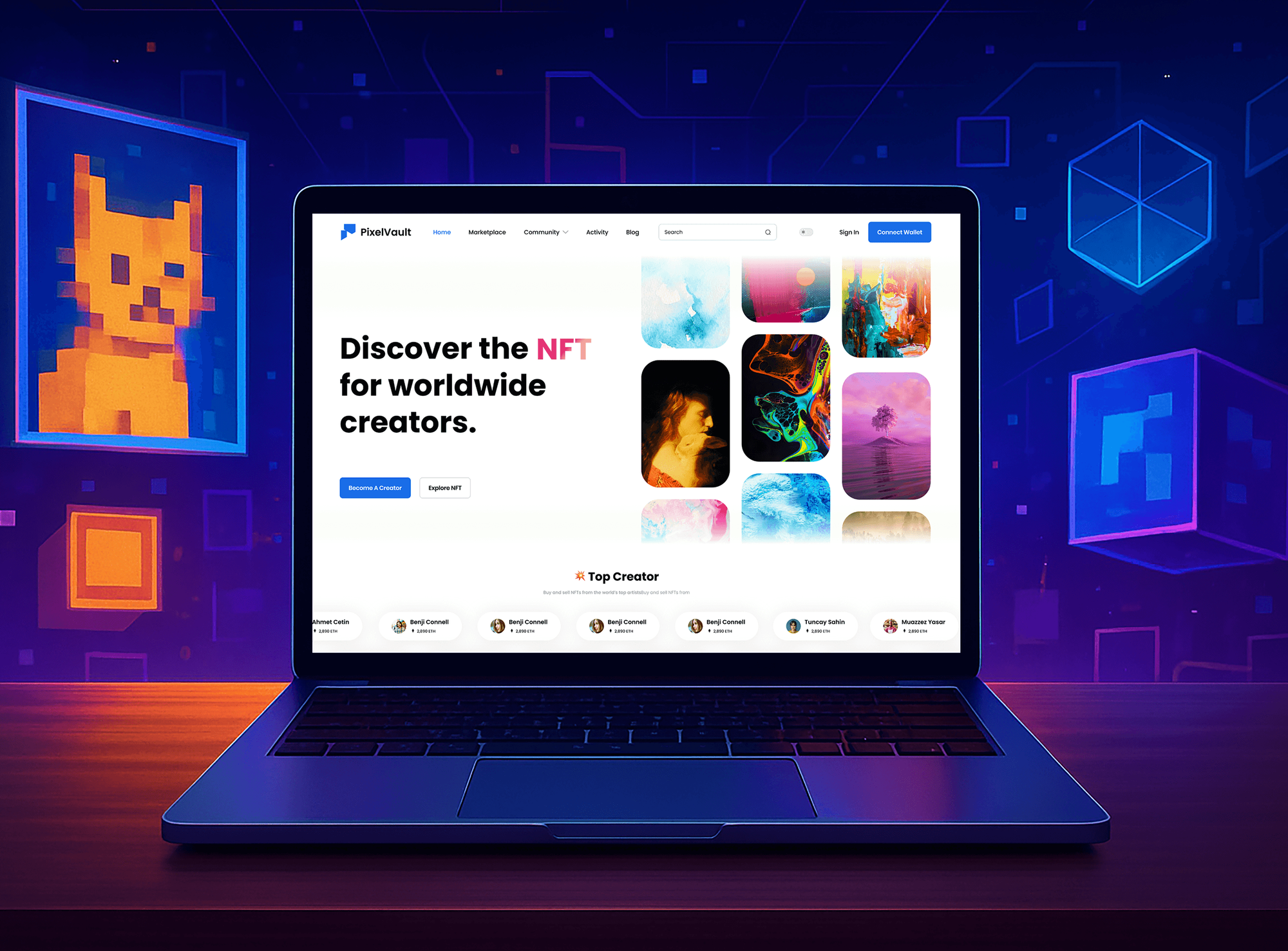
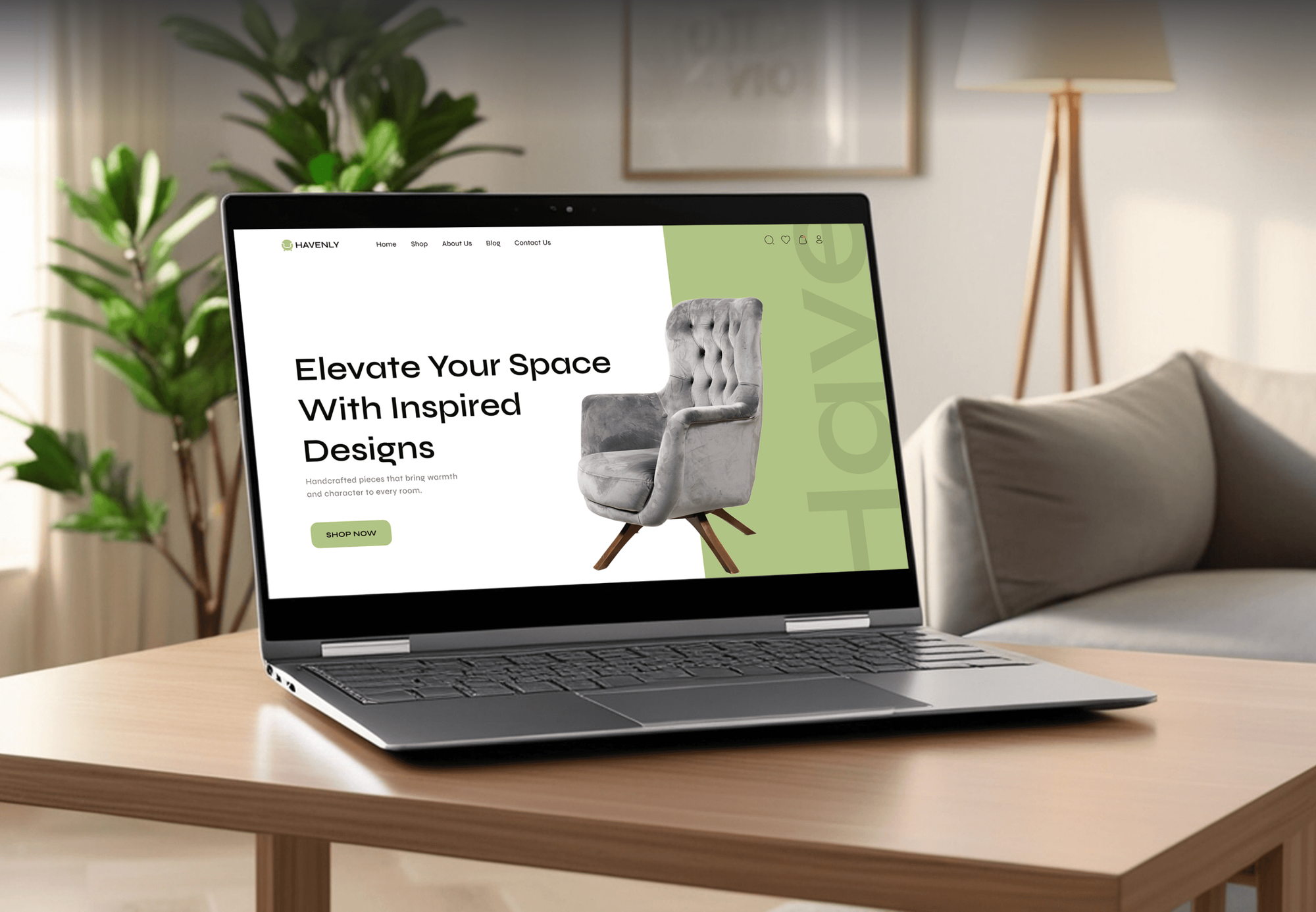
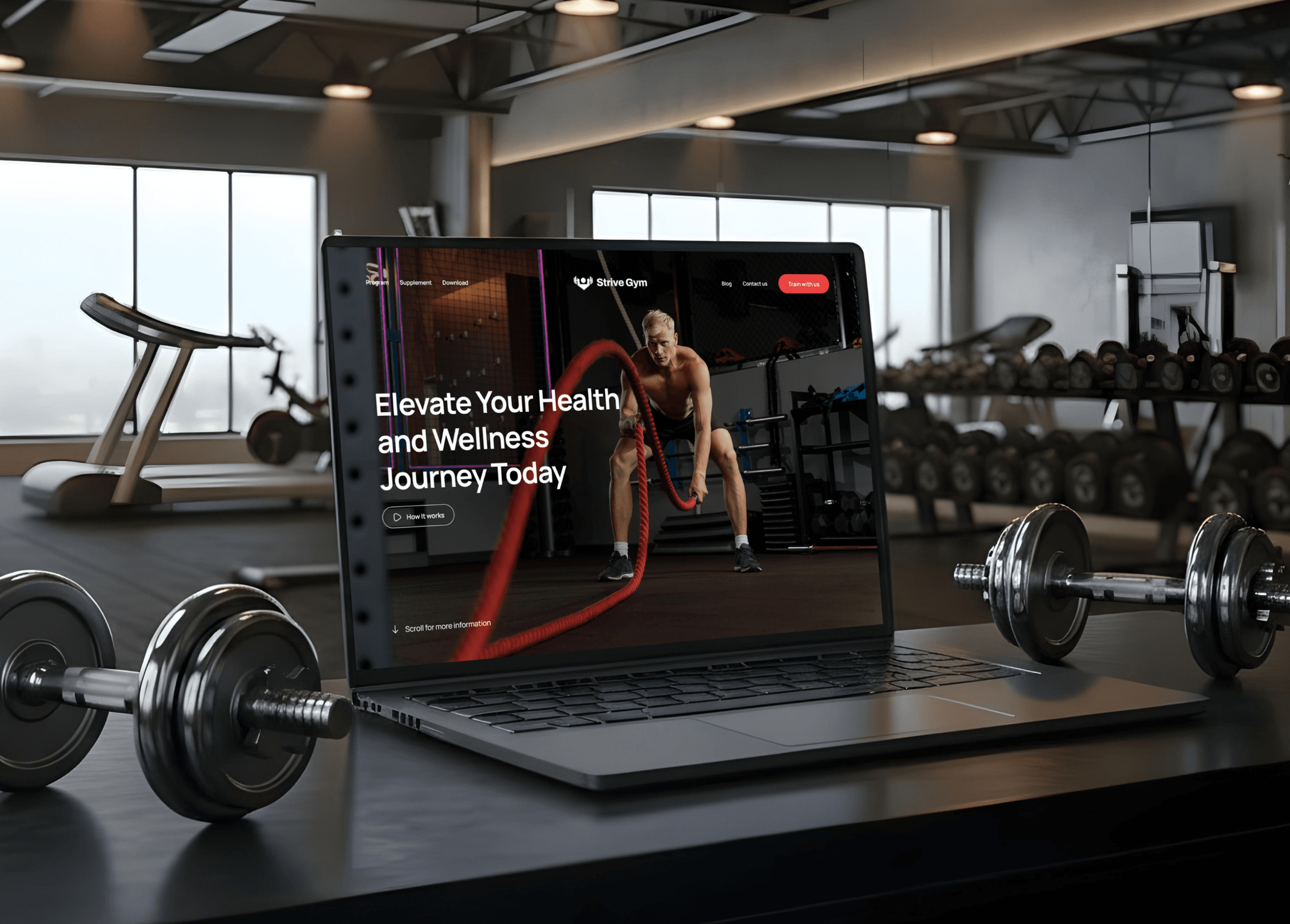
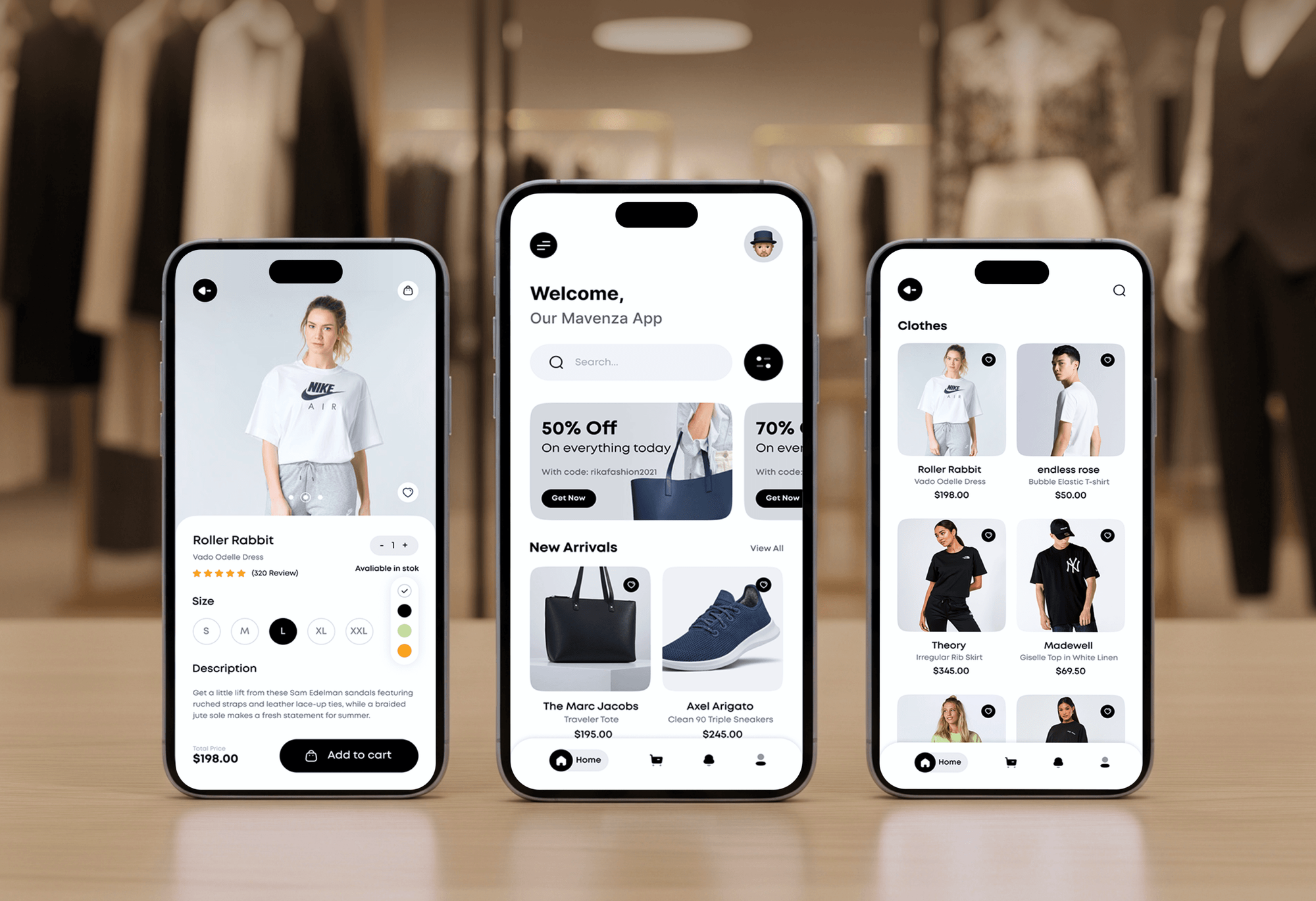
Marketplace, furniture store, gym membership, and fashion app builds we designed and delivered. Customer accounts like these are where passkey sign-in fits first.
What Our Clients Say
Feedback from teams we have built platforms, apps, and websites for.
We had a pretty specific idea of what we wanted our website to become, but I wasn’t sure how easily we could explain all of it to a development team. There were quite a few moving parts, and we were working toward a deadline, so I expected a few things to get lost along the way. That never really happened. They understood what we were trying to achieve, kept us updated throughout the process, and got everything ready within the agreed timeline. The final site feels much easier to navigate, works beautifully on mobile, and is noticeably smoother for our customers. It was a huge relief seeing the original idea actually turn into the website we had in mind.
The mobile experience is probably my favourite part of the new site. We had spent a lot of time making sure the desktop version looked right, and the team kept pushing us to think about how everything would actually feel on a phone too. They were right. The navigation is clean, the interactions feel natural, and everything we’ve tested so far works exactly as it should. They also went through the links, forms, integrations, and other details more than once before launch, which I really appreciated. And even after going live, we could still reach out when something came up. The whole process felt friendly, organised, and surprisingly straightforward.
What I appreciate most is that the website is actually easy for us to manage now. We can update content ourselves instead of sending a developer a message every time we need to change something small. They also paid attention to the technical SEO side, which mattered to us because we didn’t want a new website to create problems for the traffic we already had. I’ve probably asked more questions than I should have since launch, but every question has been handled patiently and without any fuss. The team is easy to work with, they explain things clearly, and when we need something changed, they focus on getting it done rather than making the process complicated.
1,250+
Projects shipped
10+
Years of experience
Top 3%
Upwork Top Rated Plus
5 stars
Average review score
1,250+
Projects shipped
10+
Years of experience
Top 3%
Upwork Top Rated Plus
5 stars
Average review score

Want results like these?
Tell us what you are building. You get a reply within 24 hours on business days, then a written estimate.
Work Culture
Passkey implementation services change how every customer signs in, so we keep a fallback in place until your adoption numbers say it's safe.
Customers get a passkey offer right after a normal sign-in. Nobody is pushed off passwords before they've tried a passkey once.
Admin and staff accounts can require device-bound passkeys on security keys. Customer accounts use synced passkeys, which NIST SP 800-63B-4 allows up to AAL2.
Every flow runs on iPhone, Android, Mac, and Windows, including QR sign-in across devices. Emulators miss the prompts your customers actually see.
We follow WebAuthn Level 3 and the FIDO Alliance's passkey design guidelines. Your screens use the wording customers already know from Google and Apple.
Your server stores public keys and credential IDs, with no shared secret. A leaked passkey record can't be used to sign in.
Passkeys live in your own database, verified by open-source libraries. You can change login providers later without asking customers to re-enroll.
Overview
DeveloperLook handles passkey implementation for websites and apps that want customers off passwords. We build WebAuthn registration and sign-in, autofill, a management page, iOS and Android sharing, and recovery that checks identity, with adoption tracked from launch. Projects start at $1,000 and take 2 to 7 weeks.
DEVELOPERLOOK
Project facts · Passkey Implementation Services
Reviewed 27 Oct 2026 by Saimul Islam
Good fit
Stores with mobile shoppers
Your shoppers reach checkout on their phones and stall at a forgotten password, and reset emails pull them away from the cart.
SaaS products cutting SMS costs
You send SMS codes for two-step sign-in, the bill grows each month, and you want passkeys that also resist phishing.
Apps with web and mobile logins
Your iOS app, Android app, and website each have their own sign-in, and you want cross device passkey sign-in that works on all of them.
Teams planning a passkey rollout
Your product team wants passkeys, but needs a passkey adoption plan with prompts, metrics, and a fallback before touching the login page.
Agencies with a client login rebuild
Your client asked for passwordless login in their member app, and you'd rather hand the WebAuthn and recovery work to specialists.
Not a fit
Staff MFA rollout
You need a second factor for employees on email, VPN, and admin consoles. Our MFA implementation services cover that workforce rollout.
Fully hosted customer login
You want a hosted service to run customer sign-in end to end. Our Auth0 implementation services set that up instead of a custom build.
Google and Apple buttons only
You just want Sign in with Google or Apple buttons on a store. Our social login integration service covers that for less.
Budget under $1,000
Your budget is under $1,000 and your login provider already offers passkeys. Switching on its built-in option may be enough for now.
Not sure we're the right fit?
Book a free call or message us. We'll tell you honestly whether we're the right team.
Pricing
These are starting points in USD. Your final price depends on how many sites and apps share passkeys, whether passwords go away entirely, and how recovery must work, and you get a fixed proposal after a free passkey review.
For Agencies
You own the client relationship. We supply the passkey engineering: WebAuthn ceremonies, autofill, app sharing, and recovery in the client's product. Everything ships under your name, and your team keeps the account.
White label: your client only ever sees your brand
Send the stack, the apps, and how customers sign in and recover today.
You get a passkey plan, a recovery design, and a fixed price under your brand.
We build, test across devices, and hand over docs carrying your branding.
Send the stack, the apps, and how customers sign in and recover today.
You get a passkey plan, a recovery design, and a fixed price under your brand.
We build, test across devices, and hand over docs carrying your branding.
The Right Technology for Your Project
Open WebAuthn libraries on your own server, the passkeys API in your front end, and the platform credential APIs for your iOS and Android apps.
Related Services
Passkeys work alongside MFA for staff, social login buttons, OAuth token work, mobile apps, and hosted login. These services cover the rest of sign-in.
This page
Passkey Implementation Services
Pairs with the 6 services around it
FAQ
Straight answers on how passkeys are made, cross-device sign-in, replacing passwords and 2FA, adoption, and cost.
Saimul IslamFounder & CEO, DeveloperLookStill have questions?
Send a message or book a call with the team.
Passkeys are generated on the customer's device when your site calls the WebAuthn create function. The device makes a new key pair just for your domain, keeps the private key, and sends your server the public key and a credential ID. The customer approves it with Face ID, a fingerprint, or a PIN.
Passkeys work across devices in two ways. Synced passkeys travel with the customer's account in iCloud Keychain, Google Password Manager, or another password manager. On a device without one, the browser shows a QR code, the phone scans it, and a Bluetooth proximity check confirms the phone is nearby before sign-in.
Passkey implementation starts at $1,000 at DeveloperLook for one website, with autofill sign-in, a management page, and adoption tracking. The $2,800 plan adds passkey offers after sign-in, iOS and Android sharing, and a recovery flow. The $5,800 plan adds passkey-first sign-up, password removal, and one passkey across up to 5 domains.
A passkeys implementation takes 2 to 3 weeks for one website and 4 to 7 weeks with iOS and Android apps or full password removal. Device testing and recovery design take the longest. Launch keeps passwords as a fallback, so you can roll out without a deadline for customers.
You implement passkeys in four parts: a registration ceremony, a sign-in ceremony, server-side verification, and a recovery plan. Start by offering a passkey after a normal sign-in, keep passwords as a fallback, and track how many customers switch. Remove passwords only for customers who already sign in with passkeys.
You implement passkeys on your website through the WebAuthn passkeys API in the browser. Your page calls navigator.credentials.create to register and navigator.credentials.get to sign in. Set the username field's autocomplete to username webauthn, and passkeys appear in its autofill menu. Related Origin Requests let one passkey cover several of your domains.
Passkey authentication on the server checks a signed challenge against the public key you stored at registration. Your server issues a one-time challenge, then verifies the signature, the origin, and your relying party ID. Maintained libraries such as SimpleWebAuthn, py_webauthn, and java-webauthn-server handle those checks, so nobody writes cryptography by hand.
Yes, a passkey with user verification can replace a password plus a one-time code. It combines something the customer has, the device holding the key, with something they are or know, the biometric or PIN that unlocks it. The FIDO Alliance describes passkeys this way, and unlike SMS codes they resist phishing.
You replace passwords with passkeys gradually. First, offer a passkey after each password sign-in, and let browsers create one automatically where they support it. Once a customer signs in with passkeys, let them remove their password. New customers can then sign up passkey-first, with a recovery flow that checks identity before issuing a new passkey.
You increase adoption by asking at the right moment: right after a successful password sign-in, when the customer is already in. Autofill sign-in and automatic passkey creation in Safari and Chrome help too. We track offers, creations, and passkey sign-ins, then refine the wording against the FIDO Alliance's passkey design guidelines.
Saimul IslamFounder & CEO, DeveloperLookStill have questions?
Send a message or book a call with the team.
Free 30-min callGoogle Meet
Book a call
In 30 minutes on Google Meet we walk you through how we would build it, how long it takes and what it costs. Then you get a written estimate.
Calendar not showing? Book on cal.com or send a brief.