
Sign in with Google button
The official personalized button and One Tap from Google Identity Services, placed within Google's branding rules.

For store owners and product teams who want new customers signed up in one tap with Google or Apple, and one account per person.
1tap
Sign-up with Google or Apple
1account
Per customer, whichever button they use
How your project runs
Teams we have built for:














The Problem
It shows up as abandoned account forms, password reset tickets, and a customer list with the same person under three different logins.
01 · Password forms
New shoppers abandon a long create-account form.
Google and Apple buttons create the account in one tap.
02 · Duplicates
The same customer exists twice under different logins.
Sign-ins link to one record by verified email address.
03 · Reset tickets
Support handles a stream of forgotten password emails.
Customers sign in with accounts they already remember.
04 · App review
The iOS app lacks the login option Apple's review asks for.
Sign in with Apple meets Apple's equivalent login rule before review.
A new shopper reaches your checkout, sees a create-account form with password rules, and closes the tab. Another forgot the password they set last spring and emails support. You installed a login plugin to fix it, and now the same customer exists twice: once with a password, once with Google. Your iOS app went to review without the privacy-friendly login option Apple asks for. Each sign-in path adds friction or a duplicate record, and your customer list stops matching reality.
We start with the providers your customers already use, usually Google and Apple, and add official buttons with One Tap where it helps. Your server verifies each token, then links the sign-in to one customer record by verified email. Apple relay emails, declined permissions, and app review rules get tested before launch. Customers sign up in one tap, not one long form.
One-tap sign-up
New customers create an account with Google or Apple in a single tap.
One record per person
Every provider and password login links to the same customer account.
Web and app in step
Sign-in works the same way on your website and inside your mobile apps.
Our Social Login Integration Services Process
You choose the providers, approve the consent screens, and see every provider tested on phones and desktops before launch.
We look at your sign-up form, platform, and current accounts, and check which providers your users already have. You get a recommended button set. If a maintained plugin covers your site well, we'll tell you before we quote.
What's Included
Sign-in buttons for the providers your users trust, linked accounts, server-side checks, minimal data requests, mobile support, and tracking that shows which buttons get used.
Compare Options
Social media login integration can come from a plugin, a freelancer, or a specialist. A plugin is cheap and quick for simple sites. Here is where each one holds up.
| Feature | DeveloperLookBest fit | Login plugin | Freelancer |
|---|---|---|---|
| Upfront cost | From $450, fixed scope | Low yearly license | Hourly, varies |
| Speed | 3 to 5 business days | Same day for basics | Depends on availability |
| Account linking | Matched by verified email | Duplicates are common | Often skipped |
| Token checks | Verified on your server | Depends on the plugin | Varies by developer |
| Apple relay emails | Handled and tested | Sometimes supported | Often missed |
| Mobile apps | Shared accounts with web | Web only | A separate project |
| Data requested | Email and basic profile only | Preset by the plugin | Whatever the tutorial used |
| After launch | 30 days of support | Vendor support forum | Ends with the gig |
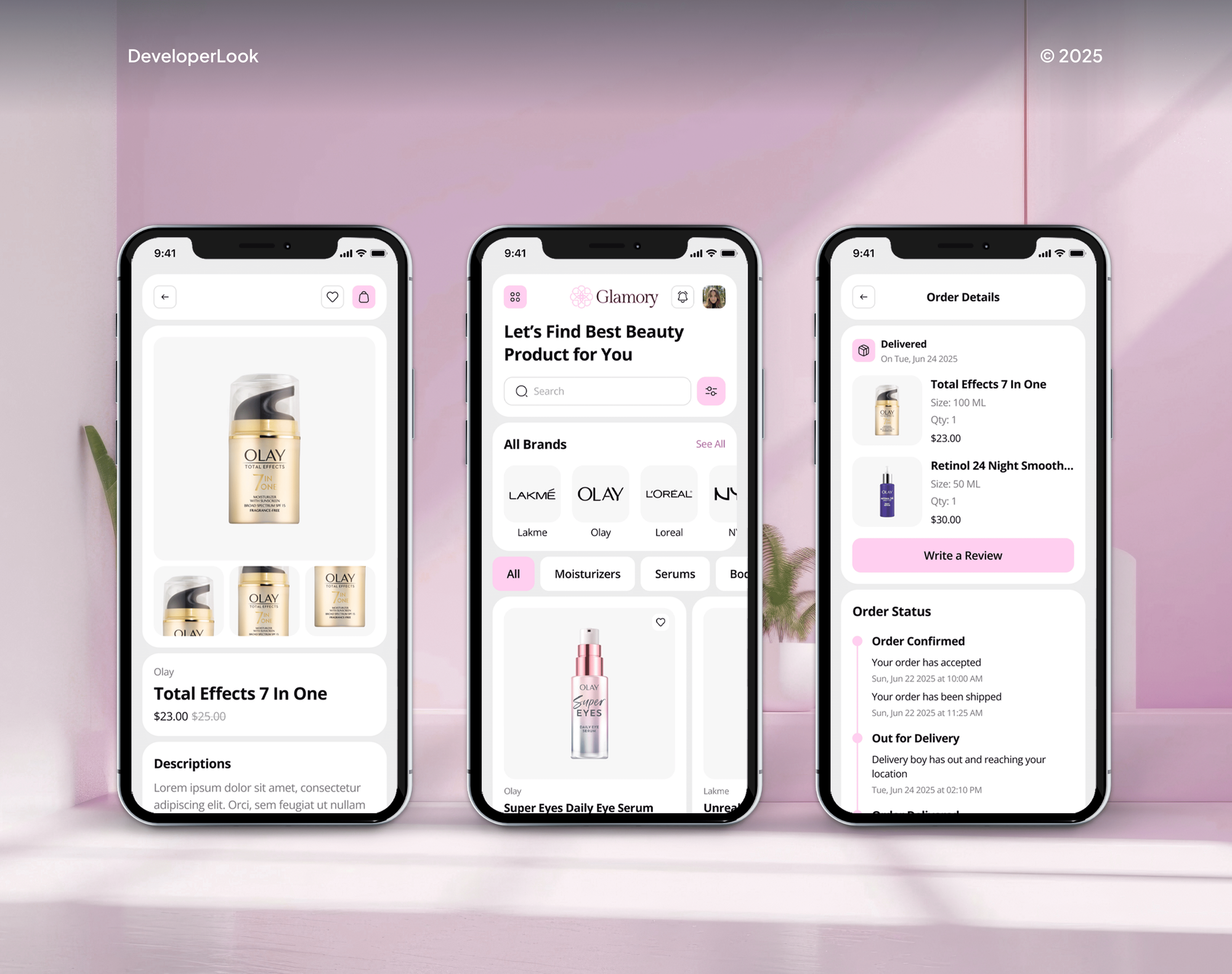
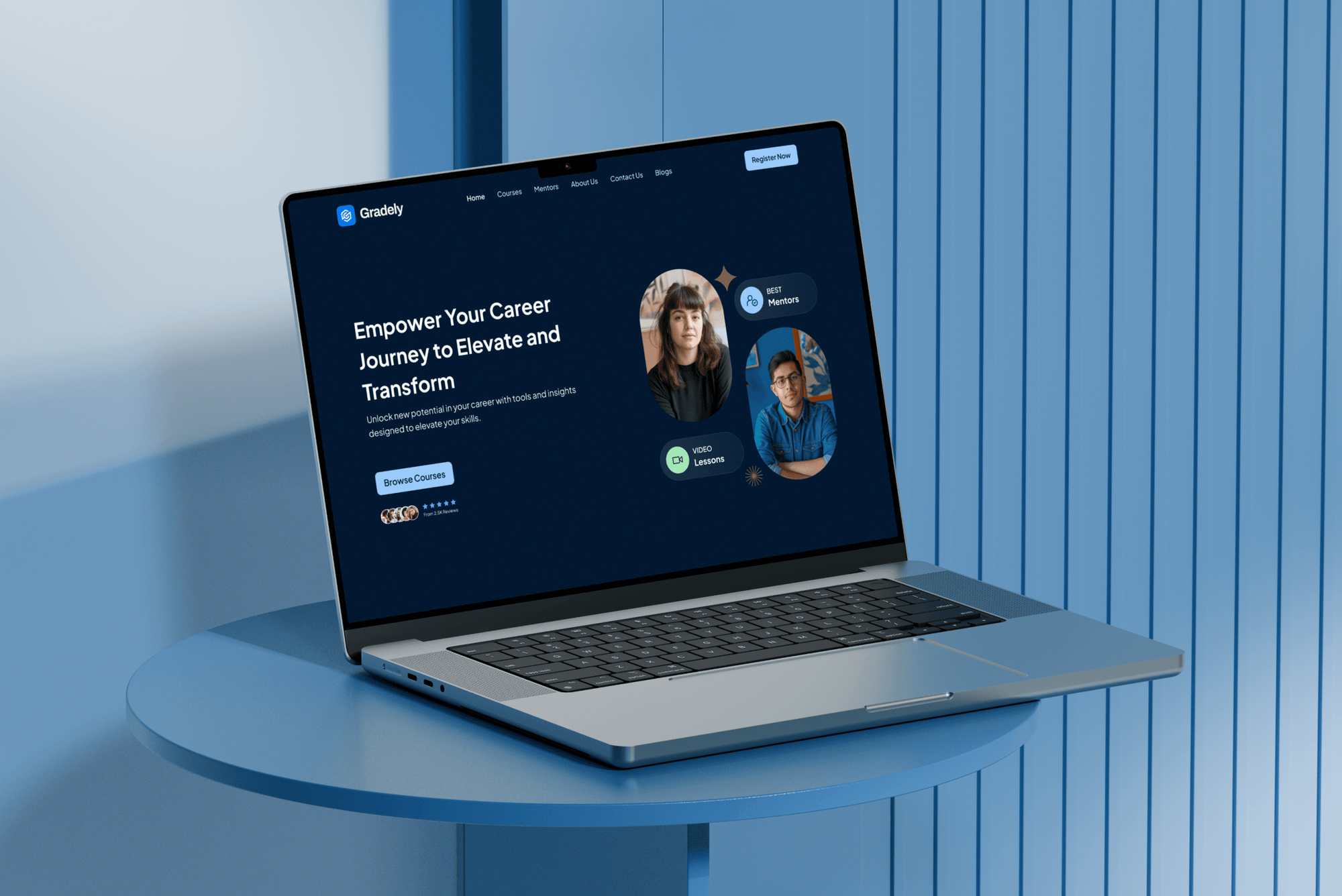
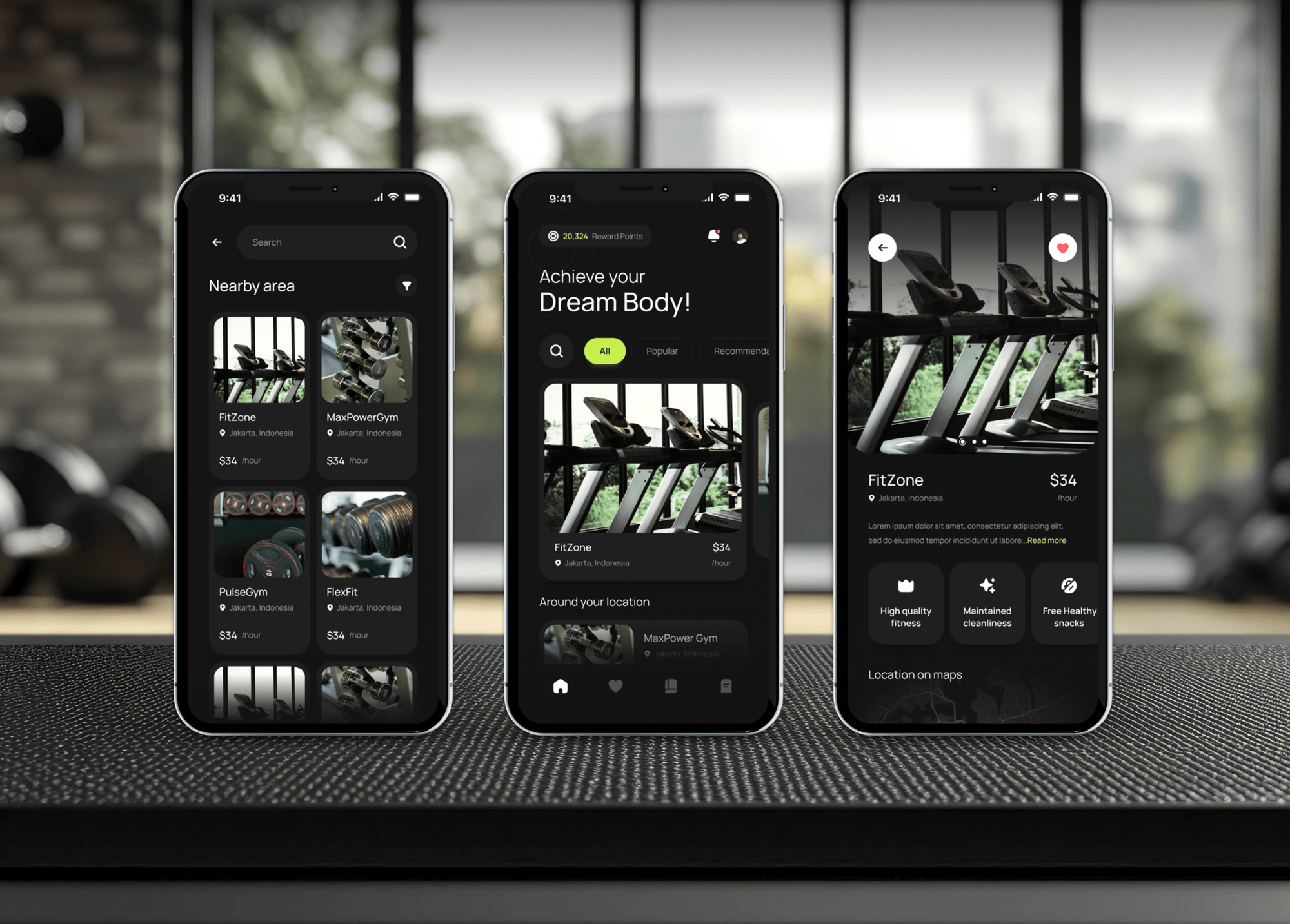
Projects We've Built
Ecommerce, learning, and membership products with customer accounts that we designed and built. Products like these are where sign-up friction costs the most.

What Our Clients Say
Feedback from teams we have built stores, apps, and websites for.
We had a pretty specific idea of what we wanted our website to become, but I wasn’t sure how easily we could explain all of it to a development team. There were quite a few moving parts, and we were working toward a deadline, so I expected a few things to get lost along the way. That never really happened. They understood what we were trying to achieve, kept us updated throughout the process, and got everything ready within the agreed timeline. The final site feels much easier to navigate, works beautifully on mobile, and is noticeably smoother for our customers. It was a huge relief seeing the original idea actually turn into the website we had in mind.
The mobile experience is probably my favourite part of the new site. We had spent a lot of time making sure the desktop version looked right, and the team kept pushing us to think about how everything would actually feel on a phone too. They were right. The navigation is clean, the interactions feel natural, and everything we’ve tested so far works exactly as it should. They also went through the links, forms, integrations, and other details more than once before launch, which I really appreciated. And even after going live, we could still reach out when something came up. The whole process felt friendly, organised, and surprisingly straightforward.
What I appreciate most is that the website is actually easy for us to manage now. We can update content ourselves instead of sending a developer a message every time we need to change something small. They also paid attention to the technical SEO side, which mattered to us because we didn’t want a new website to create problems for the traffic we already had. I’ve probably asked more questions than I should have since launch, but every question has been handled patiently and without any fuss. The team is easy to work with, they explain things clearly, and when we need something changed, they focus on getting it done rather than making the process complicated.
1,250+
Projects shipped
10+
Years of experience
Top 3%
Upwork Top Rated Plus
5 stars
Average review score

Want results like these?
Tell us what you are building. You get a reply within 24 hours on business days, then a written estimate.
Work Culture
Social login integration services sit at the front door of your product, so we test every provider on real devices and keep customer records clean.
We add the providers your users already have, not every logo available. Two well-placed buttons read more clearly than a wall of five.
Every sign-in links to one record by verified email. Your CRM and order history stay clean when a shopper switches from a password to Google.
We request email and basic profile, nothing more. Users see a short consent screen, and you store less personal data to protect.
We test on iPhones, Android phones, Safari, and Chrome, including blocked pop-ups. A button that works on a laptop has to work on a phone too.
Apple's App Store guideline 4.8 and Google's branding rules shape the build. Your app review and button placement stay within each platform's terms.
Provider app registrations sit in your own Google, Apple, and Meta developer accounts. If we part ways, nothing needs transferring.
Overview
DeveloperLook adds social login to websites, WooCommerce stores, and mobile apps. We set up Sign in with Google, Apple, Facebook, and Microsoft and link every provider to one customer record. Tokens are verified on your server, and Apple relay emails are handled. Projects start at $450, and most sites go live in 3 to 5 business days.
DEVELOPERLOOK
Project facts · Social Login Integration Services
Reviewed 23 Oct 2026 by Saimul Islam
Good fit
Stores losing shoppers at sign-up
Your checkout asks new shoppers to create a password, and some leave instead. A Google or Apple button gets them through in one tap.
WooCommerce store owners
You want WooCommerce social login on the account and checkout pages without a plugin that creates duplicate customer records.
Mobile teams on React Native
You're adding React Native sign in with Google and Apple for your iOS and Android apps, and Apple's review rules shape which login options you offer.
Sites on Google's old library
Your site still uses Google's deprecated Sign-In JavaScript library, and you want to move to Google Identity Services before Google sets a shutdown date.
Membership and course platforms
Your members forget passwords and flood support with reset requests, and you want social logins that link to their existing accounts.
Not a fit
Company login for B2B users
Your customers want to sign in with their employer's Okta or Entra ID account. That's enterprise single sign-on, covered by our SSO integration service.
API scopes or your own provider
You need partners to connect to your API, or tokens scoped across several services. Our OAuth authentication service covers that deeper layer.
Shopify customer accounts
You run Shopify and want customers signed in from another site or app. Our Shopify Multipass and customer SSO service follows Shopify's own rules for that.
Budget under $450
Your budget is under $450 and your WordPress site only needs a Google button. A well-reviewed plugin set up by your own team is the cheaper path.
Not sure we're the right fit?
Book a free call or message us. We'll tell you honestly whether we're the right team.
Pricing
These are starting points in USD. Your final price depends on the number of providers, your platform, and whether mobile apps share the same accounts. You get a fixed proposal after a free login review.
For one website or WooCommerce store adding Google and one more provider.
$450one-time, USD
For sites and stores offering Google, Apple, Facebook, and Microsoft sign-in.
$1,300one-time, USD
For products whose iOS and Android apps share accounts with the website.
$2,900one-time, USD
For Agencies
You own the client relationship. We add the sign-in layer behind it: provider registrations, buttons, account linking, and mobile sign-in in your client's site or app. Registrations stay in the client's own developer accounts, ready for handover.
White label: your client only ever sees your brand
Send the platform, the providers wanted, and any existing account system.
You get a provider plan, consent screen drafts, and a fixed price.
We ship the buttons and linking, then hand over every registration.
You run the client calls while we build quietly under your brand.
Provider apps registered in the client's own accounts from day one.
Every provider checked on iOS, Android, and desktop browsers.
Add sign-in work to a build without stretching your own team.
The Right Technology for Your Project
Official provider SDKs on every platform, so buttons follow each provider's rules and keep working after their updates.
FAQ
Straight answers on how social login works, how Sign in with Google gets added, whether it's safe, and what it costs.
Saimul IslamFounder & CEO, DeveloperLookStill have questions?
Send a message or book a call with the team.
Social login starts at $450 at DeveloperLook for Google plus one more provider on one website or WooCommerce store. The $1,300 plan covers up to 4 providers, links existing password accounts, and handles Apple relay emails. The $2,900 plan adds iOS and Android apps sharing the same accounts. You get a fixed quote after a free login review.
It takes 3 to 5 business days for one website and 2 to 4 weeks when mobile apps share accounts with the web. Provider registration and consent screens take a day or two. Apple developer setup and App Store review add time for iOS, so we plan the work around your next release.
Social login lets people sign in with an account they already have, such as Google or Apple, instead of creating a password. The provider confirms who they are and shares basic details like name and email with their permission. You still own the customer record, because the provider only handles the sign-in step.
It works through OpenID Connect: the user approves sign-in at the provider, and your site receives a signed token naming them. Your server checks that token, then finds or creates the matching customer record. No password changes hands, since you don't see their Google or Apple password and they don't create one for you.
You create a Google Cloud OAuth client, load the Google Identity Services script, and place the Sign in with Google button on your page. Your server then verifies the ID token Google returns. Sites on Google's older Sign-In library should move now: Google deprecated it on March 31, 2023, and new client IDs can't use it.
Implementing it means handling the token on your server, not just showing a button. Your back end checks the ID token's signature, audience, and expiry, then matches the Google account to a customer by verified email. If you also need Google data such as Calendar, that's a separate authorization step with its own consent screen.
You integrate it through the Sign in with Google API in Google Identity Services, using either its HTML code or its JavaScript API. We match each Google account to an existing customer by verified email, so returning users keep their order history. New users get a record created on their first sign-in.
Yes, signing in with Google is generally safe, because the website doesn't receive your Google password. It gets a signed token with the details you approved, usually name and email. The remaining risk sits in how the site handles that token, which is why we verify it on the server and request minimal data.
Yes, in a consumer sense: Sign in with Google is single sign-on across unrelated sites that accept Google accounts. It differs from workplace SSO, where a company's IT team controls access to work apps through SAML or OpenID Connect. Business customers usually want that second kind, which our SSO integration service covers.
Websites ask because it's faster for you and more dependable for them than a new password. You skip the sign-up form and a password you'd forget, and the site gets a verified email address. For store owners, that means fewer abandoned sign-ups and reset emails, which is why we often place the Sign in with Google button at checkout.
Saimul IslamFounder & CEO, DeveloperLookStill have questions?
Send a message or book a call with the team.
Free 30-min callGoogle Meet
Book a call
In 30 minutes on Google Meet we walk you through how we would build it, how long it takes and what it costs. Then you get a written estimate.
Calendar not showing? Book on cal.com or send a brief.