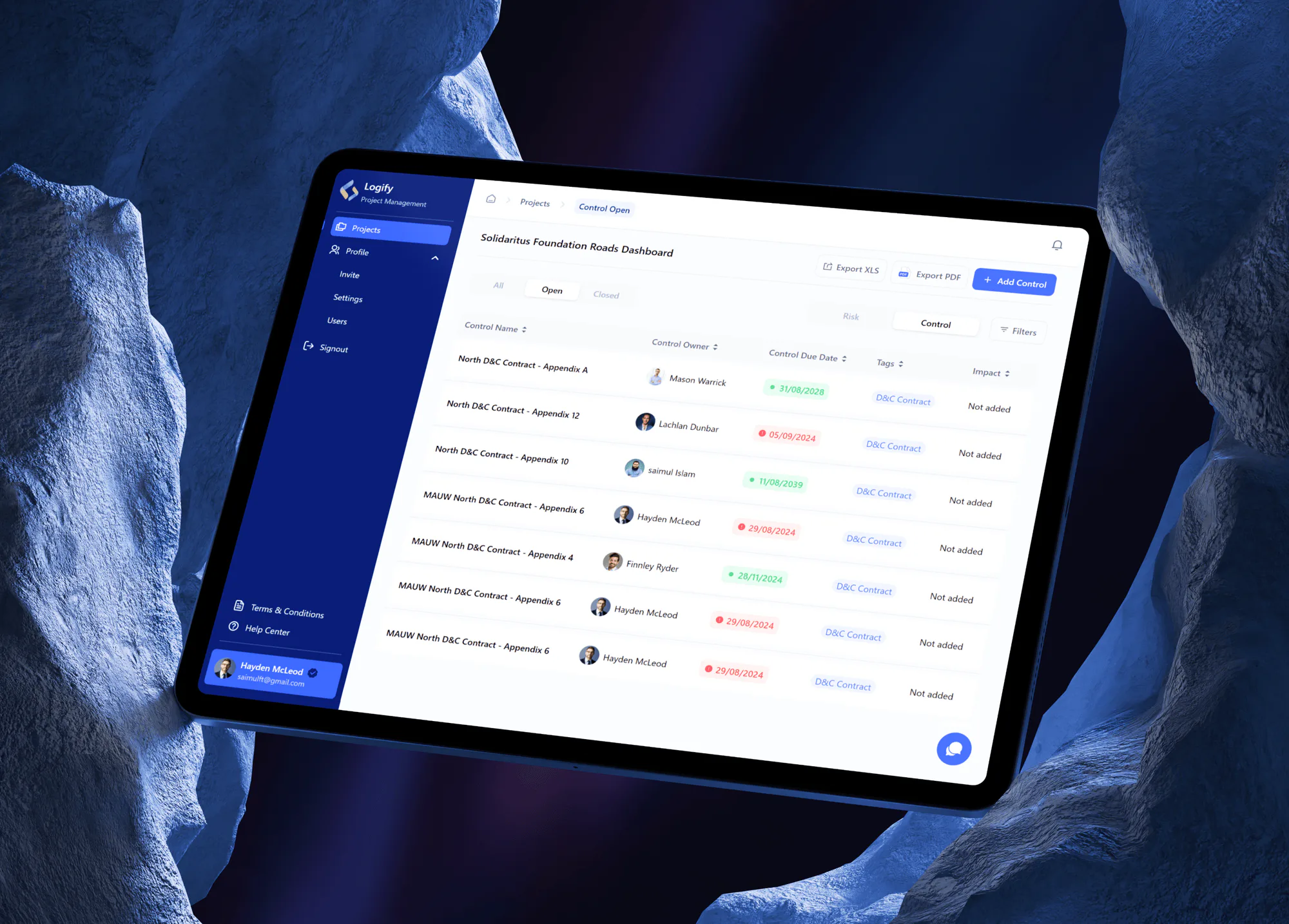
Logify Project Risk and Control Management Web App
- Logistics & Transportation
- Construction
- Dashboard

For job shops and make-to-order plants whose planner rebuilds the schedule each morning: one board that knows every machine's real capacity and reshuffles when a rush order lands.
2X
Faster replans after rush orders
100%
Work centers on one board
How your project runs
01 · FreeIndustry leaders we work with
 React
 Next.js
 TypeScript
 Python
 Node.js
 PostgreSQL
 Odoo
 SAP Business One
 Dynamics 365 Business Central
 Docker
 AWS
 Microsoft Azure
The Problem
It shows up once more than a handful of machines share your jobs. Every rush order, late part, or missing operator means someone on your team rebuilds the plan by hand.
Rush orders
One rush order means rebuilding the whole spreadsheet by hand.
Rush orders
Drag the rush job in and see which promise dates move first.
Capacity
The plan assumes every machine has unlimited hours.
Capacity
Jobs load against each work center's shift calendar and real hours.
Changeovers
Color and tooling changes eat hours nobody planned for.
Changeovers
Changeover rules group similar jobs so setups happen less often.
Floor copy
Supervisors work from a printout that went stale hours ago.
Floor copy
Operators see the live schedule on a tablet at each work center.
Your planner opens the master spreadsheet before the first shift and starts dragging cells. A customer calls with a rush order. The CNC that was free yesterday is down for a spindle repair, and the powder coat line needs a color change nobody counted. By mid-morning your printed schedule is wrong, so supervisors work from memory and phone calls. Your ERP shows promise dates no machine can hit. Late orders get expedited, which makes other orders late, and the overtime bill keeps climbing.
We start with your routings, work centers, and shift calendars, then build a scheduler that loads each job against your real capacity instead of a wish list. Changeover times sit in the rules, so similar jobs run back to back. When a rush order arrives, your planner drags it in and sees which promise dates move before saying yes. Your floor reads the same schedule on a tablet, not yesterday's printout.
Finite capacity, not wishful dates
Each job loads against real machine hours, shifts, and planned downtime, so promise dates hold up.
Changeovers sequenced by rule
Your jobs that share a color, die, or material run together, so setups happen less often.
Your ERP stays the record
Orders, routings, and job status sync with your ERP, so your planners stop retyping work orders.
Our Production Scheduling Software Process
You approve the scheduling rules in plain language before we code them. Then your planner runs the new board beside the old spreadsheet until the dates agree.
We sit with your planner for a full planning cycle and trace where today's schedule breaks: missing capacity, setups, or stale data. You get a written list of rules and our honest view on whether your ERP's own scheduler already covers it.
Projects We've Built
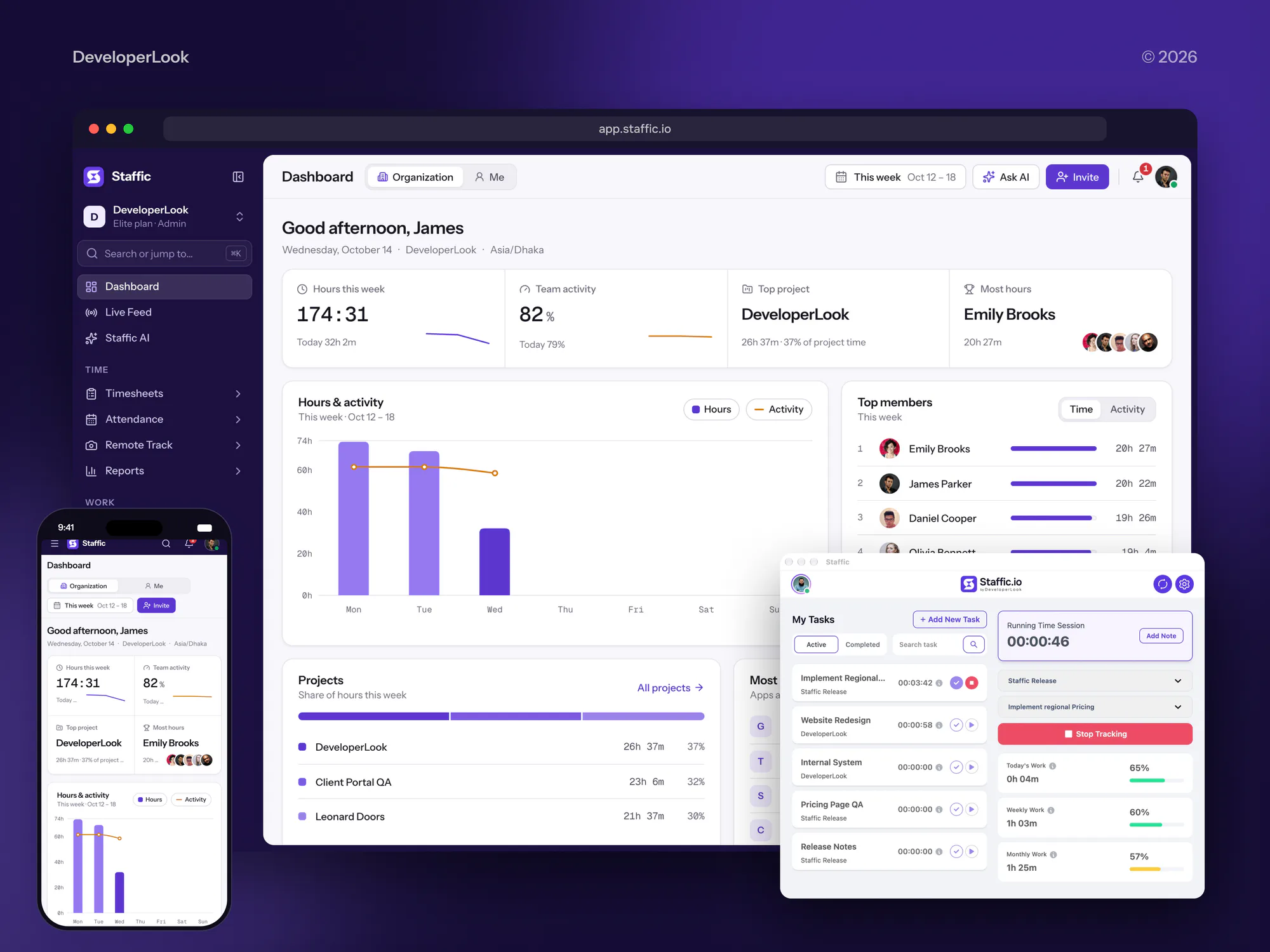
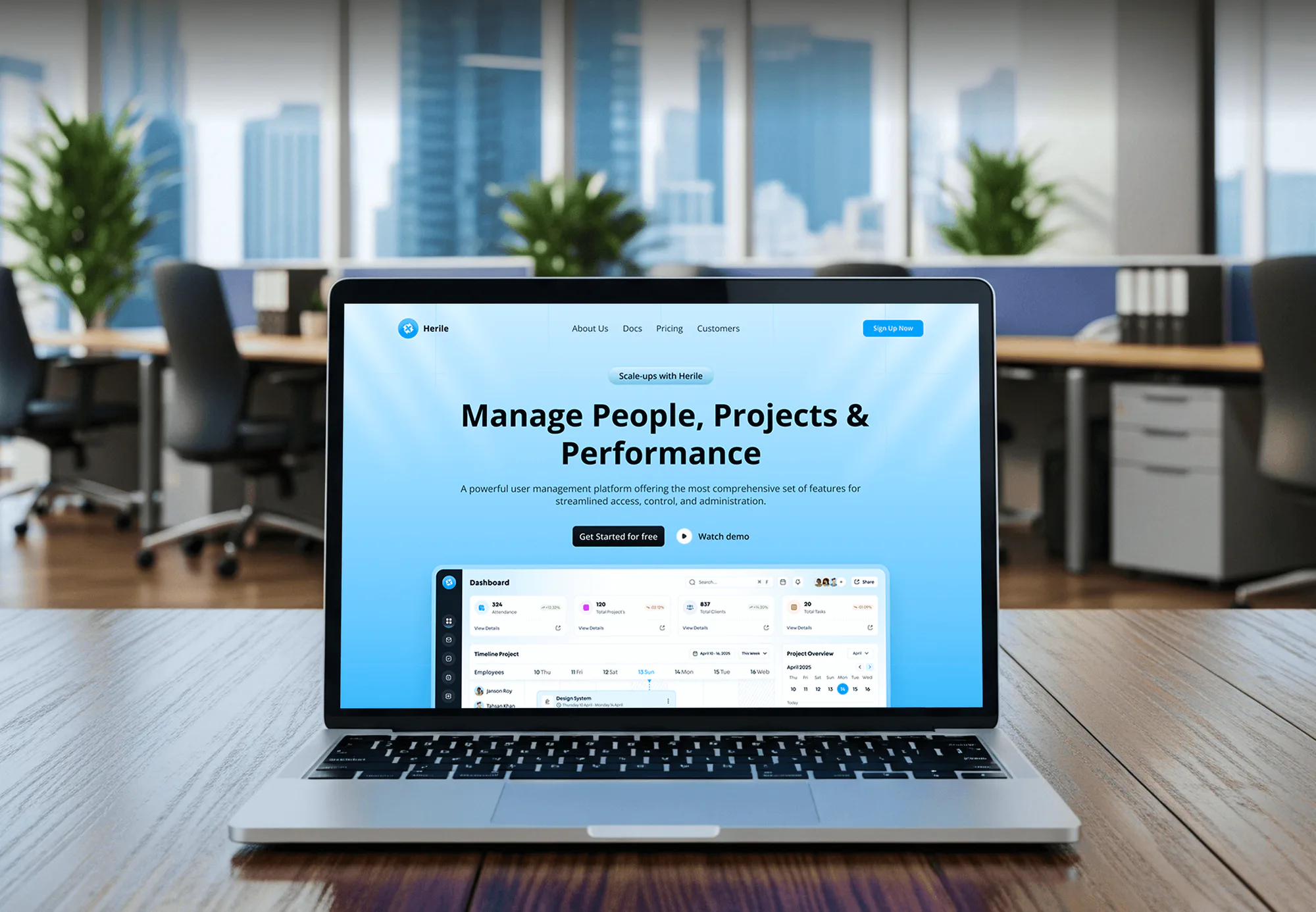
Internal web apps and dashboards we have built for tracking work, owners, and status. None is a plant scheduler, but they share its boards and roles.

What's Included
Your planning board, the scheduling rules behind it, the ERP link, and a shop floor view. We build them around your work centers and hand over the code.
Compare Options
Your ERP's scheduling module comes supported by the vendor, and a spreadsheet costs nothing. Here is where each fits and where your changeovers outgrow it.
| Feature | DeveloperLookBest fit | ERP module | Spreadsheets |
|---|---|---|---|
| Planning rules | Your changeovers and priorities, written down | The vendor's rule set, configured | Kept in the planner's head |
| Capacity model | Finite, by shift and machine | Often infinite capacity MRP dates | Manual hours per column |
| Rush orders | Drag in and see dates move | Rerun the scheduling job | Rebuild rows by hand |
| Time to start | 5 to 18 weeks to launch | Live once it's configured | Ready today, no setup |
| ERP data | Two-way sync of dates and status | Built in, no extra link | Copied from ERP reports |
| Shop floor view | Tablet at each work center | Extra license per user | Printed sheet on the wall |
| Ownership | You own code and data | Licensed from the vendor | You own the file |
| Cost | Fixed build price, no seat fees | Module fee plus consultant hours | Free, paid in planner time |
What Our Clients Say
Feedback from teams we have built internal dashboards and business software for.
We had a pretty specific idea of what we wanted our website to become, but I wasn’t sure how easily we could explain all of it to a development team. There were quite a few moving parts, and we were working toward a deadline, so I expected a few things to get lost along the way. That never really happened. They understood what we were trying to achieve, kept us updated throughout the process, and got everything ready within the agreed timeline. The final site feels much easier to navigate, works beautifully on mobile, and is noticeably smoother for our customers. It was a huge relief seeing the original idea actually turn into the website we had in mind.
The mobile experience is probably my favourite part of the new site. We had spent a lot of time making sure the desktop version looked right, and the team kept pushing us to think about how everything would actually feel on a phone too. They were right. The navigation is clean, the interactions feel natural, and everything we’ve tested so far works exactly as it should. They also went through the links, forms, integrations, and other details more than once before launch, which I really appreciated. And even after going live, we could still reach out when something came up. The whole process felt friendly, organised, and surprisingly straightforward.
What I appreciate most is that the website is actually easy for us to manage now. We can update content ourselves instead of sending a developer a message every time we need to change something small. They also paid attention to the technical SEO side, which mattered to us because we didn’t want a new website to create problems for the traffic we already had. I’ve probably asked more questions than I should have since launch, but every question has been handled patiently and without any fuss. The team is easy to work with, they explain things clearly, and when we need something changed, they focus on getting it done rather than making the process complicated.
1,250+
Projects shipped
10+
Years of experience
5 stars
Clutch rating
5 stars
GoodFirms rating
Excellent
Trustpilot rating
Top 3%
Upwork Top Rated Plus
1,250+
Projects shipped
10+
Years of experience
5 stars
Clutch rating
5 stars
GoodFirms rating
Excellent
Trustpilot rating
Top 3%
Upwork Top Rated Plus

Want results like these?
Tell us what you are building. You get a reply within 24 hours on business days, then a written estimate.
Work Culture
A scheduler fails when it ignores how your floor really runs. These habits keep your board honest enough that supervisors stop keeping their own copy.
We sit with your planner while the real schedule gets built, rush orders included. The workarounds in their head become written rules your software follows.
We record changeover times per machine and product family before we model anything. A schedule that ignores setups looks fine on screen and fails on the floor.
Work orders, routings, and inventory stay in your ERP. The scheduler reads them and writes dates back, so nobody keys a job twice.
If your ERP's own scheduling module already fits your floor, we'll tell you before we quote. A custom build makes sense only where it doesn't.
You approve a written scope and one price before the build starts. Any change gets priced in writing first, so your plant manager signs off once.
The code, the database, and every account sit in your company's name. Your IT team or another developer can take the scheduler over later.
Overview
DeveloperLook builds custom production scheduling software for job shops and make-to-order plants. We build finite capacity planning boards, changeover rules, two-way ERP sync, and tablet views for the shop floor. Builds start at $1,400, take 5 to 18 weeks, and you own the code.
DEVELOPERLOOK
Project facts · Production Scheduling Software
Reviewed 29 Oct 2026 by Saimul Islam
Good fit
Job shops scheduling in Excel
Your planner rebuilds one giant spreadsheet each morning, and the copy on your floor is wrong before second shift clocks in.
Make-to-order plants with heavy changeovers
Your paint, extrusion, or press lines lose hours to color and tooling changes, and you want manufacturing production scheduling software that groups jobs by setup.
Plants that outgrew their ERP scheduler
Your ERP plans with infinite capacity, so its dates ignore the bottleneck machine, and your real production planning software is a side spreadsheet.
Operations leaders running several plants
You run several plants on NetSuite or Dynamics 365 Business Central and need one view of load and late orders before each Monday call.
Agencies and ERP partners
Your firm implements Odoo or SAP Business One for manufacturers, and a client needs scheduling software for manufacturing that the standard module can't model.
Not a fit
Budget under $1,400
You run a few machines on one shift, and a shared spreadsheet still keeps up. A free template beats any custom build at that size.
Need a process consultant
You want a production scheduling consultant to redesign how your plant plans, not software. Start with an operations advisor, and bring us in once the method is settled.
Shop floor tracking first
Your real gap is knowing what happened on the floor: lot tracking, work instructions, and machine counts. Our MES Development and Consulting service fits that better.
Machine data first
You need live machine status and downtime reasons before you can trust any schedule. Our Industrial IoT Development Services page covers that groundwork.
Not sure we're the right fit?
Book a free call or message us. We'll tell you honestly whether we're the right team.
Pricing
These are starting points in USD. Your final price depends on how many work centers and plants you schedule, how complex your changeover rules are, and which ERP we connect. You get a fixed proposal after a free schedule review.
For Agencies
You own the relationship with the manufacturer. We supply the engineering behind the scheduler: the planning review, the rules, the build, and the ERP link. It's delivered under your brand, so your consultants stay the plant's trusted advisors.
White label: your client only ever sees your brand
Send the plant's work centers, ERP, and current schedule, and we scope it in writing.
You receive a fixed price and schedule to mark up and present to the client.
We build on staging, you review with the planner, and we hand over clean code.
Send the plant's work centers, ERP, and current schedule, and we scope it in writing.
You receive a fixed price and schedule to mark up and present to the client.
We build on staging, you review with the planner, and we hand over clean code.
The Right Technology for Your Project
Tools we use to build your planning board, run the solver, connect your ERP, and put the live schedule on floor tablets.
ReactNext.jsTypeScript PythonNode.jsPostgreSQLOdooSAP Business OneDynamics 365 Business CentralDockerAWSMicrosoft Azure
FAQ
Straight answers on cost, timelines, scheduling basics, master schedules, and connecting a scheduler to your ERP.
Saimul IslamFounder & CEO, DeveloperLookStill have questions?
Send a message or book a call with the team.
Custom production scheduling software starts at $1,400 for a drag-and-drop board covering one plant with up to 10 work centers. A finite capacity scheduler with ERP sync and a tablet view starts at $4,200, and a multi-plant suite with an optimizer starts at $8,600. You get a fixed quote after a free schedule review.
A scheduling board takes 5 to 7 weeks, and a finite capacity scheduler or multi-plant suite takes 10 to 18 weeks. Your early weeks go to writing down routings, shifts, and changeover times. A parallel run on live orders comes before launch, so your planner trusts the new dates.
Production scheduling is deciding which job runs on which machine, in what order, and when, so orders finish on time within real capacity. It sits below production planning, which decides what and how much to make. Your schedule has to account for shifts, setups, materials, and the bottleneck machine that limits everything else.
Scheduling in production is the timed sequence of operations each machine and crew works through over the next shifts. On your floor it shows up as a dispatch list per work center: what's running, what's next, and what's waiting on material. When that list goes stale, your operators pick jobs by habit, not due date.
A production schedule is the dated list of jobs for each work center, with quantities, start and finish times, and run order. Planners usually freeze the next shift or two, so your floor stays stable, and keep later days open for changes. In our boards, frozen jobs stay locked until your planner releases them.
A production scheduler is the planner who builds and adjusts the schedule each day, and the term also names the software they use. The planner balances due dates, capacity, and material shortages. Good production schedule software takes the arithmetic off your planner's plate, so they spend the morning on judgment calls, not spreadsheet cells.
A master production schedule (MPS) is the plan of which finished products you'll make, in what quantities, week by week, from orders and forecast. It feeds material requirements planning (MRP), which works out the components to buy or make. Our multi-plant suite adds a weekly MPS view above the daily schedule.
You make one by loading open orders against each work center's real hours, then sequencing them to cut setups. First list your work centers, shifts, and planned maintenance. Next add each routing's run and setup times. Then load jobs by due date, check the bottleneck machine, and freeze the near term before you publish to the floor.
You schedule production planning in layers, from weekly output down to each machine. The master production schedule sets output, MRP orders the material, and a capacity check confirms your plant can build it. Only then does the detailed schedule assign jobs to machines and shifts. Skipping the capacity check is how your ERP promise dates drift from what the floor can do.
Yes. Odoo exposes its records through its external API, NetSuite through SuiteTalk REST web services, and SAP Business One through its Service Layer. We read work orders and routings and write back dates and job status. When API access isn't licensed, we use scheduled exports and name the path before we quote.
Saimul IslamFounder & CEO, DeveloperLookStill have questions?
Send a message or book a call with the team.
Free 30-min callGoogle Meet
Book a call
In 30 minutes on Google Meet we walk you through how we would build it, how long it takes and what it costs. Then you get a written estimate.
Calendar not showing? Book on cal.com or send a brief.