Borna's General Hardware Ecommerce Website
- Retail
- E-commerce
- Website

Shopify sales tax set up right: a nexus review, Shopify Tax in every registered state, and TaxJar or Avalara connected for filing. From $450.
100%
Registered states collecting tax
50
States checked for nexus
How your project runs
01 · FreeTeams we have built for:














The Problem
Nexus arrives quietly. One strong season in a new state can create a duty to collect there, and Shopify only charges tax where you've switched it on.
Unregistered states
Two states show Action required, and nobody has registered.
Unregistered states
Your sales by state get compared with each threshold and Shopify's insights.
Wrong exemptions
Clothing shipped to New Jersey gets taxed when it shouldn't.
Wrong exemptions
Products get tax categories, so exempt items get charged correctly.
Filing confusion
Your accountant can't tell which orders TaxJar should count.
Filing confusion
TaxJar or Avalara gets connected when you need filing.
Growing liability
Uncollected tax becomes money you owe from your own margin.
Growing liability
Test checkouts to each registered state prove the rates before launch.
Your store started in one state, and tax was simple. Then sales grew. Shopify's liability page now lists two states under Action required, and nobody has registered there. Sweaters shipped to New Jersey get taxed even though that state exempts most clothing, because half your catalog has no product category. Your accountant asks which orders TaxJar should count, and nobody knows. Every month you wait, uncollected tax becomes money you owe from your own margin.
We start with your sales by state, next to Shopify's liability insights, so you know where you have nexus. You register there, and we turn on collection, assign product categories, and set exemptions. When you need filing, we connect TaxJar or Avalara. Test checkouts to every registered state prove the rates before launch, not after a notice arrives.
Nexus checked before setup
Your sales by state compared with each threshold and Shopify's own liability insights.
Categories that trigger exemptions
Products get tax categories, so clothing and other exempt items are charged correctly.
A test checkout per state
Every registered state gets a checkout, with the tax charged compared to the expected rate.
Our Tax and Nexus Setup Process
You see the nexus review, our recommended setup, and a test checkout for every state before any shopper pays tax.
We compare your sales by state with every state's threshold and with Shopify's liability insights. You get the states to register in, the states to watch, and a fixed quote. If Shopify's settings alone cover your states, we'll tell you before we quote.
Projects We've Built
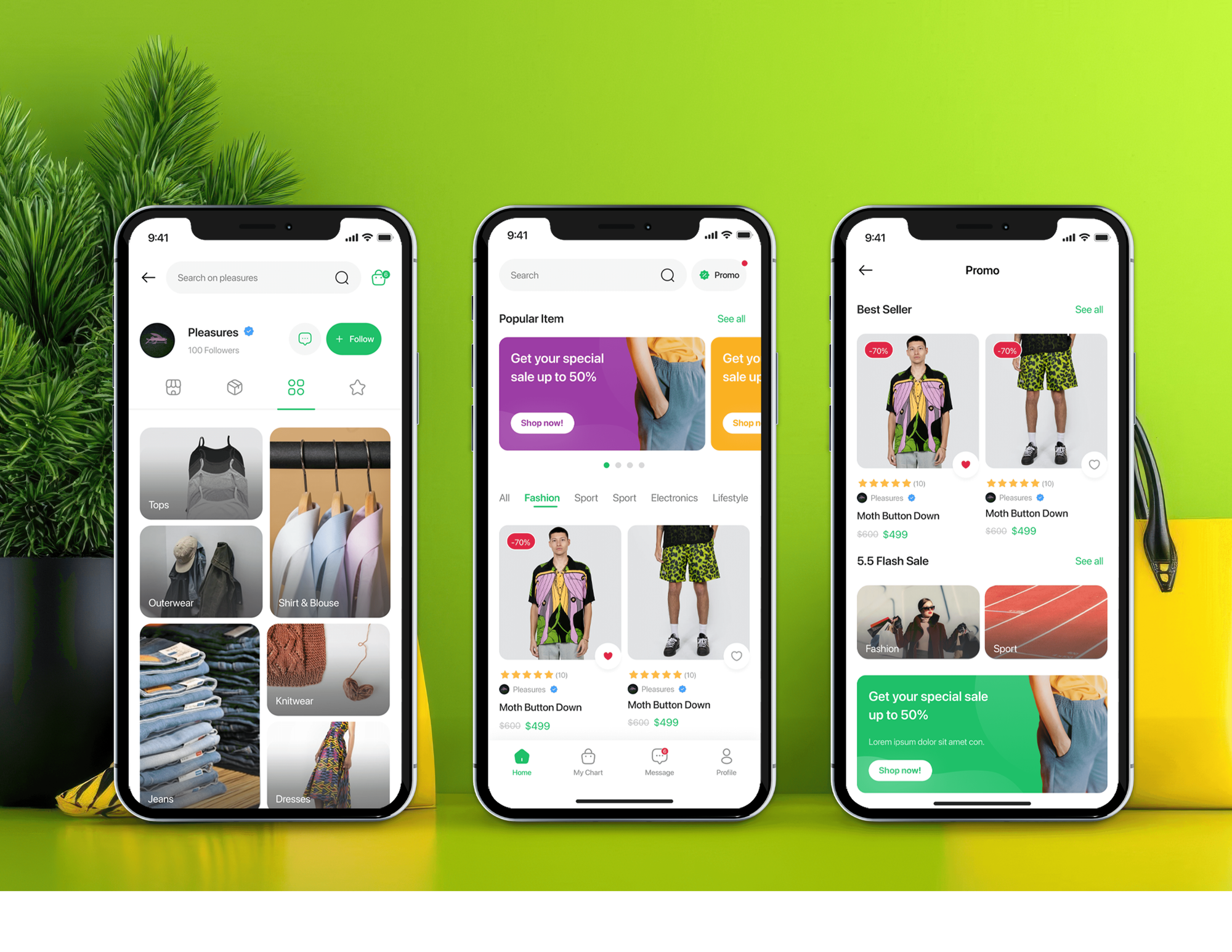
A selection of ecommerce stores we've built and extended. Tax setups go faster when we already know a store's catalog and apps.


What's Included
Every setup covers the nexus review, collection in every state you've registered in, categories, exemptions, test checkouts, and a handover.
Compare Options
Shopify's built-in tools cost nothing, and a filing firm handles registrations and returns well. Here is where each option stops.
| Feature | DeveloperLookBest fit | Doing it yourself | Tax filing firm |
|---|---|---|---|
| Upfront cost | From $450, fixed scope | Free, plus your time | Ongoing fees |
| Finding your nexus | Sales checked by state | Shopify's liability page | Usually included |
| State registration | You register, we guide | You register yourself | Often handled for you |
| Store tax settings | Configured and tested | Trial and error | Rarely touched |
| Product categories | Assigned in bulk | Product by product | Not their job |
| Filing returns | Filing tool connected | You file every state | Filed for you |
| Checkouts tested | Every registered state | Usually one order | Not included |
| Help after launch | 30 to 90 days | Shopify support | Ongoing, monthly |
What Our Clients Say
Feedback from ecommerce teams we have built checkouts, payments, and integrations for.
We were getting plenty of traffic, but far too many people were leaving at checkout. The buying process had simply become too complicated. The team took the time to understand where customers were dropping off, then rebuilt the checkout flow and cleaned up the shopping experience. What I really appreciated was that they didn’t just make the store look better, they actually solved the problems that were costing us sales. The whole store feels faster, simpler, and much easier to buy from now. Exactly what we needed.
We had a different kind of problem. People were visiting the store, adding products to their carts, and then disappearing before they finished the order. We had tried a few apps and made changes here and there, but nothing really seemed to solve the bigger issue. The team went through the shopping experience with us and pointed out things we hadn't really noticed ourselves. They cleaned up the cart and checkout flow, made the mobile experience much smoother, and helped us make the store feel easier to shop. I’m not going to pretend we fixed everything overnight, but it finally feels like the store is helping the sale instead of getting in the way of it.
Our old store was making it way too difficult for people to find products. We had a large catalogue, but the search, filters, and mobile navigation were frustrating customers. The team completely changed how the store handled product discovery and made the experience much easier to use on mobile. I was especially impressed by how much thought went into the customer journey rather than just the visual design. They understood what we were trying to achieve and turned it into a store that actually feels built for our customers. We’re genuinely proud of the result.
1,250+
Projects shipped
10+
Years of experience
Top 3%
Upwork Top Rated Plus
5 stars
Average review score
1,250+
Projects shipped
10+
Years of experience
Top 3%
Upwork Top Rated Plus
5 stars
Average review score

Want results like these?
Tell us what you are building. You get a reply within 24 hours on business days, then a written estimate.
Work Culture
A Shopify sales tax mistake repeats on every order until someone notices. These are the habits we bring to every setup.
We compare your sales by state with each threshold before touching Shopify. You know where you collect and why, instead of switching states on by guesswork.
Product categories let Shopify apply exemptions state by state. We set them first and add overrides only on manual collections, where Shopify applies them.
We check out to an address in each state you collect in. You see the tax charged beside the expected rate, so errors surface before customers do.
When Shopify and QuickBooks both feed TaxJar, the same sale can count twice. We connect one source per sales channel, so each order is reported once.
We set up your store, not your tax position. Registration, advice, and filing decisions stay with your accountant, and we work beside them.
Your Shopify, TaxJar, and Avalara logins stay under your business. We work through staff accounts you can remove the day we finish.
Overview
DeveloperLook sets up Shopify sales tax for stores that sell across state lines. We review your nexus, turn on Shopify Tax where you've registered, set categories and exemptions, and connect TaxJar or Avalara for filing. Pricing starts at $450, and the work takes 3 days to 4 weeks, depending on your states and channels.
DEVELOPERLOOK
Project facts · Sales Tax & Nexus Setup
Reviewed 28 Sep 2026 by Saimul Islam
Good fit
Stores past a new state's threshold
Your sales into another state just passed its economic nexus threshold, and you need tax collected there before the busy season.
Stores selling exempt products
You sell clothing or other items some states exempt, so each product needs the right category before Shopify applies the exemption.
Multi-channel sellers adding filing
You sell on Shopify, WooCommerce, or BigCommerce, and your accountant wants TaxJar AutoFile or an Avalara integration without double-counted orders.
Wholesale and B2B sellers
Your wholesale buyers send resale certificates, and their orders need to skip tax while retail orders are still taxed.
Agencies with multi-state clients
Your client sells into several states, and you want the state review, settings, and test checkouts done under your brand.
Not a fit
Tax advice or filing
You need tax advice, state registrations, or returns filed for you. That's a job for an accountant or filing firm, and we can work beside them.
VAT, GST, or duties
You sell to other countries and need VAT, GST, or duties at checkout. Our Shopify International Expansion Setup service covers that.
Books don't match Shopify
Your tax collection works, but your books don't match Shopify. Our Shopify QuickBooks Integration service fixes how tax posts to your accounts.
One state, simple products
You sell in one state with simple products, and Shopify Tax already collects there. Its settings are enough, and our $450 setup isn't needed.
Not sure we're the right fit?
Book a free call or message us. We'll tell you honestly whether we're the right team.
Pricing
These are starting points in USD. Your final price depends on your states, platforms, and filing service, and you get a fixed proposal after a free nexus review.
For Agencies
You own the client relationship. We supply the store-side tax work: the state review, collection settings, filing tools, and test checkouts. It all ships under your brand, with notes their accountant can read.
White label: your client only ever sees your brand
Send store access, the client's registered states, and their accountant's contact details.
You get the state-by-state review, a fixed price, and a delivery date first.
We configure and test every state, then hand over notes under your brand.
Send store access, the client's registered states, and their accountant's contact details.
You get the state-by-state review, a fixed price, and a delivery date first.
We configure and test every state, then hand over notes under your brand.
The Right Technology for Your Project
We start with your platform's built-in tax engine, then add a filing service when returns, exemptions, or extra channels need one.
 Shopify
 WooCommerce
 BigCommerce
 WordPressShopify Tax
 Avalara
 QuickBooks
 Xero
Xero Amazon
 eBay
eBay Etsy
Etsy Walmart
 GraphQL
 Node.js
 PHP
PHP Google Sheets
Related Services
Tax setup often sits next to checkout changes, currency settings, and the accounting sync that records the tax. These are the services clients add most often.
This page
Sales Tax & Nexus Setup
Pairs with the 5 services around it
FAQ
Straight answers on collecting tax in Shopify, nexus, filing returns, and the tools that connect to your store.
Saimul IslamFounder & CEO, DeveloperLookStill have questions?
Send a message or book a call with the team.
Our setup starts at $450. Adding TaxJar or Avalara for filing is $1,050, and multi-channel setups start at $2,200. Shopify Tax is free on your first $100,000 of lifetime sales, then costs 0.35% per US order on most plans, capped at 99 cents.
Our Shopify Tax setup is live within 3 to 5 business days once you've registered in your states. A filing service adds 1 to 2 weeks, mostly for product codes and enrollment. Multi-channel setups take 2 to 4 weeks. Registration runs on each state's timeline, so we plan around it.
Yes, Shopify collects tax at checkout, but only in the states you've added and switched on. It works out the rate from the shipping address, the product category, and local rules. The tax arrives with your payouts, so you hold it until each return is due.
No, not for most stores. Shopify's help center says it doesn't file or remit taxes unless you use Shopify Tax with automated filing, which is closed to new enrollment. It doesn't report to states for you either. One exception: since January 2025, Shopify files tax itself on orders placed in the Shop app. For the rest, you, your accountant, TaxJar AutoFile, or Avalara Returns files each return.
You charge tax in every state where you have nexus and have registered. Nexus comes from a physical presence, such as a warehouse or staff, or from passing a state's economic threshold. Shopify flags a state once your sales reach 80% of its threshold, and your accountant confirms it.
You add each registered state in Settings, under Taxes and duties, enter your permit number, and turn on collection. Shopify Tax then works out rates by address and product category. Assign categories first: Shopify applies exemptions like New Jersey's clothing rule only to products carrying the right category.
Shopify Tax sets rates itself, so you change one with an override. Put the products in a manual collection, then add a product override for that collection and state. Automated collections can't hold overrides, and an override beats the category rule, so we keep them rare.
Yes, you need a permit from each state before you collect tax there. You register with the state's tax agency, not with Shopify, then enter that number when you add the state. Shopify's setup guide lists registration as step one, so we start there too.
A TaxJar Shopify integration starts in the Shopify App Store or on TaxJar's Linked Accounts page, and orders then import daily. On Shopify, TaxJar doesn't calculate tax at checkout. TaxJar's help center says its app reports the tax Shopify collected by jurisdiction, which is what feeds AutoFile.
Yes, TaxJar integrates with QuickBooks Online, but not QuickBooks Desktop, and only fully paid invoices sync. If your Shopify orders already post to QuickBooks as invoices, feeding both into TaxJar can count one sale twice. We connect one source per sales channel instead, so each order is reported once.
Saimul IslamFounder & CEO, DeveloperLookStill have questions?
Send a message or book a call with the team.
Free 30-min callGoogle Meet
Book a call
In 30 minutes on Google Meet we walk you through how we would build it, how long it takes and what it costs. Then you get a written estimate.
Calendar not showing? Book on cal.com or send a brief.