
QuickBooks Online or Desktop link
QuickBooks linked with items and customers matched before invoices and payments start to sync.

For HVAC, plumbing, and trade companies on Service Fusion: QuickBooks syncs that match, web requests that become jobs, and Pro features finally switched on.
100%
Payments matched in QuickBooks
4+ hrs
Office retyping saved weekly
How your project runs
Teams we have built for:














The Problem
Service Fusion integrations usually come up once the office is buried. Website requests arrive by email, the QuickBooks sync drifts, or Pro plan features sit unused.
01 · Web requests
Quote requests arrive by email and get retyped.
A website form creates the customer and estimate through the API.
02 · QuickBooks
Payments land in QuickBooks without their matching invoice.
Items and customers sync first, then invoices and payments in order.
03 · Plan limits
Nobody knows which plan includes the API and Zapier.
A plan map shows what Starter, Plus, and Pro each allow.
04 · Silent failures
A sync stops, and nobody hears until month-end.
Every link logs its calls and alerts the office when one fails.
Your techs close jobs in Service Fusion, but the office still works a second shift of typing. Website quote requests arrive by email and get keyed in as customers and estimates. QuickBooks shows a payment that never matched its invoice. You pay for the Pro plan, yet the API credentials have never been created. Each gap is small on its own. Together they cost your office hours every week and turn month-end into a guessing game.
We start with your plan, because it decides what's possible: the QuickBooks link comes with every plan, while Zapier and the REST API need Pro. We fix the QuickBooks sync in Service Fusion's own order: items and customers, then invoices and payments. Then we connect your website and other tools through Zapier or the API, so requests arrive as jobs instead of emails.
Connections matched to your plan
QuickBooks on every plan, Zapier and the API on Pro, matched to what you already pay for.
QuickBooks in the right order
Items, customers, invoices, then payments, so nothing posts to QuickBooks without its match.
Web requests become jobs
Your site's form creates customers, jobs, or estimates in Service Fusion through its API.
Our Service Fusion Integration Process
You see what your plan allows and approve the sync order before anything changes. Then you watch real invoices, payments, and web requests flow before we hand over.
We look at your Service Fusion plan, QuickBooks edition, website, and the tools your office uses. You get a short map of what each connection needs and which plan includes it.
What's Included
Every project covers the QuickBooks link and a plan map, then the website, Zapier, and API work your plan allows, each one tested with real jobs before launch.
Compare Options
Doing it yourself in Zapier suits one simple trigger, and a freelancer may be cheaper for a single fix. Here is where each one falls short on Service Fusion.
| Feature | DeveloperLookBest fit | DIY Zapier | Freelancer |
|---|---|---|---|
| Planning | Plan map and sync order first | Trial and error | One task at a time |
| QuickBooks sync | Items and customers matched first | Not covered | Varies by experience |
| Website requests | API form creating real jobs | Email parser or manual entry | Sometimes, often untested |
| Zapier links | Built, named, and documented | ||
| Error handling | Alerts and a retry queue | Zapier task history only | Rarely set up |
| Cost | Fixed price from $650 | Zapier subscription only | Often cheaper per hour |
| Support after launch | 30 to 90 days included | Zapier and vendor help | Depends on availability |
| Ownership | Credentials and code stay yours | Sometimes kept by the freelancer |
Projects We've Built
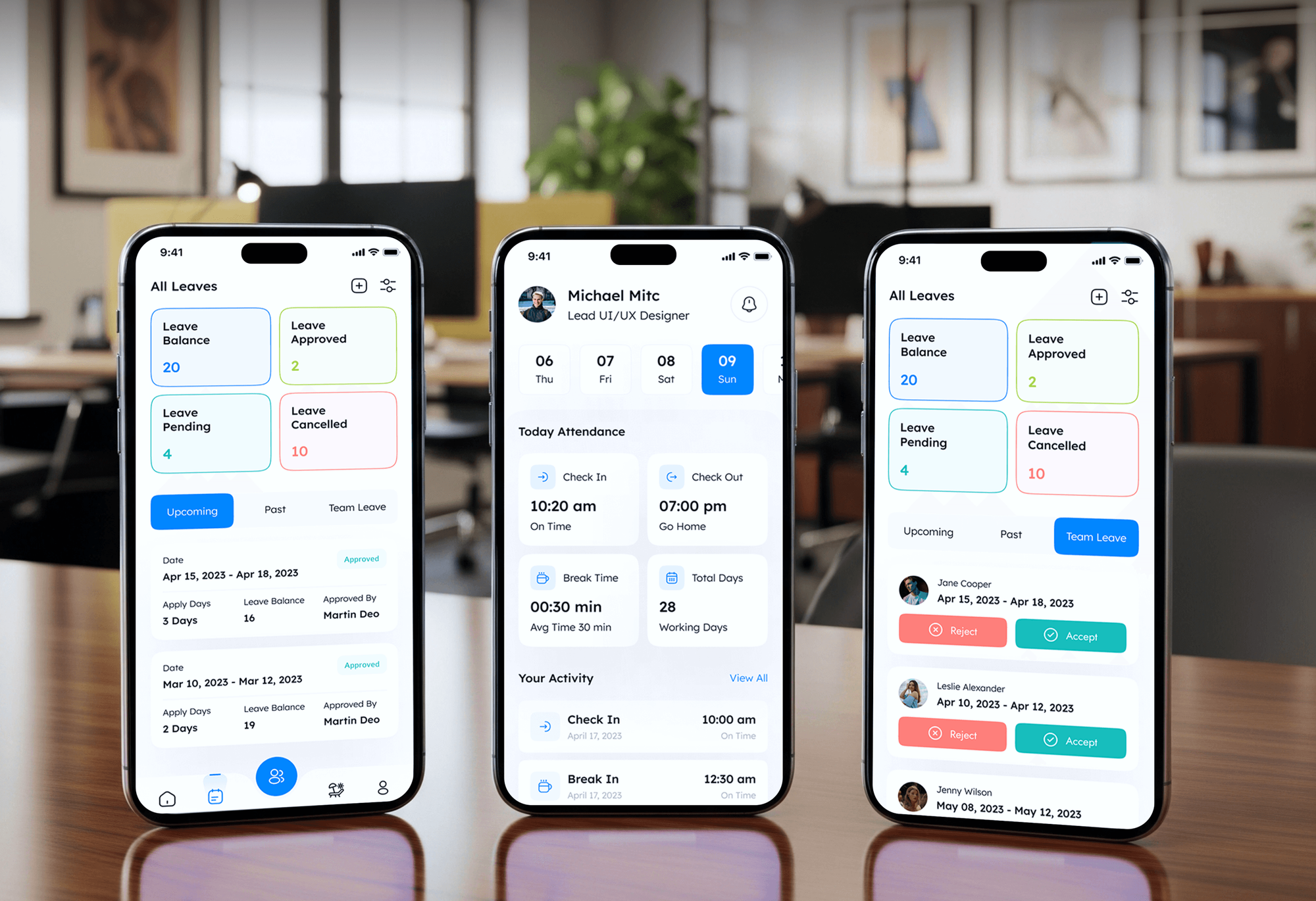
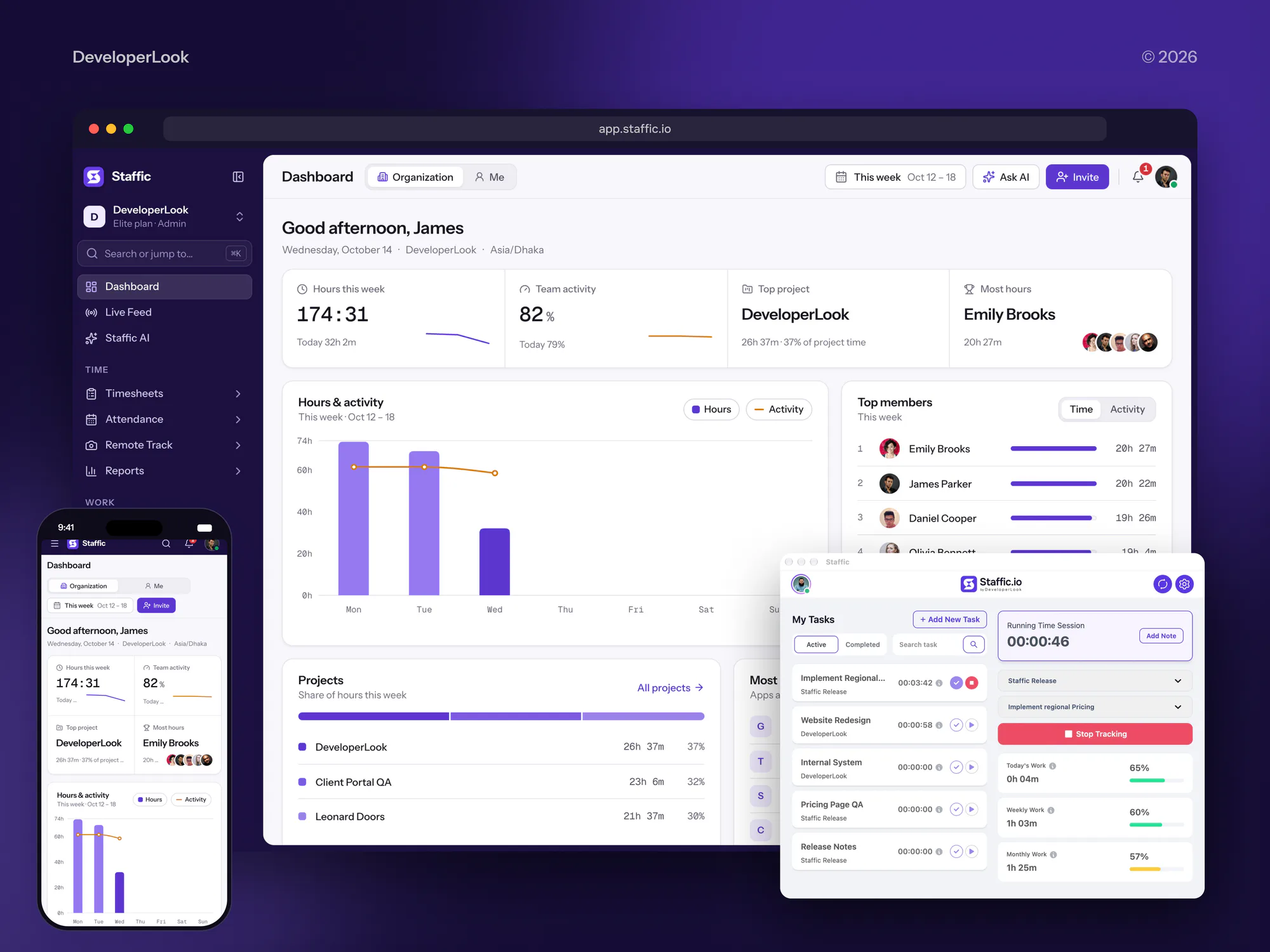
Construction and operations software we designed and built. None of it ran on Service Fusion, but each project keeps field work and office records in step.


What Our Clients Say
Feedback from teams we have built websites and business software for.
We had a pretty specific idea of what we wanted our website to become, but I wasn’t sure how easily we could explain all of it to a development team. There were quite a few moving parts, and we were working toward a deadline, so I expected a few things to get lost along the way. That never really happened. They understood what we were trying to achieve, kept us updated throughout the process, and got everything ready within the agreed timeline. The final site feels much easier to navigate, works beautifully on mobile, and is noticeably smoother for our customers. It was a huge relief seeing the original idea actually turn into the website we had in mind.
The mobile experience is probably my favourite part of the new site. We had spent a lot of time making sure the desktop version looked right, and the team kept pushing us to think about how everything would actually feel on a phone too. They were right. The navigation is clean, the interactions feel natural, and everything we’ve tested so far works exactly as it should. They also went through the links, forms, integrations, and other details more than once before launch, which I really appreciated. And even after going live, we could still reach out when something came up. The whole process felt friendly, organised, and surprisingly straightforward.
What I appreciate most is that the website is actually easy for us to manage now. We can update content ourselves instead of sending a developer a message every time we need to change something small. They also paid attention to the technical SEO side, which mattered to us because we didn’t want a new website to create problems for the traffic we already had. I’ve probably asked more questions than I should have since launch, but every question has been handled patiently and without any fuss. The team is easy to work with, they explain things clearly, and when we need something changed, they focus on getting it done rather than making the process complicated.
1,250+
Projects shipped
10+
Years of experience
Top 3%
Upwork Top Rated Plus
5 stars
Average review score

Want results like these?
Tell us what you are building. You get a reply within 24 hours on business days, then a written estimate.
Work Culture
Your office runs on Service Fusion and QuickBooks agreeing with each other. These habits keep our Service Fusion integration services steady from the very first sync.
If your plan already covers the need, or an upgrade beats custom work, we say so first. You pay for builds only when they earn their keep.
Service Fusion syncs items and customers before invoices and payments. We follow that order, so QuickBooks never receives a payment without its invoice.
We test with a week of real invoices before switching anything on for good. Problems show up on a handful of jobs, not a whole month.
Service Fusion's API allows 60 requests a minute per token. Our syncs batch and pace their calls, so your link never gets locked out mid-run.
A failed sync sends an alert to the person who can fix it. Your office hears about a problem the same day, not at month-end.
Each link gets a short note: what it moves, where it lives, and what to check first. A new office manager can follow it without calling us.
Overview
DeveloperLook sets up Service Fusion integrations for HVAC, plumbing, and other trade companies. We link QuickBooks Online or Desktop in the right order, turn website requests into jobs through the API, and build Zapier links on the Pro plan. Projects start at $650 and most take 1 to 5 weeks, tested with real invoices first.
DEVELOPERLOOK
Project facts · Service Fusion Integration Services
Reviewed 22 Oct 2026 by Saimul Islam
Good fit
Contractors on QuickBooks Desktop
Your office runs QuickBooks Desktop on one Windows PC, and the Service Fusion sync falls behind whenever nobody remembers to press Sync Now.
Companies with web quote requests
Your website form emails quote requests to the office, and someone types each one into Service Fusion as a customer and an estimate.
Pro plan teams wanting automation
You pay for Service Fusion Pro, but nobody has set up the Zapier triggers or the API credentials that come with it.
Owners selling maintenance agreements
You sell maintenance agreements and want member rates, renewal dates, and agreement customers to stay right in Service Fusion and your CRM.
Multi-truck companies with parts stock
Your trucks carry parts, and you want inventory, purchase orders, and low-stock alerts in Service Fusion to match what accounting sees.
Not a fit
Dispatching from ServiceTitan
Your company dispatches from ServiceTitan, not Service Fusion. Our ServiceTitan integration page covers its booking, campaigns, and accounting links instead.
Running Jobber instead
Your crew runs on Jobber or Housecall Pro. Our Jobber integration service covers web requests and QuickBooks for that platform instead.
Starter plan, API wanted
You're on Starter or Plus and want the API or Zapier. Both need Pro, so upgrading may cost less than any workaround we'd build, and we'll say so.
Budget under $650
Your budget for the whole job is under $650. Service Fusion's own QuickBooks setup guides and support team are the better place to start.
Not sure we're the right fit?
Book a free call or message us. We'll tell you honestly whether we're the right team.
Pricing
These are starting points in USD. Your final price depends on your plan, your QuickBooks edition, and how many tools connect, and you get a fixed proposal after a free plan review.
For companies whose QuickBooks sync drifts and who want a clear plan map.
$650one-time, USD
For Pro plan companies that want web requests and alerts flowing in automatically.
$1,750one-time, USD
For larger companies that need dashboards, agreements, and deeper syncs built on the API.
$3,650one-time, USD
For Agencies
You own the trade or field service client. We supply the Service Fusion work behind your brand: QuickBooks links, website request forms, Zapier steps, and API builds. Your client hears from your team, and our name never appears in their inbox.
White label: your client only ever sees your brand
Send the Service Fusion plan, QuickBooks edition, and the links the client wants.
We map each link to what the plan allows and send a fixed scope.
We build, test with real jobs, and hand over white-label notes.
Your brand on every plan map and handover note we write.
QuickBooks changes tested on real invoices before your client sees them.
Fixed schedules planned around your client's busy season and month-end.
Help across several trade clients without another developer on payroll.
The Right Technology for Your Project
We use Service Fusion's own QuickBooks link and Zapier app first, then its REST API where a connection needs more control.
 QuickBooks
 Google Sheets
 Zapier
 Slack
Slack Make
Make n8n
n8n WordPress
 Node.js
 PHP
PHP PostgreSQL
FAQ
Straight answers on Service Fusion costs, plans, hosting, agreements, inventory, invoices, QuickBooks, the API, and Zapier.
Saimul IslamFounder & CEO, DeveloperLookStill have questions?
Send a message or book a call with the team.
Service Fusion integrations from DeveloperLook start at $650 for a QuickBooks sync setup and plan map. Website request forms and Zapier links are $1,750, and custom API builds with dashboards start at $3,650. Your Service Fusion plan is billed by Service Fusion, and the API and Zapier need Pro. The free plan review ends in a fixed quote, and most projects finish in 1 to 5 weeks.
Service Fusion is field service management software for HVAC, plumbing, electrical, and other trade companies, owned by EverCommerce. It covers scheduling and dispatch, estimates, invoicing, payments, inventory, and a customer portal, with unlimited users on every plan. For integrations, it's the job record: customers, jobs, estimates, and invoices start there before they reach QuickBooks.
Service Fusion's pricing page lists Starter at $208, Plus at $325, and Pro at $533 per month with annual billing, as checked in October 2026. Monthly billing costs more, and every plan includes unlimited users and the QuickBooks link. For integration work, the plan matters most, because Zapier and the API are Pro only.
Service Fusion doesn't say publicly which cloud provider hosts it, so we can't confirm AWS. What matters for integrations is documented: a REST API at api.servicefusion.com, OAuth 2 sign-in, and a limit of 60 requests a minute per token. We build around those rules, whichever servers sit behind them.
Yes, a customer account has a Service Agreement setting that gives that customer member rates while the agreement is active. Agreements can also be bulk imported with dates, amounts, and billing frequency through Service Fusion support. Service Fusion said in 2026 that a fuller agreement setup is still being built, so we track renewals outside it when needed.
Service Fusion tracks inventory from its Inventory Management dashboard, with tabs for products, open purchase orders, low stock, and sublocations. Warehouses and trucks can both be stocking locations, with reorder points and vendor purchase orders. Inventory is included on Plus and Pro and is an add-on on Starter. We set up locations before syncing items to QuickBooks.
Use Progress Billing, which splits one job into several invoices by percentage or flat amount. You switch the job from Single Invoice to Progress Billing and bill chosen lines until it's fully billed. For repeat charges, Recurring Invoices bill on a schedule without a job. Both are included on Pro, and we check each partial invoice reaches QuickBooks correctly.
It's included on every plan and works with QuickBooks Online and Desktop. Online connects through Intuit's sign-in, while the Service Fusion QuickBooks Desktop integration runs through a Windows tool called the QuickBooks Integrator. It syncs items, customers, invoices, then payments, mainly from Service Fusion to QuickBooks. We match items and names first, so every payment posts against its invoice.
The Service Fusion API documentation lives at docs.servicefusion.com, and the API is open only to Pro plan accounts. You create OAuth 2 credentials under My Office, then Developer Settings. It reads jobs, invoices, and technicians, and creates customers, jobs, and estimates. There are no webhooks, so we poll for changes within its 60 requests a minute.
Yes, Service Fusion has an official Zapier app, and it needs the Pro plan. Its triggers include New Job, New Invoice, New Estimate, New Customer, and Job Status Updated, and it can create jobs, customers, and calendar tasks. A Service Fusion Zapier integration suits light links like Slack alerts, while heavier syncs belong on the API.
Saimul IslamFounder & CEO, DeveloperLookStill have questions?
Send a message or book a call with the team.
Free 30-min callGoogle Meet
Book a call
In 30 minutes on Google Meet we walk you through how we would build it, how long it takes and what it costs. Then you get a written estimate.
Calendar not showing? Book on cal.com or send a brief.