
App shortlist and choice
A shortlist of booking apps matched to your slots, classes, or rentals, with the app plan each one needs.

For Shopify stores that also sell time: appointments, classes, or rentals booked and paid in the same checkout as your products, from $500.
24/7
Booking from your Shopify store
100%
Bookings paid at checkout
How your project runs
Teams we have built for:














The Problem
It shows up when a store adds services, classes, or rentals. Products sell through Shopify, while bookings live in DMs and a paper diary.
01 · Email ping-pong
Customers book by email, and threads run to six messages.
A booking calendar on the product page shows only the times still open.
02 · Double bookings
Staff calendars and store bookings can't see each other.
Each staff calendar connects to the booking app, so taken slots close online.
03 · Late deposits
Deposits arrive by bank transfer days later, if at all.
Deposits are charged at checkout, with the balance collected later on supported gateways.
04 · Missing revenue
Bookings don't show up in your Shopify orders or reports.
Every booking becomes a Shopify order, right next to your product sales.
A customer buys your skincare set, then emails to ask about a facial. You reply with three times, they pick one that's already gone, and the thread runs to six messages. Your therapist keeps a separate calendar, so a Saturday slot gets booked twice. The deposit arrives by bank transfer days later, if at all. Nothing about the booking shows in your Shopify orders, so revenue reports miss it. Every no-show costs you the room and the hour.
We start by naming the shape of your bookings: one-to-one slots, group classes with a seat limit, or multi-night rentals. Then we pick a booking app built for that shape, place its calendar on your product pages, and connect your staff calendars. Every booking is paid in full or by deposit through Shopify's checkout. Your bookings land in the same order list as your products, not in a separate inbox.
Booking shape decided first
Slots, classes, and nightly rentals each need a different kind of app, so we match the app to yours.
Paid through your checkout
Full payment or a deposit at Shopify checkout, so every booking shows up as a normal order.
Calendars kept in step
Each staff member's calendar connected to the app, so new bookings appear where your team already looks.
Our Shopify Booking Setup Process
You approve the booking app, the calendar rules, and the deposit settings before anything goes live, then place test bookings yourself on a preview theme.
We look at what you sell by time: appointment lengths, staff, rooms, classes, or nights. You get a plain answer on whether an existing app covers it, and which kind, before any quote.
What's Included
The right app for your booking shape, a calendar on your product pages, synced staff calendars, deposits, reminders, and a guide your team can follow.
Compare Options
Setting up a booking app yourself suits simple cases, and a separate scheduler suits businesses that sell only time. Here's where each one fits a Shopify store.
| Feature | DeveloperLookBest fit | DIY app setup | Separate scheduler |
|---|---|---|---|
| Time to start | 1 to 6 weeks | Same day | A day or two |
| Upfront cost | From $500, fixed | App fee only | Monthly subscription |
| App fit | Chosen for your booking shape | Trial and error | Built for appointments |
| Payment | Shopify checkout, deposits included | Shopify checkout | Its own payment page |
| Orders and reports | Bookings in Shopify orders | Bookings in Shopify orders | Separate reports |
| Calendar sync | Every staff calendar tested | Set up by you | Usually built in |
| Testing | Test bookings before launch | First customers find issues | Tested by the vendor |
| Ongoing cost | App fee only after launch | App fee only | Its own monthly plan |
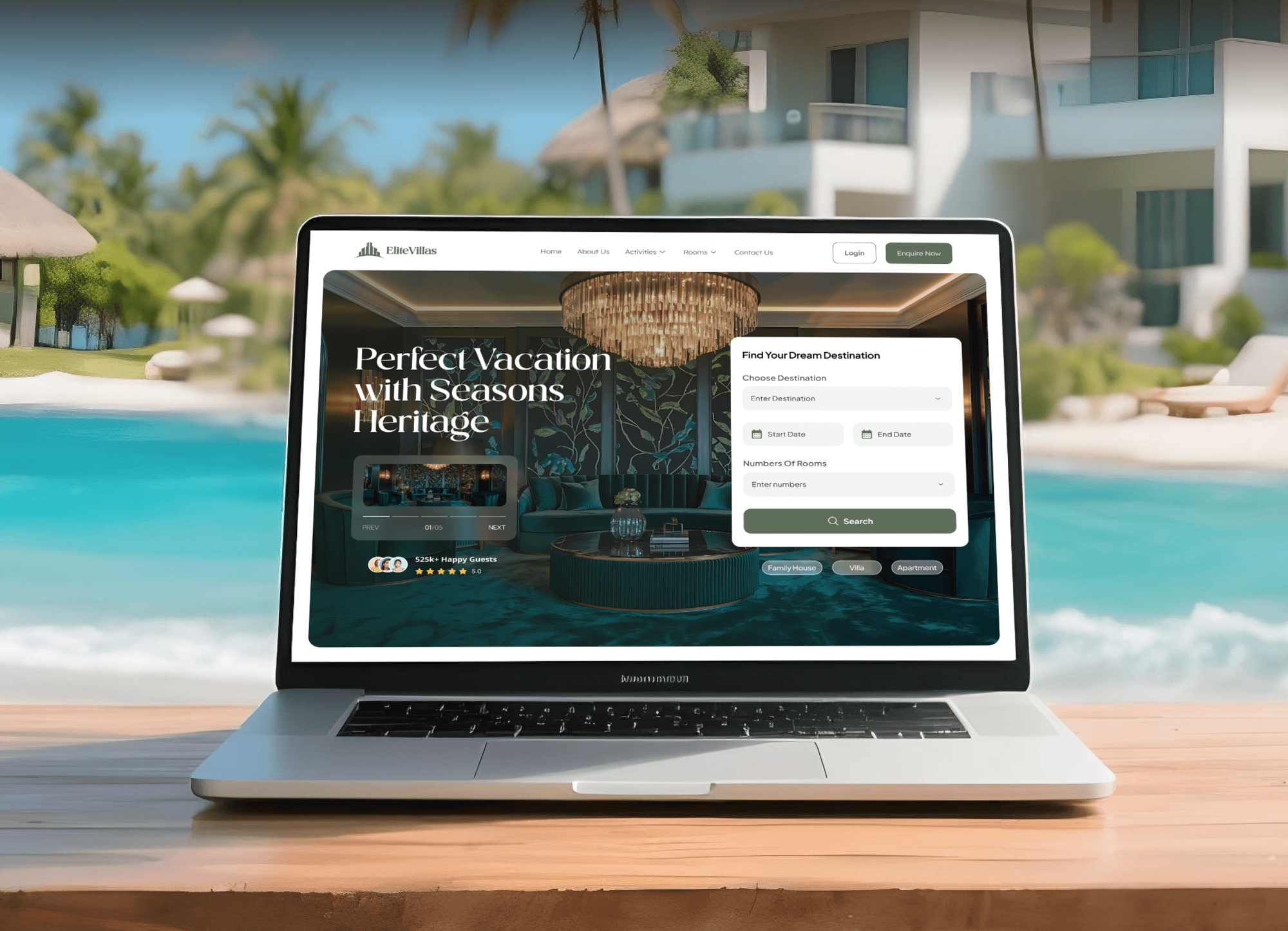
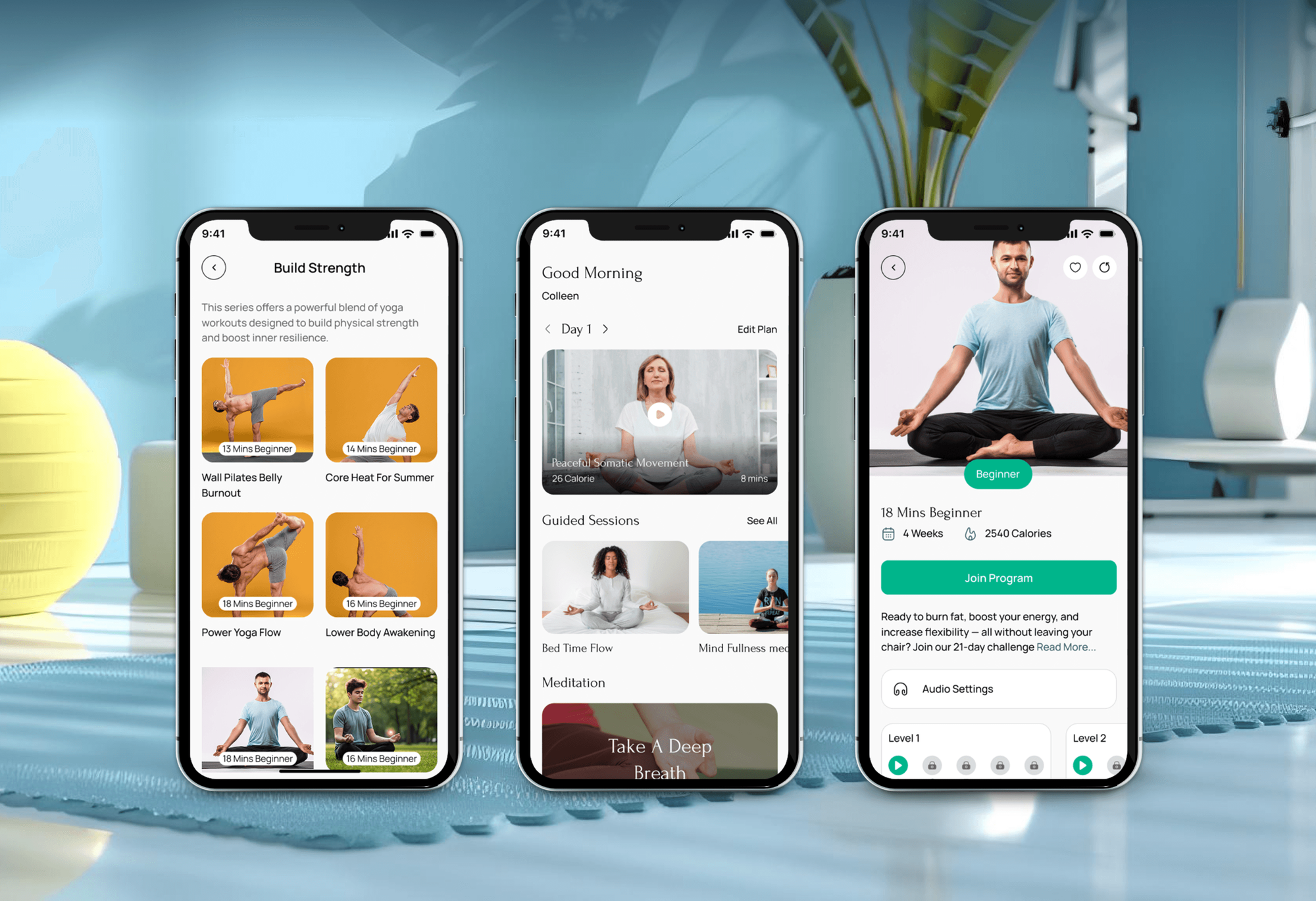
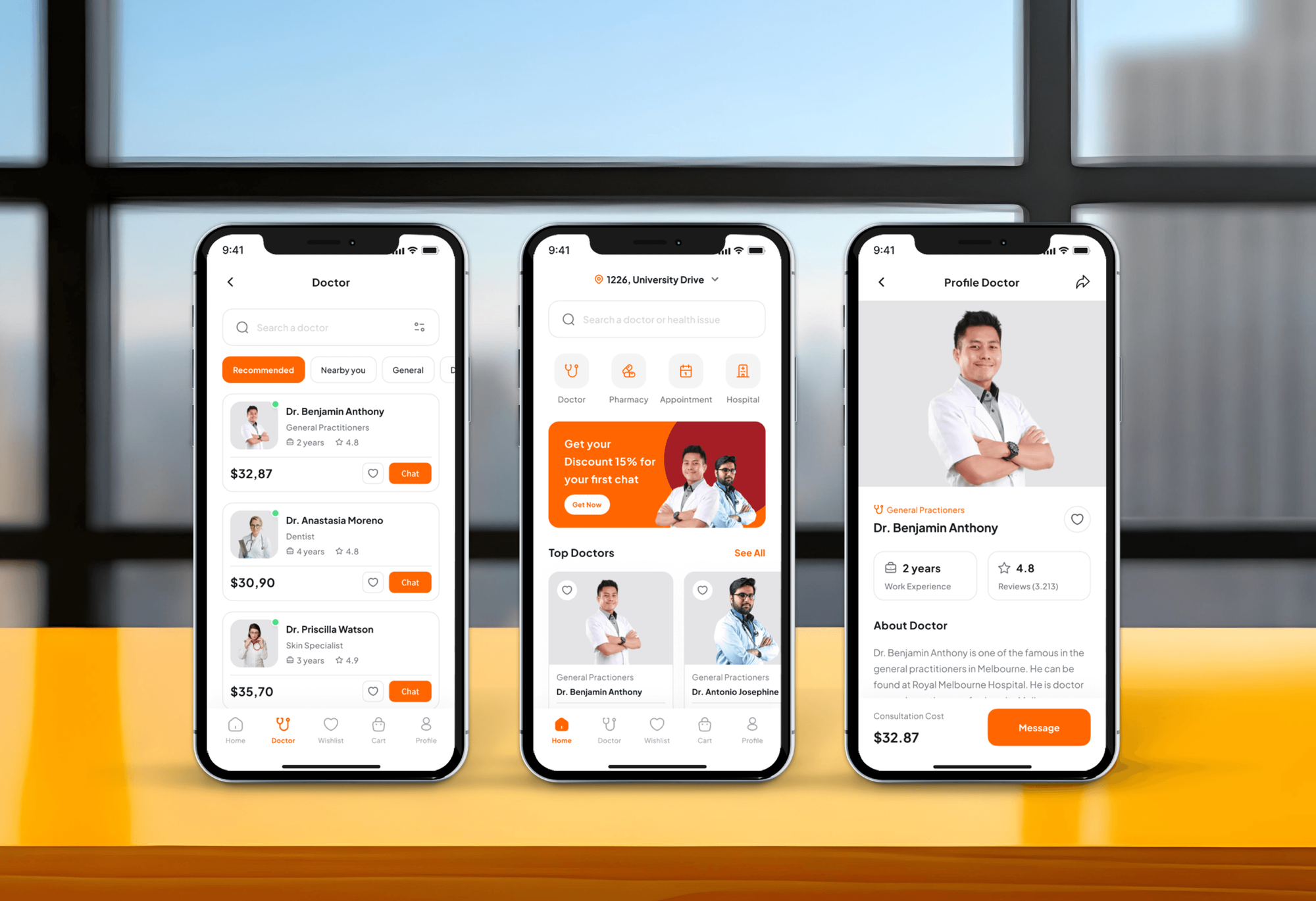
Projects We've Built
Booking websites and apps our team designed and built for rentals, wellness, health, and travel. They show the booking flows we plan, not Shopify app setups.

What Our Clients Say
Feedback from teams we have built online stores and booking flows for.
We had a pretty specific idea of what we wanted our website to become, but I wasn’t sure how easily we could explain all of it to a development team. There were quite a few moving parts, and we were working toward a deadline, so I expected a few things to get lost along the way. That never really happened. They understood what we were trying to achieve, kept us updated throughout the process, and got everything ready within the agreed timeline. The final site feels much easier to navigate, works beautifully on mobile, and is noticeably smoother for our customers. It was a huge relief seeing the original idea actually turn into the website we had in mind.
The mobile experience is probably my favourite part of the new site. We had spent a lot of time making sure the desktop version looked right, and the team kept pushing us to think about how everything would actually feel on a phone too. They were right. The navigation is clean, the interactions feel natural, and everything we’ve tested so far works exactly as it should. They also went through the links, forms, integrations, and other details more than once before launch, which I really appreciated. And even after going live, we could still reach out when something came up. The whole process felt friendly, organised, and surprisingly straightforward.
What I appreciate most is that the website is actually easy for us to manage now. We can update content ourselves instead of sending a developer a message every time we need to change something small. They also paid attention to the technical SEO side, which mattered to us because we didn’t want a new website to create problems for the traffic we already had. I’ve probably asked more questions than I should have since launch, but every question has been handled patiently and without any fuss. The team is easy to work with, they explain things clearly, and when we need something changed, they focus on getting it done rather than making the process complicated.
1,250+
Projects shipped
10+
Years of experience
Top 3%
Upwork Top Rated Plus
5 stars
Average review score

Want results like these?
Tell us what you are building. You get a reply within 24 hours on business days, then a written estimate.
Work Culture
A booking setup touches your calendar, your checkout, and the customers at your door. These habits keep all three in order.
Most stores fit an existing booking app on the Shopify App Store. If one already covers your case, we'll tell you before we quote any custom work.
An app built for short appointments struggles with multi-night villa stays. We name your booking shape first, so you don't pay twice for the wrong app.
Shopify charges a later balance only on certain payment gateways, and not through Shopify POS. We check your gateway before promising a deposit flow.
We book a test slot against each staff calendar and watch it land. Double bookings show up in testing, not on a busy Saturday.
Most people book from a phone between other things. We test the calendar, the time slots, and checkout on a mid-range phone before launch.
The booking app, its settings, and your calendars stay in your accounts. Your team can change hours, staff, and prices without calling us.
Overview
DeveloperLook sets up a Shopify booking website on the booking app that fits how you sell time. We place the calendar on your product pages, sync staff calendars, add deposits and reminders, and run every booking through Shopify checkout. Projects start at $500, take 1 to 6 weeks, and the app stays in your account.
DEVELOPERLOOK
Project facts · Shopify Booking and Appointments Setup
Reviewed 7 Oct 2026 by Saimul Islam
Good fit
Salons, spas, and studios on Shopify
You sell retail products on Shopify and want clients to book treatments in the same store, with a deposit that cuts no-shows.
Stores adding classes or workshops
You run workshops with a fixed number of seats and need a Shopify scheduling app that stops selling once a class is full.
Villa and equipment rental owners
You rent villas or equipment by the night or day and need date ranges, nightly prices, and calendars synced with rental sites.
Service teams with several staff
Your staff keep their own hours, and you need a Shopify appointment booking app that respects each person's Google Calendar.
Agencies with service-based clients
Your agency built a client's Shopify store and now needs bookings added under your brand, tested, and documented for handover.
Not a fit
Not selling on Shopify
You don't sell products online and only need a booking site. Our Appointment Booking Site Development page covers platform-neutral booking builds.
Salon software already in use
Your salon already runs booking software and needs deposit and no-show rules set inside it. Our Salon Booking Deposit Systems page covers that.
Selling downloads, not time
You sell files, courses, or video links rather than appointments. Our Selling Digital Products on Shopify page fits better.
Budget under $500
Your budget is under $500 and you offer one simple appointment type. The free plan of a booking app and its setup guide will likely cover you.
Not sure we're the right fit?
Book a free call or message us. We'll tell you honestly whether we're the right team.
Pricing
These are starting points in USD. Your final price depends on your booking type, staff calendars, and deposit needs, and you get a fixed proposal after a free booking review.
For one booking type, such as treatments or classes, on an existing Shopify store.
$500one-time, USD
For service teams that need deposits, reminders, and several staff calendars kept in sync.
$1,400one-time, USD
For rentals, multi-day bookings, or rules that no booking app handles on its own.
$3,200one-time, USD
For Agencies
You own the client relationship. We supply the booking setup behind your retainer: app choice, calendar sync, deposits, and test bookings on the client's Shopify store. Your client talks to your team, and every app stays in their account.
White label: your client only ever sees your brand
Send the store URL, the services sold, and the staff calendars involved.
You get an app recommendation and a fixed quote to share.
We set up, test bookings on a preview theme, and hand over under your brand.
You run the client calls while we configure the booking app.
Each store priced before work starts, so your margins hold.
A plain guide your client uses to change hours and staff.
Extra Shopify help for busy months without a new hire.
The Right Technology for Your Project
Booking apps from the Shopify App Store first, with Shopify's own checkout and theme tools around them, and custom code only where no app fits.
 Shopify
 PayPal
 Twilio
 Slack
SlackFAQ
Straight answers on booking apps, calendars, deposits, cost, and timelines for Shopify stores.
Saimul IslamFounder & CEO, DeveloperLookStill have questions?
Send a message or book a call with the team.
Shopify booking setup starts at $500 for one booking type on an existing app, with Google Calendar sync and test bookings. Deposits, reminders, and up to 6 staff calendars cost $1,400. Custom flows for rentals or rules no app handles start at $3,200. The booking app's own monthly fee is separate and paid to the app.
Most Shopify booking setups take 1 to 2 weeks, from the free review to the first real booking. Deposits and several staff calendars add about a week. A custom flow for rentals or special pricing takes 4 to 6 weeks, because it needs its own testing with real dates and edge cases.
No, Shopify has no built-in booking system, so bookings run through apps from the Shopify App Store. The App Store has its own appointment booking category, and those apps add a calendar to your product pages. Each booking still checks out as a normal Shopify order.
Yes, customers can book appointments on Shopify once a booking app is installed. They pick a service, a staff member if you offer a choice, and an open time on the product page, then pay at checkout. A good Shopify appointment app also sends the confirmation and adds the booking to your calendar.
Yes, a Shopify booking website works well when you also sell products, because both share one checkout, one customer list, and one set of reports. A separate scheduler can still suit a business that sells only time. If that's your case, we'll tell you before we quote and point you to the simpler tool.
To add booking to Shopify, install a booking app, make each service bookable, and add its calendar block to the product page. Then set hours, staff, and durations in the app, connect your calendar, and place a test booking. The theme editor places the block, so a standard setup needs no code.
For villa reservations, choose a Shopify booking app built for multi-night rentals, not one built for short appointments. Look for check-in and check-out dates, nightly pricing, blocked dates, and iCal sync, so stays booked on Airbnb or Booking.com close the same dates in your store. Several rental apps list that sync, and we compare them against your channels.
Yes, on supported payment gateways it can take a deposit at checkout and charge the rest later. It uses Shopify's deferred purchase options, which store the customer's payment method for the second charge. These options don't work through Shopify POS, and only some gateways support them, so we check yours during the free review.
Yes, most booking apps connect to Google Calendar, and several also list Outlook or iCal sync. Each staff member connects their own calendar, so new bookings appear there, and on apps with two-way sync, busy times close online slots. Some apps keep calendar sync on paid plans only, so we check the plan before you install.
Support lasts 30 to 90 days, depending on plan. We watch the first real bookings, fix any calendar or deposit issue, and adjust rules once you see how customers book. The app, your calendars, and every setting stay in your accounts, so your team can change hours and prices without us.
Saimul IslamFounder & CEO, DeveloperLookStill have questions?
Send a message or book a call with the team.
Free 30-min callGoogle Meet
Book a call
In 30 minutes on Google Meet we walk you through how we would build it, how long it takes and what it costs. Then you get a written estimate.
Calendar not showing? Book on cal.com or send a brief.