
Booking buttons and embeds
Square booking buttons or embed codes on service pages, with the advanced widget limiting staff and services.

For salons, studios, and service businesses on Square: booking buttons, calendars, and on-site booking that fill your schedule, starting at $350.
2X
More bookings made online
5+ hrs
Phone scheduling saved weekly
How your project runs
Teams we have built for:














The Problem
It shows up after hours. Someone finds your site at 10 p.m., can't spot a booking button, and books with the studio down the street instead.
01 · Hidden link
The only booking link hides in the site footer.
Booking buttons sit on every service page, sized for phones.
02 · New tab
Booking opens a separate Square page in a new tab.
Services that need it get an on-site booking form on your site.
03 · Double booking
Personal calendar events still show as open times.
Google Calendar sync blocks personal events before clients see availability.
04 · No-shows
Clients skip appointments with nothing at stake.
Deposits and cancellation fees are set in Square for the right services.
A new client finds your salon's website on their phone at 10 p.m. The only booking link sits in the footer, opens a Square page in a new tab, and lists 40 services with no photos. They close it and plan to call tomorrow. Tomorrow, your front desk is with a client, the call goes to voicemail, and they book elsewhere. Meanwhile, a stylist's dentist visit sits in Google Calendar while Square still offers that hour as open.
We start with each service on your menu. Simple appointments use Square's own booking button or embed, placed where people decide to book. Services that need a branded flow get an on-site booking form built on the Square Bookings API, where your plan allows it. Calendars, deposits, and reminders stay in Square, and Google Calendar blocks keep staff time accurate. Clients book in a minute instead of waiting for business hours.
Booking where people decide
Booking buttons and embeds placed on service pages, not hidden behind a footer link.
Calendars kept in step
Google Calendar sync blocks personal events, so Square only offers times staff can work.
On-site flow when it fits
A Bookings API form keeps clients on your site for services that suit it.
Our Square Appointments Integration Process
You approve which services book through Square's button and which need an on-site flow. Then you watch test bookings land in Square and your calendars before we hand over.
We book a test appointment on your site the way a new client would and time every step. You get a short map of your Square plan, your services, and the booking path that fits each one.
What's Included
Booking paths placed where clients decide, calendars kept in step, deposits and reminders set in Square, and an on-site booking flow where your plan supports it.
Compare Options
A DIY embed is free and fine for one page, and a booking plugin installs quickly. Here is where each falls short when Square runs your schedule.
| Feature | DeveloperLookBest fit | DIY embed | Booking plugin |
|---|---|---|---|
| Planning | Service-by-service booking map | Paste the link and hope | Plugin defaults |
| Booking placement | Buttons on every service page | One link, often in the footer | Plugin page only |
| Calendar sync | Google Calendar blocks set up | Usually left off | A separate calendar to manage |
| Deposits and no-shows | Set in Square per service | Often skipped | The plugin's own rules |
| On-site booking | Bookings API flow where allowed | Opens Square in a new tab | On-site, but outside Square |
| Speed to start | 3 to 5 days for buttons | Same afternoon | Quick to install |
| Cost | Fixed price from $350 | Free with Square | Plugin license fees |
| Ownership | Code and credentials stay yours | Square account stays yours | Bookings split across two systems |
Projects We've Built
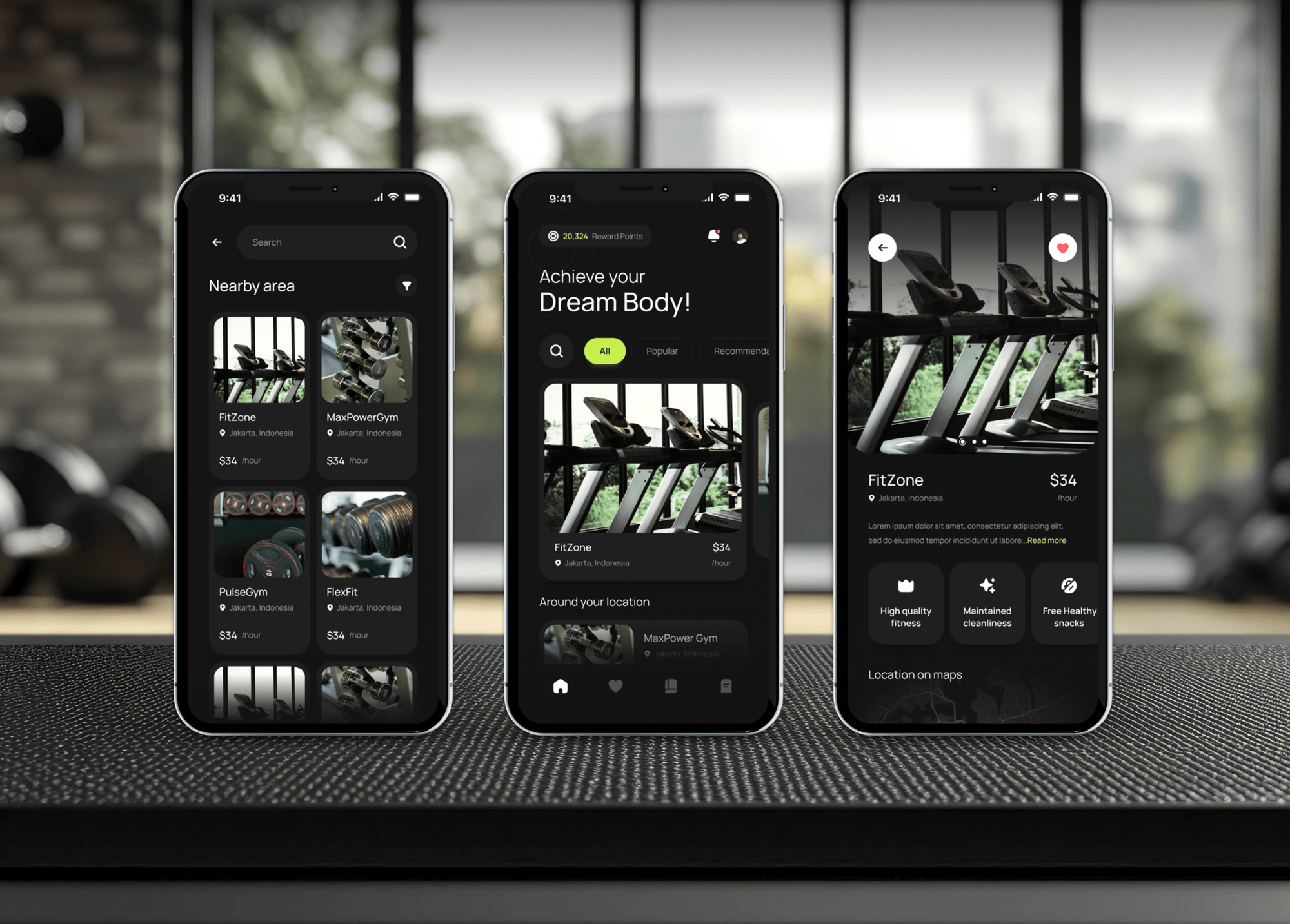
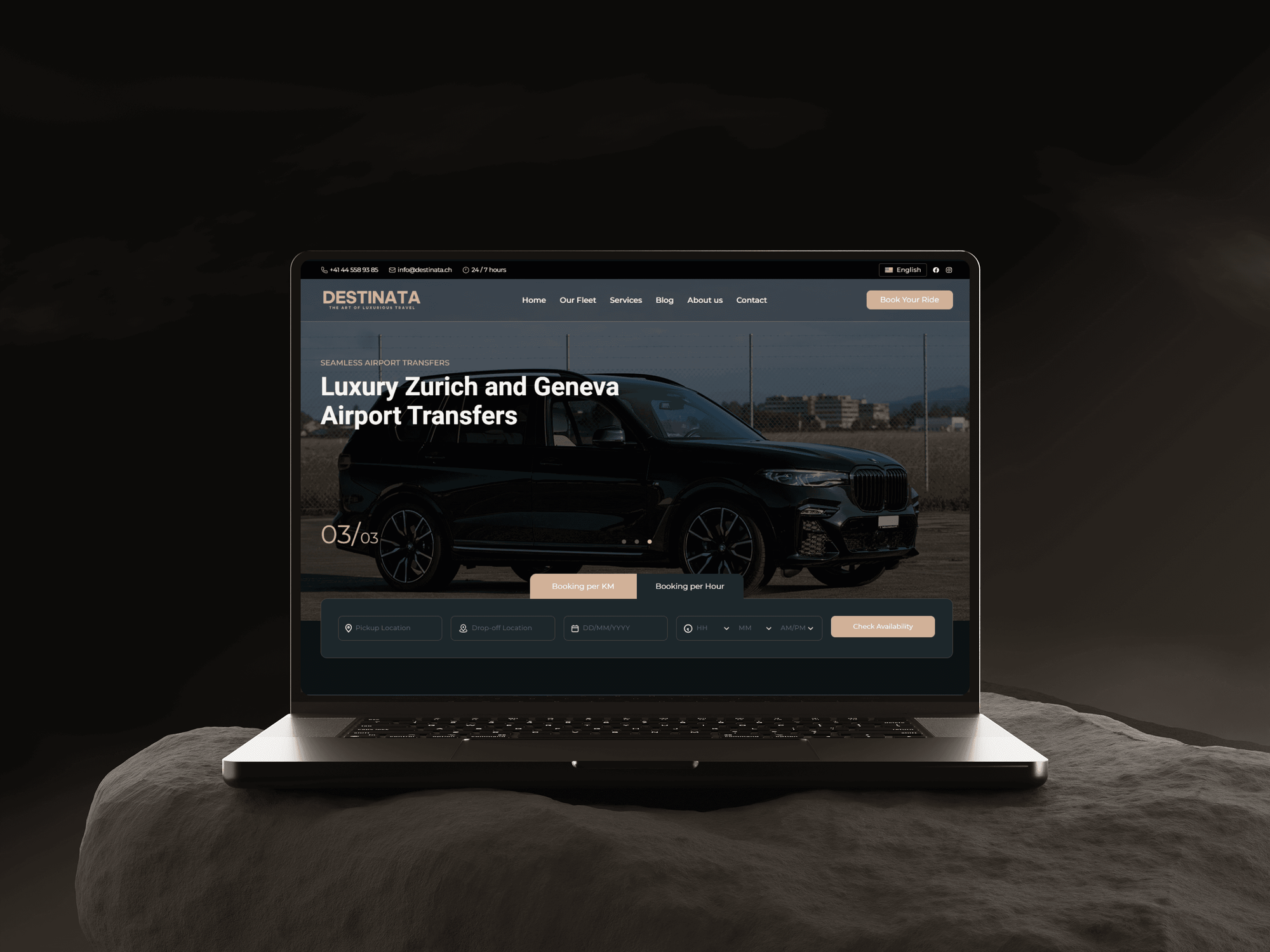
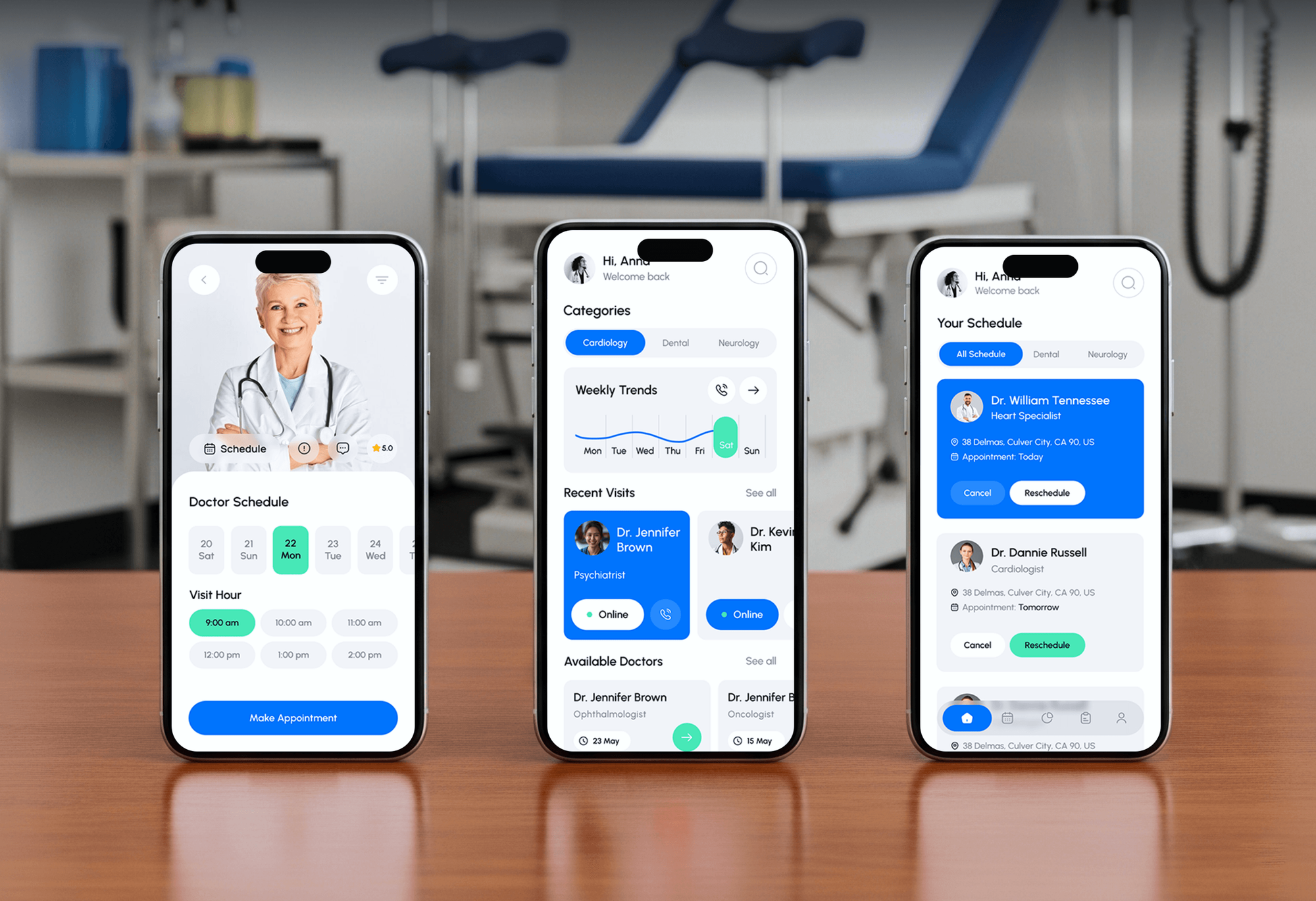
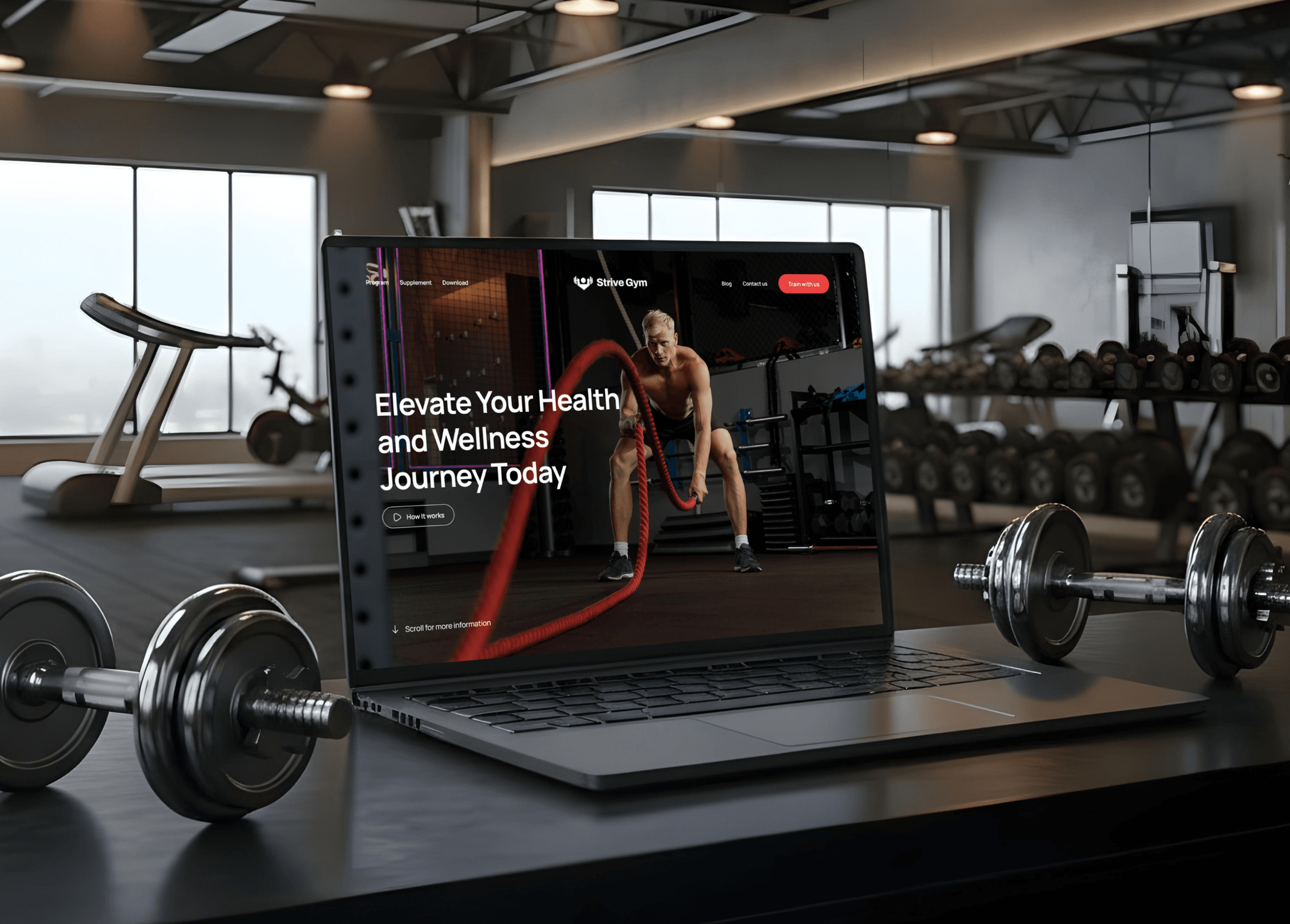
Gym, chauffeur, and doctor booking products we designed and built. None ran on Square Appointments, but each one turns visitors into booked time slots.
What Our Clients Say
Feedback from teams we have built websites and business software for.
We had a pretty specific idea of what we wanted our website to become, but I wasn’t sure how easily we could explain all of it to a development team. There were quite a few moving parts, and we were working toward a deadline, so I expected a few things to get lost along the way. That never really happened. They understood what we were trying to achieve, kept us updated throughout the process, and got everything ready within the agreed timeline. The final site feels much easier to navigate, works beautifully on mobile, and is noticeably smoother for our customers. It was a huge relief seeing the original idea actually turn into the website we had in mind.
The mobile experience is probably my favourite part of the new site. We had spent a lot of time making sure the desktop version looked right, and the team kept pushing us to think about how everything would actually feel on a phone too. They were right. The navigation is clean, the interactions feel natural, and everything we’ve tested so far works exactly as it should. They also went through the links, forms, integrations, and other details more than once before launch, which I really appreciated. And even after going live, we could still reach out when something came up. The whole process felt friendly, organised, and surprisingly straightforward.
What I appreciate most is that the website is actually easy for us to manage now. We can update content ourselves instead of sending a developer a message every time we need to change something small. They also paid attention to the technical SEO side, which mattered to us because we didn’t want a new website to create problems for the traffic we already had. I’ve probably asked more questions than I should have since launch, but every question has been handled patiently and without any fuss. The team is easy to work with, they explain things clearly, and when we need something changed, they focus on getting it done rather than making the process complicated.
1,250+
Projects shipped
10+
Years of experience
Top 3%
Upwork Top Rated Plus
5 stars
Average review score

Want results like these?
Tell us what you are building. You get a reply within 24 hours on business days, then a written estimate.
Work Culture
Every missed booking is an empty chair or an idle room. These habits keep our Square Appointments work simple for clients and for your front desk.
If Square's booking button or Reserve with Google covers a service, we say so before quoting. API work is only for services where it adds bookings.
Most bookings happen on a phone, so we test every path on small screens first. Buttons stay thumb-sized and forms stay short.
Google Calendar sync, cancellation fees, and the Bookings API need Plus or Premium. We say which plan each feature needs before you upgrade anything.
Appointments, clients, and payments stay in Square's customer directory. Our code reads and writes through Square's API, so there's one schedule, not two.
Your front desk gets a plain guide for changing services, staff, and buttons. Most updates happen in Square itself, without calling a developer.
You get a fixed quote once the service map is agreed. Small changes later are priced up front, so a booking fix doesn't turn into a surprise bill.
Overview
DeveloperLook sets up a Square Appointments integration for salons, studios, clinics, and other service businesses. We place booking buttons and embeds where clients decide, sync Google Calendar, and build on-site booking with the Square Bookings API. Projects start at $350, take 3 days to 4 weeks, and keep Square as your booking record.
DEVELOPERLOOK
Project facts · Square Appointments Integration
Reviewed 23 Oct 2026 by Saimul Islam
Good fit
Salons and spas with their own website
Your website runs on WordPress or Squarespace, and clients still call to book because the only booking link hides in the footer.
Shopify stores that also book services
You sell products on Shopify and book fittings or classes in Square, and you want booking inside the store without a second login.
Teams living in Google Calendar
Your staff plan their days in Google Calendar, and you need Square calendar booking to block personal events so clients can't book over them.
Brands that want on-site booking
You don't want clients sent to a Square page in a new tab, and you want booking that matches your site on every screen.
Agencies building local business sites
Your agency builds sites for local service businesses, and each client wants Square Appointments booking added the same tested way.
Not a fit
Booking runs on Booksy
Your salon books through Booksy rather than Square. Our Booksy integration page covers its website widget, social booking, and tracking instead.
Vagaro is your system
Your studio runs its calendar on Vagaro. Our Vagaro integration page covers its booking widget, packages, and analytics setup.
Budget under $350
You only need the booking link pasted onto one page and have under $350. Square's own steps for adding booking to an existing site cover that.
Square orders, not bookings
You need Square orders, inventory, or accounting synced rather than appointments. Our Square integration page covers those connections.
Not sure we're the right fit?
Book a free call or message us. We'll tell you honestly whether we're the right team.
Pricing
These are starting points in USD. Your final price depends on your website platform and the number of booking paths, and a free booking review comes before your fixed proposal.
For service businesses that want Square booking placed properly on their site.
$350one-time, USD
For teams on Plus or Premium that want calendars and tools kept in step.
$950one-time, USD
For brands that want booking inside their own site, built on the Square Bookings API.
$2,300one-time, USD
For Agencies
You own the small business client. We supply the Square Appointments work behind your brand: booking buttons, calendar sync, channel setup, and on-site booking builds. Your client hears from your team, with your name on every guide.
White label: your client only ever sees your brand
Send the website platform, Square plan, and the services clients book most.
We match each service to a booking path and fix the scope.
We build, test bookings on phones, and hand over guides under your brand.
Your brand on every service map, guide, and update.
One proven setup reused across your local business clients' sites.
Button installs finished in days, so your launches stay on schedule.
Extra developers for Square work when several clients launch at once.
The Right Technology for Your Project
We use Square's own booking buttons, widget, and calendar sync first, then the Square Bookings API and webhooks where a booking flow needs more control.
 WordPress
 Squarespace
 Wix
Wix Shopify
 Zapier
 Google Analytics (GA4)
 Node.js
FAQ
Straight answers on Square Appointments costs, timelines, website and Shopify setup, plans, calendars, the Bookings API, and deposits.
Saimul IslamFounder & CEO, DeveloperLookStill have questions?
Send a message or book a call with the team.
DeveloperLook's Square booking setup starts at $350 for booking buttons or embeds on up to 5 pages, set up with a service map. Calendar sync and tool connections start at $950, and on-site booking builds on the Bookings API start at $2,300. Square's plan fees are separate, and a free booking review sets the fixed scope.
Booking buttons and embeds take 3 to 5 days, including tests on phones and desktops. Calendar sync and tool connections take 1 to 2 weeks, and on-site booking builds on the Bookings API take 2 to 4 weeks. Most of that time goes into testing reschedules, cancellations, and deposits before clients see it.
Open Square Appointments, go to Online Booking, then Channels, and choose the option to add your booking flow to an existing site. You can copy a booking link, create a styled Book Appointment button, or get embed code to paste into your pages. The advanced widget limits which staff and services each embed shows.
Yes, but not through a Shopify app: Square offers no Square Appointments app in the Shopify App Store. The documented route is Square's booking button, link, or embed code placed on Shopify pages. For booking inside the store itself, we build a flow on the Square Bookings API.
Square Appointments Free covers the booking site, booking buttons, deposits, and reminders, so simple website integrations work on it. In the US, Plus at $49 and Premium at $149 per location per month add Google Calendar sync, cancellation fees, and seller-level Bookings API access. Premium also adds resource booking for rooms and stations.
Yes, on Plus and Premium: Square links one Google calendar per sync, set up under Settings, then Calendar and booking. Appointments can go out to Google, and personal Google events come in as blocks, so clients can't book over them. Outlook and Apple Calendar have no native sync, which we work around with Zapier or the API.
Yes, Square Appointments supports booking buttons on Instagram and Facebook and a Reserve with Google channel on every plan. Reserve with Google needs a claimed Google Business Profile with a matching address. It doesn't support multi-service bookings or prepayment, so we check which of your services suit it.
The Square Bookings API can search availability and create, update, or cancel appointments, but it can't book classes. Services with a cancellation fee can't be booked through it, and each booking needs a Square customer with a phone number. Seller-level writes also need Square Appointments Plus or Premium.
Yes, through Square itself: deposits work on every plan for online bookings, as a fixed amount or a percentage per service. Cancellation fees and card holds for no-shows need Plus or Premium and can be charged up to 14 days after the appointment. We keep those rules in Square rather than rebuilding them.
You do. Embed codes, Square settings, API credentials, and any custom code are yours, and your Square account stays the single record of bookings and clients. Plan support runs 30, 60, or 90 days. After that, most changes to services and staff happen in Square without a developer.
Saimul IslamFounder & CEO, DeveloperLookStill have questions?
Send a message or book a call with the team.
Free 30-min callGoogle Meet
Book a call
In 30 minutes on Google Meet we walk you through how we would build it, how long it takes and what it costs. Then you get a written estimate.
Calendar not showing? Book on cal.com or send a brief.