Sefinix Furniture Ecommerce Store and Dashboard
- Furniture
- Dashboard
- E-commerce

Shopify post-purchase upsell funnels with one-click offers, order bumps, and Plus checkout upsells, tested on real orders. From $600.
100%
Offers matched to each cart
1click
To add items after checkout
Teams we have built for:














The Problem
It shows when your traffic grows but average order value stays flat. The moment a buyer trusts you most, right after paying, passes without a useful offer.
Plain confirmation
A buyer pays, and the next screen offers nothing.
Plain confirmation
An offer appears once they've paid, with no card details to retype.
Wrong offers
Your app offers the grinder the customer just bought.
Wrong offers
Every offer checks the cart first, so nobody sees what they bought.
Clashing pop-ups
A cart pop-up covers the checkout button on phones.
Clashing pop-ups
A small bump in your cart replaces the pop-up.
Order value
Your average order value hasn't moved in a year.
Order value
Add-ons come from what your buyers already purchase together.
A customer buys a coffee grinder from you at 9 p.m. and pays with Shop Pay. The next screen is a plain confirmation. No filters, no beans, no cleaning kit. Your app fires on some orders, but it offers the grinder they just bought, in a template that looks nothing like your store. Another app puts a pop-up on your cart that covers the checkout button on phones. Your average order value hasn't moved in a year.
We start with your order history, because it shows which add-ons your buyers already choose together. Then we place offers at three moments: a one-click offer once they've paid, a small bump in your cart, and an offer on the confirmation page. Every offer checks the cart first, so nobody sees what they just bought. Your buyers see offers that fit their order, not a template.
Offers picked from your orders
Add-ons come from what your buyers already purchase together, not from a generic app list.
A single click to accept
Your buyers add an offer after paying without typing their card details again.
Cart-aware offer rules
Rules skip items already in the order and hold offers that clash with active discounts.
Our Upsell Build Process
You see which offers we'll show, to whom, and at what price before any customer does. Every step ends with something you approve.
We study your order history for products bought together, then check your plan and apps. If your current app can do the job with better settings, we'll tell you before we quote. You get an offer plan and a fixed price.
Projects We've Built
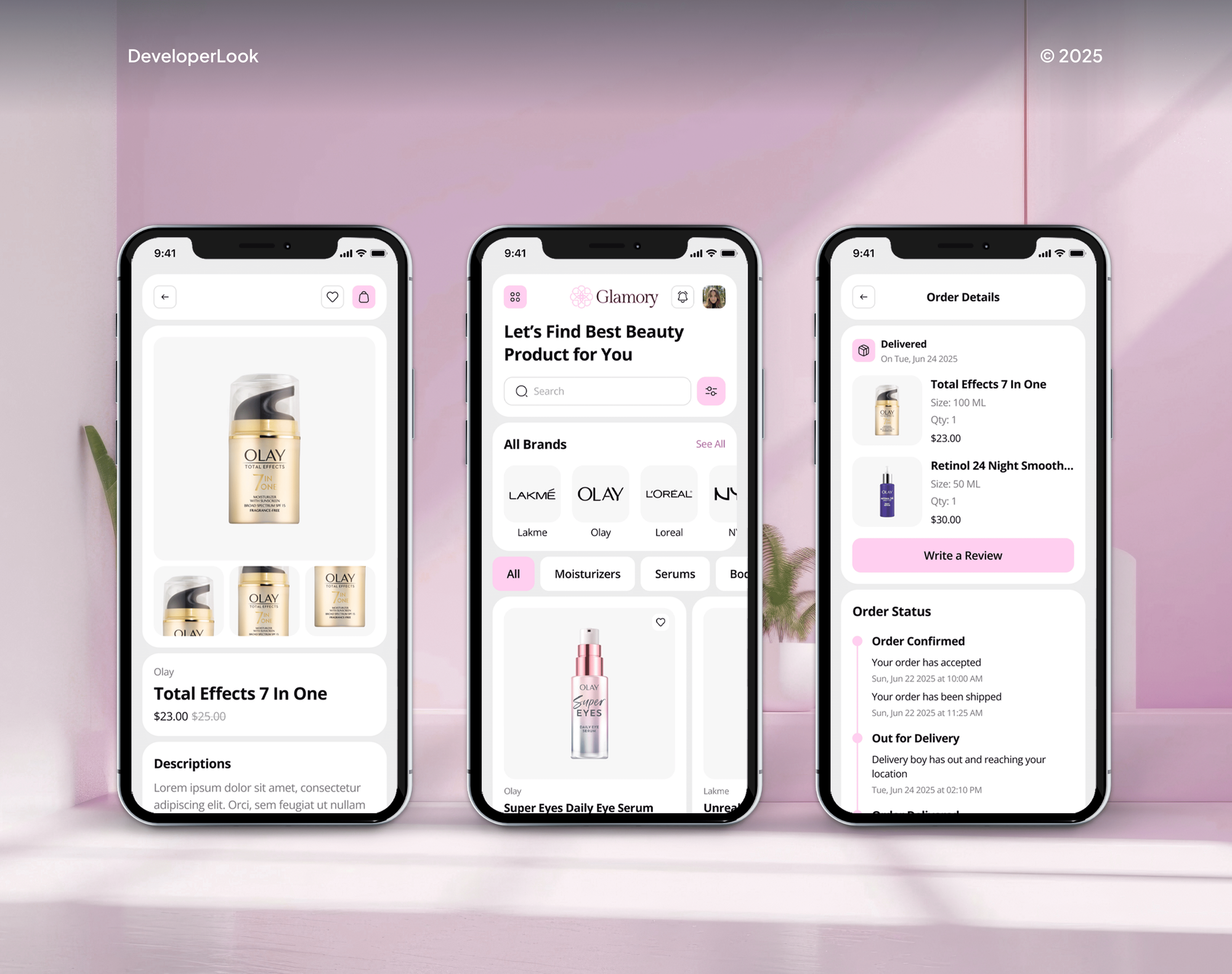
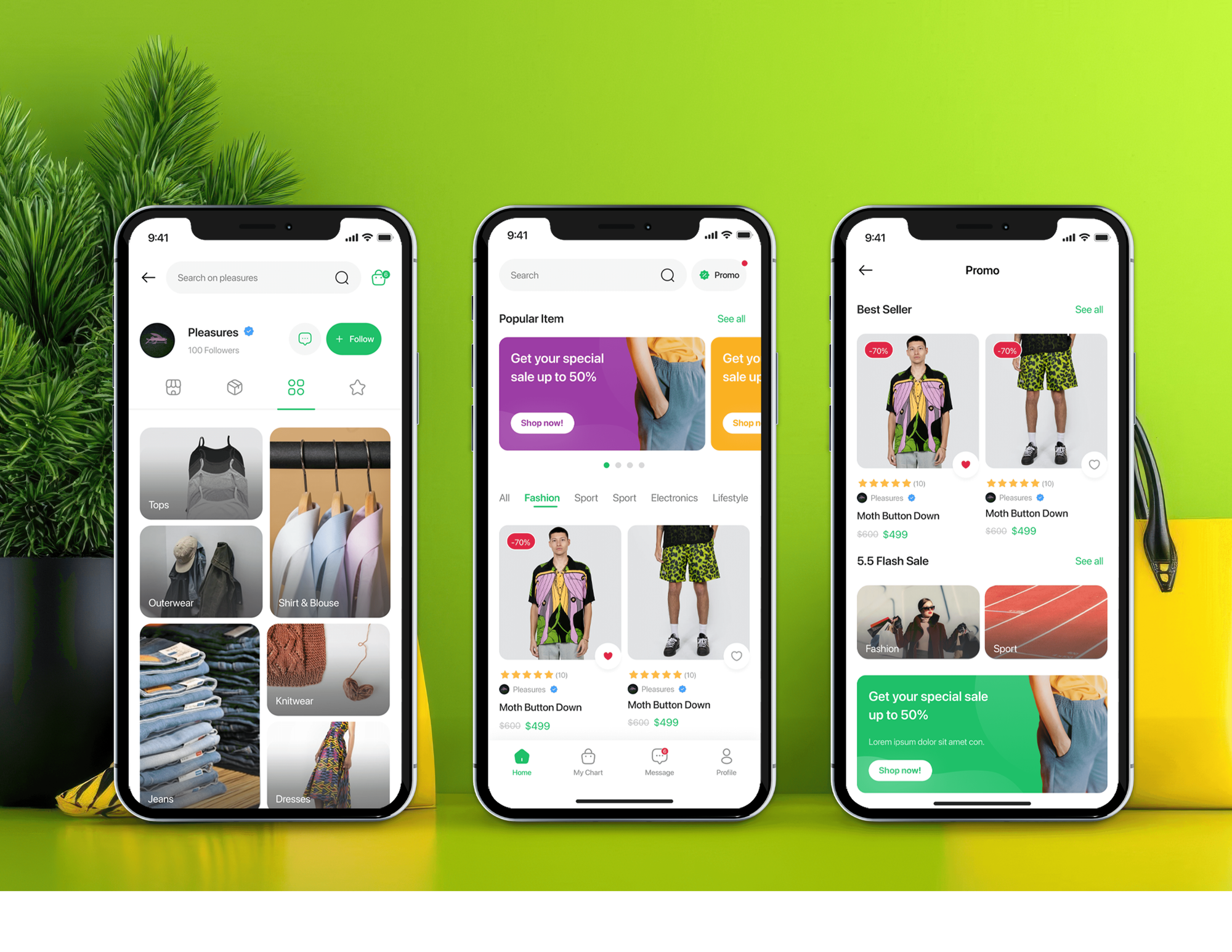
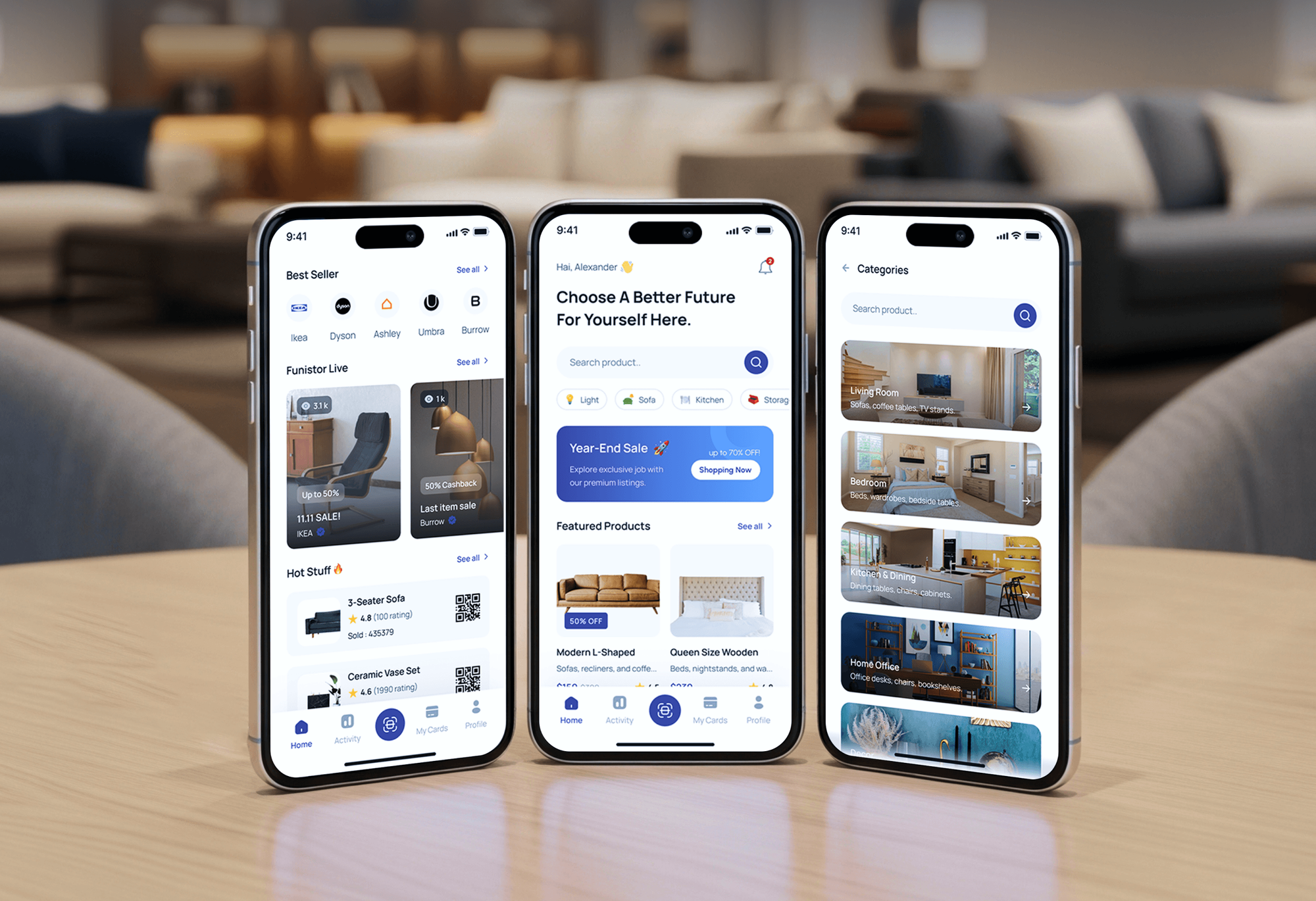
A selection of Shopify and ecommerce stores we've built. The same catalog knowledge goes into choosing which add-ons to offer.
What's Included
Every project covers offer research, one-click offers, cart and confirmation page offers, real test orders, and reports on what each offer earns.
Compare Options
An off-the-shelf app is fast and cheap to start, and a theme developer can style offers well. Here's where each option stops.
| Feature | DeveloperLookBest fit | Off-the-shelf app | Theme developer |
|---|---|---|---|
| Upfront cost | From $600, fixed scope | Monthly fee | Hourly rate |
| Setup time | 1 to 5 weeks | Under an hour | Varies |
| Offer choice | From your order history | Products you pick | Your brief |
| Cart-aware rules | Skips bought items | Depends on the app | Varies with skill |
| Offer page | App, or your own on Plus | Rarely built | |
| Offer design | Matched to your theme | App templates | Custom, theme only |
| Testing | Accept, decline, refund | Your own checks | Varies |
| Revenue reporting | Take rate, added revenue | App dashboard | Not included |
What Our Clients Say
Feedback from Shopify teams we have built checkouts, offers, and integrations for.
We were getting plenty of traffic, but far too many people were leaving at checkout. The buying process had simply become too complicated. The team took the time to understand where customers were dropping off, then rebuilt the checkout flow and cleaned up the shopping experience. What I really appreciated was that they didn’t just make the store look better, they actually solved the problems that were costing us sales. The whole store feels faster, simpler, and much easier to buy from now. Exactly what we needed.
We had a different kind of problem. People were visiting the store, adding products to their carts, and then disappearing before they finished the order. We had tried a few apps and made changes here and there, but nothing really seemed to solve the bigger issue. The team went through the shopping experience with us and pointed out things we hadn't really noticed ourselves. They cleaned up the cart and checkout flow, made the mobile experience much smoother, and helped us make the store feel easier to shop. I’m not going to pretend we fixed everything overnight, but it finally feels like the store is helping the sale instead of getting in the way of it.
Our old store was making it way too difficult for people to find products. We had a large catalogue, but the search, filters, and mobile navigation were frustrating customers. The team completely changed how the store handled product discovery and made the experience much easier to use on mobile. I was especially impressed by how much thought went into the customer journey rather than just the visual design. They understood what we were trying to achieve and turned it into a store that actually feels built for our customers. We’re genuinely proud of the result.
1,250+
Projects shipped
10+
Years of experience
Top 3%
Upwork Top Rated Plus
5 stars
Average review score
1,250+
Projects shipped
10+
Years of experience
Top 3%
Upwork Top Rated Plus
5 stars
Average review score

Want results like these?
Tell us what you are building. You get a reply within 24 hours on business days, then a written estimate.
Work Culture
Offers appear at the moment your buyer trusts you most. Here's how we keep them useful and honest, whether we configure an app or build your own.
We pick add-ons from what your buyers already purchase together. Guessed offers annoy people, while proven pairings feel like helpful suggestions.
Shopify's guidelines cap the offer page at three offers in a row. We usually stop at one or two, because a pushy funnel can cost you the next order.
Every offer has a clear decline button under the accept button, as Shopify's guidelines require. You won't see countdown timers or fake urgency from us.
We refund an accepted offer on a test order before launch. Your totals, stock, and reports stay correct when a buyer changes their mind.
If an App Store app covers your offers, we'll configure it instead of building one. You pay for custom work only where apps fall short.
Offer rules, designs, and any custom app code belong to you. If you drop an app later, your offer plan and results come with you.
Overview
DeveloperLook sets up every Shopify post-purchase upsell to match the cart it appears on. We configure App Store apps on any plan, add cart order bumps and confirmation page offers, and build custom offer pages and in-checkout offers for Plus stores. Projects start at $600, app-based funnels launch in 1 to 2 weeks, and every offer is tested on real orders.
DEVELOPERLOOK
Project facts · Shopify Post-Purchase Upsell Development
Reviewed 28 Sep 2026 by Saimul Islam
Good fit
Stores with nothing offered after checkout
Your customers pay, glance at the confirmation, and leave, and nobody offers the refill or add-on they'd likely take.
Stores unhappy with their current app
Your Shopify upsell app shows the same template offer to everyone, even for items already in the cart.
Plus brands wanting in-checkout offers
You're on Shopify Plus and want a small add-on inside checkout, plus an offer page built as your own app.
Brands selling refills, bundles, or accessories
Your best add-ons are obvious from order history, like a case with every phone, but nothing offers them at the right moment.
Agencies fielding upsell requests
Your clients keep asking for order bumps and one-click offers, and you need a developer who ships them under your brand.
Not a fit
Personalized picks sitewide
You want personalized picks across product and cart pages. Our Product Recommendation Engine Development service builds that logic.
Checkout rules instead
You need discount, shipping, or payment rules at checkout, not offers. Our Shopify Plus Checkout Customization page is the better fit.
One checkout field
You only want one field or message added to checkout. That's a smaller job for our Shopify Checkout Customization service.
A handful of orders
Your store gets a handful of orders a week. An app's default settings will do for now, since our plans start at $600.
Not sure we're the right fit?
Book a free call or message us. We'll tell you honestly whether we're the right team.
Pricing
These are starting points in USD. Your final price depends on how many offers, placements, and custom builds you need, and you get a fixed proposal after a free upsell review.
For Agencies
Your agency keeps the client and the design. We handle the offer research, app setup, and custom Plus builds behind their upsells, tested on real orders and delivered under your brand.
White label: your client only ever sees your brand
Send store access, the client's goals, and the launch date you promised.
We send an offer plan, a price, and a launch date for your approval.
We build and test the funnel under your brand, then hand over the notes.
Send store access, the client's goals, and the launch date you promised.
We send an offer plan, a price, and a launch date for your approval.
We build and test the funnel under your brand, then hand over the notes.
The Right Technology for Your Project
We use Shopify's own extension points for offers, then track every offer in the reports your team already reads.
 React
React JavaScript
 Node.js
 Remix
Remix GraphQL
 Post-Purchase ExtensionsCheckout ExtensionsShopify FunctionsTheme App Blocks
 PayPal
 Apple Pay
 Google Pay
 Google Analytics (GA4)
 Google Tag Manager
 Google Sheets
 Meta (Pixel, Conversions API)
Related Services
Upsell funnels work best with a clean checkout and smart product recommendations. These are the services clients add most often.
This page
Shopify Post-Purchase Upsell Development
Pairs with the 4 services around it
FAQ
Straight answers on upsell costs, timelines, apps, one-click offers, and checkout upsells on Plus.
Saimul IslamFounder & CEO, DeveloperLookStill have questions?
Send a message or book a call with the team.
Our Shopify upsell setups start at $600 for an App Store app with up to 3 one-click offers. A full funnel with a cart order bump and a confirmation page offer costs $1,550. Your own offer page and in-checkout offers on Plus start at $3,100. App fees are separate.
App-based funnels usually launch within 1 to 2 weeks, including offer research and test orders. Custom Plus builds take 3 to 5 weeks, partly because Shopify reviews access for live stores, which can take up to 7 days. We request it early so it doesn't hold up your launch.
An upsell in Shopify is an offer for an extra or better product before, during, or right after checkout. A Shopify post-purchase upsell is the version shown after payment, where Shopify reuses the buyer's payment method. A cross-sell adds a related item, while an upsell raises what the order is worth.
You upsell on Shopify at three moments: in your cart, inside checkout on Plus, and right after payment. Most stores start after payment, because your buyer has already committed and accepts with a single click. A cart bump and a confirmation page offer then add two more chances.
You add an upsell in Shopify with an App Store app or a custom build. The app route works on any plan: install it, pick trigger products, set the offer, and publish. A custom offer page needs Plus, because Shopify limits custom apps with that extension to Plus stores.
Start with products your buyers already purchase together, which your order history shows. In the app, you map each trigger product to an offer product and a discount. We add rules that skip anything already in the cart, and we usually keep your offers cheaper than the main item.
These offers run on a page between payment and the order status page. You set them up in an App Store app, or on Plus through a custom app once Shopify approves access. Each offer needs a clear decline button and a price breakdown with shipping and taxes, per Shopify's guidelines.
A Shopify checkout upsell appears inside checkout, before payment, and only Plus stores can add one. It's built with checkout UI extensions, and Shopify Functions can price your bundle. We keep it to one small offer, because anything that slows a buyer before payment can cost you the whole order.
The best app runs on Shopify's own offer page, supports your offer rules, and prices fairly at your order volume. Before you install any upsell Shopify app, check how it handles refunds and reporting. We'll recommend one after your free review, based on your offers.
Yes, most can show several offers, and Shopify allows up to three in a row after payment. A common funnel pairs an upsell with a cheaper downsell for buyers who decline. We cap offers per order and skip items already bought, so your funnel feels helpful instead of pushy.
Saimul IslamFounder & CEO, DeveloperLookStill have questions?
Send a message or book a call with the team.
Free 30-min callGoogle Meet
Book a call
In 30 minutes on Google Meet we walk you through how we would build it, how long it takes and what it costs. Then you get a written estimate.
Calendar not showing? Book on cal.com or send a brief.