
Shopify custom contact form
Your theme's contact form rebuilt with named fields, so each email reads like a finished request.

For Shopify stores whose forms miss the details that matter: contact, sign-up, and order forms that send every answer where your team works, from $350.
1submit
Every detail captured at once
24/7
Spam checks on every form
How your project runs
Teams we have built for:














The Problem
It shows up once customers ask for quotes, wholesale accounts, or custom orders. The default theme form sends a name, an email, and a message box, and nothing more.
01 · Missing details
Requests arrive with a two-line message and no specifics.
Named fields ask for tax IDs, sizes, or quantities up front.
02 · Lost leads
Form entries sit in one inbox nobody else can search.
Answers save to customer records, so the whole team can find them.
03 · Spam
Bot entries bury real requests on a busy day.
Shopify's hCaptcha stays on, and custom forms send the protection Shopify accepts.
04 · Order back-and-forth
Custom order requests come without measurements or artwork files.
Order details and file uploads ride on the order line itself.
A wholesale buyer fills in your contact form with a two-line message. You reply asking for their tax ID, store address, and expected order size, then wait two days. A custom order request arrives with no measurements, so another email goes out. Many of yesterday's submissions were spam. Nobody can find last month's quote requests, because they sit in one person's inbox. Your best leads don't become customers in Shopify, so you can't tag them or follow up.
We start by listing what your team needs from each form, then build the shortest form that collects it. Contact forms get named fields. Sign-up and wholesale forms save answers as customer tags and metafields, ready for segments. Custom order forms attach details and files to the order line itself. Every form keeps Shopify's spam protection, so your team reads requests, not junk.
Fields your team reads
Every field named and ordered the way your staff process the request, not the way a template guessed.
Answers saved to customers
Sign-up and wholesale answers stored as customer tags and metafields you can filter and segment.
Spam stopped at the form
Shopify's hCaptcha kept on every form, so real requests aren't buried under bot entries.
Our Shopify Custom Forms Process
You approve every field, where each answer is stored, and who gets alerted, then send test entries yourself before the forms go live.
We read your current forms and the emails your team sends to fill the gaps. You get a plain list of the fields each form needs and where the answers should live.
What's Included
Forms with the fields you need, answers saved where your team works, spam protection, file uploads, Flow alerts, and a guide for changes.
Compare Options
The best form builder for Shopify depends on what happens after someone presses submit. Here's where an app, a freelancer, and our builds each fit.
| Feature | DeveloperLookBest fit | Form builder app | Freelancer |
|---|---|---|---|
| Time to start | 3 days to 5 weeks | Same day | Depends on availability |
| Upfront cost | From $350, fixed | Free plan or monthly fee | Hourly rate |
| Field design | Planned with your team | Drag-and-drop templates | Built to your brief |
| Where answers go | Customer records, orders, or email | Often the app's own dashboard | Usually email only |
| Spam protection | Shopify's hCaptcha kept on | The app's own checks | Varies by build |
| Order details | Saved on the order line | Separate from orders | Depends on the build |
| Testing | Test entries on every device | Your own checks | Varies by freelancer |
| Ongoing cost | None from us | Monthly app fee on paid plans | Hourly for changes |
Projects We've Built
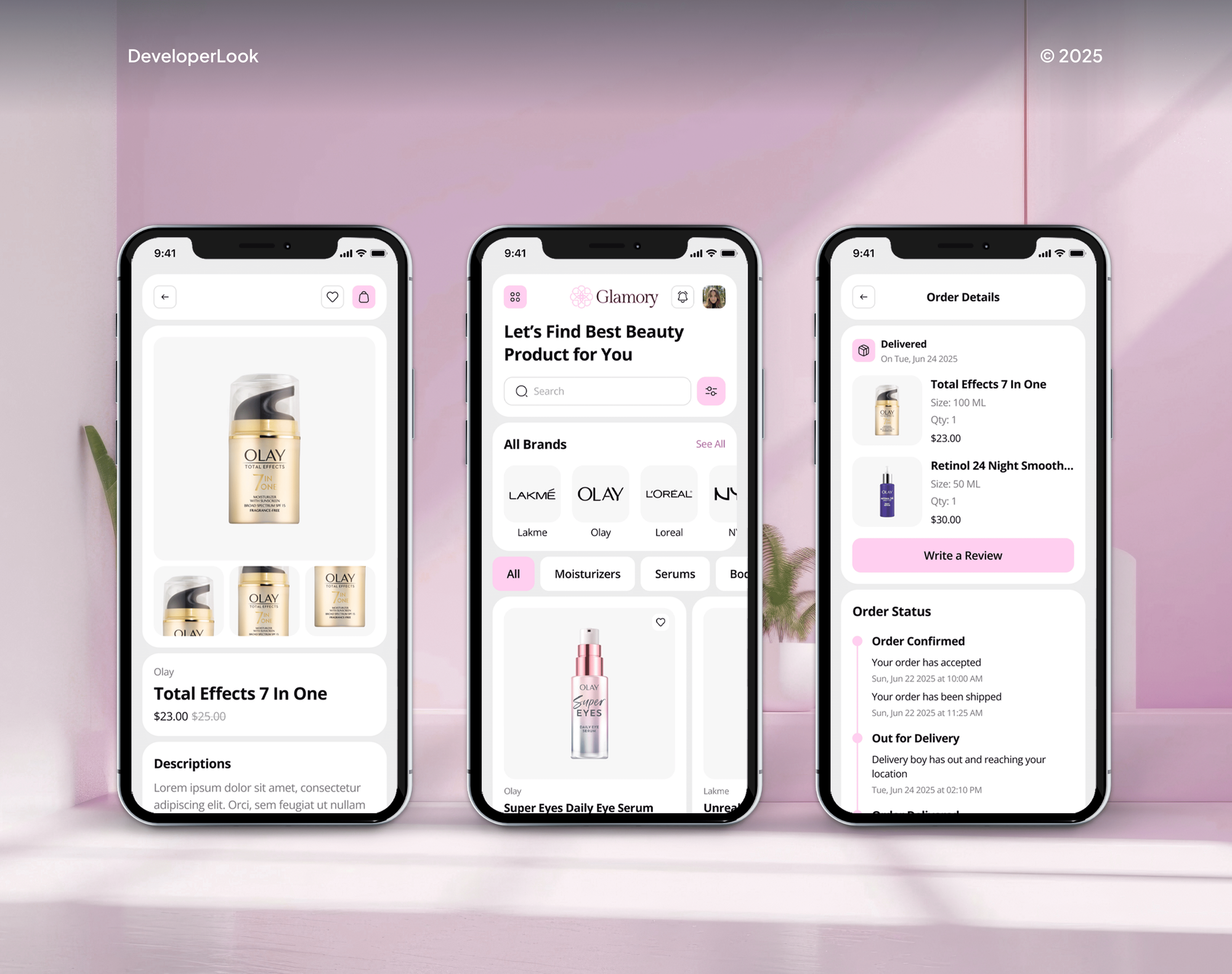
Online stores our team designed and built for furniture, beauty, art, and hardware brands. Their contact, account, and product pages are where custom forms live.



What Our Clients Say
Feedback from teams we have built online stores and custom store features for.
We had a pretty specific idea of what we wanted our website to become, but I wasn’t sure how easily we could explain all of it to a development team. There were quite a few moving parts, and we were working toward a deadline, so I expected a few things to get lost along the way. That never really happened. They understood what we were trying to achieve, kept us updated throughout the process, and got everything ready within the agreed timeline. The final site feels much easier to navigate, works beautifully on mobile, and is noticeably smoother for our customers. It was a huge relief seeing the original idea actually turn into the website we had in mind.
The mobile experience is probably my favourite part of the new site. We had spent a lot of time making sure the desktop version looked right, and the team kept pushing us to think about how everything would actually feel on a phone too. They were right. The navigation is clean, the interactions feel natural, and everything we’ve tested so far works exactly as it should. They also went through the links, forms, integrations, and other details more than once before launch, which I really appreciated. And even after going live, we could still reach out when something came up. The whole process felt friendly, organised, and surprisingly straightforward.
What I appreciate most is that the website is actually easy for us to manage now. We can update content ourselves instead of sending a developer a message every time we need to change something small. They also paid attention to the technical SEO side, which mattered to us because we didn’t want a new website to create problems for the traffic we already had. I’ve probably asked more questions than I should have since launch, but every question has been handled patiently and without any fuss. The team is easy to work with, they explain things clearly, and when we need something changed, they focus on getting it done rather than making the process complicated.
1,250+
Projects shipped
10+
Years of experience
Top 3%
Upwork Top Rated Plus
5 stars
Average review score

Want results like these?
Tell us what you are building. You get a reply within 24 hours on business days, then a written estimate.
Work Culture
A form decides what your team learns about each customer and how fast they can act on it. These habits keep that information complete and findable.
Shopify's free Forms app covers many sign-up and wholesale forms on its own. If it fits your case, we'll tell you before we quote custom work.
Each extra field costs you some finished forms. We ask what your team actually uses each answer for, and cut the fields nobody reads.
Shopify replaced reCAPTCHA with hCaptcha in 2024 and now rejects reCAPTCHA tokens. Custom forms we build send the protection Shopify expects, so real entries get through.
New customer accounts don't allow extra fields before sign-in, so we collect them after sign-in or through Shopify Forms. You hear the limit before you plan around it.
Most people fill in forms on a small screen with a thumb. We test each field, dropdown, and upload on real phones before launch.
Forms live in your theme or your Shopify Forms app, and saved answers stay in your customer records. You can edit fields later without us.
Overview
DeveloperLook builds a Shopify custom form for each job your store's default contact form can't do. We add named fields, file uploads, hCaptcha spam protection, customer tags and metafields, and Flow alerts. Projects start at $350, take 3 days to 5 weeks, and every form stays in your theme or Shopify admin.
DEVELOPERLOOK
Project facts · Shopify Custom Forms
Reviewed 7 Oct 2026 by Saimul Islam
Good fit
Stores flooded with vague messages
Your Shopify contact form returns a name and a message, and your team spends each morning emailing people back for the missing details.
Brands vetting wholesale buyers
You approve wholesale buyers by hand and need their tax ID, store address, and order volume before anyone gets trade pricing.
Makers taking custom orders
You sell made-to-order pieces and need measurements, engraving text, or artwork files attached to the order, not buried in email.
B2B sellers with repeat buyers
Your trade customers reorder many SKUs at once and need a Shopify bulk order form instead of adding each item to the cart.
Agencies building client stores
Your agency needs custom forms on a client's Shopify theme, built and tested under your brand with a guide for handover.
Not a fit
Patient intake forms
You collect health information that needs a signed BAA and HIPAA safeguards. Our HIPAA Compliant Online Forms page covers intake packets.
Checkout fields only
You only need extra fields inside checkout on Shopify Plus. Our Shopify Checkout Customization page covers checkout blocks and fields.
Full wholesale setup
You need wholesale pricing, catalogs, and payment terms, not just an application form. Our Shopify B2B Wholesale Setup page covers that.
Budget under $350
Your budget is under $350 and a newsletter or simple contact form is all you need. Shopify's free Forms app will likely cover it.
Not sure we're the right fit?
Book a free call or message us. We'll tell you honestly whether we're the right team.
Pricing
These are starting points in USD. Your final price depends on the number of forms, where answers are stored, and bulk ordering needs, and you get a fixed proposal after a free form review.
For stores that need one contact, sign-up, or product form done properly.
$350one-time, USD
For stores that want form answers saved to customers and ready for segments and alerts.
$1,050one-time, USD
For wholesale and B2B sellers whose buyers order many items in one go.
$2,600one-time, USD
For Agencies
You own the client relationship. We supply the form work behind your retainer: field plans, theme forms, Shopify Forms setup, and order forms with file uploads. Your client deals only with your team, and the forms stay in their store.
White label: your client only ever sees your brand
Share the store URL, current forms, and the details your client needs.
You get a field map and a fixed quote for your client.
We build, test entries on every device, and hand over under your brand.
You present the forms while we build them behind the scenes.
Every set of forms priced before work begins, so margins hold.
A written field map your client signs off before we build.
Theme and Liquid help on demand, without hiring another developer.
The Right Technology for Your Project
Shopify's own form tools first: theme forms, Shopify Forms, metafields, and Flow, with custom code only where an order or bulk form needs it.
 Shopify
 JavaScript
 HubSpot
 Zendesk
 Slack
Slack Google Sheets
FAQ
Straight answers on contact forms, spam protection, order forms, checkout fields, cost, and timelines.
Saimul IslamFounder & CEO, DeveloperLookStill have questions?
Send a message or book a call with the team.
A Shopify custom form starts at $350 for one form with named fields, spam protection checked, and test entries. Up to 4 forms with customer tags, metafields, segments, and Flow alerts cost $1,050. Bulk order forms and CRM hand-offs start at $2,600. Shopify Forms itself is free on every plan.
One custom form takes 3 to 5 days, including test entries from phones and desktops. A set of up to 4 forms with customer data and Flow alerts takes 2 to 3 weeks. Bulk and quick order forms take 3 to 5 weeks, because they need testing with real SKUs and price rules.
You create a custom form in Shopify in one of two ways: Shopify's free Forms app, or a Liquid form in your theme. Forms suits sign-ups and wholesale requests, with up to 25 forms per store and no conditional logic. A theme form suits contact and order details. Either way, decide where each answer should live before you build.
Edit the contact form on Shopify in the theme editor for text and layout, or in the theme's Liquid code to add fields. Each extra field uses a contact[Field name] input, and that name appears as the label in the email you receive. Check it again after a theme update, since code edits don't carry over to a new theme version.
You change it in Settings under Notifications, because contact form messages go to the store's sender email set there. The built-in form sends every entry to that one address. To give sales and support their own messages, we add a topic dropdown and filter rules in your inbox.
Shopify already adds hCaptcha to its contact form, and you control it in Online Store, Preferences, under Spam protection. Contact and comment forms have their own checkbox, separate from login and account pages. Custom forms that post to Shopify must not send reCAPTCHA tokens, because Shopify rejects them now.
A custom order form on Shopify lives on the product page, using line item properties that carry each answer onto the order line. Each input named properties[Name] travels through the cart to the order, and file inputs can take artwork. A Shopify custom order form built this way keeps details with the order your team fulfills.
Yes, but custom fields in Shopify checkout need Shopify Plus, through checkout blocks or checkout UI extensions on the information, shipping, and payment steps. On other plans, we collect those details on the product page or in the cart instead. The Thank you page accepts content blocks on Basic and higher, but not custom fields.
Save the answers as customer tags or metafields, then filter on them in Shopify's customer segments. Tags work with a customer_tags CONTAINS filter, and metafields work once they have a definition of a supported type: text, number, date, or true or false. Shopify Forms can also create a segment for each form.
Your team does, with our support for 30 to 90 days after launch, depending on plan. In that window we check the first real entries, fix fields that confuse people, and adjust alerts as your team settles in. Forms sit in your theme or Shopify Forms, so staff can edit labels and options themselves.
Saimul IslamFounder & CEO, DeveloperLookStill have questions?
Send a message or book a call with the team.
Free 30-min callGoogle Meet
Book a call
In 30 minutes on Google Meet we walk you through how we would build it, how long it takes and what it costs. Then you get a written estimate.
Calendar not showing? Book on cal.com or send a brief.