
Native app setup
The native app installed, connected, and set to sync your contacts, products, orders, and carts the right way.

For marketing-led Shopify brands on HubSpot: orders, carts, and buyers in your CRM, with contact costs kept in check, from $650.
10min
From order to HubSpot record
2-way
Contact and product sync
How your project runs
Teams we have built for:














The Problem
It shows up once your marketing runs in HubSpot and your sales run in Shopify. Every campaign report stops at the click, because the order lives somewhere else.
01 · Blind campaigns
Your win-back campaign can't tell who bought last month.
Orders sync into HubSpot, so your lists reflect real purchase dates.
02 · Tier jump
A CSV import made every buyer a marketing contact.
New contacts arrive as non-marketing until you choose otherwise.
03 · Lost fields
Product interests sit in Shopify metafields HubSpot can't see.
A custom sync carries the metafields that HubSpot's app skips.
04 · Silent carts
Abandoned carts sit in Shopify with nobody following up.
Carts land in HubSpot, ready for reminder workflows on Professional plans.
Your team plans a win-back campaign in HubSpot, then finds it can't tell who bought last month. Someone exports Shopify customers to a CSV, the import marks every buyer as a marketing contact, and your HubSpot tier jumps. Product interests sit in Shopify metafields that HubSpot can't see. Abandoned carts wait in Shopify with nobody following up. Your monthly report credits email with clicks, not revenue.
We start with the native app HubSpot builds for Shopify, because it already syncs contacts, products, orders, and carts. Before the first sync, we keep new contacts non-marketing, so your bill grows only when you decide. Then we map the fields the app skips, build lists and lifecycle rules from real purchases, and add the workflows your plan supports. Your campaigns report on orders, not just clicks.
HubSpot's own app first
We set up the free app HubSpot builds for Shopify before writing any custom code.
Contact costs under control
New buyers arrive as non-marketing contacts, so your HubSpot tier rises only when you choose.
Lists from real purchases
Segments built from your orders, products, and carts, so each campaign targets what people actually bought.
Our HubSpot Sync Process
You approve the field map and the marketing contact rules before the first sync, then check your test orders inside HubSpot yourself.
We look at your HubSpot subscriptions, contact tier, and current Shopify data, plus how your team uses lists today. You get a plain answer on what HubSpot's app covers and what needs custom work.
What's Included
The native app set up right, contact costs under control, extra fields mapped, lists and workflows from purchases, and a runbook for your team.
Compare Options
Companies that integrate Shopify and HubSpot range from the free app you set up yourself to full marketing agencies. Here's where each one fits your store.
| Feature | DeveloperLookBest fit | DIY app setup | Marketing agency |
|---|---|---|---|
| Time to start | 1 to 7 weeks | An afternoon | A month or more |
| Upfront cost | From $650, fixed | Free app | Monthly retainer |
| Contact billing | Non-marketing by default, checked | Easy to overlook | Often set to marketing |
| Metafields | Custom sync when needed | Not synced | Rarely covered |
| Lists and workflows | Built from order data | Built by you | Led by campaign plans |
| Testing | Test checkouts before launch | First sync only | Varies by team |
| Data ownership | Your portal and store | Yours, undocumented | Shared with the agency |
| Ongoing cost | None from us | None beyond HubSpot | Monthly fees |
Projects We've Built
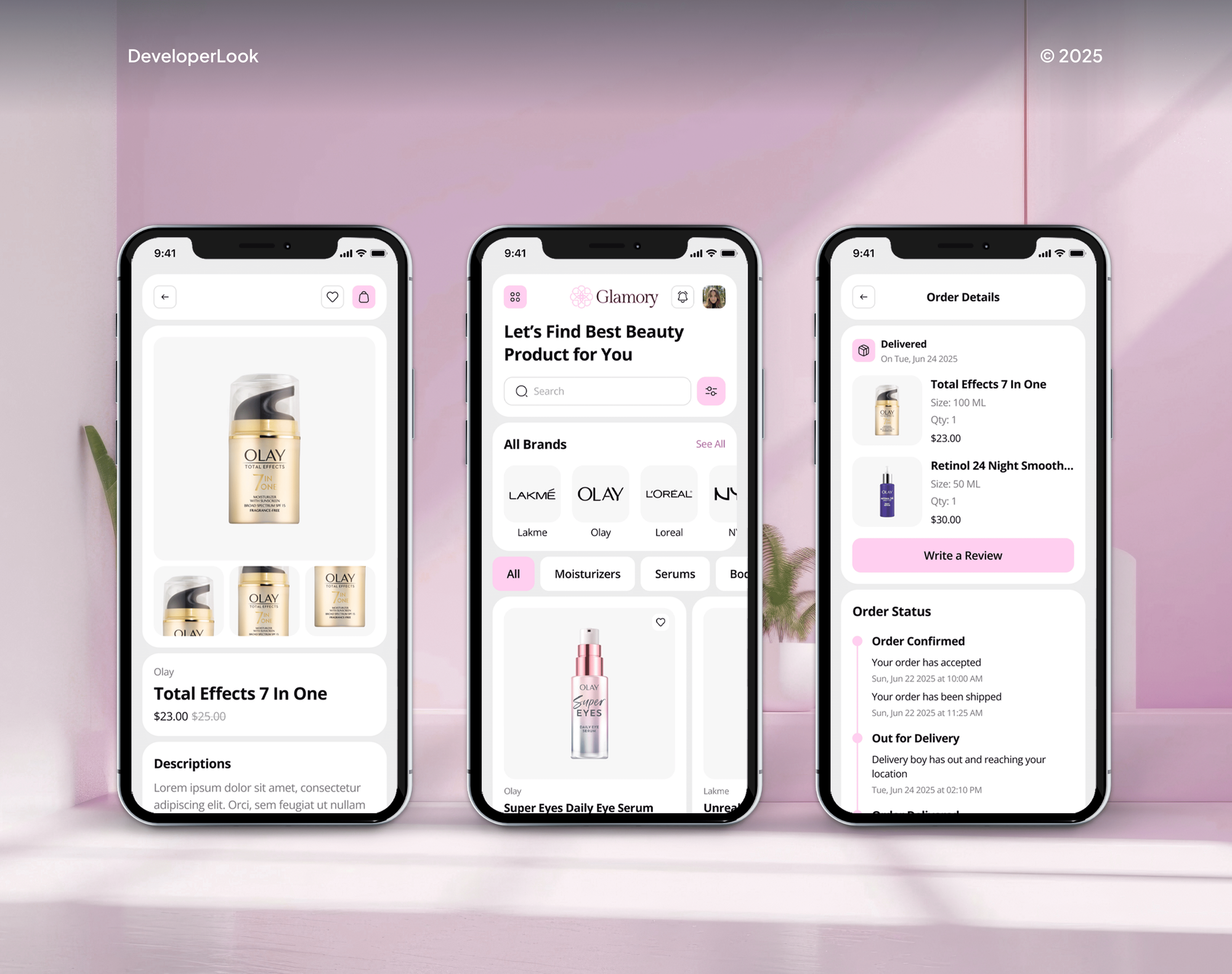
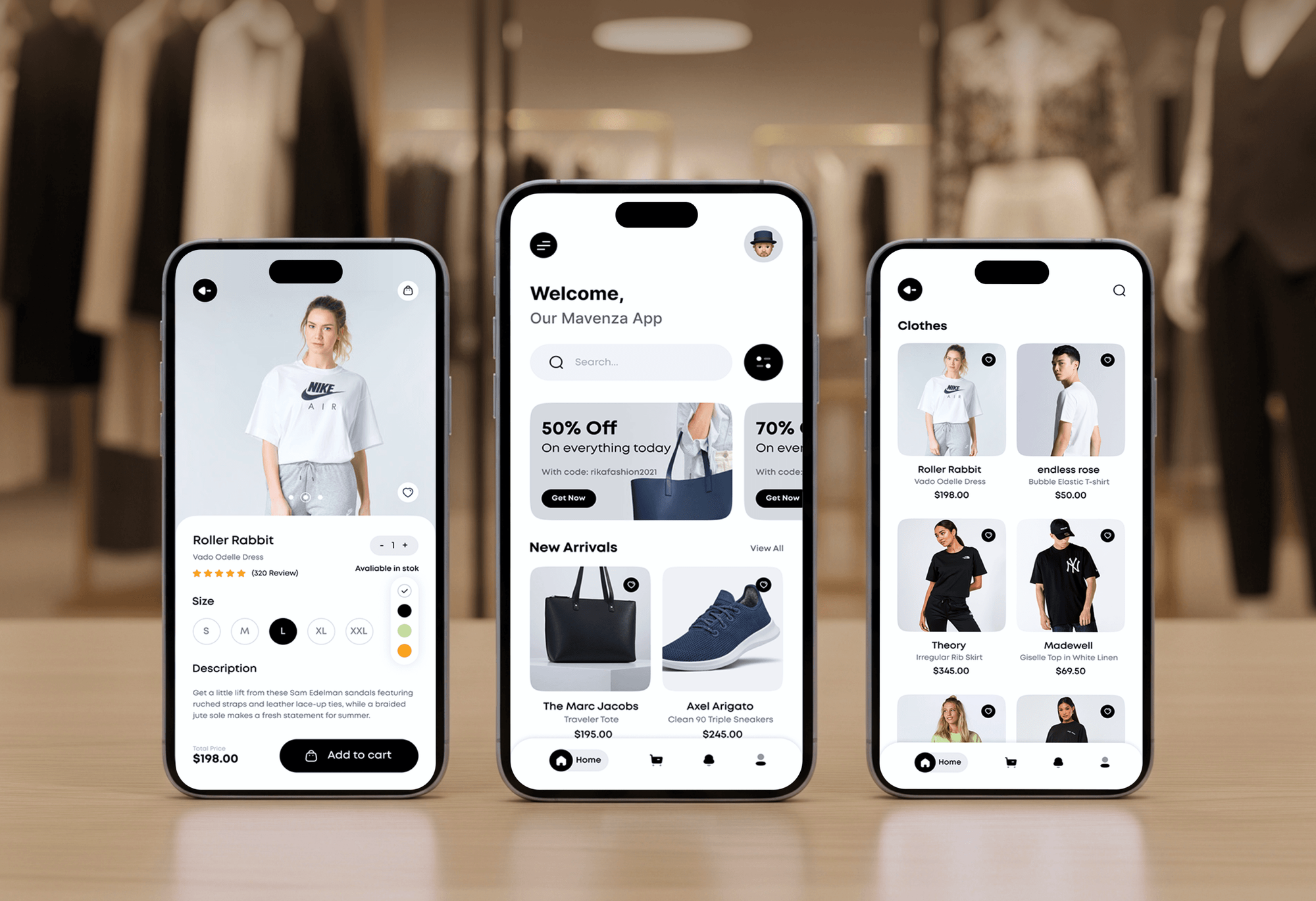
Online stores and shopping apps our team designed and built. The orders, carts, and customer records behind them are what a HubSpot sync carries.


What Our Clients Say
Feedback from teams we have built online stores and marketing integrations for.
We had a pretty specific idea of what we wanted our website to become, but I wasn’t sure how easily we could explain all of it to a development team. There were quite a few moving parts, and we were working toward a deadline, so I expected a few things to get lost along the way. That never really happened. They understood what we were trying to achieve, kept us updated throughout the process, and got everything ready within the agreed timeline. The final site feels much easier to navigate, works beautifully on mobile, and is noticeably smoother for our customers. It was a huge relief seeing the original idea actually turn into the website we had in mind.
The mobile experience is probably my favourite part of the new site. We had spent a lot of time making sure the desktop version looked right, and the team kept pushing us to think about how everything would actually feel on a phone too. They were right. The navigation is clean, the interactions feel natural, and everything we’ve tested so far works exactly as it should. They also went through the links, forms, integrations, and other details more than once before launch, which I really appreciated. And even after going live, we could still reach out when something came up. The whole process felt friendly, organised, and surprisingly straightforward.
What I appreciate most is that the website is actually easy for us to manage now. We can update content ourselves instead of sending a developer a message every time we need to change something small. They also paid attention to the technical SEO side, which mattered to us because we didn’t want a new website to create problems for the traffic we already had. I’ve probably asked more questions than I should have since launch, but every question has been handled patiently and without any fuss. The team is easy to work with, they explain things clearly, and when we need something changed, they focus on getting it done rather than making the process complicated.
1,250+
Projects shipped
10+
Years of experience
Top 3%
Upwork Top Rated Plus
5 stars
Average review score

Want results like these?
Tell us what you are building. You get a reply within 24 hours on business days, then a written estimate.
Work Culture
A Shopify sync touches your contact tier, your lists, and the emails your buyers receive. These habits keep each of those under your control.
HubSpot builds and maintains its own Shopify app, and it covers most stores well. If it fits your setup, we'll tell you before we quote anything custom.
Only marketing contacts count toward HubSpot's contact tiers, and the app creates non-marketing contacts by default. We confirm that setting before your first sync.
HubSpot stops new legacy private apps for existing accounts on October 26, 2026. Any custom sync we write for you starts on HubSpot's current app platform instead.
HubSpot's order and cart sync won't remove duplicates left by earlier imports. We merge those contacts before the first sync, so your reports count each buyer once.
Custom syncs stay inside HubSpot's limits, from 100 requests per 10 seconds on Starter to 190 on Professional. Your other apps keep their share.
The app connection, properties, lists, and any custom code live in your HubSpot portal and accounts. Your team can change or extend them without us.
Overview
DeveloperLook sets up Shopify HubSpot integration on HubSpot's own Shopify app, then fills the gaps it leaves. Contacts and products sync both ways, orders and carts land in HubSpot's commerce objects, and new contacts stay non-marketing until you choose. Projects start at $650, take 1 to 7 weeks, and every setting stays in your accounts.
DEVELOPERLOOK
Project facts · Shopify HubSpot Integration
Reviewed 7 Oct 2026 by Saimul Islam
Good fit
DTC brands marketing from HubSpot
Your emails and ads run from HubSpot, but campaign reports stop at clicks because your Shopify orders don't reach the CRM.
Teams watching their contact tier
You want a HubSpot and Shopify integration without every past buyer becoming a marketing contact that raises your HubSpot bill.
B2B sellers on Shopify Plus
You sell wholesale on Shopify Plus and need a HubSpot CRM integration with Shopify that keeps companies and contacts matched for your reps.
Stores with custom product data
Your product interests and sizes live in Shopify metafields, and you need them on HubSpot contacts for segmentation.
Agencies managing HubSpot portals
Your agency runs a client's HubSpot portal and needs the Shopify side connected and documented under your brand.
Not a fit
Sales team uses Salesforce
Your sales team works in Salesforce, not HubSpot. Our Shopify Salesforce Integration page covers that setup instead.
Texting runs in HighLevel
You run texts and calls from HighLevel and only need orders there. Our Shopify GoHighLevel Integration page fits better.
Email-only on Klaviyo
Your email and SMS run in Klaviyo, and HubSpot isn't part of the plan. Our Klaviyo Shopify Integration page covers that.
Budget under $650
Your budget is under $650 and your fields are standard. HubSpot's free Shopify app and its setup guide will cover you.
Not sure we're the right fit?
Book a free call or message us. We'll tell you honestly whether we're the right team.
Pricing
These are starting points in USD. Your final price depends on your HubSpot plan, your fields, and custom sync needs, and you get a fixed proposal after a free portal review.
For one store whose fields the native HubSpot app already covers.
$650one-time, USD
For brands that need extra fields, lifecycle rules, and purchase-based workflows in HubSpot.
$1,750one-time, USD
For brands with metafields, several stores, or data the native app can't carry.
$3,900one-time, USD
For Agencies
You own the client relationship. We supply the HubSpot integration with Shopify behind your retainer: app setup, field mapping, contact rules, and custom syncs. Your client works with your team, and everything lives in their portal.
White label: your client only ever sees your brand
Send the client's HubSpot subscriptions, store URL, and the reports they want.
You get a field plan and a fixed quote to share with your client.
We connect, test with sample orders, and hand over a runbook under your brand.
You lead the portal reviews while we work behind the scenes.
Each portal and store priced up front, so your retainer math holds.
Every property and list written down for your account managers.
Extra HubSpot and Shopify help without hiring another admin.
The Right Technology for Your Project
HubSpot's native app and CRM objects first, with Shopify's webhooks and HubSpot's APIs only for the data the app leaves out.
 HubSpot
 Shopify
 GraphQL
 Node.js
 AWS
AWS Cloudflare
 PostgreSQL
 Google Analytics (GA4)
 Slack
Slack Google Sheets
FAQ
Straight answers on HubSpot's Shopify app, contact billing, cost, timelines, and custom syncs.
Saimul IslamFounder & CEO, DeveloperLookStill have questions?
Send a message or book a call with the team.
Yes, HubSpot builds and maintains a free Shopify app, which its docs call Shopify (Data Sync). It works with every HubSpot plan, including the free CRM, and syncs contacts and products both ways. Your orders and abandoned checkouts land in HubSpot's Orders and Carts objects.
Yes, and customer sync runs both ways: a new Shopify customer becomes a HubSpot contact, and contact changes flow back to Shopify. After the first sync, HubSpot says changes arrive within 10 minutes. Contacts the app creates start as non-marketing, so they don't raise your bill until you choose.
Our Shopify HubSpot integration work starts at $650 for HubSpot's own app, set up and mapped, with marketing contact settings confirmed. Custom field mappings, lifecycle rules, and up to 6 workflows cost $1,750. A custom sync for metafields or several stores costs $3,900, and the app itself is free.
Setting up the native app takes 1 to 2 weeks, including test orders and a check of the first sync. Mapped properties and workflows take 2 to 4 weeks, and custom syncs take 4 to 7 weeks. Large stores need extra time for the first sync, so we start it early.
Yes, from the Shopify side too: the HubSpot app on the Shopify App Store, published by HubSpot's Data Sync team, has a free plan. You connect it with a HubSpot Super Admin login. It needs a Basic Shopify plan or higher, and company sync is reserved for Shopify Plus stores.
It puts every order next to the marketing that earned it, so you can segment, email, and report on real purchases. Your team sees each buyer's order history on the contact record, carts can trigger reminders, and product data feeds your emails. Without it, HubSpot only knows who filled in a form.
You can build lists by product or order value, send abandoned cart emails, and report revenue by campaign. Cart emails need Marketing Hub Professional, and order-based workflows need Revenue Hub Professional. Metafields need a custom Shopify integration with HubSpot, since HubSpot's app doesn't carry them.
Yes, but use middleware only for what HubSpot's own app skips. Zapier and Make both connect to HubSpot, and a custom service on HubSpot's developer platform can carry metafields, subscriptions, or B2B data. HubSpot is retiring new legacy private apps in 2026, so new custom syncs should start on its current platform.
Install the Shopify integration from the HubSpot App Marketplace with a Super Admin login, then connect your store and choose the sync options. Before the first sync, decide which contacts count as marketing contacts and how fields map. Test with a sample order, then let the full sync run.
Support for your HubSpot sync lasts 30 to 90 days, depending on plan. We watch the first syncs, fix mapping or workflow issues, and recheck everything when HubSpot or Shopify changes an API. Your app connection, properties, and any custom code stay in your accounts, so your team owns the setup.
Saimul IslamFounder & CEO, DeveloperLookStill have questions?
Send a message or book a call with the team.
Free 30-min callGoogle Meet
Book a call
In 30 minutes on Google Meet we walk you through how we would build it, how long it takes and what it costs. Then you get a written estimate.
Calendar not showing? Book on cal.com or send a brief.