
Legacy account audit
Theme templates, apps, sign-in flows, and automations listed with their replacements on the new accounts.

For Shopify stores leaving legacy accounts: branded account pages on your own domain, with your old account features rebuilt and tested, from $550.
6-digit
Email codes replace passwords
100%
Account pages on your domain
How your project runs
Teams we have built for:














The Problem
Shopify deprecated legacy customer accounts in February 2026. Stores that customized the old pages have the most to rebuild and the least reason to wait.
01 · Templates
Custom account templates in your theme don't carry over.
Their features come back as apps or customer account UI extensions.
02 · Sign-in
Customers expect a password and get confused by email codes.
Sign-in emails and pages explain one-time codes in your brand's voice.
03 · Domain
Account pages sit on a Shopify address, not your own domain.
We connect an account subdomain with a CNAME record and verify it.
04 · Automations
Flows and segments built on legacy account status stop working.
We rebuild those workflows and segments on fields the new accounts support.
Your account page still runs on legacy templates your last developer customized: a wishlist tab, a reorder button, a loyalty points box. Shopify stopped supporting that version in February 2026, so nothing on it gets fixed or improved. Your theme update is waiting, but it ships without the old account files. Customers keep emailing to ask where their order is. And nobody has checked which apps still work on the new pages.
We start by mapping what your legacy account pages do, feature by feature. Then we connect your account domain, set your branding, and rebuild each feature as an app or a customer account UI extension. Real customer journeys get tested before the switch, from sign-in code to return request. Your customers get modern account pages that keep the features they use.
Every account feature mapped
Wishlists, reorders, loyalty, and sign-in flows each matched to a replacement before the upgrade.
Accounts on your domain
An account subdomain on your own domain, connected and verified, with your branding.
Codes explained to customers
Sign-in emails and pages that make one-time codes feel familiar to your customers, not suspicious.
Our Shopify Customer Accounts Customization Process
You see every legacy feature and its replacement, approve the branding, and watch real customer journeys pass before the switch.
We list what your legacy account pages do today: theme templates, apps, sign-in flows, and automations. You get each feature mapped to its replacement on new customer accounts, or flagged where none exists.
What's Included
Every upgrade covers the audit, your account domain, branding, apps, and journey tests. Higher plans add custom extensions and headless sign-in.
Compare Options
Shopify's own upgrade steps work well for simple stores, and an account app adds features fast. Here's where each option fits your store.
| Feature | DeveloperLookBest fit | DIY upgrade | Account app |
|---|---|---|---|
| Audit | Every legacy feature mapped | Shopify's upgrade checklist | Covers its own features |
| Simple stores | Fixed scope from $550 | Free and quick | Monthly app fee |
| Account domain | CNAME connected and verified | Doable with DNS access | Not included |
| Custom features | Custom extensions you own | Not possible without code | What the app offers |
| Automations | Flows and segments rebuilt | Easy to miss | Not covered |
| Testing | Real customer journeys tested | Spot checks | Its own pages only |
| Headless stores | Customer Account API sign-in | Not covered | Rarely supported |
| Support | 14 to 60 days by plan | Shopify help center | App vendor support |
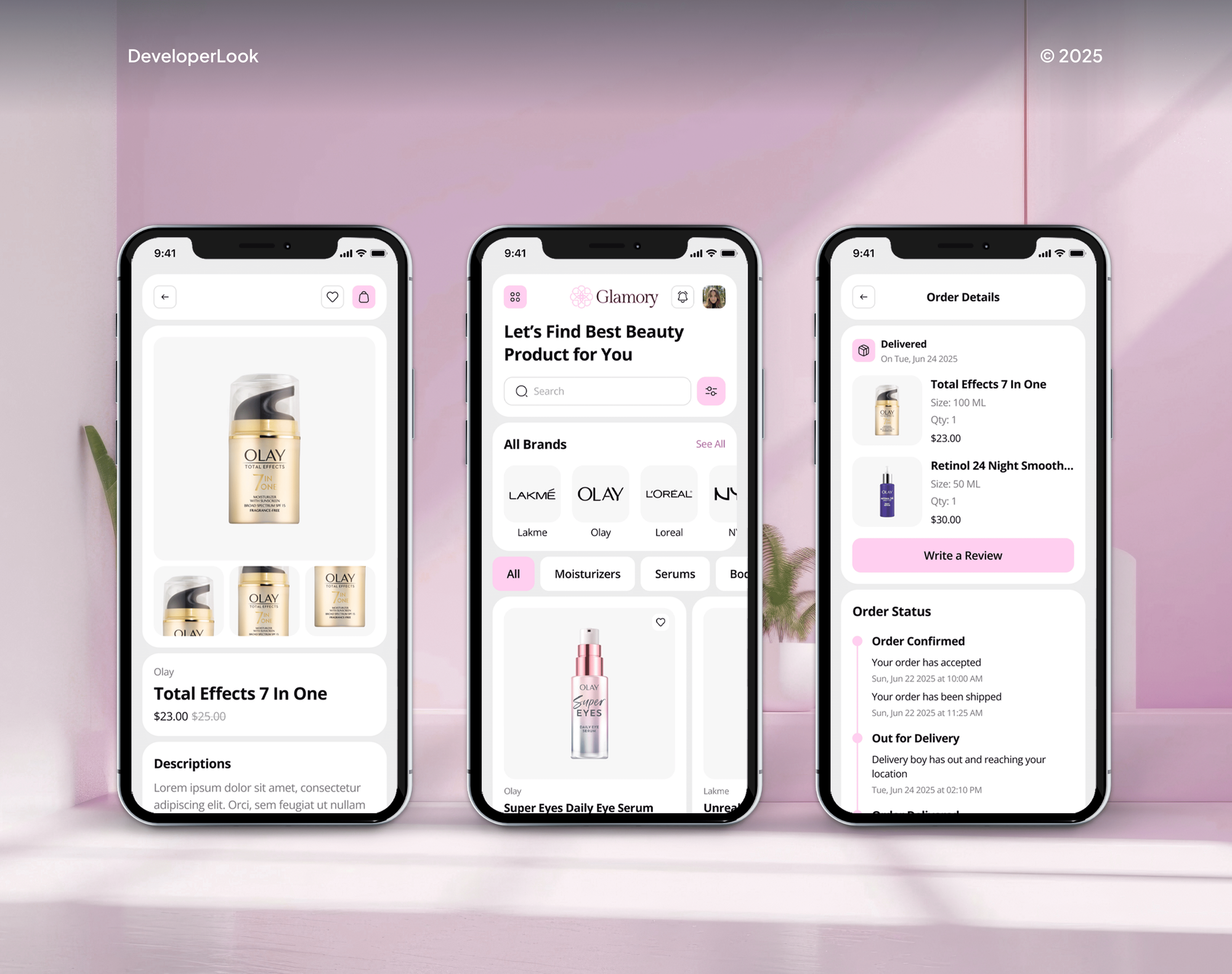
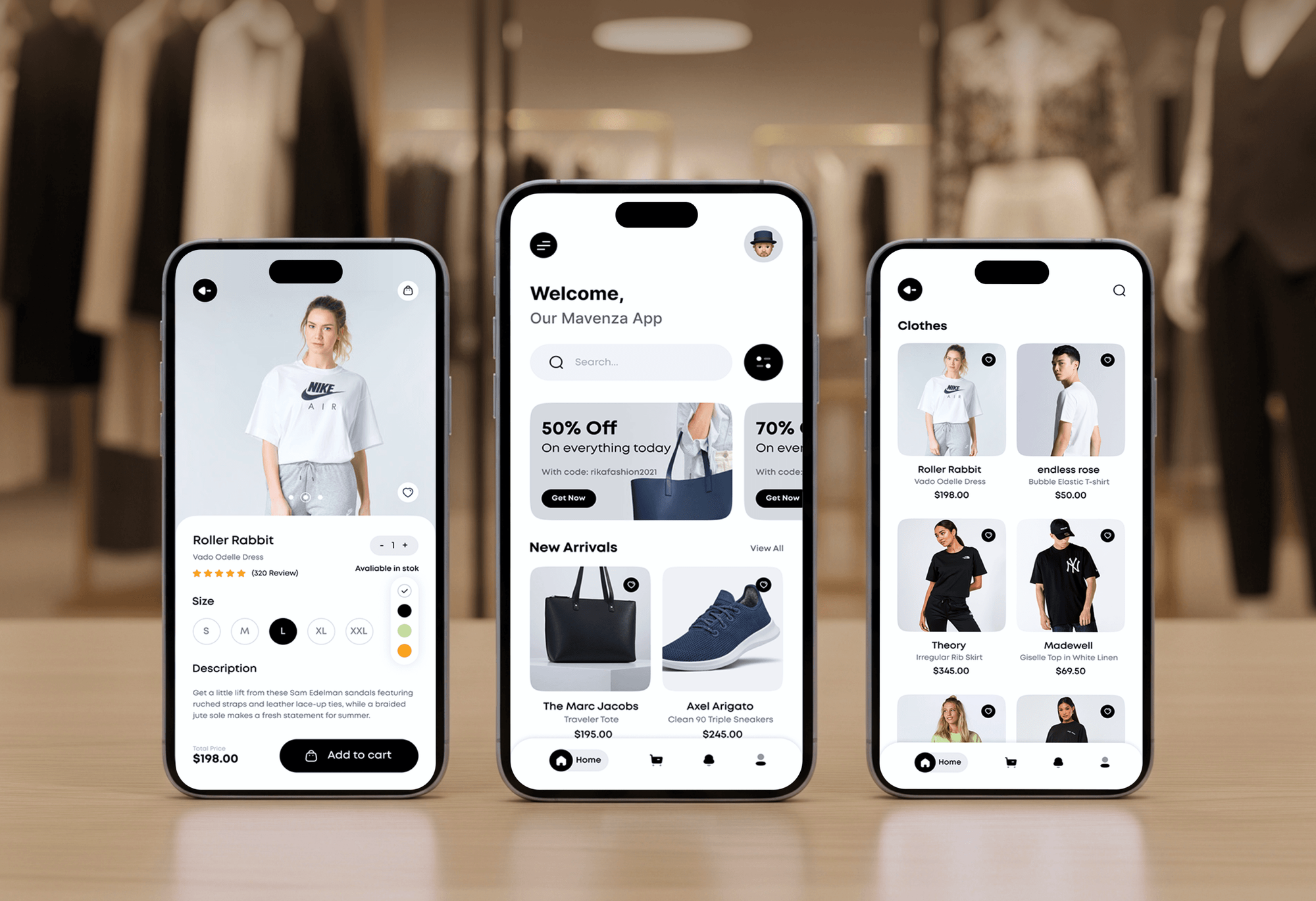
Projects We've Built
Fashion and beauty stores and apps our team designed and built for shoppers who come back and buy again.


What Our Clients Say
Feedback from teams we have built online stores and store features for.
We had a pretty specific idea of what we wanted our website to become, but I wasn’t sure how easily we could explain all of it to a development team. There were quite a few moving parts, and we were working toward a deadline, so I expected a few things to get lost along the way. That never really happened. They understood what we were trying to achieve, kept us updated throughout the process, and got everything ready within the agreed timeline. The final site feels much easier to navigate, works beautifully on mobile, and is noticeably smoother for our customers. It was a huge relief seeing the original idea actually turn into the website we had in mind.
The mobile experience is probably my favourite part of the new site. We had spent a lot of time making sure the desktop version looked right, and the team kept pushing us to think about how everything would actually feel on a phone too. They were right. The navigation is clean, the interactions feel natural, and everything we’ve tested so far works exactly as it should. They also went through the links, forms, integrations, and other details more than once before launch, which I really appreciated. And even after going live, we could still reach out when something came up. The whole process felt friendly, organised, and surprisingly straightforward.
What I appreciate most is that the website is actually easy for us to manage now. We can update content ourselves instead of sending a developer a message every time we need to change something small. They also paid attention to the technical SEO side, which mattered to us because we didn’t want a new website to create problems for the traffic we already had. I’ve probably asked more questions than I should have since launch, but every question has been handled patiently and without any fuss. The team is easy to work with, they explain things clearly, and when we need something changed, they focus on getting it done rather than making the process complicated.
1,250+
Projects shipped
10+
Years of experience
Top 3%
Upwork Top Rated Plus
5 stars
Average review score

Want results like these?
Tell us what you are building. You get a reply within 24 hours on business days, then a written estimate.
Work Culture
Account pages are where your loyal customers spend time. These habits keep their features working through the upgrade.
Many stores only need Shopify's own upgrade steps. If your accounts have no custom templates or apps, we'll tell you before we quote.
We read your old account templates before planning. Small features like reorder links or saved notes get found before the upgrade removes them.
We sign in with test customers on phones and desktops. Each journey, from code email to return request, works before you switch.
Shopify allows a revert within 30 days of upgrading. We write down what reverting would undo, so you aren't guessing under pressure.
Custom account features live in an app created for your store. The code and the app stay with you if you change developers.
Shopify said it would announce a sunset date for legacy accounts. We track the notices so your upgrade happens on your schedule, not Shopify's.
Overview
DeveloperLook sets up and customizes Shopify customer accounts for stores moving off legacy accounts. We map your old account features, connect your account domain, set up apps and custom extensions, and test real customer journeys. Upgrades start at $550, take 1 to 5 weeks, and the custom code stays yours.
DEVELOPERLOOK
Project facts · Shopify Customer Accounts Customization
Reviewed 7 Oct 2026 by Saimul Islam
Good fit
Stores still on legacy accounts
Your store still runs the legacy customer accounts Shopify deprecated in February 2026, and you want to move before a sunset date lands.
Brands with custom account templates
Your theme has custom account pages for wishlists or reorders, and you need them rebuilt so they survive the upgrade.
Stores with generic account pages
Your account pages still sit on a Shopify address, and you want your Shopify customer accounts domain set to your own brand.
Subscription and loyalty stores
Your subscribers and loyalty members manage everything in their account, so you need Shopify customer account apps that work on the new pages.
Plus and Hydrogen stores
You run a Hydrogen storefront or a Plus identity provider, and you need customer sign-in through the Customer Account API.
Not a fit
Budget under $550
Your store has no account customizations and your budget is under $550. Shopify's upgrade steps in your admin will cover you.
Want a member portal
You want a members-only area with gated content or courses. Our Membership Website Development page covers that build instead.
Returns are the real pain
Your main problem is returns and exchanges, not account pages. Our Shopify Returns Portal Development service builds that flow.
Need a new loyalty program
You need a loyalty or rewards program designed from scratch. Our Loyalty Program Development service plans and builds it.
Not sure we're the right fit?
Book a free call or message us. We'll tell you honestly whether we're the right team.
Pricing
These are starting points in USD. Your final price depends on how many legacy features you had and whether you need custom extensions. You get a fixed proposal after a free account review.
For stores moving off legacy accounts with a few customizations to replace.
$550one-time, USD
For stores whose customers use wishlists, loyalty, or reorders in their account.
$1,500one-time, USD
For Plus or headless stores that need account features no app offers.
$3,300one-time, USD
For Agencies
You own the client relationship. We supply the customer account work: legacy audits, domains, apps, extensions, and journey tests for your clients' stores, all under your brand. Fixed quotes keep each upgrade's margin clear.
White label: your client only ever sees your brand
Send each client's store and collaborator access so we can review their accounts.
You get a feature map and a fixed quote for each client store.
Accounts upgraded, journeys tested, and notes ready for your client.
Audits, test results, and handover notes carry your agency's name.
Customer account extensions and the Customer Account API handled by one team.
A price per store set by the review, ready to resell to your client.
Extra hands when several client stores must upgrade at once.
The Right Technology for Your Project
We build on Shopify's customer account platform and keep your custom features in an app you own.
 Shopify
 JavaScript
 TypeScript
 GraphQL
 Remix
Remix Cloudflare
 Chrome DevTools
 Google Sheets
 Loom
Loom Lighthouse
FAQ
Straight answers on cost, legacy accounts, account domains, extensions, and what changes for your customers.
Saimul IslamFounder & CEO, DeveloperLookStill have questions?
Send a message or book a call with the team.
Your upgrade with DeveloperLook starts at $550: an account review, domain setup, branding, and up to 2 legacy features replaced with apps. Custom customer account extensions start at $1,500. A custom account app with full pages, order actions, or headless sign-in starts at $3,300.
A straight upgrade takes 1 to 2 weeks, mostly testing and DNS. Adding apps and up to 3 custom extensions takes 3 to 4 weeks. A custom account app or headless sign-in takes up to 5 weeks. DNS changes for your account domain can take up to 48 hours before they verify.
Legacy customer accounts are the older, password-based account pages built from Liquid templates in your theme. Some merchants call them Shopify classic customer accounts. Shopify deprecated them on February 26, 2026: no new features or support, and new stores can't turn them on. Shopify said a sunset date would follow.
Yes, if your customers buy from you more than once. Accounts let them track orders, start returns, reorder, and manage subscriptions without emailing you. Guest checkout still works, so accounts don't add friction for first-time buyers. If most of your sales are one-off gifts, a basic setup is plenty.
Go to Settings, then Customer accounts, and choose where sign-in links appear in your online store and checkout. New customer accounts use email codes, so your customers have no passwords to manage. Then add your branding, connect an account subdomain, verify your sender email, and test sign-in as a customer.
Shopify's upgrade runs in 9 steps inside your admin. You review legacy customizations, duplicate the configuration, replace customizations with apps, update branding, connect a subdomain, verify the sender email, publish, test, and complete. You can revert within 30 days. Moving your store from legacy customer accounts mostly means replacing theme templates with apps.
In your domain provider's DNS settings, add a CNAME record whose host is your account subdomain, such as account, pointing to shops.myshopify.com. Then add the same subdomain in Shopify under your customer account URLs. Your Shopify customer accounts domain then reads account.yourstore.com instead of a Shopify address.
After adding the CNAME record, return to your customer account URL settings in Shopify and run the verification. If it fails, check that the host name matches exactly and that no proxy sits in front of the record. If you later change customer accounts domain, Shopify verifies the new record the same way.
They're app components that add features to the new account pages. Block extensions sit on the order index, order status, and profile pages, while full-page extensions add pages such as wishlists or rewards. Order action extensions add buttons like request a return. Shopify said over 800 apps had adopted them by February 2026.
Custom sign-in pages and account templates in your theme stop showing. Flow triggers built on legacy accounts aren't supported, and segments that filter by account status stop matching. You also get one account domain across all your markets. We list each of these during the review and rebuild what you need.
Saimul IslamFounder & CEO, DeveloperLookStill have questions?
Send a message or book a call with the team.
Free 30-min callGoogle Meet
Book a call
In 30 minutes on Google Meet we walk you through how we would build it, how long it takes and what it costs. Then you get a written estimate.
Calendar not showing? Book on cal.com or send a brief.