
Content model document
A written map of your metafields and metaobjects: each one's name, type, validation, and where it shows.

For Shopify stores with specs, size guides, and care details buried in descriptions: structured fields your team edits without code, from $500.
100%
Fields editable without code
1place
To update each product fact
How your project runs
Teams we have built for:














The Problem
Most stores start by typing specs into descriptions. That works until you need to change a material, show a size guide per fit, or add a detail to every page.
01 · Specs
Specs live inside description text, so updates mean editing every product.
Specs move into typed metafields that your team edits in one field.
02 · Size guides
One size chart is pasted into every product, right or wrong.
Each fit gets a size guide metaobject, linked to the right products.
03 · App data
An old app stores custom fields your theme can't read natively.
App and tag data move into native fields your theme reads directly.
04 · Theme edits
Showing a new field means paying a developer to edit code.
Fields connect through dynamic sources, so your team places them in the editor.
Your product descriptions hold everything: materials, dimensions, care steps, and a size chart pasted in as an image. Changing one fabric name means editing 300 products by hand. Your tops and your pants share one size chart, so returns come back with notes about fit. An old app stores some custom fields, but your new theme can't read them. And every new detail on a product page means a developer ticket.
We start with a data review and a written content model: what becomes a metafield, what becomes a metaobject, and what Shopify's category metafields already cover. Then we create typed fields, fill your data in bulk, and connect it through dynamic sources. Your team updates a fact once, and every page that shows it changes.
Data model written first
Every field gets a name, a type, and a home before anything is created in your store.
Size guides per fit
Each fit gets its own guide, linked only to the products it really applies to.
Edited without code
Your team updates facts in the admin, and the theme shows them through dynamic sources.
Our Shopify Metafields and Metaobjects Setup Process
You approve the content model before any field exists, then review real product pages on a preview theme before launch.
We read your descriptions, tags, apps, and theme to find the facts that repeat: sizes, materials, care, and specs. You get a list of what should become a metafield, a metaobject, or a category field.
What's Included
Every setup covers a content model, typed metafields, Shopify's category fields, metaobjects for shared content, your theme connection, and your data filled in.
Compare Options
Shopify's admin handles a few fields for free, and apps add fields quickly. Here's where each option fits as your catalog grows and your team changes.
| Feature | DeveloperLookBest fit | Custom fields app | DIY in admin |
|---|---|---|---|
| Planning | Data model before any field | Fields added as needed | Fields added as needed |
| A few simple fields | Planned, then built | Quick to add | Free and quick |
| Field types | Typed fields with validation | Depends on the app | Native types, if chosen well |
| Shared content | Metaobjects for guides and designers | Some apps support them | Possible, with a learning curve |
| Theme display | Dynamic sources plus custom sections | App blocks or embeds | Dynamic sources only |
| Data entry | Bulk filled and spot-checked | Bulk tools in some apps | One product at a time |
| Data ownership | Native data you keep | May live inside the app | Native data you keep |
| Cost | From $500, fixed scope | Monthly app fee | Free, but your time |
Projects We've Built
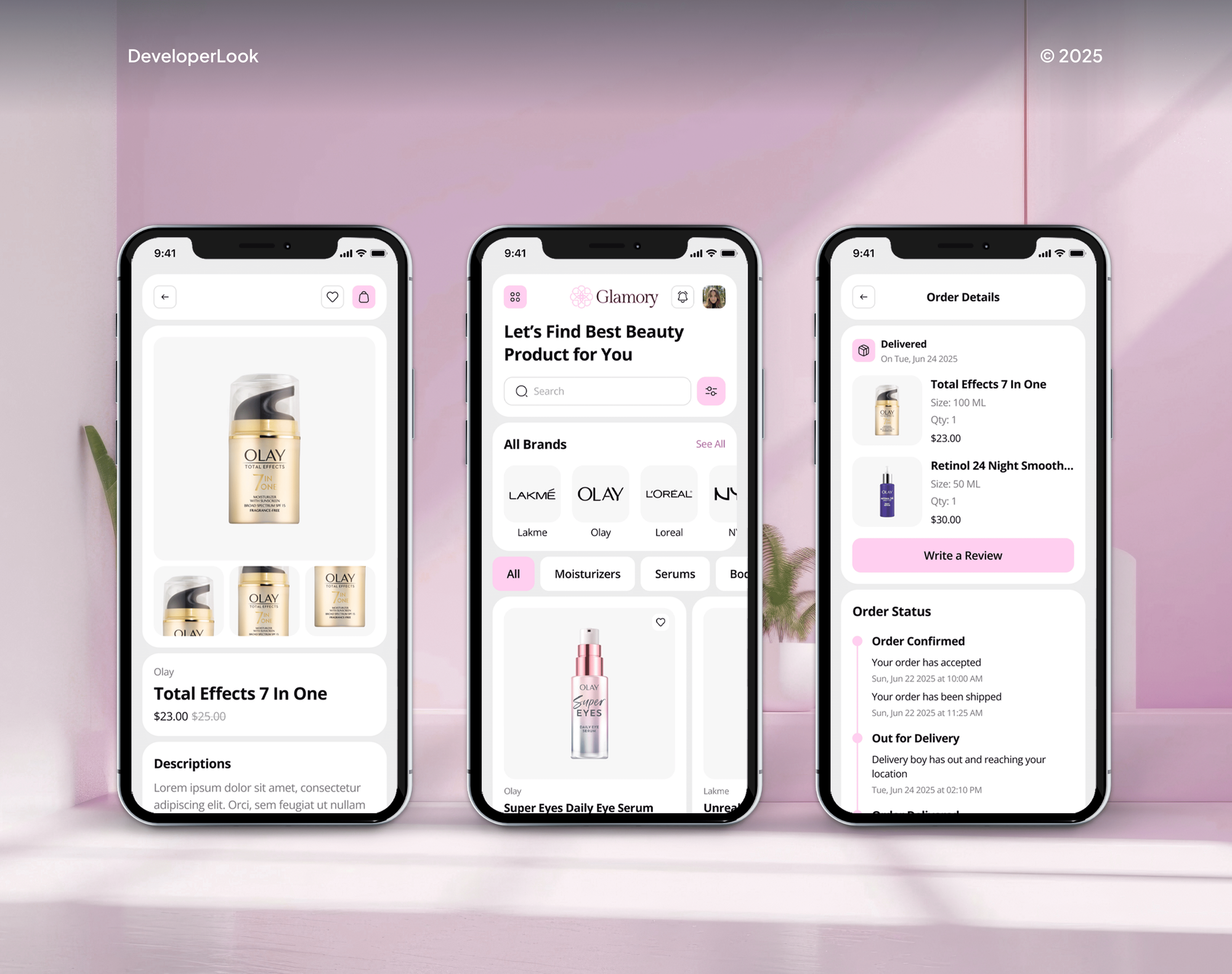
Furniture and beauty stores our team designed and built, with product pages that carry far more than a title and a price.



What Our Clients Say
Feedback from teams we have built online stores and store features for.
We had a pretty specific idea of what we wanted our website to become, but I wasn’t sure how easily we could explain all of it to a development team. There were quite a few moving parts, and we were working toward a deadline, so I expected a few things to get lost along the way. That never really happened. They understood what we were trying to achieve, kept us updated throughout the process, and got everything ready within the agreed timeline. The final site feels much easier to navigate, works beautifully on mobile, and is noticeably smoother for our customers. It was a huge relief seeing the original idea actually turn into the website we had in mind.
The mobile experience is probably my favourite part of the new site. We had spent a lot of time making sure the desktop version looked right, and the team kept pushing us to think about how everything would actually feel on a phone too. They were right. The navigation is clean, the interactions feel natural, and everything we’ve tested so far works exactly as it should. They also went through the links, forms, integrations, and other details more than once before launch, which I really appreciated. And even after going live, we could still reach out when something came up. The whole process felt friendly, organised, and surprisingly straightforward.
What I appreciate most is that the website is actually easy for us to manage now. We can update content ourselves instead of sending a developer a message every time we need to change something small. They also paid attention to the technical SEO side, which mattered to us because we didn’t want a new website to create problems for the traffic we already had. I’ve probably asked more questions than I should have since launch, but every question has been handled patiently and without any fuss. The team is easy to work with, they explain things clearly, and when we need something changed, they focus on getting it done rather than making the process complicated.
1,250+
Projects shipped
10+
Years of experience
Top 3%
Upwork Top Rated Plus
5 stars
Average review score

Want results like these?
Tell us what you are building. You get a reply within 24 hours on business days, then a written estimate.
Work Culture
Your product data outlives themes and apps. These habits keep yours clean, typed, and easy for your team to edit for years.
If Shopify's own custom data settings cover your few fields, we'll tell you before we quote. A content model earns its cost when fields repeat across a catalog.
We pick your namespaces and keys once and write them down. Changing a key later breaks every theme reference that points at it, so yours stay fixed.
Number ranges, allowed values, and formats stop bad data at entry. Every metafield Shopify saves then matches its type, so your pages don't show a weight typed as text.
Shopify allows 256 metafield definitions per resource and 128 metaobject definitions below Plus. We plan your model inside those numbers from day one, so you don't hit a limit later.
Every connected field is checked on a preview theme with your real products. Empty fields hide cleanly instead of leaving blank labels on your pages.
Your team gets a one-page guide: which field controls what, and how to add entries. New products follow the model without calling a developer.
Overview
DeveloperLook sets up Shopify metafields and metaobjects for stores whose product facts are stuck in descriptions. We write the content model, create the definitions, fill your data, and connect it to your theme through dynamic sources. Setup starts at $500, takes 1 to 6 weeks, and every field stays native to Shopify.
DEVELOPERLOOK
Project facts · Shopify Metafields and Metaobjects Setup
Reviewed 7 Oct 2026 by Saimul Islam
Good fit
Stores with specs in descriptions
Your product specs live inside description text, so changing a material or a dimension means editing hundreds of products by hand.
Apparel brands with several fits
You sell tops, pants, and shoes, and each fit in your catalog needs its own size guide instead of one chart pasted into every product.
Catalogs with variant-level details
Your variants differ by more than size, and you need Shopify variant metafields for weight, finish, or lead time per option.
Stores leaving a custom fields app
You still manage custom fields with an old app or tag tricks, and you want native metafields Shopify themes read directly.
Agencies building Online Store 2.0 themes
Your agency builds Online Store 2.0 themes and needs metafield and metaobject structures delivered under your name.
Not a fit
Budget under $500
You need two or three simple fields on one product type and your budget is under $500. Shopify's custom data settings handle that well on their own.
Filters are the real goal
You mainly want shoppers to filter by material or size. Our Shopify Search and Filter Setup page builds filters from your metafields.
Theme needs replacing
Your theme is old and needs replacing, not just new fields. Our Custom Shopify Theme Development service rebuilds it with fields included.
Moving from another platform
You're moving products from WooCommerce or Magento into Shopify. Our Shopify Migration Services page covers that move, custom fields included.
Not sure we're the right fit?
Book a free call or message us. We'll tell you honestly whether we're the right team.
Pricing
These are starting points in USD. Your final price depends on product types, field and metaobject counts, and catalog size. You get a fixed proposal after a free data review.
For stores that need structured specs on one product type, shown on product pages.
$500one-time, USD
For catalogs that share content like size guides or designers across products.
$1,300one-time, USD
For larger catalogs moving from apps or tags to a full native data model.
$2,750one-time, USD
For Agencies
You own the client relationship. We supply the content model, metafield and metaobject setup, data fill, and theme connection for your clients' stores, all under your brand. Fixed quotes keep your build margins predictable.
White label: your client only ever sees your brand
Send the client's store, product types, and the details they want shown on pages.
You get a content model draft and a fixed quote you can resell.
Fields created, data filled, and pages checked on a preview theme before your client sees them.
Content models and handover guides go out with your agency's name.
Namespaces, keys, and types documented for every client store we touch.
A price set by catalog size and field count, ready to resell.
Extra hands for theme builds that need structured product data.
The Right Technology for Your Project
We build with Shopify's native custom data and theme tools, and use scripts only to fill your catalog when it's large.
 Shopify
 GraphQL
 JavaScript
 HTML5
HTML5 CSS3
CSS3 Figma
Figma Google Sheets
 Python
 Node.js
 Chrome DevTools
 Lighthouse
 Google Search Console
 PageSpeed Insights
FAQ
Straight answers on cost, metafields versus metaobjects, size guides, and what custom data does for SEO.
Saimul IslamFounder & CEO, DeveloperLookStill have questions?
Send a message or book a call with the team.
Your setup with DeveloperLook starts at $500 for up to 10 metafield definitions on one product type. That includes theme connection and values filled for 100 products. Adding metaobjects such as size guides, 25 definitions, and 1,000 products starts at $1,300, and a full content model with metaobject web pages starts at $2,750.
Metafields are custom fields you add to Shopify resources such as your products, variants, collections, customers, and orders. Each one has a definition with a name, a type like text, number, date, or file, and optional validation. Your theme can then show the value, and your apps can read it too.
A product metafield is a custom field attached to a product, such as material, care steps, or a size guide reference. Product metafields Shopify themes read through dynamic sources show on every product page using that template. Variant metafields hold details that change per option, like weight or finish.
Metaobjects are custom content entries with their own fields, such as a designer with a name, photo, and bio. You define the structure once, add entries, and link them to your products through metafields. The metaobjects Shopify allows depend on your plan: 128 definitions below Plus and 256 on Plus, each with up to 1,000,000 entries.
A metafield adds one field to something you already have, like a product. A metaobject is a standalone entry with several fields of its own. Use a metafield for a fact about one product, like fabric weight. Use a metaobject for content your products share, like a size guide, and link it through a reference metafield.
Go to Settings, then Custom data, pick a resource such as Products, and add a definition with a name, type, and validation. The field then appears on each product in your admin. To show it, open the theme editor and connect the value to a block through dynamic sources, which Online Store 2.0 themes support.
Go to Settings, then Custom data, and add a metaobject definition. Give it fields such as a name, image, and rich text, and turn on options like web pages or translations if you need them. Then add your entries under Content, then Metaobjects, and link them to your products through a metafield.
Use metaobjects for content that repeats across your products or needs its own page: size guides, ingredients, designers, store locations, or FAQs. You link entries to products with a metaobject reference metafield, then show them in theme blocks. With web pages turned on, each entry can also get its own URL and template.
Create a size guide metaobject with fields for the fit name, your measurement table, and how to measure. Add one entry per fit, such as women's tops or men's pants. Then add a product metafield that references a size guide, assign each of your products its guide, and show it in a tab or popup through dynamic sources.
Shopify metafields help your SEO only when their content shows on the page or feeds structured data. Specs, materials, and FAQs rendered as visible text give each of your product pages unique content. Fields like GTIN or brand can feed your product schema. Fields that stay hidden from shoppers don't help your rankings.
Saimul IslamFounder & CEO, DeveloperLookStill have questions?
Send a message or book a call with the team.
Free 30-min callGoogle Meet
Book a call
In 30 minutes on Google Meet we walk you through how we would build it, how long it takes and what it costs. Then you get a written estimate.
Calendar not showing? Book on cal.com or send a brief.