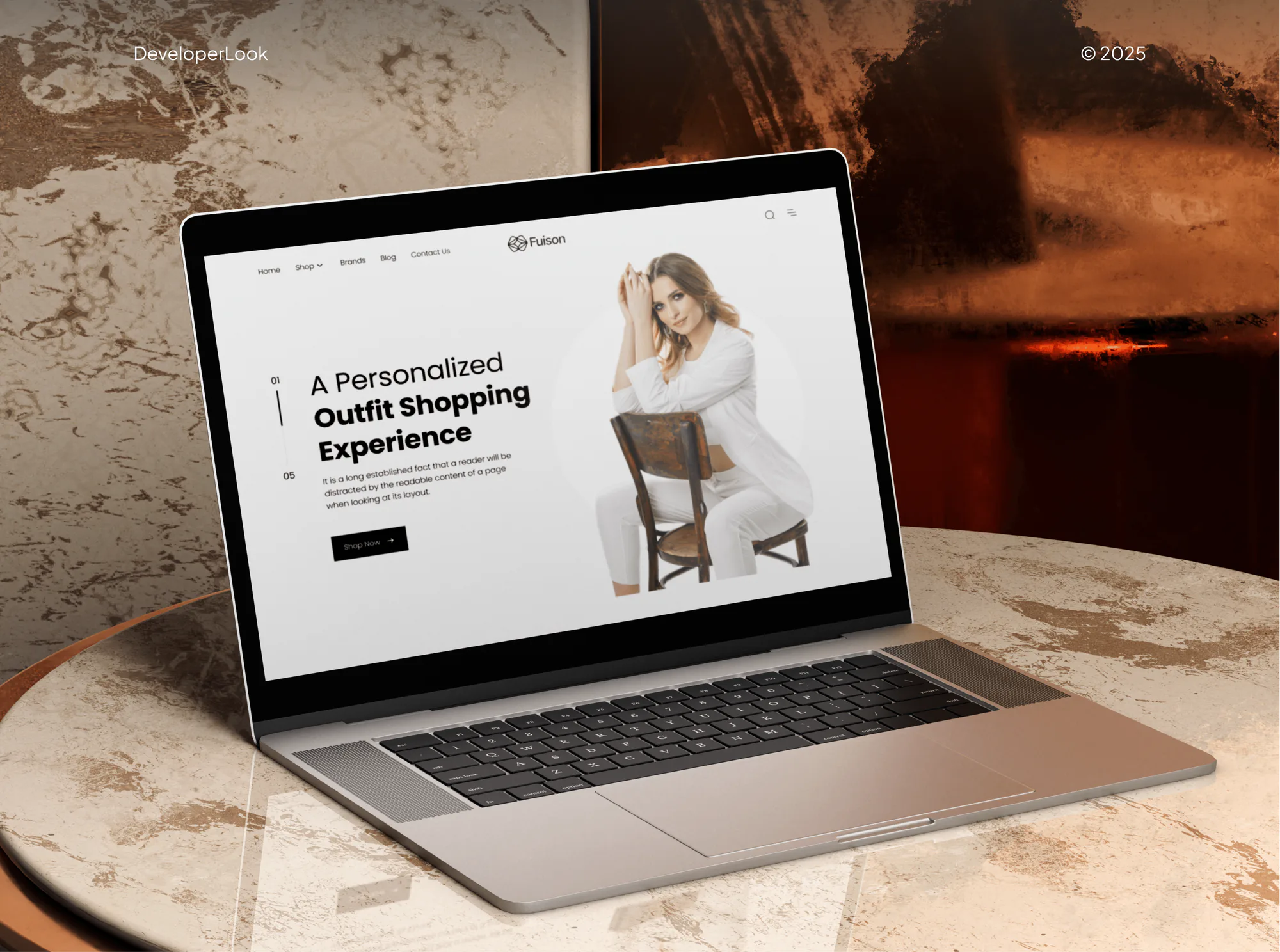
Fuison Fashion Ecommerce Website and Dashboard
- Fashion
- Dashboard
- E-commerce
Shopify ADA compliance fixed in your theme code: filters, swatches, cart drawer, and checkout path tested to WCAG 2.2 AA. From $950.
AA
WCAG 2.2 on key templates
100%
Buying path tested by keyboard
Industry leaders we work with
 Shopify
 WooCommerce
 WordPress
 BigCommerce
 HTML5
HTML5 CSS3
CSS3 JavaScript
 jQuery
 PHP
PHP Lighthouse
 Chrome DevTools
 PageSpeed Insights
 Google Analytics (GA4)
 React
React Google Sheets
 Loom
LoomThe Problem
Your theme started with solid accessibility basics. Apps and years of edits break it where your shoppers filter, choose, and pay.
Filter panels
Focus jumps behind your filter panel, and counts go unannounced.
Filter panels
Filters announce result counts, and focus stays inside the open panel.
Nameless swatches
Screen readers call each color swatch just a button.
Nameless swatches
Each swatch gets a proper name that screen readers announce.
Cart drawer
Your cart drawer opens while focus stays on the page below.
Cart drawer
Drawers and popups hold focus until the shopper closes them.
App widgets
New apps went in, and nobody retested checkout without a mouse.
App widgets
Review, filter, and popup apps get tested and fixed where their code allows.
A shopper tabs into your collection page and opens the filter panel. Focus jumps behind it, and the screen reader doesn't say how many products are left. On your product page, each color swatch is announced as "button" with no color name. The cart drawer opens, but focus stays on the page underneath. Nobody on your team has tried checking out without a mouse since the last few apps went in. Those shoppers just leave.
We start by testing the way your shoppers buy: collection, filters, product options, cart, and checkout, by keyboard, NVDA, and VoiceOver. Then we fix what fails in your theme's Liquid, CSS, and JavaScript, including app widgets where their code allows. Filters announce result counts, swatches get names, and drawers hold focus. Your fixes live in your theme, not in an app you rent.
Tested along the buying path
Collection, product, cart, and checkout pages tested by keyboard and screen reader.
Fixed in your Liquid theme
Changes live in theme files you own, so they outlast any app you remove.
App widgets checked too
Your review, filter, and popup apps get tested, fixed where code allows, or flagged.
Our Shopify ADA Compliance Process
You approve the templates, fix plan, and price before code changes. Every batch lands on a theme copy for you to check first.
We check your theme version, apps, and Shopify plan, then try buying something on your store by keyboard. If a theme update already covers your case, we'll tell you before we quote.
Projects We've Built
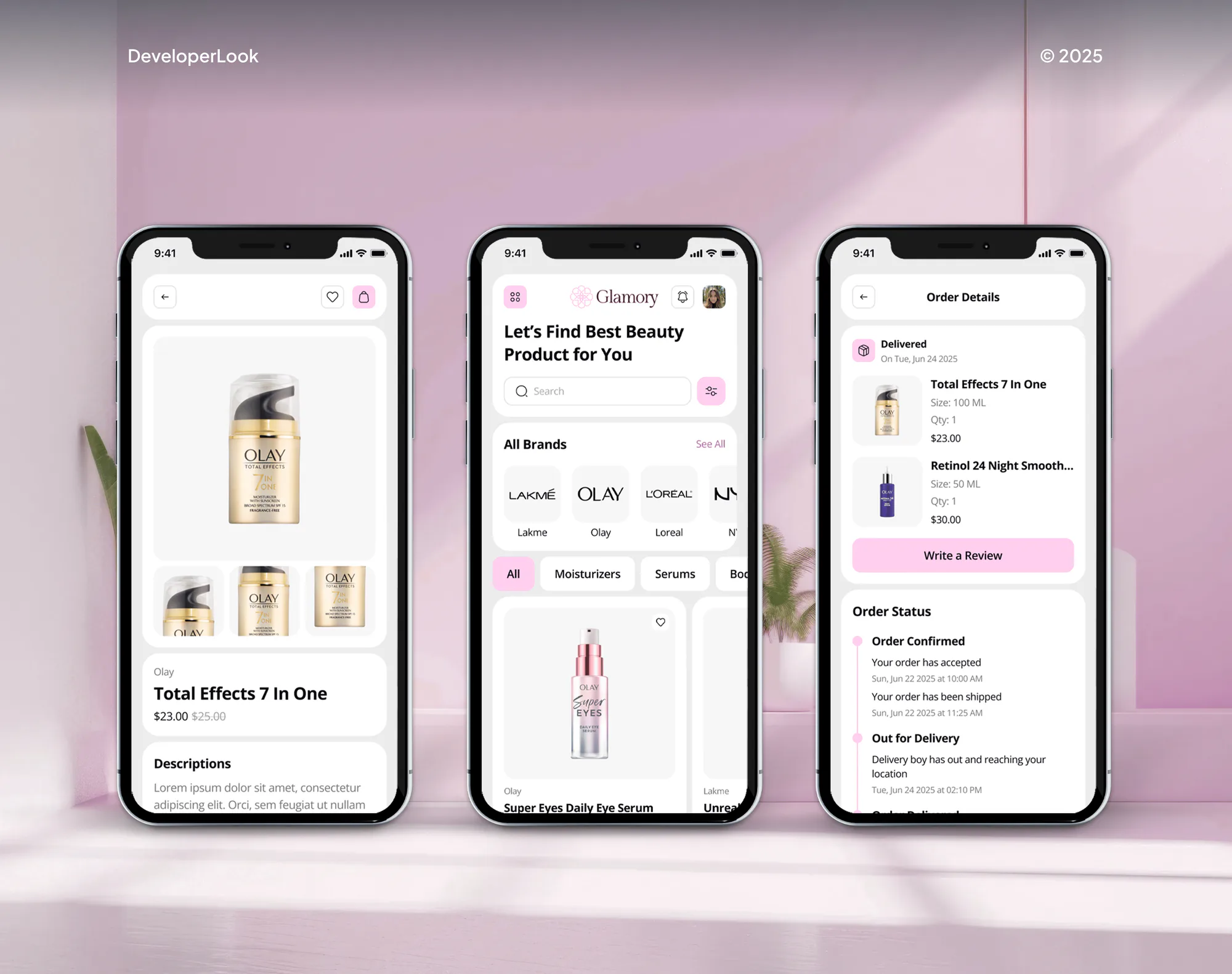
Shopify and ecommerce stores we have built. Their filters, swatches, and cart drawers are the parts this work tests and fixes.


What's Included
Every plan covers testing, theme fixes, retesting, and a record of changes, aimed at the spots where ecommerce accessibility breaks first.
Compare Options
Apps install in minutes, and a new theme gives you a cleaner start. Here's where each leaves gaps in ecommerce accessibility UX.
| Feature | DeveloperLookBest fit | Accessibility app | Switching themes |
|---|---|---|---|
| Price to start | From $950, fixed scope | Low monthly fee | Theme fee plus setup |
| Time to results | 2 to 7 weeks | Minutes to install | Weeks of rebuilding |
| Changes theme code | Yes, Liquid and JavaScript | No, adds a script | Replaces it |
| Filters and swatches | Fixed and retested | Mostly unchanged | Depends on the theme |
| App widgets | Fixed or flagged | Left as is | Same apps, same gaps |
| Screen reader checks | NVDA and VoiceOver | Not included | If you test |
| Clean starting point | Your theme, repaired | Your theme, unchanged | Yes, Theme Store rules |
| If you stop paying | Fixes stay put | Changes disappear | You keep the theme |
What Our Clients Say
Feedback from teams we have built websites and online stores for.
We had a pretty specific idea of what we wanted our website to become, but I wasn’t sure how easily we could explain all of it to a development team. There were quite a few moving parts, and we were working toward a deadline, so I expected a few things to get lost along the way. That never really happened. They understood what we were trying to achieve, kept us updated throughout the process, and got everything ready within the agreed timeline. The final site feels much easier to navigate, works beautifully on mobile, and is noticeably smoother for our customers. It was a huge relief seeing the original idea actually turn into the website we had in mind.
The mobile experience is probably my favourite part of the new site. We had spent a lot of time making sure the desktop version looked right, and the team kept pushing us to think about how everything would actually feel on a phone too. They were right. The navigation is clean, the interactions feel natural, and everything we’ve tested so far works exactly as it should. They also went through the links, forms, integrations, and other details more than once before launch, which I really appreciated. And even after going live, we could still reach out when something came up. The whole process felt friendly, organised, and surprisingly straightforward.
What I appreciate most is that the website is actually easy for us to manage now. We can update content ourselves instead of sending a developer a message every time we need to change something small. They also paid attention to the technical SEO side, which mattered to us because we didn’t want a new website to create problems for the traffic we already had. I’ve probably asked more questions than I should have since launch, but every question has been handled patiently and without any fuss. The team is easy to work with, they explain things clearly, and when we need something changed, they focus on getting it done rather than making the process complicated.
1,250+
Projects shipped
10+
Years of experience
5 stars
Clutch rating
5 stars
GoodFirms rating
Excellent
Trustpilot rating
Top 3%
Upwork Top Rated Plus
1,250+
Projects shipped
10+
Years of experience
5 stars
Clutch rating
5 stars
GoodFirms rating
Excellent
Trustpilot rating
Top 3%
Upwork Top Rated Plus

Want results like these?
Tell us what you are building. You get a reply within 24 hours on business days, then a written estimate.
Work Culture
Store accessibility breaks where things change most: filters, drawers, and apps. These habits keep your fixes working through theme and app updates.
We test the way your shoppers buy, from collection filters to checkout. Barriers there cost sales, so they get fixed first.
Every fix goes to an unpublished copy of your theme first. You check it on a preview link before your live store changes.
When a barrier sits inside an app's code, we send the vendor a clear report. You learn which apps to keep or replace.
We keep fixes in separate snippets where possible and list every edited file. When you update your theme, you know what to carry over.
Shopify's checkout core and some app code are out of our reach. We tell you what's fixable and who can change the rest.
Your price covers a named list of templates and fixes, agreed before we open the code. New findings get their own quote.
Overview
DeveloperLook handles Shopify ADA compliance for stores whose themes and apps block keyboard and screen reader shoppers. We test cart drawers, swatches, filters, and the checkout path against WCAG 2.2 AA, then fix the Liquid and JavaScript behind each failure. Plans start at $950, and most projects take 2 to 7 weeks.
DEVELOPERLOOK
Project facts · Shopify ADA Compliance
Reviewed 28 Sep 2026 by Saimul Islam
Good fit
Shopify store owners worried about ADA claims
You've seen demand letters reach other stores and want your theme and apps tested before one reaches you.
Stores with filter and search apps
Your collection pages rely on a filter app, and nobody knows if it works by keyboard or screen reader.
Merchants paying for an overlay app
You pay monthly for an accessibility app, yet your filters, swatches, and cart drawer still fail a screen reader test.
Shopify Plus brands with custom checkout
Your checkout runs UI extensions from several vendors, and you need them tested for labels, contrast, and errors.
WooCommerce and BigCommerce merchants
Your store runs on WooCommerce or BigCommerce, and you want the same filter, cart, and checkout testing on your templates.
Not a fit
Whole-site coverage
You need the whole site covered, plus a published conformance statement. ADA Website Compliance Services handles that as one project.
Findings for your team
You just need findings your team can fix in-house. WCAG Audit Services lists every failed criterion at a lower starting price.
Few products, no filter apps
Your budget is under $950, or your store has a few products and no filter apps. A free scan and a keyboard walkthrough may do.
Attorney reply needed
A demand letter needs an attorney's reply. Our audit can give your lawyer dated technical findings, but not legal advice.
Not sure we're the right fit?
Book a free call or message us. We'll tell you honestly whether we're the right team.
Pricing
These are starting points in USD. Your final price depends on your templates, apps, and checkout extensions, and you get a fixed proposal after a free store review.
For Agencies
You own the client relationship. We supply the theme engineering: store audits, Liquid fixes, and app vendor reports, all white-labeled. Your clients get stores that every shopper can use and buy from.
White label: your client only ever sees your brand
Share the store URL, collaborator access, and any client deadline or complaint.
You get the audit findings and a fixed price to mark up.
We fix on a theme copy, retest, and deliver a white-label change log.
Share the store URL, collaborator access, and any client deadline or complaint.
You get the audit findings and a fixed price to mark up.
We fix on a theme copy, retest, and deliver a white-label change log.
The Right Technology for Your Project
We fix accessibility in the theme code your store runs, then test every change with screen readers.
ShopifyWooCommerceWordPressBigCommerceHTML5CSS3 JavaScriptjQueryPHPLighthouseChrome DevToolsPageSpeed InsightsGoogle Analytics (GA4)ReactGoogle SheetsLoom
 Slack
SlackFAQ
Straight answers on Shopify themes, filters, apps, checkout, cost, and timing.
Saimul IslamFounder & CEO, DeveloperLookStill have questions?
Send a message or book a call with the team.
Only testing can tell you, because your theme, apps, and content matter more than the platform. On ADA compliance, Shopify publishes its own testing of checkout and admin against WCAG 2.2 AA, while you control your theme code. For a quick check, try filtering a collection and reaching your cart without a mouse.
Theme Store themes start in good shape, but that changes as you customize. Shopify requires keyboard access, visible focus, 4.5:1 text contrast, and an average Lighthouse accessibility score of 90 on key pages. Lighthouse runs automated checks only, though, and your apps and edits add the barriers audits find.
Filters change the page without a reload, and many don't tell screen readers what happened. WCAG success criterion 4.1.3 asks for status messages, like a new product count, to be announced without moving focus. Your filter panels also need to open by keyboard and say whether they're expanded.
Partly, because on checkout accessibility, Shopify does most of the work itself. We run your checkout from cart to the Thank you page and fix what you control: the cart page and drawer, checkout colors, and app blocks. On Shopify Plus, that includes checkout UI extensions. We report Shopify's own bugs to Shopify.
Shopify ADA compliance work starts at $950 for up to 6 key templates, covering the audit, theme fixes, and a retest. If your filters, reviews, and drawers come from apps, expect the $2,450 plan. Plus and custom themes with checkout extensions start at $4,900. The free store review ends with a fixed quote.
No, because an app can't change the theme code where most barriers live. Overlay-style apps add a script that adjusts the page after it loads, while your filters, swatches, and cart drawer stay broken underneath. Some apps help, like alt text checkers, but they don't replace fixes in your Liquid templates.
About 2 weeks for up to 6 key templates, from audit to retest. With 15 templates and several apps, expect 3 to 5 weeks, and Plus or custom themes take 5 to 7. Contrast and label fixes go fast. Filters, swatches, and drawers take longest, since each needs keyboard and screen reader retesting.
Yes, with the same testing and fixes, adapted to each platform. WooCommerce stores run PHP templates on WordPress, where plugins often inject their own filter and cart markup. BigCommerce stores use Stencil themes built with Handlebars. Pricing follows the same template counts, and we confirm your checkout limits in the free review.
Often, yes, if your theme is several versions behind. Theme developers ship accessibility fixes in their updates, so updating first can clear some issues for free. Heavily customized themes differ, because updating means redoing your changes. We check your version in the free store review and tell you which path costs less.
You do. Every fix lives in your own theme files, logged with the WCAG criterion it resolves. Nothing depends on our app or script, so the work stays if you cancel anything. If an update undoes a fix within 30 days of launch, or 60 on Plus and Custom, we repair it.
Saimul IslamFounder & CEO, DeveloperLookStill have questions?
Send a message or book a call with the team.
Free 30-min callGoogle Meet
Book a call
In 30 minutes on Google Meet we walk you through how we would build it, how long it takes and what it costs. Then you get a written estimate.
Calendar not showing? Book on cal.com or send a brief.