
Record model and field map
Every Shopify field mapped to an Account, Contact, Person Account, custom object, or Opportunity field you approve.

For B2B, wholesale, and sales-led Shopify brands: customers and orders land on the right Salesforce accounts, without duplicates, from $1,050.
1:1
Buyer-to-account matching
15+ hrs
Of order entry saved monthly
How your project runs
Teams we have built for:














The Problem
It shows up once wholesale or repeat buyers order online. Shopify knows what they bought, Salesforce knows who owns the account, and neither knows both.
01 · Duplicates
The same buyer exists 3 times in Salesforce.
ID matching updates one record per buyer instead of adding more.
02 · Late news
Reps hear about wholesale reorders a week after they ship.
Each order lands on your buyer's account with its line items attached.
03 · Friday exports
Someone pastes order totals into Opportunities every Friday.
Your wholesale orders create or update Opportunities automatically.
04 · API limits
A connector app burned through the org's daily API calls.
Batched calls and bulk loads keep usage inside your daily allowance.
A wholesale buyer reorders on your Shopify store, and their account rep finds out a week later. In your Salesforce org, the same buyer exists 3 times: once from a trade show, once from a web form, and once typed in by hand. Your team exports orders every Friday and pastes totals into Opportunities. Nobody trusts your pipeline report. The connector app you tried added a 4th duplicate and used up your org's API calls by lunchtime.
We start by mapping each Shopify record to Salesforce: Accounts and Contacts, Person Accounts for consumers, a custom order object, or Opportunities for wholesale deals. Every record carries an External ID, so each sync updates the right record instead of adding another. We build in a sandbox, pace calls to your daily API allowance, and backfill your history with Bulk API 2.0. Your reps see what each customer bought, not last Friday's spreadsheet.
One record per buyer
Upserts keyed on your Shopify IDs update the matching record, so repeat orders stop creating duplicate Contacts.
Sandbox before production
Every mapping runs in a Salesforce sandbox with sample orders before it touches your live org.
Paced to your API limits
Syncs batch their calls, so your daily API allowance holds up for every other integration.
Our Salesforce Sync Process
You approve the record map, see test results in a sandbox, and sign off before anything writes to your live Salesforce org.
We check your Salesforce edition, API access, objects, and duplicate rules, plus a month of Shopify orders. You get a clear answer on connector versus custom, with any edition limits flagged.
What's Included
A record model your reps trust, customer and order syncs, wholesale Opportunities, history loads, and checks that catch what your webhooks miss.
Compare Options
A connector app is the quickest start, and a Salesforce consultancy knows the CRM deeply. Here's where each fits your Shopify and Salesforce setup, and where it struggles.
| Feature | DeveloperLookBest fit | Connector app | Salesforce consultancy |
|---|---|---|---|
| Time to live | 2 to 9 weeks | A few days | Weeks to months |
| Upfront cost | From $1,050, fixed | Low setup fee | Scoped per project |
| Running cost | Your hosting only | App subscription | Support hours |
| Custom objects | Mapped to your model | Template objects | Yes, CRM-side |
| Duplicate handling | External ID upserts | Varies by app | Duplicate rules |
| Store-side detail | Webhooks and GraphQL | Standard fields | Often CRM-first |
| API usage | Batched and monitored | Can spike at busy times | Varies by team |
| Ownership | Your org and your code | The vendor's app | Your org |
Projects We've Built
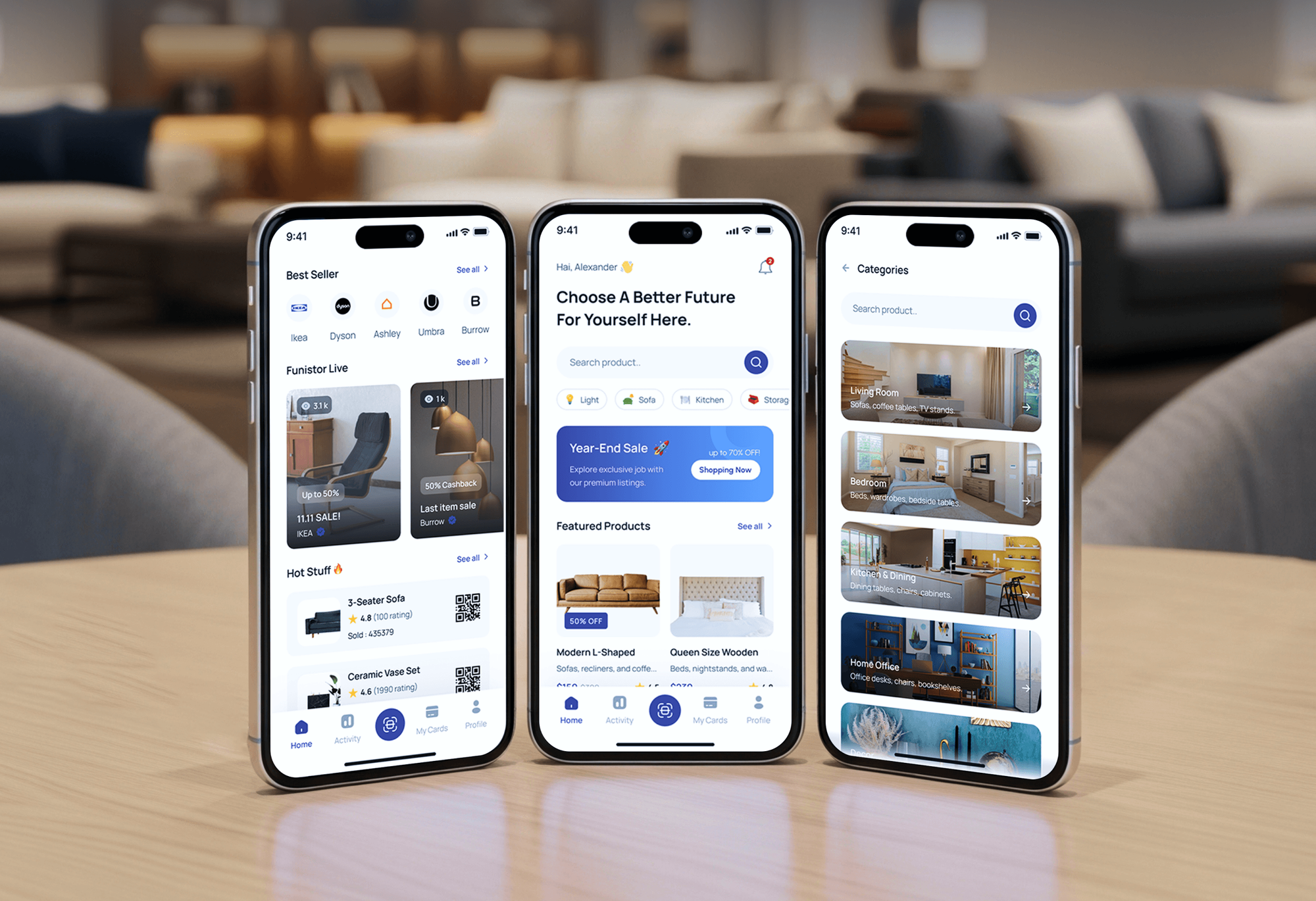
Online stores and admin dashboards our team designed and built. The customer and order records behind them are what a Salesforce sync carries.



What Our Clients Say
Feedback from teams we have built online stores and system integrations for.
We had a pretty specific idea of what we wanted our website to become, but I wasn’t sure how easily we could explain all of it to a development team. There were quite a few moving parts, and we were working toward a deadline, so I expected a few things to get lost along the way. That never really happened. They understood what we were trying to achieve, kept us updated throughout the process, and got everything ready within the agreed timeline. The final site feels much easier to navigate, works beautifully on mobile, and is noticeably smoother for our customers. It was a huge relief seeing the original idea actually turn into the website we had in mind.
The mobile experience is probably my favourite part of the new site. We had spent a lot of time making sure the desktop version looked right, and the team kept pushing us to think about how everything would actually feel on a phone too. They were right. The navigation is clean, the interactions feel natural, and everything we’ve tested so far works exactly as it should. They also went through the links, forms, integrations, and other details more than once before launch, which I really appreciated. And even after going live, we could still reach out when something came up. The whole process felt friendly, organised, and surprisingly straightforward.
What I appreciate most is that the website is actually easy for us to manage now. We can update content ourselves instead of sending a developer a message every time we need to change something small. They also paid attention to the technical SEO side, which mattered to us because we didn’t want a new website to create problems for the traffic we already had. I’ve probably asked more questions than I should have since launch, but every question has been handled patiently and without any fuss. The team is easy to work with, they explain things clearly, and when we need something changed, they focus on getting it done rather than making the process complicated.
1,250+
Projects shipped
10+
Years of experience
Top 3%
Upwork Top Rated Plus
5 stars
Average review score

Want results like these?
Tell us what you are building. You get a reply within 24 hours on business days, then a written estimate.
Work Culture
A sync writes to the records your reps sell from every day. These habits keep accounts clean, API calls in budget, and production untouched until it's proven.
Each synced record stores its Shopify ID in an External ID field marked unique. Salesforce then updates your matching record instead of creating a duplicate.
Developer sandboxes come with Professional, Enterprise, and Unlimited editions. We build and test there, so your live org only sees changes that already passed.
Your org gets a daily API allowance shared by every integration you run. We batch calls and load history in bulk, so your other tools keep working.
Once Person Accounts are switched on, Salesforce won't let you turn them off. We test them in a sandbox with you before anyone enables them in production.
Connector apps on the Shopify App Store and AppExchange cover plenty of simple syncs. If one fits your setup, we'll tell you before we quote.
Integration users, credentials, and middleware live in your Salesforce org and cloud account. Your admin can rotate keys or hand the code to anyone.
Overview
DeveloperLook builds Shopify Salesforce integration for brands whose sales teams work in Salesforce. Buyers match to Accounts and Contacts by External ID, orders land in a custom object or as Opportunities, and every change is tested in a sandbox first. Projects start at $1,050, take 2 to 9 weeks, and stay within your org's API limits.
DEVELOPERLOOK
Project facts · Shopify Salesforce Integration
Reviewed 7 Oct 2026 by Saimul Islam
Good fit
Wholesale brands with account reps
Your reps manage wholesale accounts in Salesforce, and they need every Shopify reorder on the account as soon as it happens.
Shopify Plus stores selling B2B
You need a Shopify Plus Salesforce integration because your B2B companies, price lists, and payment terms must match the accounts in Salesforce.
Sales ops teams fighting duplicates
Your Salesforce org lists the same buyer 3 times, and you want customer data integration between Shopify and Salesforce that stops adding more.
DTC brands using Person Accounts
You sell to consumers, track them as Person Accounts, and need Shopify orders on each person's record for service and sales.
Agencies with Salesforce clients
Your agency runs a client's Salesforce org and needs someone to build the Shopify side of the integration under your name.
Not a fit
Store runs on Commerce Cloud
Your store runs on Salesforce B2C Commerce, not Shopify. Our Salesforce Commerce Cloud Development page covers work on that platform.
Marketing email is the goal
You mainly want purchase-based email and texts, not sales records. Our Klaviyo Shopify Integration page fits that goal better.
Orders belong in an ERP
You need orders, refunds, and payouts posted to your books or ERP, not a CRM. Our Shopify ERP Integration page covers that work.
Starter Suite without API
You're on Salesforce Starter Suite, which doesn't include API access, and an upgrade isn't planned. A monthly CSV import costs less than our $1,050 starting build.
Not sure we're the right fit?
Book a free call or message us. We'll tell you honestly whether we're the right team.
Pricing
These are starting points in USD. Your final price depends on your edition, the records you sync, and two-way needs, and you get a fixed proposal after a free org review.
For one store with standard customer and order flows, usually through a connector app.
$1,050one-time, USD
For brands whose records and rules go beyond what a connector app can map.
$2,950one-time, USD
For Shopify Plus B2B and multi-store brands on Enterprise or higher that need Salesforce data back in Shopify.
$6,200one-time, USD
For Agencies
You own the client relationship. We build the Salesforce integration with Shopify behind your proposal: record models, sandbox builds, and Bulk API backfills. Your client hears from your team, and every component deploys to their org.
White label: your client only ever sees your brand
Send the client's edition, objects, store count, and the reports they need.
You get a record model and a fixed quote your client can approve.
We build in a sandbox, reconcile test data, and hand over runbooks.
You run the admin and stakeholder calls while we build quietly.
Each org and store priced up front, so your margin holds.
Changes proven in a sandbox before your client's production org.
Extra integration hands for busy release months without new hires.
The Right Technology for Your Project
Salesforce's REST, Composite, and Bulk APIs on one side, Shopify's webhooks and GraphQL Admin API on the other, with middleware only when a connector falls short.
 Salesforce
 Shopify
 GraphQL
 Node.js
 AWS
AWS Cloudflare
 PostgreSQL
 Docker
 Slack
SlackFAQ
Straight answers on cost, timelines, connector apps, custom objects, and getting Shopify orders into Salesforce.
Saimul IslamFounder & CEO, DeveloperLookStill have questions?
Send a message or book a call with the team.
A Shopify Salesforce integration starts at $1,050 with us when a connector app fits your records. A custom object sync with wholesale Opportunities and a history backfill costs $2,950. Two-way syncs for Shopify Plus B2B or up to 3 stores cost $6,200. Your connector subscriptions and Salesforce licenses are billed separately.
A connector setup takes 2 to 3 weeks, sandbox tests included. Custom object syncs take 4 to 6 weeks, and two-way B2B builds take 7 to 9 weeks. Most of the calendar goes to the record model, duplicate cleanup, and a reconciliation your Salesforce admin signs off.
Yes, through an AppExchange app, MuleSoft's Shopify connector, or a custom build on the Salesforce API. Salesforce's own Shopify connectors belong to MuleSoft and Data 360, so your Sales Cloud org will most likely use an app or a custom sync. API access comes with Enterprise, Unlimited, Core, Advanced, and Max, while Pro Suite needs a paid add-on.
Yes, through third-party apps on the Shopify App Store, such as Salesforce Sync by CRM Perks, or through a custom sync. A Salesforce Shopify connector suits standard customer and order flows. If you need custom objects, B2B companies, or two-way updates, you'll usually need Shopify's webhooks and GraphQL Admin API instead.
Not as a pair: Salesforce B2C Commerce and Shopify are separate ecommerce platforms, and brands usually run one or the other. Data can move between them through their APIs, for example during a migration or while two storefronts overlap. If your store runs on Commerce Cloud, our Salesforce Commerce Cloud Development page covers that platform.
Yes, through the Salesforce REST API rather than Shopify's CSV exports. The sObject Collections resource writes up to 200 records per call, and Bulk API 2.0 handles large history loads. Check your edition's allowance first: Professional and Pro Suite allow 50 custom objects, Enterprise 200, and Unlimited 2,000.
Subscribe to Shopify's orders/create webhook and upsert each of your orders into Salesforce by its Shopify order ID, stored in an External ID field. Line items, refunds, and fulfillment status follow the same way. Shopify says webhook delivery isn't guaranteed, so a nightly reconciliation job fills any gaps.
To integrate Shopify with Salesforce, first decide what each Shopify record becomes: Account, Contact, Person Account, or custom object. Add External ID fields, pick a connector or custom route, and test everything in a sandbox. Then backfill your history and switch the live sync on at a clean cut-off date.
You own all of it. The integration user, ID fields, and any Apex or Flow deploy to your org, and middleware runs in your cloud account under your credentials. The runbook documents each flow, so your admin or another developer can maintain the sync without us.
Support for the Salesforce sync lasts 30 to 90 days, depending on plan. We fix sync errors, update the code when Shopify releases a new API version, and recheck flows after each Salesforce release. New objects, stores, or fields get a fixed quote, and your team keeps the runbook for everyday changes.
Saimul IslamFounder & CEO, DeveloperLookStill have questions?
Send a message or book a call with the team.
Free 30-min callGoogle Meet
Book a call
In 30 minutes on Google Meet we walk you through how we would build it, how long it takes and what it costs. Then you get a written estimate.
Calendar not showing? Book on cal.com or send a brief.