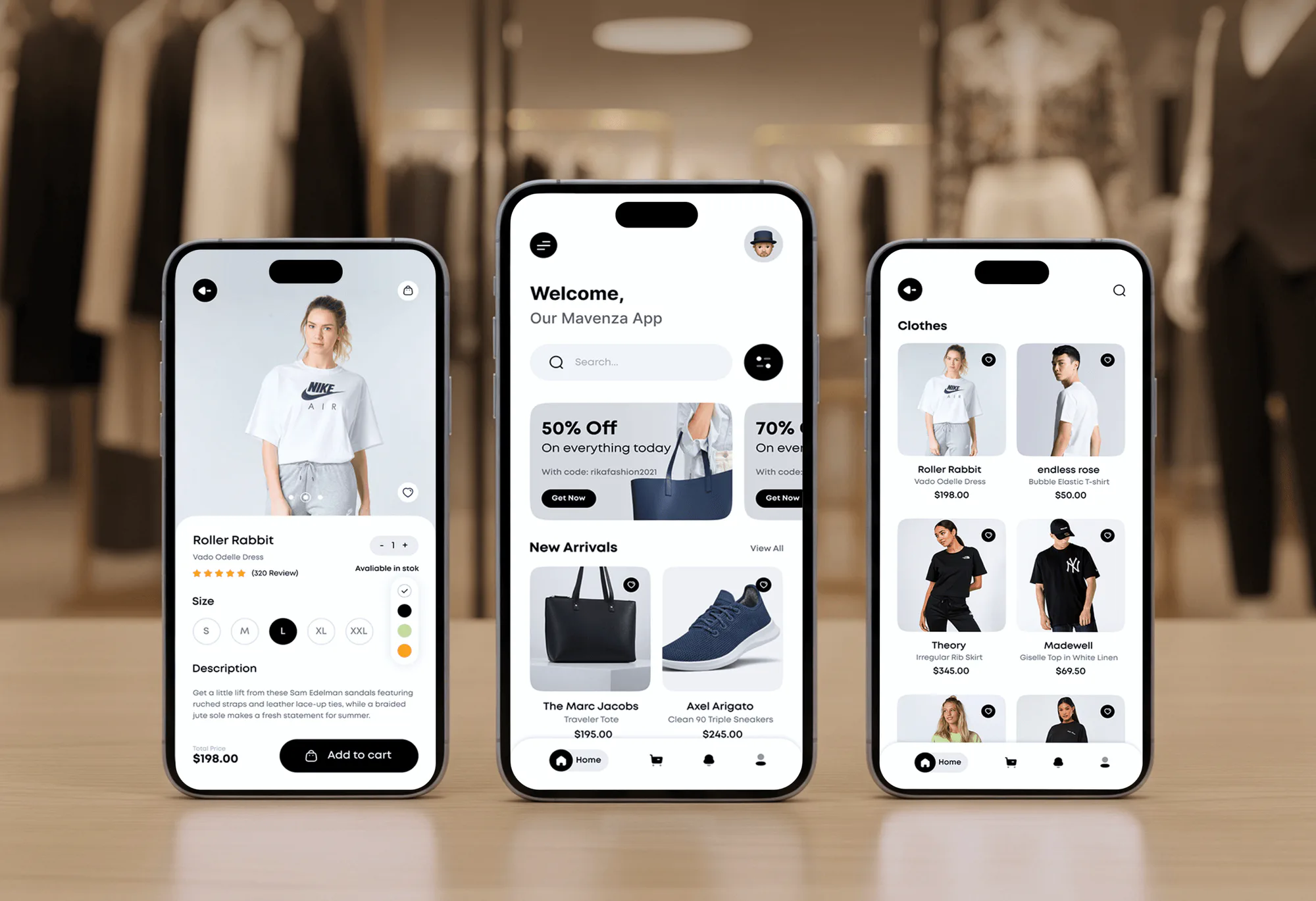
Mavenza Fashion Ecommerce App and Admin Dashboard
- Business
- Fashion
- E-commerce

ShipStation Shopify setup and fixes: SKU mapping, automation rules, tracking back to Shopify, and 3PL links. From $650.
100%
Tracking numbers sent to Shopify
10+ hrs
Saved weekly on shipping admin
Teams we have built for:














The Problem
It usually starts after a change: a new warehouse, a new SKU scheme, or a split order. Both systems keep working, just not with each other.
Missing tracking
Shipped orders still say unfulfilled in Shopify.
Missing tracking
Status, carrier, and tracking reach Shopify when each label is created.
Stock drift
A stock edit in ShipStation didn't reach Shopify.
Stock drift
Shopify stays the stock source, so counts can't drift apart.
Wrong warehouse
A split order shipped from the wrong warehouse.
Wrong warehouse
SKUs, ship-from locations, and store settings get mapped at the source.
Double checking
Your team checks both systems by hand every afternoon.
Double checking
Rules and webhooks fill the gaps ShipStation's built-in rules leave.
Your packer prints 40 labels by noon, and ShipStation marks them shipped. In Shopify, 6 of those orders still say unfulfilled, so those customers get no tracking email. Someone adjusted stock in ShipStation last week, but Shopify didn't see it and sold two units you don't have. A split order shipped from the wrong warehouse. Now your team checks both systems by hand every afternoon, and support answers the questions tracking should have.
We start by tracing a week of your orders through both systems to find where each one breaks. Most fixes are mapping: SKUs, ship-from locations, and store settings. Where ShipStation's built-in rules fall short, we add logic through its API and webhooks. Tracking reaches Shopify on every shipment, and your team stops checking two screens.
Mapping fixed at the source
SKUs, warehouse locations, and store settings matched, so orders import and update cleanly.
Tracking back on every order
Shipment status, carrier, and tracking number reach Shopify when the label is created.
One count for stock
Shopify stays the stock source, so ShipStation's separate inventory can't drift away from it.
Our ShipStation Setup Process
You see where each order broke, which fixes are settings and which need code, and a test run before your live store changes.
We trace a week of orders from Shopify into ShipStation and back, and check your SKUs, locations, and store settings. You get a list of each break and its fix.
Projects We've Built
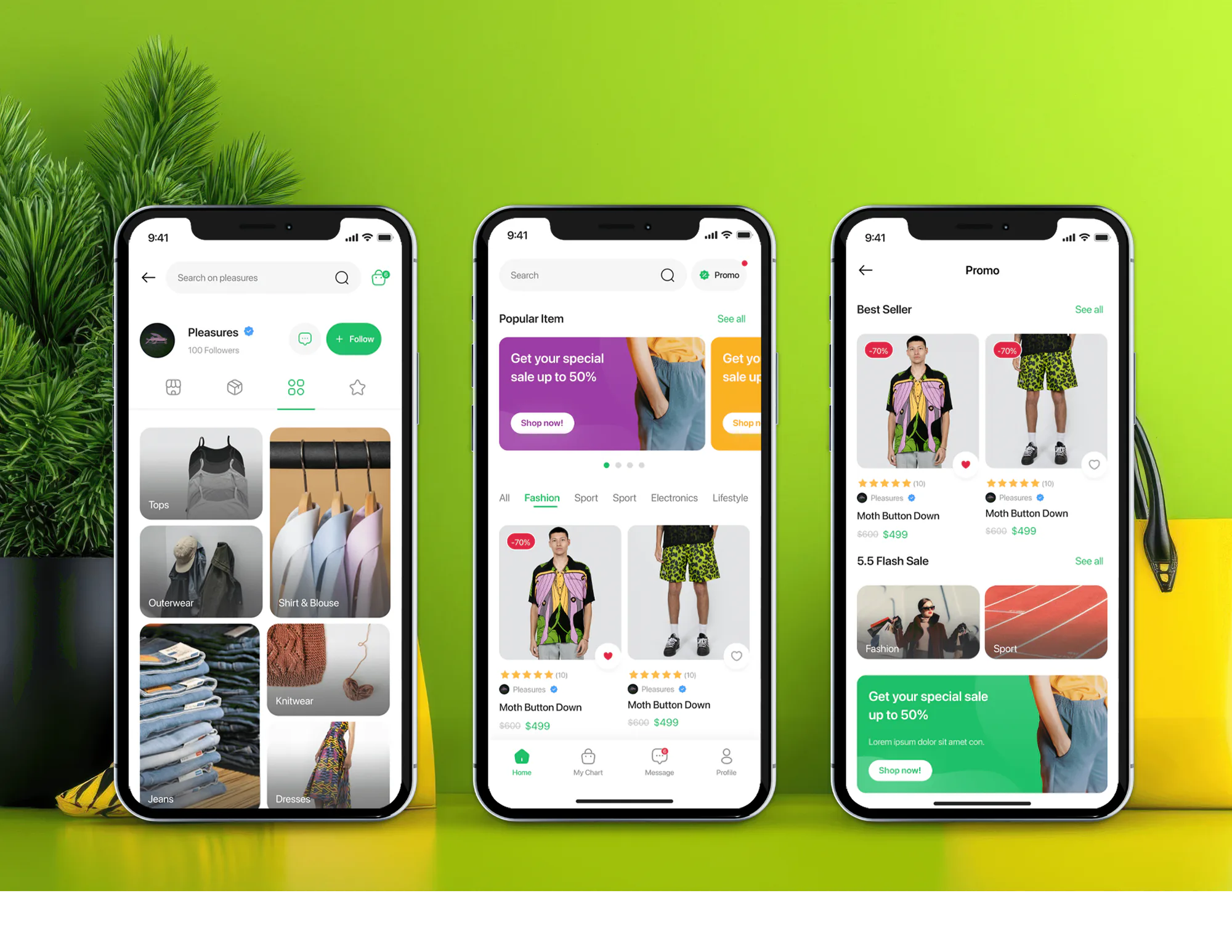
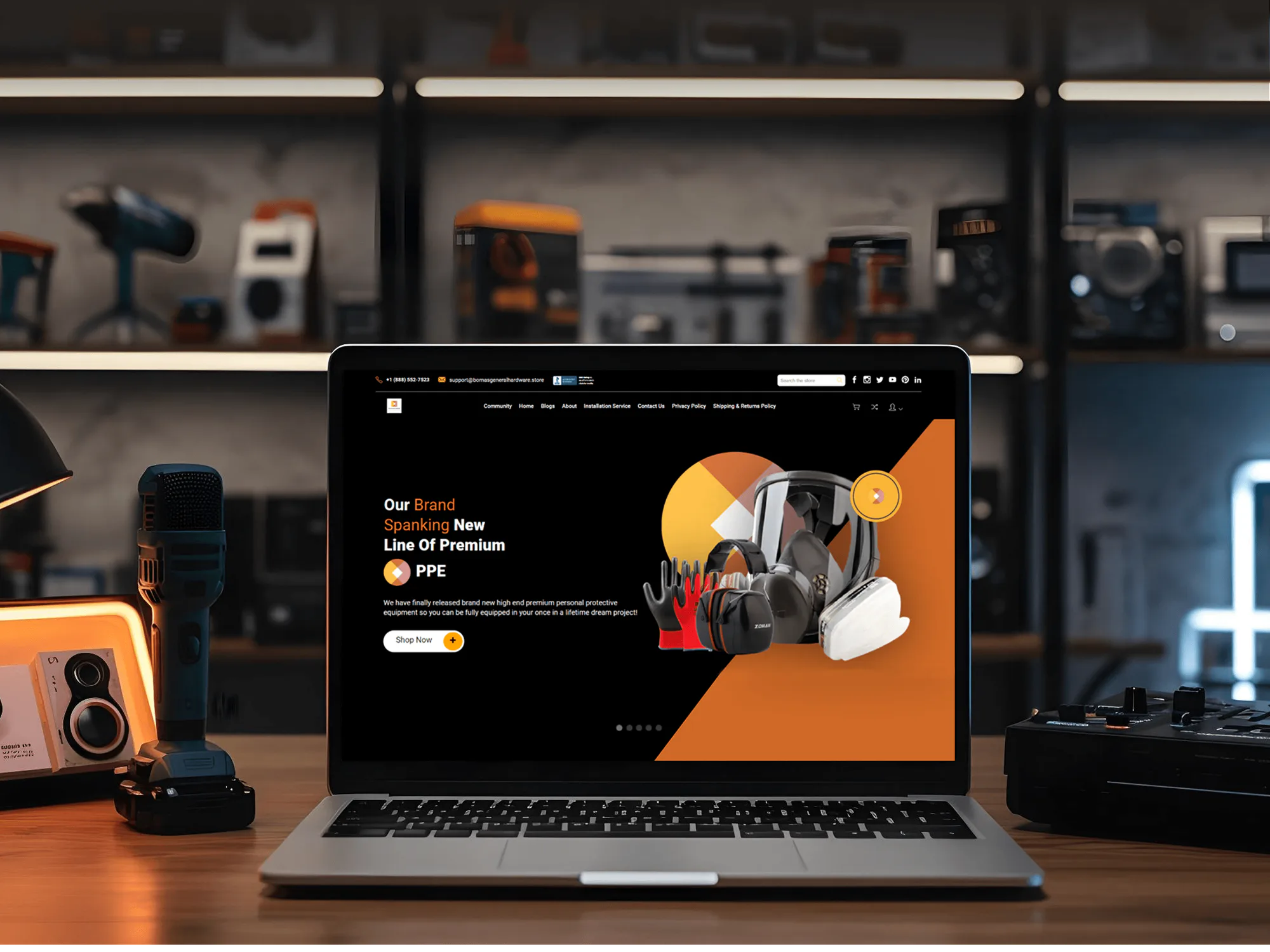
Shopify and ecommerce builds we've shipped for clients, including stores with shipping and fulfillment connections behind them.

What's Included
A clean connection, automation rules that fit your packing floor, tracking on every order, and links to your warehouse partner or ERP, tested with real orders before launch.
Compare Options
ShipStation's built-in tools and support fix most settings issues for free, and a freelancer can be cheap for one rule. Here's where each option runs out.
| Feature | DeveloperLookBest fit | ShipStation alone | Freelancer |
|---|---|---|---|
| Cost | From $650 | Free | Hourly, open-ended |
| Setup time | 1 to 6 weeks | Same day | Varies |
| Sync diagnosis | Full order trace | Settings check | Depends on skill |
| Custom rules | Native rules plus API | Native rules only | Often loose scripts |
| Split shipments | Rules per location | Manual splits | Case by case |
| Warehouse links | Built and tested | Not included | Sometimes |
| Failed syncs | Alerts plus refresh | Found by customers | Rarely monitored |
| Documentation | Runbook for your team | Help articles | Rarely provided |
What Our Clients Say
Feedback from ecommerce teams we have built shipping and fulfillment integrations for.
We had a different kind of problem. People were visiting the store, adding products to their carts, and then disappearing before they finished the order. We had tried a few apps and made changes here and there, but nothing really seemed to solve the bigger issue. The team went through the shopping experience with us and pointed out things we hadn't really noticed ourselves. They cleaned up the cart and checkout flow, made the mobile experience much smoother, and helped us make the store feel easier to shop. I’m not going to pretend we fixed everything overnight, but it finally feels like the store is helping the sale instead of getting in the way of it.
The mobile experience is probably my favourite part of the new site. We had spent a lot of time making sure the desktop version looked right, and the team kept pushing us to think about how everything would actually feel on a phone too. They were right. The navigation is clean, the interactions feel natural, and everything we’ve tested so far works exactly as it should. They also went through the links, forms, integrations, and other details more than once before launch, which I really appreciated. And even after going live, we could still reach out when something came up. The whole process felt friendly, organised, and surprisingly straightforward.
We had a pretty specific idea of what we wanted our website to become, but I wasn’t sure how easily we could explain all of it to a development team. There were quite a few moving parts, and we were working toward a deadline, so I expected a few things to get lost along the way. That never really happened. They understood what we were trying to achieve, kept us updated throughout the process, and got everything ready within the agreed timeline. The final site feels much easier to navigate, works beautifully on mobile, and is noticeably smoother for our customers. It was a huge relief seeing the original idea actually turn into the website we had in mind.
1,250+
Projects shipped
10+
Years of experience
Top 3%
Upwork Top Rated Plus
5 stars
Average review score
1,250+
Projects shipped
10+
Years of experience
Top 3%
Upwork Top Rated Plus
5 stars
Average review score

Want results like these?
Tell us what you are building. You get a reply within 24 hours on business days, then a written estimate.
Work Culture
Problems in a ShipStation Shopify setup show up as customer emails, so we trace them to the source. These habits keep your labels, stock, and tracking lined up every day.
Many ShipStation problems come down to one wrong setting or a mismatched SKU. We fix those first and only write code for what settings can't do.
We follow real orders from Shopify to ShipStation and back before changing anything. You see exactly where each one broke and why.
ShipStation's own inventory doesn't send counts to Shopify, so we keep Shopify as the source. Your stock numbers stop disagreeing across two screens.
Rules get tested with real test orders, real packages, and your actual printers. Your packers try the new flow before launch day.
When a shipment update fails, a named person gets an alert with the order number. Nothing waits until a customer asks where their parcel is.
API keys, webhooks, and any code live in your ShipStation and Shopify accounts. You can change developers without rebuilding the connection.
Overview
DeveloperLook sets up and extends ShipStation Shopify connections for stores that ship their own orders. We fix SKU and location mapping, build automation rules, check that tracking returns to Shopify, and link your 3PL or ERP when needed. Projects start at $650, sync fixes take 1 to 2 weeks, and the setup stays in your accounts.
DEVELOPERLOOK
Project facts · Shopify ShipStation Integration
Reviewed 28 Sep 2026 by Saimul Islam
Good fit
Stores with tracking missing in Shopify
Your customers ask where their parcel is because tracking numbers from ShipStation didn't show up on their Shopify order.
Teams whose stock counts disagree
Your team adjusts stock in ShipStation, but Shopify keeps selling from its own count, and the two drift apart every week.
Shippers outgrowing built-in rules
Your packing rules depend on order tags, weights, and gift notes, and ShipStation's built-in rules can't combine them the way you need.
Brands shipping from several warehouses
You ship from two or more locations, and labels keep printing with the wrong ship-from address after an order splits.
Agencies with ShipStation clients
Your agency's client runs ShipStation with Shopify, and you need a developer who fixes the connection behind your brand.
Not a fit
One setting to change
Your connection works and you only need one setting changed. ShipStation's own support handles that for free, and we'll say so before we quote.
Routing before shipping
You need orders routed across warehouses before shipping starts. Our Shopify Order Management System service handles that routing logic.
Stop packing yourself
You want to stop packing orders yourself. Shopify order fulfillment services from a 3PL fit better, and our Shopify 3PL Integration service connects one.
Carrier labels directly
You want carrier rates and labels without ShipStation at all. Our Shipping API Integration service connects UPS, FedEx, USPS, and DHL directly.
Not sure we're the right fit?
Book a free call or message us. We'll tell you honestly whether we're the right team.
Pricing
These are starting points in USD. Your price depends on the number of rules, locations, and connected systems, and you get a fixed proposal after a free setup review.
For Agencies
You own the client relationship. We supply the ShipStation engineering: sync fixes, automation rules, API work, and 3PL links. Your client talks to your team, and you keep the runbook and the settings notes.
White label: your client only ever sees your brand
Send the client's ShipStation plan, stores, and shipping problems, and we reply with questions.
You get a fixed price and a fix list you can share as your own.
We fix, test with real orders, and hand over settings notes and code.
Send the client's ShipStation plan, stores, and shipping problems, and we reply with questions.
You get a fixed price and a fix list you can share as your own.
We fix, test with real orders, and hand over settings notes and code.
The Right Technology for Your Project
We work in ShipStation's own settings first, then its API and webhooks, with Shopify's Admin API on the other side.
 Shopify
 GraphQL
 Node.js
 Python
 UPS
UPS FedEx
FedEx USPS
USPS DHL
DHL QuickBooks
 Xero
Xero Odoo
Odoo Microsoft Dynamics 365
 AWS
AWS Cloudflare
 Slack
Slack Google Sheets
Related Services
ShipStation often sits next to order routing, carrier connections, tracking pages, and warehouse links. These services cover each one.
This page
Shopify ShipStation Integration
Pairs with the 5 services around it
FAQ
Straight answers on ShipStation sync, tracking, stock differences, automation rules, and cost.
Saimul IslamFounder & CEO, DeveloperLookStill have questions?
Send a message or book a call with the team.
A ShipStation integration project starts at $650 for a sync audit, mapping fixes, and up to 10 automation rules. Custom API rules with several ship-from locations cost $1,700, and ERP or 3PL links start at $3,400. You get a fixed quote after a free review of your setup.
Most sync fixes take 1 to 2 weeks, including a week of monitored orders. Custom rules through the API take 3 to 4 weeks, and warehouse or ERP links take 4 to 6 weeks. The free review tells you on day one which of those your setup needs.
ShipStation imports Shopify orders that contain physical products and were created in the last 90 days. When you create a label, ShipStation sends the status, carrier, service, and tracking number back to Shopify. Shopify then marks the order fulfilled and emails your customer the tracking link.
They differ because ShipStation's own inventory doesn't send counts to Shopify. ShipStation can show Shopify's stock per ship-from location, but that number already subtracts the order you're viewing. Teams that adjust stock inside ShipStation end up with two counts, so we make Shopify the single source.
Yes, we build them in two layers. ShipStation's built-in automation rules handle most conditions, such as tags, weights, destinations, and ship-by dates. When you need logic they can't express, we use the ShipStation API and webhooks, which need a Standard or Accelerate plan or higher.
We connect them through each system's API, with Shopify kept as the order and stock source. Orders your team packs go through ShipStation, and orders your 3PL ships skip it. ShipStation support can enable a setting that skips orders assigned to a third-party fulfillment service, so nothing ships twice.
We give each warehouse its own ship-from location and set rules that pick the right one. When ShipStation splits an order, the update to Shopify covers only the items that shipped. ShipStation preselects a default location, so our rules choose the correct warehouse before any label prints.
Yes, tracking numbers go back to Shopify automatically once a label is created. The shipment update carries the tracking number, carrier, and service. If an order missed a sync window, ShipStation's refresh can update up to 500 orders at once, and we add a daily check for orders still missing tracking.
When a ShipStation Shopify sync fails, your alert names the order and the reason, and a routine retries it. Common causes are an expired API key, since ShipStation keys now expire, and the V1 API limit of 40 requests a minute. Orders that missed an import come back in with a targeted refresh.
Support covers 30 to 90 days after launch, depending on your plan. We watch alerts, adjust rules as your packing flow changes, and handle ShipStation or Shopify API changes in that window. Your API keys and settings notes stay with you, so any developer can take over later.
Saimul IslamFounder & CEO, DeveloperLookStill have questions?
Send a message or book a call with the team.
Free 30-min callGoogle Meet
Book a call
In 30 minutes on Google Meet we walk you through how we would build it, how long it takes and what it costs. Then you get a written estimate.
Calendar not showing? Book on cal.com or send a brief.