
Translation audit
A page-by-page list of what stays untranslated in each language, from filters to emails, before any work starts.

For Shopify stores selling across languages: pages, forms, emails, and app widgets translated and checked, not just product titles, from $600.
12
Page types checked per language
1subfolder
Per language, with hreflang tags
How your project runs
Teams we have built for:














The Problem
Auto-translation covers product titles and descriptions quickly. The gaps show up later: in filters, forms, emails, app widgets, and text baked into images.
01 · Filters
Collection filters still show English labels on translated pages.
We trace each filter label to its source and translate it there.
02 · Forms
Pop-ups and forms stay in English after auto-translation.
We build a form per language or move to one that translates.
03 · Emails
Order and shipping emails arrive in your default language.
We translate each notification template, then test orders in every language.
04 · Image text
Size charts and banners carry English text inside the image.
We move that text into translatable sections or make per-language images.
You published German last spring, and the product pages look right. Then a shopper in Munich opens the size filter and reads English labels. The review widget, the newsletter pop-up, and the shipping notice in the cart are English too. Your order confirmation email arrives in English, and the size chart is an image with English text. Search engines found the /de pages, but half of each page still reads as English.
We start with a translation audit: every page type, form, email, and app on your store, checked in each language. Then we set up Translate & Adapt or a paid app, fix brand terms the machine got wrong, and translate what auto-translation skips. Your reviewer approves each language from one sheet. Shoppers stay in their language through checkout, instead of falling back to English halfway.
Coverage checked by page type
Home, collection, product, cart, account, search, policies, and emails checked in every language.
Brand terms kept right
Product names, sizes, and brand words fixed after auto-translation, so they read the way you sell.
One subfolder per language
Each language gets its own URL path with hreflang tags, so search engines index the right version.
Our Shopify Translation and Localization Process
You see what's untranslated before we start, approve each language from one review sheet, and test the store as a shopper in every language before launch.
We open your store in each target language and list what stays untranslated: theme text, filters, forms, emails, apps, and image text. You get the list, an app recommendation, and a fixed quote.
What's Included
Every setup covers a translation audit, languages at their own URLs, the right app, translated forms and emails, SEO fields, and testing in each language.
Compare Options
A translation app alone is cheap and fast, and an agency writes polished copy. Neither checks your theme, forms, and emails. Here's where each one fits.
| Feature | DeveloperLookBest fit | App alone | Translation agency |
|---|---|---|---|
| Planning | Audit of every page type | Install and auto-translate | Quote per word |
| Speed to launch | 1 to 6 weeks | Hours for product text | Weeks per language |
| Wording quality | Machine, then brand terms fixed | Machine only | Human, written by translators |
| Theme and app text | Found and translated | Often missed | Only what you send |
| Forms and emails | Translated and tested | Partly covered | Translated if exported |
| SEO fields | Handles and meta translated | Depends on settings | Usually not included |
| Testing | Shopper test per language | Left to you | Proofreading only |
| Cost | From $600, fixed scope | Free or a monthly fee | Per-word rates |
Projects We've Built
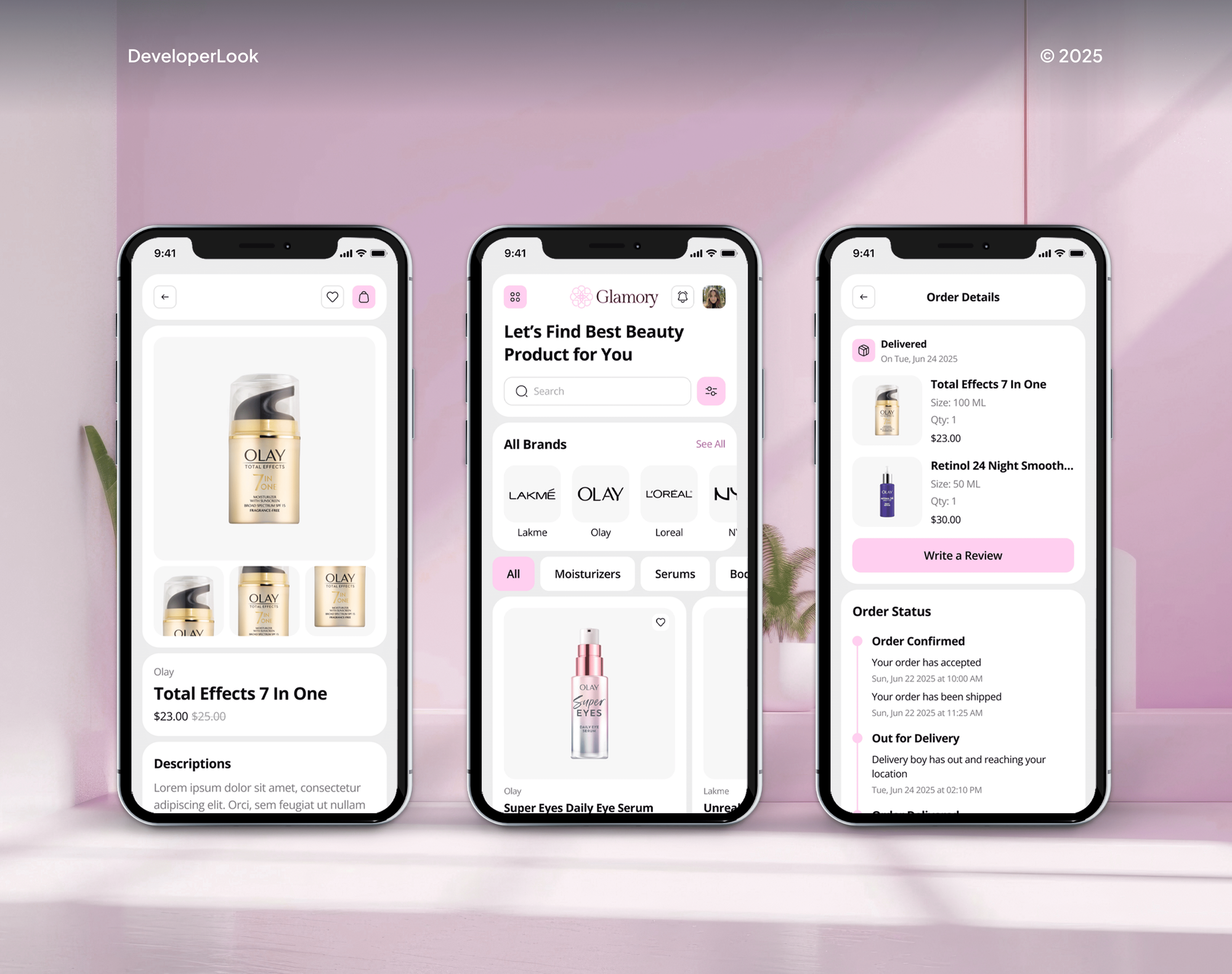
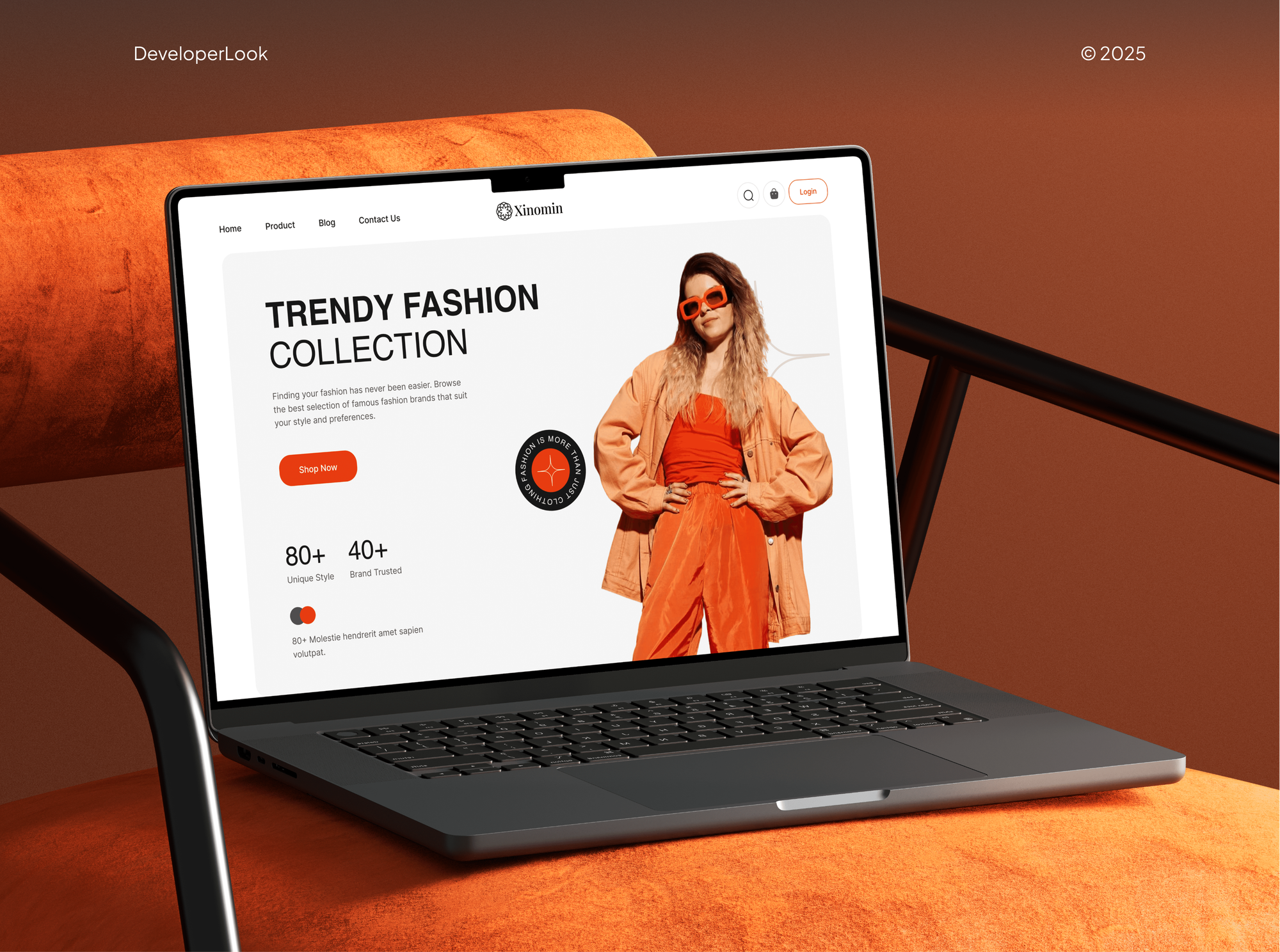
Beauty, fashion, and furniture stores our team designed and built, with the product pages, filters, and checkout flows every language has to cover.


What Our Clients Say
Feedback from teams we have built online stores and store features for.
We had a pretty specific idea of what we wanted our website to become, but I wasn’t sure how easily we could explain all of it to a development team. There were quite a few moving parts, and we were working toward a deadline, so I expected a few things to get lost along the way. That never really happened. They understood what we were trying to achieve, kept us updated throughout the process, and got everything ready within the agreed timeline. The final site feels much easier to navigate, works beautifully on mobile, and is noticeably smoother for our customers. It was a huge relief seeing the original idea actually turn into the website we had in mind.
The mobile experience is probably my favourite part of the new site. We had spent a lot of time making sure the desktop version looked right, and the team kept pushing us to think about how everything would actually feel on a phone too. They were right. The navigation is clean, the interactions feel natural, and everything we’ve tested so far works exactly as it should. They also went through the links, forms, integrations, and other details more than once before launch, which I really appreciated. And even after going live, we could still reach out when something came up. The whole process felt friendly, organised, and surprisingly straightforward.
What I appreciate most is that the website is actually easy for us to manage now. We can update content ourselves instead of sending a developer a message every time we need to change something small. They also paid attention to the technical SEO side, which mattered to us because we didn’t want a new website to create problems for the traffic we already had. I’ve probably asked more questions than I should have since launch, but every question has been handled patiently and without any fuss. The team is easy to work with, they explain things clearly, and when we need something changed, they focus on getting it done rather than making the process complicated.
1,250+
Projects shipped
10+
Years of experience
Top 3%
Upwork Top Rated Plus
5 stars
Average review score

Want results like these?
Tell us what you are building. You get a reply within 24 hours on business days, then a written estimate.
Work Culture
A translated store earns trust only when nothing slips back into the default language. These habits keep each language whole, from the first page to the receipt.
If Translate & Adapt covers your two languages, we won't sell you a paid app. Paid apps earn their fee with more languages or tighter workflows.
We don't claim native fluency in your markets. A bilingual person on your side approves each language, so the wording sounds right to your shoppers.
Size charts and banners with words inside them go on the audit list. Finding them early means per-language images are planned, not patched after launch.
We place a test order in each language and read every email it triggers. Confirmations, shipping notices, and receipts should match your shopper's language.
Translated URL handles are set once and kept. Changing them later breaks links and search results, so we agree on them with you before launch.
Translations live in Shopify or in an app you control, with a CSV export of every language. You can switch apps later without starting over.
Overview
DeveloperLook handles Shopify translation and localization for stores selling in more than one language. We publish languages in subfolders, set up Translate & Adapt or a paid app, and translate the forms, emails, and app text that auto-translation skips. Setup starts at $600 and takes 1 to 6 weeks.
DEVELOPERLOOK
Project facts · Shopify Translation and Localization
Reviewed 7 Oct 2026 by Saimul Islam
Good fit
Stores whose second language is half done
You turned on French months ago, but your shoppers still hit English cart notes, size charts, and order confirmation emails.
Brands choosing a translation app
You're comparing Shopify Translate and Adapt with paid apps and want the right one for your catalog size and language count.
Stores entering a new language market
Your Canadian shoppers expect French, and you need Shopify localization that covers products, policies, and checkout before you advertise there.
Teams with an in-house translator
You have a bilingual staff member or a translator, and you need a clean way to export text, review it, and import it back.
Agencies with a multilingual client
Your agency is launching a client store in three languages and needs the translation setup and checks done under your name.
Not a fit
Currency and duties first
Your real need is local prices, currencies, and duties for new countries. Our Shopify International Expansion Setup service handles markets before languages.
Certified translation needed
You need certified or legal translation of your terms or product safety text. A professional translation agency does that, and we set up the store around their files.
Budget under $600
You add one language to a small catalog and your budget is under $600. Translate & Adapt alone, run by your own team, may be enough.
No store built yet
You don't have a store yet and need the whole build in two languages. Our Shopify Website Design service plans languages into the design from the start.
Not sure we're the right fit?
Book a free call or message us. We'll tell you honestly whether we're the right team.
Pricing
These are starting points in USD. Your final price depends on languages, apps, and text outside the app's reach, and you get a fixed proposal after a free translation audit.
For stores adding one language with Shopify's free Translate & Adapt app.
$600one-time, USD
For stores selling in up to 3 languages, with apps, emails, and forms covered.
$1,600one-time, USD
For brands adapting content per market across up to 6 languages.
$3,400one-time, USD
For Agencies
You own the client relationship. We supply the multilingual setup for your clients' Shopify stores: languages, translation apps, forms, emails, and testing. It's delivered under your brand, with a fixed quote you can resell.
White label: your client only ever sees your brand
Send the client's store, target languages, and any translator they already use.
You get the untranslated list and a fixed quote to resell.
Languages published, tested, and signed off before your client reviews them.
Audit lists and handover guides go out under your agency's name.
Each language tested as a shopper before your client ever sees it.
A price set by language count and the text apps can't reach.
Extra hands when several multilingual launches land in the same month.
The Right Technology for Your Project
We work inside Shopify's own language tools first, and add a paid app or Liquid changes only where your languages or theme need them.
 Shopify
 JavaScript
 HTML5
HTML5 CSS3
CSS3 Figma
Figma Google Search Console
 Lighthouse
 Chrome DevTools
 PageSpeed Insights
FAQ
Straight answers on translation apps, what auto-translation covers, translating forms and checkout, and what setup costs.
Saimul IslamFounder & CEO, DeveloperLookStill have questions?
Send a message or book a call with the team.
Translation setup with DeveloperLook starts at $600 for one language with Translate & Adapt and a full coverage check. Up to 3 languages with forms, emails, and SEO fields start at $1,600. Up to 6 languages with market-specific copy and a translator workflow start at $3,400. Any paid app's fee goes to the app, not to us.
Localizing one language on Shopify takes 1 to 2 weeks, including the audit, fixes, and shopper testing. Three languages take 2 to 4 weeks, and six languages with market-specific copy take 3 to 6 weeks. Your reviewer's turnaround often sets the pace, so we plan their review time into the schedule from day one.
Yes. Shopify lets you publish more languages and translate content with its free Translate & Adapt app, which auto-translates up to 2 languages. Each language gets its own subfolder, such as /fr, and Shopify adds hreflang tags for you. Some content still needs manual work: images with text, tags, and some third-party app widgets.
Add a language in your store settings, install Translate & Adapt, and auto-translate or type translations by hand. Publish the language, add a language selector to your theme, and browse the store in that language to find gaps. Check the cart, filters, forms, emails, and app widgets, since those often stay in your default language.
Open Translate & Adapt, choose Products, and translate the title, description, options, SEO title, and URL handle for each language. Auto-translate fills those fields at once, then you correct sizes, materials, and brand names. Product images with text need a separate image per language, because the app can't translate images.
Shopify form translation depends on where the form comes from. Contact and newsletter forms built into your theme translate through theme content in Translate & Adapt. Forms made with the Shopify Forms app aren't supported there, so they need one form per language or a form app that translates. Third-party pop-ups use their own language settings.
The right app depends on your language count and catalog. Translate & Adapt is free and auto-translates 2 languages, which suits most stores starting out. Paid apps such as Weglot add more auto-translated languages, translator workflows, and visual editing, usually priced by words and languages. We compare them against your catalog during the free audit.
The main Shopify translation tools are Translate & Adapt, paid apps such as Weglot, and translation CSV files. You export those files for a translator and import them back. Machine engines like DeepL and Google Translate sit behind many of these apps. The best translation app for Shopify depends on how many languages you publish and who reviews them.
For theme and checkout text, Translate & Adapt is usually enough, since it covers your theme content, including checkout and system text. Paid apps add visual editing and more auto-translated languages. But a Shopify language translation app can't see text hardcoded in a custom theme, so we move that text into locale files first.
Automatic translation in Translate & Adapt is free and covers up to 2 languages, and no Shopify plan raises that cap today. You pick the content, it translates in bulk, and an Auto-sync option, where available, refreshes translations weekly as your source text changes. Past 2 languages, you translate by hand or pay a translation app.
Saimul IslamFounder & CEO, DeveloperLookStill have questions?
Send a message or book a call with the team.
Free 30-min callGoogle Meet
Book a call
In 30 minutes on Google Meet we walk you through how we would build it, how long it takes and what it costs. Then you get a written estimate.
Calendar not showing? Book on cal.com or send a brief.