
Notification audit
Every email your store sends, listed with its trigger, its past edits, and the changes it needs.

For Shopify stores whose order confirmations and shipping emails still look like the default: branded, tested templates your customers recognize, from $500.
100%
Order emails on your brand
4
Inbox apps tested per template
How your project runs
Teams we have built for:














The Problem
It shows up right after checkout, when a customer reads every word. A default layout, an old copy-paste edit, or a broken header undoes the trust your store just earned.
01 · Default look
Order emails still use the stock layout and a tiny logo.
Each template gets your logo, colors, fonts, and tone of voice.
02 · Bundle lines
Bundles show up as loose component lines in the confirmation.
Shopify's grouped bundle code goes in, so components sit under their bundle.
03 · Missed updates
Old custom edits miss content Shopify added to its templates later.
We compare your code with Shopify's current defaults and merge what's missing.
04 · Outlook breaks
Header images stretch and buttons break in Outlook.
Table-based layouts get tested on desktop and phone before launch.
A customer buys from your carefully designed store, then gets an order confirmation in the default layout with a tiny logo. Your shipping email lists a bundle as a jumble of component lines. Someone edited the code two years ago, so content Shopify added later didn't reach your templates. Gift card emails go out without your colors. In Outlook, the header image stretches across the screen. Customers reply to ask whether the order went through.
We start with an inventory of every notification your store sends and what each one should say. Then we rebuild them in Liquid around one shared header and footer, so a design change happens once. Conditional blocks handle bundles, pickups, and pre-orders. Each template gets tested in Outlook, Gmail, Apple Mail, and Yahoo before it goes live. Your customers get emails that match the store they bought from.
One shared header and footer
A single snippet pattern keeps every notification consistent, so a brand update happens once, not template by template.
Tested in four inbox apps
Outlook, Gmail, Apple Mail, and Yahoo checks before any template replaces your live one.
Shopify's updates merged in
We compare your templates with Shopify's current defaults, so newer content still reaches your customers.
Our Email Template Process
You approve the layout, wording, and conditional rules first, then see every template as a test send before it replaces the live one.
We review your notification settings, sender email, past code edits, and the apps that add content to your emails. You get a list of templates that need work and what Shopify already handles.
What's Included
A notification audit, a branded design, every template you choose coded in Liquid, sender domain checks, inbox testing, and a guide your team can follow later.
Compare Options
Shopify's own settings change your logo and accent color for free, and template apps offer ready designs. Here's where each one fits once you need conditional content and inbox testing.
| Feature | DeveloperLookBest fit | Template app | DIY edits |
|---|---|---|---|
| Start time | 1 to 3 weeks | The same day | Right away |
| Upfront cost | From $500, fixed | Monthly app fee | Free, but your time |
| Design | Matched to your store | The app's template styles | Logo and accent color |
| Conditional content | Bundles, pickups, markets, B2B | Varies by app | Only if you code Liquid |
| Inbox testing | Four inbox apps, every template | Varies by app | Shopify's test email only |
| Shopify's updates | Compared and merged | Depends on the vendor | Easy to miss |
| Translations | Set up in Translate & Adapt | Varies by app | Translated by you |
| Ongoing cost | None from us | Monthly app fee | None, but upkeep |
Projects We've Built
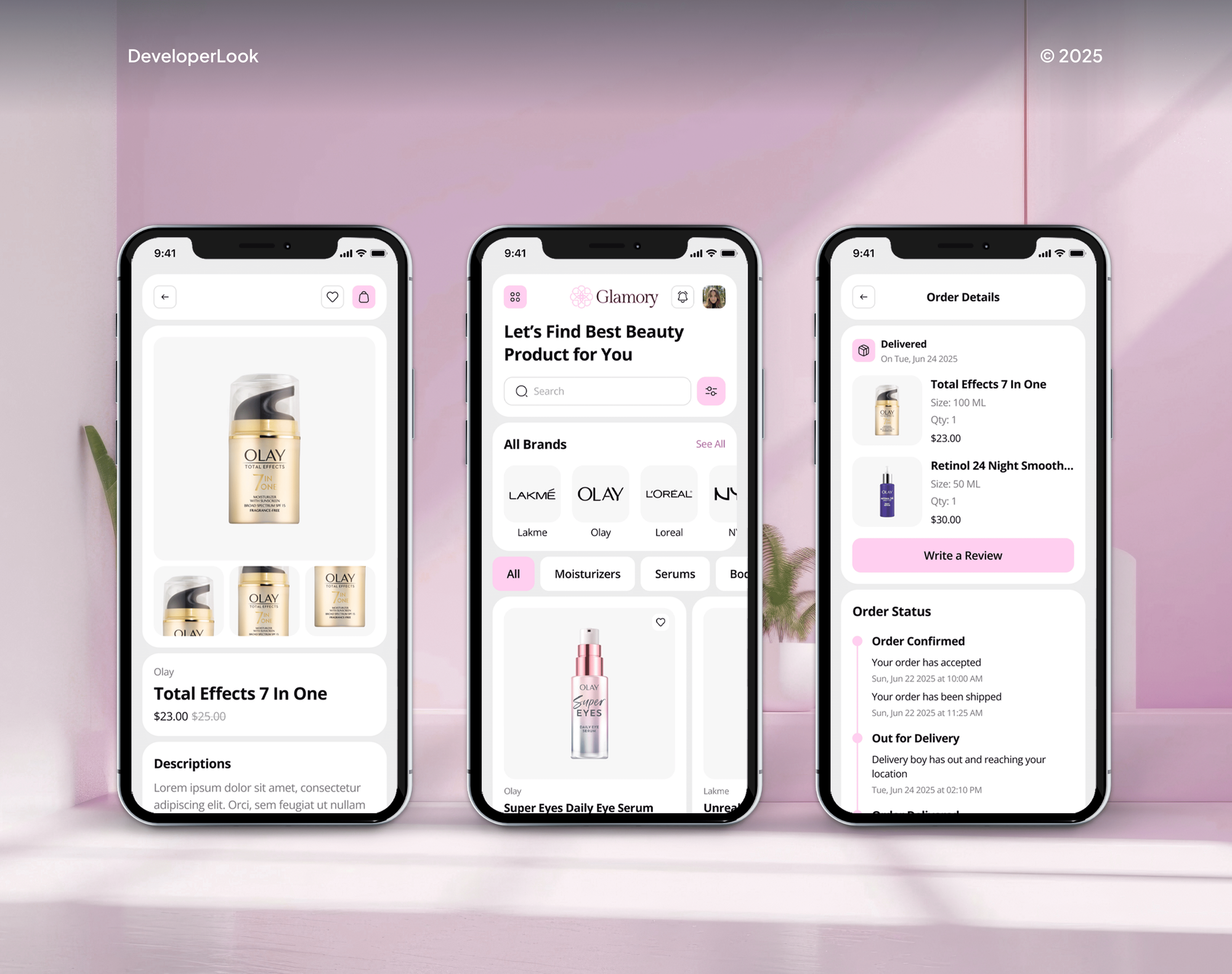
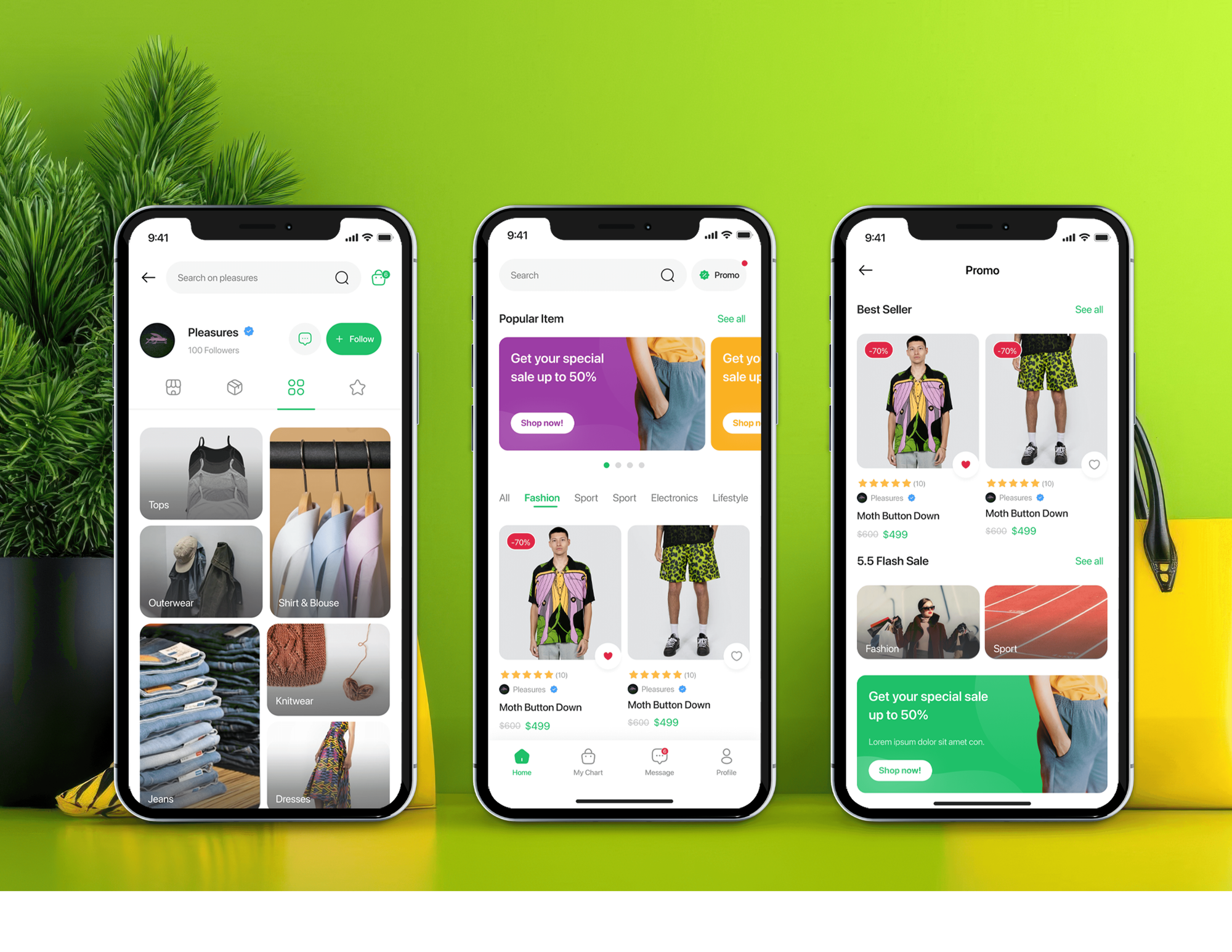
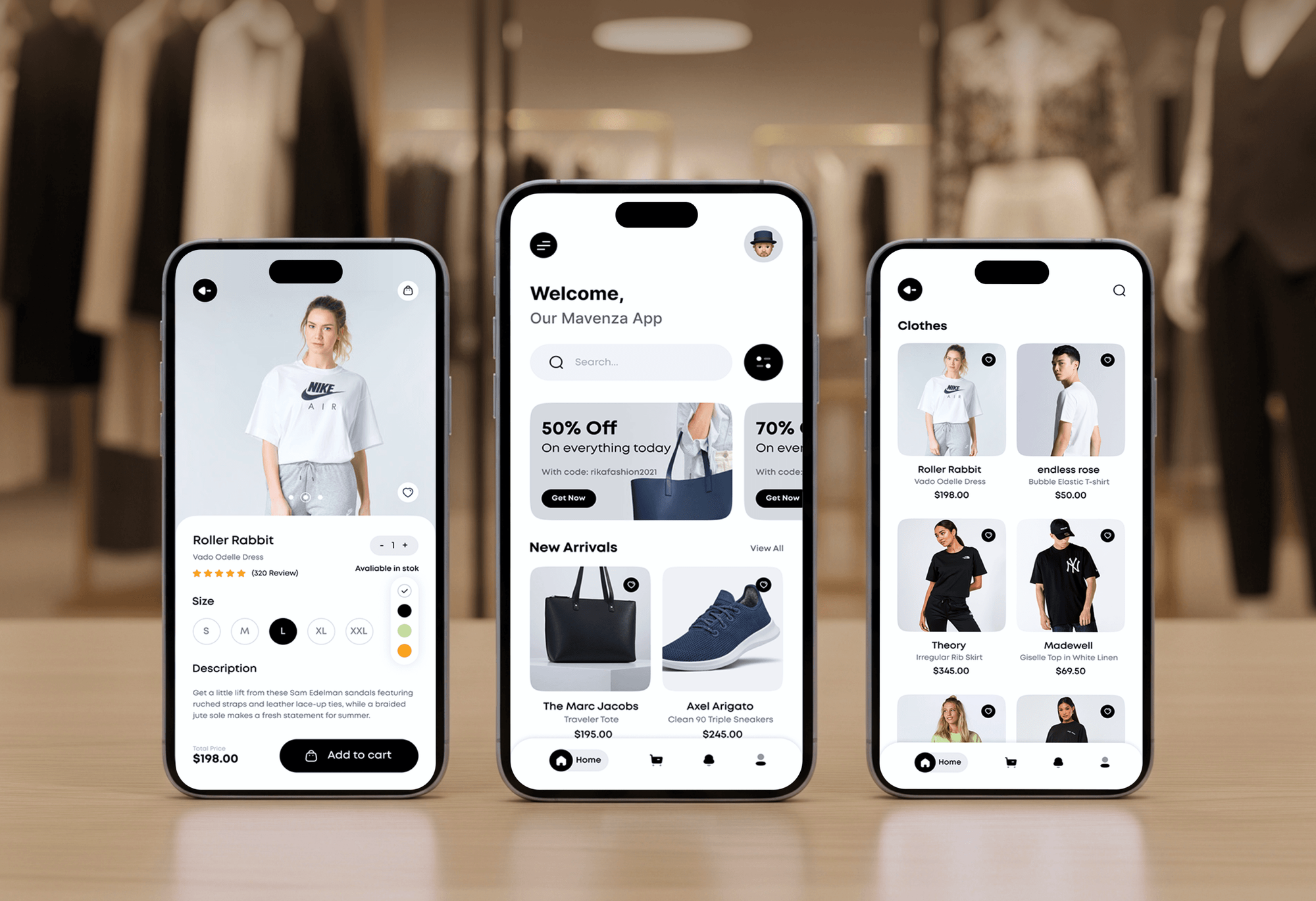
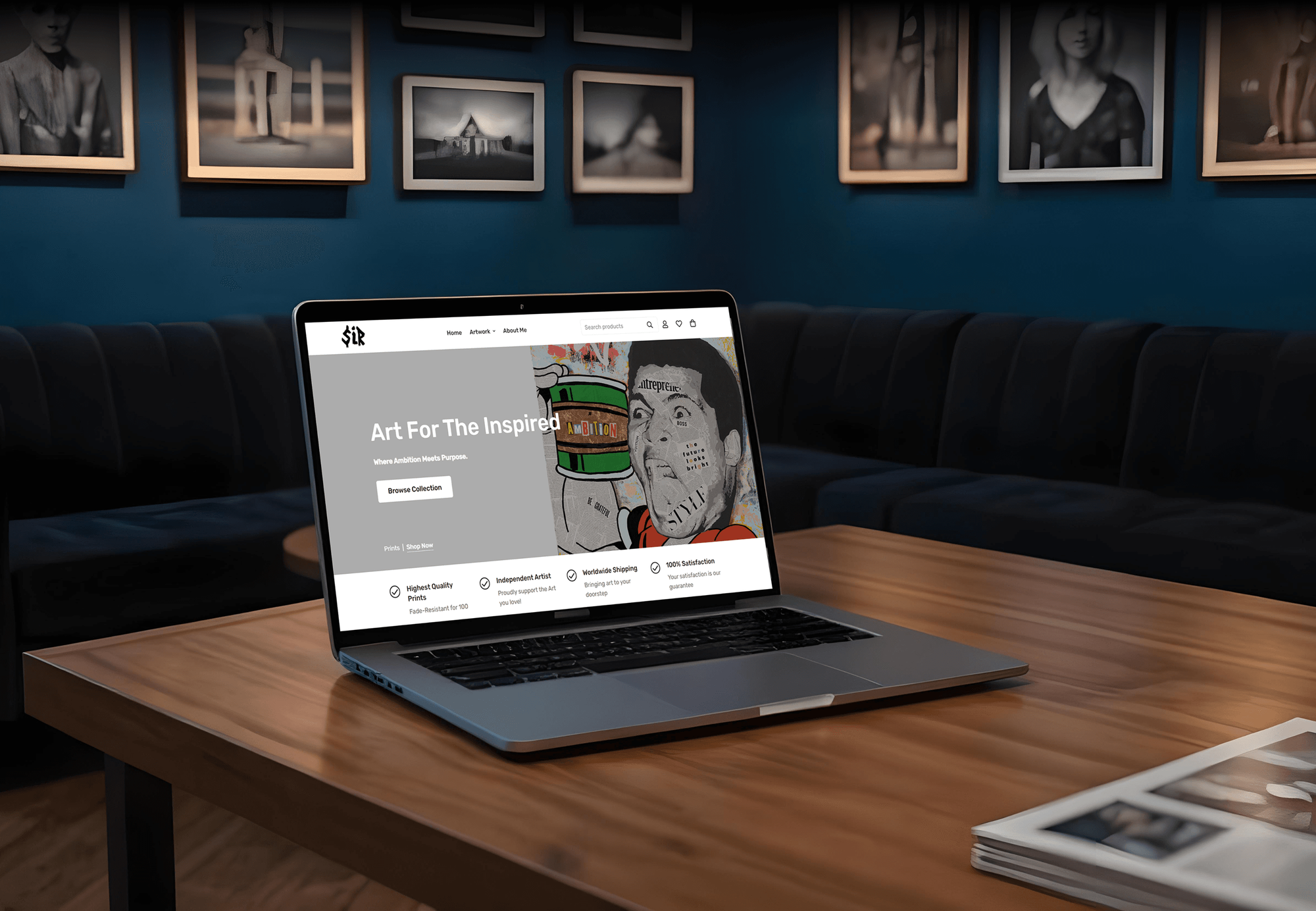
Online stores and shopping apps our team designed and built, with order flows that end in the emails this service restyles. They aren't email template projects themselves.
What Our Clients Say
Feedback from teams we have built online stores and customer-facing features for.
We had a pretty specific idea of what we wanted our website to become, but I wasn’t sure how easily we could explain all of it to a development team. There were quite a few moving parts, and we were working toward a deadline, so I expected a few things to get lost along the way. That never really happened. They understood what we were trying to achieve, kept us updated throughout the process, and got everything ready within the agreed timeline. The final site feels much easier to navigate, works beautifully on mobile, and is noticeably smoother for our customers. It was a huge relief seeing the original idea actually turn into the website we had in mind.
The mobile experience is probably my favourite part of the new site. We had spent a lot of time making sure the desktop version looked right, and the team kept pushing us to think about how everything would actually feel on a phone too. They were right. The navigation is clean, the interactions feel natural, and everything we’ve tested so far works exactly as it should. They also went through the links, forms, integrations, and other details more than once before launch, which I really appreciated. And even after going live, we could still reach out when something came up. The whole process felt friendly, organised, and surprisingly straightforward.
What I appreciate most is that the website is actually easy for us to manage now. We can update content ourselves instead of sending a developer a message every time we need to change something small. They also paid attention to the technical SEO side, which mattered to us because we didn’t want a new website to create problems for the traffic we already had. I’ve probably asked more questions than I should have since launch, but every question has been handled patiently and without any fuss. The team is easy to work with, they explain things clearly, and when we need something changed, they focus on getting it done rather than making the process complicated.
1,250+
Projects shipped
10+
Years of experience
Top 3%
Upwork Top Rated Plus
5 stars
Average review score

Want results like these?
Tell us what you are building. You get a reply within 24 hours on business days, then a written estimate.
Work Culture
Order emails reach every customer you have. These habits keep your notification templates readable, on brand, and working after Shopify changes its defaults.
Shopify lets you change the logo, logo width, and accent color without touching code. If that covers what you want, we'll tell you before we quote.
Customized templates don't receive Shopify's later updates, such as Shop Cash blocks and the grouped bundle view. We compare your code with the current defaults and merge what's missing.
Gift card emails can carry an Add to Apple Wallet button, and heavy edits can remove its code. We keep it working in every gift card template we touch.
Shopify inlines your styles, but Outlook still renders emails differently from Gmail. We test each template in four inbox apps on desktop and phone before launch.
Shopify's revert option goes back one step or to the default, and reverting erases your edits. We save every version you approved, so nothing is lost.
Every template lives in your Shopify admin, with no app or subscription between you and your customers. Your team can edit them later without us.
Overview
DeveloperLook codes custom Shopify email templates for stores whose order emails still look like the default. We rebuild your notifications in Liquid with your branding, add conditional content for bundles, pickups, and gift cards, authenticate your sender domain, and test in four inbox apps. Projects start at $500 and take 1 to 3 weeks.
DEVELOPERLOOK
Project facts · Shopify Email Templates
Reviewed 7 Oct 2026 by Saimul Islam
Good fit
New brands on default notifications
Your store launched with the default notifications, and you want an order confirmation that looks like the shop your customer just bought from.
Stores selling bundles or gift cards
You sell bundles and gift cards, and your Shopify order confirmation email templates show components and codes in a way customers find confusing.
Teams with years of code edits
Your templates were edited by several people over the years, and you need clean HTML email templates for Shopify that keep your app snippets.
Brands selling in several languages
You sell in more than one market, and your Shopify email notification templates need translated text and content for each market.
Agencies redesigning client stores
Your agency just finished a store redesign, and you need the client's notification emails coded and tested to match it under your brand.
Not a fit
Marketing emails and flows
You need newsletters, abandoned cart flows, or win-back campaigns. Those are marketing emails, and our Klaviyo Shopify Integration page covers that setup.
Post-purchase sequences
You want a series of review, cross-sell, and replenishment emails after delivery. Our Post-Purchase Email Automation page covers that work.
Tracking page, not emails
Your real problem is customers asking where their order is. Our Shopify Order Tracking Page service fixes the page those emails link to.
Logo and color only
Your only change is the logo and accent color. Shopify's Customize email templates settings handle that for free, without our help.
Not sure we're the right fit?
Book a free call or message us. We'll tell you honestly whether we're the right team.
Pricing
These are starting points in USD. Your final price depends on the number of notifications, the conditional content, and your languages, and you get a fixed proposal after a free template audit.
For stores that want their main order and shipping emails on brand.
$500one-time, USD
For stores that want every customer notification on brand, with conditional content.
$1,200one-time, USD
For brands selling in several languages or markets, or to wholesale and retail buyers.
$2,300one-time, USD
For Agencies
You own the client relationship. We supply the email template work behind your store redesigns: audits, Liquid coding, sender domain checks, and test sends. Your client sees your team on every review, and the templates live in their admin.
White label: your client only ever sees your brand
Send the store URL, brand files, and the notifications the client cares about.
You get a template list and a fixed quote to share with your client.
We code, test every template, and hand over a guide under your brand.
You present the designs while we code behind the scenes.
Each store's template set priced up front for your proposals.
Every variable and conditional block written down for your team.
Extra Liquid developers when several launches land at once.
The Right Technology for Your Project
Shopify's own notification editor and Liquid first, with inline-safe HTML and tests in the inbox apps your customers actually use.
 Shopify
 HTML5
HTML5 CSS3
CSS3 Figma
Figma Cloudflare DNS
FAQ
Straight answers on editing, bundles, multiple templates, sender domains, cost, and timelines.
Saimul IslamFounder & CEO, DeveloperLookStill have questions?
Send a message or book a call with the team.
A Shopify notification template project starts at $500 for up to 6 core order and shipping emails, restyled and tested. Every customer notification you use, with conditional content and gift card emails, costs $1,200. Templates in up to 3 languages with market and B2B content cost $2,300, each at a fixed price.
Core order emails take about 1 week, including design approval and test sends. A full notification set takes 2 to 3 weeks, and multilingual sets take about 3 weeks because each language gets its own review. Most of that time goes into testing, not coding.
Go to Settings, then Notifications, choose a notification, and select Edit code to change its subject and HTML body. The logo, logo width, and accent color sit under Customize email templates and need no code. Shopify asks you to confirm your sender email before you can edit the body.
Copy the existing code first, then edit in the notification's code editor and check Preview and Send test email before saving. Reverting to the default erases your customizations and can't be undone. Liquid variables such as the order name and line items pull in each order's details.
Open Order confirmation under Settings, Notifications, then Edit code. Product rows, totals, and buttons sit inside Liquid loops over the order's line items. If your template was customized before March 2025, add Shopify's Shop Cash and campaign blocks by hand, or revert and reapply your changes.
Templates customized before December 6, 2024 don't show bundles in Shopify's grouped view. You either back up, revert, and reapply your edits, or edit the code. Shopify's fix wraps the subtotal line items loop in a check that the line has no groups, so components appear under their bundle.
Not as separate files: each notification has one template, but Liquid conditions let it change with the order. One order confirmation can show different blocks by order tag, shipping method, or product tag. Translations come from Translate & Adapt, so each language reads correctly without a second template.
Yes, when they're built for it: Shopify inlines your styles, and Outlook is on its list of supported email clients. Outlook still ignores some modern CSS, so we use table-based layouts and test every template there, along with Gmail, Apple Mail, and Yahoo, on desktop and phone.
Yes, once you authenticate the domain: Shopify gives you DNS records that cover SPF and DKIM, and you add a DMARC record yourself. Without that, Shopify sends from a shared shopifyemail.com address instead. Domains bought through Shopify are set up automatically, and some DNS providers, such as Cloudflare and GoDaddy, connect in one step.
Your templates stay as they are, because Shopify doesn't push its updates into customized code. That's how Shop Cash blocks and the grouped bundle view can skip an edited store. During your 30 to 90 days of support we check Shopify's changes and merge what you need, and the guide covers the rest.
Saimul IslamFounder & CEO, DeveloperLookStill have questions?
Send a message or book a call with the team.
Free 30-min callGoogle Meet
Book a call
In 30 minutes on Google Meet we walk you through how we would build it, how long it takes and what it costs. Then you get a written estimate.
Calendar not showing? Book on cal.com or send a brief.