Attack path graphs
Every route from a normal account to Domain Admin, drawn with BloodHound and explained step by step.

For companies that still run on a Windows domain: every path from a normal login to Domain Admin mapped, explained, and ranked for fixing. From $1,150.
100%
Privileged accounts mapped
1
Standard domain account needed
How your project runs
01 · FreeTeams we have built for:














The Problem
Your domain collects years of shortcuts: admin rights granted for one project, service accounts nobody owns, and old defaults. Nothing breaks, so nobody looks.
Service accounts
Backup and SQL accounts hold Domain Admin with old passwords.
Service accounts
We move service accounts to least-privilege or managed accounts with long passwords.
Local admins
Every laptop shares one local administrator password.
Local admins
We roll out Windows LAPS so each device gets its own rotating password.
Kerberos
Weak service passwords can be cracked offline after one ticket request.
Kerberos
We find Kerberoastable accounts and fix them before anyone requests a ticket.
Certificates
A certificate template lets any user request admin certificates.
Certificates
We test AD CS templates and close the ones that allow impersonation.
Your domain was built years ago by an IT firm you no longer use. The backup service account is a Domain Admin, and its password hasn't changed since it was created. Most laptops share one local administrator password. A certificate template lets any employee request a certificate in someone else's name. Daily IT work doesn't touch any of this, because nothing is broken. An attacker with one phished login can map the shortest route to full control with free tools.
We start from the attacker's view. With one standard domain account, we collect your directory data and map every path from an ordinary user to Domain Admin with BloodHound. Health checks cover Kerberos, delegation, certificate services, Group Policy, and stale accounts. Each finding is confirmed by hand and ranked by how short a path it opens. You close the shortcuts first, not the noise.
Attack paths, not checklists
Every route from a normal user to Domain Admin, drawn as a graph you can follow.
One standard account
Data collection runs as a normal domain user, with no admin rights needed.
Certificate services checked
AD CS templates tested for the known misconfigurations that hand out admin access.
Our Active Directory Security Assessment Process
You create one standard account, see each attack path as we confirm it, approve every fix before it runs, and get a re-scan that proves what closed.
You tell us how many domains, domain controllers, and users you have, and whether AD CS or a cloud sync is in place. You get a fixed price. If a free health check tool would serve one small office better, we'll say so.
What's Included
Every plan maps your privileged access and the paths into it. Larger plans add certificate services, Group Policy, and the fixes themselves, proven with a re-scan.
Compare Options
A free tool gives you a quick score, and a pen test proves what an attacker can exploit. Here is where each fits.
| Feature | DeveloperLookBest fit | Free scan tool | Penetration test |
|---|---|---|---|
| Starting point | Scoping call and one standard account | Download and run it yourself | Scope and rules of engagement |
| Coverage | Paths, Kerberos, AD CS, GPOs, accounts | Health score and rule list | What the tester reaches in time |
| Attack paths | Every path to Domain Admin mapped | Limited path view | One or two paths proven |
| Proof of exploit | Paths shown, not exploited | Yes, exploited live | |
| Human review | Every finding confirmed by hand | Raw output only | Yes, by the tester |
| Speed | Results in 2 to 4 weeks | Results in minutes | Depends on scope and scheduling |
| Fix help | Hardening plan and optional fixes | Generic remediation notes | Report only, fixes are yours |
| Cost | From $1,150, fixed price | Free to download | Priced per test scope |
Projects We've Built
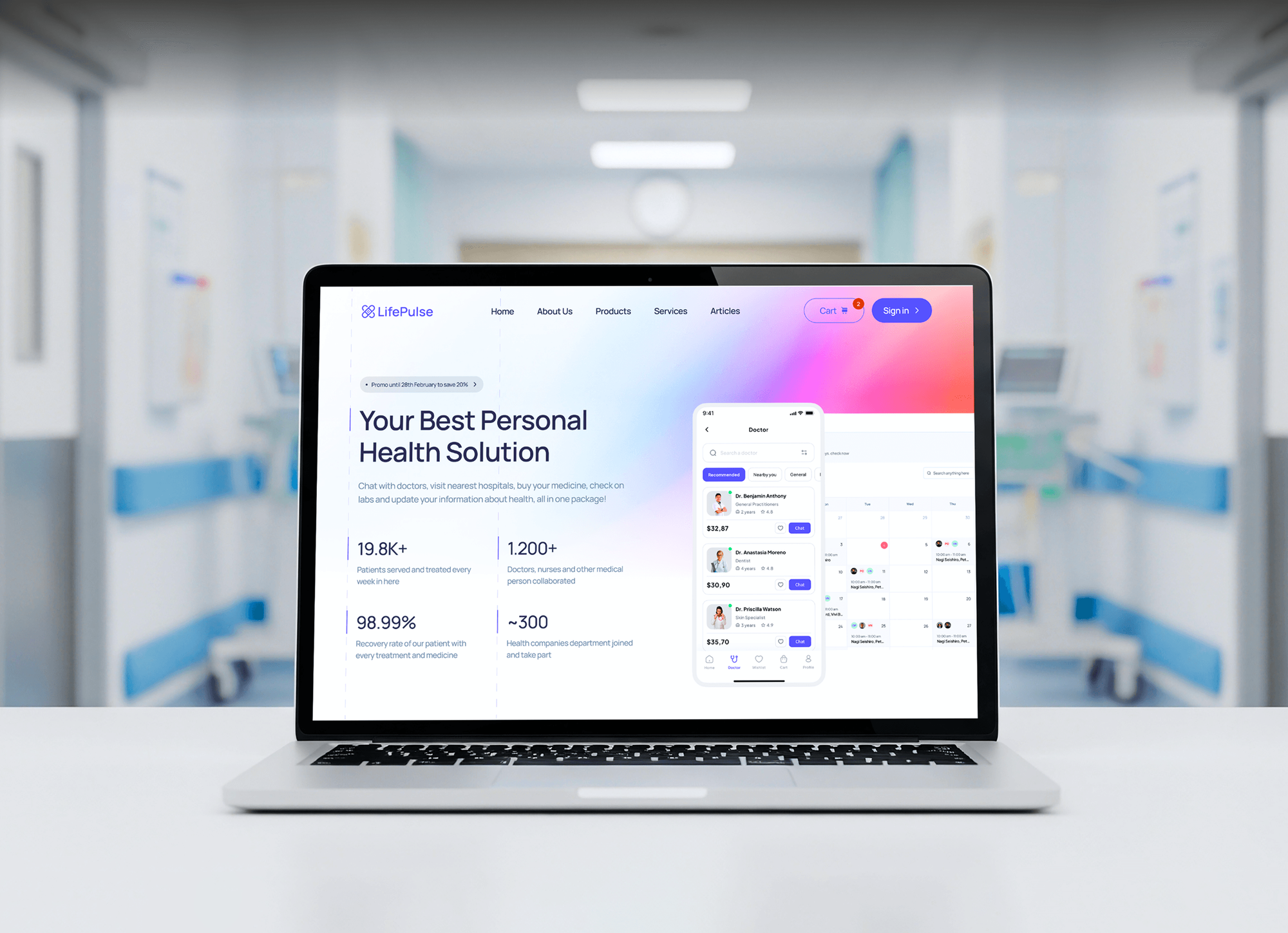
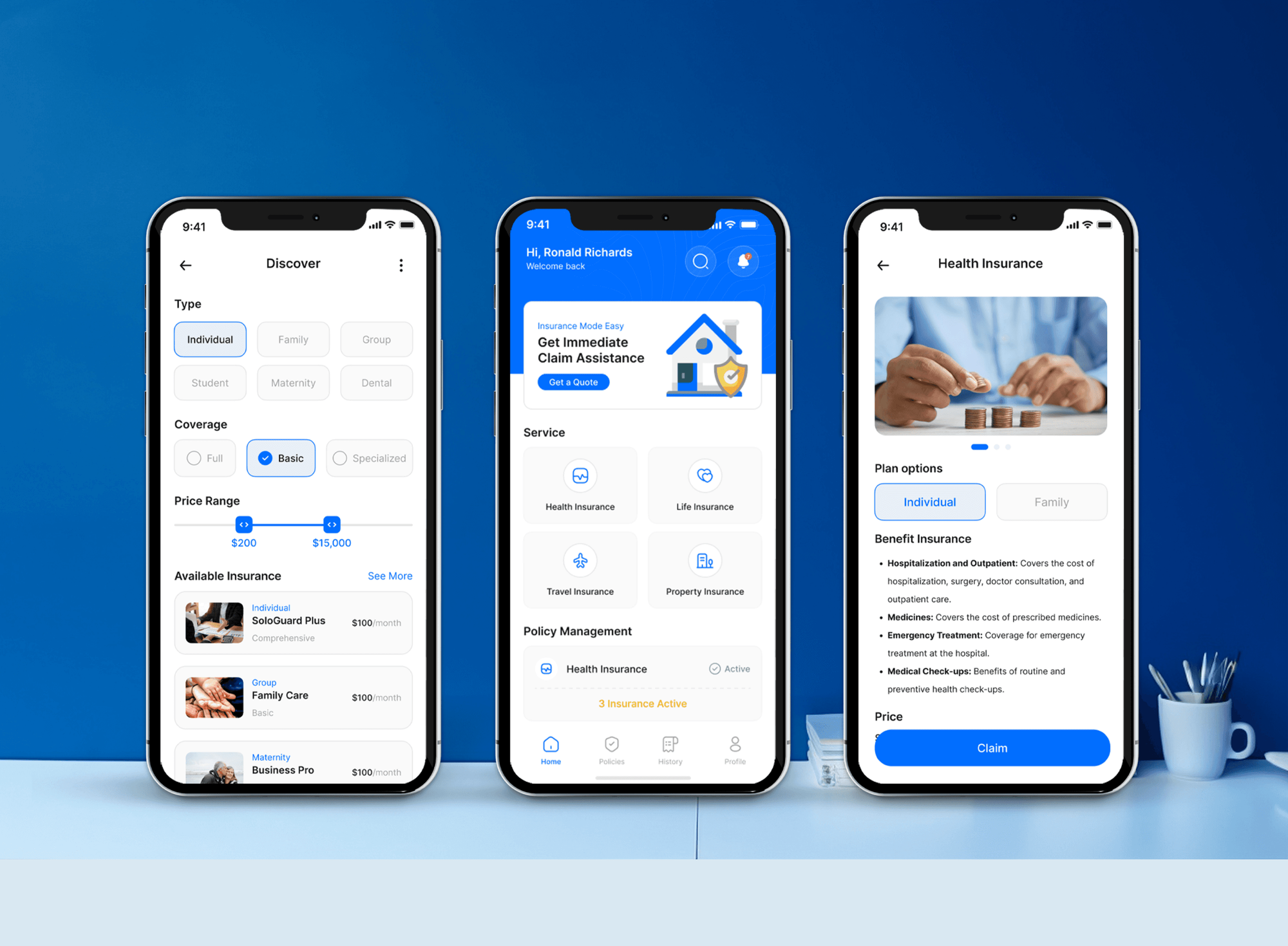
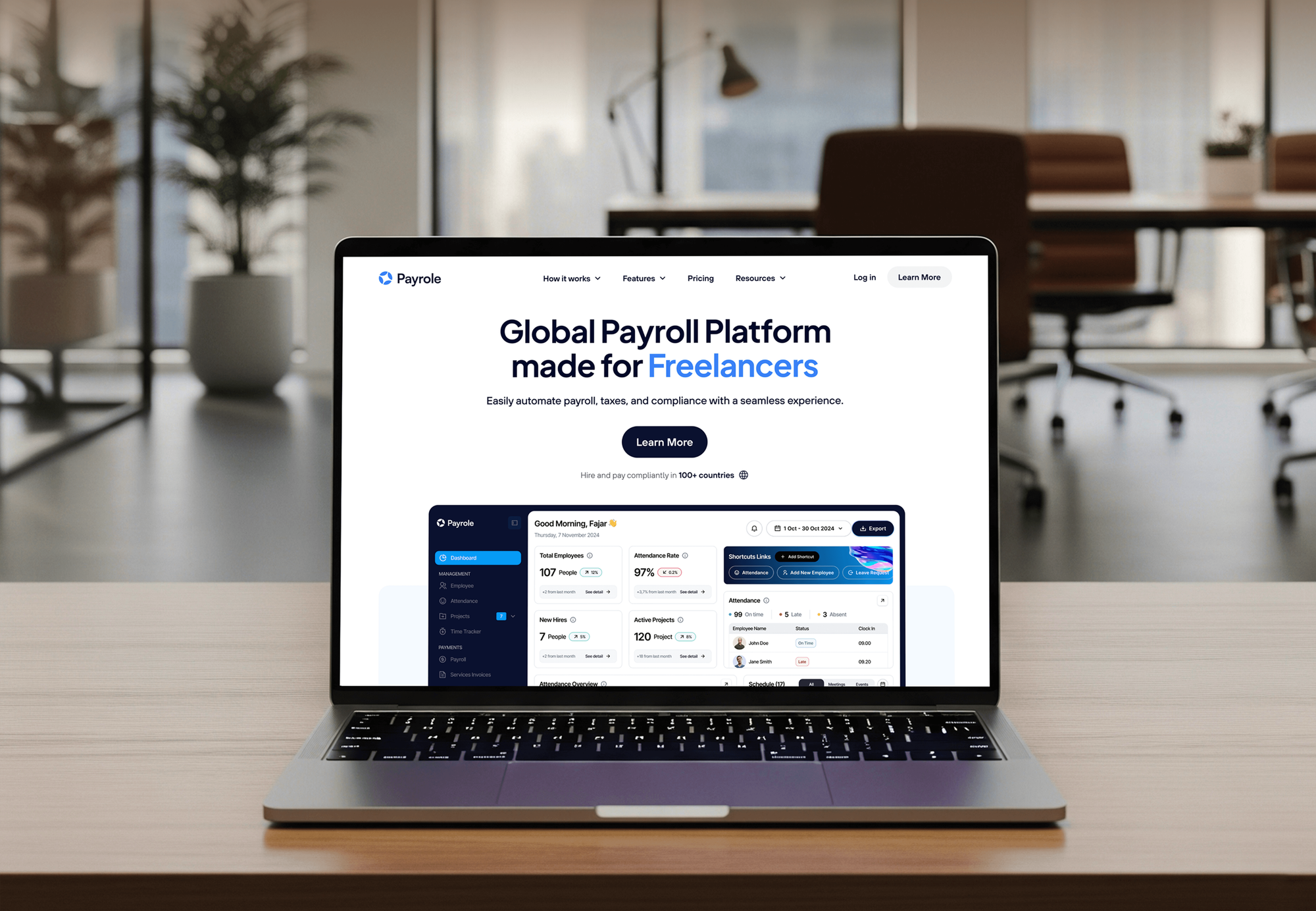
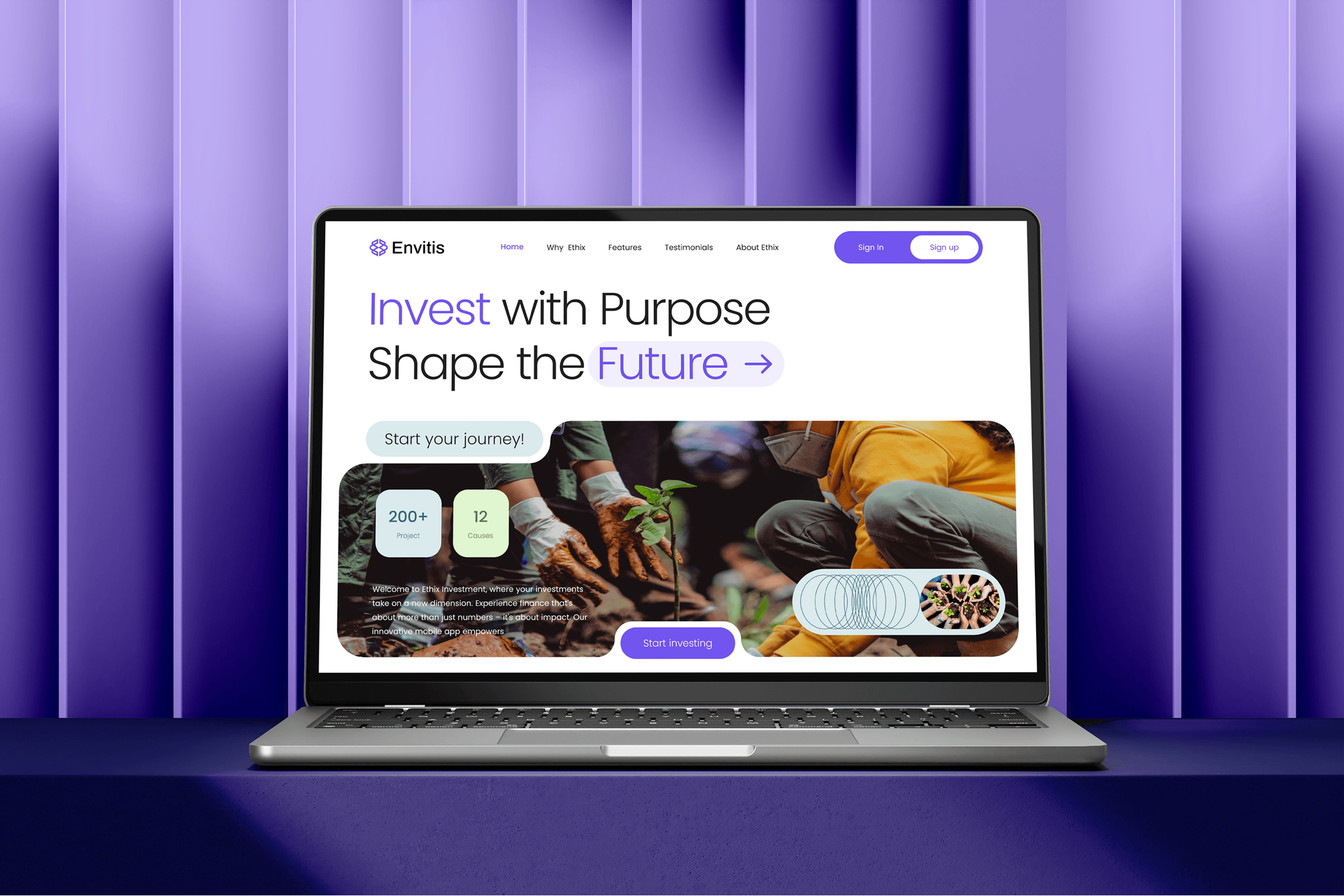
Websites and apps we built for healthcare, insurance, payroll, and investment firms, the kind of organizations that run Windows domains. These are build projects, not AD assessments.
What Our Clients Say
Feedback from teams we have built healthcare, finance, and business apps for.
We had a pretty specific idea of what we wanted our website to become, but I wasn’t sure how easily we could explain all of it to a development team. There were quite a few moving parts, and we were working toward a deadline, so I expected a few things to get lost along the way. That never really happened. They understood what we were trying to achieve, kept us updated throughout the process, and got everything ready within the agreed timeline. The final site feels much easier to navigate, works beautifully on mobile, and is noticeably smoother for our customers. It was a huge relief seeing the original idea actually turn into the website we had in mind.
The mobile experience is probably my favourite part of the new site. We had spent a lot of time making sure the desktop version looked right, and the team kept pushing us to think about how everything would actually feel on a phone too. They were right. The navigation is clean, the interactions feel natural, and everything we’ve tested so far works exactly as it should. They also went through the links, forms, integrations, and other details more than once before launch, which I really appreciated. And even after going live, we could still reach out when something came up. The whole process felt friendly, organised, and surprisingly straightforward.
What I appreciate most is that the website is actually easy for us to manage now. We can update content ourselves instead of sending a developer a message every time we need to change something small. They also paid attention to the technical SEO side, which mattered to us because we didn’t want a new website to create problems for the traffic we already had. I’ve probably asked more questions than I should have since launch, but every question has been handled patiently and without any fuss. The team is easy to work with, they explain things clearly, and when we need something changed, they focus on getting it done rather than making the process complicated.
1,250+
Projects shipped
10+
Years of experience
Top 3%
Upwork Top Rated Plus
5 stars
Average review score
1,250+
Projects shipped
10+
Years of experience
Top 3%
Upwork Top Rated Plus
5 stars
Average review score

Want results like these?
Tell us what you are building. You get a reply within 24 hours on business days, then a written estimate.
Work Culture
Your directory controls every login in the company. We read before we change anything, test changes in pilots, and prove each fix with a re-scan.
Your domain stays untouched during the assessment, because we collect with a standard account only. Your users and servers keep working while we look.
We rank findings by how fast an attacker could reach Domain Admin. Your team fixes the shortcuts before the long tail of warnings.
Changes like LDAP signing or LAPS go to a pilot organizational unit first. Older apps that break show up there, not across the company.
You tell us which old systems still need NTLM or unsigned LDAP before we suggest a block. A fix that breaks payroll isn't a fix.
Each attack path gets a one-line business summary next to the technical detail. Leaders see the risk, and admins see the exact objects.
After fixes, we rerun the same collectors. You see the paths gone from the graph, not a note saying a setting changed.
Overview
DeveloperLook provides an active directory security assessment for companies that still run on-premises Windows domains. We map every attack path to Domain Admin, review Kerberos, delegation, certificate services, and Group Policy, and rank fixes by risk. Assessments start at $1,150, take 2 to 4 weeks, and need one standard domain account.
DEVELOPERLOOK
Project facts · Active Directory Security Assessment
Reviewed 27 Oct 2026 by Saimul Islam
Good fit
Companies with aging Windows domains
Your domain was set up years ago by an IT firm you no longer use, and nobody can say who holds Domain Admin today.
Teams preparing for a pen test
You have a penetration test booked next quarter, and you want an active directory assessment first so the testers don't walk straight to Domain Admin.
Hybrid shops syncing to Entra ID
Your on-premises domain syncs to Microsoft Entra ID, so one compromised domain account can also reach email and cloud apps.
Firms answering cyber insurers
Your insurer asks about privileged accounts and local admin passwords, and you need active directory security controls you can actually prove.
MSPs with client domains
You look after several client domains and want a repeatable active directory cyber security review delivered under your brand.
Not a fit
No domain controllers left
Your company runs fully in the cloud with no on-premises domain. Our Microsoft 365 Security Consulting page reviews Entra ID and the rest of your tenant instead.
App sign-ins to Entra ID
You need apps to sign in with Microsoft accounts, or Entra Connect sync set up. Our Azure AD and Entra ID Integration page covers that work.
Firewalls and network first
Your main worry is firewalls, VPN, and network segmentation rather than the directory. Our Network Security Services page is the better place to start.
One small office, small budget
You have one domain controller, under 25 users, and a budget under $1,150. Running PingCastle's free health check and fixing its top items is a sensible first step.
Not sure we're the right fit?
Book a free call or message us. We'll tell you honestly whether we're the right team.
Pricing
These are starting points in USD. Your final price depends on the number of domains, users, and how much fixing you want, and you get a fixed proposal after a free scoping call.
For Agencies
You own the client relationship. We collect and analyze each client domain with the same method and write the findings under your brand. Your technicians present the attack paths and quote the fixes.
White label: your client only ever sees your brand
Tell us the client's domains, user count, and deadline, and we confirm the price.
We collect and analyze the data under your name, with your team copied.
You deliver the branded report, and we join the readout when asked.
Tell us the client's domains, user count, and deadline, and we confirm the price.
We collect and analyze the data under your name, with your team copied.
You deliver the branded report, and we join the readout when asked.
The Right Technology for Your Project
We use the same free tools attackers use, plus Microsoft's admin tools, so your team can rerun every check later.
 Microsoft Azure
Related Services
Closing attack paths often leads to identity, Entra ID, or network work. These pages cover the next steps after a domain review.
This page
Active Directory Security Assessment
Pairs with the 6 services around it
FAQ
Straight answers on what AD security means, how to secure a domain, cost, timing, and the access we need.
Saimul IslamFounder & CEO, DeveloperLookStill have questions?
Send a message or book a call with the team.
Active Directory is the Windows service that decides who can sign in and what they can reach. That makes it the main target in most network attacks, because control of the directory means control of every joined server and laptop. Attackers try to reach Domain Admin before they deploy ransomware.
Active Directory security is the set of settings and habits that stop one stolen login from becoming control of the whole domain. It covers privileged groups, service accounts, Kerberos, delegation, certificate services, Group Policy, and monitoring. Good active directory security best practices limit who holds admin rights and how they sign in.
Our Attack Path Review starts at $1,150 for one domain of up to 500 users. The Domain and PKI Review is $2,800 and adds certificate services, Group Policy, and a hardening plan. Assessment and Remediation is $5,500 and includes up to 25 hours of fixes and a re-scan at 90 days.
An Attack Path Review takes 2 to 3 weeks from scoping to readout, and the Domain and PKI Review takes 3 to 4 weeks. Assessment and Remediation runs 8 to 12 weeks, because changes like LDAP signing go to a pilot group before the whole domain. The 90-day re-scan follows the fixes.
Secure Active Directory by shrinking who holds admin rights, then hardening how those accounts sign in. Remove daily-use accounts from Domain Admins, give admins separate accounts, roll out Windows LAPS, fix Kerberoastable service accounts, and enforce LDAP and SMB signing. Then alert on changes to privileged groups so new risks surface quickly.
One standard domain user account covers most of the work. Any signed-in user can read most directory objects by default, which is also why attackers can map paths so easily. For Group Policy settings and AD CS details, we may ask an admin to run an export script we provide.
No, the review itself only reads data and makes no changes. Collectors query domain controllers over LDAP and SMB, much like normal logon traffic, and we run the larger collections outside business hours. Changes come only on the remediation plan, and they go to a pilot group first.
The findings we see most are too many Domain Admins, service accounts with old passwords, and one local admin password shared across laptops. Unconstrained delegation, certificate templates open to every user, and forgotten admin accounts that still work come close behind. Each one shortens the path from a phished user to full control.
Yes, we check how on-premises accounts sync to Microsoft Entra ID, because a synced admin can carry risk into the cloud. The sync server itself is treated like a domain controller in the Domain and PKI Review. A full review of Entra ID and the rest of the tenant belongs to our Microsoft 365 service.
You get the report, the attack path graphs, the checklist, and 30 days of email support. Your team can make the fixes, or we can on the remediation plan. Plan a re-scan after big changes, such as a merger, a new domain trust, or an admin leaving the company.
Saimul IslamFounder & CEO, DeveloperLookStill have questions?
Send a message or book a call with the team.
Free 30-min callGoogle Meet
Book a call
In 30 minutes on Google Meet we walk you through how we would build it, how long it takes and what it costs. Then you get a written estimate.
Calendar not showing? Book on cal.com or send a brief.