
Maturity scorecard
Each CISA pillar rated from Traditional to Optimal, with the gaps that matter most to your business.

For IT leads who want every sign-in checked for user, device, and context, and staff reaching apps instead of the whole network.
5/5
CISA pillars mapped to a phased plan
3checks
User, device, and context on every sign-in
How your project runs
Teams we have built for:














The Problem
It shows up when a contractor's laptop gets infected, a phished password works from anywhere, or your cyber insurer asks how internal access is controlled.
01 · Flat VPN
Anyone on the VPN can reach every internal system.
Per-app access connects people only to the apps their role needs.
02 · Unchecked devices
Contractor laptops connect with no health check.
Devices must be managed and up to date before they reach apps.
03 · Password-only admins
Admin consoles accept a password from anywhere.
Admins sign in with phishing-resistant MFA and conditional access on every session.
04 · No visibility
Nobody can see who accessed what last week.
Sign-in and access logs land in one place, with alerts on failures.
Your network still works like a castle. Staff connect to the VPN and can reach the file server, the finance database, and the old intranet, whether they need them or not. Contractors use personal laptops nobody has checked. MFA covers email but not the admin consoles. A phished password from another country looks the same as your office manager signing in. When your insurer asks how internal access is limited, the honest answer is a firewall rule and some trust.
We start by scoring where you are against CISA's Zero Trust Maturity Model, then move in phases. Sign-in gets phishing-resistant MFA and conditional access that checks the device and context. Devices must be healthy before they connect. Internal apps move from the VPN to per-app access, and what's left gets segmented. Trust gets earned per request, not granted per network.
Every sign-in checked
User, device, and context are weighed together before any access is granted.
Apps, not networks
People reach the specific apps they need instead of the whole internal network.
Progress you can show
A maturity score at the start and end of each phase, ready for leadership.
Our Zero Trust Implementation Services Process
You approve each phase before it starts, see every policy in report-only mode first, and get a fresh maturity score at the end.
We look at how people, devices, and apps connect today: VPN, identity provider, device management, and cloud. You get the three biggest trust gaps. If your current licenses already cover the first phase, we'll tell you before we quote.
What's Included
A maturity score, a phased plan, identity and device checks on every sign-in, per-app access in place of a flat VPN, segmentation, and logs that show it working.
Compare Options
A single-vendor suite moves fast inside its own ecosystem, and a large consultancy gives neutral advice. Here is where each one fits and where it stops short.
| Feature | DeveloperLookBest fit | Single-vendor suite | Large consultancy |
|---|---|---|---|
| Starting point | Maturity score per pillar | Their product's feature list | Workshops and a framework deck |
| Scope | Identity, devices, networks, apps, data | Pillars their product covers | All pillars, on paper |
| Tools | Mostly what you already license | Their suite, often new licenses | Neutral recommendations |
| Hands-on work | We configure and roll out | Your team configures their tools | Often stops at recommendations |
| First visible win | MFA and device checks in weeks | Fast inside their ecosystem | After months of discovery |
| VPN replacement | Per-app access with pilot groups | Their own access product | Planned for a later phase |
| Hybrid cloud | AWS, Azure, and on-premises | Strongest inside their cloud | Covered in the strategy |
| Cost model | Fixed price per phase | Per-user subscription | Day rates |
Projects We've Built
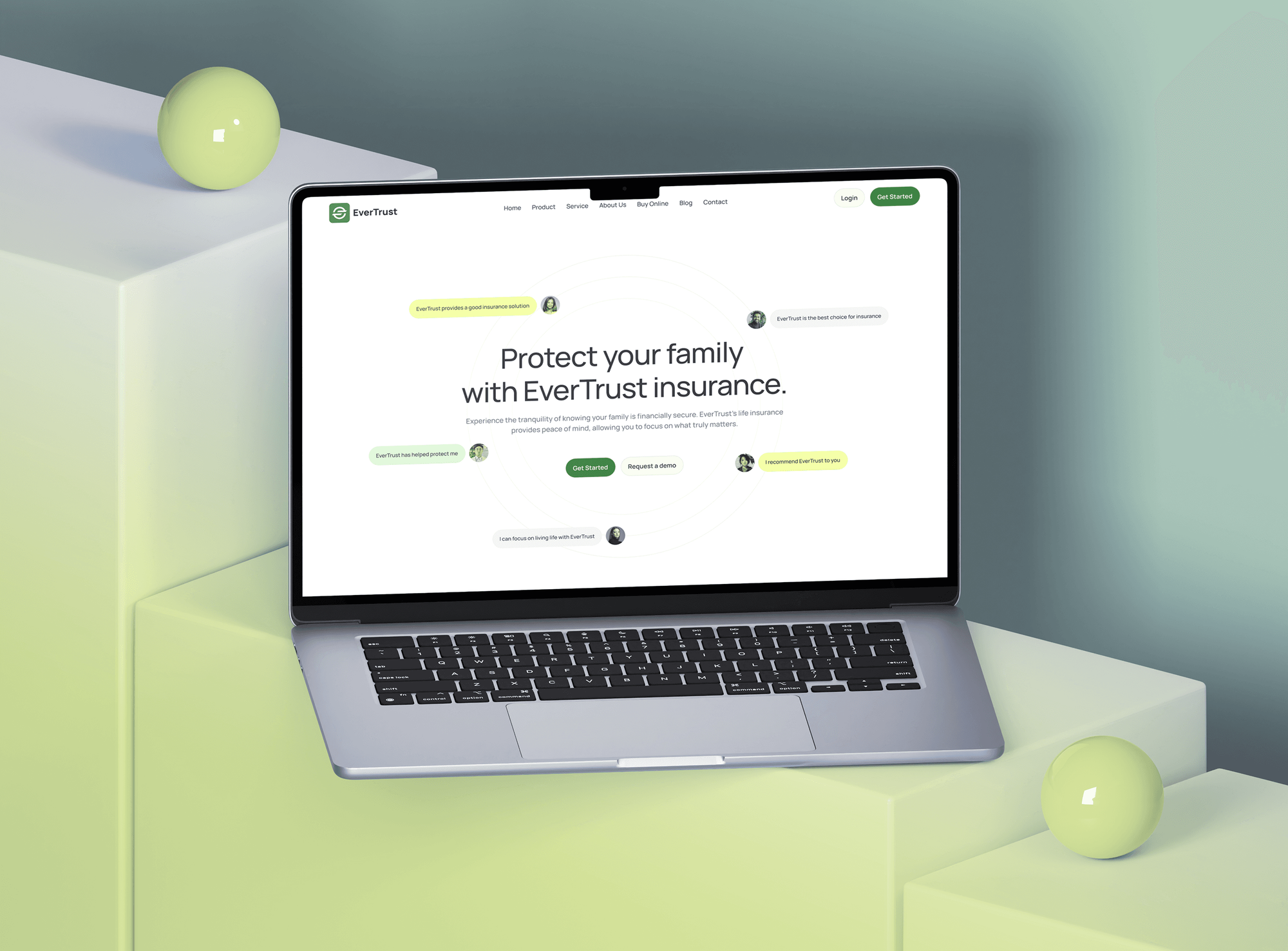
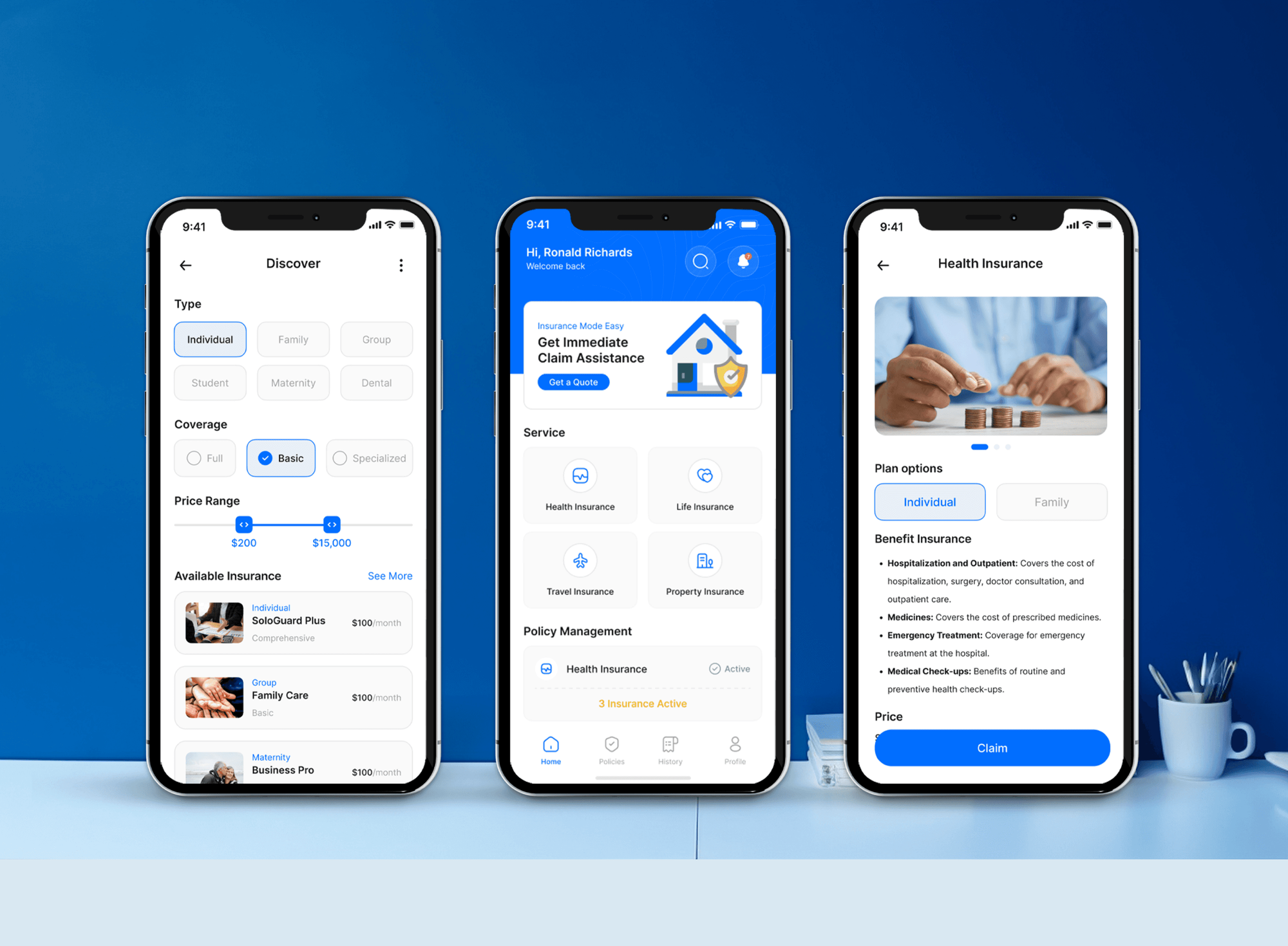
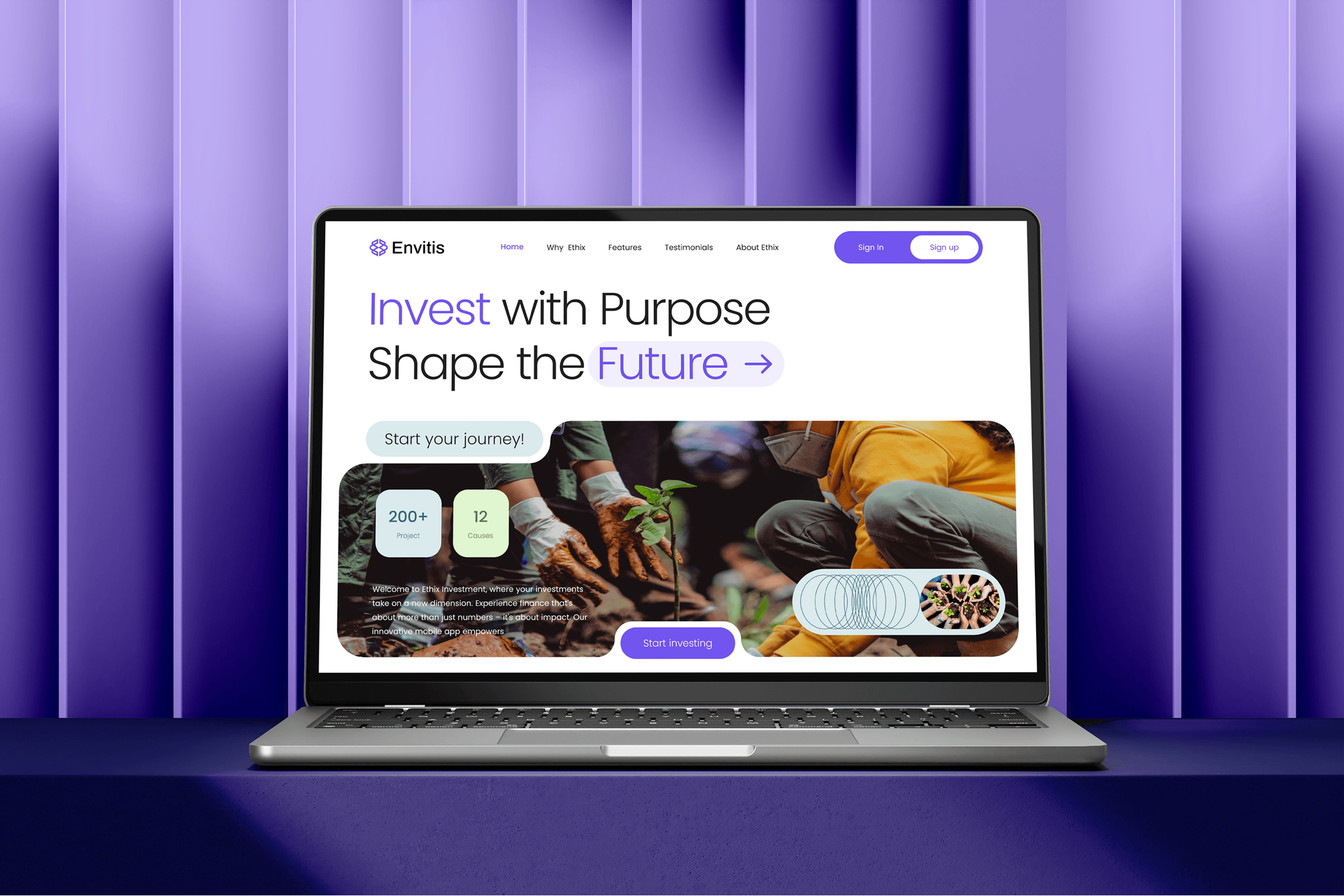
Insurance, investment, and project control platforms we designed and built. Systems like these hold the data a zero trust rollout puts behind per-app access.

What Our Clients Say
Feedback from teams we have built platforms, apps, and websites for.
We had a pretty specific idea of what we wanted our website to become, but I wasn’t sure how easily we could explain all of it to a development team. There were quite a few moving parts, and we were working toward a deadline, so I expected a few things to get lost along the way. That never really happened. They understood what we were trying to achieve, kept us updated throughout the process, and got everything ready within the agreed timeline. The final site feels much easier to navigate, works beautifully on mobile, and is noticeably smoother for our customers. It was a huge relief seeing the original idea actually turn into the website we had in mind.
The mobile experience is probably my favourite part of the new site. We had spent a lot of time making sure the desktop version looked right, and the team kept pushing us to think about how everything would actually feel on a phone too. They were right. The navigation is clean, the interactions feel natural, and everything we’ve tested so far works exactly as it should. They also went through the links, forms, integrations, and other details more than once before launch, which I really appreciated. And even after going live, we could still reach out when something came up. The whole process felt friendly, organised, and surprisingly straightforward.
What I appreciate most is that the website is actually easy for us to manage now. We can update content ourselves instead of sending a developer a message every time we need to change something small. They also paid attention to the technical SEO side, which mattered to us because we didn’t want a new website to create problems for the traffic we already had. I’ve probably asked more questions than I should have since launch, but every question has been handled patiently and without any fuss. The team is easy to work with, they explain things clearly, and when we need something changed, they focus on getting it done rather than making the process complicated.
1,250+
Projects shipped
10+
Years of experience
Top 3%
Upwork Top Rated Plus
5 stars
Average review score

Want results like these?
Tell us what you are building. You get a reply within 24 hours on business days, then a written estimate.
Work Culture
Zero trust implementation services change how every person reaches every app, so we phase the work, pilot each change, and keep a way back.
We treat this model as a set of decisions across identity, devices, and networks. No single license gets you there, and we won't pretend one does.
Strong sign-in comes before network changes, because most access starts with a login. It's also the phase with the fastest visible payoff.
Your Microsoft 365 or Google Workspace plan may already include the controls phase one needs. We check that before suggesting any new spend.
Each new policy runs in report-only mode or with a pilot group first. You see who it would block before it blocks anyone.
Every phase has a written rollback plan and break-glass accounts. If a policy locks out the wrong people, recovery is a routine step, not a crisis call.
We re-score the maturity model at the end of each phase. You show leadership and insurers real movement, not a slide that says in progress.
Overview
DeveloperLook handles zero trust implementation for companies of 50 to 500 people, phase by phase. We score maturity against CISA's model, roll out phishing-resistant MFA and device checks, replace broad VPN access with per-app access, and centralize logs. Projects start at $1,100, rollouts take 6 to 14 weeks, and we use tools you already license.
DEVELOPERLOOK
Project facts · Zero Trust Implementation Services
Reviewed 23 Oct 2026 by Saimul Islam
Good fit
Companies retiring an old VPN
Your staff reach every internal system once they're on the VPN, and you want access checked per app instead of per network.
Hybrid cloud teams
Your apps run across AWS or Azure and an office server room, and you need zero trust implementation services for hybrid cloud that cover both.
IT leads asked for a plan
Your board or cyber insurer asked for a zero trust security strategy, and you need a written plan with phases, owners, and costs.
Teams with remote contractors
Your contractors sign in to Microsoft 365 or Google Workspace from personal laptops, and you want device health checked before they reach company data.
MSPs standardizing client security
You manage IT for several clients and want a repeatable zero trust framework you can roll out one tenant at a time.
Not a fit
Looking for one product
You want a single product labeled zero trust to install and forget. It's an approach across identity, devices, and networks, so no license delivers it alone.
Identity basics not done
You don't have one identity provider or MFA on every app yet. Start with our identity and access management services, which build that foundation first.
Network hardware only
You need firewall rules, VLANs, and switch hardening on existing hardware, without changing how people sign in. Our network security services are the better fit.
Budget under $1,100
Your budget is under $1,100. Turning on security defaults and MFA in Microsoft 365 or Google Workspace yourself is the cheapest useful first step.
Not sure we're the right fit?
Book a free call or message us. We'll tell you honestly whether we're the right team.
Pricing
These are starting points in USD. Your final price depends on your user and device count, how many apps sit behind the VPN, and your cloud mix. You get a fixed proposal after a free zero trust review.
For companies that need a maturity score and a phased plan before changing access.
$1,100one-time, USD
For teams of up to 200 people securing sign-in and devices first.
$3,700one-time, USD
For organizations replacing VPN access across hybrid cloud and office systems.
$7,600one-time, USD
For Agencies
You own the client relationship. We supply the work behind it: maturity scoring, sign-in and device policies, and per-app access in each client's environment. You offer a repeatable rollout without building those skills in-house.
White label: your client only ever sees your brand
Send users, devices, apps behind the VPN, and the client's current licenses.
You get a maturity score, a phased plan, and a fixed price per phase.
We configure, pilot, and document while you keep the client relationship.
You run the client calls while we build quietly under your brand.
The same phased approach, adapted to each client's licenses and apps.
Policies tested quietly before they touch a single client user.
Take on these projects without hiring a security engineer.
The Right Technology for Your Project
We start with the identity, device, and cloud tools you already license, and add an access broker only where the VPN has to go.
FAQ
Straight answers on what zero trust means, how it works, how it's implemented, and what it costs.
Saimul IslamFounder & CEO, DeveloperLookStill have questions?
Send a message or book a call with the team.
The cost to implement zero trust with DeveloperLook starts at $1,100 for a maturity assessment and phased plan. The $3,700 phase covers phishing-resistant MFA, conditional access, and device checks for up to 200 people. The $7,600 rollout replaces VPN access for up to 20 apps across hybrid cloud. Any new licenses are paid to the vendor separately.
Zero trust implementation takes about 2 weeks for the plan and 6 to 14 weeks for a phased rollout. Identity and device controls come first and often land within a month. Replacing VPN access app by app takes longest, because each app moves with its own pilot group and rollback path.
You implement it in phases: score your current maturity, secure identity, check devices, replace broad network access, then add logging. We follow the pillars in CISA's Zero Trust Maturity Model and finish one phase before starting the next. That order puts the cheapest, highest-impact controls first, often on licenses you already have.
Start with sign-in, because identity controls give the biggest gain for the smallest change. Require phishing-resistant MFA for admins, then everyone, and add conditional access that checks device health. Microsoft 365 Business Premium already includes the licensing conditional access needs, so this phase often costs only setup time.
Implementing zero trust architecture means placing a policy decision between every user and every resource. NIST SP 800-207 describes a policy engine that grants access per session based on identity, device, and context. In practice that means conditional access plus an access broker in front of internal apps, with logs feeding the policy.
In cyber security, zero trust means no user, device, or network location is trusted by default, even inside the office. Every request is checked against who is asking, from which device, and whether it makes sense, then allowed for that session only. NIST SP 800-207, published in August 2020, is the reference most frameworks build on.
The main benefits are a smaller blast radius, safer remote work, and cleaner audit evidence. A stolen password alone stops being enough, since sign-in also checks the device and context. Contractors reach only the apps they need instead of the whole network. Insurers and auditors get policies and logs, not a promise about the VPN.
The core principles are to check every request, grant the least access needed for that session, and assume an attacker may already be inside. NIST SP 800-207 sets out seven tenets, including treating all traffic as untrusted wherever it comes from. CISA's model turns those ideas into maturity stages across five pillars.
It works by checking every access request at a policy point before it reaches an app or system. The identity provider confirms the user with MFA, device management reports whether the laptop is healthy, and a policy allows, blocks, or asks for more. Approved access is scoped to one app, and the decision is logged.
You build one by removing broad network access and connecting people to individual apps instead. A zero trust network architecture puts a broker such as Cloudflare Zero Trust or Microsoft Entra Private Access between users and internal apps. Remaining servers get segmented, and most teams keep the VPN for a few weeks as a fallback.
Saimul IslamFounder & CEO, DeveloperLookStill have questions?
Send a message or book a call with the team.
Free 30-min callGoogle Meet
Book a call
In 30 minutes on Google Meet we walk you through how we would build it, how long it takes and what it costs. Then you get a written estimate.
Calendar not showing? Book on cal.com or send a brief.