Task and tool audit
Real tasks collected from each role and your tool settings checked, so every exercise fits your work.

For business leaders who bought AI tools but see little use: hands-on training per role, on your approved tools and real tasks, with clear rules on what data goes where.
2X
Staff using AI tools weekly
100%
Practice on your real tasks
How your project runs
01 · FreeTeams we have built for:














The Problem
It shows up a few months after the licenses arrive. A handful of people use the tools daily, most tried once and stopped, and nobody is sure what company data is allowed in.
Unused seats
Most staff opened the tool once and then stopped.
Unused seats
Hands-on sessions on each role's weekly work build a habit people keep.
Data leaks
Someone pasted a client contract into a free chatbot.
Data leaks
A one-page data rule card says which tools are approved for which information.
Generic courses
Online lessons teach tricks for tasks nobody here does.
Generic courses
Exercises come from real tasks collected from your team leads before training.
Hidden experts
Power users keep their shortcuts to themselves.
Hidden experts
Champions share tested prompts in a team library everyone can use.
You rolled out AI seats to the whole company in the spring. A few power users now draft proposals in minutes, and they don't explain how. Everyone else opened the tool once, got a generic answer, and went back to the old way. Someone in sales pasted a client contract into a free chatbot last week. Managers keep asking for a policy nobody has written. The online course you bought taught tricks for tasks nobody on your team does, so the licenses renew while the habits stay the same.
We start with the work, not the tool. Before any session, we collect real tasks from each role and check which AI tools you've approved and what data may go into each. Then we run hands-on workshops where people do those tasks with those tools, and leave with tested prompts and a one-page data rule card. Trained champions keep it going after we leave, and a 30-day follow-up shows who is actually using it.
Real tasks from every role
Exercises come from work your people do each week, collected from team leads before training.
Clear rules on company data
A one-page card says which tools are approved and what information may go into each.
Champions keep it going
Trained internal champions run follow-ups and answer questions long after the workshops end.
Our AI Training for Employees Process
You approve the training plan, the role tracks, and the data rules before any session runs. After the workshops, you get usage results from a 30-day follow-up, not just attendance.
We talk through your team size, the AI tools you've bought or approved, the roles involved, and what worries you about data. You get an honest view of what training will change and a fixed price for the plan.
What's Included
Everything your people need to use AI well at work: training built from their own tasks, rules they can follow, materials they keep, and champions who carry it forward.
Compare Options
An online course suits self-starters on a tight budget, and an in-house trainer suits large firms with a learning team. Here is how live AI training for teams compares for a typical rollout.
| Feature | DeveloperLookBest fit | Online course | In-house trainer |
|---|---|---|---|
| Exercises | Your team's real tasks | Generic examples | Your tasks, if they know them |
| Tool coverage | Only the tools you approved | Popular tools in general | Usually one main tool |
| Data rules | Written card for your company | General safety tips | Depends on the trainer |
| Format | Live, on site or video | Self-paced video lessons | Live and in person |
| Starting cost | From $900 for up to 20 | Lowest cost per seat | A salary plus materials |
| Speed to start | Workshops within 2 weeks | Starts today | Months to hire and prepare |
| Follow-up | 30-day usage review | Completion badges | Ongoing if staffed |
| Materials | Yours to keep and reuse | Access ends with the license | Yours to keep |
Projects We've Built
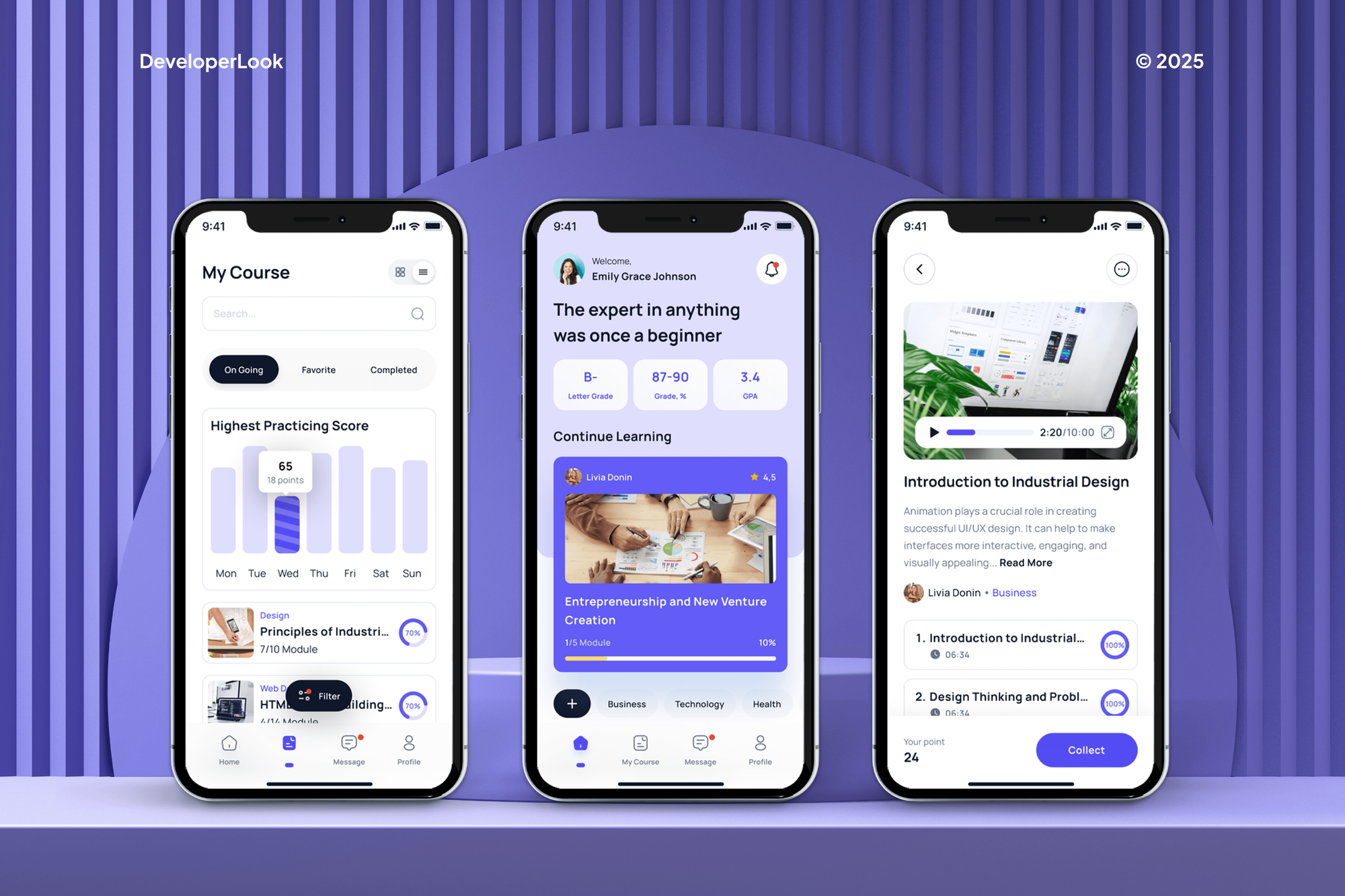
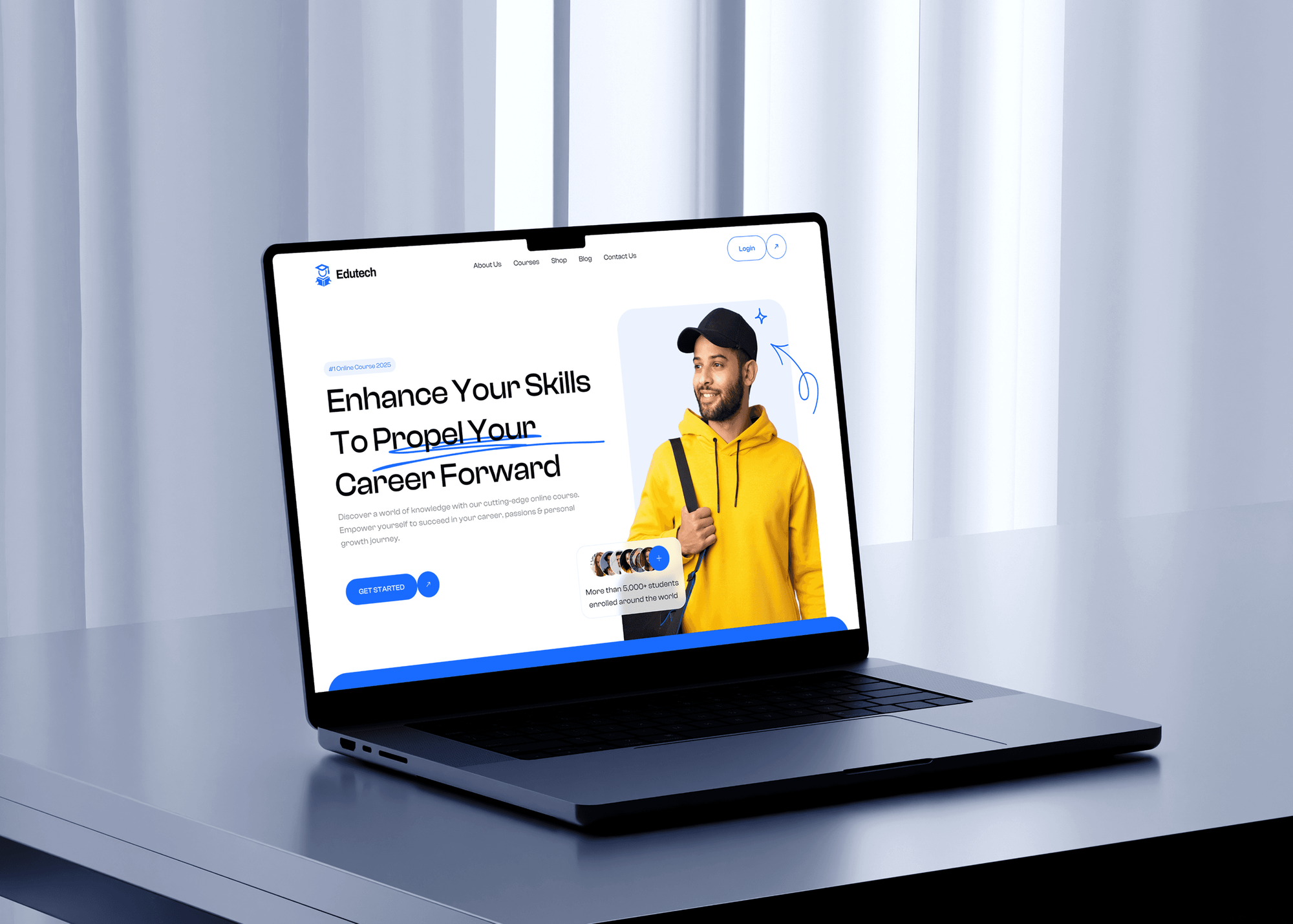
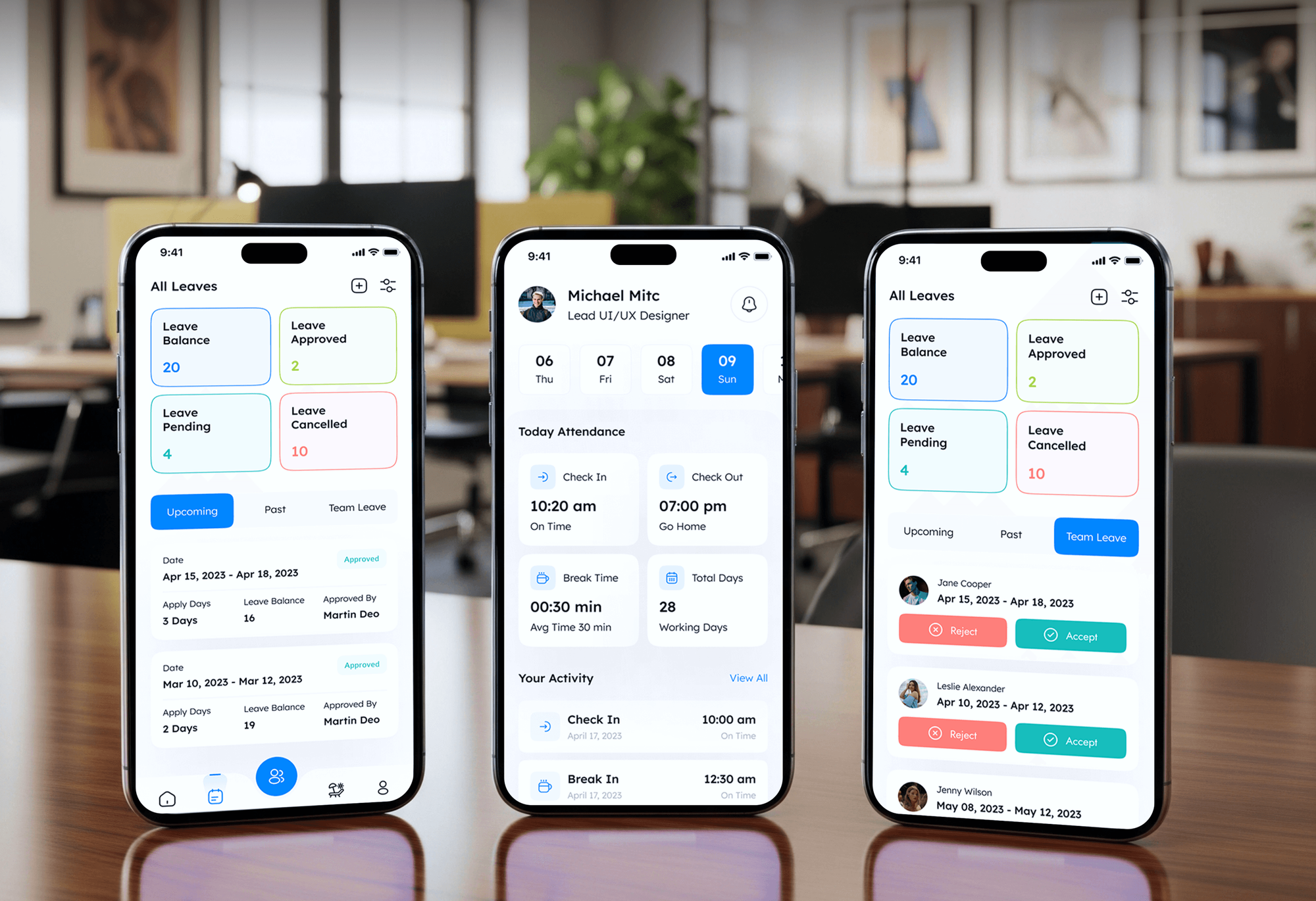
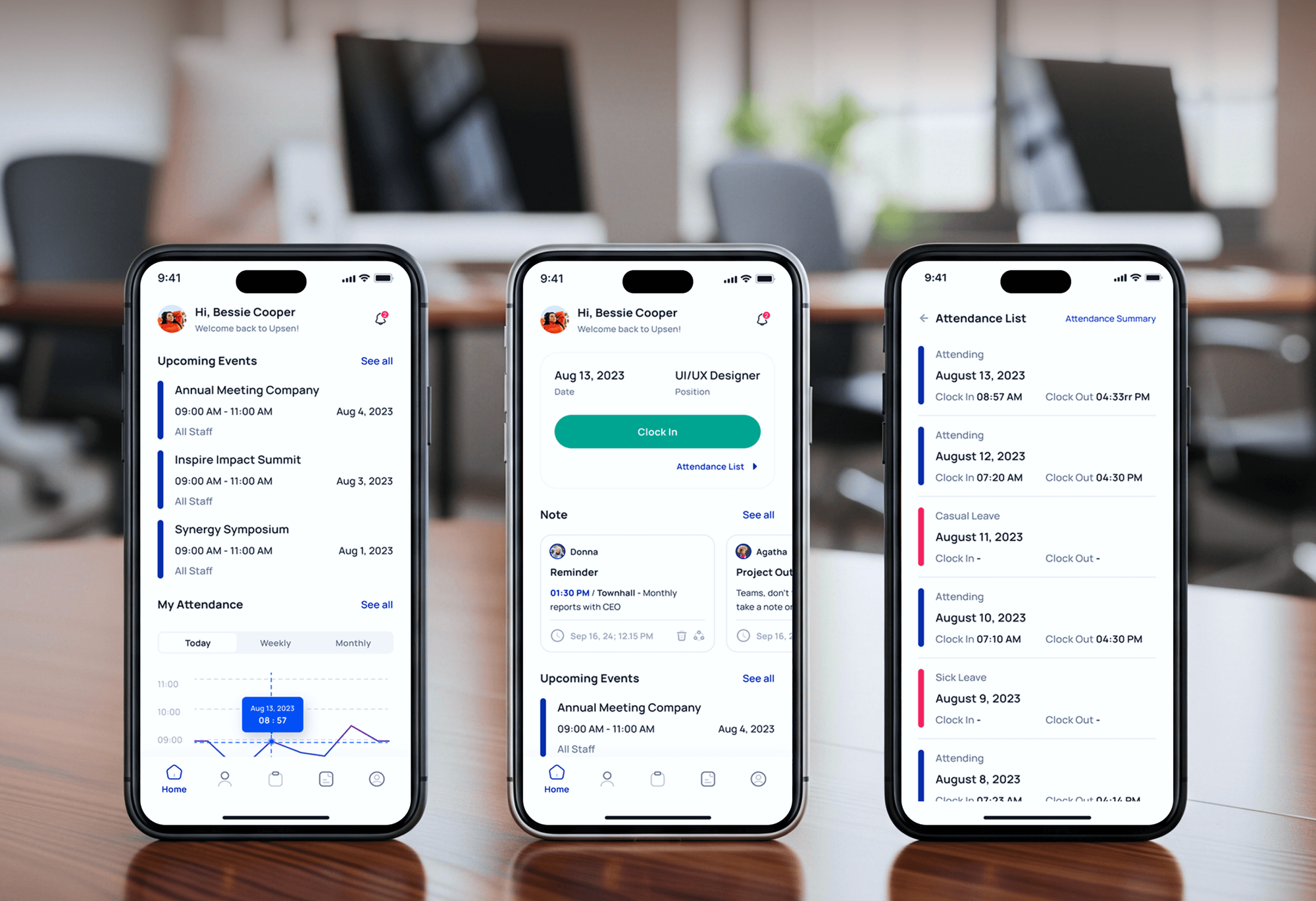
E-learning platforms and HR apps we designed and built for students, educators, and staff. They show our learning and workplace product work, not AI workshops.
What Our Clients Say
Feedback from teams we have built apps, platforms, and websites for.
We had a pretty specific idea of what we wanted our website to become, but I wasn’t sure how easily we could explain all of it to a development team. There were quite a few moving parts, and we were working toward a deadline, so I expected a few things to get lost along the way. That never really happened. They understood what we were trying to achieve, kept us updated throughout the process, and got everything ready within the agreed timeline. The final site feels much easier to navigate, works beautifully on mobile, and is noticeably smoother for our customers. It was a huge relief seeing the original idea actually turn into the website we had in mind.
The mobile experience is probably my favourite part of the new site. We had spent a lot of time making sure the desktop version looked right, and the team kept pushing us to think about how everything would actually feel on a phone too. They were right. The navigation is clean, the interactions feel natural, and everything we’ve tested so far works exactly as it should. They also went through the links, forms, integrations, and other details more than once before launch, which I really appreciated. And even after going live, we could still reach out when something came up. The whole process felt friendly, organised, and surprisingly straightforward.
What I appreciate most is that the website is actually easy for us to manage now. We can update content ourselves instead of sending a developer a message every time we need to change something small. They also paid attention to the technical SEO side, which mattered to us because we didn’t want a new website to create problems for the traffic we already had. I’ve probably asked more questions than I should have since launch, but every question has been handled patiently and without any fuss. The team is easy to work with, they explain things clearly, and when we need something changed, they focus on getting it done rather than making the process complicated.
1,250+
Projects shipped
10+
Years of experience
Top 3%
Upwork Top Rated Plus
5 stars
Average review score
1,250+
Projects shipped
10+
Years of experience
Top 3%
Upwork Top Rated Plus
5 stars
Average review score

Want results like these?
Tell us what you are building. You get a reply within 24 hours on business days, then a written estimate.
Work Culture
Most AI training stops at a slide deck and a recording. We measure what changes at work afterward, and we build the habits and rules that keep your team using AI safely.
We collect tasks from each role before we write a single exercise. People practice on the reports, emails, and analyses they actually produce each week.
We turn your data policy into a one-page card with plain examples. Staff know which tools are approved and what has to stay out of them.
If the real blocker is a missing license or a broken process, we'll tell you before we quote. Training can't fix a tool your team isn't allowed to use.
Our sessions are run by engineers who ship AI features for clients. They answer hard questions about accuracy, privacy, and limits from real project work.
We write prompt libraries and guides so your champions can update them when tools change. You aren't stuck with a course recorded two model versions ago.
We check real usage a month after training, not just attendance on the day. You see which teams adopted AI and where a refresher would help.
Overview
DeveloperLook runs AI training for employees on the tools your company approved and the tasks each role does every week. Programs cover a task audit, hands-on workshops, prompt libraries per role, a data rule card, and a 30-day usage review. Workshops start at $900 for up to 20 people, and most programs run 1 to 6 weeks.
DEVELOPERLOOK
Project facts · AI Training for Employees
Reviewed 28 Oct 2026 by Saimul Islam
Good fit
Companies with unused AI licenses
Your company pays for AI seats, but usage reports show most staff haven't opened the tool in weeks, and the renewal is coming up.
Leaders who want to go first
You want AI training for business leaders first, so managers can judge use cases and set expectations before their teams start.
Marketing and sales teams
Your marketing team writes briefs, ads, and reports every week and needs AI training for teams that covers those exact tasks and your brand rules.
HR and learning leads
Your learning team needs AI employee training that fits each department, plus materials your trainers can reuse with every new hire.
Organizations with EU staff or customers
Your company uses AI in the EU, where the AI Act's Article 4 expects staff AI literacy. You need AI training for organizations that you can document.
Not a fit
Accredited certificates needed
You need staff to earn an accredited AI certificate. Our workshops are practical and unaccredited, so a university or vendor certification program fits better.
AI built into your systems
You want AI connected to your CRM, apps, or workflows, not staff training. AI Integration Services covers that build work.
Use cases not chosen yet
You don't know yet where AI fits your business. AI Consulting Services scores your use cases before anyone gets trained.
Budget under $900
Your budget is under $900, or you have fewer than 5 people to train. A good self-paced online course will likely serve you better for now.
Not sure we're the right fit?
Book a free call or message us. We'll tell you honestly whether we're the right team.
Pricing
These are starting points in USD. Your final price depends on headcount, roles, and on-site or video delivery, and you get a fixed proposal after a free planning call.
For Agencies
You own the client relationship. We supply the trainers and materials behind it: task audits, role workshops, prompt libraries, and data rule cards, all under your brand. Your team introduces the sessions, and we follow your client's tone.
White label: your client only ever sees your brand
Send the client's team size, roles, approved tools, and goals.
You get role tracks, a session plan, and a fixed price.
We run sessions under your brand and hand over every material.
Send the client's team size, roles, approved tools, and goals.
You get role tracks, a session plan, and a fixed price.
We run sessions under your brand and hand over every material.
The Right Technology for Your Project
We train on the AI tools your company already approved, deliver on the meeting tools you use, and store materials where your team will find them.
 ChatGPT
 Google Gemini
 Claude
 Loom
Loom HubSpot
 Google Sheets
 Slack
SlackRelated Services
Pair employee training with AI built into your systems, use case consulting, ChatGPT integrations, AI governance, and the MCP server your AI tools connect through.
This page
AI Training for Employees
Pairs with the 6 services around it
FAQ
Straight answers on what the training covers, planning, cost, timing, champions, and marketing teams.
Saimul IslamFounder & CEO, DeveloperLookStill have questions?
Send a message or book a call with the team.
Employee AI training covers using your approved tools on real work, checking AI output before it goes anywhere, and following your data rules. Our sessions add role-specific prompting, simple workflows such as drafting and summarizing, and when not to use AI at all. Everyone leaves with tested prompts for their own tasks and a one-page data rule card.
Start the plan with tasks, not tools: list the weekly work in each role where AI could help. Then check which tools are approved and what data may go in, group people into role tracks, and schedule hands-on sessions of 20 people or fewer. Finish with a usage check 30 days later and a refresher plan.
Our AI workshops for corporate teams start at $900 for one 3-hour session with up to 20 people. A Role-Based AI Program with 4 workshops and up to 4 role tracks starts at $2,400. Company-wide programs, including corporate ChatGPT training programs, start at $5,200 with a champions cohort and a 90-day refresher, and you get a fixed quote after the planning call.
Four factors drive the cost of AI training for businesses: the number of people, the number of roles, the tools covered, and the delivery format. Each extra role needs its own exercises and prompt library. On-site sessions add travel, while video sessions don't. A written usage policy and a champions program add preparation time.
One team workshop takes 1 to 2 weeks to prepare and run, including the task audit. A full program with several roles takes 4 to 6 weeks, because sessions are spread out so people can practice between them. The usage review comes 30 days after the last workshop, and champions keep sessions going after that.
Run a main round when a tool rolls out, then a short refresher every 3 to 6 months. AI tools change their features often, and new hires join between rounds. Short 60-minute refreshers led by internal champions usually work better than repeating the full workshop once a year, and they cost far less.
Train for an AI-enhanced work environment by changing how tasks are done, not by teaching features. Show each role where AI drafts and where a person decides, practice checking output against sources, and update team templates and checklists to include AI steps. Managers should model the new way of working, or teams drift back to old habits.
Businesses develop internal AI champions by picking one or two curious people per team and giving them extra time and training. Champions learn to coach, review prompts, and spot risky uses. We give them a facilitator guide and reusable exercises, and they run short follow-up sessions so learning continues after the main workshops.
Train marketers on AI tools with their own briefs, campaigns, and reports, not generic copywriting demos. We cover drafting in your brand voice, repurposing content across channels, summarizing campaign data, and checking claims before anything is published. Every draft still gets a human edit, because AI output can contain errors or claims your brand can't support.
Yes, your company keeps every material: slides, recordings, prompt libraries, the data rule card, and the champions guide. Files go into your own Google Drive, SharePoint, or Notion, so champions can update them when tools change. You also get 30 days of questions by email after the last workshop.
Saimul IslamFounder & CEO, DeveloperLookStill have questions?
Send a message or book a call with the team.
Free 30-min callGoogle Meet
Book a call
In 30 minutes on Google Meet we walk you through how we would build it, how long it takes and what it costs. Then you get a written estimate.
Calendar not showing? Book on cal.com or send a brief.