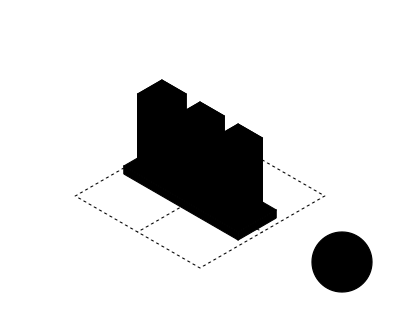
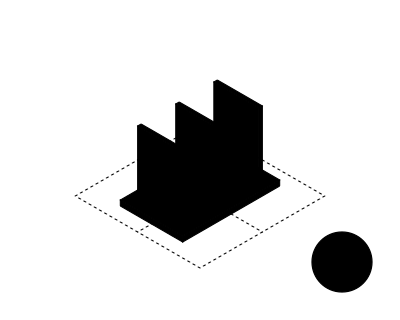
Workflow map and task list
The moments users leave the app, ranked, with the suggestion types you approve before any build.

For teams that keep pasting customer records into ChatGPT: an assistant inside your CRM, helpdesk, or admin app that drafts, looks things up, and suggests next steps.
3+ hrs
Back per user each week
1panel
No switching to chat tabs
How your project runs
01 · FreeTeams we have built for:














The Problem
It starts once people find AI useful but the tools they work in don't have it. Records get copied into a chat tab, answers get pasted back, and nobody can measure what it's worth.
Tab switching
Staff paste records into ChatGPT, then paste the answers back.
Tab switching
A side panel drafts the reply right next to the record that's already open.
Data exposure
Customer details land in personal accounts nobody approved.
Data exposure
Requests run on your company account, with personal data masked when the task doesn't need it.
Generic answers
Chat tools don't know your products, policies, or history.
Generic answers
The copilot reads the open record and your approved sources before it suggests anything.
No proof
Nobody can say whether AI actually saves anyone time.
No proof
The pilot logs every accepted, edited, and skipped suggestion, plus minutes per task.
Your support team has ChatGPT open in one tab and the helpdesk in another. Each agent copies a customer's history across, asks for a reply, then pastes it back and fixes the product names it got wrong. Sales does the same with CRM notes before every call. Everyone writes their own prompts, so reply quality depends on who's on shift. Customer details sit in personal accounts nobody approved. And when leadership asks whether AI saves time, nobody can show a number, so the budget stalls.
We start by watching how your team works and listing the moments people leave the app to look something up or write. Then we build the copilot into that screen. It reads the open record with the user's own permissions, drafts from your approved sources, and waits for a click before anything changes. A pilot with real users measures what gets accepted and how long each task takes, so you roll out what works, not what demos well.
Inside the screen they use
A side panel in your CRM, helpdesk, or admin app that reads the record already open.
Accept, edit, or skip
Every draft and suggestion waits for one click, so people stay in charge of what goes out.
Measured on real tasks
A pilot with your own users tracks acceptance and minutes per task before a wider rollout.
Our AI Copilot Development Services Process
You approve the tasks the copilot helps with, the sources it may read, and the actions it may take. Real users try it in a pilot before the whole team gets it.
We look at the app your team works in, the tasks that eat their day, and what they already paste into chat tools. You get an honest view of where a copilot pays off and a fixed price.
What's Included
Everything needed to put a working assistant inside your own software: the task map, the panel, the data connections, confirmed actions, the pilot report, and a clean handover.
Compare Options
A built-in copilot suits general office work, and an in-house team suits companies ready to hire. Here is how custom AI copilot development solutions compare once the assistant has to work inside your own screens.
| Feature | DeveloperLookBest fit | Built-in copilot | In-house team |
|---|---|---|---|
| Fits your workflow | Built around your screens and tasks | General help across office apps | Yes, once hired and trained |
| Data it reads | Open record plus approved sources | Files and email it can reach | Whatever your engineers connect |
| Actions in your tools | Confirm buttons into your systems | Limited to supported apps | Possible, after build time |
| Permissions | Same access as the signed-in user | Follows the suite's own permissions | Up to your engineers |
| Proof it helps | Acceptance rate and time per task | Usage reports from the vendor | Only if someone builds tracking |
| Setup speed | One role live in 4 to 6 weeks | Fastest: switch on per seat | Months to hire, then build |
| Cost | From $1,250, fixed scope | Monthly license for every seat | Salaries before the first release |
| Ownership | Code, prompts, and logs are yours | The vendor owns the product | Yours, while the team stays |
Projects We've Built
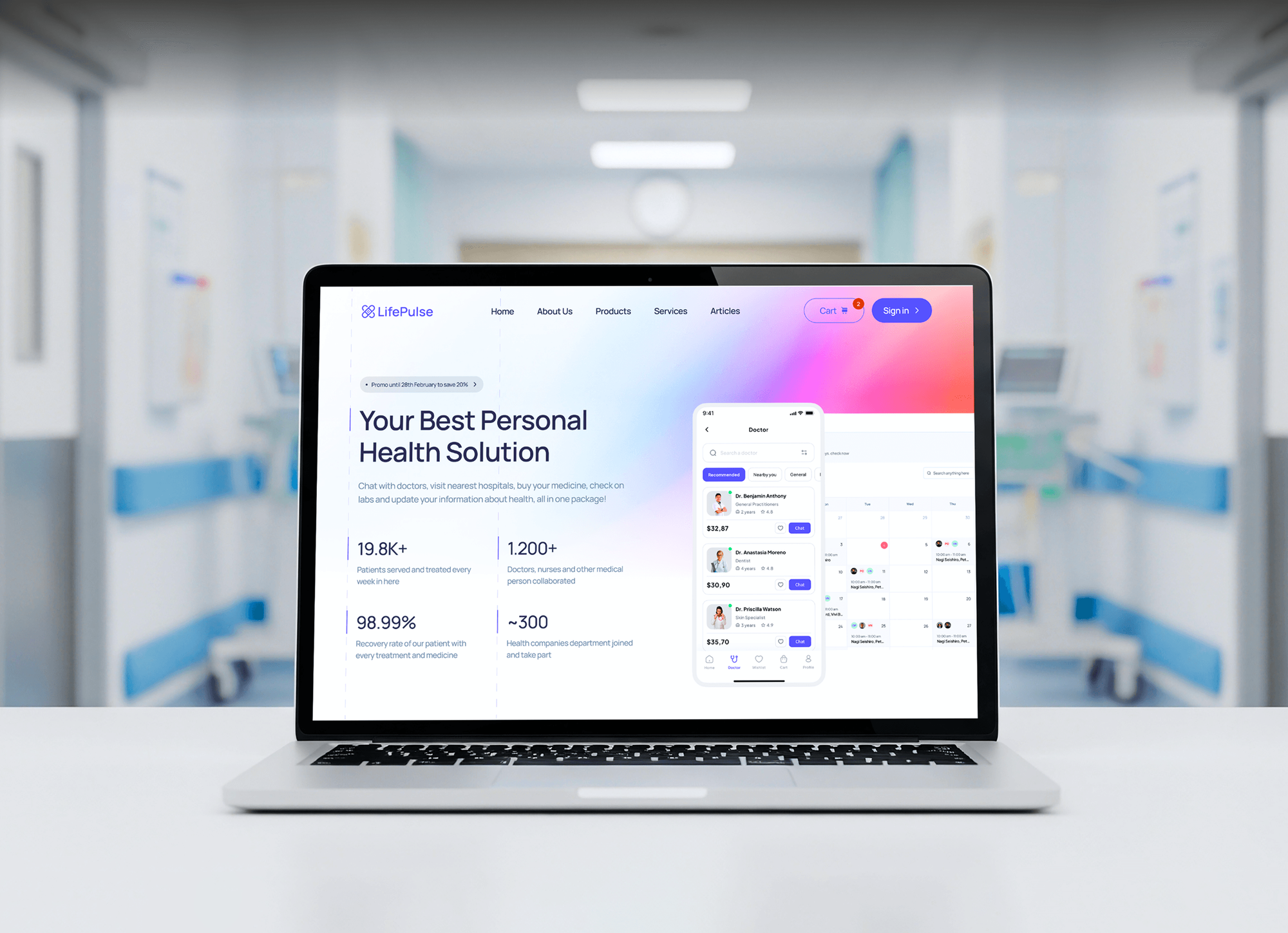
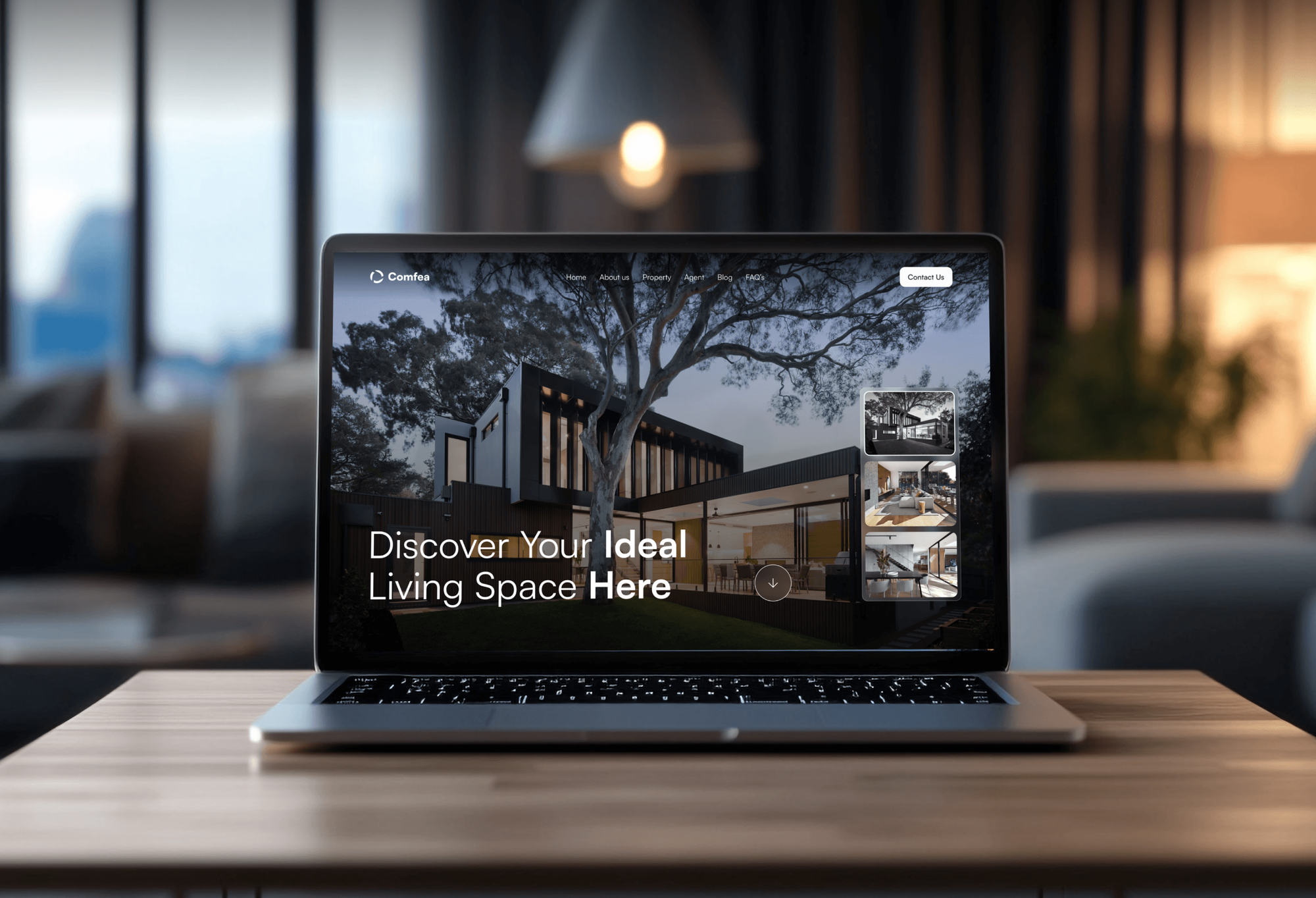
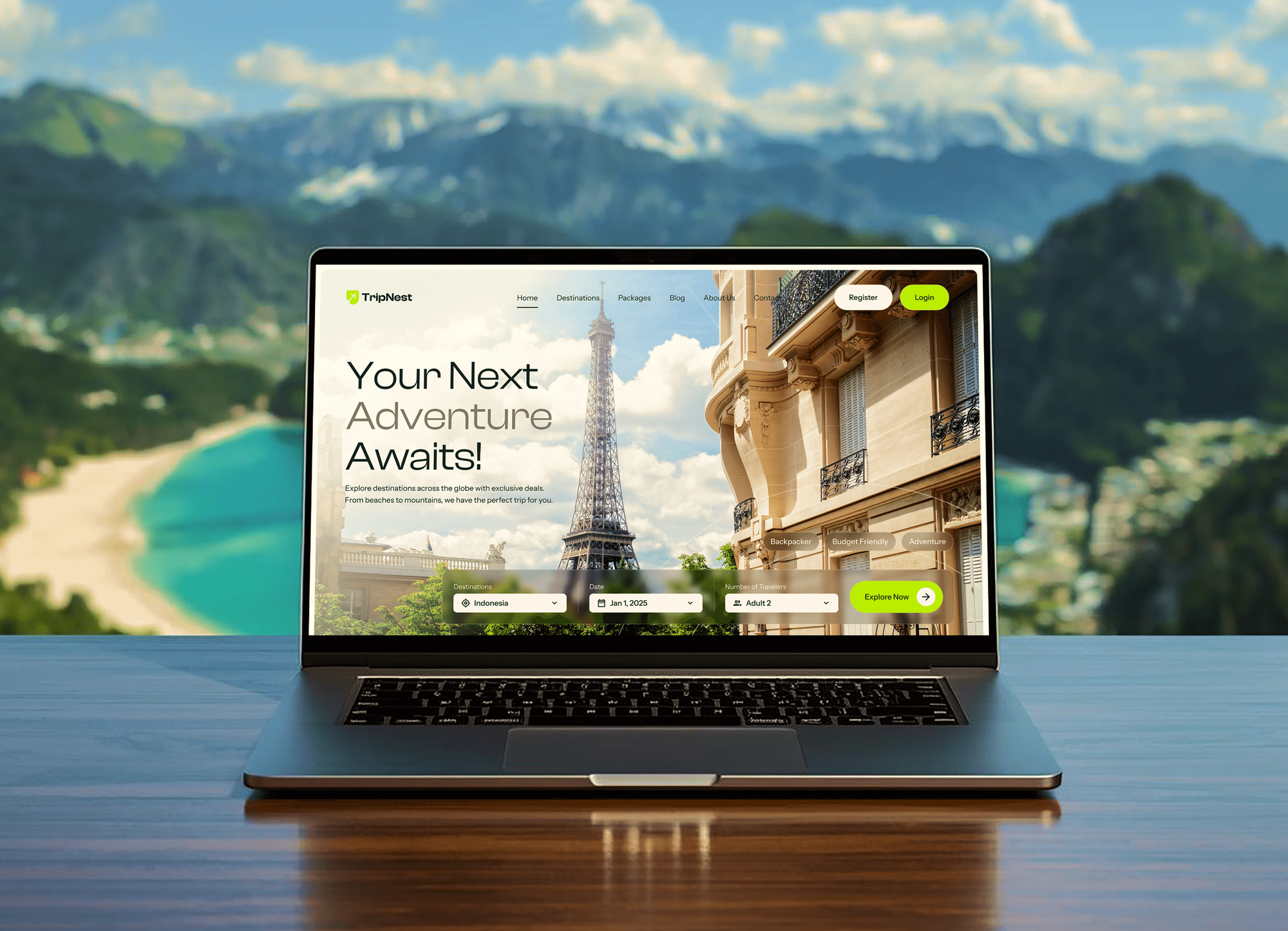
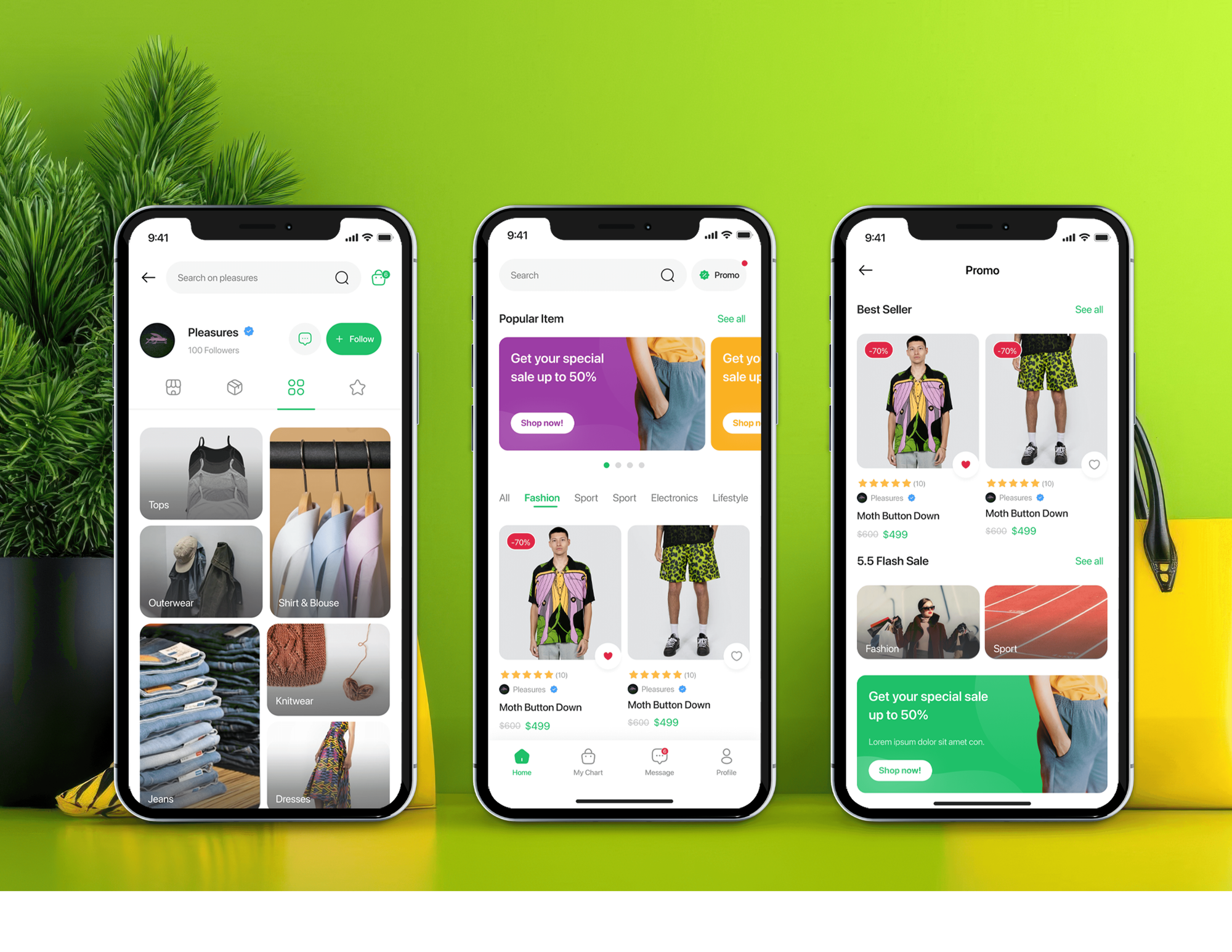
Dashboards and admin tools we designed and built, the kind of screens a copilot sits inside. They are product examples, not copilot builds.
What Our Clients Say
Feedback from teams we have built apps, platforms, and websites for.
We had a pretty specific idea of what we wanted our website to become, but I wasn’t sure how easily we could explain all of it to a development team. There were quite a few moving parts, and we were working toward a deadline, so I expected a few things to get lost along the way. That never really happened. They understood what we were trying to achieve, kept us updated throughout the process, and got everything ready within the agreed timeline. The final site feels much easier to navigate, works beautifully on mobile, and is noticeably smoother for our customers. It was a huge relief seeing the original idea actually turn into the website we had in mind.
The mobile experience is probably my favourite part of the new site. We had spent a lot of time making sure the desktop version looked right, and the team kept pushing us to think about how everything would actually feel on a phone too. They were right. The navigation is clean, the interactions feel natural, and everything we’ve tested so far works exactly as it should. They also went through the links, forms, integrations, and other details more than once before launch, which I really appreciated. And even after going live, we could still reach out when something came up. The whole process felt friendly, organised, and surprisingly straightforward.
What I appreciate most is that the website is actually easy for us to manage now. We can update content ourselves instead of sending a developer a message every time we need to change something small. They also paid attention to the technical SEO side, which mattered to us because we didn’t want a new website to create problems for the traffic we already had. I’ve probably asked more questions than I should have since launch, but every question has been handled patiently and without any fuss. The team is easy to work with, they explain things clearly, and when we need something changed, they focus on getting it done rather than making the process complicated.
1,250+
Projects shipped
10+
Years of experience
Top 3%
Upwork Top Rated Plus
5 stars
Average review score
1,250+
Projects shipped
10+
Years of experience
Top 3%
Upwork Top Rated Plus
5 stars
Average review score

Want results like these?
Tell us what you are building. You get a reply within 24 hours on business days, then a written estimate.
Work Culture
Teams usually come to us after staff started using chat tools on their own. They stay because the copilot fits their screens, respects their access rules, and proves its value in numbers.
We watch 3 to 5 people do the work before we write a single prompt. Suggestions then match the moments they really leave the app to search or write.
Every suggestion type is logged as accepted, edited, or skipped. Types nobody accepts get fixed or removed, so the panel stays useful instead of noisy.
The copilot calls your app's API with the signed-in user's own access. It can't show a sales rep a record their role isn't allowed to open.
Updates, emails, and tasks wait for a click from the person using the copilot. People stay accountable, and your audit trail shows who approved each change.
If Microsoft 365 Copilot or Gemini in Google Workspace already covers your documents and email, we'll tell you before we quote. Custom work pays off inside your own tools.
The code, prompts, test tasks, and logs live on your accounts from day one. You can switch models or bring the work in-house without asking us.
Overview
DeveloperLook provides AI copilot development services that put an assistant inside the app your team already uses, such as a CRM, helpdesk, or admin panel. We shadow real users, build a panel that reads the open record with each user's access, add drafts and confirmed actions, and run a pilot. Projects start at $1,250, and one role goes live in 4 to 6 weeks.
DEVELOPERLOOK
Project facts · AI Copilot Development Services
Reviewed 29 Oct 2026 by Saimul Islam
Good fit
Support teams working in a helpdesk
Your agents copy ticket history into a chat tool to draft replies, and you want suggested answers inside Zendesk or your own helpdesk instead.
Sales teams living in the CRM
Your reps spend the first minutes of every call reading old notes, and a copilot could summarize the account and draft the follow-up.
SaaS products adding an assistant
Your customers ask for an assistant inside your product, and you need AI assistant development that keeps each account's data separate.
Operations teams in custom admin tools
Your ops staff check orders or claims against rules all day in a custom admin panel, and a copilot could flag problems first.
Agencies building for their clients
Your clients ask for custom AI copilot development services, and you need an engineering partner that builds quietly under your brand.
Not a fit
Customer-facing website chat
You want a chatbot that answers visitors and captures leads on your public website. AI Chatbot Development Services covers that customer-facing build.
Long multi-step processes
You need AI that runs a process for days across several systems, with approvals along the way. Agentic AI Development Services is built for that.
Answers from documents only
Your team only needs answers searched from handbooks and wikis, not help inside a specific screen. AI Knowledge Base Development is the better fit.
Budget under $1,250
Your budget is under $1,250, or staff only need help with email and documents. A built-in copilot seat from your office suite may cover it.
Not sure we're the right fit?
Book a free call or message us. We'll tell you honestly whether we're the right team.
Pricing
These are starting points in USD. Your final price depends on the number of roles and apps and on write actions, and you get a fixed proposal after a free discovery call.
For Agencies
You own the client relationship. We build the copilot behind it: the task map, the in-app panel, the data connections, the tests, and the pilot report. It ships under your client's name while your team handles every client conversation.
White label: your client only ever sees your brand
Send the client's app, the team that will use it, and the tasks.
You get the task map, the suggestion types, and a fixed price.
We run the pilot under your brand and hand over code and prompts.
Send the client's app, the team that will use it, and the tasks.
You get the task map, the suggestion types, and a fixed price.
We run the pilot under your brand and hand over code and prompts.
The Right Technology for Your Project
We pick the model by testing it on your own tasks and build the panel in the same stack as the app it lives in.
 OpenAI API
 Claude API
 Gemini API
 Llama
Llama React
React Next.js
 TypeScript
 Node.js
 Python
 PostgreSQL
 Supabase
 Zendesk
 HubSpot
 Salesforce
 Slack
SlackRelated Services
Pair a copilot with the MCP server it can call tools through, an AI SaaS build, a knowledge base, multi-step agents, and staff training.
This page
AI Copilot Development Services
Pairs with the 6 services around it
FAQ
Straight answers on cost, timelines, copilots versus chatbots, data access, actions, and health use cases.
Saimul IslamFounder & CEO, DeveloperLookStill have questions?
Send a message or book a call with the team.
Custom AI assistant development cost with us starts at $1,250 for one role in one app, with read-only drafts and lookups. A Team Copilot with confirmed actions and several roles starts at $3,800, and a copilot across 3 apps starts at $8,100. Model usage is billed separately to your own OpenAI, Anthropic, or Google account.
One role in one app usually goes live in 4 to 6 weeks. That covers a week of shadowing, 1 to 3 weeks of building in staging, and a 2-week pilot with real users. Copilots that span several apps or take actions in your systems take 8 to 14 weeks.
A copilot works beside a user inside their tool, while a chatbot waits for questions in a separate window. The copilot already knows which record is open, so nobody has to explain the context. It suggests drafts and next steps for that record, and the user decides what to keep.
Look for a team that tests on your real tasks before it builds and measures results after launch. Ask how the copilot respects user permissions, what happens when the model is wrong, and who owns the prompts and code. The same checks apply to any AI assistant development company you compare.
The copilot panel reads the open record through your app's own API, using the signed-in user's access. It doesn't get a master key to the whole database. For a web app we add a small panel or browser extension, and the AI requests run through a server you own.
We use models from OpenAI, Anthropic, or Google, and sometimes an open-weight model such as Llama for private data. We run the same 40 test tasks on 2 or 3 models and compare quality, speed, and cost. Your account holds the keys, so you can switch models later.
Yes, but only after the user confirms each action with a click. We wire up to 4 actions on the Team Copilot plan, such as updating a field, creating a task, or sending a drafted email. Each action is logged with the user who approved it.
Start with one safe job, such as answering cycle, pregnancy, or menopause questions from clinician-approved content, and send anything urgent to a clinician. We keep diagnosis out of scope and test with hard questions. If it handles patient data for a provider, we sign a business associate agreement first. Consumer apps follow the FTC's Health Breach Notification Rule.
We send the model only what the task needs and mask personal details it doesn't. Requests run through your company's API account instead of personal chat logins. Before launch, we walk you through your model provider's current data terms, including how long it keeps request logs.
You do: the code, prompts, test tasks, and logs are on your accounts from day one. After launch you get 30 days of fixes and prompt tuning. After that, your admin can edit suggestion types and prompts, or you can ask us for new ones.
Saimul IslamFounder & CEO, DeveloperLookStill have questions?
Send a message or book a call with the team.
Free 30-min callGoogle Meet
Book a call
In 30 minutes on Google Meet we walk you through how we would build it, how long it takes and what it costs. Then you get a written estimate.
Calendar not showing? Book on cal.com or send a brief.