Secure Score baseline
Your classic Secure Score recorded per subscription, with each control's potential increase explained in plain words.

For teams on Azure and Microsoft Entra ID: every Defender for Cloud recommendation triaged by hand, admin access mapped, and the real gaps ranked for fixing. From $700.
100%
Recommendations triaged by hand
1
Admin role inventory
How your project runs
01 · FreeTeams we have built for:














The Problem
It shows up when Defender for Cloud lists a long page of recommendations, a customer asks about Azure admin access, or an auditor wants logs nobody turned on.
Owner sprawl
Half the team holds Owner on the production subscription.
Owner sprawl
Owner and admin roles get mapped, trimmed, and moved to just-in-time access where licensed.
Public blobs
A storage account still allows anonymous blob access.
Public blobs
Storage accounts get checked for public access, shared key use, and missing private endpoints.
Unread list
Defender for Cloud lists recommendations nobody has triaged.
Unread list
Every recommendation gets a decision: fix, accept with a reason, or not applicable.
Silent logs
Diagnostic logs from key resources go nowhere.
Silent logs
Activity logs and diagnostic settings get routed to a Log Analytics workspace.
Your team opened Microsoft Defender for Cloud once and found a long list of recommendations. Some looked urgent, others made no sense for your setup, and nobody knew which ones moved the Secure Score. Meanwhile, half the engineering team holds Owner on the production subscription. A storage account still allows anonymous blob access. Key Vault secrets have no expiry dates. Diagnostic logs go nowhere. The score sits where it was, and the list keeps growing.
We start by turning on Defender for Cloud's free Foundational CSPM across your subscriptions. Then every recommendation gets triaged by hand: fix it, accept it with a written reason, or mark it not applicable. Your identity setup comes first, because Entra ID roles decide who can change everything else. Then your networks, storage, Key Vault, and logging. Your Azure security assessment ends with a short list that matters, not a score to chase.
Every recommendation decided
Each of your Defender for Cloud recommendations gets fixed, accepted with a reason, or marked not applicable.
Identity reviewed first
Your Entra ID roles, guests, and app registrations get checked before networks, since they control everything else.
Repeats blocked by policy
On larger plans, Azure Policy stops the same misconfiguration from coming back in new resources.
Our Azure Security Assessment Services Process
You grant read-only roles, see the baseline score, review every triage decision, and approve fixes before anything changes in your tenant.
You tell us how many subscriptions you run, how Entra ID is set up, and why you want a review now. You get a fixed scope and price. If Defender for Cloud's free tier and a few fixes would cover you, we'll say so before we quote.
What's Included
Your Azure cloud security assessment covers your score baseline, recommendation triage, Entra ID admins, networks, storage, and Key Vault, with your fix list ranked by real risk.
Compare Options
Defender for Cloud's free tier gives you the recommendations, and an IT provider knows your Microsoft 365 setup. Here is how each one handles an azure security review end to end.
| Feature | DeveloperLookBest fit | Defender alone | IT provider |
|---|---|---|---|
| Recommendations | Every one triaged by hand | Listed, not prioritized for you | Rarely reviewed |
| Score explained | Explained per control | Shown as one number | Reported if asked |
| Entra ID roles | Owners and admins mapped | Some identity checks | Managed with Microsoft 365 |
| Network and storage | Checked in every subscription | Checked automatically | Focused on office networks |
| Fixes | Top items fixed on larger plans | Fix buttons for some items | Billed by the hour |
| Speed | Report in about 1 week | Results within hours | Fits their schedule |
| Cost | From $700, fixed scope | Foundational CSPM is free | Monthly retainer |
| What you keep | Report, checklist, and policy code | Data in your portal | Tickets and notes |
Projects We've Built
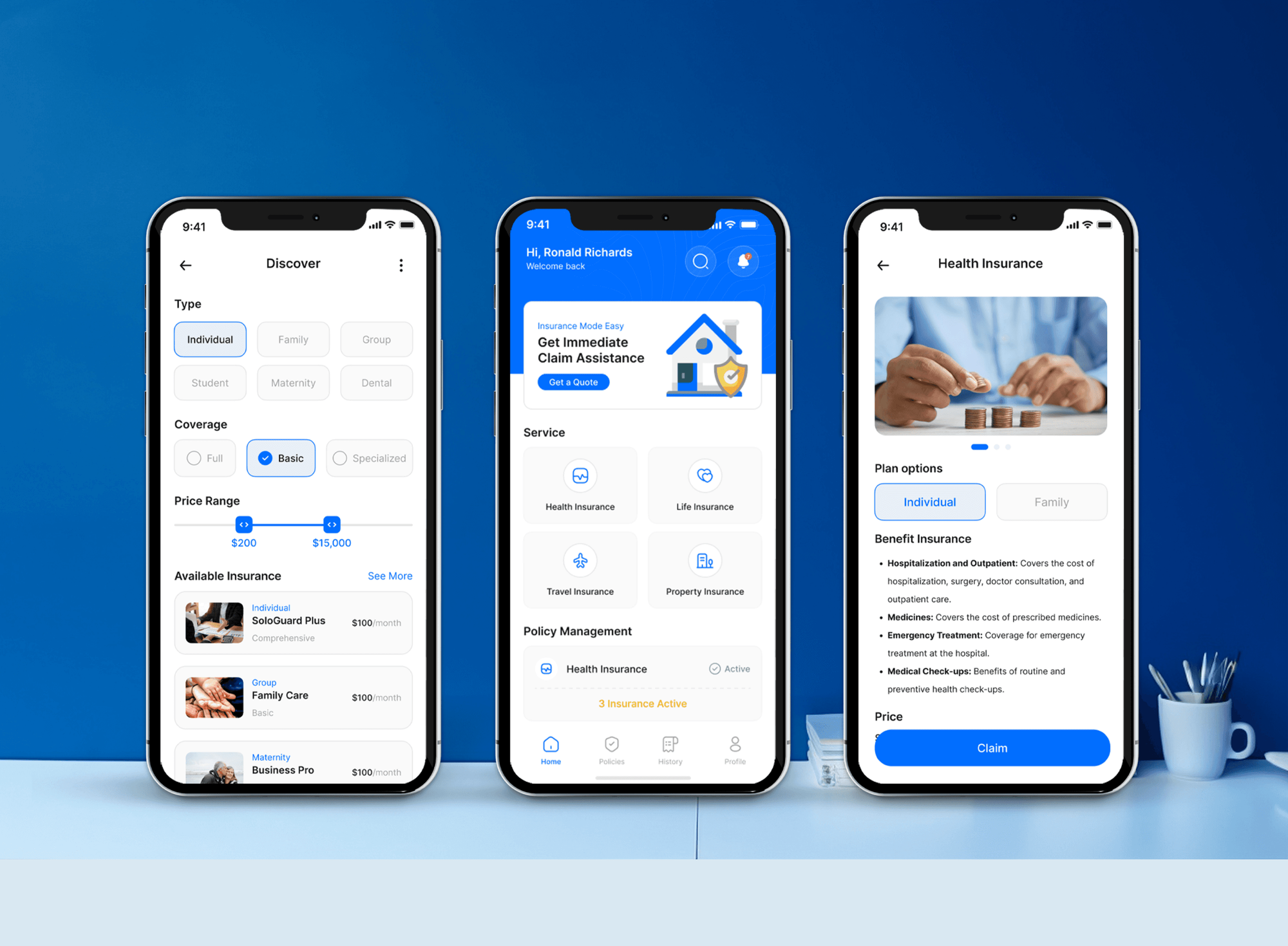
Insurance, HR, consulting, and booking products we designed and built. They weren't Azure assessments, but they hold the kind of business data this review protects.

What Our Clients Say
Feedback from teams we have built business apps and sites for.
We had a pretty specific idea of what we wanted our website to become, but I wasn’t sure how easily we could explain all of it to a development team. There were quite a few moving parts, and we were working toward a deadline, so I expected a few things to get lost along the way. That never really happened. They understood what we were trying to achieve, kept us updated throughout the process, and got everything ready within the agreed timeline. The final site feels much easier to navigate, works beautifully on mobile, and is noticeably smoother for our customers. It was a huge relief seeing the original idea actually turn into the website we had in mind.
The mobile experience is probably my favourite part of the new site. We had spent a lot of time making sure the desktop version looked right, and the team kept pushing us to think about how everything would actually feel on a phone too. They were right. The navigation is clean, the interactions feel natural, and everything we’ve tested so far works exactly as it should. They also went through the links, forms, integrations, and other details more than once before launch, which I really appreciated. And even after going live, we could still reach out when something came up. The whole process felt friendly, organised, and surprisingly straightforward.
What I appreciate most is that the website is actually easy for us to manage now. We can update content ourselves instead of sending a developer a message every time we need to change something small. They also paid attention to the technical SEO side, which mattered to us because we didn’t want a new website to create problems for the traffic we already had. I’ve probably asked more questions than I should have since launch, but every question has been handled patiently and without any fuss. The team is easy to work with, they explain things clearly, and when we need something changed, they focus on getting it done rather than making the process complicated.
1,250+
Projects shipped
10+
Years of experience
Top 3%
Upwork Top Rated Plus
5 stars
Average review score
1,250+
Projects shipped
10+
Years of experience
Top 3%
Upwork Top Rated Plus
5 stars
Average review score

Want results like these?
Tell us what you are building. You get a reply within 24 hours on business days, then a written estimate.
Work Culture
We read your tenant without changing it, explain the score instead of chasing it, and leave policies your team owns. Those habits keep the assessment useful after we leave.
Your assessment runs on Reader, Security Reader, and Global Reader roles. Nothing in your tenant changes unless you approve a fix.
We don't chase a perfect score for you. Some recommendations don't fit your setup, so they get a written reason instead of busywork.
Entra ID decides who can change every Azure resource you run. So your roles, guests, and app secrets get reviewed before network rules.
Every finding you get includes portal clicks or an Azure CLI command. Your engineers can close the simple ones the same day.
We draft answers about Azure access and logging that your sales team can use in security questionnaires. They match what's actually configured.
Azure Policy definitions and fix scripts land in your repository as Bicep or Terraform. You can extend them without us.
Overview
DeveloperLook runs Azure security assessments for teams on Microsoft Azure and Entra ID. We turn on Defender for Cloud's free posture checks, triage every recommendation by hand, and review admin roles, networks, storage, Key Vault, and logging. Assessments start from $700, run 1 to 4 weeks, and you keep the checklist and every policy we write.
DEVELOPERLOOK
Project facts · Azure Security Assessment Services
Reviewed 27 Oct 2026 by Saimul Islam
Good fit
Microsoft 365 companies running apps on Azure
Your company signs in with Entra ID, and the same tenant now runs production apps nobody has reviewed for security.
SaaS vendors selling to enterprise buyers
Your customer asks how Azure admin access is controlled and where logs go, and you'd rather answer with evidence than promises.
IT leads staring at Secure Score
Your Azure Secure Score sits at the same level every month, and you need to know which recommendations actually matter.
Teams facing an insurer or auditor review
Your insurer or auditor wants an azure risk assessment, and you want the technical gaps found and ranked before they look.
Partners managing client Azure subscriptions
You manage Azure for several clients and need one azure security best practices checklist applied to all of them.
Not a fit
Need a landing zone build
You need management groups, networking, and migrations designed and built. Azure Consulting Services cover that, with security settings included from the start.
Only app sign-in needs work
Your gap is single sign-on into your own apps, not the Azure platform. Microsoft Entra ID Integration covers that work in depth.
AWS in scope too
You run workloads on AWS as well as Azure. Cloud Security Services assess both providers against one baseline.
Budget under $700
Your budget is under $700, or one small subscription runs a test app. Turning on Defender for Cloud's free tier and working its top items is a fair start.
Not sure we're the right fit?
Book a free call or message us. We'll tell you honestly whether we're the right team.
Pricing
These are starting points in USD. Your final price depends on your subscription count and how many recommendations we fix, and you get a fixed proposal after a free discovery call.
For Agencies
You own the client relationship. We supply the Azure assessment work: recommendation triage, Entra ID role reviews, and ranked fix lists under your brand. Your clients get clear answers about their tenant, and you stay the team they call.
White label: your client only ever sees your brand
You send each client's tenants and subscriptions, and we confirm scope and price.
We triage recommendations and review roles with reader access, under your brand.
You present the fix list, and we stay available for client questions.
You send each client's tenants and subscriptions, and we confirm scope and price.
We triage recommendations and review roles with reader access, under your brand.
You present the fix list, and we stay available for client questions.
The Right Technology for Your Project
We start with Microsoft's own security tooling, add open-source checks for a second opinion, and write every fix as code.
Related Services
Pair the assessment with a multi-cloud review, an AWS audit, Azure platform work, single sign-on into your apps, or a wider identity program.
This page
Azure Security Assessment Services
Pairs with the 6 services around it
FAQ
Straight answers on cost, timing, scoring, access, risk assessments, Entra ID, and fixes.
Saimul IslamFounder & CEO, DeveloperLookStill have questions?
Send a message or book a call with the team.
A DeveloperLook Azure assessment starts at $700 for one tenant with up to 3 subscriptions. That covers the Secure Score baseline and triage, an Entra ID admin role inventory, and network, storage, and Key Vault checks. Assess and Fix costs $1,950 for up to 10 subscriptions, with your top 15 recommendations fixed. Tenant-Wide Hardening costs $4,300 for up to 30 subscriptions.
An assessment of up to 3 subscriptions takes about 1 week once your reader roles are assigned. Larger tenants take 2 to 3 weeks, and fixes add about a week. Defender for Cloud recalculates each control every eight hours, so you get a fresh score before we re-measure after fixes.
Microsoft Defender for Cloud evaluates your Azure secure score, using the Microsoft cloud security benchmark it applies to each subscription by default. The classic score lives in the Azure portal. A newer risk-based cloud score in the Microsoft Defender portal weighs asset risk and criticality, so your two numbers can differ. Microsoft's identity score is a separate measure again.
An Azure security review is a hands-on look at your tenant against a benchmark, ending in ranked findings. It covers Entra ID roles, networks, storage, Key Vault, and logging, using Defender for Cloud and the CIS Microsoft Azure Foundations Benchmark. Some teams call it an Azure cloud security audit. Either way, it's a technical review, not a certification.
Azure Secure Score adds up points per security control, and a control pays its full points only when every affected resource is healthy. Each control's current score is its maximum points divided by your healthy and unhealthy resources, then multiplied by the healthy ones. Preview recommendations don't count. That's why fixing one item rarely moves the number: you fix the whole control.
No, aim for a decision on every recommendation rather than a perfect number. Some recommendations don't fit your architecture, and some controls, such as just-in-time VM access, depend on paid Defender plans. Those get accepted with a reason, so your score reflects real risk. Your customers and auditors care more about that reasoning than the percentage.
We need the Reader and Security Reader roles on each subscription in scope and the Global Reader role in Microsoft Entra ID. Those roles show configuration and Defender for Cloud findings without allowing changes. We sign in with a named guest account you can remove the day the assessment ends, so no passwords get shared.
An Azure risk assessment ranks business risks by likelihood and impact, while a security assessment checks how your tenant is configured. Ours sits in between: each finding gets a risk rating tied to what it exposes, such as customer data or admin access. If leadership needs a formal risk register, our Cybersecurity Risk Assessment service covers that.
It covers Microsoft Entra ID, because Entra roles and Conditional Access control who can change your Azure resources. We review admin roles, guests, app registrations, and MFA coverage. Microsoft 365 settings, such as Exchange mail flow and SharePoint sharing, sit outside this scope. Our Cybersecurity Services page covers Microsoft 365 alongside devices and email.
Both are options: the first plan reports, and the larger plans fix. Assess and Fix covers your top 15 recommendations, adds Azure Policy to stop repeats, and sets up PIM for admin roles where your Entra ID license includes it. Every change goes in as Bicep or Terraform that your team reviews first, and then you get a fresh score.
Saimul IslamFounder & CEO, DeveloperLookStill have questions?
Send a message or book a call with the team.
Free 30-min callGoogle Meet
Book a call
In 30 minutes on Google Meet we walk you through how we would build it, how long it takes and what it costs. Then you get a written estimate.
Calendar not showing? Book on cal.com or send a brief.