
Automated builds and tests
Every commit and pull request is built and tested on GitHub Actions or GitLab CI, with results on the pull request.

For product teams that still deploy by hand: we set up pipelines that test every commit and roll back in one click. From $700.
100%
Commits built and tested
1click
Rollback to the last release
How your project runs
Teams we have built for:














The Problem
It shows up when releases slow to once a fortnight, a deploy breaks production, or a security review asks where your cloud keys are stored.
01 · Manual deploys
Releases wait for one developer's free evening.
Merging a pull request triggers the same build, test, and deploy steps every time.
02 · Stored keys
An old admin key sits in the CI settings.
Deploys use short-lived OIDC credentials, so no long-lived cloud key is stored anywhere.
03 · Skipped steps
A deploy skipped a database migration last month.
Migrations run as a pipeline step, and the deploy stops if one fails.
04 · Rollback
Undoing a bad release means patching it live.
The previous release stays ready, and one click puts it back.
Releases happen when your lead developer has a free evening. They pull the latest code, run the tests that still pass, build on their own laptop, and copy files to the server. A cloud access key with admin rights sits in the CI settings, created years ago. Last month a deploy skipped a database migration, and nobody could roll back quickly, so customers saw errors until someone patched it live. Everyone agrees releases should be smaller and more frequent. Nobody has time to automate them.
We start with how code reaches production today, then build a pipeline that runs the same steps on every commit, in the same order, without anyone's laptop. Tests and security scans run before anything ships. Deploys use short-lived credentials through OIDC instead of stored keys, and every release can roll back to the previous version in one click. Releases happen when the code is ready, not when someone has a free evening.
Same steps on every commit
Build, test, scan, and deploy run automatically, so releases stop depending on one person's laptop.
No stored cloud keys
Deploys get short-lived credentials through OIDC, so there's no admin key to leak from CI settings.
Rollback in one click
Every release keeps the previous version ready, so a bad deploy is undone without a rebuild.
Our CI/CD Pipeline Setup Services Process
You see how releases work today, approve the pipeline design and who can release to production, and test every stage before the old deploy script retires.
We walk through your repositories, tests, environments, and how code reaches production now, including where credentials live. You get a list of risks, a recommended pipeline design, and a fixed price within 2 business days.
What's Included
Every plan covers automated builds and tests, deploys without stored keys, and one-click rollback. Larger plans add staging, preview environments, security scanning, approvals, release strategies, and delivery metrics.
Compare Options
Starter workflow templates get a simple project building in an afternoon, and a freelancer can cost less for one repository. Here's how each handles security, approvals, and rollback.
| Feature | DeveloperLookBest fit | Freelancer | DIY with templates |
|---|---|---|---|
| Release design | Mapped to how you ship | Depends on the freelancer | Generic starter steps |
| Cloud credentials | Short-lived OIDC credentials | Often a stored key | Usually a stored key |
| Security scanning | Secrets, dependencies, and code | Sometimes included | Add it yourself |
| Production approvals | Protected branches and approvals | If requested | Not set up |
| Rollback after a bad release | Tested one-click rollback | Often manual | Manual, under pressure |
| Time to first build | 3 to 7 business days | Similar for one repository | An afternoon for simple apps |
| Documentation left behind | Runbooks for every stage | Varies by person | Template comments only |
| Cost predictability | From $700, fixed scope | Hourly, often cheaper | Free, plus your time |
Projects We've Built
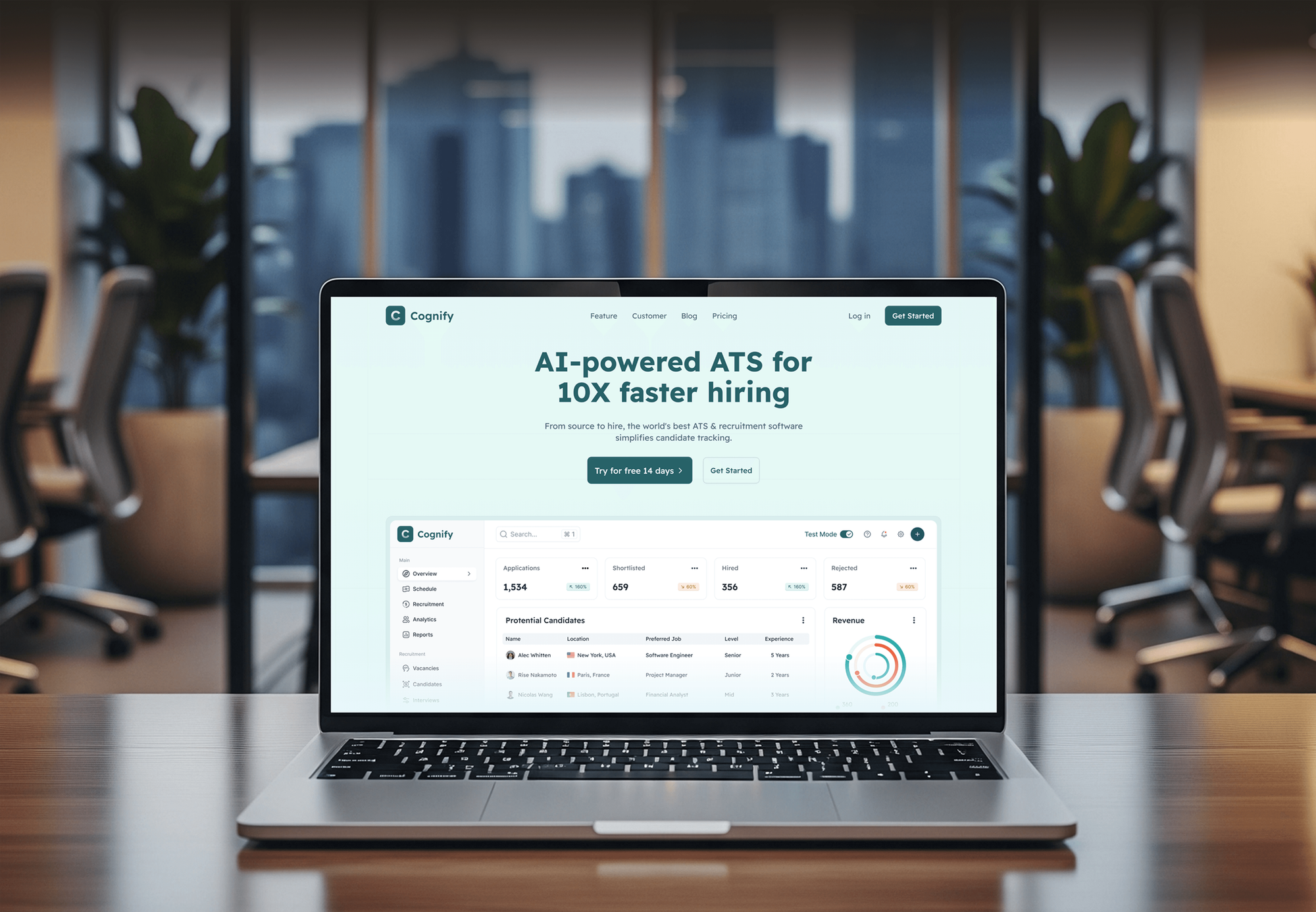
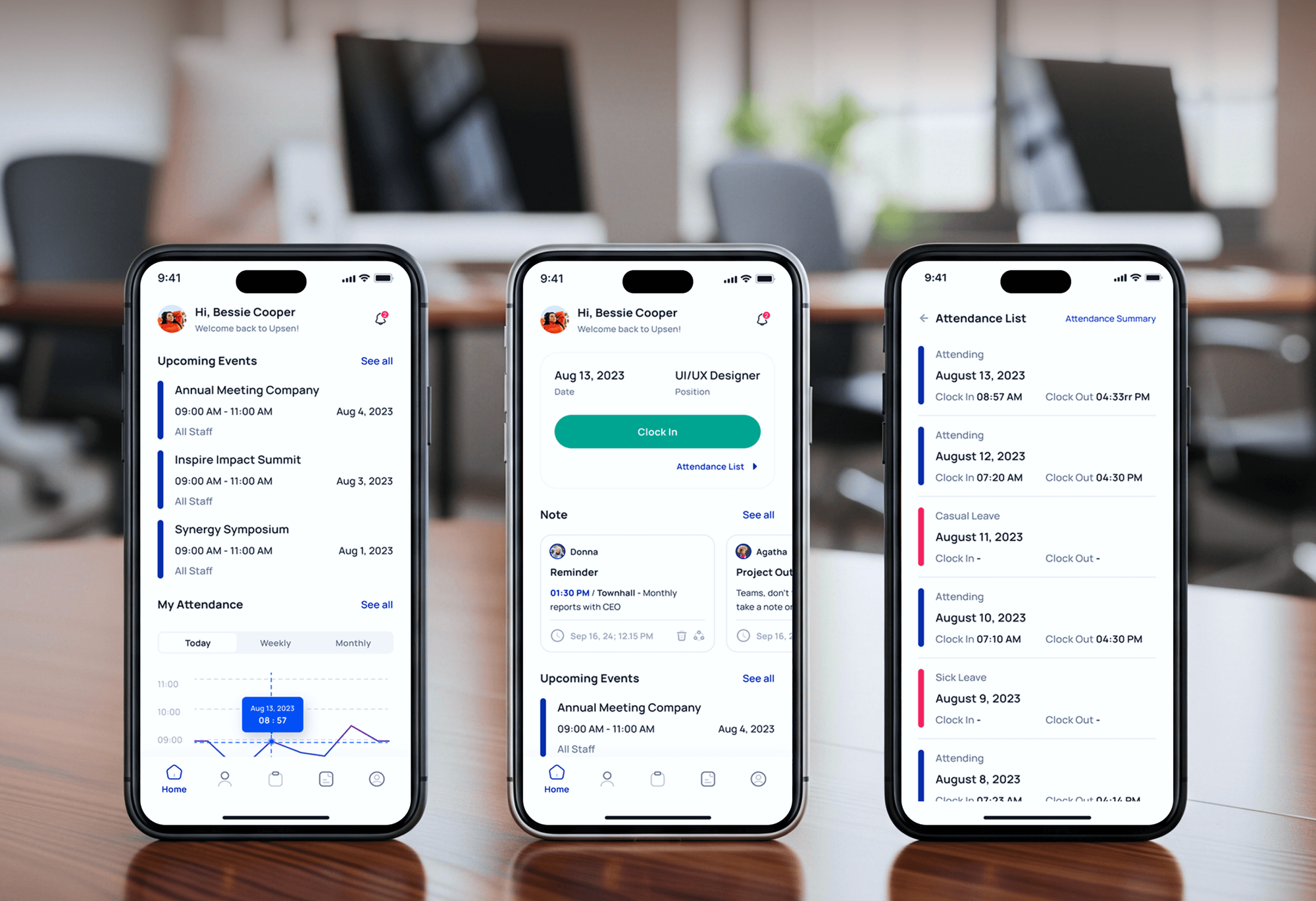
HR, recruiting, and project management apps our team built and shipped. They show the kind of codebases we set pipelines up for, not pipeline-only case studies.


What Our Clients Say
Feedback from teams we have built web apps and websites for.
We had a pretty specific idea of what we wanted our website to become, but I wasn’t sure how easily we could explain all of it to a development team. There were quite a few moving parts, and we were working toward a deadline, so I expected a few things to get lost along the way. That never really happened. They understood what we were trying to achieve, kept us updated throughout the process, and got everything ready within the agreed timeline. The final site feels much easier to navigate, works beautifully on mobile, and is noticeably smoother for our customers. It was a huge relief seeing the original idea actually turn into the website we had in mind.
The mobile experience is probably my favourite part of the new site. We had spent a lot of time making sure the desktop version looked right, and the team kept pushing us to think about how everything would actually feel on a phone too. They were right. The navigation is clean, the interactions feel natural, and everything we’ve tested so far works exactly as it should. They also went through the links, forms, integrations, and other details more than once before launch, which I really appreciated. And even after going live, we could still reach out when something came up. The whole process felt friendly, organised, and surprisingly straightforward.
What I appreciate most is that the website is actually easy for us to manage now. We can update content ourselves instead of sending a developer a message every time we need to change something small. They also paid attention to the technical SEO side, which mattered to us because we didn’t want a new website to create problems for the traffic we already had. I’ve probably asked more questions than I should have since launch, but every question has been handled patiently and without any fuss. The team is easy to work with, they explain things clearly, and when we need something changed, they focus on getting it done rather than making the process complicated.
1,250+
Projects shipped
10+
Years of experience
Top 3%
Upwork Top Rated Plus
5 stars
Average review score

Want results like these?
Tell us what you are building. You get a reply within 24 hours on business days, then a written estimate.
Work Culture
A pipeline holds your cloud credentials and decides what reaches customers. These habits keep it secure, quick, and understandable to your own developers.
Pipelines get only the permissions each stage needs, scoped per environment. A compromised build job can't reach production data or delete your cloud account.
Caching and parallel jobs keep test runs short, so developers see results while the change is fresh. Slow pipelines get skipped, and skipped checks catch nothing.
If your test suite is thin, we'll tell you before we quote and show which gaps matter most. A pipeline can't make untested code safe to deploy automatically.
We review each pipeline against the OWASP Top 10 CI/CD Security Risks, from poisoned pipeline execution to weak credential hygiene. You get the checklist with our findings.
Workflows are written plainly and documented stage by stage. Your developers can change a step without asking us what it does.
Workflows live in your repositories and run on your CI accounts from day one. Removing our access never breaks a release.
Overview
DeveloperLook sets up the CI/CD pipeline that builds, tests, scans, and deploys your code each time someone merges, so nobody deploys from a laptop. We configure GitHub Actions or GitLab CI, keyless cloud access through OIDC, security scans, approvals, and one-click rollback. Setups start at $700, take 3 business days to 6 weeks, and you own every workflow file.
DEVELOPERLOOK
Project facts · CI/CD Pipeline Setup Services
Reviewed 8 Oct 2026 by Saimul Islam
Good fit
Startups deploying from a laptop
Your releases still run from one developer's machine, and you want ci/cd automation in place before that person goes on vacation.
Teams with a stored admin key
Your CI settings hold a long-lived cloud key with admin rights, and a security questionnaire just asked how deploy credentials are managed.
SaaS teams releasing too rarely
You batch weeks of changes into one risky release and want ci/cd services that make small, frequent releases routine.
Teams outgrowing a Jenkins server
Your Jenkins server needs constant plugin updates, and you want CI/CD as a service on GitHub Actions or GitLab CI instead.
Agencies shipping client apps
Your agency hands over client apps and wants ci/cd solutions that keep deploying safely long after the handover.
Not a fit
Static site on a managed host
Your site already deploys from Git on Netlify or Vercel. Their built-in deploys and previews likely cover you, and we'll say so.
App not packaged yet
Your app only runs on one hand-built server and can't be packaged yet. Docker Containerization Services is the better first step.
Cloud built by hand
Your cloud resources were clicked together in the console, so deploys have nothing stable to target. Infrastructure as Code Services with Terraform comes first.
Budget under $700
Your budget is under $700. GitHub's starter workflows can build and test a simple project while you plan a fuller pipeline.
Not sure we're the right fit?
Book a free call or message us. We'll tell you honestly whether we're the right team.
Pricing
These are starting points in USD. Your final price depends on the number of repositories, environments, and release rules, and you get a fixed proposal after a free pipeline review.
For one repository that needs automated builds, tests, and deploys to one environment.
$700one-time, USD
For products with up to 3 repositories that ship through staging to production.
$1,900one-time, USD
For teams with many repositories that need shared templates, signed artifacts, and delivery metrics.
$4,300one-time, USD
For Agencies
You own the client relationship. We supply the release engineering: pipelines, scans, approvals, and rollback delivered under your brand. Your team handles the client, while we make sure every app you hand over keeps deploying safely.
White label: your client only ever sees your brand
Grant access to the client's repositories, environments, and current deploy steps.
We set up builds, scans, deploys, and rollback, then demo a release to you.
You deliver working pipelines and runbooks the client's developers can follow.
Workflow docs and runbooks go to clients under your agency's brand.
One reviewed pipeline template reused across your client repositories.
Each client repository gets a fixed price and a delivery date.
Capacity for several client launches in the same month.
The Right Technology for Your Project
The CI platforms, test tools, security scanners, and deploy targets we use to automate releases from commit to production.
 Docker
 AWS
AWS Vercel
FAQ
Straight answers on cost, timelines, CI/CD tools, pipeline security, and how CI/CD fits into DevOps.
Saimul IslamFounder & CEO, DeveloperLookStill have questions?
Send a message or book a call with the team.
Setting up CI/CD with DeveloperLook starts at $700 for one repository with automated builds, tests, deploys, and one-click rollback. Up to 3 repositories with staging, preview environments, scanning, and approvals cost $1,900. A platform for up to 10 repositories with signed artifacts and delivery metrics starts at $4,300. You get a fixed price after a free review.
One pipeline for one repository takes 3 to 7 business days. Staging and production with scanning and approvals take 2 to 3 weeks, and a 10-repository platform takes 4 to 6 weeks. Missing or slow tests are the usual cause of extra time, and we flag them in the free review.
CI/CD is the practice of merging code changes often and releasing them through an automated, repeatable process. Each change is built and tested automatically, then delivered to staging or production by the same steps every time. It replaces large, manual releases with small ones that are easier to check and undo.
CI/CD stands for continuous integration and continuous delivery, or continuous deployment. Continuous integration means merging and testing changes several times a day. Continuous delivery keeps every passing build ready to release with one approval, while continuous deployment releases it automatically with no human step. Most teams start with delivery.
CI/CD works by running a defined workflow every time code changes. A push or pull request triggers jobs on a runner: install dependencies, build, run tests, scan, and package an artifact such as a container image. If every job passes, the deploy stage ships that artifact, and a failure stops it before users see anything.
CI/CD tools are the platforms that run your pipeline jobs, such as GitHub Actions, GitLab CI, Bitbucket Pipelines, CircleCI, and Jenkins. Around them sit test runners, security scanners like Trivy and SonarQube, and deploy targets like AWS or Vercel. We usually recommend the CI built into the Git host you already use.
The CI/CD process is the order of stages a change goes through: commit, build, test, scan, package, deploy to staging, approve, and deploy to production. Following CI/CD best practices, each stage runs the same way every time and stops the release when it fails. Small, frequent changes keep each step quick to review.
CI/CD security means protecting the pipeline itself, because it holds credentials and decides what reaches production. CI/CD pipeline security covers short-lived credentials, least-privilege permissions, protected branches, pinned third-party actions, and scans for secrets and vulnerable packages. The OWASP Top 10 CI/CD Security Risks is a useful checklist for reviewing it.
CI/CD is important because small, automated releases are easier to check, fix, and undo than large manual ones. Problems surface soon after a change instead of weeks later inside a big release. It also takes deploys off one person's evening, which removes a quiet business risk.
Yes. CI/CD is one of the core practices of DevOps, alongside infrastructure as code, monitoring, and shared ownership of releases. The DORA research program measures delivery with metrics such as deployment frequency and change lead time, which a working pipeline makes easy to track. Our DevOps Services page covers the wider practice.
Saimul IslamFounder & CEO, DeveloperLookStill have questions?
Send a message or book a call with the team.
Free 30-min callGoogle Meet
Book a call
In 30 minutes on Google Meet we walk you through how we would build it, how long it takes and what it costs. Then you get a written estimate.
Calendar not showing? Book on cal.com or send a brief.