Decay report from your data
Pages losing clicks, the queries behind the loss, and the likely cause, ranked by traffic at stake.

For content teams whose best posts are slipping: decaying pages found in your own data and refreshed on the same URL, so links and rankings carry over. From $550.
2X
Clicks back on decaying pages
100%
URLs and backlinks kept
How your project runs
01 · FreeTeams we have built for:














The Problem
Content decay is slow, so nobody notices it. Facts age, competitors publish newer pages, and search intent shifts, until a post that brought leads for years quietly drops to page two.
Slow decay
A top post loses clicks every month, unnoticed.
Slow decay
Search Console period comparisons flag slipping pages and the queries they lose.
Old facts
Stats, prices, and screenshots no longer match reality.
Old facts
We replace outdated facts, prices, and screenshots with current, sourced ones.
Missing topics
Newer competitor posts answer questions yours skips.
Missing topics
We add sections for the subtopics searchers and competitors now cover.
Starting over
A new post would compete with the old one.
Starting over
We update the existing URL, so links and history stay in one place.
You check Search Console and your top guide from 2022 has lost half its clicks since last spring. The screenshots show an interface the tool retired. Two stats link to studies that no longer load, and a competitor's newer post answers questions yours doesn't mention. Your team wants to write a fresh post, but that would compete with the old one and leave its backlinks behind. Meanwhile, 10 more posts are sliding the same way.
We start with your own data, not post age: Search Console clicks compared period over period show which pages are slipping and on which queries. Each page is refreshed on its existing URL, so its backlinks and history stay. We replace outdated facts, prices, and screenshots, add the subtopics competitors now cover, and tighten titles and internal links. Then we request a recrawl and compare clicks at 28 and 56 days, instead of guessing whether it worked.
Chosen by decay, not age
Pages are picked by falling clicks in Search Console, so old posts that still perform stay untouched.
Same URL, same backlinks
Refreshes happen on the existing address, so links, history, and rankings carry over to the new version.
Every edit tracked
Your team sees tracked changes in a draft, so nothing changes unseen on a page that earns money.
Our Content Refresh Process
You approve the refresh list and every edited draft before anything goes live. After launch, you see clicks at 28 and 56 days for each page we touched.
We compare 16 months of Search Console data to find posts and pages whose clicks are falling, and the queries they're losing. You get the decaying URLs, the refresh count your plan covers, and a fixed price.
What's Included
Each refresh covers the diagnosis, the rewrite, facts and visuals, links and metadata, and a before-and-after check, all on the URL the page already has.
Compare Options
Content refresh SEO can mean writing new posts instead, or handing old ones to a freelancer. New posts open new topics, and a good freelancer writes well. Here is how each handles decay.
| Feature | DeveloperLookBest fit | New Content Only | Freelance Writer |
|---|---|---|---|
| Picking pages | Falling clicks in Search Console | Not applicable, new topics only | Usually whatever you assign |
| Backlinks and history | Kept on the same URL | Start from zero on a new URL | Kept if edited in place |
| Overlap with old posts | Merged with a 301 redirect | Often competes with older posts | Rarely checked |
| Fact and source checks | Every stat and price re-sourced | Fresh by default | Depends on the writer |
| New topics covered | Gaps added to existing pages | Best option for new topics | Strong writing on assigned topics |
| Titles and metadata | Rewritten to current queries | Written fresh | Sometimes included |
| Results tracking | Clicks at 28 and 56 days | New traffic only | Rarely included |
| Cost per page | From $70 to $110 a page | Higher, writing from scratch | Often lower per word |
Projects We've Built
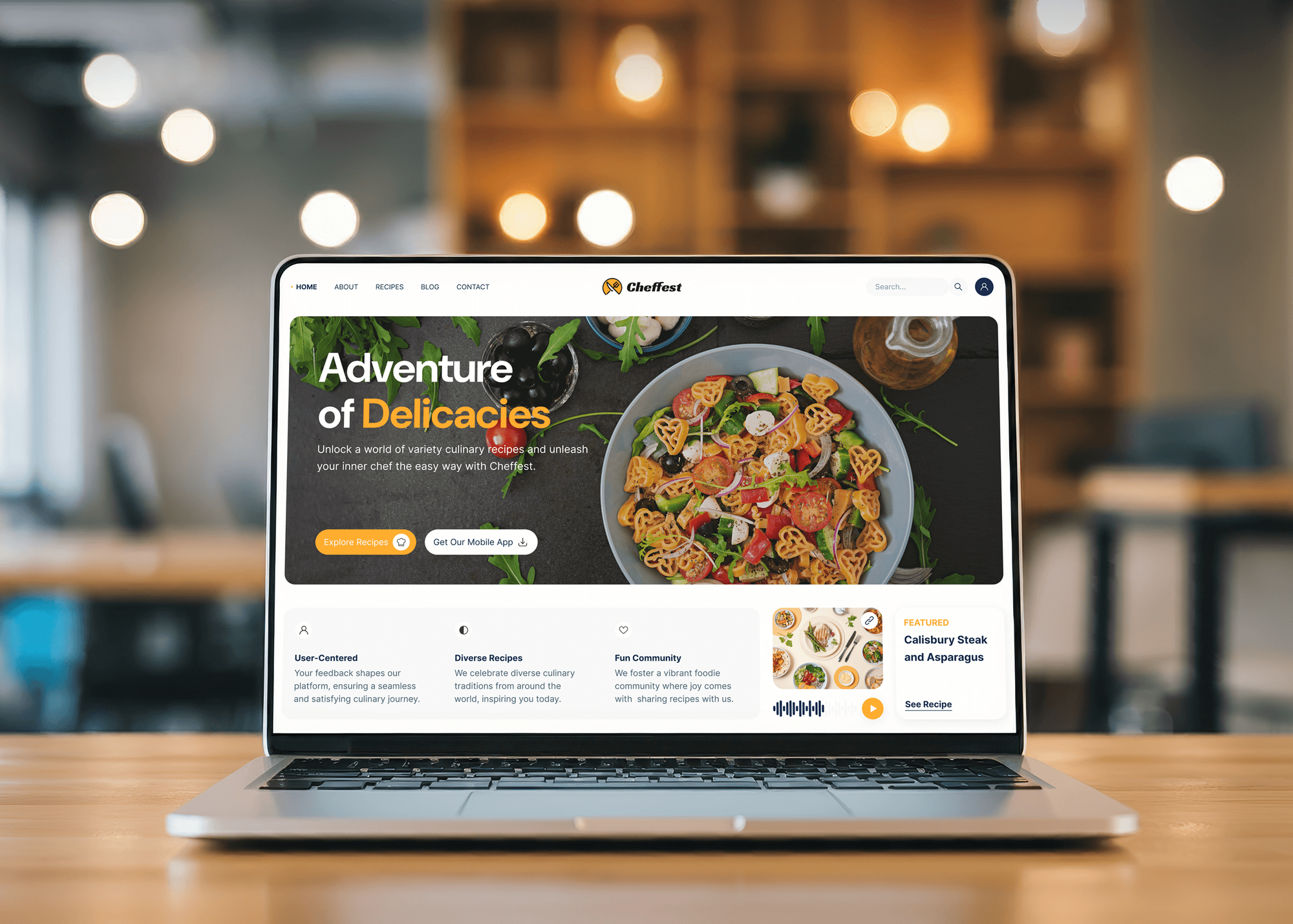
These are blogs, magazines, and learning sites we designed and built, the kind of archives where older posts slowly lose clicks unless someone refreshes them.



What Our Clients Say
Feedback from teams we have built and improved websites for.
We had a pretty specific idea of what we wanted our website to become, but I wasn’t sure how easily we could explain all of it to a development team. There were quite a few moving parts, and we were working toward a deadline, so I expected a few things to get lost along the way. That never really happened. They understood what we were trying to achieve, kept us updated throughout the process, and got everything ready within the agreed timeline. The final site feels much easier to navigate, works beautifully on mobile, and is noticeably smoother for our customers. It was a huge relief seeing the original idea actually turn into the website we had in mind.
The mobile experience is probably my favourite part of the new site. We had spent a lot of time making sure the desktop version looked right, and the team kept pushing us to think about how everything would actually feel on a phone too. They were right. The navigation is clean, the interactions feel natural, and everything we’ve tested so far works exactly as it should. They also went through the links, forms, integrations, and other details more than once before launch, which I really appreciated. And even after going live, we could still reach out when something came up. The whole process felt friendly, organised, and surprisingly straightforward.
What I appreciate most is that the website is actually easy for us to manage now. We can update content ourselves instead of sending a developer a message every time we need to change something small. They also paid attention to the technical SEO side, which mattered to us because we didn’t want a new website to create problems for the traffic we already had. I’ve probably asked more questions than I should have since launch, but every question has been handled patiently and without any fuss. The team is easy to work with, they explain things clearly, and when we need something changed, they focus on getting it done rather than making the process complicated.
1,250+
Projects shipped
10+
Years of experience
Top 3%
Upwork Top Rated Plus
5 stars
Average review score
1,250+
Projects shipped
10+
Years of experience
Top 3%
Upwork Top Rated Plus
5 stars
Average review score

Want results like these?
Tell us what you are building. You get a reply within 24 hours on business days, then a written estimate.
Work Culture
Refreshing content on a page that already earns links and leads is delicate work. We change what's outdated, keep what still ranks, and show you every edit before it's live.
We update a post's date only when its content changed substantially. Google's helpful content guidance names fake freshness as a warning sign, so we skip that trick.
Sections that still match the queries a page wins are kept, not rewritten for the sake of change. Heavy rewrites of a working page can cost rankings it already has.
Every stat, price, and quote is traced to a live source before it stays on the page. Broken studies and retired tools get replaced, not just unlinked.
When we remove a section or merge a post, the reason sits next to the change. Your team can push back on any cut before it goes live.
Every refreshed page gets clicks and positions compared at 28 and 56 days. Pages that didn't recover are flagged with what we'd try next.
Refreshed drafts, the decay report, and the redirect list stay with your team. Your writers can repeat the method on the next set of pages.
Overview
DeveloperLook runs a content refresh on the posts and pages that are losing clicks, chosen from your Search Console data. We rewrite each one on its current URL, update facts and screenshots, add missing subtopics, and merge overlaps with 301 redirects. Refresh sets start at $550 for 5 pages and take 1 to 5 weeks, with clicks checked after.
DEVELOPERLOOK
Project facts · Content Refresh Services
Reviewed 27 Oct 2026 by Saimul Islam
Good fit
Content teams with slipping top posts
Your best guides lost a third of their clicks this year, and you want content refreshing done before your team writes anything new.
SaaS blogs with retired screenshots
Your product changed twice since the posts went live, so screenshots, feature names, and prices on 40 articles no longer match what buyers see.
Publishers with years of evergreen guides
Your evergreen guides still bring most of your traffic, but newer competitor pages now outrank them on the queries that matter.
Teams after a Google core update
Your traffic dropped after a core update, and you need content optimization and refresh work on the pages that lost the most.
Agencies managing client blogs
You manage blogs for several clients and need refresh sprints done under your brand while your writers stay on new posts.
Not a fit
Need a full content audit
You don't yet know which pages to keep, merge, or remove across the whole site. Content Audit Services makes that call for every URL first.
Want ongoing blog work
You want new posts and refreshes every month as one program. Blog SEO Services runs archive cleanup and fresh posts on a monthly plan.
Pages aren't declining
Your pages didn't rank well in the first place, so there's nothing to win back. On-Page SEO Services rewrites pages that sit just off page one.
Fewer than 5 pages
You have fewer than 5 pages to update, or a budget under $550. If your writers can handle a few updates with Search Console as a guide, we'll tell you before we quote.
Not sure we're the right fit?
Book a free call or message us. We'll tell you honestly whether we're the right team.
Pricing
These are starting points in USD. Your final price depends on how many pages need refreshing and how long they are, and you get a fixed proposal after a free decay review.
For Agencies
You own the client relationship. We supply the decay reviews, refreshed drafts, and redirect lists for your clients' blogs, written in their voice and delivered under your brand for your team to present.
White label: your client only ever sees your brand
Send the client's site, Search Console access, and style guide.
We pick decaying pages and refresh them in drafts under your brand.
Your team publishes the updates and shares the 56-day results.
Send the client's site, Search Console access, and style guide.
We pick decaying pages and refresh them in drafts under your brand.
Your team publishes the updates and shares the 56-day results.
The Right Technology for Your Project
We find decay in Google's own data, check competitors with a research tool, and edit inside the CMS your writers already use.
 Google Search Console
 Google Analytics (GA4)
 Semrush
 Google Sheets
 Loom
Loom WordPress
 Webflow
 HubSpot
Related Services
A refresh fixes pages that are slipping. These services decide what to keep, write what's missing, and keep the rest of the site healthy.
This page
Content Refresh Services
Pairs with the 6 services around it
FAQ
Straight answers on cost, timing, choosing what to refresh, and protecting rankings and backlinks while you do it.
Saimul IslamFounder & CEO, DeveloperLookStill have questions?
Send a message or book a call with the team.
A Refresh Sprint costs $550 for 5 pages, which works out to $110 a page. The Refresh Program costs $1,150 for 12 pages and adds merges, competitor gap checks, and a 56-day check. The Archive Refresh costs $1,750 for 25 pages, about $70 a page. Long guides or larger sets get a fixed quote after the free decay review.
Most refreshed pages are recrawled within days to a few weeks, and clicks often settle within 4 to 8 weeks. That's why we measure at 28 and 56 days instead of the morning after. Pages that lost ground to a much stronger competitor can take longer, and some need a second round. The refresh work itself takes 1 to 5 weeks, by plan.
Because an existing page already has backlinks, history, and rankings, while a new post starts from zero. Refreshing keeps those signals on one URL while fixing what made the page slip. A new post on the same topic can also compete with the old one for the same search. Save new posts for topics you don't cover yet.
A good refresh helps a decaying page match current search intent again, which can recover the clicks and positions it lost. A careless one can hurt: cutting sections that still win queries, changing the URL, or faking a new date without real changes. Google's own guidance flags date changes without substantial updates as a warning sign.
Start by finding pages that lost clicks, then work out why each one slipped: aged facts, missing subtopics, or a stronger competitor page. Rewrite the weak sections on the same URL, update the title and meta description, and add links from newer posts. Finish with a recrawl request in Search Console and a look at clicks a month later.
Keep the URL, keep the sections that still win queries, and change the date only when the update is substantial. Check which queries the page ranks for before editing, so you don't cut the paragraph that earns them. Avoid rewriting the title away from its main search. After publishing, watch clicks for 4 to 8 weeks before judging the result.
Refresh a page if it still has clicks, backlinks, or a topic your buyers care about. Delete it only when it has none of those, and redirect it with a 301 if any links point to it. Expired event pages and thin duplicates are typical removals. Pages with a strong topic but weak writing are refresh candidates.
Compare clicks and impressions in Search Console for the last 3 months against the same months a year earlier, then sort pages by clicks lost. Falling clicks with steady impressions point to a title or snippet problem. Falling impressions point to lost rankings or shifting intent. GA4 adds the business side: which slipping pages still drive signups or sales.
Keep the page on its current URL, and its backlinks keep working with no extra step. If you must merge or move a page, add a 301 redirect from the old address to the new one and update your own internal links. Check that linked sections still exist, since some sites link to a specific heading. We list every redirect in the handover sheet.
They find decaying pages, rank them by the traffic at stake, and handle rewrites an in-house team can't fit in. A good agency also checks facts and sources, merges overlapping posts, and measures results instead of reporting word counts. We work either way: refreshing directly in your CMS or handing over drafts your writers publish.
Saimul IslamFounder & CEO, DeveloperLookStill have questions?
Send a message or book a call with the team.
Free 30-min callGoogle Meet
Book a call
In 30 minutes on Google Meet we walk you through how we would build it, how long it takes and what it costs. Then you get a written estimate.
Calendar not showing? Book on cal.com or send a brief.