
A CRM picked for your market
Follow Up Boss, Lofty, kvCORE, or HubSpot compared on routing, drips, mobile app, and per-agent cost.

For agents and teams paying for Zillow and Realtor.com leads: every inquiry routed to an agent, followed up on schedule, and nurtured until they're ready to move.
2X
Faster lead follow-up
100%
Portal leads routed to an agent
How your project runs
Teams we have built for:














The Problem
It shows up once you start paying for leads. Inquiries arrive at all hours from portals and your site, and the agent who calls first often gets the appointment.
01 · Shared inbox
Portal leads land in a shared inbox nobody owns.
Each lead is assigned to one agent with an alert and a first task.
02 · Locked sphere
Your past clients live in one agent's phone.
Sphere and past clients are imported into a CRM account you control.
03 · Paper sign-ins
Open house sign-ins stay on paper and never get a call.
A sign-in form creates a CRM contact and starts a follow-up drip.
04 · Forgotten sellers
A seller who said 'next spring' never hears from you again.
Long-term drips send market updates until the seller is ready to list.
A Zillow inquiry lands at 9:40 on a Saturday night. It goes to a shared inbox, two agents see it Monday, and each assumes the other called. Your sphere of past clients sits in a phone nobody can export. Open house sign-ins live on paper. The seller you met in March, who said 'maybe next spring', never hears from you again. When she lists in April, it's with the agent who sent her a market update every month.
We start by listing every place your leads come from and how your team splits them. Then we set up the CRM that fits and parse portal and website leads into it. Each lead goes to an agent with an alert and a first task. Buyers, sellers, and past clients each get their own drip. Your follow-up runs on a calendar, not on who saw the email.
Every lead routed to an agent
Portal, IDX, and open house leads go to one agent with a task and an alert.
Drips that fit the timeline
Separate email and text drips for buyers, sellers, and sphere contacts who aren't ready yet.
Past clients remembered
Closing anniversaries and check-ins scheduled for you, so referrals keep coming back.
Our Real Estate CRM Setup Process
You approve the CRM pick, the routing rules, and every drip message before launch, and your agents test with real portal leads first.
We trace where your leads come from today: Zillow, Realtor.com, your IDX site, open houses, and referrals. You get a short written plan. If the CRM in your brokerage package already covers you, we'll say so before we quote.
What's Included
Every plan covers the CRM choice, your sphere import, and buyer and seller pipelines. Higher plans add team routing, more drips, texting, and migration from another CRM.
Compare Options
Many brokerages include a CRM, and plenty of agents set one up alone. Both suit some situations. Here's how they compare once leads start costing real money.
| Feature | DeveloperLookBest fit | Brokerage CRM | DIY setup |
|---|---|---|---|
| CRM choice | Compared against your business | Chosen by the brokerage | Whatever you trial first |
| Lead sources | Portals, IDX, open houses, referrals | Brokerage site leads first | Manual entry |
| Routing rules | Round robin, area, or claim | Brokerage default | None |
| Drip campaigns | Written with you, by stage | Generic templates | If you find the time |
| Texting compliance | Opt-in and 10DLC done | Brokerage handles it | Often skipped |
| Data ownership | Your account, your contacts | Often stays with the brokerage | Your account |
| Cost to start | From $850, fixed scope | Included with your split | Free, plus your evenings |
| Speed to start | 1 to 2 weeks | Login on day one | Same day |
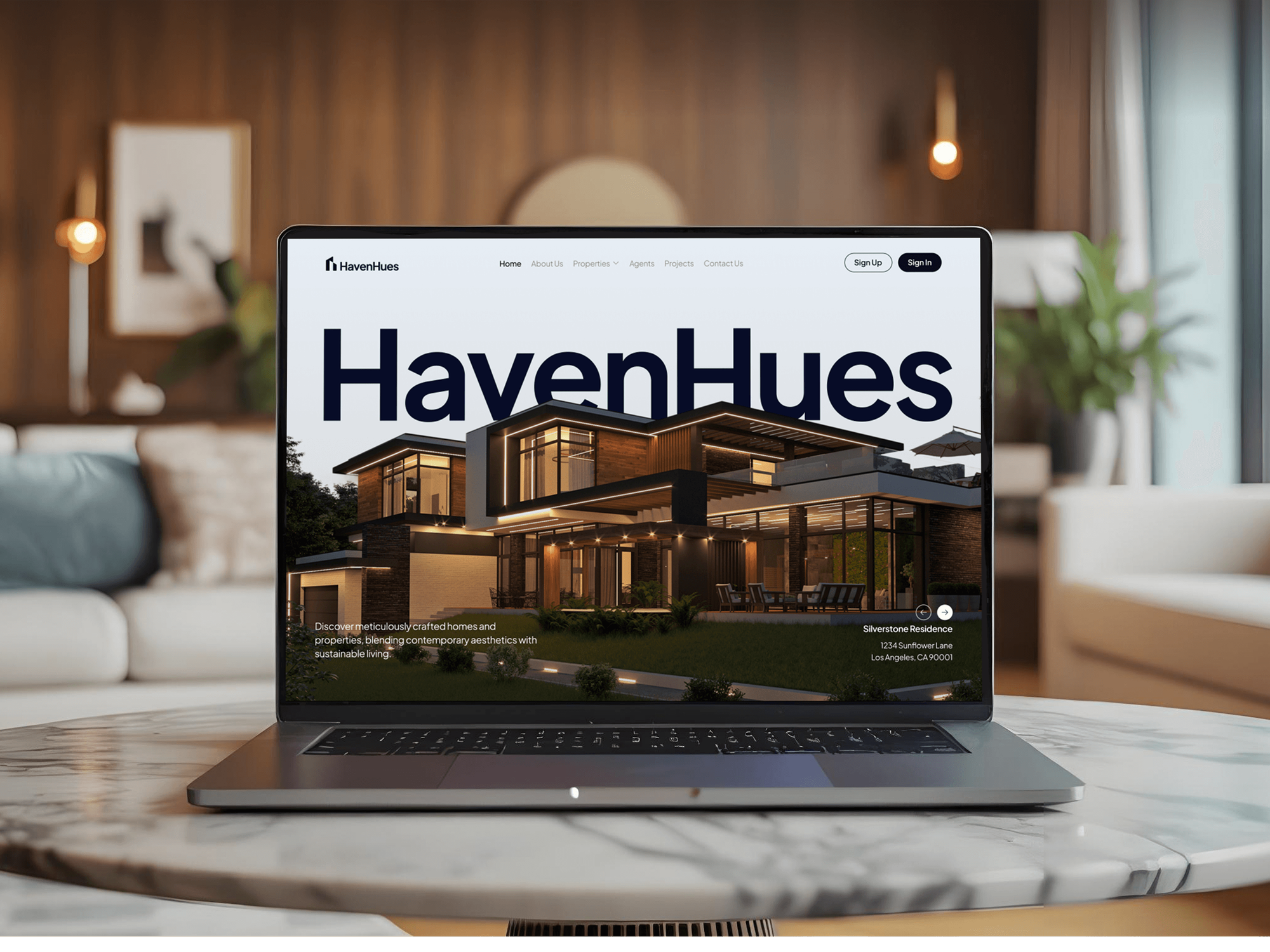
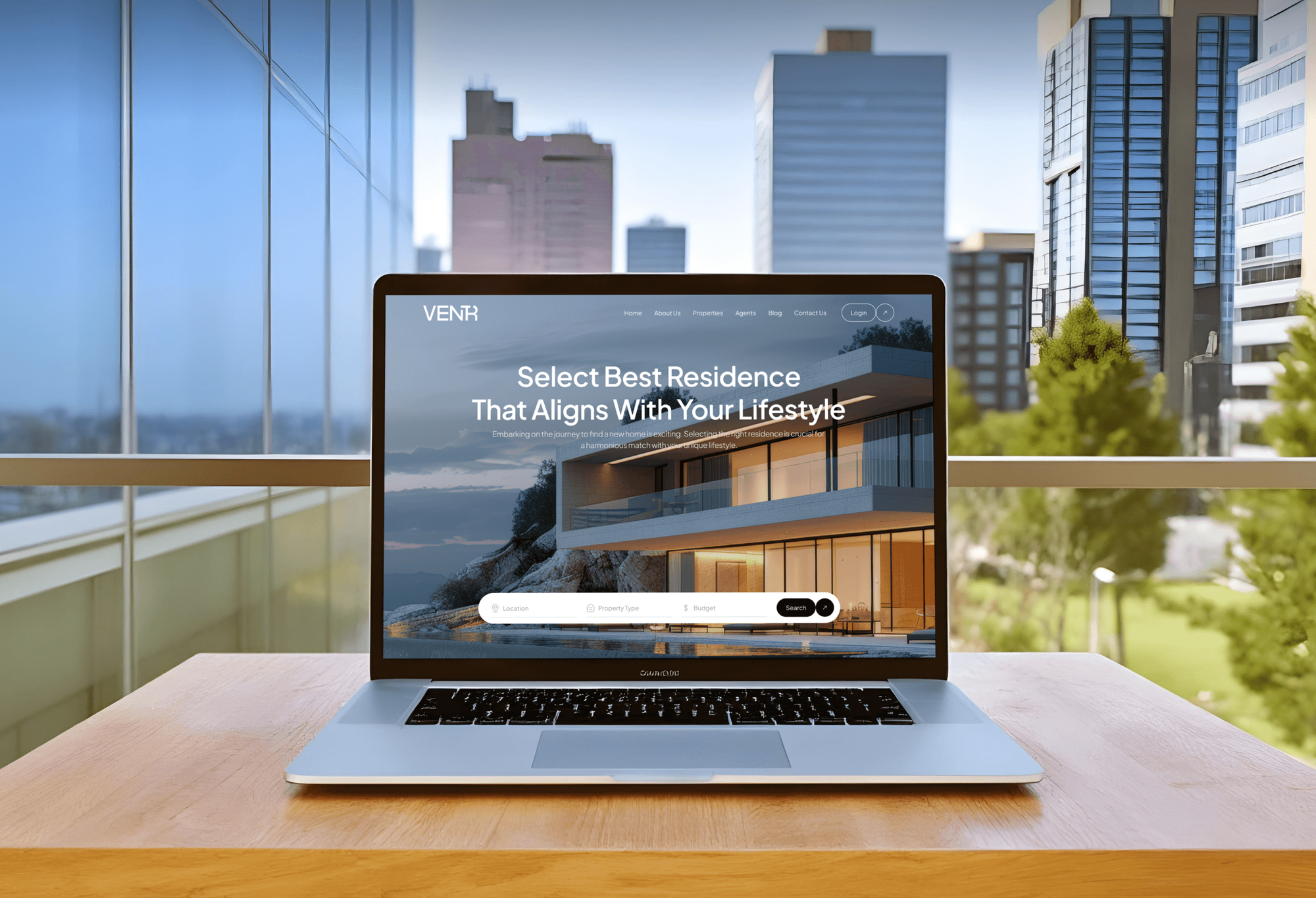
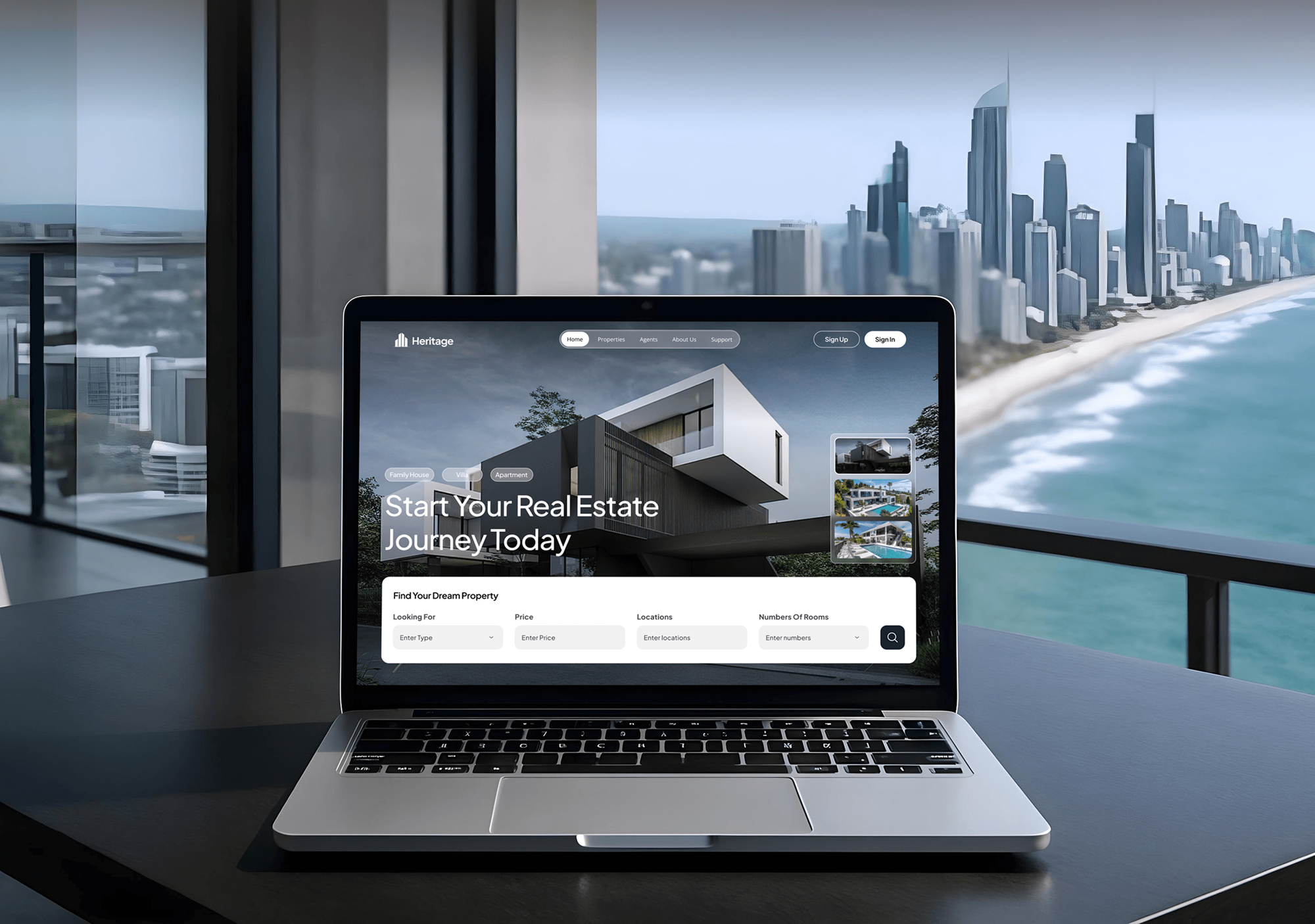
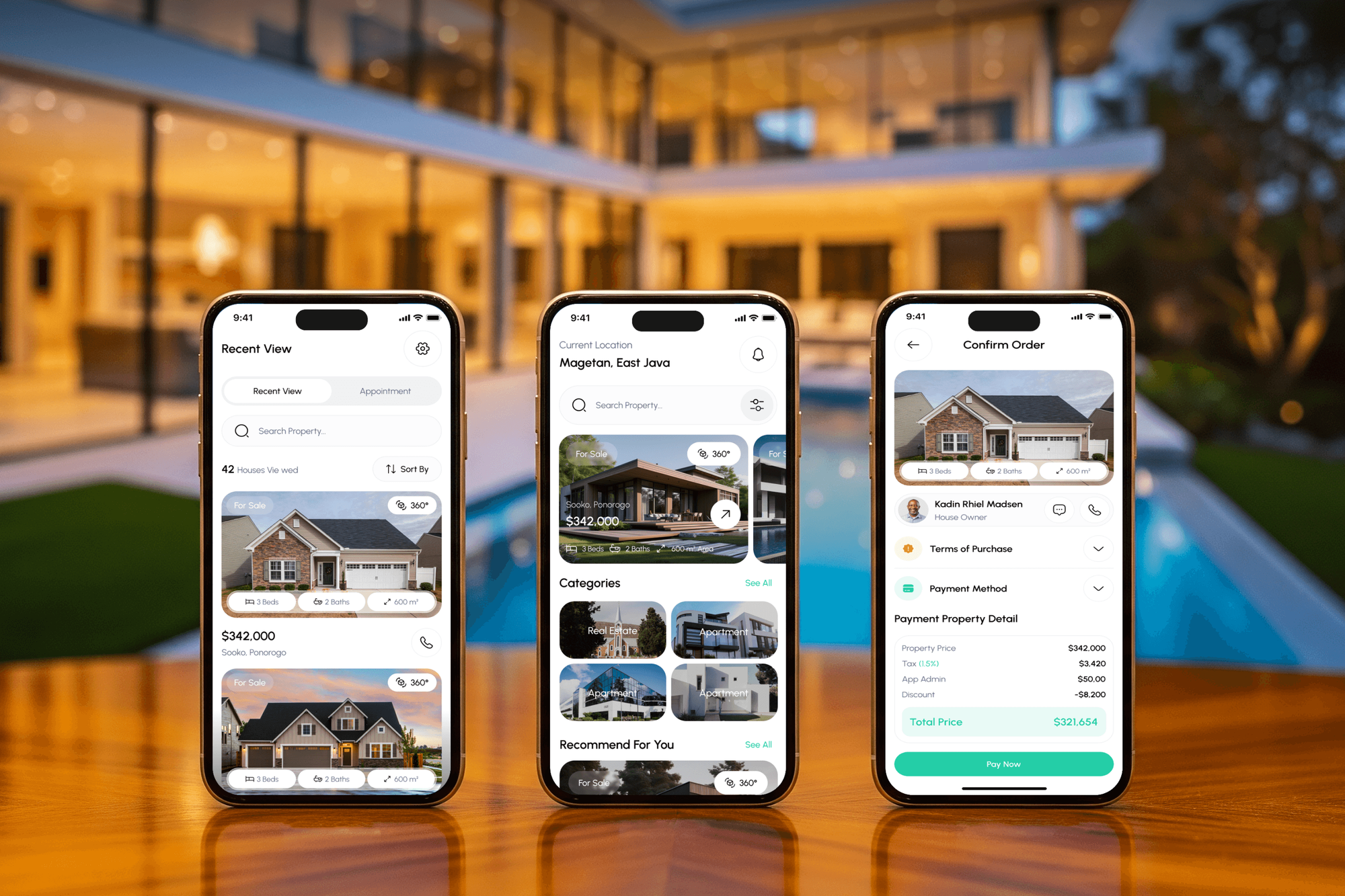
Projects We've Built
Real estate websites and property apps our team designed and built, where every inquiry had to reach an agent quickly.
What Our Clients Say
Feedback from teams we have built websites, dashboards, and integrations for.
We had a pretty specific idea of what we wanted our website to become, but I wasn’t sure how easily we could explain all of it to a development team. There were quite a few moving parts, and we were working toward a deadline, so I expected a few things to get lost along the way. That never really happened. They understood what we were trying to achieve, kept us updated throughout the process, and got everything ready within the agreed timeline. The final site feels much easier to navigate, works beautifully on mobile, and is noticeably smoother for our customers. It was a huge relief seeing the original idea actually turn into the website we had in mind.
The mobile experience is probably my favourite part of the new site. We had spent a lot of time making sure the desktop version looked right, and the team kept pushing us to think about how everything would actually feel on a phone too. They were right. The navigation is clean, the interactions feel natural, and everything we’ve tested so far works exactly as it should. They also went through the links, forms, integrations, and other details more than once before launch, which I really appreciated. And even after going live, we could still reach out when something came up. The whole process felt friendly, organised, and surprisingly straightforward.
What I appreciate most is that the website is actually easy for us to manage now. We can update content ourselves instead of sending a developer a message every time we need to change something small. They also paid attention to the technical SEO side, which mattered to us because we didn’t want a new website to create problems for the traffic we already had. I’ve probably asked more questions than I should have since launch, but every question has been handled patiently and without any fuss. The team is easy to work with, they explain things clearly, and when we need something changed, they focus on getting it done rather than making the process complicated.
1,250+
Projects shipped
10+
Years of experience
Top 3%
Upwork Top Rated Plus
5 stars
Average review score

Want results like these?
Tell us what you are building. You get a reply within 24 hours on business days, then a written estimate.
Work Culture
Agents judge a CRM in its first week. These habits keep yours fast to use, fair to your team, and safe for your contacts.
We test routing with real portal leads until the alert reaches an agent's phone within minutes. A lead who waits until Monday usually talks to someone else.
If the CRM in your brokerage package does the job, we set that up instead. You pay us only for the gaps it can't cover.
Your drips text only contacts who opted in, from a registered number. Carriers filter unregistered senders, and filtered messages don't reach the buyer.
Contacts, notes, and drips live in an account in your name, not ours. If you change brokerages, your past clients come with you.
Routing rules are written down and visible to the whole team. Agents trust a system when they can see why a lead went to someone else.
We write drips from your past emails and the way you talk to clients. A canned national template reads like spam to a local buyer.
Overview
DeveloperLook sets up a real estate CRM for agents, teams, and brokerages. We help you choose Follow Up Boss, Lofty, kvCORE, or HubSpot, then route Zillow, Realtor.com, and website leads to the right agent with drips and closing reminders. Setups start at $850 and take 1 to 6 weeks, in accounts you own.
DEVELOPERLOOK
Project facts · Real Estate CRM Setup for Agents
Reviewed 7 Oct 2026 by Saimul Islam
Good fit
Solo agents buying portal leads
You pay for Zillow leads and answer them from your phone between showings. Some slip through, and you can't tell which ones.
Teams splitting leads between agents
Your team of six argues over who got the good leads. You want a realtor CRM with clear, visible routing rules.
Brokerages leaving an old CRM
Your brokerage outgrew its real estate broker CRM, and agents keep their own spreadsheets on the side. You need one system with the history moved over.
Agents with a large sphere
Your past clients and referral partners sit in a phone and an old Mailchimp list. You want them in a CRM with regular touchpoints.
Agencies serving real estate clients
You run marketing for agents and teams and need someone to build the CRM side, so clients see which ads became closings.
Not a fit
Follow Up Boss already chosen
You've already picked Follow Up Boss and only need your website and IDX feeding it. Our Follow Up Boss Integration service is the smaller job.
kvCORE site connection only
You run kvCORE and only need your site or landing pages connected to it. Our kvCORE Integration service handles that.
Custom CRM software build
You want your own CRM software built from scratch for agents to license. That's a product build under our Real Estate SaaS Development service.
Budget under $850
Your budget is under $850, or you get a few leads a month. The CRM inside your brokerage package is enough for now.
Not sure we're the right fit?
Book a free call or message us. We'll tell you honestly whether we're the right team.
Pricing
These are starting points in USD. Your price depends on lead sources, team size, and any migration, and you get a fixed proposal after a free review.
For solo agents moving off a spreadsheet or phone contacts onto a real CRM.
$850one-time, USD
For teams that share portal leads and need fast, fair assignment.
$2,200one-time, USD
For brokerages moving many agents from another CRM with full history.
$4,600one-time, USD
For Agencies
You own the client relationship. We build the CRM side of your real estate campaigns: lead routing, drips, and closing reports by source. It's delivered under your brand, in accounts your agent or brokerage client owns.
White label: your client only ever sees your brand
Their lead sources, current CRM, team size, and the reports they expect from you.
You get a routing plan and a fixed price you can resell with confidence.
We configure, test, and document under your brand, then hand over every login.
We work behind your agency name on calls, documents, and training.
Reports show your client which campaigns produced appointments and closings.
One playbook for a solo agent or a large multi-office brokerage.
Fixed milestones, with test leads checked before your client sees anything.
The Right Technology for Your Project
We set up the CRM that fits your team, then connect the portals, forms, and signing tools your deals run through.
 HubSpot
 WordPress
 Twilio
FAQ
Straight answers on what a real estate CRM does, what it costs, setup time, and choosing one.
Saimul IslamFounder & CEO, DeveloperLookStill have questions?
Send a message or book a call with the team.
CRM stands for customer relationship management. In real estate, it means the system that stores every buyer, seller, and referral partner, with each conversation, showing, and follow-up date attached. Most agents also use it to send email and text drips. It's separate from the MLS, which holds listings rather than relationships.
In real estate, a CRM is the database that keeps your pipeline moving. It holds new leads, active buyers and sellers, and past clients, and it tells you who to call today. Good CRM software for real estate also records where each lead came from, so you know which portal or ad is worth paying for.
It works by catching leads, assigning them, and scheduling follow-up. Portal and website inquiries arrive by direct integration or email parsing and become contacts with their source. Routing rules pick an agent, who gets an alert and a first task. Drips then send emails or texts on a schedule until the contact replies.
A solo agent's CRM setup starts at $850 with us. That covers portal lead parsing, buyer and seller pipelines, and a sphere import of up to 3,000 contacts. Team routing with drips and texting starts at $2,200, and brokerage migrations start at $4,600. The CRM subscription itself is billed by the vendor, usually per agent per month.
A solo agent's setup goes live in 1 to 2 weeks. Teams with routing rules and several drips take 2 to 4 weeks, and brokerage migrations with full history take 4 to 6 weeks. The slowest part is usually writing the drips with you, not the technical setup, so having your past emails ready speeds things up.
Agents need CRM software because many sales close months after the first inquiry. A buyer who isn't ready today may be ready next spring. A real estate agent CRM remembers to check in, keeps your sphere warm for referrals, and shows which lead sources pay for themselves and which ones don't.
Start each day with the CRM's task list: new leads to call, showings to confirm, and past clients due a check-in. Log every call and showing note from the mobile app right after it happens. Tag contacts by stage and area, so drips and market updates reach the right people.
Choose by testing three things with your own leads: routing speed, the mobile app, and long drips. Check how fast a portal lead reaches an agent, how the app feels between showings, and whether drips can run for months. Then compare per-agent cost against your team size. We run that test before you sign anything.
The best fit depends on how you get leads. Follow Up Boss is popular with teams buying portal leads, while Lofty and kvCORE bundle an IDX website with the CRM. HubSpot suits agents who also run broader marketing. We compare them against your lead flow before recommending one.
For a solo realtor, the best CRM is the one you'll update from your phone in a parking lot. Pick simple pipelines, a strong mobile app, and built-in texting over long feature lists. A CRM for realtors working alone rarely needs routing, so a lighter plan often costs less each month.
Saimul IslamFounder & CEO, DeveloperLookStill have questions?
Send a message or book a call with the team.
Free 30-min callGoogle Meet
Book a call
In 30 minutes on Google Meet we walk you through how we would build it, how long it takes and what it costs. Then you get a written estimate.
Calendar not showing? Book on cal.com or send a brief.