
Automated loop creation from web forms
Buyer and seller intake forms open a loop with the property and participants already filled in.

dotloop integrations that open loops from web forms and CRM deals with the right template, then sync status back. From $750.
10+
Fields filled in every new loop
100%
Loops opened on the right template
Teams we have built for:














The Problem
It shows up the moment a deal moves forward. The client's details already sit in a form or the CRM, yet someone types them into dotloop again.
01 · Retyped details
Agents retype details they already entered in the CRM.
Web forms and CRM stage changes open loops with the details filled in.
02 · Typo cascade
One transposed digit in the address flows into every document.
Addresses and participants come from the source record, not a keyboard.
03 · Wrong template
A loop sits on the wrong template until compliance catches it.
Rules pick the template by transaction type, office, and side.
04 · Status gaps
The CRM still shows the deal as a showing.
Loop status flows back to the CRM and, if you want, a client portal.
Your agent gets the call: the offer is accepted. Now they open dotloop, pick a template, and type the buyer's name, email, and the property address. They typed the same details into your CRM last week. One transposed digit in the address flows into every document. The loop sits on the wrong template until compliance catches it. The CRM still shows the deal as a showing. Meanwhile, the client asks for an update, and nobody knows where the file stands.
We start where your deals begin: intake forms and CRM deal stages. A form comes in, or a deal reaches the stage you choose. Then dotloop's Loop-It API opens the loop with the right template, property, and participants. Loop status flows back to your CRM and, if you want, a client portal. Agents review a loop instead of building one.
Loops open from real events
Web forms and CRM stage changes open loops, so no one starts from a blank screen.
The right template every time
Rules pick the template by transaction type, office, and side before the loop exists.
Status everyone can see
Loop status updates the CRM deal and, if you want, the client's closing portal.
Our dotloop Integration Process
You approve each rule before it runs. You see which event opens a loop, which template it uses, and what flows back to your CRM.
We map how your deals move today: web forms, CRM stages, dotloop templates, and who reviews files. You get a written plan and a fixed quote. If a ready-made connector already covers your flow, we'll tell you before we quote.
What's Included
Every plan opens loops from your website's forms. Larger plans add CRM stage sync, client portals, and a broker dashboard across offices.
Compare Options
Manual entry costs nothing to set up, and ready-made connectors cover common CRM pairs. Custom dotloop integrations pay off when your rules and systems don't fit a preset.
| Feature | DeveloperLookBest fit | Ready-made connector | Manual loop entry |
|---|---|---|---|
| Loop trigger | Form or CRM stage | Set by the vendor | Agent starts it |
| Template choice | Rules per deal type | Default or one pick | Agent picks it |
| Participants filled | From form or CRM | Usually basic contacts | Typed by hand |
| Status back to CRM | Webhook driven, per loop | Varies by connector | Updated by hand |
| Client visibility | Optional closing portal | Not included | Agent emails updates |
| Setup cost | Fixed project price | Low monthly fee | No setup cost |
| Time to start | 1 to 8 weeks | Same day | Nothing to set up |
| Code ownership | Yours, with documentation | Stays with the vendor | Not applicable |
Projects We've Built
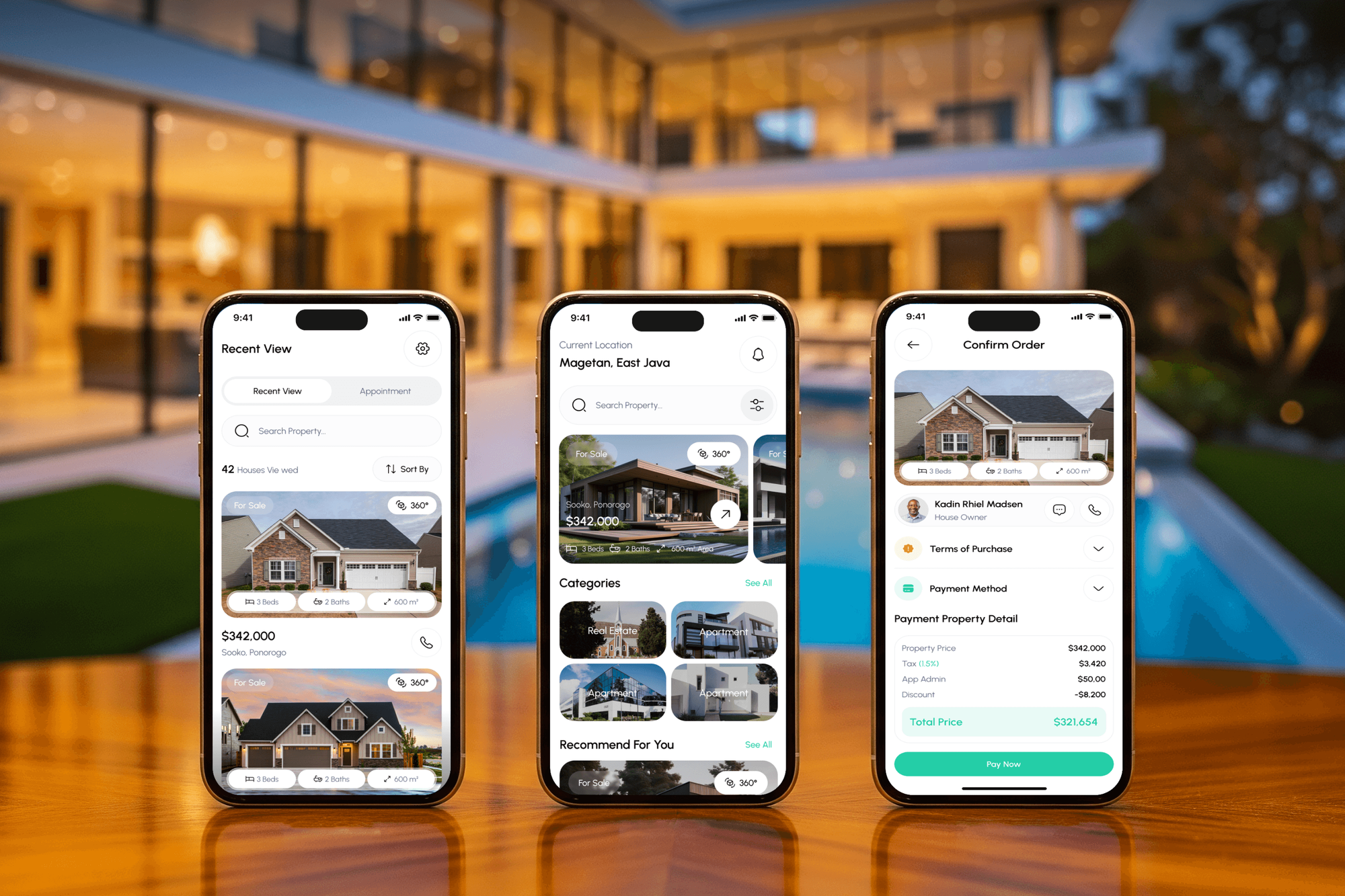
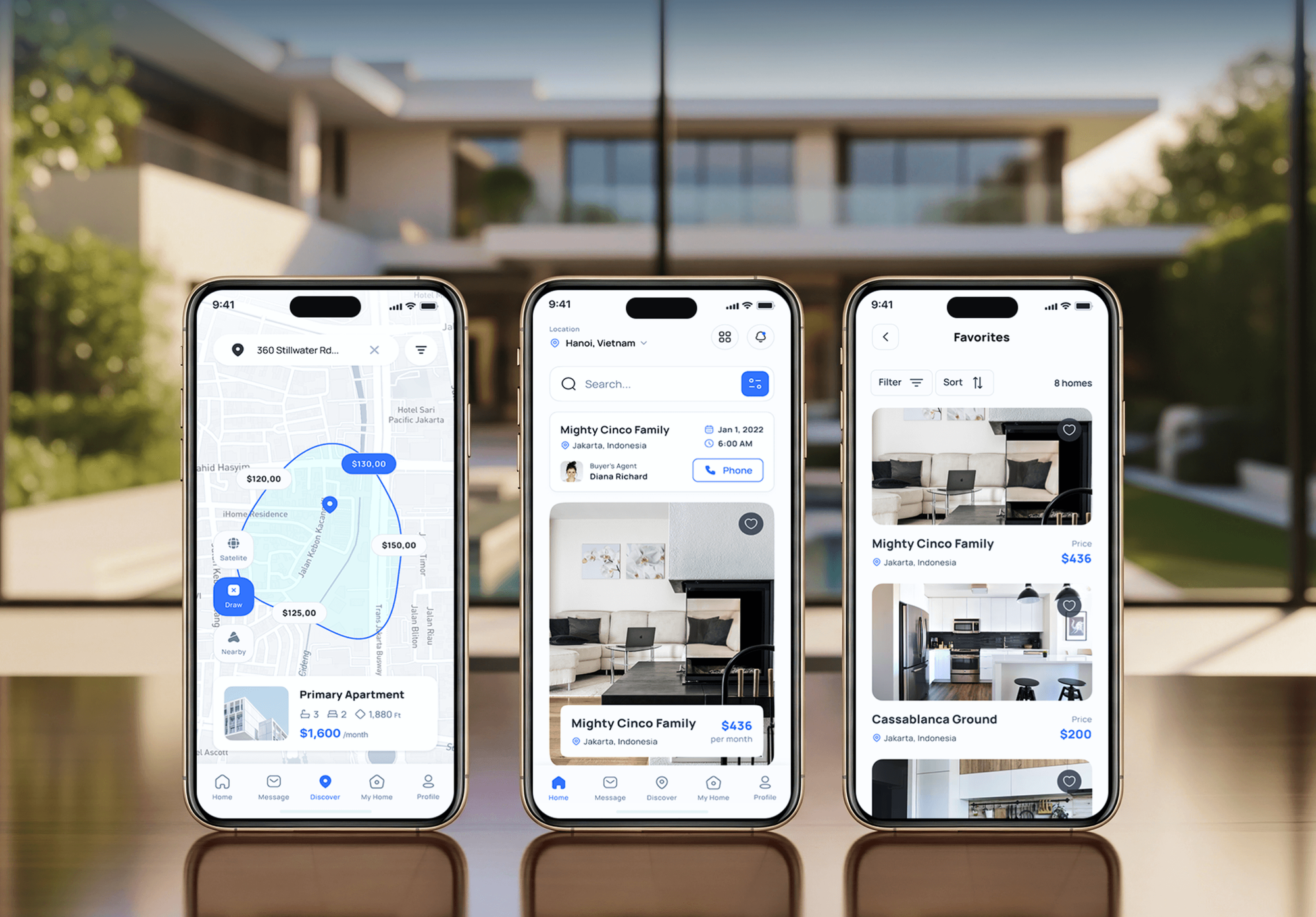
Property apps and SaaS dashboards from our portfolio. Portals and status screens like these are what we build on top of dotloop's API.


What Our Clients Say
Feedback from teams we have built apps, portals, and integrations for.
We had a pretty specific idea of what we wanted our website to become, but I wasn’t sure how easily we could explain all of it to a development team. There were quite a few moving parts, and we were working toward a deadline, so I expected a few things to get lost along the way. That never really happened. They understood what we were trying to achieve, kept us updated throughout the process, and got everything ready within the agreed timeline. The final site feels much easier to navigate, works beautifully on mobile, and is noticeably smoother for our customers. It was a huge relief seeing the original idea actually turn into the website we had in mind.
The mobile experience is probably my favourite part of the new site. We had spent a lot of time making sure the desktop version looked right, and the team kept pushing us to think about how everything would actually feel on a phone too. They were right. The navigation is clean, the interactions feel natural, and everything we’ve tested so far works exactly as it should. They also went through the links, forms, integrations, and other details more than once before launch, which I really appreciated. And even after going live, we could still reach out when something came up. The whole process felt friendly, organised, and surprisingly straightforward.
What I appreciate most is that the website is actually easy for us to manage now. We can update content ourselves instead of sending a developer a message every time we need to change something small. They also paid attention to the technical SEO side, which mattered to us because we didn’t want a new website to create problems for the traffic we already had. I’ve probably asked more questions than I should have since launch, but every question has been handled patiently and without any fuss. The team is easy to work with, they explain things clearly, and when we need something changed, they focus on getting it done rather than making the process complicated.
1,250+
Projects shipped
10+
Years of experience
Top 3%
Upwork Top Rated Plus
5 stars
Average review score

Want results like these?
Tell us what you are building. You get a reply within 24 hours on business days, then a written estimate.
Work Culture
A wrong template or a missed webhook repeats on every deal you close. These habits keep your loops accurate and your CRM in step with them.
Agents under deadline pick whatever template looks closest. We set rules by transaction type, office, and side, so each loop opens where your compliance team expects it.
dotloop allows one valid token pair per app and user at a time. We keep your integration's credentials separate, so another tool can't sign it out.
dotloop webhook events carry IDs, not full records. We set a signing key, verify every event, and fetch the loop before anything touches the CRM.
Document review and approval stay inside dotloop, where your broker works. Our dashboards flag missing dates or documents, but they don't replace that review.
Ready-made connectors handle many CRM and dotloop pairs well. When one fits your flow, we recommend it and quote only what's missing.
The API app, webhook subscriptions, and code are registered to your brokerage. If you change developers, loops keep opening without a rebuild.
Overview
DeveloperLook builds dotloop integrations for brokerages and teams that want loops to open from intake forms and CRM deals. We use dotloop's Loop-It API for templates, properties, and participants, then sync loop status back to your CRM or a client portal. Projects start at $750 and take 1 to 8 weeks after dotloop grants API access.
DEVELOPERLOOK
Project facts · dotloop Integration Services for Real Estate
Reviewed 28 Sep 2026 by Saimul Islam
Good fit
Brokerages retyping offer details
Your agents retype everything. Client and property details already sit in your CRM or web forms, and they go into dotloop again.
Teams with web intake forms
Your website collects seller and buyer details, and each submission should open a loop instead of an email thread.
Brokers tracking files by office
You run several offices and want one view of every loop's status and closing date, without asking each coordinator.
Teams building closing portals
You're building a client closing portal and want it to show real loop status, not statuses agents update by hand.
Agencies serving brokerages
Your agency serves brokerages and needs a real estate transaction management integration built and documented under your brand.
Not a fit
Lead follow-up first
Your problem is lead follow-up before any deal exists. Our Follow Up Boss Integration Services page covers lead routing and action plans.
Web leads into kvCORE
You run kvCORE and mainly need web leads routed. Our kvCORE Integration Services for Real Estate page covers that sync.
A handful of loops
Your team opens a handful of loops a month. Manual entry or a ready-made connector costs less than our $750 starting price.
Custom transaction software
You want full transaction software built from scratch. Our Real Estate Software Development Company page covers custom platforms.
Not sure we're the right fit?
Book a free call or message us. We'll tell you honestly whether we're the right team.
Pricing
These are starting points in USD. Your final price depends on which transaction types you run, your systems, and portal needs, and you get a fixed proposal after a free review.
For teams that want web intake forms to open loops on the right template.
$750one-time, USD
For brokerages that want CRM deal stages and loops kept in step.
$1,850one-time, USD
For brokerages that want clients and brokers to see every file's status.
$4,200one-time, USD
For Agencies
You own the client relationship. We supply the dotloop side of your brokerage projects: API access, template rules, loop creation, and status sync. Your client sees your brand and loops that open on their own.
White label: your client only ever sees your brand
Send the brokerage's CRM, dotloop templates, web forms, and office list.
You receive the rule map, the timeline, and a fixed price.
We build, test with sample deals, and document it under your brand.
Our name stays off your client's screens, invoices, and calls.
We guide your client through dotloop's API access request.
Senior developers build each integration and review the code before launch.
Add brokerage integrations to your roster without a dotloop specialist.
The Right Technology for Your Project
We connect your forms and CRM to dotloop through its public API, with signed webhooks and logs your team can read.
 Next.js
 React
React WordPress
 Webflow
 HubSpot
 Salesforce
 Zapier
 Make
Make Node.js
 PostgreSQL
 AWS
AWS Docker
FAQ
Straight answers on cost, timelines, loop creation, CRM sync, portals, and compliance.
Saimul IslamFounder & CEO, DeveloperLookStill have questions?
Send a message or book a call with the team.
Intake forms that open loops start at $750 for up to 3 forms, with template rules and participants prefilled. CRM stage sync with signed status webhooks costs $1,850. A client closing portal with a broker dashboard starts at $4,200. dotloop's own subscription is separate, and you get a fixed quote after the free transaction review.
Plan on 1 to 8 weeks once dotloop approves API access. Form-to-loop setups take 1 to 2 weeks, CRM sync 3 to 5, and portals with dashboards 6 to 8. dotloop grants API credentials by request, so your admin applies in week one while we map templates.
The website or CRM marks the offer accepted, and that event opens the loop through dotloop's Loop-It API. One request sets the loop name, transaction type, status, property address, participants, and template. The response includes the loop's link, which we send to the agent. The loop opens as Under Contract, ready for your coordinator's review.
Your form collects each client's name, email, and role once, and those become loop participants automatically. The property address fills the loop's address fields, and an MLS number can link the listing. Agents stop retyping names, and typos stop spreading into every document. Anything the form can't know, such as the price, is added in dotloop.
Yes, through dotloop's API and webhooks. Your portal can show each loop's status, key dates, and the documents your agent chooses to share. Signing and document review still happen inside dotloop, and the portal links there when a client needs to act. We keep portal logins separate from dotloop logins.
The dotloop API keeps your deal stages and loop status in step. When a loop moves to Under Contract or Sold, a webhook updates the CRM stage. Compliance review itself stays in dotloop with your broker. Our dashboard lists each loop's dates and documents, so missing items surface before the review.
You need API credentials from dotloop, which it grants when you request access through its developer program. The integration signs in with OAuth 2.0, and access tokens usually expire after 12 hours, so it refreshes them automatically. dotloop allows 100 API requests per minute for each user, and we build the queue around that limit.
Loop created, loop updated, loop merged, and participant changes can all trigger an update. dotloop sends each event as a webhook, signed with a key we set, that carries IDs. So we fetch the loop's current details before writing to the CRM. Failed deliveries are retried for hours before dotloop marks them failed. A nightly check catches anything missed.
Yes, templates and profiles can differ by office, and the rules pick the right pair for each loop. A listing from your downtown office opens on that office's profile and listing template. Rules can also route by transaction type or side. We document every rule, so your coordinator can adjust it when templates change.
Your brokerage does: the API app, webhook subscriptions, code, and logs are all in your name. We hand over a rule map showing which event opens which loop and what syncs back. Support runs 30, 60, or 90 days by plan, and dotloop API changes after that can go on a care plan.
Saimul IslamFounder & CEO, DeveloperLookStill have questions?
Send a message or book a call with the team.
Free 30-min callGoogle Meet
Book a call
In 30 minutes on Google Meet we walk you through how we would build it, how long it takes and what it costs. Then you get a written estimate.
Calendar not showing? Book on cal.com or send a brief.