
Contacts created by API
Each of your forms creates a kvCORE contact with name, phone, deal type, source, and capture method.

kvCORE integrations for custom real estate sites: leads, hashtags, search alerts, and Smart Campaigns that start on arrival. From $650.
100%
Web leads through your routing
24/7
Smart Campaigns start on arrival
Teams we have built for:














The Problem
It happens after a redesign moves you off the kvCORE template. Leads still arrive, but routing rules, hashtags, and Smart Campaigns stop seeing them.
01 · Email valuations
Valuation requests arrive as plain emails.
Every web form creates the contact through kvCORE's API with deal type and source.
02 · Missing hashtags
Hand-pasted leads skip the hashtag, so seller campaigns don't start.
Each lead carries the hashtags your Smart Campaign triggers look for.
03 · Silent alerts
Buyers save searches on your site, but kvCORE doesn't know.
Each buyer's searches become alerts on their own contact.
04 · Routing bypass
Leads that arrive pre-assigned skip your routing rules.
Contacts arrive without a preset agent, so your routing picks who gets them.
Your new site looks nothing like the template the rest of your office uses. Then the leads get strange. Valuation requests arrive as plain emails. Someone pastes them into kvCORE by hand, skips the hashtag, and the seller campaign doesn't start. Buyers save searches on your site, but kvCORE doesn't know, so no listing alert goes out. The redesign was meant to win more business. Instead, your best leads wait in an inbox.
We start with the routing rules, hashtags, and Smart Campaigns you already run in kvCORE. Then every web form creates the contact through kvCORE's API with its deal type, source, and hashtags. Routing picks the agent, and the matching campaign starts. Saved searches become kvCORE search alerts. Your site gets the design you wanted, and kvCORE keeps doing the follow-up.
Routing rules stay in charge
Contacts arrive without a preset agent, so kvCORE's own routing rules assign them.
Campaigns start on arrival
Each lead carries the deal type and hashtags your Smart Campaign triggers look for.
Saved searches keep working
A buyer's saved searches become kvCORE search alerts on their own contact.
Our kvCORE Integration Process
You approve every mapping before launch. You see which form sends which deal type, source, and hashtag, and which campaign each one starts.
We review your routing rules, hashtags, Smart Campaigns, and every form you run. You get a field map and a fixed quote. If kvCORE's own site already does what you need, we'll tell you before we quote.
What's Included
Every plan connects your site's forms to kvCORE. Larger plans add saved search sync, campaign webhooks, office routing, and two-way syncs.
Compare Options
kvCORE's own site and its Lead Dropbox work well for many agents. Custom kvCORE integrations help when the design is custom and campaigns need clean data.
| Feature | DeveloperLookBest fit | kvCORE template site | Lead Dropbox emails |
|---|---|---|---|
| Site design | Any custom design | kvCORE templates | Any site you have |
| Data captured | Every mapped form field | Native site fields | Contact info in the email |
| Campaign triggers | Hashtags sent with each lead | Built into kvCORE | Limited to parsed fields |
| Listing alerts | Synced from saved searches | Native to the site | Not included |
| Listing activity | Viewed price range sent | Tracked natively | Not included |
| Setup time | 1 to 7 weeks | A few days | An hour or two |
| Monthly cost | Fixed project price | In your kvCORE plan | In your kvCORE plan |
| Ongoing upkeep | Token renewal tracked | Handled by kvCORE | Email formats can change |
Projects We've Built
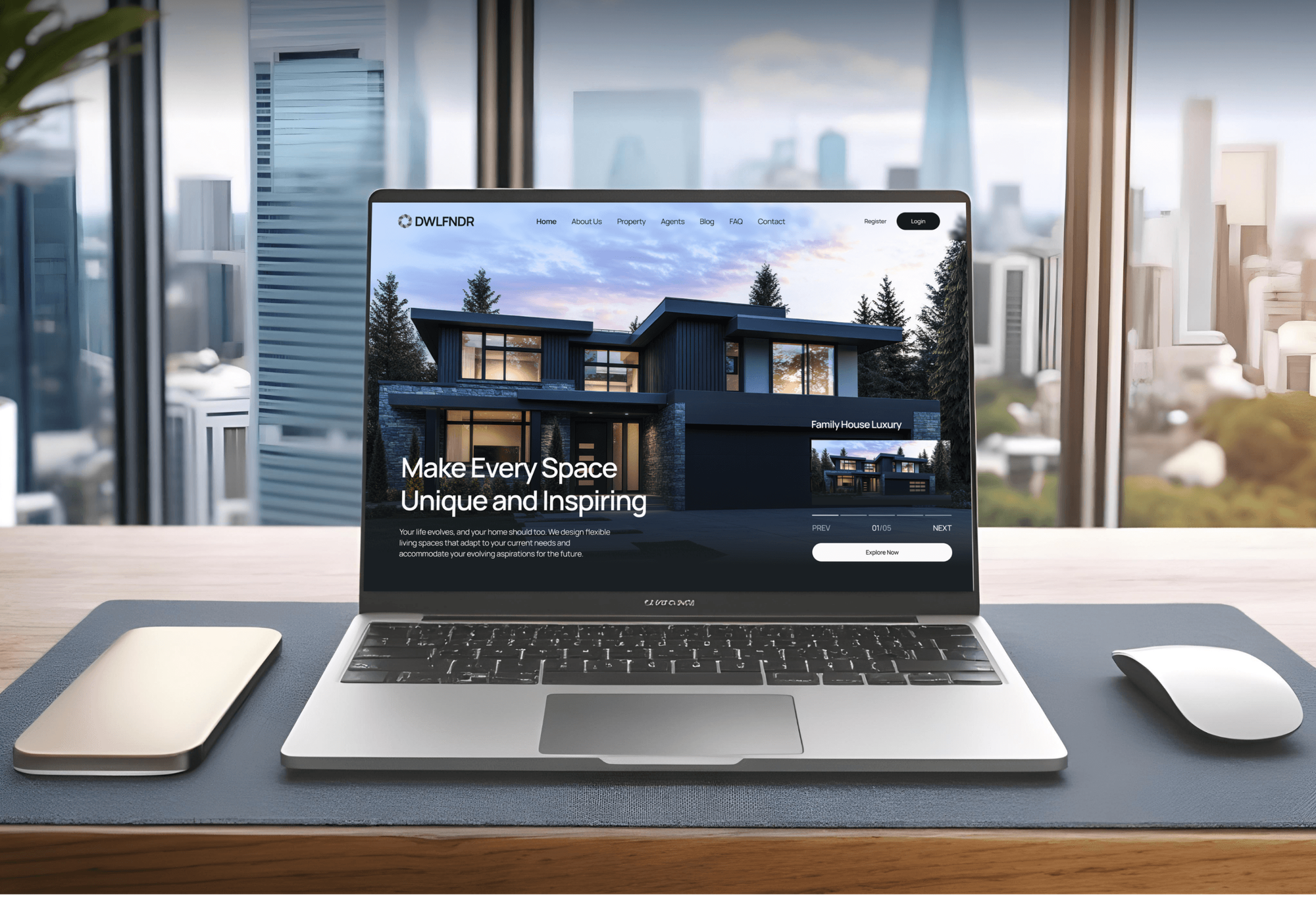
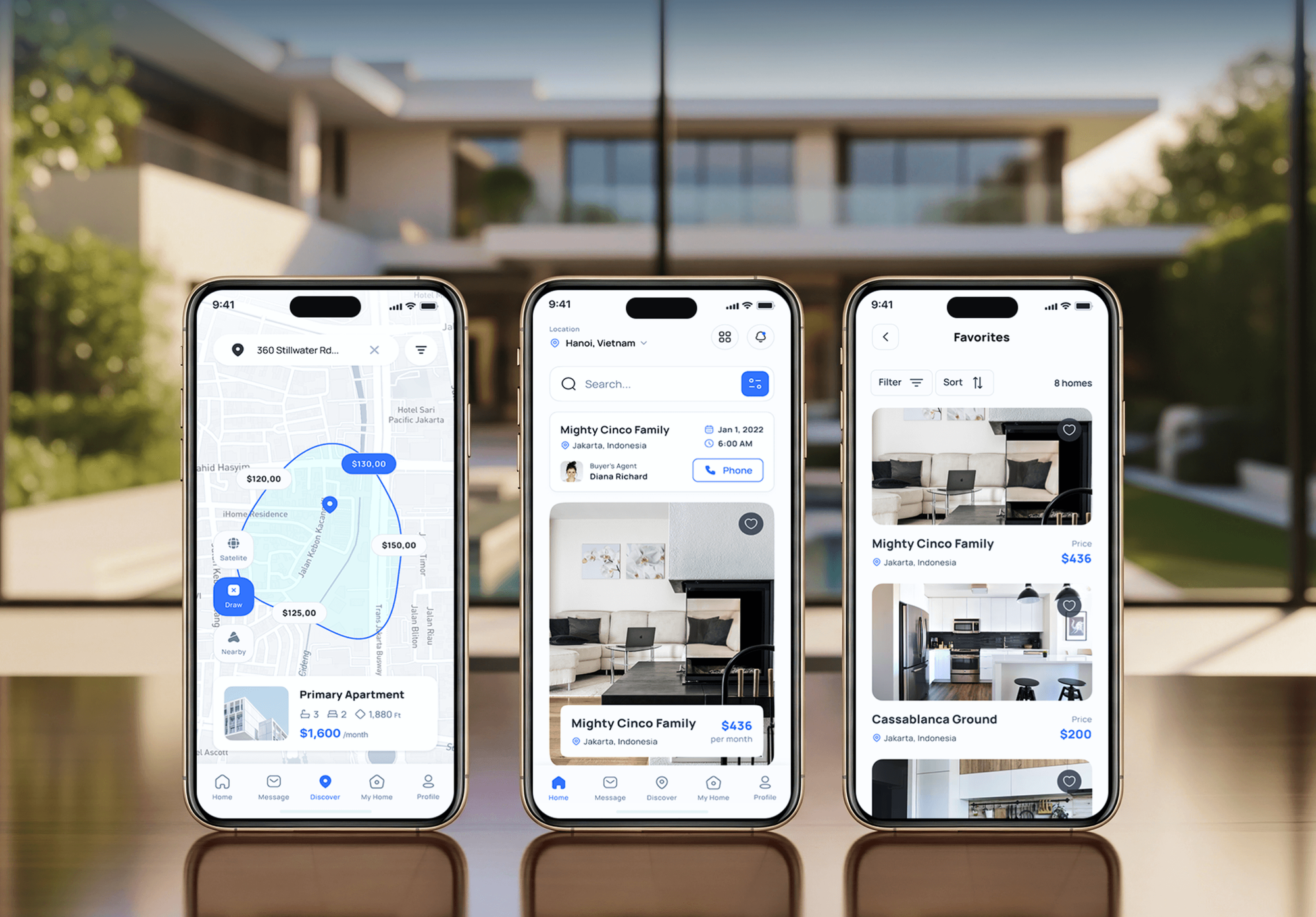
Property websites and apps from our portfolio. Custom designs like these are the sites we connect to kvCORE, with forms mapped to its contact fields.


What Our Clients Say
Feedback from teams we have built custom websites and integrations for.
We had a pretty specific idea of what we wanted our website to become, but I wasn’t sure how easily we could explain all of it to a development team. There were quite a few moving parts, and we were working toward a deadline, so I expected a few things to get lost along the way. That never really happened. They understood what we were trying to achieve, kept us updated throughout the process, and got everything ready within the agreed timeline. The final site feels much easier to navigate, works beautifully on mobile, and is noticeably smoother for our customers. It was a huge relief seeing the original idea actually turn into the website we had in mind.
The mobile experience is probably my favourite part of the new site. We had spent a lot of time making sure the desktop version looked right, and the team kept pushing us to think about how everything would actually feel on a phone too. They were right. The navigation is clean, the interactions feel natural, and everything we’ve tested so far works exactly as it should. They also went through the links, forms, integrations, and other details more than once before launch, which I really appreciated. And even after going live, we could still reach out when something came up. The whole process felt friendly, organised, and surprisingly straightforward.
What I appreciate most is that the website is actually easy for us to manage now. We can update content ourselves instead of sending a developer a message every time we need to change something small. They also paid attention to the technical SEO side, which mattered to us because we didn’t want a new website to create problems for the traffic we already had. I’ve probably asked more questions than I should have since launch, but every question has been handled patiently and without any fuss. The team is easy to work with, they explain things clearly, and when we need something changed, they focus on getting it done rather than making the process complicated.
1,250+
Projects shipped
10+
Years of experience
Top 3%
Upwork Top Rated Plus
5 stars
Average review score

Want results like these?
Tell us what you are building. You get a reply within 24 hours on business days, then a written estimate.
Work Culture
A missed hashtag or a default setting repeats on every lead you get. These habits keep routing, campaigns, and consent right from day one.
kvCORE runs its routing rules when a contact arrives without an assigned agent. We leave that field empty on purpose, so your rules decide, not our code.
kvCORE turns automated texting on unless a new contact says otherwise. We map your consent checkbox to its text fields, so automated texts go only to leads who opted in.
kvCORE API tokens stay active for one year, per BoldTrail's help center. We put the renewal date in your handover notes and alert you when a request fails.
BoldTrail's help center notes that hashtag triggers don't apply to contacts retroactively. We test each hashtag against your Smart Campaign triggers with fresh test contacts.
If kvCORE's own site and Lead Dropbox already cover your leads, we'll say so. A custom connection only makes sense when your setup needs it.
Your site's code, the integration, and its logs live in your accounts. kvCORE keeps your contacts, and you keep everything around them.
Overview
DeveloperLook builds kvCORE integrations for real estate teams that want a custom website without losing kvCORE's routing and Smart Campaigns. We create contacts through kvCORE's API with deal types, sources, and hashtags, sync saved searches as alerts, and add campaign webhooks. Projects start at $650, take 1 to 7 weeks, and run in your accounts.
DEVELOPERLOOK
Project facts · kvCORE Integration Services for Real Estate
Reviewed 28 Sep 2026 by Saimul Islam
Good fit
Teams leaving the kvCORE template
Your team paid for a custom design. Now leads from the new site skip kvCORE's routing and campaigns.
Agents running seller landing pages
You run home valuation landing pages, and seller leads reach kvCORE without an address, so the seller campaign can't start.
Brokerages with office routing
Your brokerage routes leads by office and team, and web leads need to follow those rules instead of landing with an admin.
Teams alerting agents by text
You want agents texted the moment a hot lead replies, through a kvCORE webhooks integration instead of refreshing the app.
Agencies building realtor sites
Your agency builds custom sites for kvCORE brokerages and needs the kvCORE lead sync built and documented under your brand.
Not a fit
Team runs Follow Up Boss
Your team works leads in Follow Up Boss, not kvCORE. Our Follow Up Boss Integration Services page covers that CRM.
Listing feed needed
You need the MLS listing feed itself, not lead sync. Our IDX & MLS Integration Services page covers listing feeds.
Built-in site works
Your budget is under $650, and kvCORE's own site works for you. Stay with it, and we'll say so on the call.
Whole new website
You need a whole new website designed and built. Our Real Estate Website Design Company page covers the build, and we connect kvCORE after.
Not sure we're the right fit?
Book a free call or message us. We'll tell you honestly whether we're the right team.
Pricing
These are starting points in USD. Your final price depends on how many forms you connect, office routing, and any second system, and you get a fixed proposal after a free kvCORE review.
For agents and teams whose custom site forms need to reach kvCORE the right way.
$650one-time, USD
For teams adding valuation leads, saved searches, and agent text alerts.
$1,650one-time, USD
For brokerages routing web leads across offices and one more system.
$3,500one-time, USD
For Agencies
You own the client relationship. We supply the kvCORE side of the custom sites you build: field maps, contact posting, campaign triggers, and testing. Your client sees your brand and leads that land in the right campaign.
White label: your client only ever sees your brand
Send the site, its forms, the kvCORE routing setup, and an admin contact.
We quote a fixed price with the field map and timeline.
We connect, test inside kvCORE, and document everything under your brand.
We stay out of sight and work under your agency's brand.
Each client gets a written map of forms, fields, and hashtags.
Senior developers build and review every kvCORE connection before launch.
Add kvCORE builds for new clients without learning its API.
The Right Technology for Your Project
We connect custom sites to kvCORE through its public API and campaign webhooks, with logs your admin can check.
 Next.js
 React
React WordPress
 Webflow
 Twilio
 Slack
Slack Google Sheets
 Zapier
 n8n
n8n Make
Make Vercel
 Node.js
 PostgreSQL
 Cloudflare
FAQ
Straight answers on cost, timelines, custom sites, campaigns, webhooks, and setup.
Saimul IslamFounder & CEO, DeveloperLookStill have questions?
Send a message or book a call with the team.
Syncing a custom site's forms with kvCORE starts at $650 for up to 4 forms. That covers deal types, sources, hashtags, and consent fields. Adding valuation leads, search alerts, and campaign webhooks costs $1,650. Brokerage setups with office routing and a second system start at $3,500. Your fixed quote follows the free kvCORE review.
Form sync takes 1 to 2 weeks, and campaign-ready setups take 3 to 4. Brokerage setups with office routing take 5 to 7 weeks. The first days go to mapping deal types and hashtags with your admin, because that decides which Smart Campaigns start for each lead.
Your site stays custom, and its forms talk to kvCORE through the public API instead of kvCORE's own site builder. Each form creates a contact with deal type, source, and hashtags, which is what a kvCORE Smart CRM integration needs to route and nurture it. Listing search can come from your own IDX setup. Agents keep working in kvCORE as before.
Each landing page form creates a kvCORE contact with a seller or buyer deal type, the property address, and your campaign hashtags. Smart Campaigns with matching advanced triggers then start for those new contacts. BoldTrail notes that hashtag triggers don't apply retroactively, so we test with fresh contacts. Valuation requests also record the address as the property of interest.
Assignment happens first: kvCORE's routing rules pick the agent when a contact arrives without one. The webhook comes next, as a Smart Campaign step that sends a GET request with the lead's details to our endpoint. That endpoint can text the assigned agent or update another system. Campaigns can trigger on hashtags or statuses, so replies can fire alerts too.
The setup runs in five steps: review, field mapping, connection, testing, and launch. Your admin generates an API token in kvCORE's Lead Dropbox settings and shares it with us. We map every form, connect it, and test routing and campaigns with sample leads before real buyers see the site. Most projects go live in 1 to 7 weeks.
Yes, the kvCORE API can add up to two search alerts to each contact. When a buyer saves a search, we send the areas, price range, beds, baths, and frequency to kvCORE. kvCORE then emails matching listings on the schedule you set. Searches beyond two stay on your site with their own alerts.
We set it on every contact instead of relying on defaults. kvCORE's API turns automated texting on unless the request says otherwise, so each form sends the consent your visitor gave. If your form collects texting consent, we record the opt-in date. If it doesn't, automated texts stay off for that lead.
Yes, kvCORE is now part of BoldTrail, the platform brand Inside Real Estate adopted in mid-2024. BoldTrail's own blog says kvCORE's CRM, IDX sites, and lead tools carried over. The public API is still documented at apidocs.kvcore.com, and that's the API we build against. We test everything in your BoldTrail account.
You do: the code, hosting, logs, and API token all belong to your accounts. Tokens expire a year after they're generated, and each account can hold up to 3, so we note the renewal date at handover. Each plan includes 30, 60, or 90 days of support after launch.
Saimul IslamFounder & CEO, DeveloperLookStill have questions?
Send a message or book a call with the team.
Free 30-min callGoogle Meet
Book a call
In 30 minutes on Google Meet we walk you through how we would build it, how long it takes and what it costs. Then you get a written estimate.
Calendar not showing? Book on cal.com or send a brief.