
Provider setup
SendGrid, Amazon SES, Postmark, or Mailgun set up in your name, sized to your volume and data rules.

For product and SaaS teams whose app sends resets, receipts, and alerts: authenticated sending through an email API, with every bounce tracked.
100%
Sending domains authenticated
3
Records checked: SPF, DKIM, DMARC
How your project runs
Teams we have built for:














The Problem
It starts when volume grows or mailbox providers tighten their sender rules. Mail that worked for months begins landing in spam, and your app has no idea.
01 · Spam folder
Receipts land in spam because the domain isn't fully authenticated.
SPF, DKIM, and DMARC are set and tested before any mail moves.
02 · Silent bounces
Bad addresses keep getting mail and drag your reputation down.
Bounce and complaint webhooks add addresses to suppression lists automatically.
03 · Blind spots
The SMTP plugin reports success even when mail fails.
Delivery events land in your database, so failures show up on a dashboard.
04 · Code-bound copy
Email HTML lives in code, so copy changes need a deploy.
Templates move into the provider, and your app sends only the data.
A customer asks for a password reset, waits, and opens a support ticket instead. Your receipts land in spam because the sending domain was set up years ago and only half authenticated. Gmail now expects bulk senders to have SPF, DKIM, and DMARC, and yours has 2 of 3. Bounced addresses keep getting mail, which drags your reputation down further. Nobody notices, because the old SMTP plugin reports success either way.
We start with your domains: SPF, DKIM, and DMARC checked against the Gmail, Yahoo, and Microsoft sender rules, then a provider chosen for your data and volume. Your app moves from SMTP guesswork to the provider's API, with templates kept in one place. Delivery events flow back through webhooks, so bounces and complaints are suppressed automatically. Your team hears about problems from a dashboard, not from customers.
Authenticated sending domains
SPF, DKIM, and DMARC records set and checked, so mailbox providers can trust your mail.
Every delivery event tracked
Deliveries, bounces, and spam reports flow back to your app through webhooks.
Provider chosen by data rules
EU regions or a signed BAA where your data needs them, not whatever is cheapest.
Our Email API Integration Services Process
You approve the provider and DNS plan first, see test sends land in real inboxes, and sign off before your app's traffic moves.
We check your DNS records, current provider, sending volume, and every email your app sends. We also note data rules such as HIPAA or EU hosting. You get a written plan, a provider recommendation, and a fixed price.
What's Included
App email has more moving parts than a send button. These six parts cover the provider, your domains, templates, events, inbound mail, and handover.
Compare Options
An SMTP plugin is the fastest fix for a small site, and a freelancer can wire one provider quickly. Here is where each falls short as your app grows.
| Feature | DeveloperLookBest fit | SMTP plugin | Freelancer |
|---|---|---|---|
| Setup speed | 1 to 2 weeks for one app | Under an hour | A few days |
| Domain authentication | SPF, DKIM, and DMARC verified | Usually left to you | Often SPF only |
| Templates | Kept in the provider | Hard-coded HTML | Varies by developer |
| Event tracking | Webhooks into your database | Sometimes logged | |
| Suppressions | Synced to your app | Provider default only | Rarely handled |
| Data rules | EU region or BAA planned | Not considered | Depends on experience |
| Running cost | Provider fees only | Free or low cost | Provider fees only |
| Ownership | Accounts and keys in your name | Plugin vendor's settings | Varies by contract |
Projects We've Built
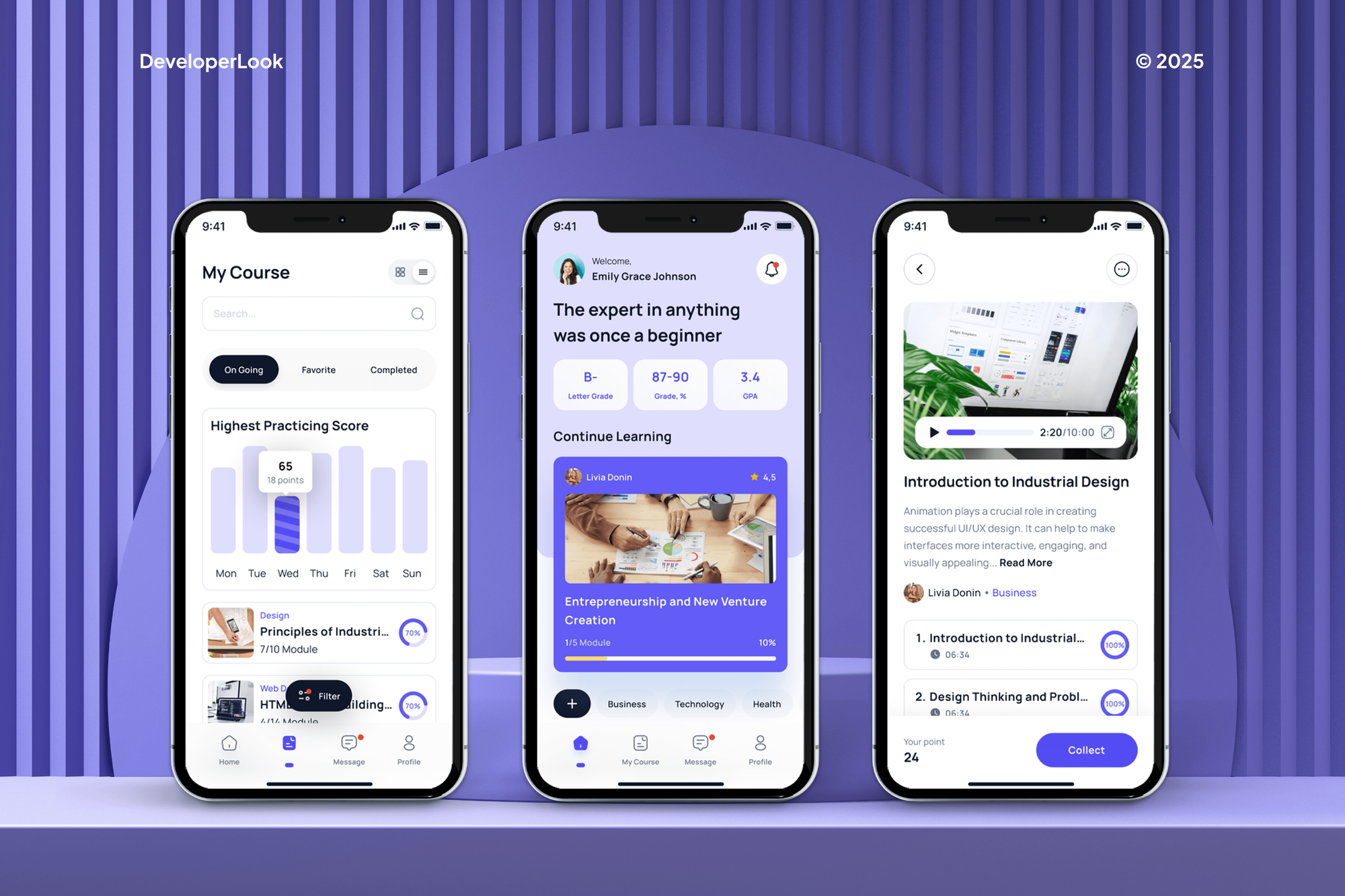
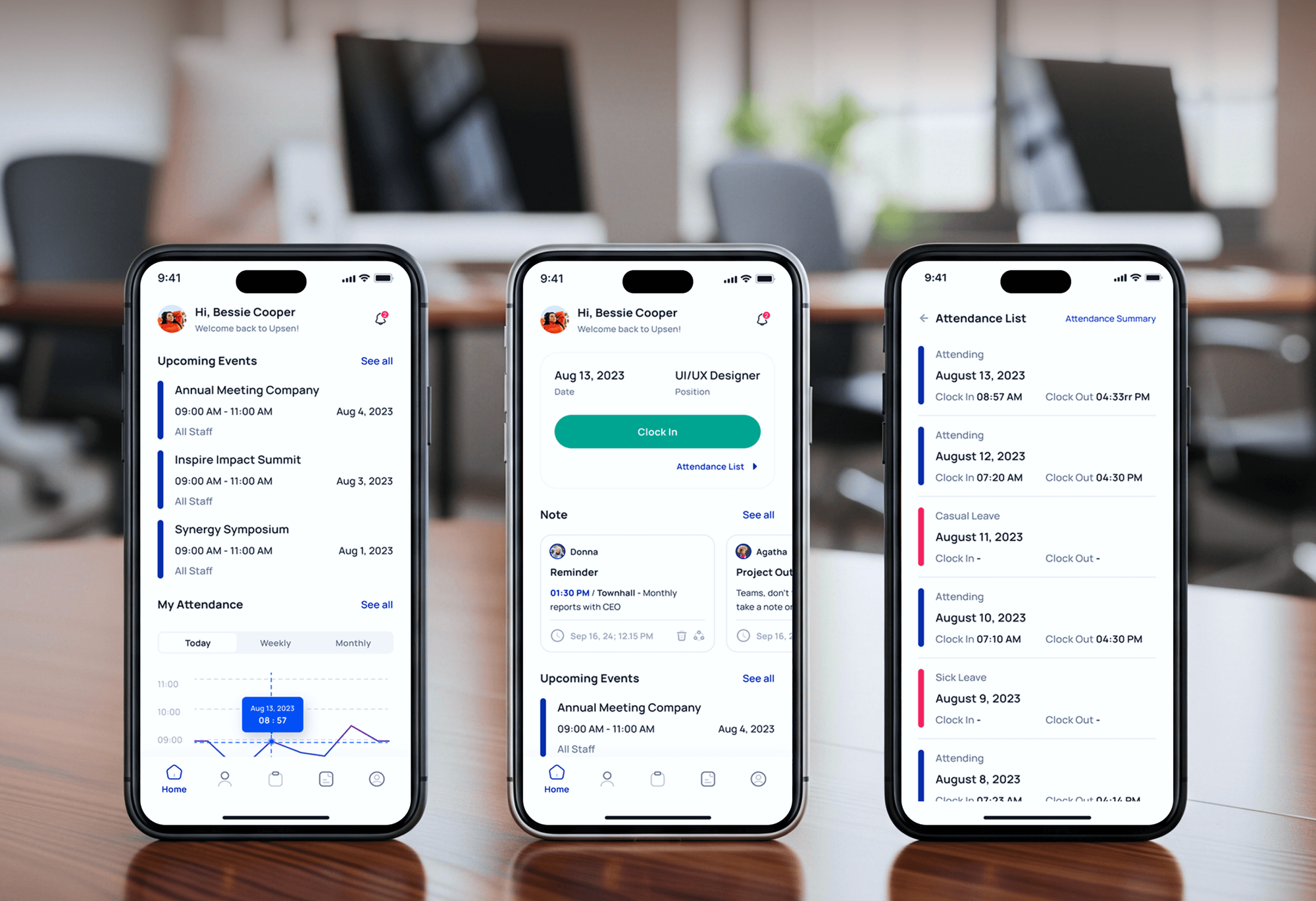
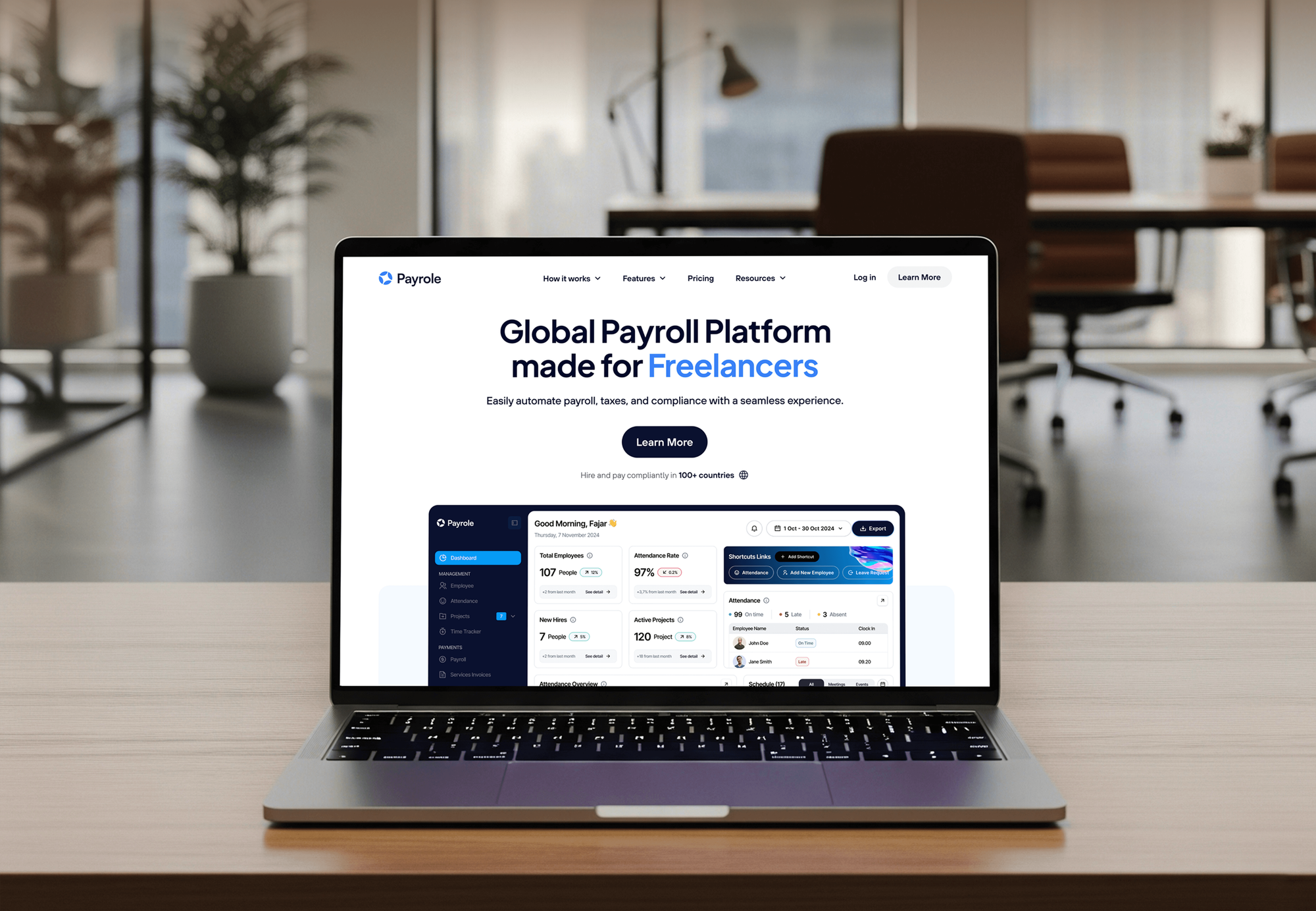
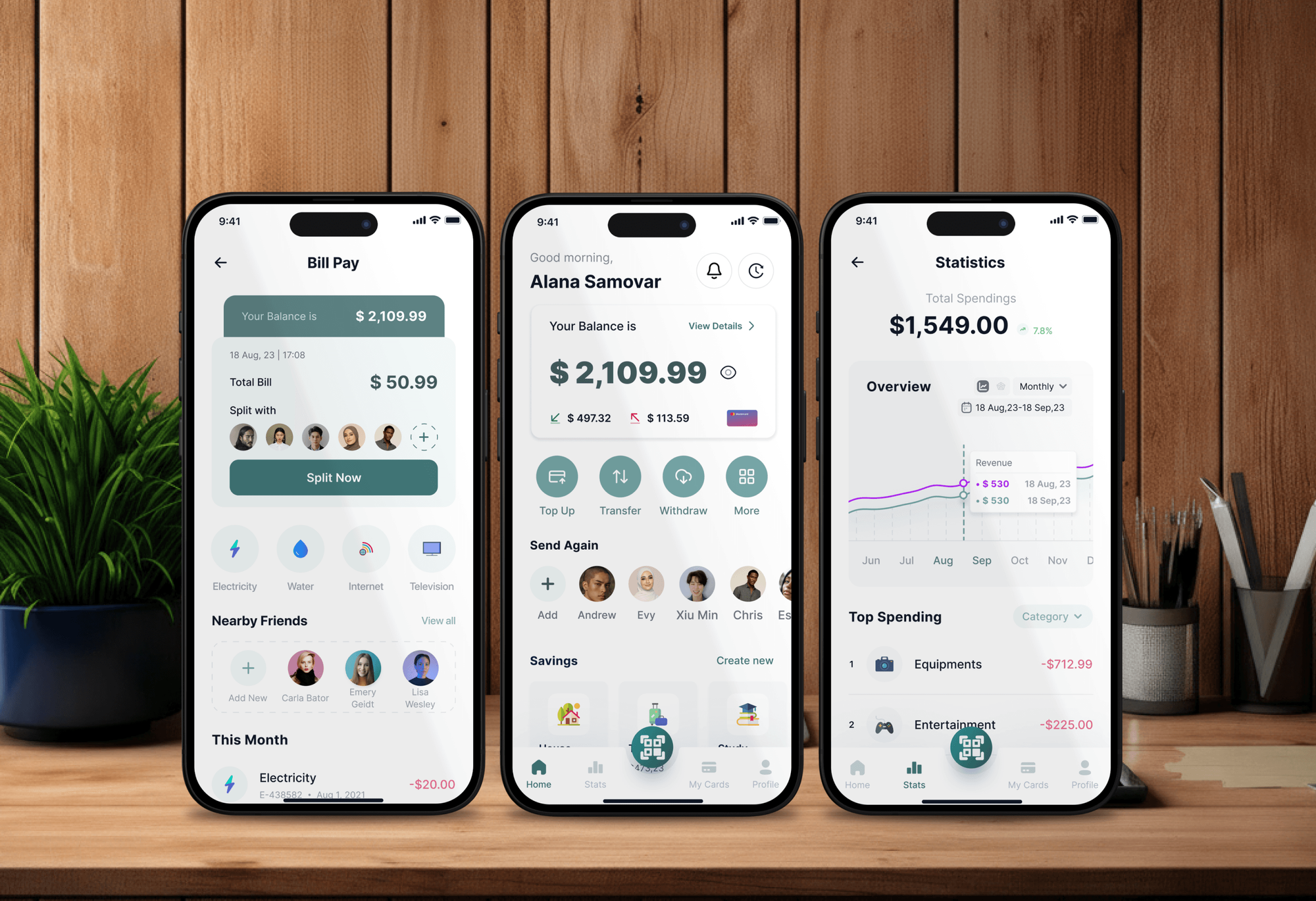
E-learning, HR, payroll, and finance products: apps that send sign-ups, resets, and statements. They weren't email API projects, but they depend on mail that arrives.
What Our Clients Say
Feedback from teams we have built websites and business software for.
We had a pretty specific idea of what we wanted our website to become, but I wasn’t sure how easily we could explain all of it to a development team. There were quite a few moving parts, and we were working toward a deadline, so I expected a few things to get lost along the way. That never really happened. They understood what we were trying to achieve, kept us updated throughout the process, and got everything ready within the agreed timeline. The final site feels much easier to navigate, works beautifully on mobile, and is noticeably smoother for our customers. It was a huge relief seeing the original idea actually turn into the website we had in mind.
The mobile experience is probably my favourite part of the new site. We had spent a lot of time making sure the desktop version looked right, and the team kept pushing us to think about how everything would actually feel on a phone too. They were right. The navigation is clean, the interactions feel natural, and everything we’ve tested so far works exactly as it should. They also went through the links, forms, integrations, and other details more than once before launch, which I really appreciated. And even after going live, we could still reach out when something came up. The whole process felt friendly, organised, and surprisingly straightforward.
What I appreciate most is that the website is actually easy for us to manage now. We can update content ourselves instead of sending a developer a message every time we need to change something small. They also paid attention to the technical SEO side, which mattered to us because we didn’t want a new website to create problems for the traffic we already had. I’ve probably asked more questions than I should have since launch, but every question has been handled patiently and without any fuss. The team is easy to work with, they explain things clearly, and when we need something changed, they focus on getting it done rather than making the process complicated.
1,250+
Projects shipped
10+
Years of experience
Top 3%
Upwork Top Rated Plus
5 stars
Average review score

Want results like these?
Tell us what you are building. You get a reply within 24 hours on business days, then a written estimate.
Work Culture
App email is invisible until it fails. These habits keep your mail authenticated, tracked, and within the data rules your customers expect.
We verify SPF, DKIM, and DMARC before touching your app. Most delivery problems we see start in DNS, not in the code that sends.
If your framework's mailer or your host's relay covers your volume, we'll tell you before we quote. A provider API pays off once delivery matters.
API keys live in your secret store with the narrowest permissions the provider allows. A leaked repository shouldn't turn into a spam run from your domain.
We check where data is stored and whether a BAA is needed before comparing prices. The cheapest provider is no bargain if your lawyers can't approve it.
We keep app email and campaigns on separate streams or subusers. A newsletter complaint shouldn't hold up tomorrow's password resets.
Provider accounts, sending domains, and keys are created in your name. You can change developers without moving a single record or account.
Overview
DeveloperLook handles email API integration for product and SaaS teams whose app email needs to arrive. We pick a provider for your data rules, authenticate your domains, move templates, and wire delivery events back into your app. Projects start at $550, take 1 to 6 weeks, and every account and key stays in your name.
DEVELOPERLOOK
Project facts · Email API Integration Services
Reviewed 8 Oct 2026 by Saimul Islam
Good fit
SaaS teams sending app email
Your app sends password resets and receipts through an old SMTP plugin, and you want a transactional email API with delivery tracking instead.
Product teams already paying for SendGrid
You pay for SendGrid but only use basic SMTP, and you want the SendGrid email API with templates, events, and suppression handling.
Health tech teams emailing patients
Your app emails patients, so you need a HIPAA compliant email API with a signed BAA, and your current provider won't sign one.
Businesses with EU customers
Your customers are in the EU, and your legal team wants email data processed in an EU region with a clear processing agreement.
Agencies building client apps
Your agency ships apps for clients and needs an email API service set up per client, documented, and handed over under your brand.
Not a fit
Newsletters only
You only send newsletters and campaigns to subscribers. Our Mailchimp Integration page covers list sync and campaign tools rather than app email.
SMS or WhatsApp too
Your app also needs SMS or WhatsApp alerts alongside email. Our Twilio Integration Services page covers those messaging channels.
Design is the real need
You need branded email designs, not sending infrastructure. Our HTML Email Template Development page covers coded templates that render well across inboxes.
Budget under $550
Your budget is under $550 and your app sends a few emails a day. Your framework's built-in mailer with an authenticated domain will do for now.
Not sure we're the right fit?
Book a free call or message us. We'll tell you honestly whether we're the right team.
Pricing
These are starting points in USD. Your final price depends on the number of apps and templates, event handling, and data rules, and you get a fixed proposal after a free email review.
For one app moving its transactional email onto one provider's API.
$550one-time, USD
For products that need delivery events, suppressions, and inbound mail handled inside the app.
$1,650one-time, USD
For up to 3 apps, regulated data, or EU hosting, with failover and CRM sync.
$3,600one-time, USD
For Agencies
You own the client relationship. We supply the email plumbing: provider setup, domain authentication, templates, and event webhooks. Every account and key sits in your client's name, and fixed quotes keep each proposal simple to price.
White label: your client only ever sees your brand
Send the client's stack, sending domains, and the emails their app sends.
You get a provider recommendation, a DNS checklist, and a fixed price.
Tested sending, documentation, and a runbook delivered under your agency's name.
You run the meetings while we handle DNS, code, and testing.
Node.js, Python, and PHP apps wired the same tested way.
Each app is quoted upfront, so your margins stay predictable.
Each client gets a runbook for bounces, keys, and DNS changes.
The Right Technology for Your Project
We work with the major sending providers and the mailbox rules they answer to, then wire them into your app and CRM.
 HubSpot
 Slack alerts
 Node.js
 Python
 PHP
PHP AWS
AWSFAQ
Straight answers on email APIs, costs and timelines, EU and HIPAA data rules, SendGrid features, and HubSpot.
Saimul IslamFounder & CEO, DeveloperLookStill have questions?
Send a message or book a call with the team.
An email API is a provider's web interface that lets your app send and track email with an HTTP request instead of a mail server. You pass the recipient, template, and data, and the provider handles delivery. Events such as delivered, bounced, or marked as spam come back through webhooks, so your app knows what happened to each message.
It's how other software talks to your email marketing platform: adding subscribers, syncing lists, and starting campaigns. Mailchimp's Marketing API, for example, manages audiences and members, while Mailchimp Transactional is a separate add-on for app email. A marketing API moves contacts, and an email sending API delivers the individual messages your app triggers.
Email API integration with DeveloperLook starts at $550 for one app on one provider, with domain authentication and up to 5 templates. Tracked sending with event webhooks, suppressions, and inbound parsing starts at $1,650, and regulated or multi-app setups start at $3,600. Provider fees are billed to you, and SendGrid replaced its free plan with a 60-day trial in 2025.
A single-app setup takes 1 to 2 weeks, mostly waiting on DNS changes and template review. Tracked sending with webhooks and inbound parsing takes 2 to 4 weeks, and regulated or multi-app setups take 4 to 6 weeks. Amazon SES adds a production access request, because new accounts start in a sandbox that only sends to verified addresses.
Providers with EU hosting are the safer start. Options include Mailgun's EU region, Amazon SES in Frankfurt, Ireland, Paris, and other EU regions, and SendGrid's EU regional subusers on Pro plans with a dedicated IP. Postmark stores data in the US only. Hosting location is one part of GDPR, so you still need a processing agreement and a lawful basis.
SMTP is enough for legacy apps and plugins that can only send that way: host smtp.sendgrid.net, port 587 with TLS, and the username apikey. The v3 Mail Send API suits new code better, with dynamic templates and clearer error responses. We often start with SendGrid SMTP integration for a quick switch, then move key emails to the API.
You export the builder's HTML or push templates to your provider, then call the provider's API with a template ID and data. Stripo exports HTML and connects to many sending tools, Unlayer exports designs through its API, and Beefree offers ESP integrations and an SDK. We convert the design into provider templates, so your app sends data, not HTML.
Not on its own. The SendGrid Email API sends only when your app calls it, so it doesn't reply by itself. SendGrid's Marketing Campaigns adds Automations, such as a welcome series that starts when contacts join a list, on its Advanced package. Auto-replies to inbound mail need a small service that reads Inbound Parse webhooks and answers through the API.
Yes, but not natively. Neither Twilio nor HubSpot builds a SendGrid connector, so the marketplace option is a third-party app with its own subscription. HubSpot's own route for app email is its transactional email add-on on Marketing Hub Professional or Enterprise. We usually build the SendGrid integration inside your app and write delivery events back to HubSpot contacts through its API.
You do. Provider accounts, API keys, sending domains, and DNS records stay in your name, and keys live in your secret store, not in code. You get a runbook covering bounces, complaints, key rotation, and DNS changes. Support runs 30, 60, or 90 days depending on plan, and your developers can extend the setup after that.
Saimul IslamFounder & CEO, DeveloperLookStill have questions?
Send a message or book a call with the team.
Free 30-min callGoogle Meet
Book a call
In 30 minutes on Google Meet we walk you through how we would build it, how long it takes and what it costs. Then you get a written estimate.
Calendar not showing? Book on cal.com or send a brief.