Account recovery
Hosting, registrar, DNS, site admin, and recovery email retaken, with two-step login on each one.

For owners locked out, defaced, or flagged as unsafe in Google or Chrome: we take back your accounts, clean up, and get the warnings reviewed. From $650.
5
Accounts taken back and secured
4
Blocklists checked after cleanup
How your project runs
01 · FreeTeams we have built for:














The Problem
The signs rarely show on your own screen first. Customers see a red Chrome warning, Google adds a line to your listing, or your password stops working.
Locked out
The admin password and reset email now belong to someone else.
Locked out
We recover the account through your host and registrar, then add two-step login.
Red warning
Chrome shows a red deceptive page warning to every visitor.
Red warning
We remove the deceptive page and request a Safe Browsing review in Search Console.
Search label
Your Google listing now carries a hacked warning line.
Search label
We clean the injected pages, then ask Google to review and drop the label.
Changed DNS
The attacker pointed your domain and email somewhere else.
Changed DNS
Nameservers and DNS records are checked at your registrar and put back.
Your admin password stopped working this morning, and the reset email goes to an address you don't recognize. A customer sends a screenshot of a red "Deceptive site ahead" screen in Chrome. Under your Google listing, a new line reads "This site may be hacked." Norton marks the domain unsafe. Each warning costs visits, and every hour the attacker keeps the keys, they can change more.
We start by taking the keys back: hosting, domain registrar, DNS, site admin, and the email that receives reset links. Then we clean the site or restore a backup we've proven clean, and patch the way in. Only then do we request reviews with Google, Norton, McAfee, and Microsoft, tracking each one to a decision. You get your accounts and listings back, not a cleaner copy of the same open door.
Accounts taken back first
Hosting, registrar, DNS, admin, and recovery email are secured before any cleanup starts.
Every warning tracked
Google, Norton, McAfee, and Microsoft reviews are followed until each one gives a decision.
Clean restore when possible
A backup proven clean is often faster and safer than repairing a heavily damaged site.
Our Hacked Website Repair Services Process
The steps to recover from a hack run in a fixed order: control, cleanup, then reviews. You approve the restore choice and see every account we secure.
We look at what visitors see, which warnings are live, and which accounts you still control. You get first steps (don't delete the site, and don't pay anyone offering to give it back) and a fixed price for the repair.
What's Included
Account recovery, a clean site, the entry point patched, every warning and blocklist review filed and followed, and a recovery note listing what happened and what changed.
Compare Options
Restoring a backup yourself costs nothing, and many hosts help for free. Both work for simple cases, so here is where each fits a hacked site.
| Feature | DeveloperLookBest fit | DIY restore | Host support |
|---|---|---|---|
| Upfront cost | From $650, fixed price | Free, your own time | Often free with hosting |
| Simple cases | Control back in 1 to 2 days | Fast if a clean backup exists | Fast for server-level issues |
| Account recovery | Host, registrar, DNS, admin, email | Only accounts you can reach | Hosting account only |
| Backup checked first | Proven clean before restore | Often restores the backdoor too | Sometimes, on request |
| Entry point fixed | Patched before the site returns | Rarely included | |
| Google warning review | Filed and followed to a decision | Possible with some guidance | |
| Norton and McAfee lists | Checked, removal requested | ||
| Written recovery note | Ticket history only |
Projects We've Built
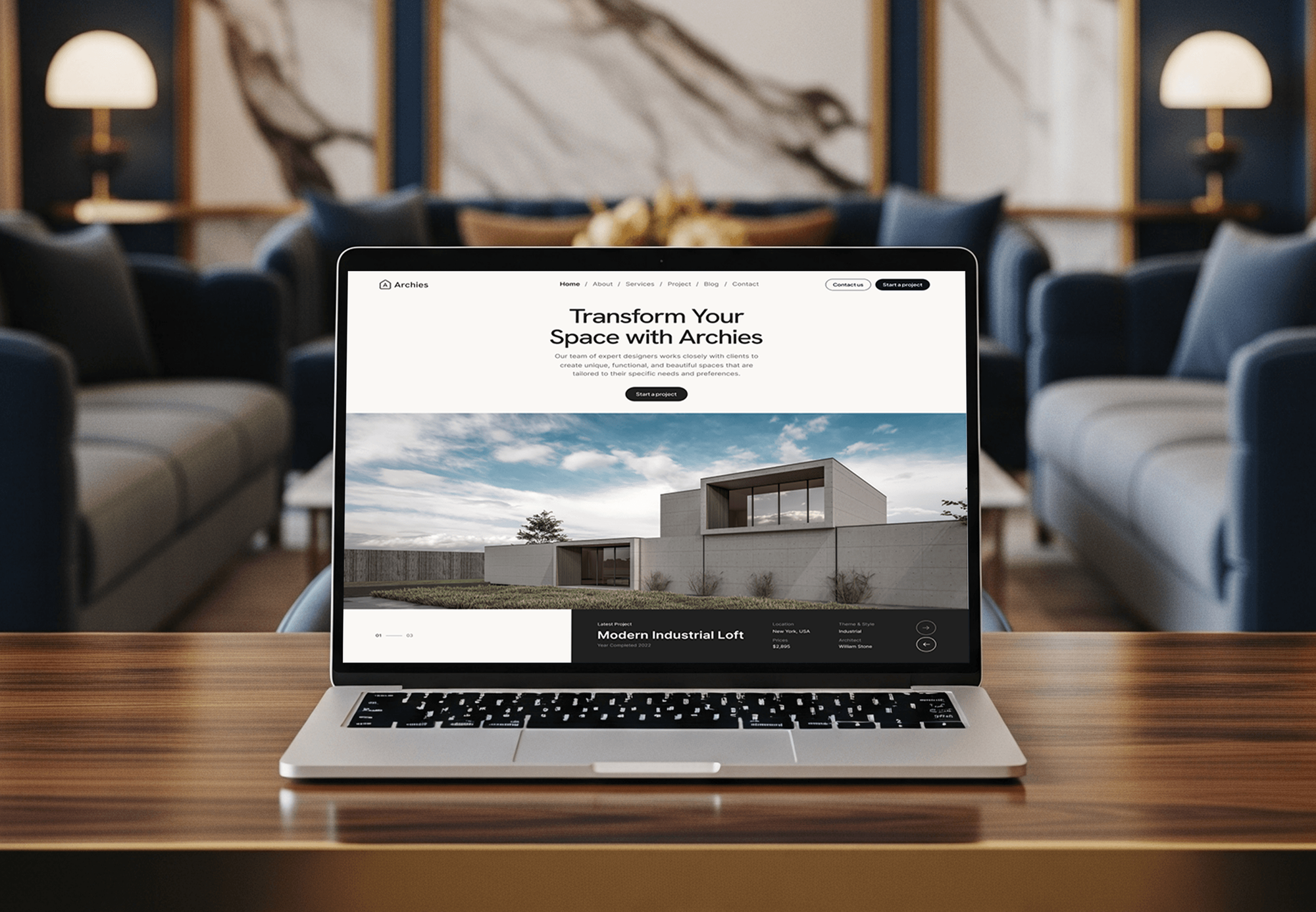
Sites we designed and built for service businesses, where a red warning on the homepage costs bookings. These are builds, not hack repair cases.



What Our Clients Say
Feedback from teams we have built websites, apps, and platforms for.
We had a pretty specific idea of what we wanted our website to become, but I wasn’t sure how easily we could explain all of it to a development team. There were quite a few moving parts, and we were working toward a deadline, so I expected a few things to get lost along the way. That never really happened. They understood what we were trying to achieve, kept us updated throughout the process, and got everything ready within the agreed timeline. The final site feels much easier to navigate, works beautifully on mobile, and is noticeably smoother for our customers. It was a huge relief seeing the original idea actually turn into the website we had in mind.
The mobile experience is probably my favourite part of the new site. We had spent a lot of time making sure the desktop version looked right, and the team kept pushing us to think about how everything would actually feel on a phone too. They were right. The navigation is clean, the interactions feel natural, and everything we’ve tested so far works exactly as it should. They also went through the links, forms, integrations, and other details more than once before launch, which I really appreciated. And even after going live, we could still reach out when something came up. The whole process felt friendly, organised, and surprisingly straightforward.
What I appreciate most is that the website is actually easy for us to manage now. We can update content ourselves instead of sending a developer a message every time we need to change something small. They also paid attention to the technical SEO side, which mattered to us because we didn’t want a new website to create problems for the traffic we already had. I’ve probably asked more questions than I should have since launch, but every question has been handled patiently and without any fuss. The team is easy to work with, they explain things clearly, and when we need something changed, they focus on getting it done rather than making the process complicated.
1,250+
Projects shipped
10+
Years of experience
Top 3%
Upwork Top Rated Plus
5 stars
Average review score
1,250+
Projects shipped
10+
Years of experience
Top 3%
Upwork Top Rated Plus
5 stars
Average review score

Want results like these?
Tell us what you are building. You get a reply within 24 hours on business days, then a written estimate.
Work Culture
A hacked site makes every decision feel urgent. These habits keep the repair in order and the attacker out for good.
We secure the accounts before touching the code. Cleaning a site while the attacker still holds the hosting login just hands them a fresh copy.
Attackers sometimes demand payment to return a site. We don't negotiate with them, and we recover access through your host and registrar instead.
A backup is scanned and compared before it's restored. Restoring the newest copy without checking often brings the backdoor straight back.
Each vendor review gets a date, a status, and a follow-up. You see which warnings are cleared and which still wait.
Google, Norton, and McAfee decide on their own schedules. We tell you what's in our hands and what isn't, instead of promising a date.
The price is set once we know what was hacked and which accounts you still control. If your host's free help already covers your case, we'll tell you before we quote.
Overview
DeveloperLook handles hacked website repair from lockout to cleared listings. We take back hosting, registrar, DNS, and admin access, then clean the site or restore a backup proven clean. We patch the way in and request reviews with Google, Norton, McAfee, and Microsoft. Repairs start from $650, and most sites are back under your control in 1 to 2 days.
DEVELOPERLOOK
Project facts · Hacked Website Repair Services
Reviewed 27 Oct 2026 by Saimul Islam
Good fit
Owners locked out of their own site
Your admin password stopped working, and the reset email goes to an address you don't own. You need control back today and someone to fix a hacked website properly.
Sites behind a red Chrome warning
Your visitors see a Deceptive site ahead warning instead of your homepage. You need the deceptive page found and a Safe Browsing review filed correctly.
Businesses with a hacked label in Google
Your search listing now says This site may be hacked, and calls from Google have dropped. You need the injected pages removed and a review requested.
Owners blocked by antivirus tools
Your customers say Norton or McAfee blocks the site, though Google shows nothing. You need website blacklist removal through each vendor's own process.
Agencies handling a client's hacked site
Your client's site was defaced overnight, and they're calling you, not their host. You want the repair done under your name, with a note you can forward.
Not a fit
Site works, malware only
Your site still works and nobody is locked out, but the host found malware in the files. Our website malware removal service is the closer fit.
WordPress cleanup only
You run WordPress, still have admin access, and only need the infection cleaned. Our WordPress malware removal service starts lower, at $450.
Spam pages in search
Your Google results list pages of Japanese text you never wrote. Our Japanese keyword hack cleanup removes them from the code and the index.
Someone else's scam site
A fake site copying your brand is phishing your customers, and your own site is fine. Our phishing takedown service handles that case.
Not sure we're the right fit?
Book a free call or message us. We'll tell you honestly whether we're the right team.
Pricing
These are starting points in USD. Your final price depends on how many accounts were taken and whether a clean backup exists, and you get a fixed proposal after a free hack assessment.
For Agencies
You own the client relationship. We supply the repair work: account recovery, cleanup or restore, and every warning review, reported in your format. Your client hears from you that the site is back, while your team keeps its other launches on schedule.
White label: your client only ever sees your brand
Share the warnings, what the client lost, and which logins still work.
You get the recovery order, the risks, and a fixed price.
We retake, clean, and clear warnings, then hand back the recovery note.
Share the warnings, what the client lost, and which logins still work.
You get the recovery order, the risks, and a fixed price.
We retake, clean, and clear warnings, then hand back the recovery note.
The Right Technology for Your Project
We work with the tools that decide whether your site is trusted: Google's own reports, browser safety lists, and your registrar and DNS.
 Google Search Console
 Google Chrome
 Cloudflare
 WordPress
 Magento
 PHP
PHPRelated Services
Repair gets the site and its listings back. These services handle deeper malware, WordPress sites, backups, and the checks that catch the next attack early.
This page
Hacked Website Repair Services
Pairs with the 6 services around it
FAQ
Straight answers on cost, the signs of a hacked site, Google's warnings, Deceptive site ahead, and blacklist removal.
Saimul IslamFounder & CEO, DeveloperLookStill have questions?
Send a message or book a call with the team.
Repairs start at $650 for one site, including account recovery, cleanup or a clean restore, and warning reviews. Sites with defaced pages or abused email start at $1,400, and stores or member sites with customer accounts start at $2,700. You get a fixed price after the free hack assessment.
Check the Security Issues report in Google Search Console first, because Google often spots a hack before you do. Then run a site: search for pages you didn't publish and review your admin users. A hacked website often looks normal to you while visitors see redirects.
It depends on whose site it is. If your own site shows a hacker's message, it was defaced and the attacker had write access, so treat every account as exposed. If a site you're visiting claims your device is hacked, it's usually a scam pop-up: close the tab and don't call any number it shows.
Common entry points are outdated plugins or extensions, reused or leaked passwords, and admin panels without two-step login. Others start with a compromised hosting account or an exposed backup file. Our recovery note names the entry point we found, because closing it is what stops the second attack.
Remove the hacked content first, then ask for a review from the Security Issues page in Search Console. Google adds this label when it finds pages a hacker added or changed, often spam pages or redirects. After a successful review, the label comes off your listing. Google says reviews take from a few days to a few weeks.
It means Google Safe Browsing found content that tricks visitors into sharing details or installing software. Chrome shows the red warning, and Firefox and Safari use the same Safe Browsing lists. On a business site, the cause is usually a phishing page an attacker uploaded, or a deceptive ad or download script added to your pages.
A Google Deceptive site ahead fix has two parts: remove the deceptive content, then request a review. Look for uploaded phishing kits, fake login pages, and scripts serving deceptive ads. Owners who try to fix Deceptive site ahead before finding every page usually get rejected and wait longer.
Clean the site, then request a review in Search Console, because Google's blacklist is its Safe Browsing list. Check the current status first with Google's Safe Browsing site status tool. A successful review lifts the red screens in Chrome and the labels in search. To remove Deceptive site ahead warning screens sooner, list every page you fixed in the request.
Find out which lists flag it, clean the site, then follow each list's own removal process. VirusTotal shows which security vendors flag a URL, and mail lists such as Spamhaus matter if your domain sent spam. Website blacklist removal is a request, not a switch: each vendor reviews on its own schedule.
Each vendor has its own site owner process. Norton Safe Web asks you to sign in, verify that you own the site, and request a re-evaluation from its site dispute page. McAfee takes reclassification requests through its site lookup tool. Both review only after the threats are gone, so we file them once the cleanup is verified.
Saimul IslamFounder & CEO, DeveloperLookStill have questions?
Send a message or book a call with the team.
Free 30-min callGoogle Meet
Book a call
In 30 minutes on Google Meet we walk you through how we would build it, how long it takes and what it costs. Then you get a written estimate.
Calendar not showing? Book on cal.com or send a brief.