
Network map and inventory
Every switch, access point, firewall, camera, and server documented with its zone and what it can reach.

For offices, clinics, shops, and gyms on one flat network: every device mapped, zones split apart, admin logins locked down, and firewall rules cleaned up. From $1,050.
1map
Of every device and path
MFA
On every network admin login
How your project runs
Teams we have built for:














The Problem
It shows up when a guest on the Wi-Fi can see the payroll laptop, or a camera nobody remembers buying turns out to be reachable from the internet.
01 · Flat network
Guests, cameras, and payroll laptops share one network.
Separate zones keep guest and device traffic away from staff and servers.
02 · Old rules
Rules from past contractors still forward ports nobody remembers.
Every rule is reviewed, and the ones without an owner are removed.
03 · Shared Wi-Fi
One Wi-Fi password, unchanged through years of staff turnover.
Staff Wi-Fi moves to individual logins through WPA3-Enterprise and RADIUS.
04 · Default logins
Switch and router admin pages still use factory passwords.
Admin consoles get unique credentials, MFA, and access from one management zone.
Your office runs one network for everything. Guest Wi-Fi, the reception PC, security cameras, the card terminal, and the server with payroll files all sit side by side. The firewall still holds rules from an IT contractor who left years ago, including one that forwards a port to a camera. The Wi-Fi password survived three rounds of staff turnover. And the switch admin page still accepts the default login printed on its label.
We start with a map of every device, connection, and rule, so nothing hides. Then we split the network into zones: staff, guests, cameras and printers, payment devices, and servers. Firewall rules move to deny by default, and each remaining rule gets an owner and a reason. Admin consoles get MFA, and Wi-Fi moves to individual logins. One compromised device stays one device, not a way into everything.
A map of every device
Every switch, access point, camera, and server documented with what it can reach.
Zones that contain attacks
Guests, cameras, payment devices, and servers separated, so one infected device stays contained.
Firewall rules with owners
Inbound traffic denied by default, and every remaining rule documented with a reason.
Our Network Security Services Process
You approve the zone plan and every firewall change before it happens, and all work runs in maintenance windows you choose.
We talk through your sites, devices, internet links, firewall model, and what prompted the call. You get a scope and a fixed price. If your firewall's built-in tools already cover your needs, we'll tell you before we quote.
What's Included
Mapping, segmentation, firewall cleanup, secure Wi-Fi, remote access, and a retest, done on the hardware you already own wherever it still gets vendor updates.
Compare Options
Network security companies that resell hardware often get new gear installed fast, and a general IT provider is cheapest for daily fixes. Here is where each fits a security project.
| Feature | DeveloperLookBest fit | Hardware reseller | General IT provider |
|---|---|---|---|
| Starting point | Map of every device and rule | A new hardware quote | Fix what's broken today |
| Existing gear | Reused while still supported | Usually replaced | Kept as it is |
| Segmentation | Zones built and tested | Vendor default setup | Rarely done |
| Firewall rules | Deny by default, documented | Vendor template | Added as requested |
| Wi-Fi | Individual logins, guests isolated | New access points | One shared password |
| Install speed | 1 to 6 weeks by size | Fast once gear arrives | Fits around open tickets |
| Documentation | Map, rules, and backups handed over | Install notes | Often in one person's head |
| Cost | Fixed price from $1,050 | Hardware margin built in | Cheapest hourly rate |
Projects We've Built
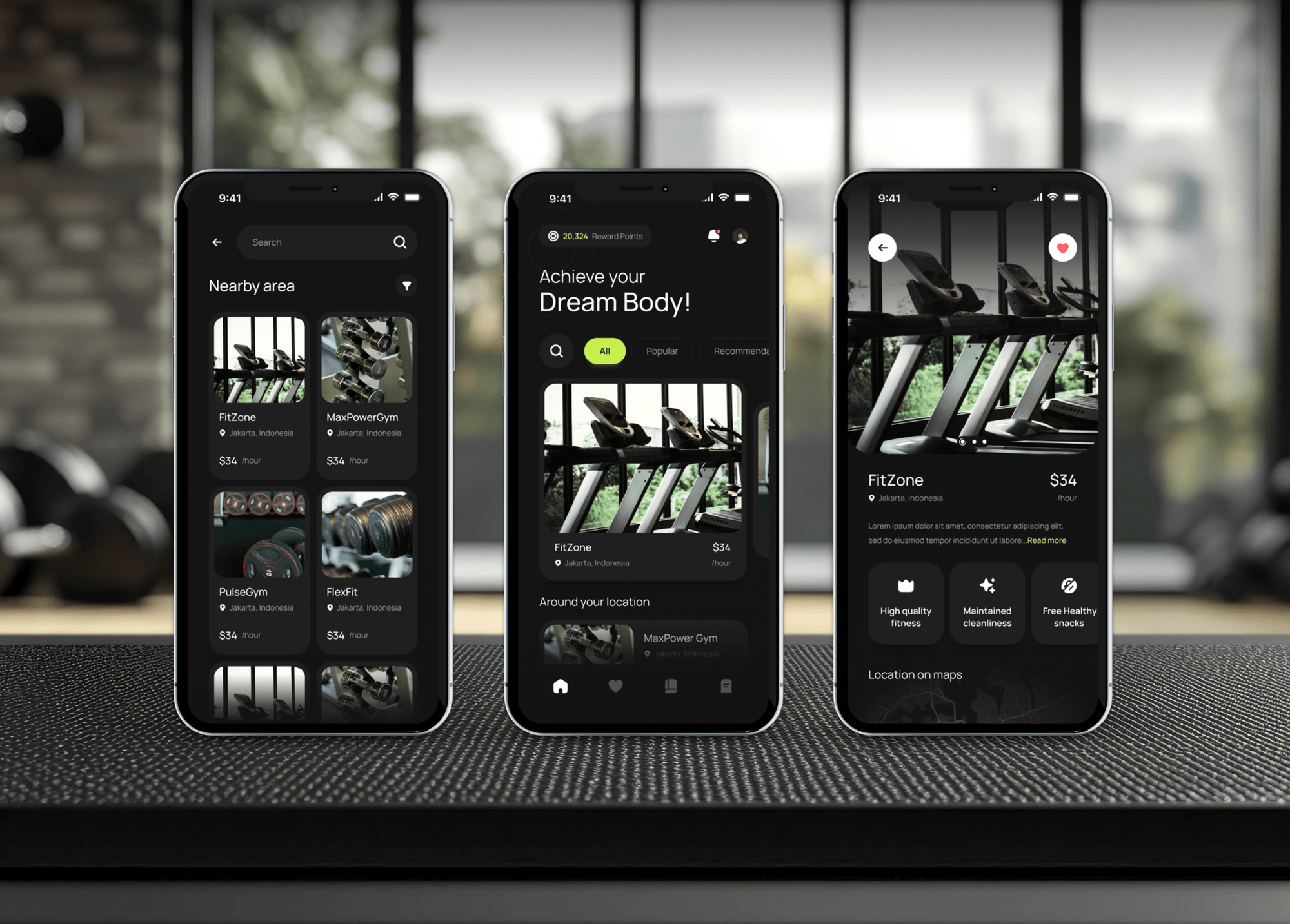
Membership apps and restaurant platforms we built for gyms and food businesses. Venues like these run guest Wi-Fi, card terminals, and staff devices on one network.



What Our Clients Say
Feedback from teams we have built apps, platforms, and websites for.
We had a pretty specific idea of what we wanted our website to become, but I wasn’t sure how easily we could explain all of it to a development team. There were quite a few moving parts, and we were working toward a deadline, so I expected a few things to get lost along the way. That never really happened. They understood what we were trying to achieve, kept us updated throughout the process, and got everything ready within the agreed timeline. The final site feels much easier to navigate, works beautifully on mobile, and is noticeably smoother for our customers. It was a huge relief seeing the original idea actually turn into the website we had in mind.
The mobile experience is probably my favourite part of the new site. We had spent a lot of time making sure the desktop version looked right, and the team kept pushing us to think about how everything would actually feel on a phone too. They were right. The navigation is clean, the interactions feel natural, and everything we’ve tested so far works exactly as it should. They also went through the links, forms, integrations, and other details more than once before launch, which I really appreciated. And even after going live, we could still reach out when something came up. The whole process felt friendly, organised, and surprisingly straightforward.
What I appreciate most is that the website is actually easy for us to manage now. We can update content ourselves instead of sending a developer a message every time we need to change something small. They also paid attention to the technical SEO side, which mattered to us because we didn’t want a new website to create problems for the traffic we already had. I’ve probably asked more questions than I should have since launch, but every question has been handled patiently and without any fuss. The team is easy to work with, they explain things clearly, and when we need something changed, they focus on getting it done rather than making the process complicated.
1,250+
Projects shipped
10+
Years of experience
Top 3%
Upwork Top Rated Plus
5 stars
Average review score

Want results like these?
Tell us what you are building. You get a reply within 24 hours on business days, then a written estimate.
Work Culture
Network changes can cut off phones, card terminals, or the whole office when done carelessly. These habits keep every change planned, reversible, and outside your busy hours.
Segmentation and rule changes happen in maintenance windows you choose. Your phones, card terminals, and bookings keep working during opening hours.
We back up each config before touching it and write a rollback step for every change. If something misbehaves, we restore the last working config straight away.
We reuse switches, access points, and firewalls that still get security updates. Replacements are recommended only for gear the vendor no longer supports.
If a cheap router can't do what your network needs, we'll say so and explain the cheapest fix. You won't get a hardware list padded with extras.
Admin credentials, configs, and the network map belong to you and live in your password manager. We hand over everything and remove our access.
The map, rule list, and zone plan are written for whoever runs IT next. Each rule has a reason, so nobody is afraid to touch it later.
Overview
DeveloperLook delivers network security services for offices, clinics, shops, and gyms. We map every device, split the network into zones, clean up firewall rules, secure Wi-Fi and remote access, and lock down admin logins. Projects start at $1,050, reuse your hardware where possible, and take 1 to 6 weeks.
DEVELOPERLOOK
Project facts · Network Security Services
Reviewed 22 Oct 2026 by Saimul Islam
Good fit
Offices with one flat network
Your guest Wi-Fi, printers, cameras, and staff laptops all share one network, and you want them separated before something spreads.
Clinics and shops with card terminals
Your payment terminals sit on the same network as guest Wi-Fi, and your PCI DSS questionnaire asks how they're kept apart.
Businesses after an IT handover
You inherited a firewall full of rules nobody can explain and want rule management that starts from a clean, documented baseline.
Companies with remote staff
Your team connects from home through an old VPN with a shared password, and you want remote access that asks for MFA.
MSPs needing network specialists
Your clients need segmentation and firewall cleanup, and you want engineers who do the network work under your brand.
Not a fit
Need ongoing firewall care
You want someone to manage firewall rules, firmware, and changes every month. Our managed firewall services cover that ongoing work, from $400 a month.
Want monthly security management
You want identity, email, devices, and the network looked after every month. Our managed security services cover all of it, from $850 a month.
Need proof of exploitation
You need testers to show how far an attacker could get inside your network. A network penetration test fits that question better than a hardening project.
Budget under $1,050
Your budget is under $1,050 and you run a home-sized office. Changing default passwords, separating guest Wi-Fi, and updating router firmware is a sound first step.
Not sure we're the right fit?
Book a free call or message us. We'll tell you honestly whether we're the right team.
Pricing
These are starting points in USD. Your final price depends on site count, devices, and how much segmentation your hardware allows, and you get a fixed proposal after a free network call.
For one office of up to 30 devices that needs its network mapped and locked down.
$1,050one-time, USD
For one site of up to 150 devices that needs full zones, secure Wi-Fi, and remote access.
$2,450one-time, USD
For companies with up to 3 sites that need connected, segmented networks.
$4,700one-time, USD
For Agencies
You own the client relationship. We do the network work behind it: mapping, segmentation, firewall cleanup, and Wi-Fi changes, documented in your format. Your clients get a hardened network without you keeping a network specialist on staff.
White label: your client only ever sees your brand
Send the client's sites, devices, firewall model, and what prompted the work.
We map the network read-only, propose zones, and give a fixed price.
We make the changes in quiet hours and hand over maps in your template.
You lead the client conversation while we work quietly under your brand.
Network changes scheduled outside each client's trading hours.
Maps, rule lists, and zone plans delivered in your template.
Fortinet, UniFi, pfSense, Meraki, or SonicWall, whatever each client runs.
The Right Technology for Your Project
We work with the firewalls, switches, and access points most small offices already run, and use open tools to map, test, and verify every change.
FAQ
Straight answers on cost, timing, segmentation, managed options, and whether you need new hardware.
Saimul IslamFounder & CEO, DeveloperLookStill have questions?
Send a message or book a call with the team.
DeveloperLook's network projects start at $1,050 for one office of up to 30 devices. That covers a network map, firewall cleanup, isolated guest Wi-Fi, and MFA on admin consoles. The $2,450 plan adds full zones, WPA3-Enterprise Wi-Fi, and a VPN with MFA for up to 150 devices. The $4,700 plan covers 3 sites.
A network hardening project for a single office takes 1 to 2 weeks from the free call to handover. Full segmentation of a larger site takes 2 to 4 weeks, and 3 connected sites take 4 to 6 weeks. Most of that time goes on planning and testing, because every change runs in a maintenance window you approve.
Network security is the set of controls that decide which devices can join a network, what they can reach, and who can change its settings. It covers firewalls, segmentation, Wi-Fi authentication, remote access, and monitoring. For a small business, the biggest wins are usually separating guest and device traffic and locking down admin logins.
It's important because one weak device on a flat network can expose every other device on it. A guest phone, an old camera, or an unpatched printer can become the way in. CISA's ransomware guidance recommends segmentation because it restricts an attacker's lateral movement. Good network security also keeps card terminals and payroll systems out of reach.
Network security management is the ongoing work of keeping firewall rules, firmware, Wi-Fi, and remote access configured correctly. It includes reviewing rules, approving changes, applying updates, and backing up configs. PCI DSS v4.0, for example, expects the settings of firewalls and similar controls to be reviewed at least once every six months. Our project sets a clean baseline for that work.
Managed network security means an outside team runs that upkeep for a monthly fee: rule changes, firmware, VPN users, and log reviews. Managed network security services suit teams without in-house network skills. This page covers the one-time hardening project. For the ongoing work, our managed firewall services start at $400 a month.
Securing a business network starts with a map of every device, then a handful of fixes in order. Change default admin logins and add MFA. Update firmware. Separate guests and devices into their own zones. Move the firewall to deny inbound traffic by default, and require MFA on the VPN. Finally, back up configs and retest from inside and outside.
Network segmentation improves security by splitting one network into zones that talk to each other only through rules you set. If a guest phone or camera is compromised, the attacker can't reach payroll files or card terminals unless a rule allows it. Segmentation can also shrink PCI DSS scope to the zone that handles card data.
Network protection comes in seven main types: access control, firewalls, segmentation, secure Wi-Fi, remote access, intrusion prevention, and monitoring. Email and endpoint protection are close neighbors but usually sit outside the network. Most network security solutions combine several of these in one firewall or controller, so the setup matters more than the box itself.
Usually not. We reuse firewalls, switches, and access points that still receive security updates from their vendor, and most of them support zones and stricter rules. We recommend replacing only gear that's out of support or can't separate traffic. You get that list before any hardware is bought, and you can buy from any supplier.
Saimul IslamFounder & CEO, DeveloperLookStill have questions?
Send a message or book a call with the team.
Free 30-min callGoogle Meet
Book a call
In 30 minutes on Google Meet we walk you through how we would build it, how long it takes and what it costs. Then you get a written estimate.
Calendar not showing? Book on cal.com or send a brief.