
Eligibility and risk check
Your setup compared with Google's rules for practitioners, service areas, addresses, and business names.

Google Business Profile for real estate agents, set up to Google's rules: categories, service areas, reviews, and open house posts. From $450.
2X
More profile calls and clicks
100%
Setup checked against Google's rules
How your project runs
Teams we have built for:














The Problem
It usually starts with good intentions: a keyword in your name, a second profile for another town, or an office address nobody staffs.
01 · Keyword names
Adding Best Realtor to your profile name can get it suspended.
Your name, category, and areas served match Google's own guidelines.
02 · Wrong address
You list the brokerage address, though you're there once a week.
Eligibility gets checked first, so practitioner, office, or service-area setup fits your situation.
03 · Hidden reviews
Closing reviews sit out of sight during a suspension appeal.
One review link goes to every client after closing day.
04 · Unseen posts
The open house you posted for Saturday reached nobody.
Post templates for open houses and new listings take minutes to publish.
You set up your profile on a Sunday night. You add Best Realtor to the name, pick 5 categories, and list the brokerage address, though you're in the office once a week. A few weeks later the profile is suspended. Sellers who search your name find a teammate instead. Your closing reviews sit out of sight during the appeal. The open house you posted for Saturday reached nobody.
We start by checking eligibility the way Google does: are you public-facing, and can clients reach you at the address during stated hours? Then we set the name, category, service areas, and verification to match those answers. A review link goes out after each closing, and post templates cover open houses and new listings. You get a profile built on Google's rules instead of guesses.
Eligibility checked first
Practitioner, office, or service-area setup chosen from Google's own guidelines before anything changes.
A review link for closings
One link and message you send to every client after closing day.
Posts that feature listings
Templates for open houses and new listings you can publish in minutes.
Our Profile Setup Process
You approve the profile plan before we touch anything, verification happens on your account with you present, and handover includes a written guide.
We review your current profile, or your plan for one, against Google's guidelines for agents. You hear whether you qualify for an agent profile, an office profile, or a service-area setup, and what it costs.
What's Included
Every plan covers eligibility, setup, verification help, a review request flow, and post templates. Team and brokerage plans add office profiles, agent profiles, and CRM-triggered review requests.
Compare Options
Setting up a profile yourself is free, and a monthly agency bundles Google map optimization for realtors with ongoing work. Here's how a one-time setup compares.
| Feature | DeveloperLookBest fit | DIY setup | Monthly local agency |
|---|---|---|---|
| Upfront cost | From $450, one time | Free, plus your time | Monthly fee |
| Eligibility check | Done before any change | Easy to skip | Usually included |
| Name and category | Set to Google's rules | Keyword temptation | Varies by agency |
| Team profiles | Planned for every agent | One at a time | Often one profile |
| Review requests | Link and message set up | Ad hoc asks | Managed monthly |
| Suspension help | Appeal packet prepared | Trial and error | Sometimes included |
| Ongoing work | Your team runs it | Your team runs it | The agency runs it |
| Account ownership | Your account, our access removed | Your account | Sometimes the agency's |
Projects We've Built
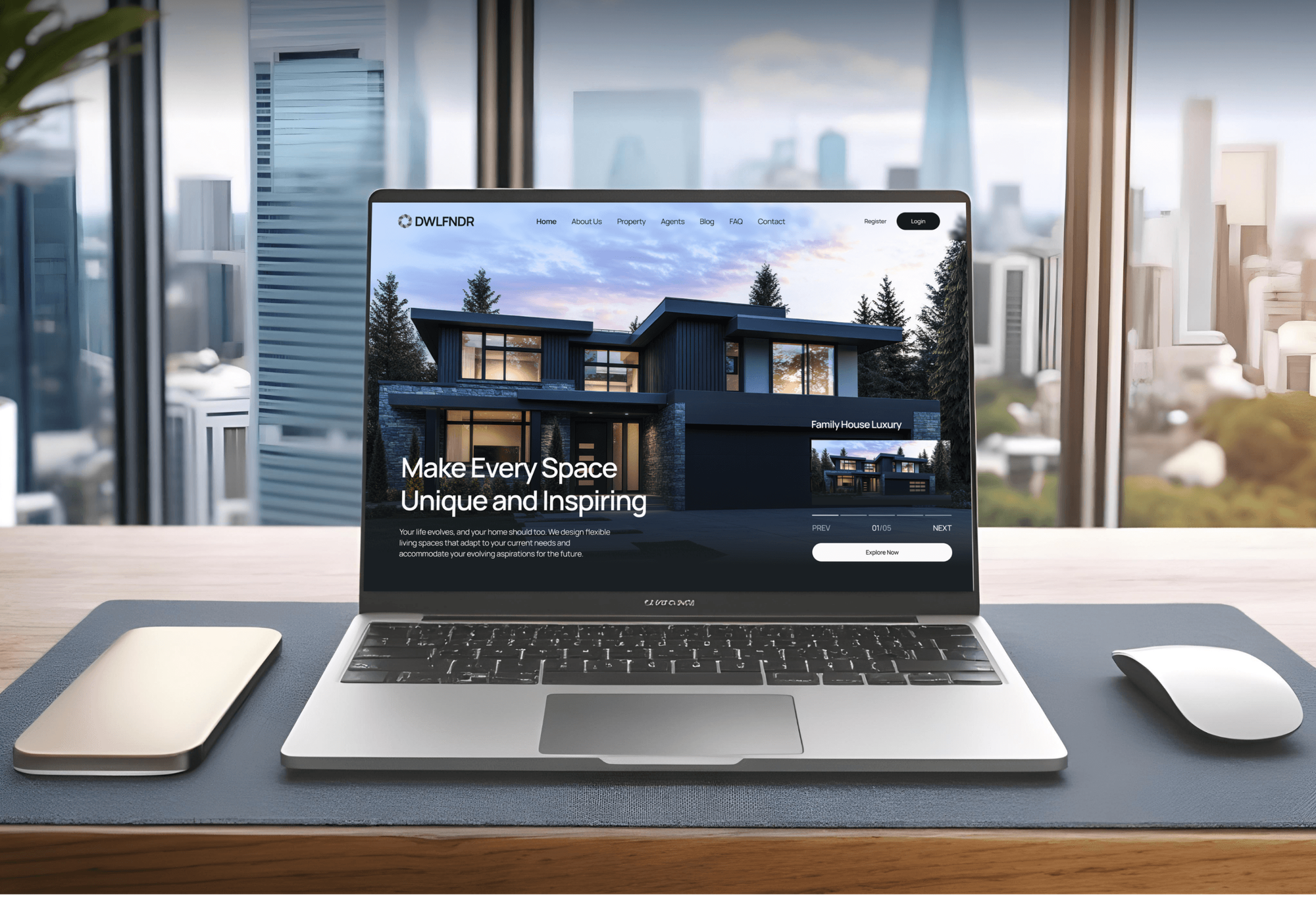
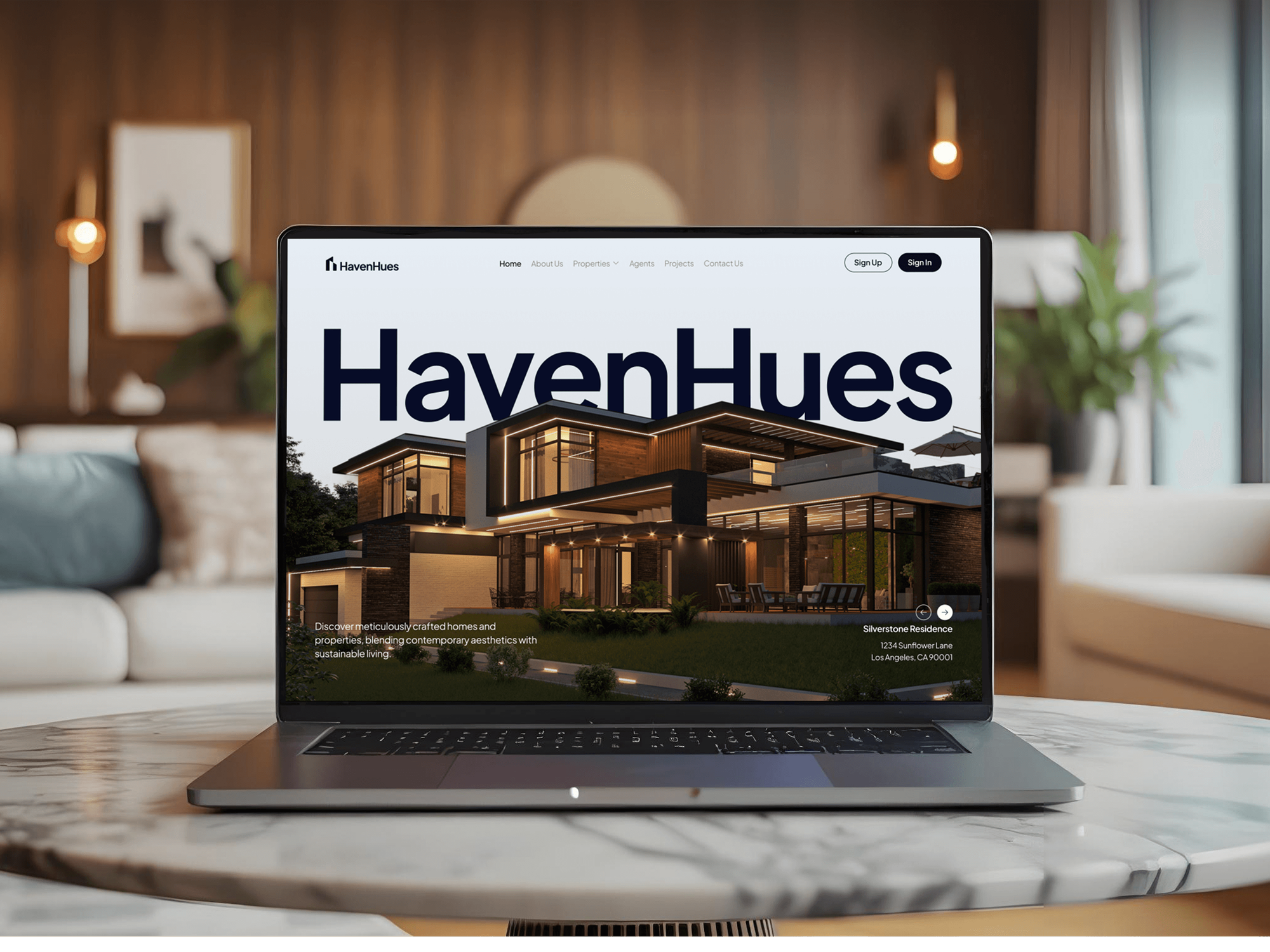
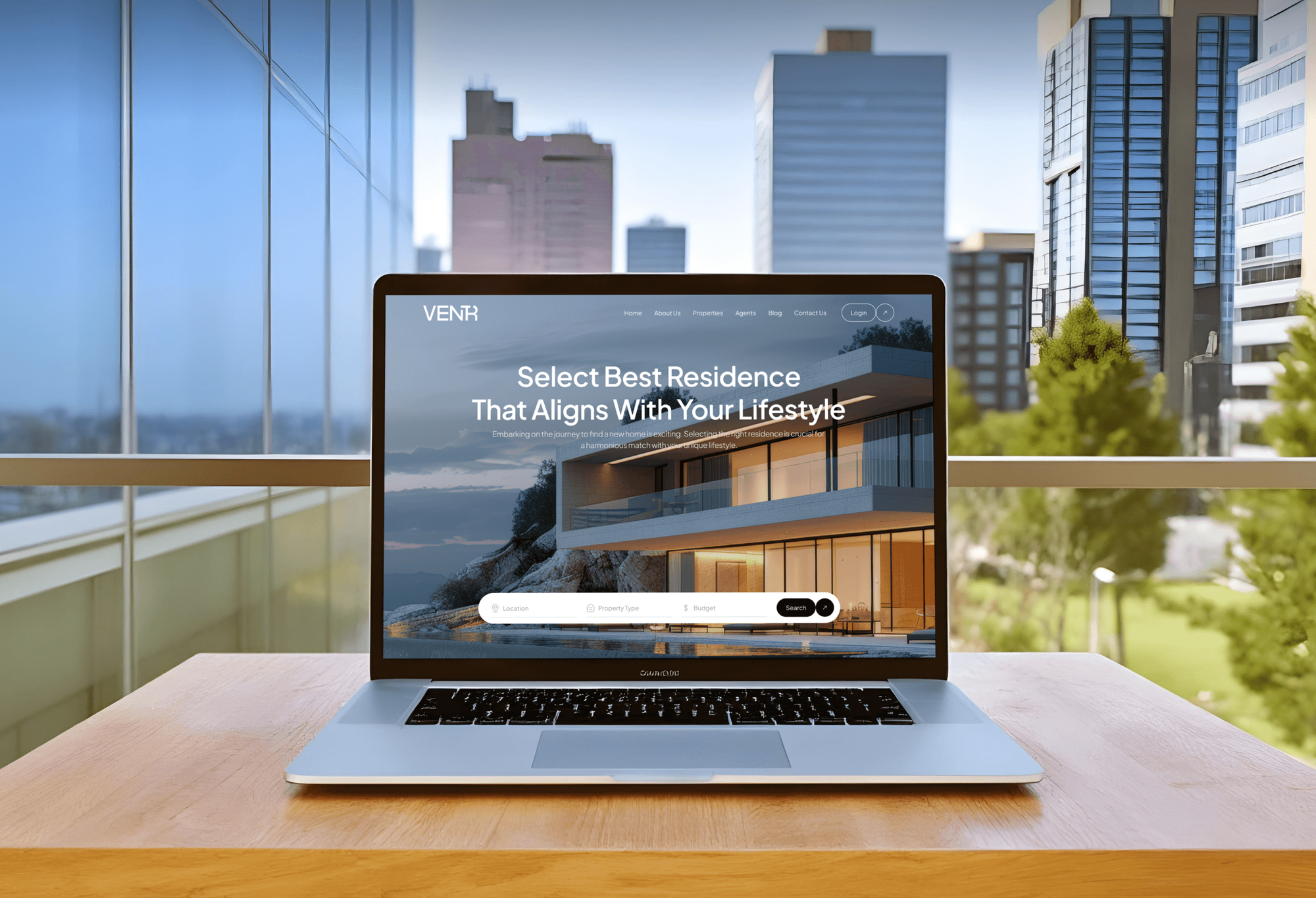
Agent and brokerage websites we designed and built. A profile works best when its website link lands on a fast, clear page like these.

What Our Clients Say
Feedback from teams we have built and improved websites for.
We had a pretty specific idea of what we wanted our website to become, but I wasn’t sure how easily we could explain all of it to a development team. There were quite a few moving parts, and we were working toward a deadline, so I expected a few things to get lost along the way. That never really happened. They understood what we were trying to achieve, kept us updated throughout the process, and got everything ready within the agreed timeline. The final site feels much easier to navigate, works beautifully on mobile, and is noticeably smoother for our customers. It was a huge relief seeing the original idea actually turn into the website we had in mind.
The mobile experience is probably my favourite part of the new site. We had spent a lot of time making sure the desktop version looked right, and the team kept pushing us to think about how everything would actually feel on a phone too. They were right. The navigation is clean, the interactions feel natural, and everything we’ve tested so far works exactly as it should. They also went through the links, forms, integrations, and other details more than once before launch, which I really appreciated. And even after going live, we could still reach out when something came up. The whole process felt friendly, organised, and surprisingly straightforward.
What I appreciate most is that the website is actually easy for us to manage now. We can update content ourselves instead of sending a developer a message every time we need to change something small. They also paid attention to the technical SEO side, which mattered to us because we didn’t want a new website to create problems for the traffic we already had. I’ve probably asked more questions than I should have since launch, but every question has been handled patiently and without any fuss. The team is easy to work with, they explain things clearly, and when we need something changed, they focus on getting it done rather than making the process complicated.
1,250+
Projects shipped
10+
Years of experience
Top 3%
Upwork Top Rated Plus
5 stars
Average review score

Want results like these?
Tell us what you are building. You get a reply within 24 hours on business days, then a written estimate.
Work Culture
A profile can disappear over one wrong setting. These habits keep every setup inside Google's rules and your brokerage's advertising policies.
We read Google's guidelines for your situation before editing a single field. Keyword names and borrowed addresses are common suspension triggers, so we skip them.
Your broker reviews the name format and categories before we submit them. Many brokerages set advertising rules for agents, and the plan follows them.
We fix the cause of a suspension and gather matching documents before appealing. A rushed second appeal only adds delay.
Posts describe the home, the date, and the terms, not the ideal buyer. Fair housing rules apply to every ad, including a profile post.
If Google's free setup flow fits your situation, we'll tell you before you pay us. Some solo agents only need our checklist.
Your profile stays on your account or your brokerage's. We work as a temporary manager and remove our access at handover.
Overview
DeveloperLook sets up a Google Business Profile for real estate agents, teams, and brokerage offices. The one-time setup covers eligibility under Google's practitioner rules, categories and service areas, verification, a review request flow, and post templates. Setups start at $450, most finish in 1 to 3 weeks, and suspended profiles get an appeal packet.
DEVELOPERLOOK
Project facts · Google Business Profile for Real Estate Agents
Reviewed 28 Sep 2026 by Saimul Islam
Good fit
New agents starting from scratch
You just got licensed. Your realtor Google Business Profile doesn't exist yet, and you want it right the first time.
Agents with a suspended profile
Your profile was suspended after a name change or an address edit, and you want an appeal with the right evidence.
Agents who work from home
You work from home and meet clients at showings, so your address should stay hidden while your service areas show.
Teams adding agent profiles
Your team wants a profile for each agent, and you need to know who qualifies before anyone gets flagged.
Brokerages with several offices
Your brokerage has offices with old or duplicate profiles, and you want one standard for names, categories, and access.
Not a fit
Ongoing monthly map work
You want ongoing map pack work every month, not a one-time setup. Our monthly local SEO program for agents covers that.
Neighborhood organic rankings
You want organic rankings for neighborhoods and seller searches. Real Estate SEO Services builds the pages your profile should point to.
Website needs a rebuild
Your website is outdated, so the profile would send visitors to a weak page. Real Estate Website Design Company covers the site first.
Simple office, DIY setup
You're comfortable following Google's guidelines yourself and run one simple office. Google's free setup works, and we'll tell you so.
Not sure we're the right fit?
Book a free call or message us. We'll tell you honestly whether we're the right team.
Pricing
These are starting points in USD. Your final price depends on profile count, suspensions, and your CRM, and you get a fixed proposal after a free profile review.
For one agent who needs a profile set up, rebuilt, or appealed to Google's rules.
$450one-time, USD
For teams that need an office profile plus agent profiles where eligible.
$950one-time, USD
For brokerages with several offices that need one standard for every agent profile.
$1,650one-time, USD
For Agencies
You keep the relationship with your agent and brokerage clients. We handle the profile setups, eligibility checks, appeals, and review flows behind the scenes, and every deliverable carries your agency's name.
White label: your client only ever sees your brand
Share the client's agents, offices, and any profiles already live or suspended.
We check eligibility, build the plan, and set up each profile.
Your client gets a branded guide and a clean profile to run.
Guides, reports, and appeal packets go out under your name.
Every profile checked against Google's guidelines before a single change.
Evidence lists and appeal steps prepared when a client gets suspended.
Handle a brokerage's whole roster in one project without new hires.
The Right Technology for Your Project
We set up profiles in Google's own tools, tag every profile link for GA4, and trigger review requests from your CRM.
 Google Analytics (GA4)
 Google Tag Manager
 Google Search Console
 Twilio
 Zapier
 Google Sheets
 WordPress
 Webflow
 Cloudflare
 PageSpeed Insights
FAQ
Straight answers on cost, verification, suspensions, categories, service areas, reviews, and posts for agent profiles.
Saimul IslamFounder & CEO, DeveloperLookStill have questions?
Send a message or book a call with the team.
A single agent profile starts at $450, including eligibility checks, setup, verification help, a review link, and post templates. Team setups with an office profile and up to 4 agent profiles start at $950. Brokerage rollouts for up to 3 offices start at $1,650. You get a fixed price after a free profile review.
Most setups finish in 1 to 3 weeks, and our part takes only a few days. Verification sets the pace, because Google chooses the method and it can't be changed. Some profiles need a second method, such as a live video call, before they go live.
Start with eligibility: Google treats agents as individual practitioners who must be public-facing and reachable at the verified location during stated hours. Use your real name with no keywords and keep one profile only. Skip virtual offices, and coworking addresses without staff and signage. Home-based agents hide the address and list service areas instead.
Most individual agents choose Real estate agent as the primary category, while brokerage offices use the agency category. Show an address only if clients can meet you there during stated hours. Service areas can include up to 20 places, and Google says the whole area shouldn't reach beyond about 2 hours of driving from your base.
Send every client the same review link after closing, with no gift or discount attached, because Google's policy bars incentives and selective asking. Reply to each review without sharing deal details. You can show Google reviews on your website, but marking up your own reviews won't earn star snippets in search, per Google's review guidelines.
Use an event post for each open house, with the date, time, and a button to the listing page. Use an update post for each new listing, with photos and a link. Posts appear in the profile's updates, so we give you templates for both. Describe the home, not the ideal buyer.
Start by fixing the cause. Common triggers are a name with keywords, an address clients can't visit, or a duplicate profile. Then appeal once through Google's appeals tool with evidence, such as a license or utility bill, that matches the profile's name and address. Don't open a new profile meanwhile, and allow up to 5 business days.
No, Google's eligibility rules exclude rental or for-sale properties such as model homes and vacant apartments. A builder's sales office can qualify, because Google treats sales and leasing offices as eligible. For a listing, use posts and photos on your own agent or office profile instead, and link each one to the listing page.
Only agents who serve clients directly and can be reached at the verified location during stated hours, following Google's practitioner rules. Support staff shouldn't get profiles. When several agents share an office, the office has its own profile, and each agent's profile carries only their name, not the brokerage's.
You or your brokerage stays the owner on the account. We're added as a manager for the setup and removed at handover, unless you ask us to stay. You also get a written guide for posts, photos, and review replies, plus 30 days of support for questions.
Saimul IslamFounder & CEO, DeveloperLookStill have questions?
Send a message or book a call with the team.
Free 30-min callGoogle Meet
Book a call
In 30 minutes on Google Meet we walk you through how we would build it, how long it takes and what it costs. Then you get a written estimate.
Calendar not showing? Book on cal.com or send a brief.