
Script and source inventory
Every script, style, font, frame, and API connection your templates use, with an owner for each one.

For sites loading more third-party scripts than anyone can list: every source mapped, tested in report-only mode, then enforced with HSTS and the full header set. From $650.
A+
Security headers grade
100%
Scripts mapped before blocking
How your project runs
Teams we have built for:














The Problem
It shows up when a scanner flags missing security headers or a client's questionnaire asks about CSP. Or a tag someone added years ago starts loading code from a new domain.
01 · Unknown scripts
Nobody knows which third-party scripts every page loads.
An inventory lists every source, its owner, and the pages that load it.
02 · Broken checkout
A copied policy blocked the payment form within an hour.
The policy runs report-only first, so real breakage shows up in logs.
03 · Inline code
Inline scripts force unsafe-inline, which defeats the policy.
Inline scripts get nonces or hashes, so unsafe-inline can stay off.
04 · Failing scan
A header scan grades the site F before a client review.
HSTS, frame-ancestors, nosniff, and the other headers go live with the policy.
Your pages load scripts from a tag manager, an analytics tool, a chat widget, two ad pixels, and a payment form. Nobody has the full list, and some were added by people who left. A header scan grades the site F. You tried a content security policy from an online generator once, and it broke checkout within an hour, so it came straight back off. Now one compromised third-party script could read every form field on the page.
We start with an inventory of every script, style, frame, and connection your templates make, and who owns each one. Then the policy runs in report-only mode, so violations get logged instead of blocked. We fix each one with a nonce, a hash, or an approved source, then enforce it alongside the rest of your headers. Your site keeps working, and unknown code stops running.
Every source has an owner
Each script, style, and frame source is listed with the team that owns it and why it's there.
Report-only before enforcing
Violations get logged for at least a week before the browser blocks anything on your site.
Full header set included
HSTS, frame-ancestors, nosniff, Referrer-Policy, and Permissions-Policy ship alongside the CSP itself.
Our Content Security Policy Implementation Process
You approve the source list, see every violation the report-only policy logs, and choose the day enforcement starts.
We scan your current response headers and load your key pages to see which scripts, styles, fonts, frames, and APIs they call. You get a short report and a fixed price. If a header plugin or your host's settings already cover your site, we'll tell you before we quote.
What's Included
A source inventory, a report-only rollout, an enforced CSP with nonces or hashes, HSTS and the other protective headers, violation monitoring, and a handover guide.
Compare Options
A header plugin is quick for basic headers, and a DIY template costs nothing. For content security policy implementation on a site with real third-party scripts, here is where each holds up.
| Feature | DeveloperLookBest fit | Header plugin | DIY template |
|---|---|---|---|
| Script inventory | Every script and source mapped | Not included | Guesswork from a generator |
| Policy style | Nonce-based strict CSP | Allowlist presets | Copied allowlist |
| Rollout | Report-only first, then enforce | Usually enforced at once | Often enforced at once |
| Inline scripts | Nonces or hashes added | unsafe-inline often left on | Breaks pages or gets loosened |
| Other headers | HSTS, frame-ancestors, and more | Basic set, fixed values | Whatever the example had |
| Violation reports | Reviewed for 30 days | ||
| Time to start | 1 to 3 weeks | Minutes to install | An afternoon |
| Cost | From $650 one-time | Free or low cost | Only your own time |
Projects We've Built
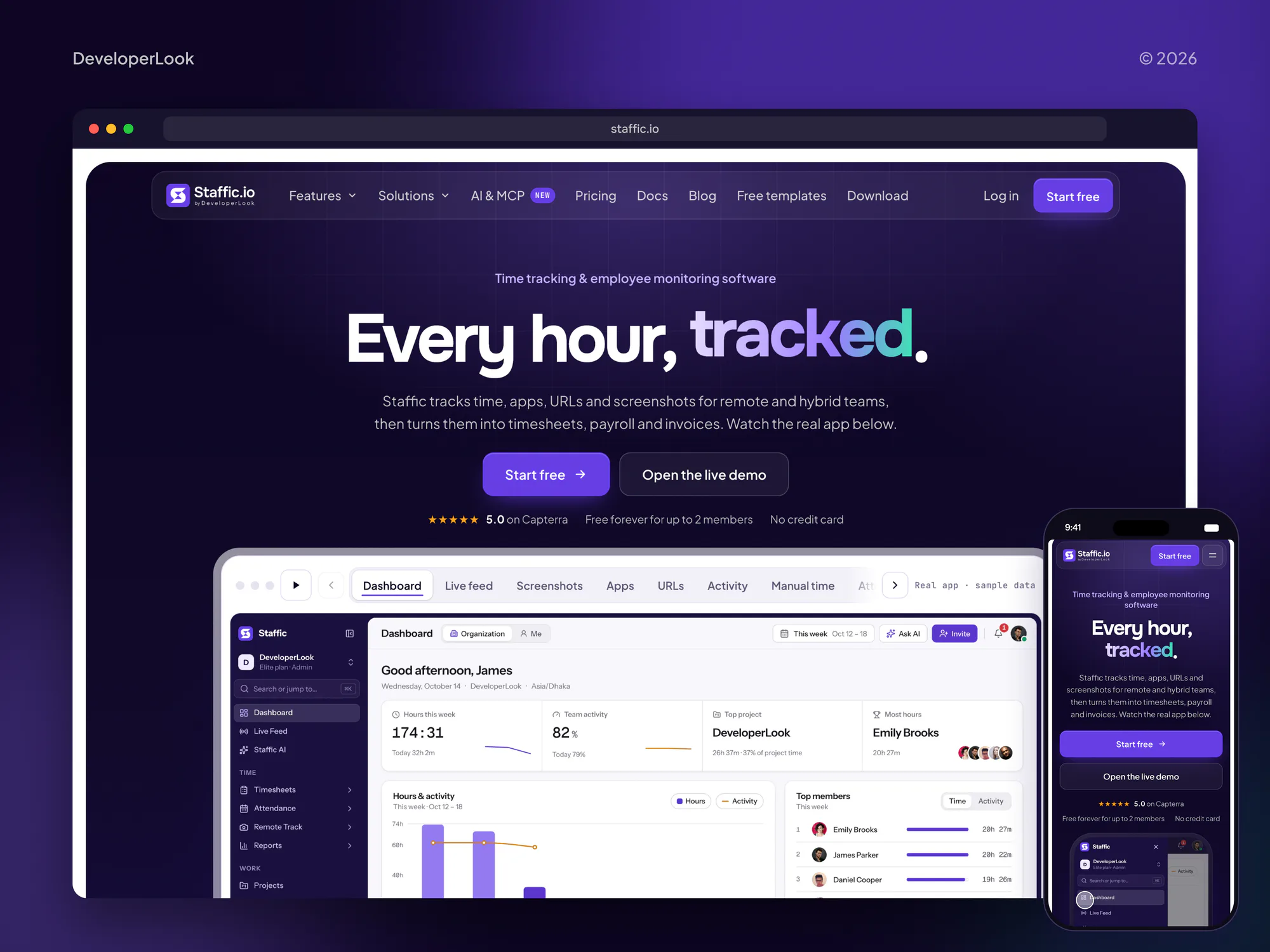
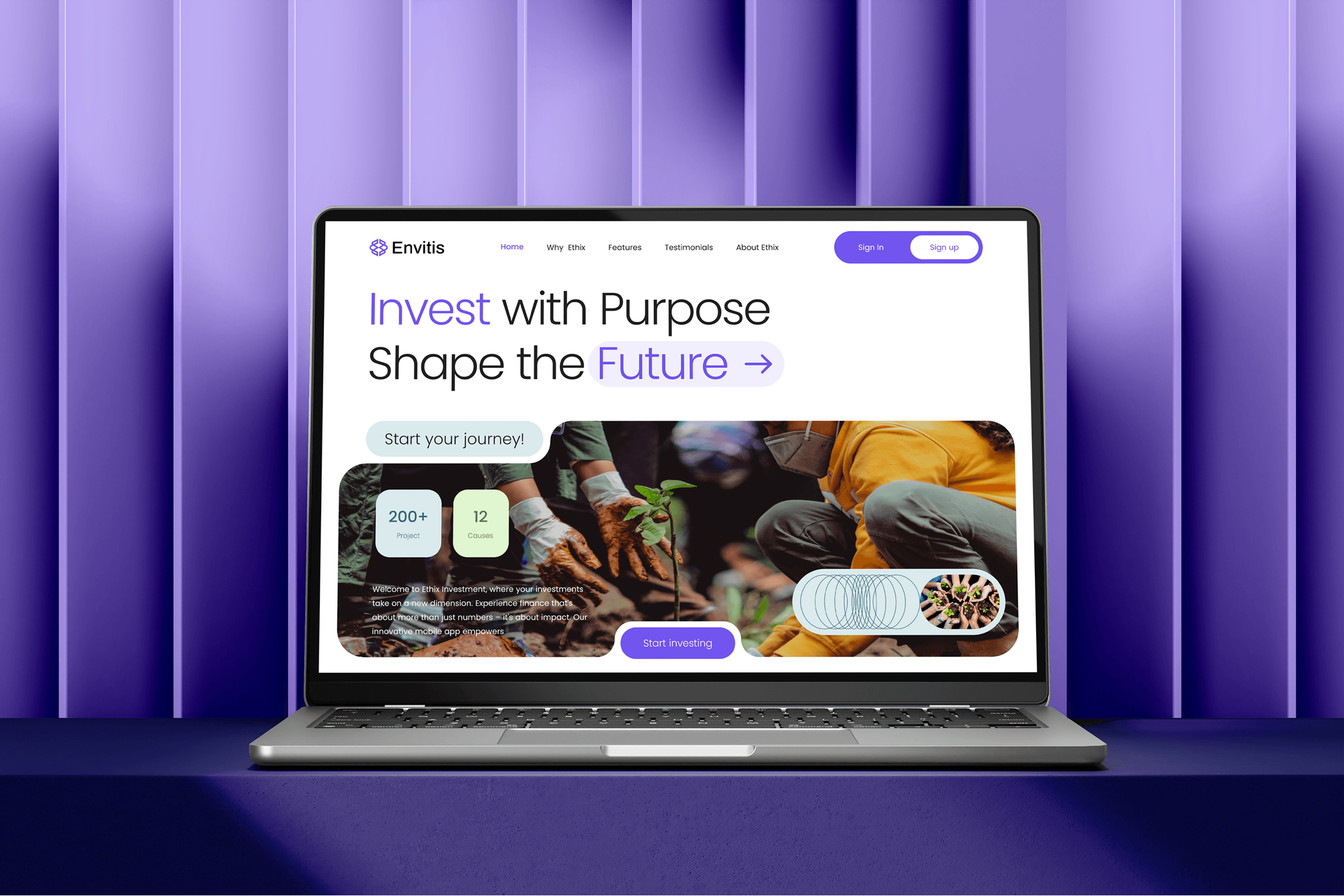
Content sites, storefronts, and sign-up flows we designed and built. Sites like these load the most third-party scripts, which is where a strict policy matters most.


What Our Clients Say
Feedback from teams we have built apps, platforms, and websites for.
We had a pretty specific idea of what we wanted our website to become, but I wasn’t sure how easily we could explain all of it to a development team. There were quite a few moving parts, and we were working toward a deadline, so I expected a few things to get lost along the way. That never really happened. They understood what we were trying to achieve, kept us updated throughout the process, and got everything ready within the agreed timeline. The final site feels much easier to navigate, works beautifully on mobile, and is noticeably smoother for our customers. It was a huge relief seeing the original idea actually turn into the website we had in mind.
The mobile experience is probably my favourite part of the new site. We had spent a lot of time making sure the desktop version looked right, and the team kept pushing us to think about how everything would actually feel on a phone too. They were right. The navigation is clean, the interactions feel natural, and everything we’ve tested so far works exactly as it should. They also went through the links, forms, integrations, and other details more than once before launch, which I really appreciated. And even after going live, we could still reach out when something came up. The whole process felt friendly, organised, and surprisingly straightforward.
What I appreciate most is that the website is actually easy for us to manage now. We can update content ourselves instead of sending a developer a message every time we need to change something small. They also paid attention to the technical SEO side, which mattered to us because we didn’t want a new website to create problems for the traffic we already had. I’ve probably asked more questions than I should have since launch, but every question has been handled patiently and without any fuss. The team is easy to work with, they explain things clearly, and when we need something changed, they focus on getting it done rather than making the process complicated.
1,250+
Projects shipped
10+
Years of experience
Top 3%
Upwork Top Rated Plus
5 stars
Average review score

Want results like these?
Tell us what you are building. You get a reply within 24 hours on business days, then a written estimate.
Work Culture
A CSP fails when it's rushed or copied. These habits keep the policy strict while your forms, checkout, and analytics keep working.
Every policy spends at least a week in report-only mode. Violations show up in logs long before a customer could see a broken page.
We don't loosen the policy to silence an error. Inline code gets a nonce or a hash, so the protection still means something.
Each allowed domain is tied to a person or a tool. When a vendor is dropped, its entry comes out of the policy too.
Headers are set in server config, CDN rules, or framework middleware under version control. Nobody edits them by hand on a live server.
Some tools need unsafe-eval or broad sources. We explain the risk of each exception in writing, so the decision stays yours.
The policy, the report endpoint, and the source list belong to you. Any developer can maintain them after we hand over.
Overview
DeveloperLook handles content security policy implementation for websites and web apps. We inventory every script and source, run the policy in report-only mode, fix violations with nonces or hashes, then enforce it with HSTS and the other protective headers. Projects start at $650 and take 1 to 2 weeks for one site.
DEVELOPERLOOK
Project facts · Content Security Policy Implementation
Reviewed 23 Oct 2026 by Saimul Islam
Good fit
WordPress sites with many plugins
Your WordPress site runs a page builder, forms, and analytics plugins, and you need a content security policy header that doesn't break the editor.
Next.js and React product teams
Your app renders on the server, and you want a nonce-based strict policy set in middleware instead of a long list of allowed domains.
Teams answering security questionnaires
A client's security questionnaire asks whether you send a CSP and HSTS, and today the honest answer to both questions is no.
Marketing sites heavy on tags
Your marketing team adds tags through Google Tag Manager every month, and you need a strict policy that still lets them publish tags.
Agencies with many client sites
Your agency maintains client sites on WordPress and Next.js, and you want one headers standard your developers can apply and maintain.
Not a fit
Need a full security audit
You want admins, plugins, and server settings reviewed, not just headers. Our website security audit services cover that review from $450.
Attacks on forms and logins
Your problem is bots and injection attempts hitting forms and logins. Our web application firewall setup filters those requests before they reach your site.
Builder with no header access
Your site runs on a hosted builder that won't let you set response headers. A CSP isn't possible there until you add a proxy that can set them.
Static site, a few headers
You need two or three headers added to a simple static site. Your host's header settings or a short config change may be enough, with no project needed.
Not sure we're the right fit?
Book a free call or message us. We'll tell you honestly whether we're the right team.
Pricing
These are starting points in USD. Your price depends on the number of sites and third-party scripts, and you get a fixed proposal after a free header scan.
For one site with a standard set of third-party scripts and no header policy yet.
$650one-time, USD
For server-rendered apps that need a nonce-based policy across several domains.
$1,450one-time, USD
For teams with many apps that want headers checked on every deploy.
$2,600one-time, USD
For Agencies
You own the client relationship. We supply the header engineering behind it: script inventories, report-only rollouts, enforced policies, and handover guides your developers can follow. Your clients get strict headers without your team learning every CSP edge case.
White label: your client only ever sees your brand
Send the domains, platforms, and any scanner results the client has seen.
We scan headers, inventory scripts, and give a fixed price per site.
We run report-only, enforce the policy, and hand over notes under your brand.
You talk to clients while we roll out headers under your brand.
The same header baseline and rollout steps on every client site.
Scan results and violation summaries written in your template.
We add the nonces and hashes in the client's code, not only a report.
The Right Technology for Your Project
We set content security policy headers where your stack already sends headers: server config, CDN rules, or framework middleware.
 Cloudflare
 Vercel
 WordPress
 Next.js
 Laravel
 Node.js
 Google Tag Manager
 Google Analytics (GA4)
 Stripe
 Chrome DevTools
FAQ
Straight answers on CSP pricing, rollout time, report-only mode, WordPress, and tag manager.
Saimul IslamFounder & CEO, DeveloperLookStill have questions?
Send a message or book a call with the team.
CSP implementation at DeveloperLook starts at $650 for one site with a standard set of third-party scripts. That covers the full header set, a script inventory, a week in report-only mode, and enforcement. The $1,450 plan adds a nonce-based strict CSP across up to 3 domains, and the $2,600 plan covers up to 10 apps with CI checks and HSTS preload.
A CSP rollout for one site takes 1 to 2 weeks, and at least 7 days of that is report-only mode. The script inventory takes 2 to 4 days. A strict, nonce-based policy across several apps takes 3 to 5 weeks, because each app needs its own nonce setup and its own report review before enforcement starts.
A CSP (content security policy) is a set of browser rules that limits where a page can load scripts, styles, frames, and data from. Your server sends it as a response header. If an attacker injects a script tag, the browser refuses to run it because its source isn't allowed. It's one of the strongest defenses against cross-site scripting, next to output encoding in your code.
You implement a CSP in three passes: inventory, report-only, then enforce. List every source your pages load, write the policy, and send it in report-only mode so violations are logged, not blocked. Fix each real violation with a nonce, a hash, or an approved source. Once the reports stay quiet for a week, switch to the enforcing header.
You set it by sending the Content-Security-Policy response header from your server, CDN, or framework. On NGINX or Apache that's one line of config. In Next.js it usually lives in middleware, so every request gets a fresh nonce. A meta tag works for basic policies, but it can't carry frame-ancestors, sandbox, or reporting directives.
In WordPress, the header goes in through server config, your CDN, or a small plugin that hooks into send_headers. A strict policy is harder, because themes and plugins print inline scripts. Since WordPress 5.7, scripts printed through core helpers such as wp_print_inline_script_tag can carry a nonce through filters. Plugins that echo their own tags need hashes or a fix.
You check a CSP in three places: the browser, a scanner, and your reports. Browser developer tools show the policy in the response headers and log every violation in the console. MDN's HTTP Observatory grades the whole header set, and Google's CSP Evaluator flags weak directives. Violation reports then show what real visitors' browsers blocked or would have blocked.
Report-only mode tests a policy without enforcing it. The Content-Security-Policy-Report-Only header tells the browser to report every violation while still loading the content, which shows what an enforced policy would break. It only works as a response header, not a meta tag. MDN currently advises sending both report-uri and report-to, since report-to support isn't complete in every browser.
A CSP won't break Tag Manager or analytics when it's set up for them. Google's own guidance adds a nonce to the Tag Manager snippet, and Tag Manager passes that nonce on to the scripts it loads. Custom JavaScript variables need unsafe-eval, which weakens the policy, so we suggest Custom Templates instead. Each analytics domain still has to be allowed for connections and images.
A new script is blocked until the policy allows it, which is the point. Your handover guide shows how to add a source or a nonce and who approves it. During the 30-day monitoring window we make those changes for you. After that, your developers follow the guide, or a short request covers it.
Saimul IslamFounder & CEO, DeveloperLookStill have questions?
Send a message or book a call with the team.
Free 30-min callGoogle Meet
Book a call
In 30 minutes on Google Meet we walk you through how we would build it, how long it takes and what it costs. Then you get a written estimate.
Calendar not showing? Book on cal.com or send a brief.