
Public route map
Every page, login, form, upload, and API endpoint listed with the protection each one needs.

For teams whose logins, forms, and APIs take a beating from bots: WAF rules tuned on your real traffic, then switched to blocking with your origin locked. From $750.
100%
Public routes behind the WAF
7+ days
Of log-only tuning before blocking
How your project runs
Teams we have built for:














The Problem
It shows up as failed logins piling up overnight, SQL fragments in your contact form, or a bill that jumps after a scraper hits every endpoint.
01 · Login abuse
Bots try thousands of stolen passwords on your login page.
Rate limits and challenge rules slow repeated attempts from the same source.
02 · Injection probes
SQL and script fragments keep landing in search and forms.
Managed rule sets catch common injection and cross-site scripting patterns at the edge.
03 · Switched off
Default rules blocked a customer once, so protection stays off.
Each false positive gets a narrow exception for that route, not a global off switch.
04 · Open origin
The server's real IP is public, so attackers skip the WAF.
The origin accepts only WAF traffic, so every request passes through the rules.
Your logs show thousands of login attempts from addresses you've never seen. Someone is pasting SQL into your search box and script tags into your contact form. A scraper walks every API endpoint overnight. You switched on a firewall rule set once, but it blocked a customer's checkout, so you turned it off and never went back. Meanwhile your server's real IP address is still public, so attackers can skip any protection in front of it.
We start by mapping every public route: pages, logins, forms, uploads, and API endpoints. Then we put a web application firewall in front of them in log-only mode and watch real traffic for at least a week. Rules that would block real customers get tuned per route before anything is blocked. Only then do we switch to blocking and lock your origin to WAF traffic. Attacks stop at the edge, not at your database.
Every public route covered
Pages, logins, forms, uploads, and API endpoints all sit behind the WAF, with none left exposed.
Log-only before blocking
At least 7 days of real traffic in log-only mode, so customers don't hit surprise blocks.
Origin locked to the WAF
Your server accepts traffic only from the WAF, so attackers can't go around the rules.
Our Web Application Firewall Setup Process
You approve the rule plan before anything goes live, see what the WAF would have blocked during log-only mode, and pick the window when blocking starts.
We look at your stack, your hosting, and the traffic hitting your site today, then list every public route that needs protection. You get a written scope and a fixed price. If your host's built-in firewall already covers your case, we'll tell you before we quote.
What's Included
Route mapping, WAF deployment, managed and custom rules, log-only tuning, origin lockdown, and a handover pack, on Cloudflare, AWS WAF, Azure WAF, or a self-hosted WAF.
Compare Options
Switching on default rules yourself is the fastest web application firewall setup, and a plugin firewall is cheap on a single WordPress site. Here is where each one holds up.
| Feature | DeveloperLookBest fit | DIY defaults | Plugin firewall |
|---|---|---|---|
| Planning | Route map and traffic review first | Switch on and hope | Install and activate |
| Where it filters | At the edge, before your server | At the edge | Inside your web server |
| Rule tuning | Per route, from real logs | Vendor defaults only | Plugin presets |
| Rollout | Log-only first, then block | Often straight to blocking | Usually blocks at once |
| API coverage | Methods, payloads, and rate limits | Generic rules | Rarely covers APIs |
| Bypass protection | Origin accepts WAF traffic only | Origin often still public | |
| Time to start | About 2 weeks | Minutes to switch on | Minutes to install |
| Cost | From $750 one-time | Only your own time | Free or a low yearly fee |
Projects We've Built
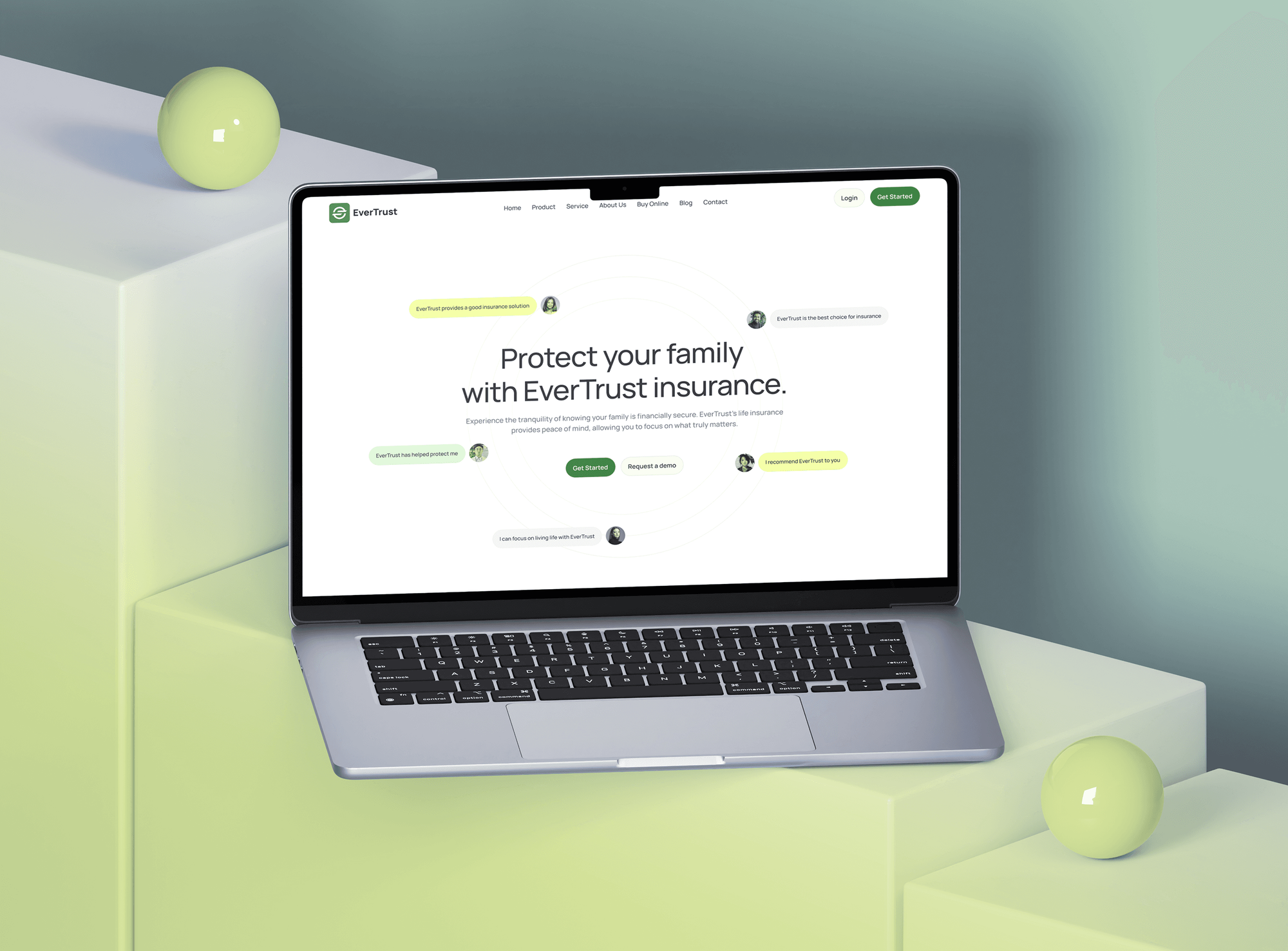
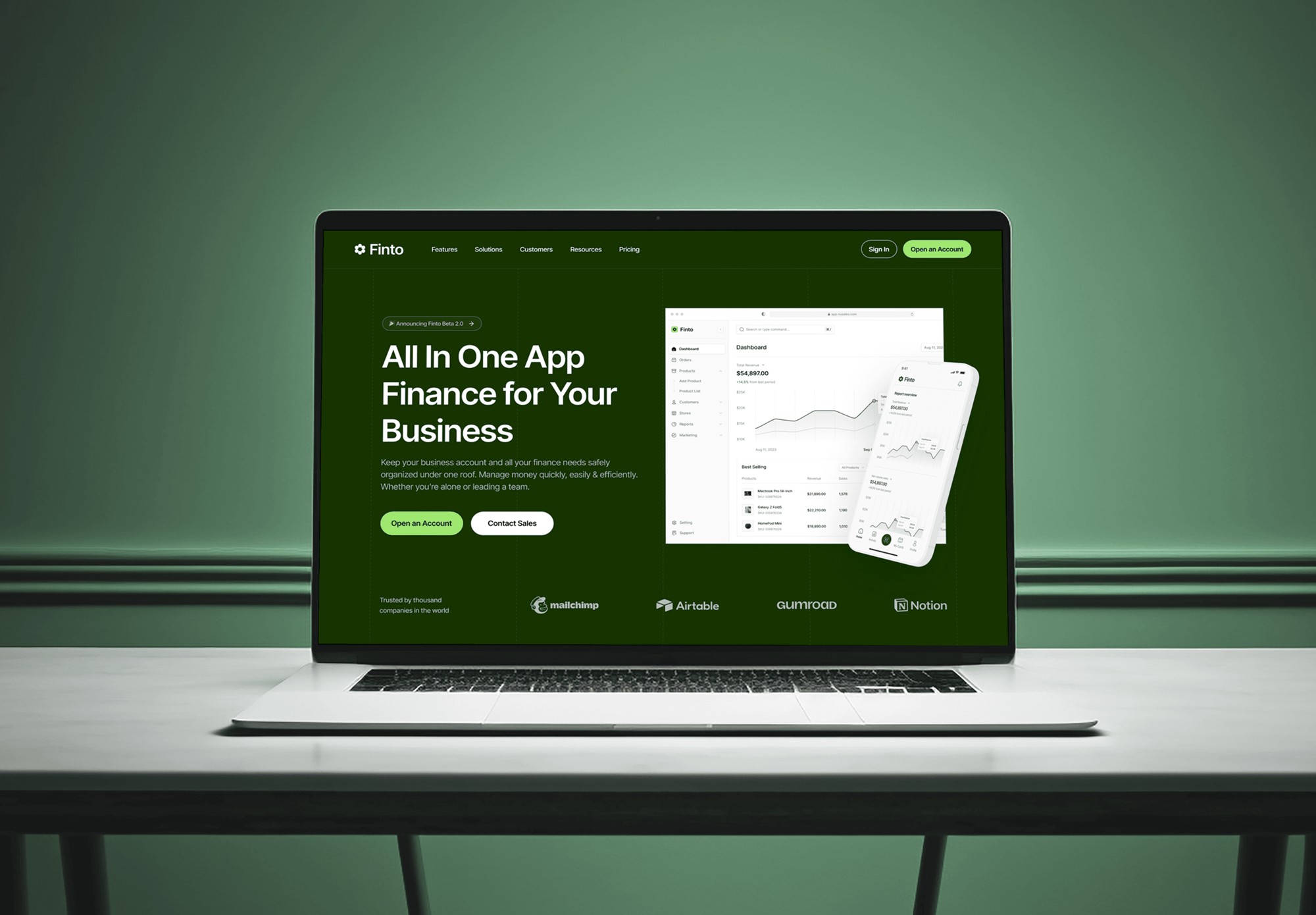
Logins, payments, policy dashboards, and checkouts we designed and built. Apps like these are what a WAF protects, and they show how we build the code behind it.


What Our Clients Say
Feedback from teams we have built apps, platforms, and websites for.
We had a pretty specific idea of what we wanted our website to become, but I wasn’t sure how easily we could explain all of it to a development team. There were quite a few moving parts, and we were working toward a deadline, so I expected a few things to get lost along the way. That never really happened. They understood what we were trying to achieve, kept us updated throughout the process, and got everything ready within the agreed timeline. The final site feels much easier to navigate, works beautifully on mobile, and is noticeably smoother for our customers. It was a huge relief seeing the original idea actually turn into the website we had in mind.
The mobile experience is probably my favourite part of the new site. We had spent a lot of time making sure the desktop version looked right, and the team kept pushing us to think about how everything would actually feel on a phone too. They were right. The navigation is clean, the interactions feel natural, and everything we’ve tested so far works exactly as it should. They also went through the links, forms, integrations, and other details more than once before launch, which I really appreciated. And even after going live, we could still reach out when something came up. The whole process felt friendly, organised, and surprisingly straightforward.
What I appreciate most is that the website is actually easy for us to manage now. We can update content ourselves instead of sending a developer a message every time we need to change something small. They also paid attention to the technical SEO side, which mattered to us because we didn’t want a new website to create problems for the traffic we already had. I’ve probably asked more questions than I should have since launch, but every question has been handled patiently and without any fuss. The team is easy to work with, they explain things clearly, and when we need something changed, they focus on getting it done rather than making the process complicated.
1,250+
Projects shipped
10+
Years of experience
Top 3%
Upwork Top Rated Plus
5 stars
Average review score

Want results like these?
Tell us what you are building. You get a reply within 24 hours on business days, then a written estimate.
Work Culture
A rushed WAF rollout can lock real customers out. These habits keep every rule tested, explained, and easy to reverse.
Every rule runs in log-only mode on real traffic first. You see exactly what would have been blocked before a single customer could be.
When a rule trips on a real customer, we exclude that one field or route. We don't switch off a whole rule set to make an error go away.
Each custom rule gets a plain-English note saying what it stops and why. Your team can review the policy without decoding vendor syntax.
We work with Cloudflare, AWS WAF, Azure WAF, and Coraza, so we pick what fits your hosting. If your CDN already includes a WAF, we use it.
Blocking starts in a window you choose, with a tested way back to log-only. If checkout misbehaves, we roll back first and investigate second.
The WAF runs in your own Cloudflare, AWS, or Azure account. You keep the rules, logs, and admin access when the project ends.
Overview
DeveloperLook sets up and tunes a web application firewall in front of your website, logins, and APIs. We map every public route, deploy Cloudflare, AWS WAF, Azure WAF, or a self-hosted WAF, and tune rules on real traffic before blocking. Setup starts at $750, takes about 2 weeks for one app, and leaves your origin locked to WAF traffic.
DEVELOPERLOOK
Project facts · Web Application Firewall Setup
Reviewed 23 Oct 2026 by Saimul Islam
Good fit
SaaS teams with public APIs
Your API serves a mobile app and partner integrations, and you want rate limits and payload checks in front of it before a scraper finds it.
Stores facing login abuse
Your login page gets thousands of failed attempts a night, and you want bots slowed down without locking out real shoppers.
Teams moving to a cloud WAF
You're moving from a server plugin to a cloud web application firewall on Cloudflare or AWS, and you want the rules ported and tuned.
Companies preparing for PCI DSS
Your PCI DSS assessment asks how your public-facing web apps are protected from attacks, and you need a WAF that's deployed, tuned, and documented.
Agencies managing client sites
Your agency hosts client sites across several providers, and you want one repeatable WAF approach your team can run under its own brand.
Not a fit
Need a network firewall
You want office traffic, VPNs, and site-to-site links filtered, not web requests. Our managed firewall services cover network firewalls from $400 a month.
Floods, not exploits
Your real problem is traffic floods that knock the site offline. Our DDoS protection services set up edge capacity, rate limits, and an attack runbook for that.
Need proof of exploitable flaws
You need someone to break in and show which flaws in your code are exploitable. Our web application penetration testing services fit that better than a WAF.
One site on managed hosting
You run one WordPress site on a host that already filters attacks at its edge. A security plugin and regular updates may be all you need.
Not sure we're the right fit?
Book a free call or message us. We'll tell you honestly whether we're the right team.
Pricing
These are starting points in USD. Your price depends on app count and custom rule work, and you get a fixed proposal after a free traffic review.
For one website or app that needs managed rules, tuning, and an origin lockdown.
$750one-time, USD
For products with several apps or APIs that need custom rules and logging.
$1,850one-time, USD
For teams with staging and production apps who want WAF rules reviewed like code.
$3,600one-time, USD
For Agencies
You own the client relationship. We supply the WAF engineering behind it: route maps, rule tuning, origin lockdown, and handover notes written for your team. Your clients get attacks filtered at the edge without you hiring a security engineer.
White label: your client only ever sees your brand
Send the client's hosting, domains, apps, and any attacks they've already seen.
We map public routes and give a fixed price before any rule goes live.
We tune in log-only mode, switch to blocking, and hand over the rule notes.
You talk to clients while we tune rules quietly under your brand.
Cloudflare, AWS WAF, Azure WAF, or Coraza, matched to each client's hosting.
Rule notes and exception lists written in your template and wording.
The same log-only, then blocking process on every client site you send.
The Right Technology for Your Project
We use the WAF your hosting already supports where we can, and keep rules as readable, versioned config that any engineer can review.
 Cloudflare WAF
 AWS WAF
 Azure WAF
 Google Cloud Armor
 OWASP Core Rule Set
 Burp Suite
FAQ
Straight answers on WAF pricing, setup time, how a WAF works, false positives, and Cloudflare.
Saimul IslamFounder & CEO, DeveloperLookStill have questions?
Send a message or book a call with the team.
WAF setup at DeveloperLook starts at $750 for one site or app on one platform. Web application firewall pricing has two parts: our one-time fee and the platform's own fee, paid to the vendor directly. The $1,850 plan covers up to 3 apps or APIs with custom rules, and the $3,600 plan adds rules as code across staging and production.
A single-app WAF setup takes about 2 weeks, and most of that is the log-only period. Mapping routes and writing rules takes 2 to 3 days. The rules then watch real traffic for at least 7 days before blocking starts. Several apps, APIs, or rules managed as code take 3 to 6 weeks, because each one gets its own tuning window.
A WAF is a security filter for HTTP traffic that blocks attacks aimed at websites and APIs. Web application firewalls sit in front of your app, usually at a CDN or load balancer, and check each request against rules for known attack patterns. A network firewall decides which addresses and ports can connect, while a WAF reads what each request says.
A WAF inspects each request's URL, headers, cookies, and body before your server sees it. Rule sets such as the OWASP Core Rule Set score suspicious patterns, and a request that scores too high is blocked or challenged. Rate rules count requests per client, so repeated login attempts slow down. Blocked requests stop at the WAF and don't reach your server at all.
A WAF (web application firewall) blocks malicious web requests, such as SQL injection, cross-site scripting, and path traversal, before they reach your code. It can also rate-limit logins, challenge suspected bots, block countries or IP ranges, and enforce limits on API methods and payload sizes. It can't fix flaws in your code, so it buys time while those get patched.
You likely need one if your site has logins, payments, forms, or a public API. Attackers probe those routes first, and a WAF filters that noise before it reaches your app. PCI DSS v4.0.1 requirement 6.4.2 also requires automated attack protection for public-facing web apps. A static brochure site on a managed host may already be covered at its host's edge.
You implement a WAF in four stages: map routes, deploy rules in log-only mode, tune them, then block. First list every public page, login, form, and API endpoint. Turn on managed rules plus custom and rate rules, and review matches on real traffic for at least a week. Fix false positives per route, switch to blocking, and lock the origin so nobody can bypass it.
Yes. Cloudflare includes a WAF in its network, next to its CDN and DDoS protection. The Free plan gets a smaller free managed ruleset, while paid plans add the full Cloudflare Managed Ruleset and the Cloudflare OWASP Core Ruleset. We tune it like any other WAF, then lock your origin so attackers can't skip it by hitting your server's IP.
It can, which is why every setup we run starts in log-only mode. False positives usually come from rich text editors, search boxes, and long fields that look like code. We add a narrow exception for that field or route. After blocking starts, you get 30 days of tuning support for anything new that trips a rule.
You do. The WAF runs in your own Cloudflare, AWS, or Azure account, and the rules, exceptions, and logs stay there. At handover you get notes explaining each custom rule and exception. On the top plan the rules also live in Terraform in your repository, so your team can review and change them like any other code.
Saimul IslamFounder & CEO, DeveloperLookStill have questions?
Send a message or book a call with the team.
Free 30-min callGoogle Meet
Book a call
In 30 minutes on Google Meet we walk you through how we would build it, how long it takes and what it costs. Then you get a written estimate.
Calendar not showing? Book on cal.com or send a brief.